


 Appliqué




À propos
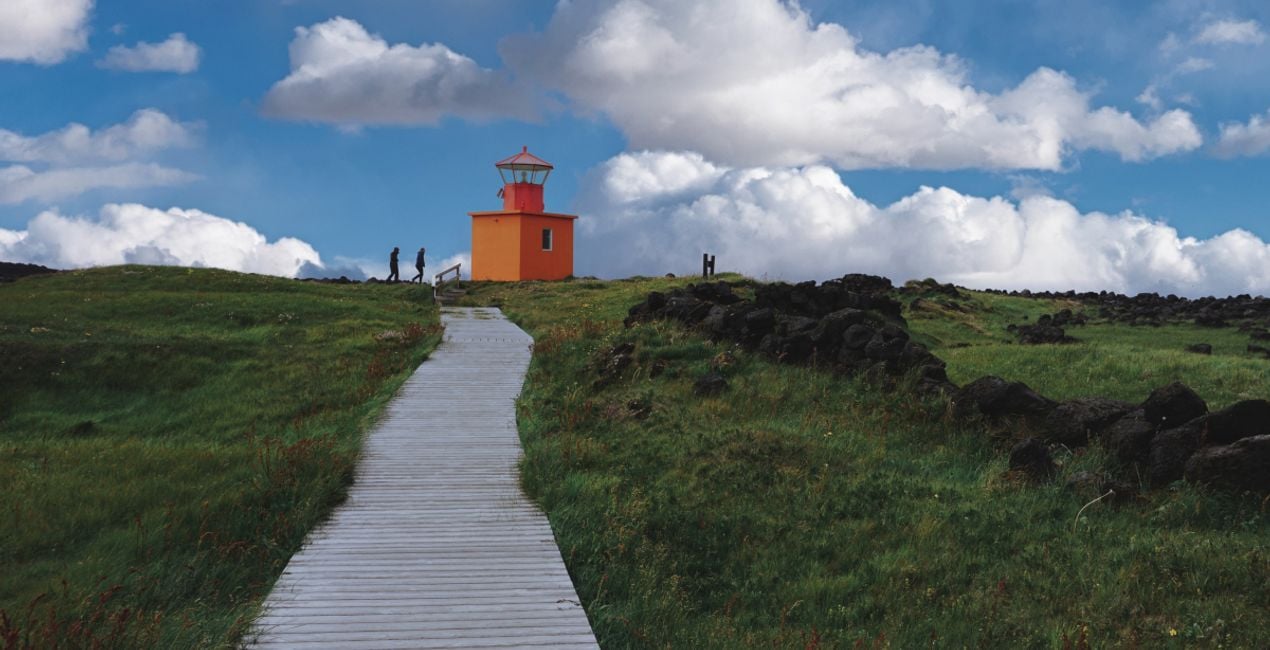
Découvrez 10 Ciels bleus au format JPEG immortalisés par Manish Lakhani. Ces ciels sereins aux nuages blancs et cotonneux créeront une atmosphère paisible de beauté majestueuse. Que vous souhaitiez remplacer un arrière-plan terne ou créer une impression de tranquillité en ajoutant une touche de bleu clair, cette collection saura vous satisfaire.
Inclus
10 Ciels au format JPEG.
Compatibilité


Obtenez des photos comme celles-ci
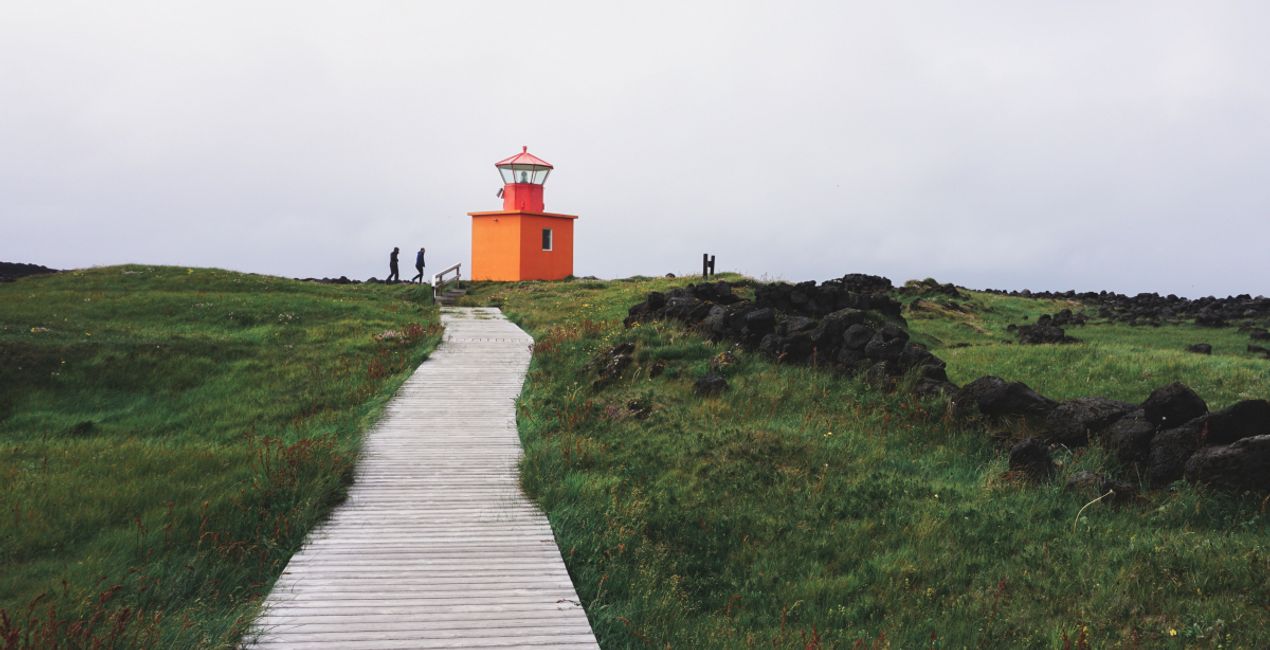
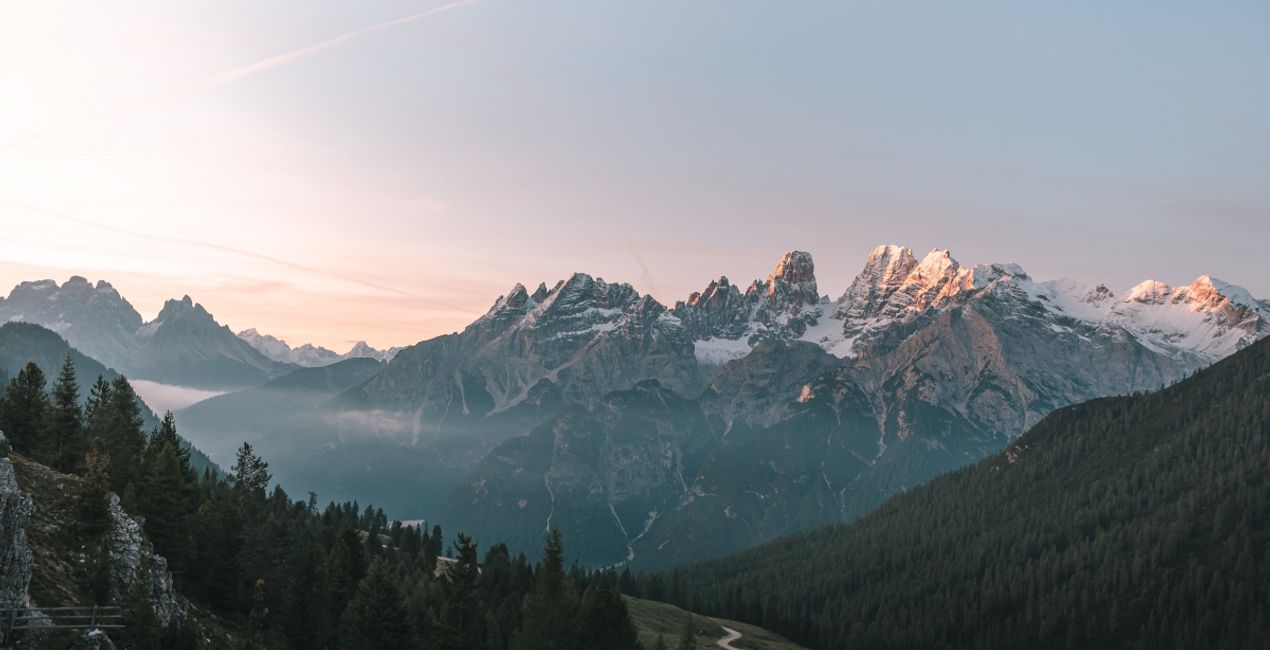
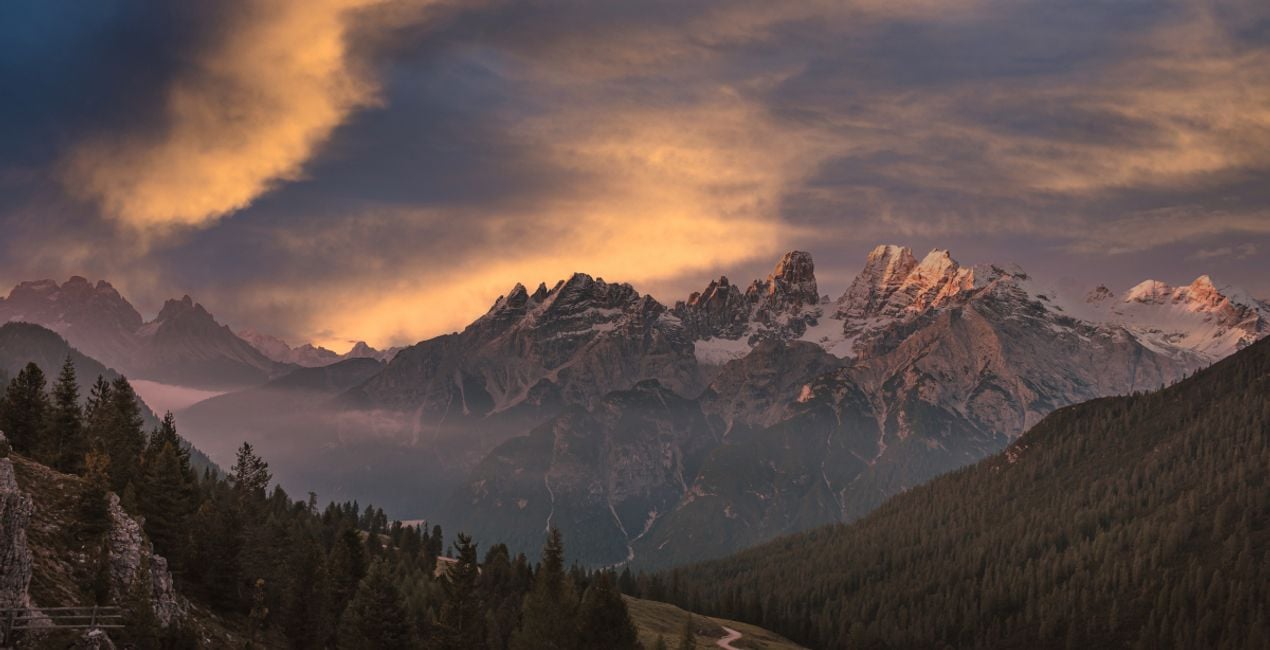
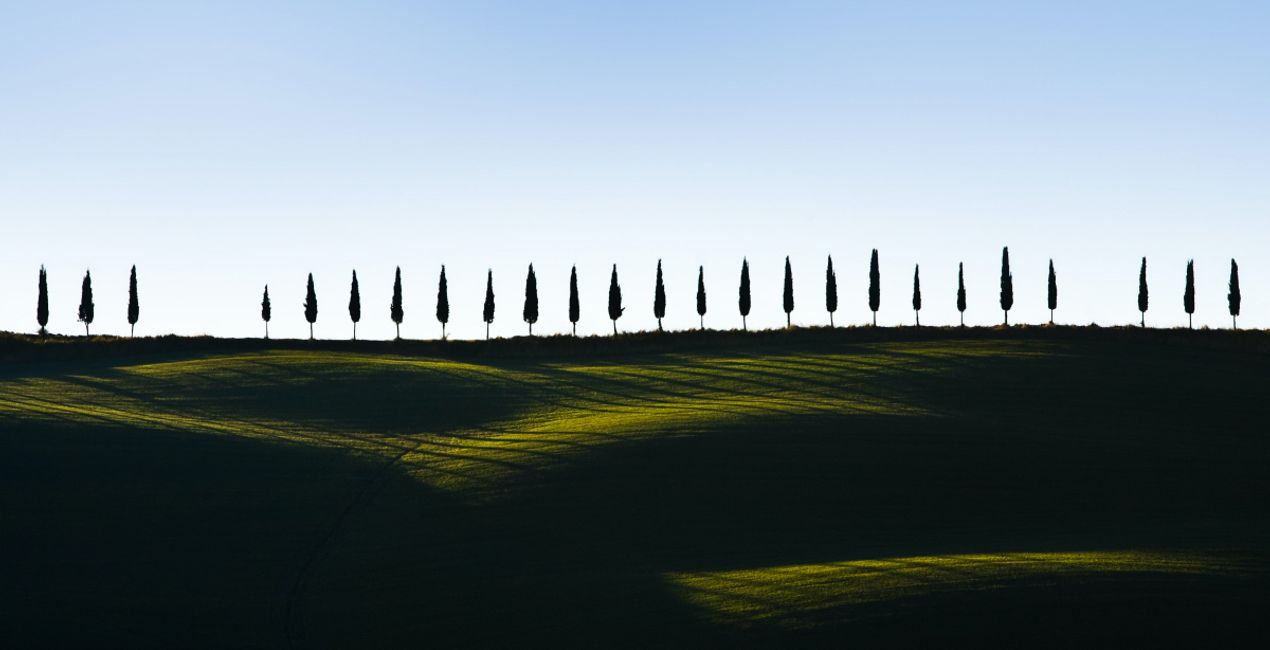
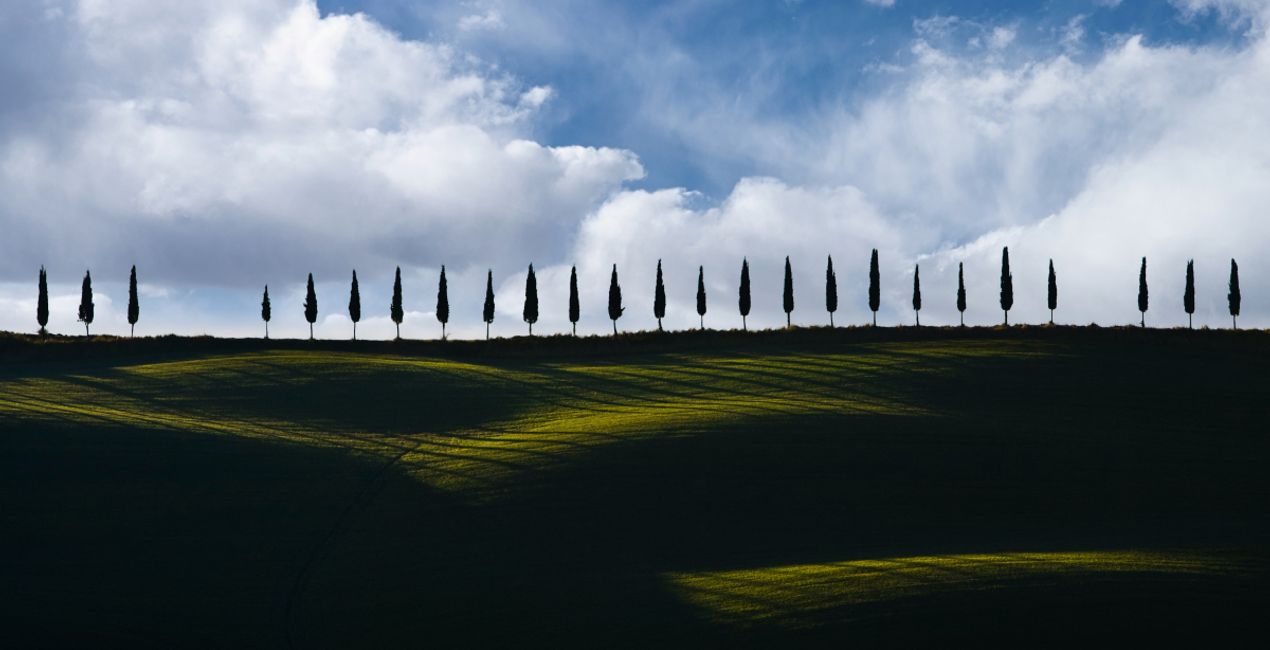
À l'aide des fichiers RAW fournis, vous pourrez facilement appliquer les conseils en matière de retouche et découvrir comment obtenir des photos comme celles-ci.
 >
>
 >
>
 >
>

 >
>

 >
>

 >
>
Ciels inclus dans ce pack


Produits similaires


Créateur
Manish Lakhani
Photographer. Skylum Ambassador.
“My life is driven by the journey, not by the destination”
Manish is a photographer and adventure chaser, with one foot in the cold highland deserts of the Himalayas and one on the pedals of his bike to chase dreams. He loves the camera and travels on a bicycle into remote areas.
Guided by the words of his late friend Joel —“not a geographical location, more a place in the heart”, he is eager to see the new world and capture all its fleeting moments with his camera.
Manish is a versatile photographer with a history of creating brilliant images of culture, heritage, and landscape. For several years now, he has been photographing the cultural heritage of India that including the shepherds of the Himalayan highlands, native people of North-East India, and Western India, in addition to the rich traditions of Kerala. He is renowned for his unique portrayal of remote cultures from across India.
His works have been regularly featured in magazines across the world, and he is attested by several experts as one of the finest travel photographers from India in recent years.
He is also known for his prowess in landscape photography, which has been achieved with his years of traveling in the high Himalayas. His portfolio is diverse and encompasses everything from star-studded skies & snow-capped peaks of the Himalayas to exotic festivals and semi-nomadic cultures throughout the length and breadth of India. He was born with a love for mountains, which has carried him back to Ladakh and other highlands of the Himalayas many times over.
FAQ
Vous avez d'autres questions ou souhaitez simplement des conseils ?
contacter le support techniqueComment contacter l'assistance ?
Si vous avez des questions concernant le produit, contactez notre équipe d'assistance disponible 24 h/24, 7 j/7. Suivez simplement ce lien.
Comment acheter Peaceful Afternoon Skies ?
Pour acheter Peaceful Afternoon Skies, suivez les étapes suivantes :
1. Ouvrez le Marketplace de Skylum.
2. Allez dans l'onglet correspondant où Peaceful Afternoon Skies est répertorié. Cliquez dessus et ajoutez le produit à votre panier.
3. Accédez à votre panier. Là, terminez le processus d'achat pour Peaceful Afternoon Skies.
4. Après l'achat, vous recevrez un e-mail de confirmation contenant le lien de téléchargement pour Peaceful Afternoon Skies. Vous trouverez également le nouvel élément dans votre compte Skylum, sous l'onglet Mes modules complémentaires.
Comment installer Peaceful Afternoon Skies ?
Des instructions détaillées sur l'installation du Peaceful Afternoon Skies vous seront envoyées dans l'e-mail de confirmation, ainsi que le lien de téléchargement.
De plus, vous pouvez installer l'article acheté directement dans Luminar Neo : allez dans Extras > Marketplace, sélectionnez la catégorie Produit, trouvez l'article acheté et cliquez sur Installer.
Où puis-je trouver Peaceful Afternoon Skies après l'installation ?
C'est très simple ! Dans le menu de la barre supérieure, passez à l'onglet Modifier. Allez dans le panneau Outils et sélectionnez Cielᴬᴵ > Sélection du ciel > Achats. Peaceful Afternoon Skies installé s'y trouvera.
Que faire si je perds Peaceful Afternoon Skies ?
Ne vous inquiétez pas. Tous les articles achetés, y compris Peaceful Afternoon Skies, sont stockés dans l'onglet « Mes modules complémentaires » de votre compte Skylum. Vous pouvez ainsi facilement les utiliser et les télécharger à nouveau.
Comment vérifier si Peaceful Afternoon Skies est compatible avec mon logiciel ?
Normalement, la plupart des articles proposés sont compatibles avec Luminar Neo. Toutefois, pour vous assurer que Peaceful Afternoon Skies est bien compatible avec votre logiciel, veuillez vérifier ses spécifications avant de le télécharger ou de l'acheter. Consultez la section « Compatibilité » à droite de la page Peaceful Afternoon Skies, où tous les produits compatibles sont répertoriés.


