


 Angewendet




Über
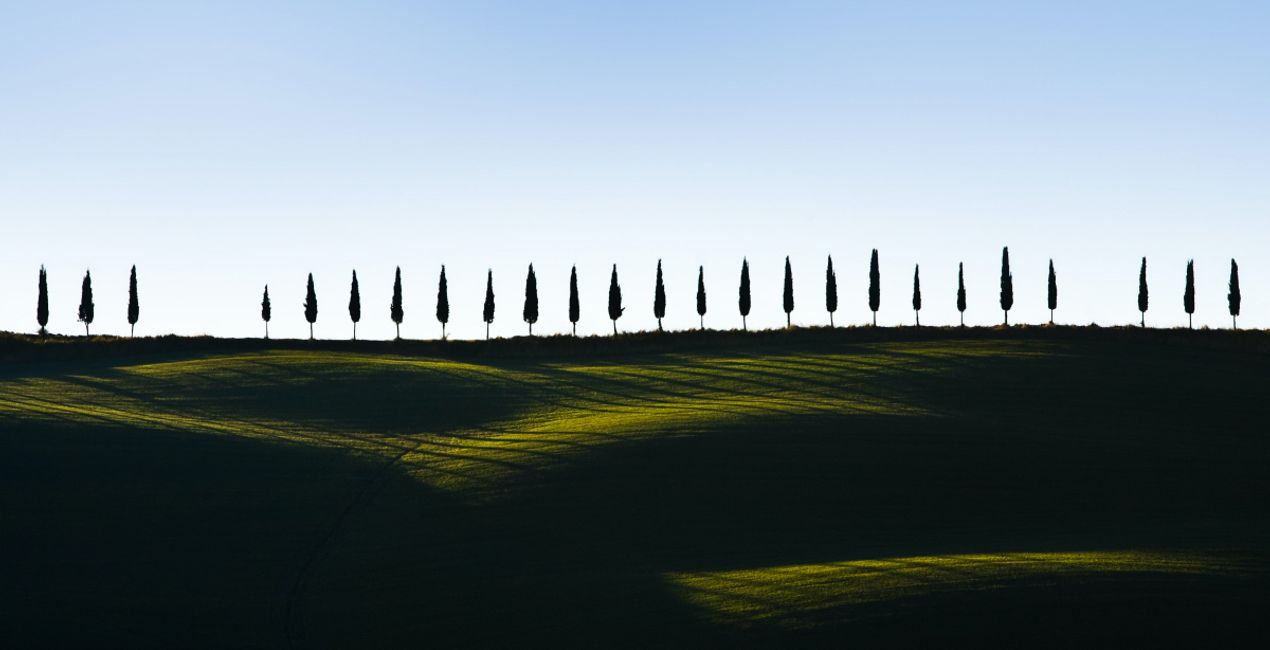
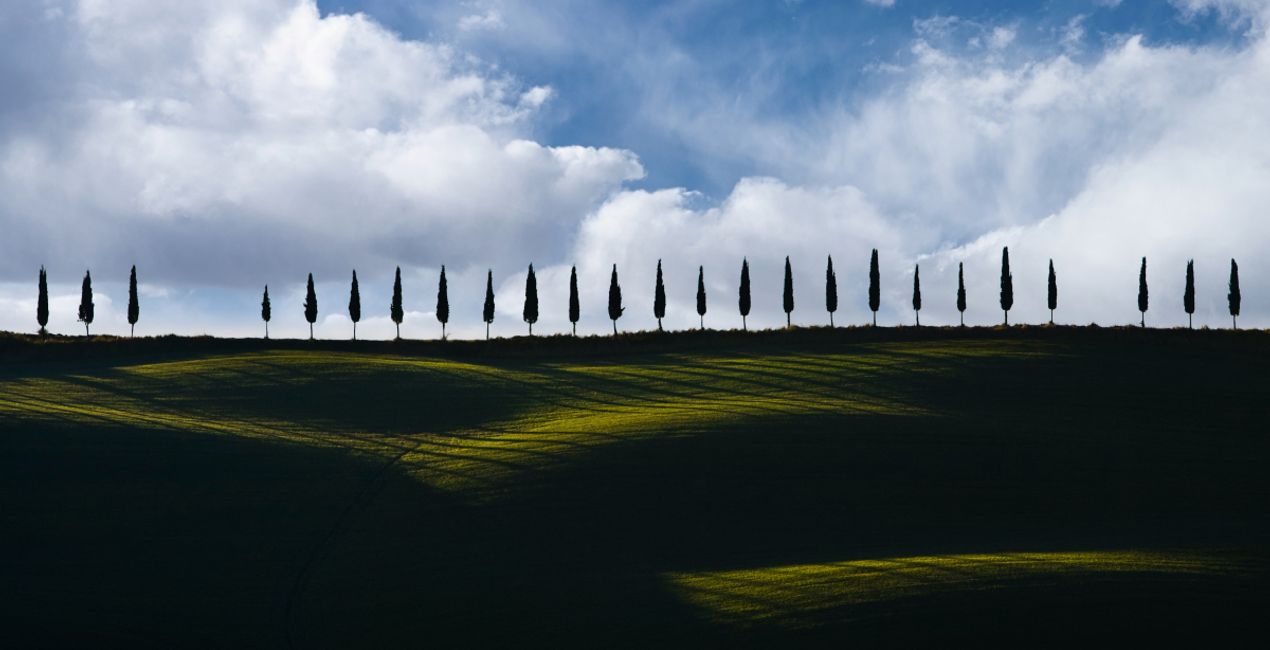
Entdecke 10 blaue Himmelsbilder im JPEG-Format von Manish Lakhani. Diese heiteren Himmel mit weißen, flauschigen Wolken verleihen deinen Fotos eine Atmosphäre von Ruhe und majestätischer Schönheit. Ganz gleich, ob du einen langweiligen Hintergrund ersetzen oder ein Gefühl der Ruhe vermitteln oder einen hellblauen Akzent setzen möchtest, diese Sammlung ist perfekt für dich.
Was ist dabei
10 Himmel in JPEG-Format.
Kompatibilität


Mach Fotos wie dieses
Mit den mitgelieferten RAW-Dateien kannst du ganz einfach Retusche-Tipps ausprobieren und lernen, wie man solche Fotos macht.
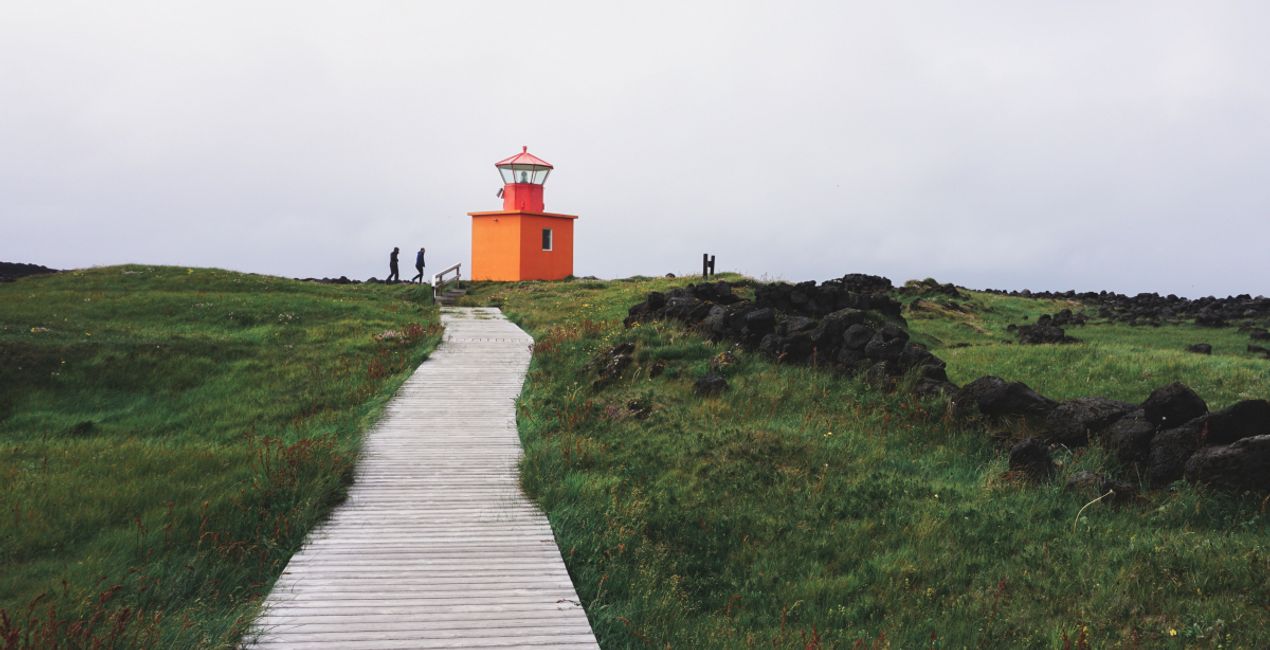
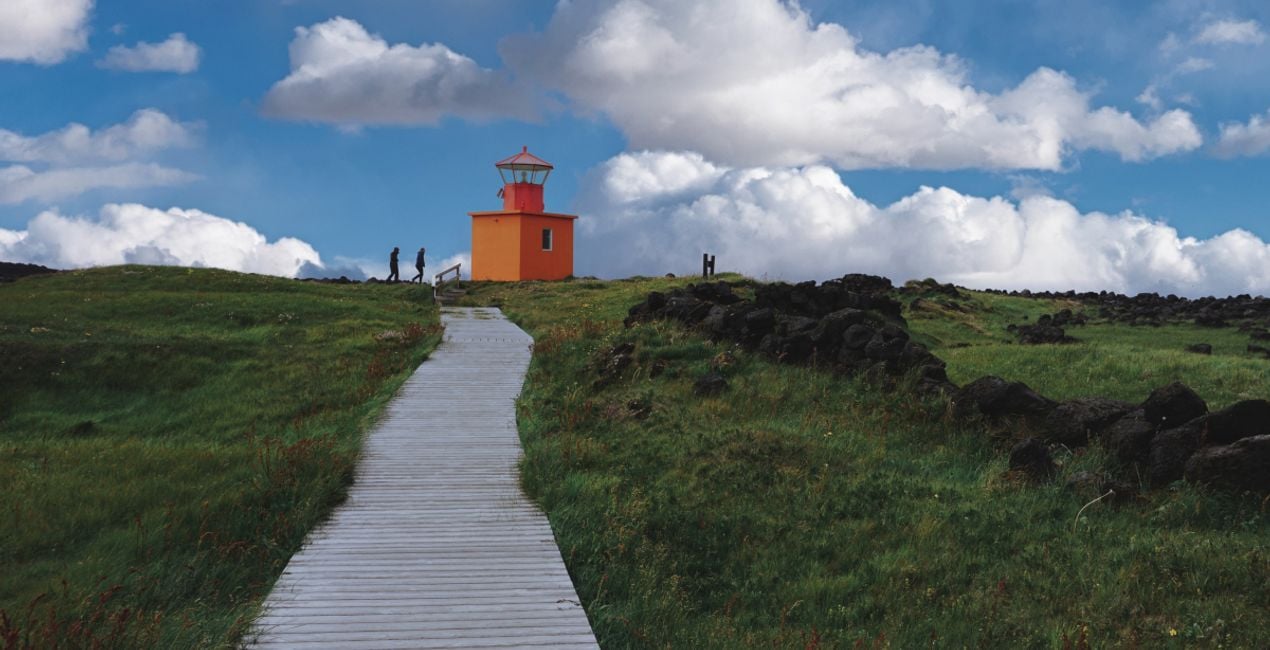 >
>
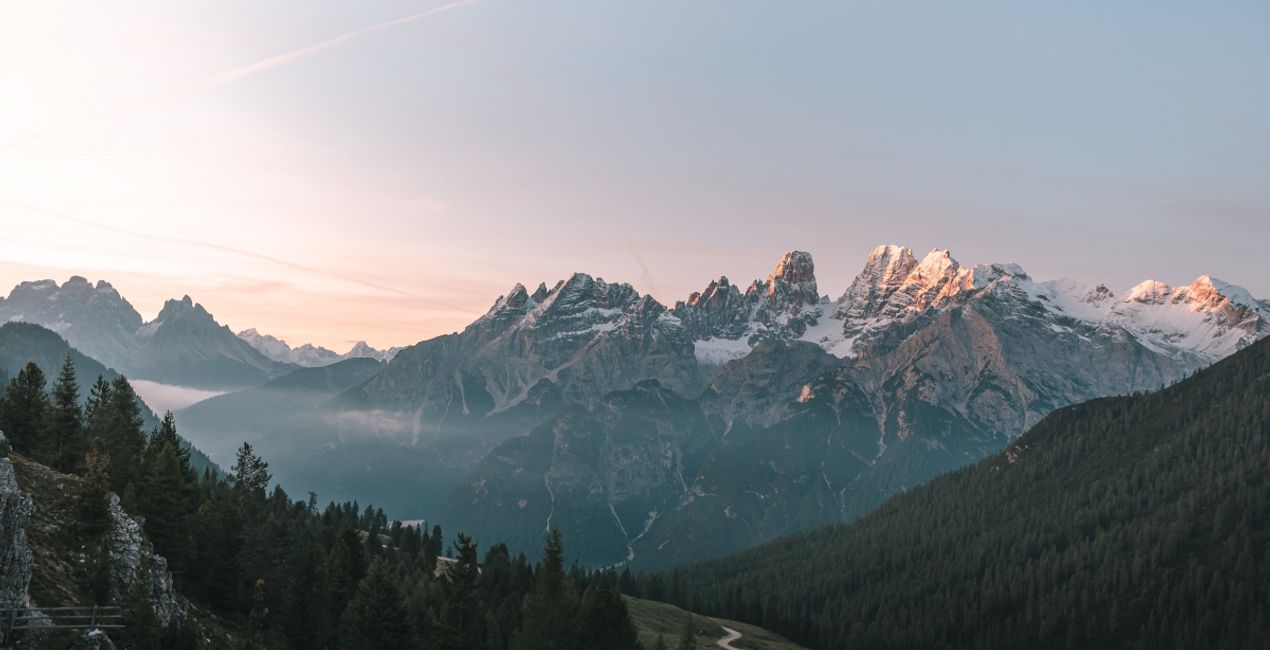
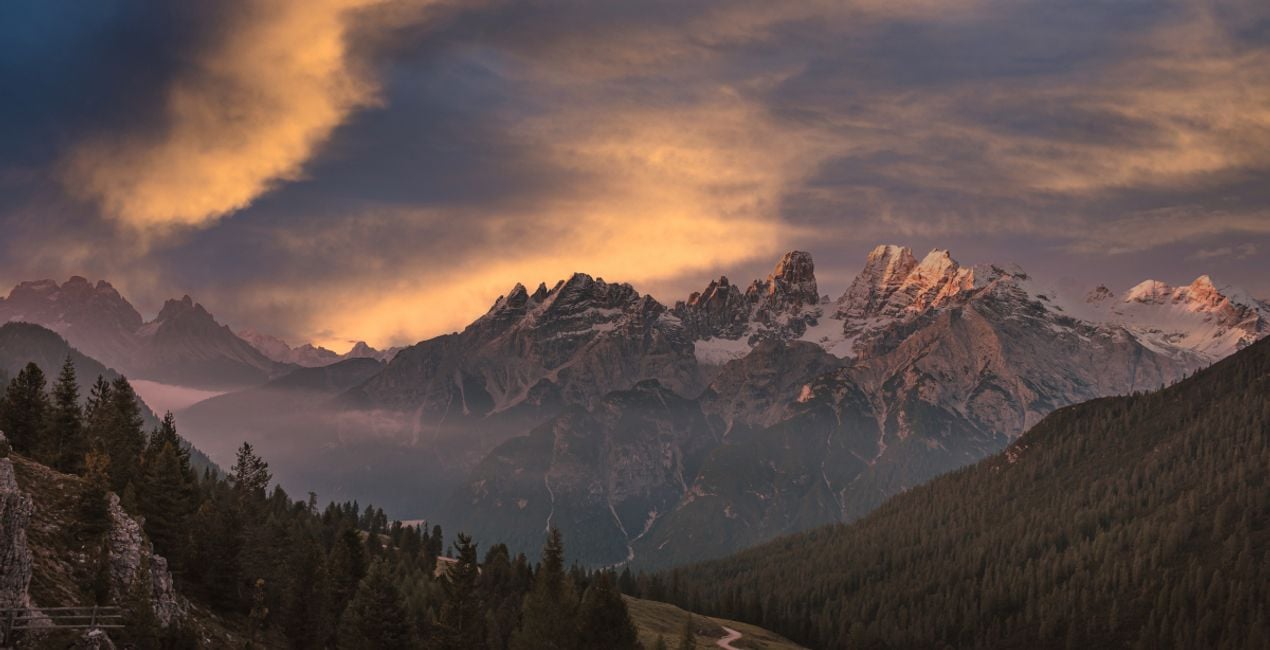 >
>
 >
>

 >
>

 >
>

 >
>
Himmel im Paket inbegriffen


Ähnliche Produkte


Entwickelt von
Manish Lakhani
Photographer. Skylum Ambassador.
“My life is driven by the journey, not by the destination”
Manish is a photographer and adventure chaser, with one foot in the cold highland deserts of the Himalayas and one on the pedals of his bike to chase dreams. He loves the camera and travels on a bicycle into remote areas.
Guided by the words of his late friend Joel —“not a geographical location, more a place in the heart”, he is eager to see the new world and capture all its fleeting moments with his camera.
Manish is a versatile photographer with a history of creating brilliant images of culture, heritage, and landscape. For several years now, he has been photographing the cultural heritage of India that including the shepherds of the Himalayan highlands, native people of North-East India, and Western India, in addition to the rich traditions of Kerala. He is renowned for his unique portrayal of remote cultures from across India.
His works have been regularly featured in magazines across the world, and he is attested by several experts as one of the finest travel photographers from India in recent years.
He is also known for his prowess in landscape photography, which has been achieved with his years of traveling in the high Himalayas. His portfolio is diverse and encompasses everything from star-studded skies & snow-capped peaks of the Himalayas to exotic festivals and semi-nomadic cultures throughout the length and breadth of India. He was born with a love for mountains, which has carried him back to Ladakh and other highlands of the Himalayas many times over.
Wie kann ich den Support kontaktieren?
Wenn du Fragen zum Produkt hast, kannst du dich rund um die Uhr an den Support wenden. Folge einfach diesem Link.
Wie kaufe ich mein Peaceful Afternoon Skies?
Um Peaceful Afternoon Skies zu kaufen, gehe wie folgt vor:
1. Öffne den Skylum-Marktplatz.
2. Geh zum gewünschten Tab, auf dem Peaceful Afternoon Skies aufgeführt ist. Klicke darauf und lege es in deinen Warenkorb.
3. Geh zu deinem Warenkorb. Schließe hier den Kaufvorgang für Peaceful Afternoon Skies ab.
4. Nach dem Kauf erhältst du eine Bestätigungs-E-Mail mit dem Download-Link für Peaceful Afternoon Skies. Außerdem findest du den neuen Artikel in deinem Skylum-Konto auf dem Tab „Meine Add-ons”.
Wie installiere ich mein Peaceful Afternoon Skies?
Detaillierte Anweisungen zur Installation von Peaceful Afternoon Skies erhältst du in der Bestätigungs-E-Mail zusammen mit dem Download-Link.
Außerdem kannst du den gekauften Artikel direkt in Luminar Neo installieren: Geh zu „Extras“ > „Marktplatz“, wähle die Produktkategorie aus, suche den gekauften Artikel und klicke auf „Installieren“.
Wo finde ich mein Peaceful Afternoon Skies nach der Installation?
Das ist ganz einfach! Wechsle im Menü der oberen Leiste zum Tab „Bearbeiten“. Geh zu Tools und wähle „Himmelᴬᴵ“ > „Himmelsauswahl“ > „Gekauft“. Dort findest du das installierte Peaceful Afternoon Skies.
Was passiert, wenn ich mein Peaceful Afternoon Skies verliere?
Keine Sorge. Alle gekauften Artikel, einschließlich Peaceful Afternoon Skies, werden auf dem Tab „Meine Add-ons“ deines Skylum-Kontos gespeichert, sodass du sie einfach erneut herunterladen und verwenden kannst.
Wie kann ich überprüfen, ob Peaceful Afternoon Skies mit meiner Software kompatibel ist?
Im Allgemeinen sind die meisten Artikel mit Luminar Neo kompatibel. Um jedoch sicherzustellen, dass Peaceful Afternoon Skies mit deiner Software kompatibel ist, überprüfe vor dem Herunterladen oder Kauf die technischen Daten. Suche den Abschnitt „Kompatibilität“ auf der rechten Seite der Peaceful Afternoon Skies-Seite, wo alle kompatiblen Produkte aufgelistet sind.


