


 Angewendet


Perfekte Porträts
Save $201 $ 16 .15 $ 19 .00

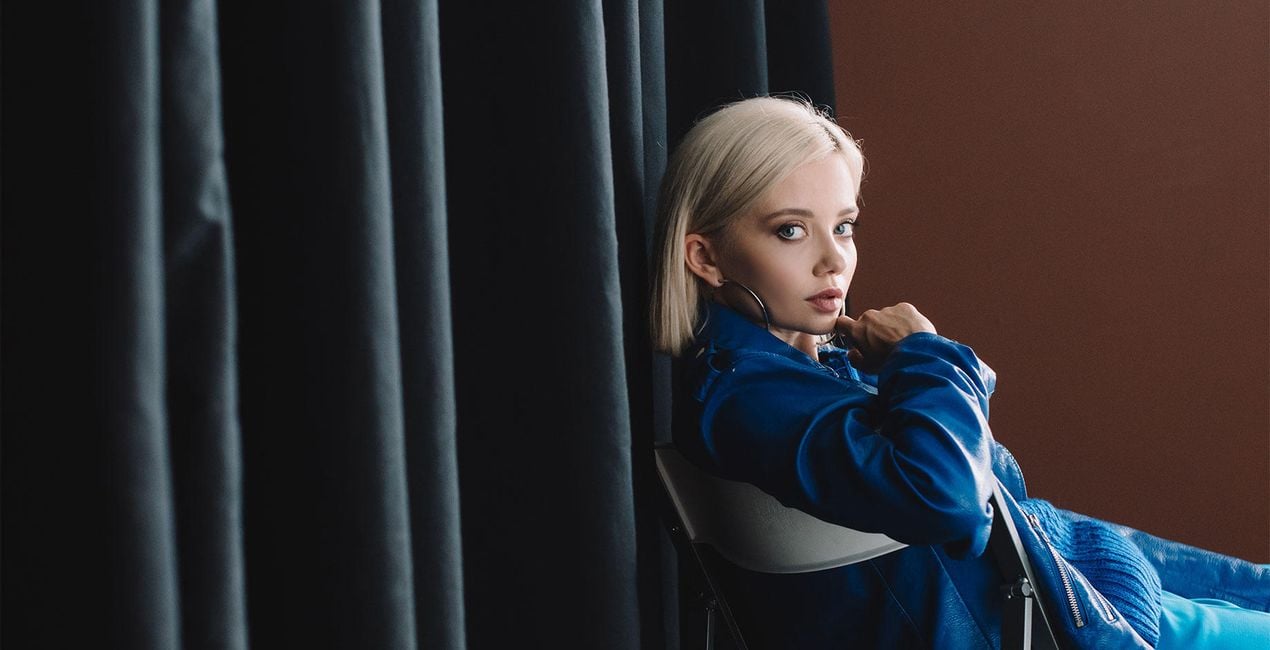
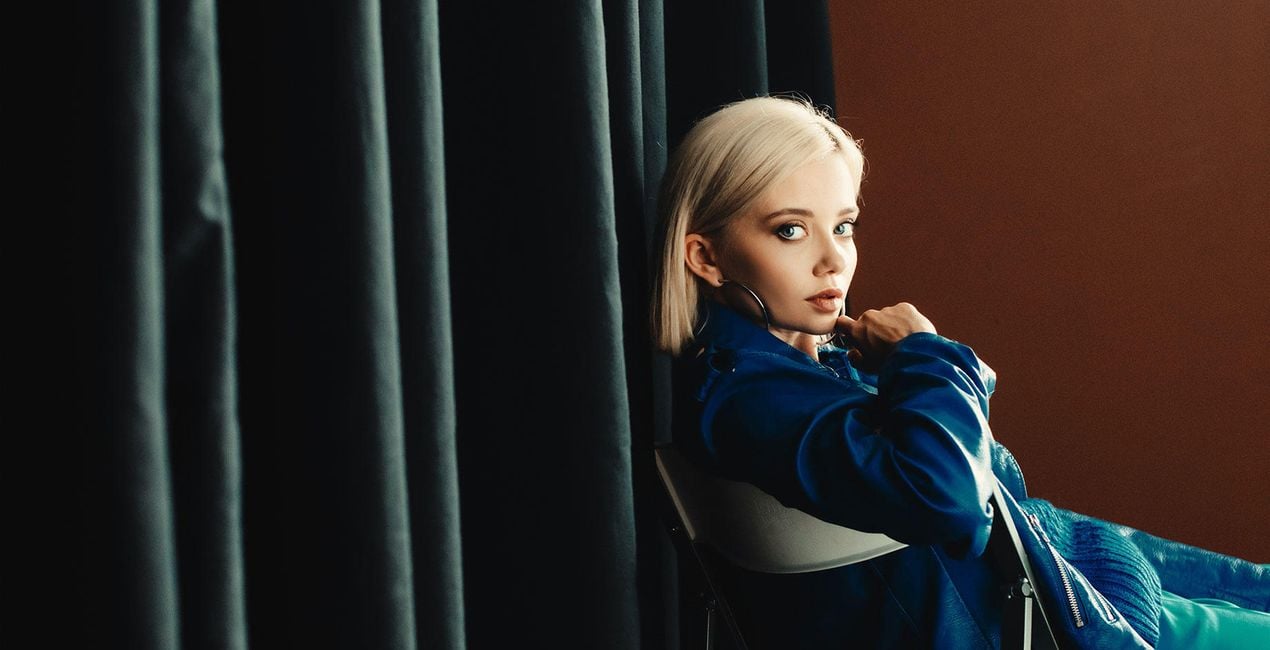
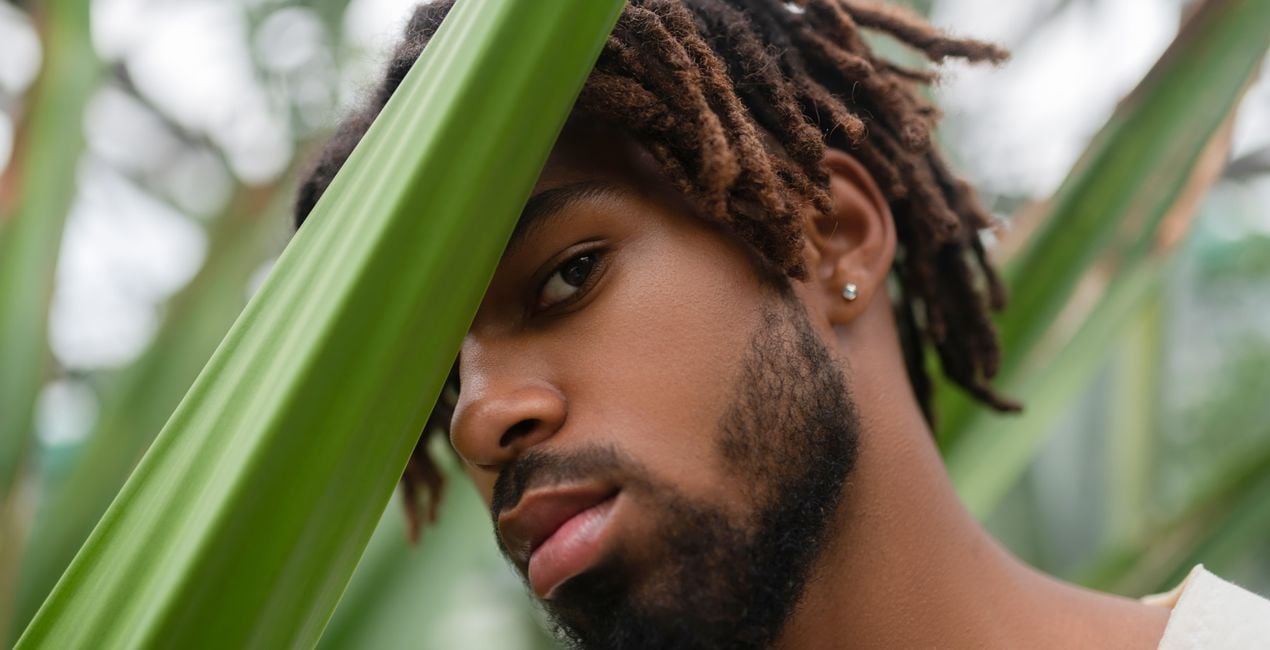
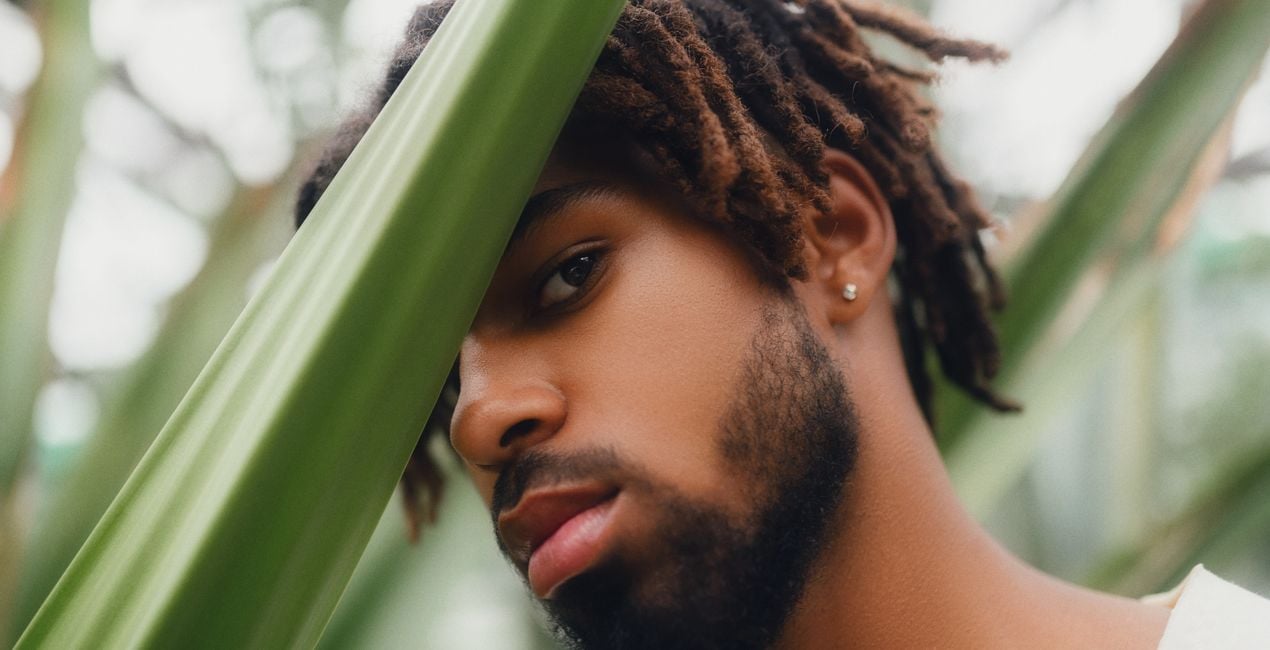
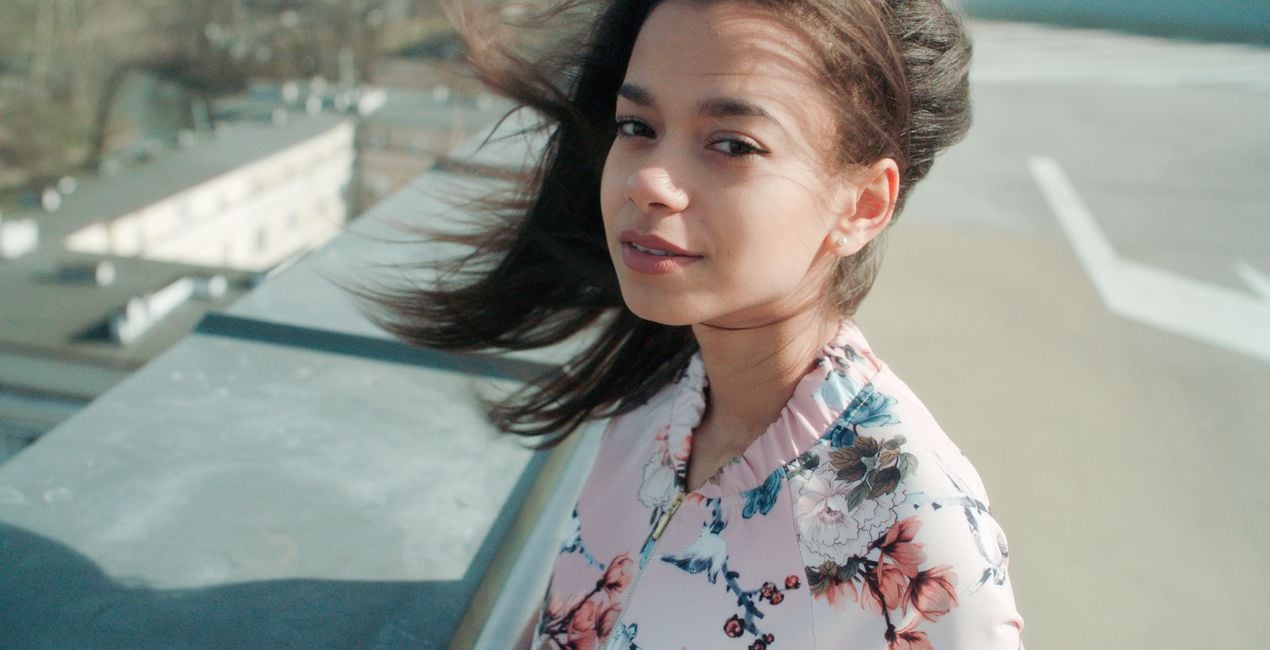
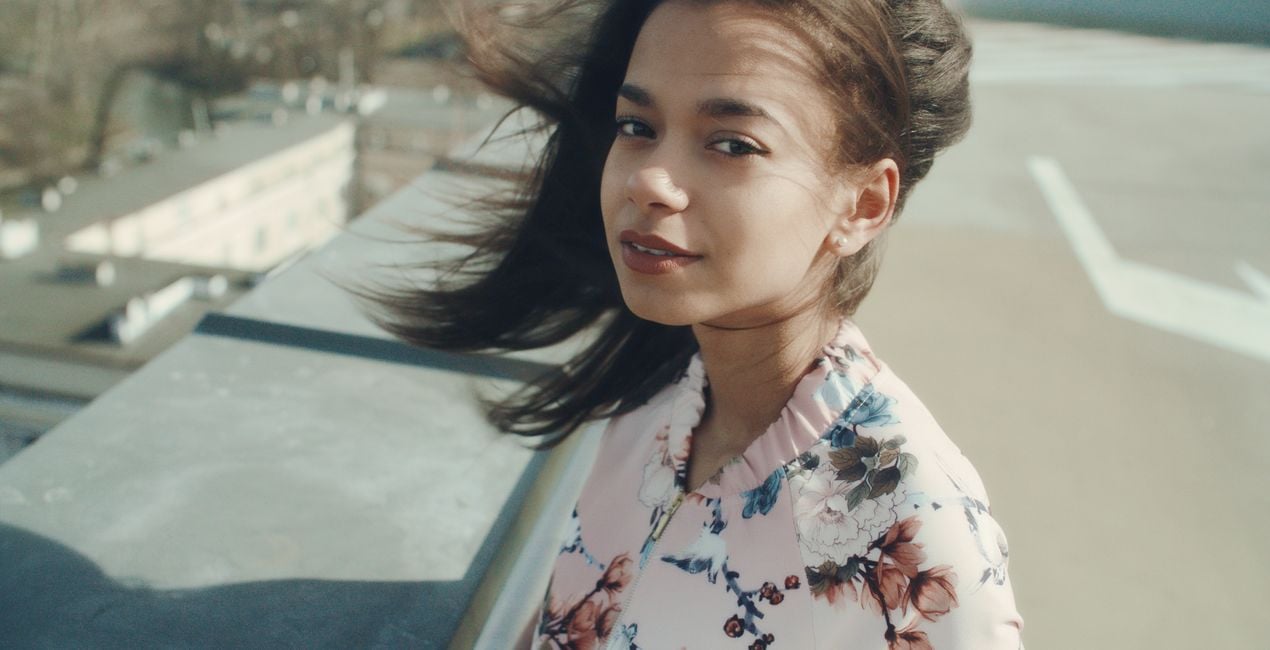
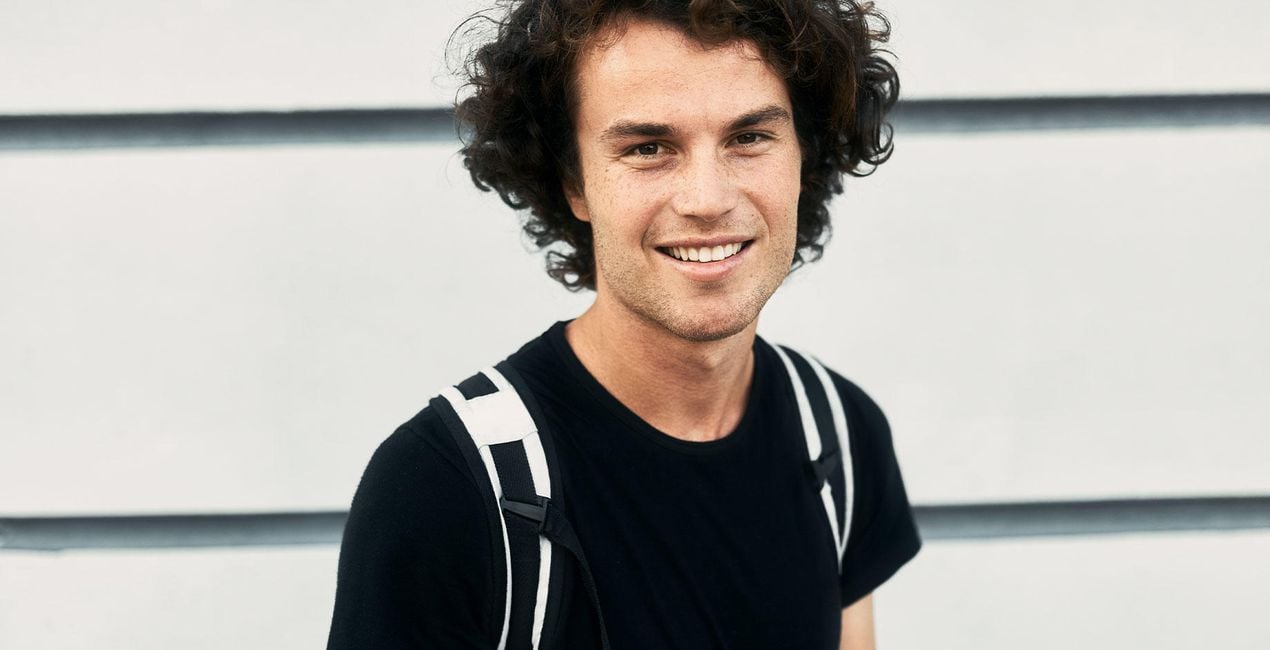
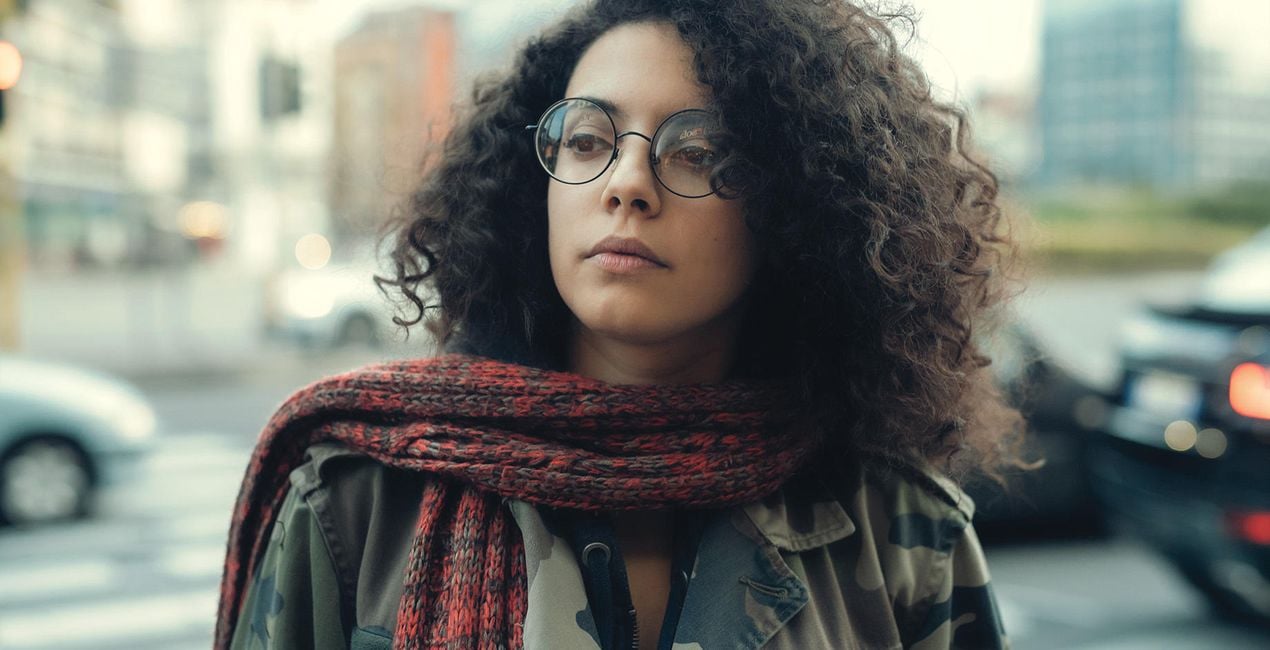
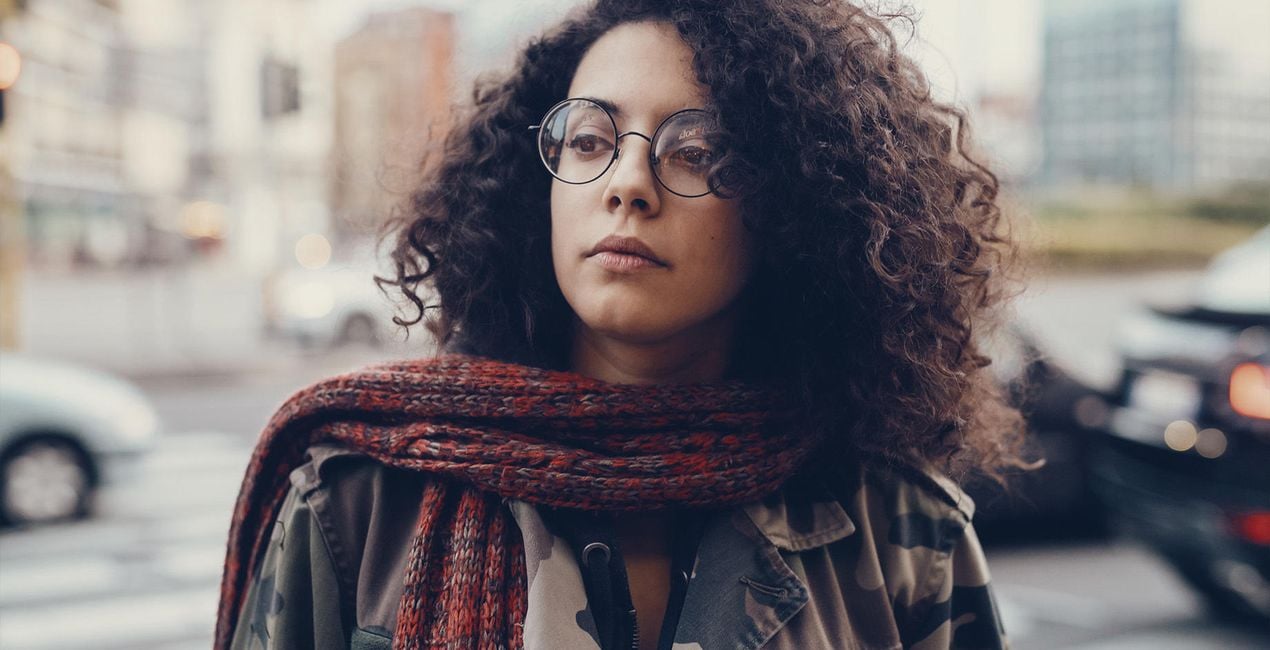
Mondän, schwarz-weiß, weich, hell, körnig — dieses Vorlagen-Paket hat alles, was du möchtest. Entdecke die unübertreffbare Sammlung von Vorlagen für alle deine Porträts und erstelle Fotos, die eines Magazin-Covers würdig sind, und verwandele jeden, den du fotografierst, in ein Model.
Was ist dabei
10 Templates and Presets. Compatible with JPEG and RAW images.

Mit den mitgelieferten RAW-Dateien kannst du ganz einfach Retusche-Tipps ausprobieren und lernen, wie man solche Fotos macht.
 >
>
 >
>
 >
>
 >
>

 >
>
 >
>
 >
>
 >
>

 >
>
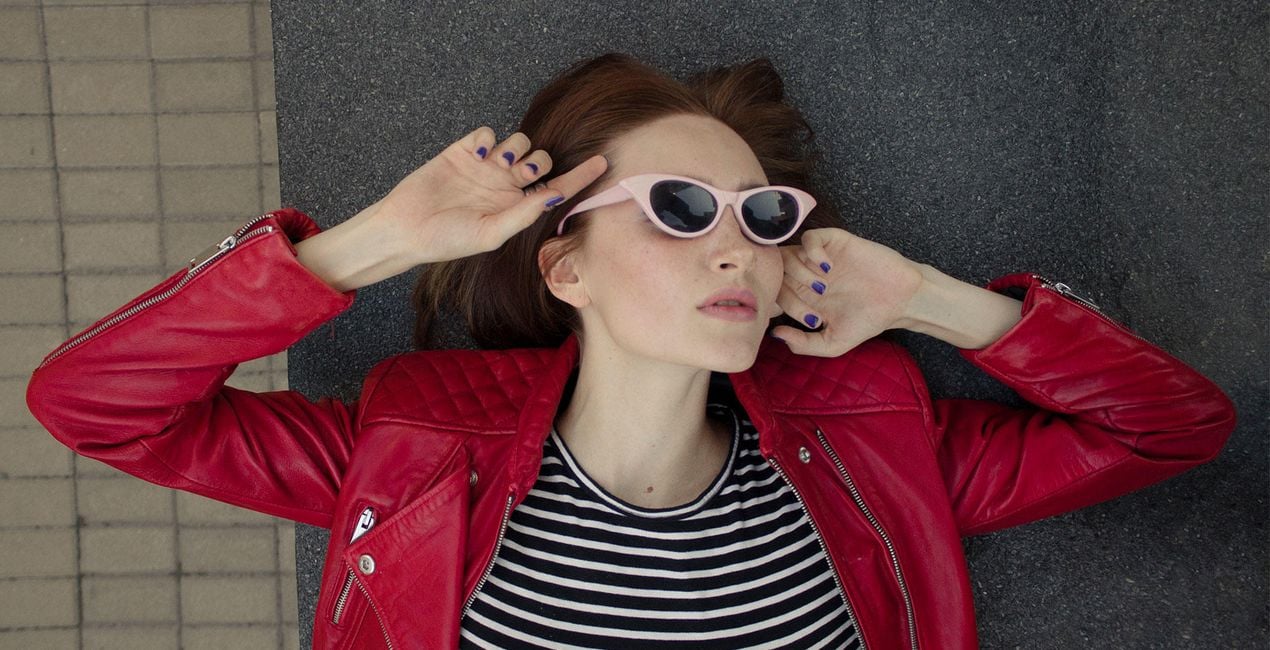
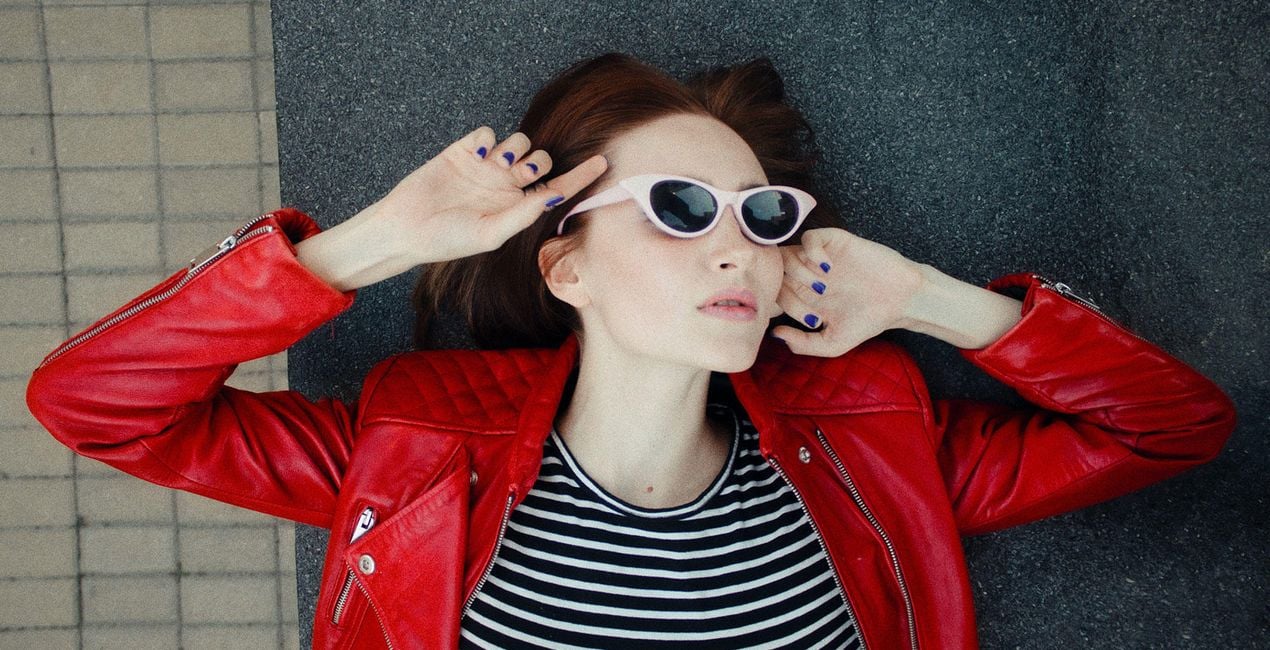
Shine a spotlight on your models. Highlight their natural beauty, create an unforgettable vision, and make them appear as if they’ve just stepped out from the cover of a magazine.
Each Template in this collection uses FaceAI to automatically bring out the best of a person’s natural looks thanks to smart AI technologies while never over-retouching or overshadowing your model’s natural beauty.
Everyone is beautiful, and even if the camera has some shortcomings, this Templates collection will make your subjects shine.
Try it out on professional photoshoots, photos of your family and friends, and your own self-portraits.
What you’ll find in the Perfect Portraits Templates pack (10 Templates):
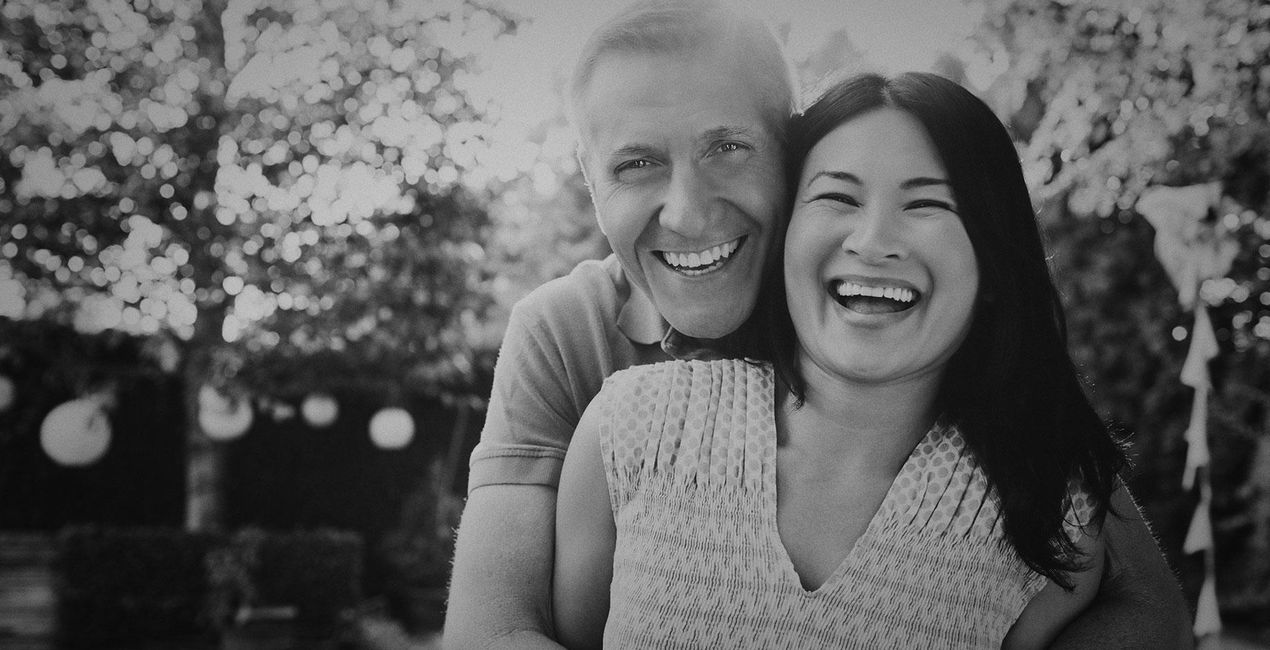
Haze: Provide a slight black and white touch-up with this subdued Template that brings a bit of contrast and dark highlights.
Glam: Deliver portraits that could easily be printed in a fashion magazine, with high clarity and a minimum touch-up of the face. This Template uses a custom LUT that gives warm, unique toning.
Dreamworld: How about a mysterious photo? This Template uses the powers of the Orton Effect tool and the Mystical tool to conjure an aura of mystery. Smooth out the facial skin tone and get a unique effect with the built-in custom LUT.
Nostalgia: Sometimes a grainy effect can be just the right detail to make your portrait stand out. Achieve it with this warm and light Template with a soft grain.
Twilight Vibe: Create rich, atmospheric photos with matte shadows and a honey-sweet look thanks to a custom LUT and the Matte tool.
Closeup: Thanks to smart Slim Face technology, this Template automatically and naturally makes the face skinnier and lightly tones the highlights into warm accents and the shadows into slightly violet accents.
Rich Look: Another perfect Template for an inviting and rich photograph. Effortlessly create warm toning and a cozy atmosphere in your photo without worrying about imperfections thanks to the power of FaceAI and SkinAI, which provide perfect results.
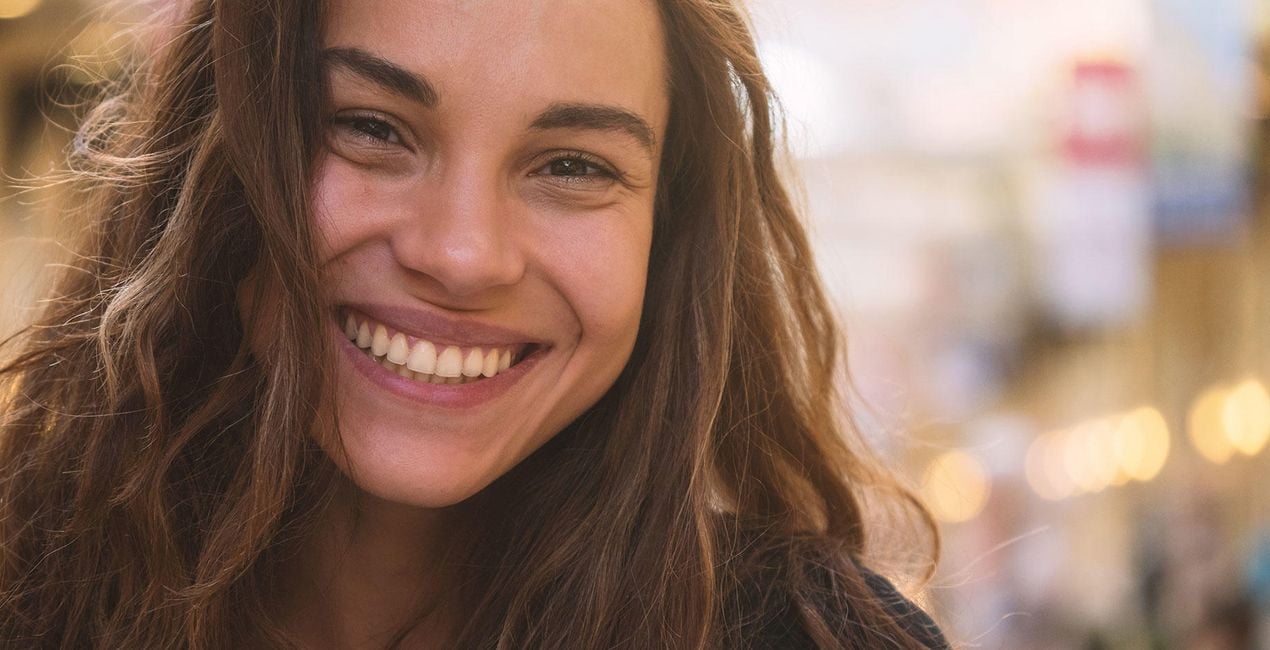
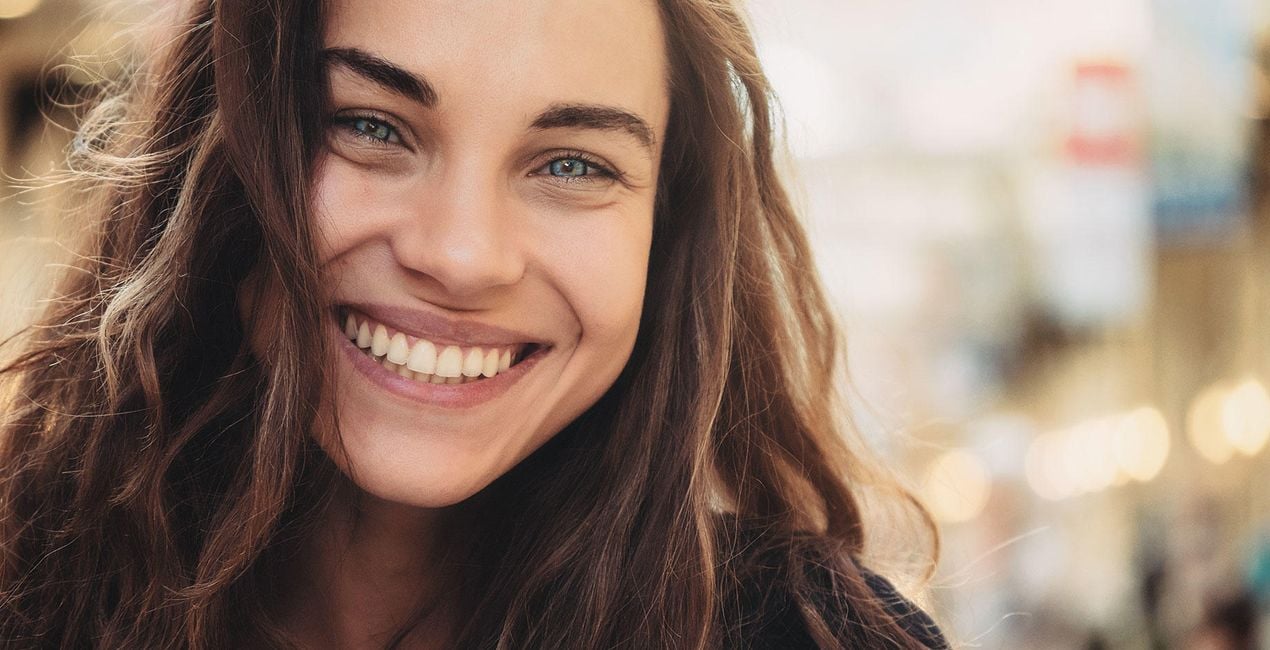
Marine Eyes: This Template’s main power is automatically making your model’s pupils blue and also providing a mesmerizing overall color correction with a custom LUT for a clear, high-contrast image.
Contour: Got a full-body portrait that needs adjustments? Shape your model with the smart application of BodyAI together with a warm but not too heavy color correction.
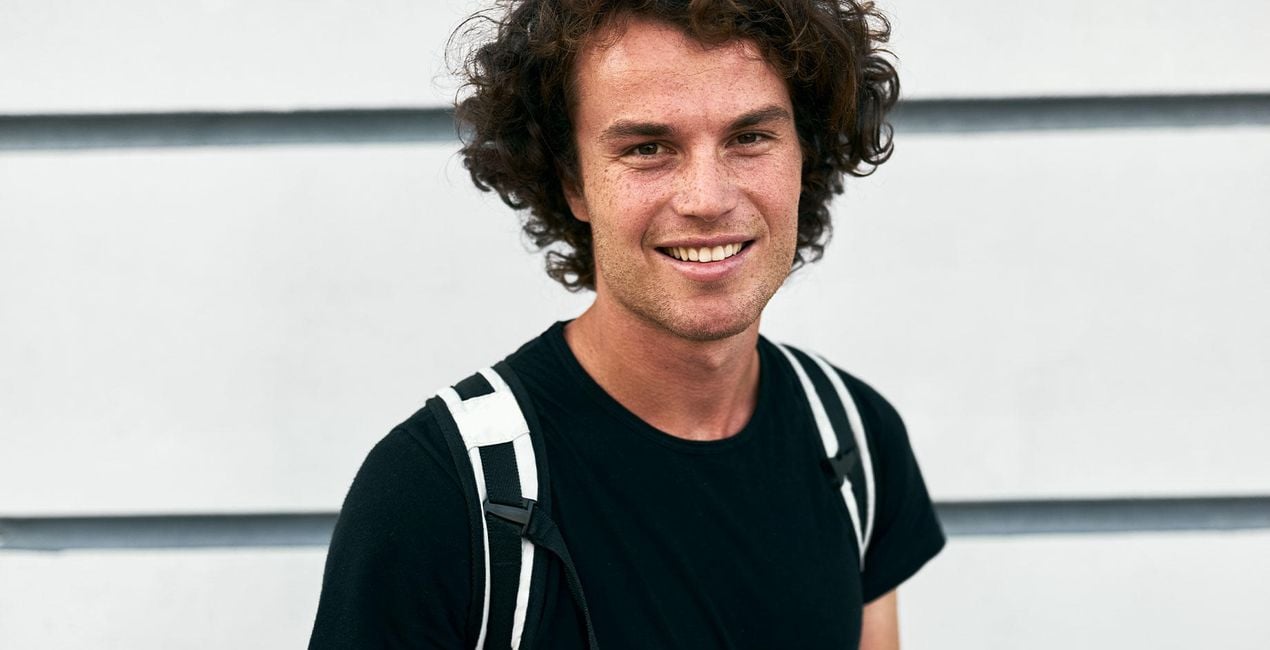
Fresh Skin: Good for closeups, this Template thoroughly retouches the face without being too intense while creating a light, natural complexion and a subtle delicate feeling.
Keep in mind that a Template’s default effect might be too strong for your photo.
If it is, simply bring it back a bit with the Amount slider.
SHARE: Use the hashtag #madewithluminar on social media so the Skylum Team can take a look at your results!
Fotografen, Coloristen & Retuscheure
Skylum arbeitet mit hunderten von professionellen Fotografen und Retuscheuren zusammen, um dir einzigartige Vorlagen zu liefern, welche die Top-Fotografen für die Erstellung ihrer Meisterwerke verwenden. Das Skylum AI Lab analysiert die Fotos und die Workflows der Fotografen und erstellt Vorlagen, die für alle einfach anwendbar sind und welche die Vorteile der modernen Technik von Luminar AI nutzen. Wir möchten den Zeit- und Arbeitsaufwand für die Erstellung eines eindrucksvollen Fotos reduzieren und es somit jedem ermöglichen, Spaß an der Fotobearbeitung und Fotografie zu haben.
Wenn du Fragen zum Produkt hast, kannst du dich rund um die Uhr an den Support wenden. Folge einfach diesem Link.
Um Perfect Portraits zu kaufen, gehe wie folgt vor:
1. Öffne den Skylum-Marktplatz.
2. Geh zum gewünschten Tab, auf dem Perfect Portraits aufgeführt ist. Klicke darauf und lege es in deinen Warenkorb.
3. Geh zu deinem Warenkorb. Schließe hier den Kaufvorgang für Perfect Portraits ab.
4. Nach dem Kauf erhältst du eine Bestätigungs-E-Mail mit dem Download-Link für Perfect Portraits. Außerdem findest du den neuen Artikel in deinem Skylum-Konto auf dem Tab „Meine Add-ons”.
Detaillierte Anweisungen zur Installation von Perfect Portraits erhältst du in der Bestätigungs-E-Mail zusammen mit dem Download-Link.
Außerdem kannst du den gekauften Artikel direkt in Luminar Neo installieren: Geh zu „Extras“ > „Marktplatz“, wähle die Produktkategorie aus, suche den gekauften Artikel und klicke auf „Installieren“.
Das ist ganz einfach! Geh zum Tab „Presets“ und wähle „Gekauft“. Dort findest du deine installierten Presets.
Keine Sorge. Alle gekauften Artikel, einschließlich Perfect Portraits, werden auf dem Tab „Meine Add-ons“ deines Skylum-Kontos gespeichert, sodass du sie einfach erneut herunterladen und verwenden kannst.
Im Allgemeinen sind die meisten Artikel mit Luminar Neo kompatibel. Um jedoch sicherzustellen, dass Perfect Portraits mit deiner Software kompatibel ist, überprüfe vor dem Herunterladen oder Kauf die technischen Daten. Suche den Abschnitt „Kompatibilität“ auf der rechten Seite der Perfect Portraits-Seite, wo alle kompatiblen Produkte aufgelistet sind.
Geh noch nicht. Hier ist ein exklusiver Rabattcode für dich. Nutze ihn innerhalb der nächsten 15 Minuten, um an der Kasse zusätzliche 10 % Rabatt zu erhalten. Kopiere den unten stehenden Code und schließe deinen Einkauf ab.
15 m : 00 s





