


 Zastosowany


Portrety idealne
Save $201 $ 16 .15 $ 19 .00

Szykowne, czarno-białe, miękkie, jasne, ziarniste - nazwij to jak chcesz, ten pakiet Szablonów ma to wszystko. Odkryj najlepszą kolekcję szablonów spełniających wszystkie Twoje potrzeby związane z portretami i stwórz zdjęcia godne okładek czasopism, zmieniając każdego, kogo fotografujesz, w prawdziwego modela.
Zawartość zestawu
10 Templates and Presets. Compatible with JPEG and RAW images.

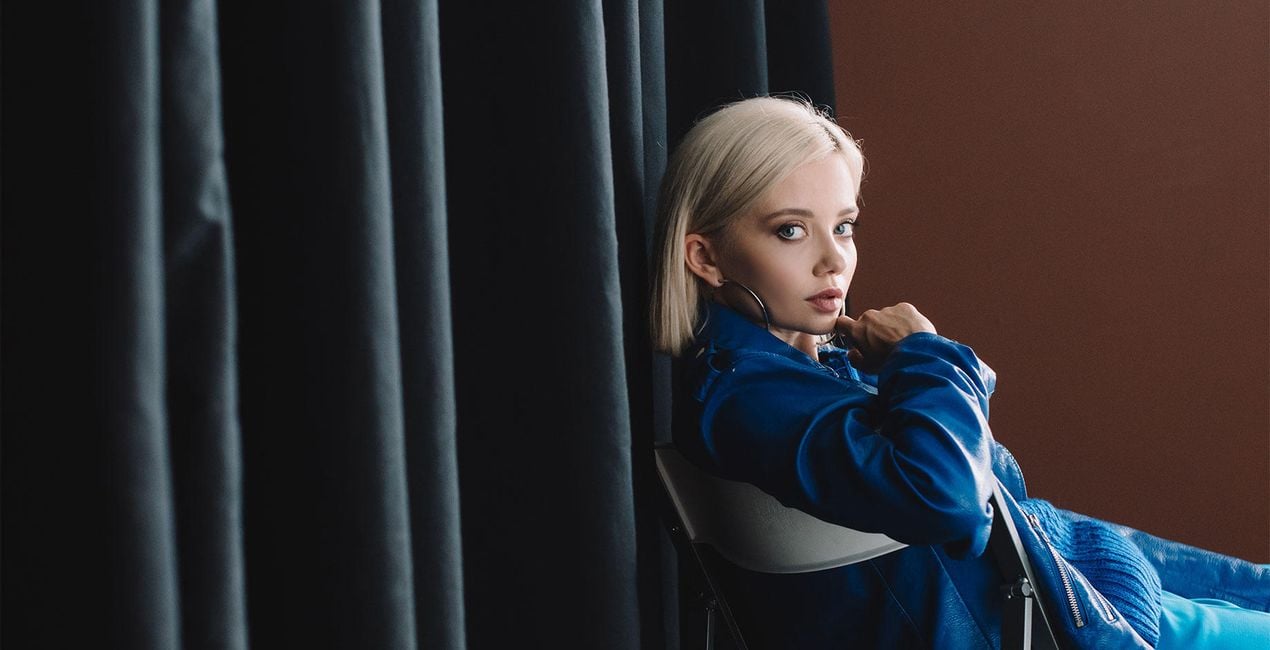
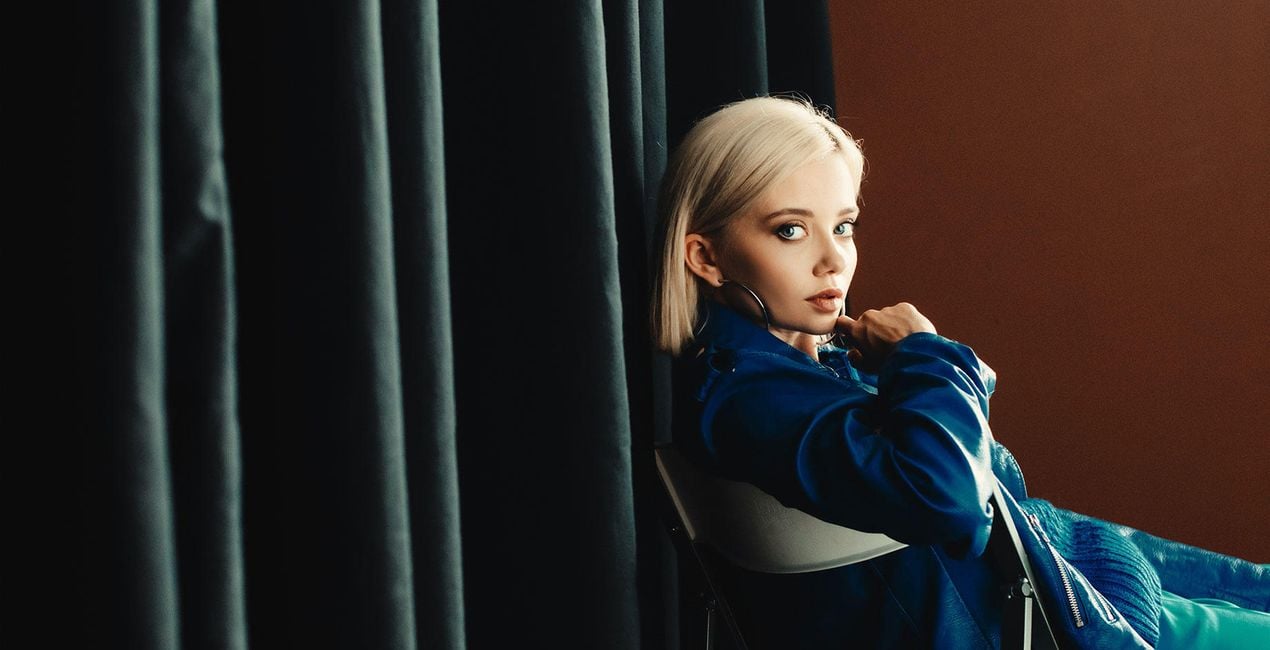
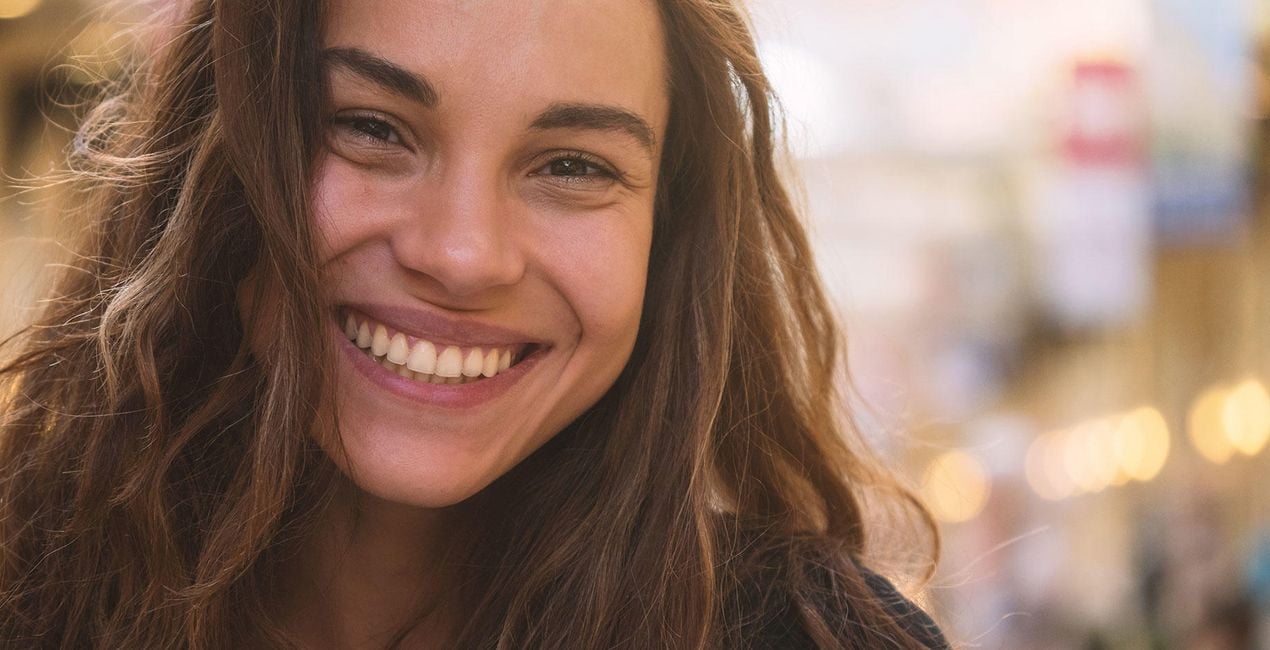
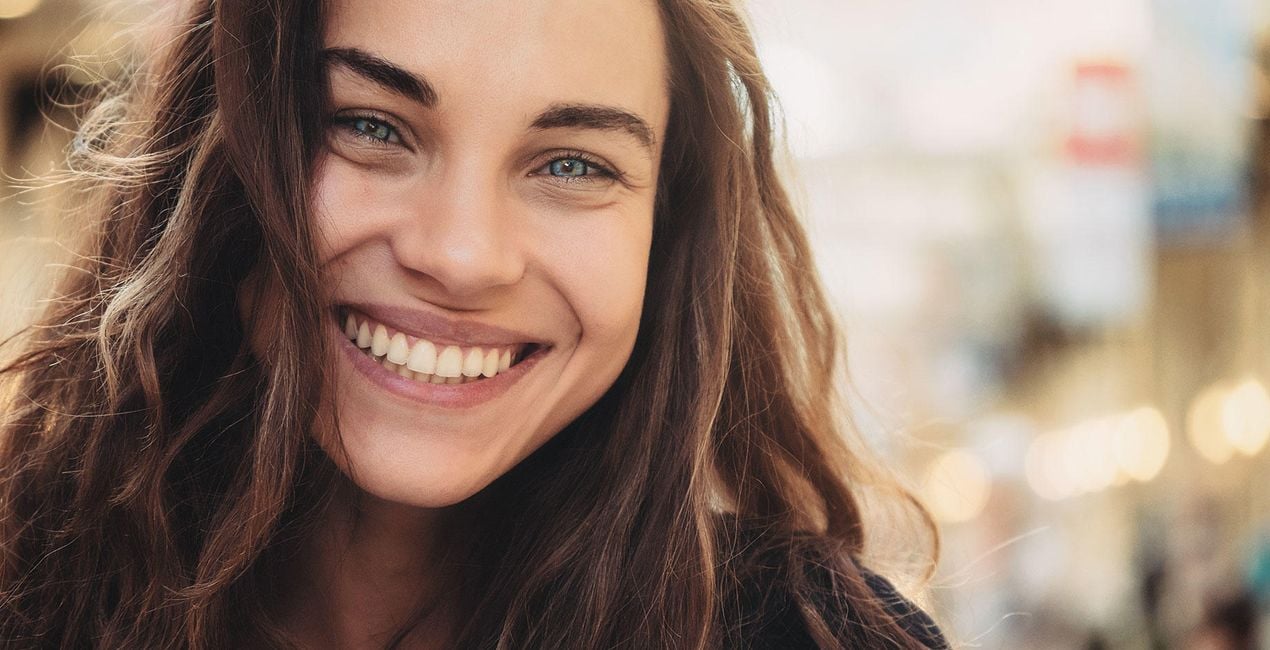
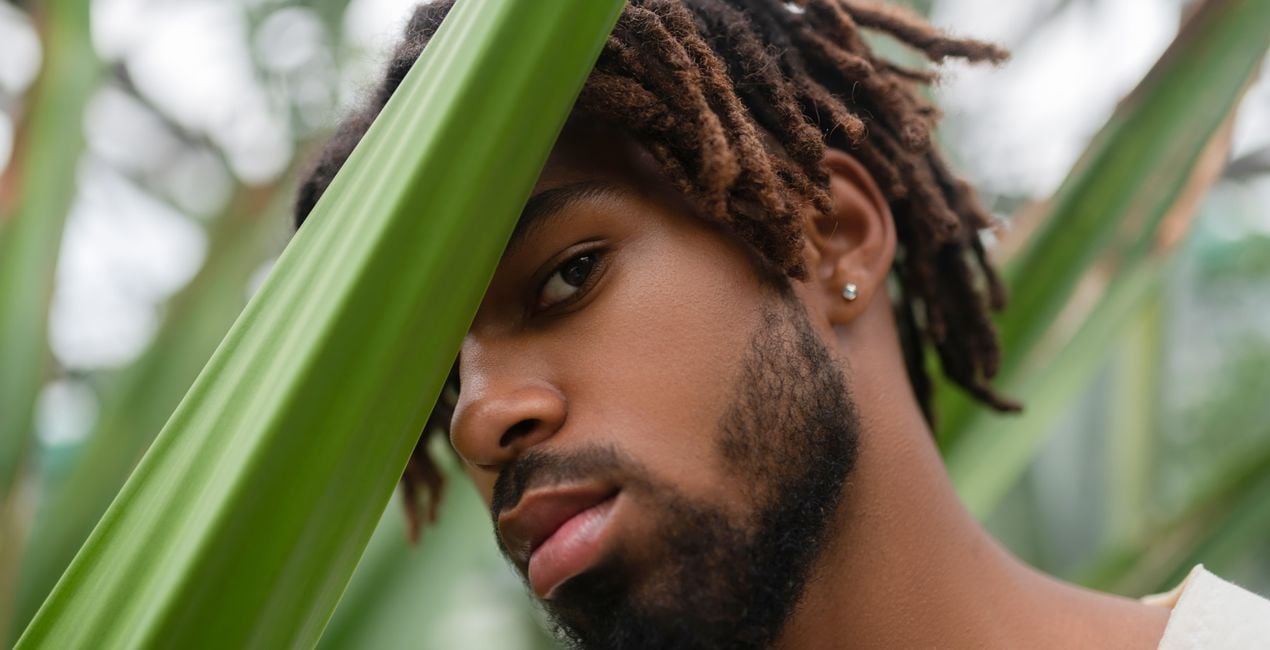
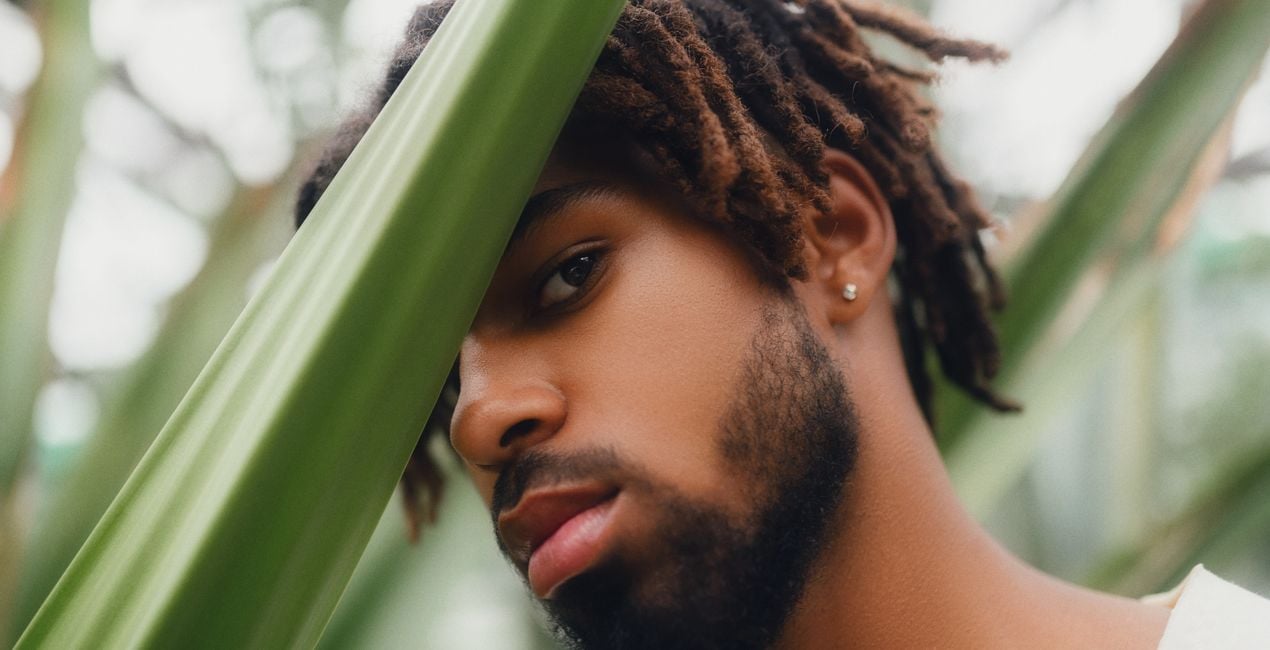
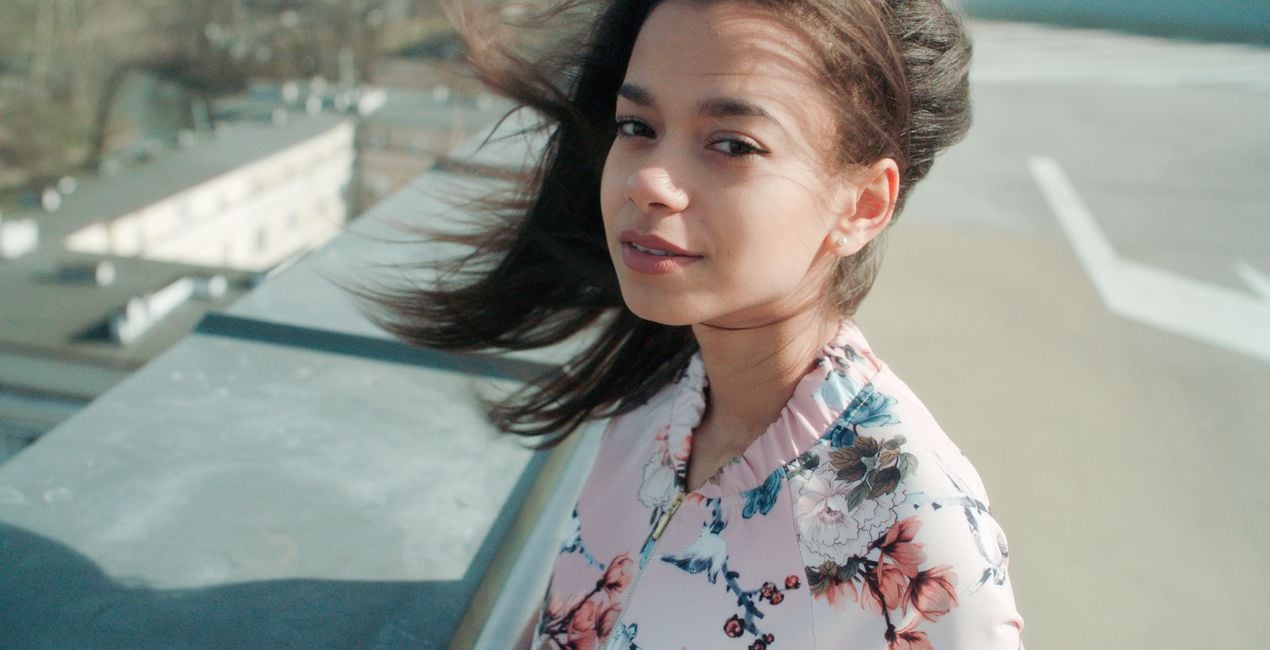
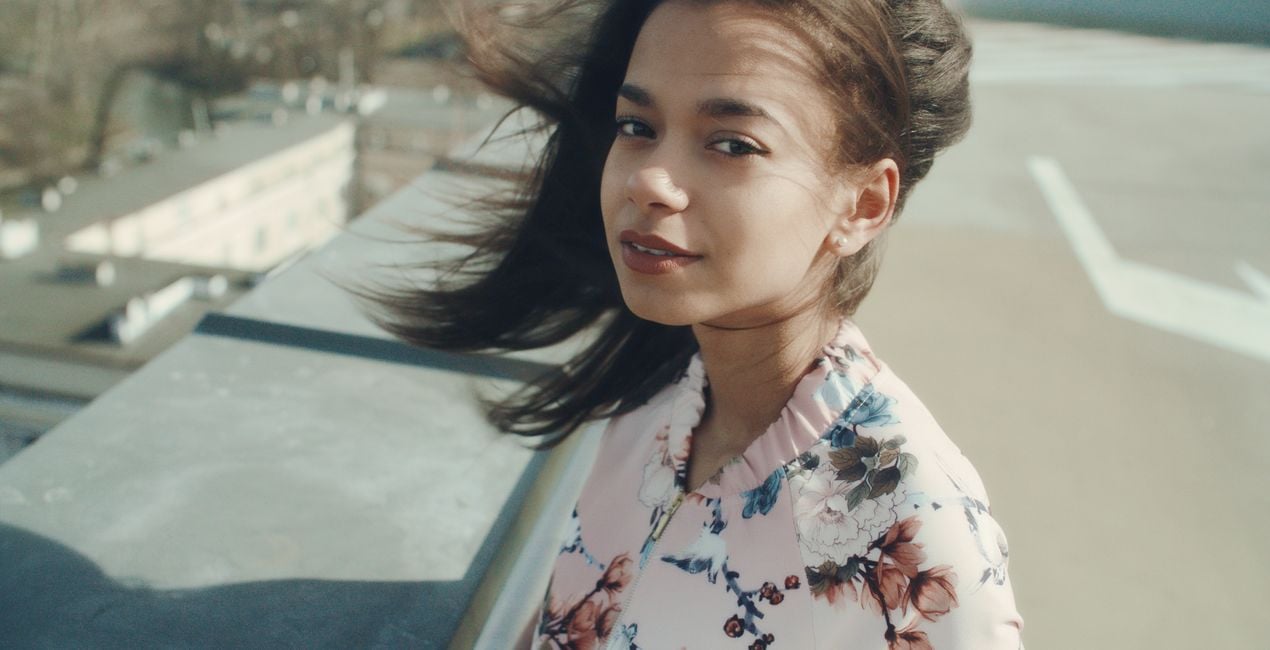
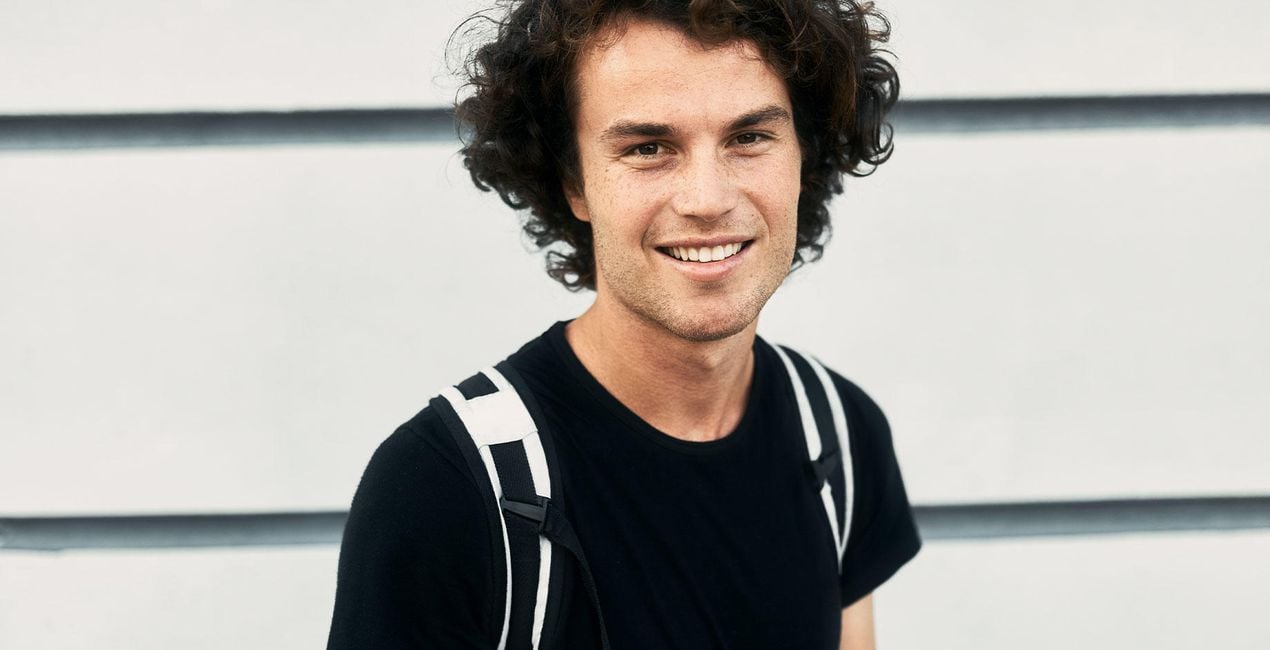
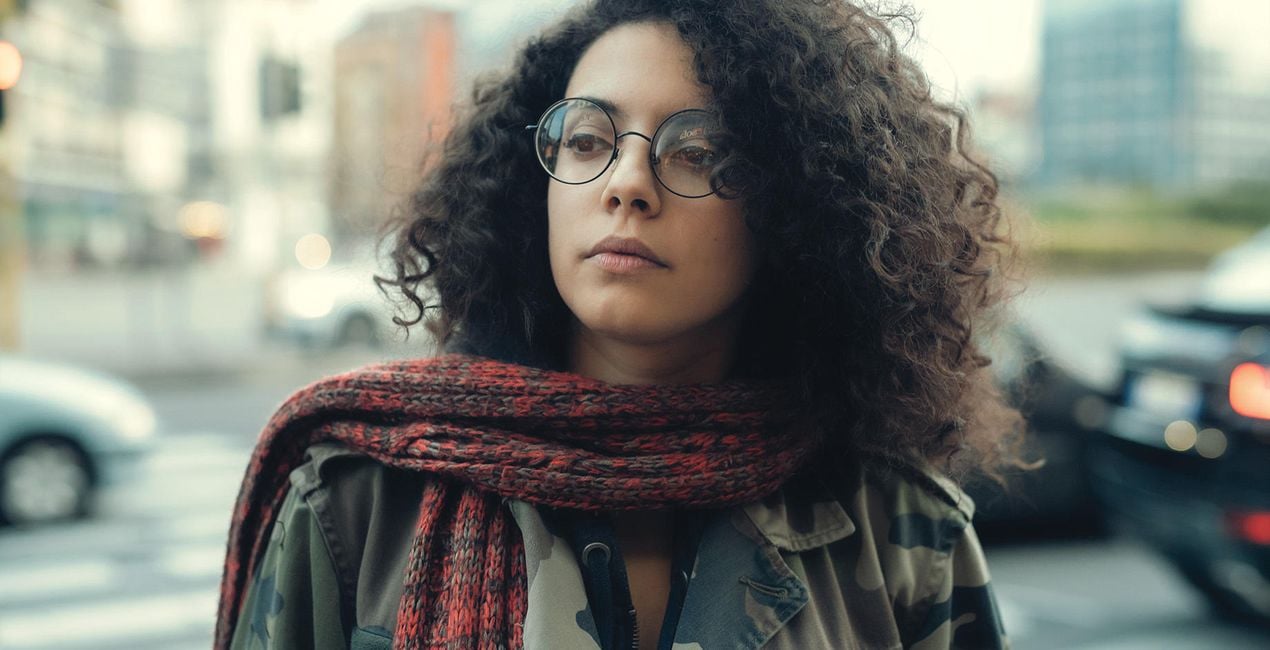
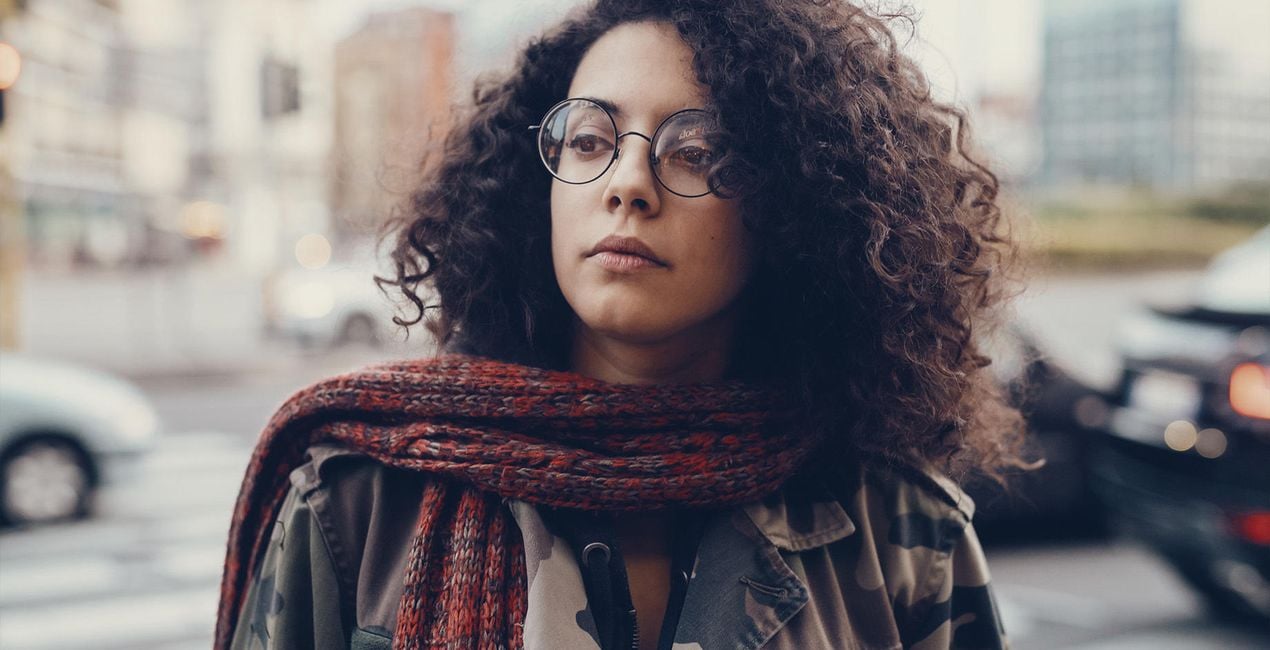
Korzystając z plików RAW z łatwością przećwiczysz wskazówki dotyczące retuszu i dowiesz się, jak stworzyć zdjęcia takie jak te.
 >
>
 >
>
 >
>
 >
>

 >
>
 >
>
 >
>
 >
>

 >
>
Shine a spotlight on your models. Highlight their natural beauty, create an unforgettable vision, and make them appear as if they’ve just stepped out from the cover of a magazine.
Each Template in this collection uses FaceAI to automatically bring out the best of a person’s natural looks thanks to smart AI technologies while never over-retouching or overshadowing your model’s natural beauty.
Everyone is beautiful, and even if the camera has some shortcomings, this Templates collection will make your subjects shine.
Try it out on professional photoshoots, photos of your family and friends, and your own self-portraits.
What you’ll find in the Perfect Portraits Templates pack (10 Templates):
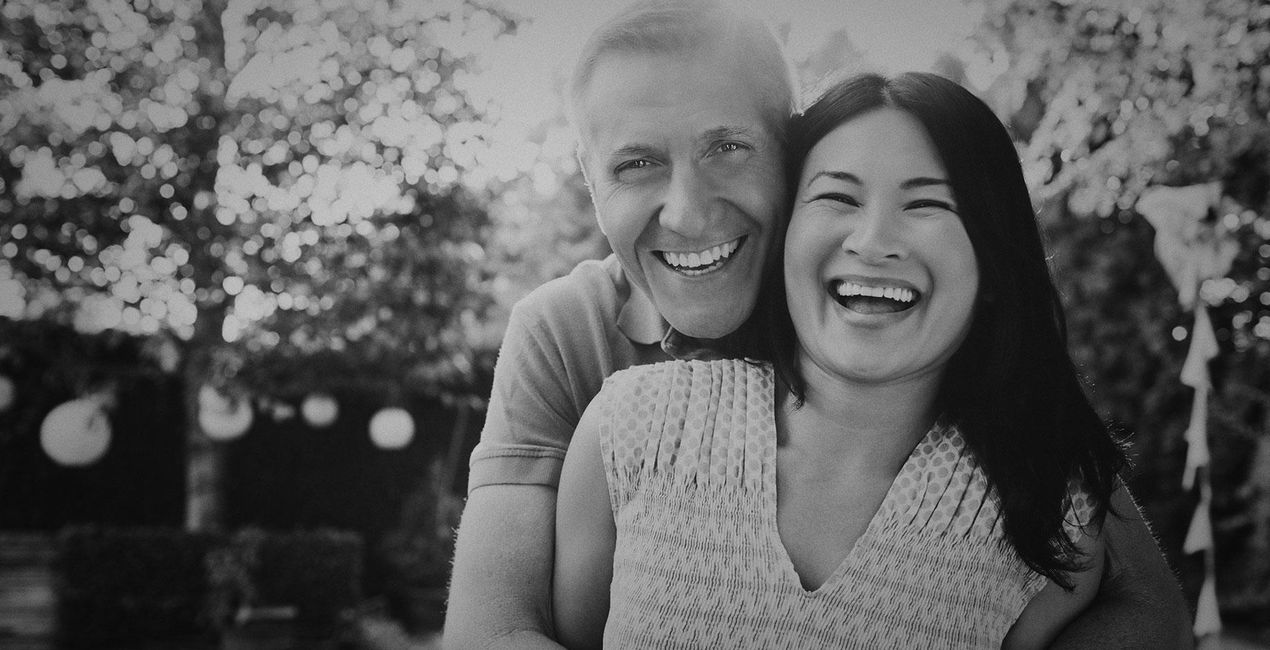
Haze: Provide a slight black and white touch-up with this subdued Template that brings a bit of contrast and dark highlights.
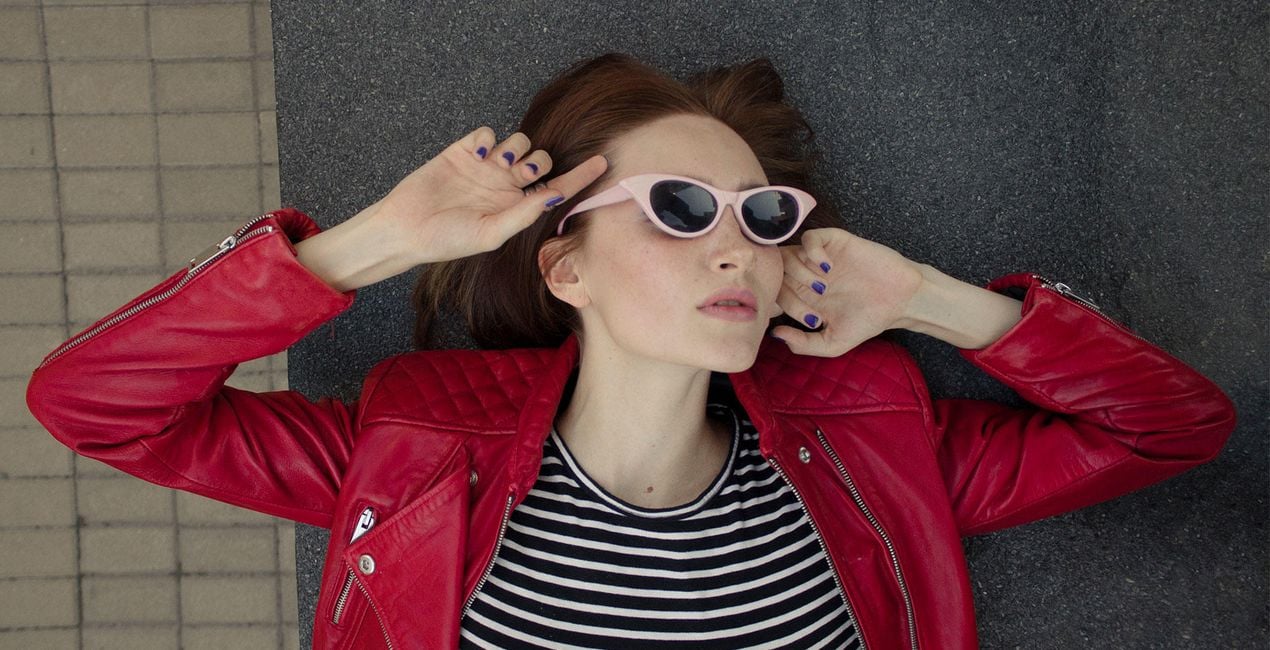
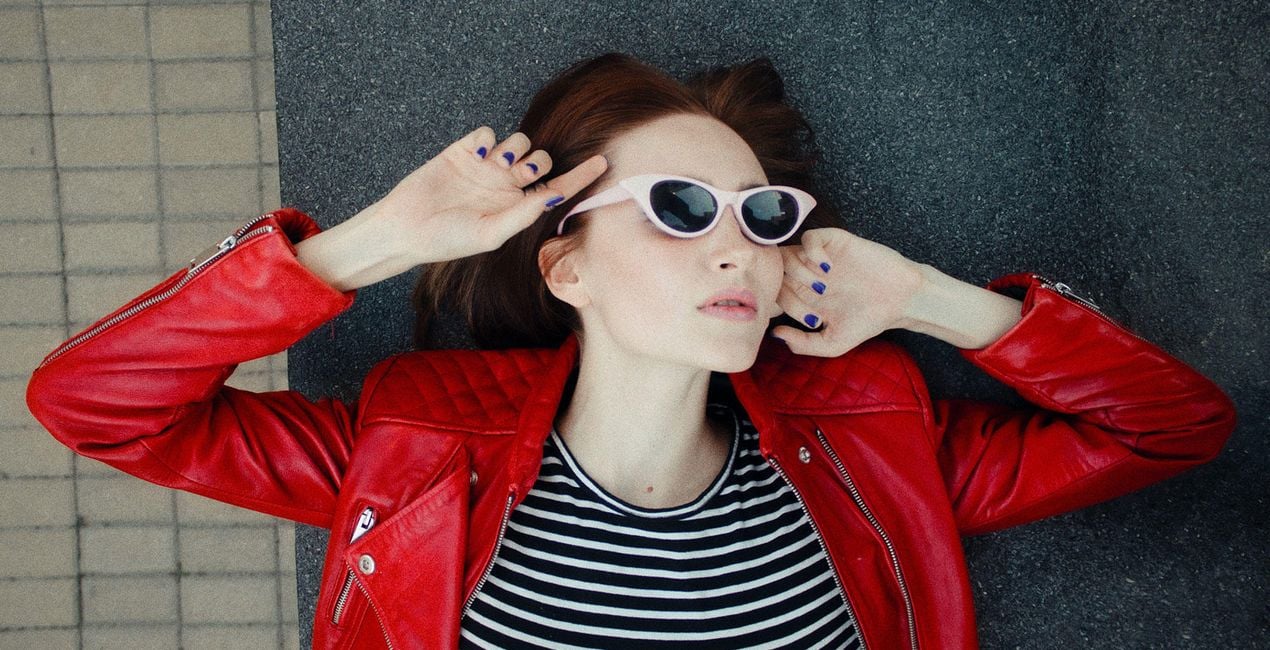
Glam: Deliver portraits that could easily be printed in a fashion magazine, with high clarity and a minimum touch-up of the face. This Template uses a custom LUT that gives warm, unique toning.
Dreamworld: How about a mysterious photo? This Template uses the powers of the Orton Effect tool and the Mystical tool to conjure an aura of mystery. Smooth out the facial skin tone and get a unique effect with the built-in custom LUT.
Nostalgia: Sometimes a grainy effect can be just the right detail to make your portrait stand out. Achieve it with this warm and light Template with a soft grain.
Twilight Vibe: Create rich, atmospheric photos with matte shadows and a honey-sweet look thanks to a custom LUT and the Matte tool.
Closeup: Thanks to smart Slim Face technology, this Template automatically and naturally makes the face skinnier and lightly tones the highlights into warm accents and the shadows into slightly violet accents.
Rich Look: Another perfect Template for an inviting and rich photograph. Effortlessly create warm toning and a cozy atmosphere in your photo without worrying about imperfections thanks to the power of FaceAI and SkinAI, which provide perfect results.
Marine Eyes: This Template’s main power is automatically making your model’s pupils blue and also providing a mesmerizing overall color correction with a custom LUT for a clear, high-contrast image.
Contour: Got a full-body portrait that needs adjustments? Shape your model with the smart application of BodyAI together with a warm but not too heavy color correction.
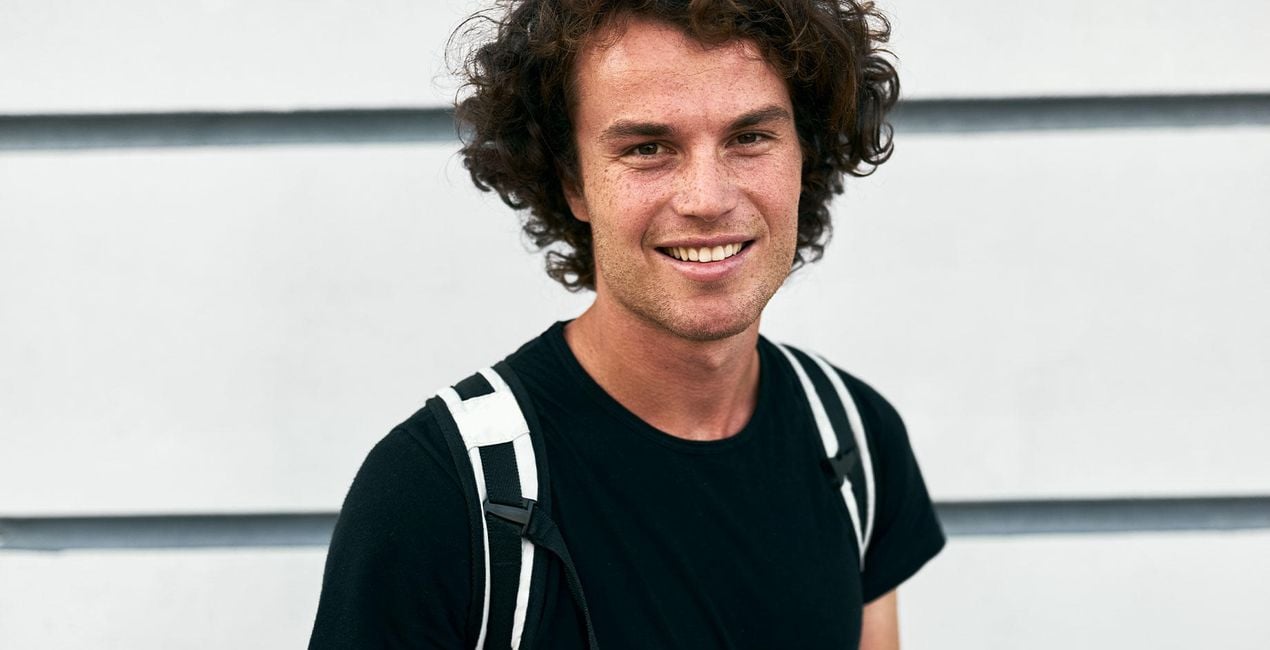
Fresh Skin: Good for closeups, this Template thoroughly retouches the face without being too intense while creating a light, natural complexion and a subtle delicate feeling.
Keep in mind that a Template’s default effect might be too strong for your photo.
If it is, simply bring it back a bit with the Amount slider.
SHARE: Use the hashtag #madewithluminar on social media so the Skylum Team can take a look at your results!
Fotografowie, koloryści i retuszerzy
Zespół Skylum współpracuje z setkami profesjonalnych fotografów i retuszerów, aby dostarczyć Ci Szablony, których używają najlepsi fotografowie do tworzenia swoich arcydzieł. Skylum AI Lab analizuje zdjęcia oraz przepływy pracy fotografów i tworzy Szablony, które są dostępne dla wszystkich, i które wykorzystują zaawansowaną technologię pod maską LuminarAI. Naszą misją jest skrócenie czasu i wysiłku potrzebnego do stworzenia efektownego zdjęcia i umożliwienie wszystkim czerpania radości z edycji i fotografii.
Jeśli masz jakiekolwiek pytania dotyczące produktu, możesz skontaktować się z zespołem pomocy technicznej dostępnym 24 godziny na dobę, 7 dni w tygodniu. Wystarczy kliknąć ten link.
Aby kupić Perfect Portraits, wykonaj następujące kroki:
1. Otwórz Marketplace Skylum.
2. Przejdź do odpowiedniej zakładki, w której znajduje się Perfect Portraits. Kliknij na nim i dodaj produkt do koszyka.
3. Przejdź do koszyka. Tutaj zakończ proces zakupu produktu Perfect Portraits.
4. Po dokonaniu zakupu otrzymasz wiadomość e-mail z linkiem do pobrania Perfect Portraits. Nowy produkt znajdziesz również na swoim koncie Skylum, w zakładce Moje dodatki.
Szczegółowe instrukcje dotyczące instalacji Perfect Portraits zostaną przesłane w wiadomości e-mail wraz z linkiem do pobrania
Ponadto zakupiony produkt można zainstalować bezpośrednio w programie Luminar Neo: przejdź do menu Dodatki > Marketplace, wybierz kategorię produktu, znajdź zakupiony produkt i kliknij Zainstaluj.
To całkiem proste! Przejdź do zakładki Presety, a następnie wybierz opcję Zakupione. Zainstalowane presety będą się znajdować w tym miejscu.
Nie martw się. Wszystkie zakupione produkty, w tym Perfect Portraits, są przechowywane w zakładce „Moje dodatki” na koncie Skylum, co umożliwia ich łatwe ponowne pobranie i użycie.
Ogólnie rzecz biorąc, większość produktów jest kompatybilna z Luminar Neo. Aby jednak upewnić się, że Perfect Portraits jest kompatybilne z Twoim oprogramowaniem, przed pobraniem lub zakupem sprawdź jego specyfikację. Poszukaj sekcji „Kompatybilność” po prawej stronie strony Perfect Portraits, gdzie wymienione są wszystkie kompatybilne produkty.
Nie wychodź jeszcze. Mamy dla Ciebie ekskluzywny kod rabatowy. Wykorzystaj go w ciągu najbliższych 15 minut, aby uzyskać dodatkowe 10% zniżki przy finalizacji zamówienia. Skopiuj poniższy kod i sfinalizuj zakup.
15 m : 00 s





