


 Zastosowany


Studio Portraits
Save $201 $ 24 .65 $ 29 .00

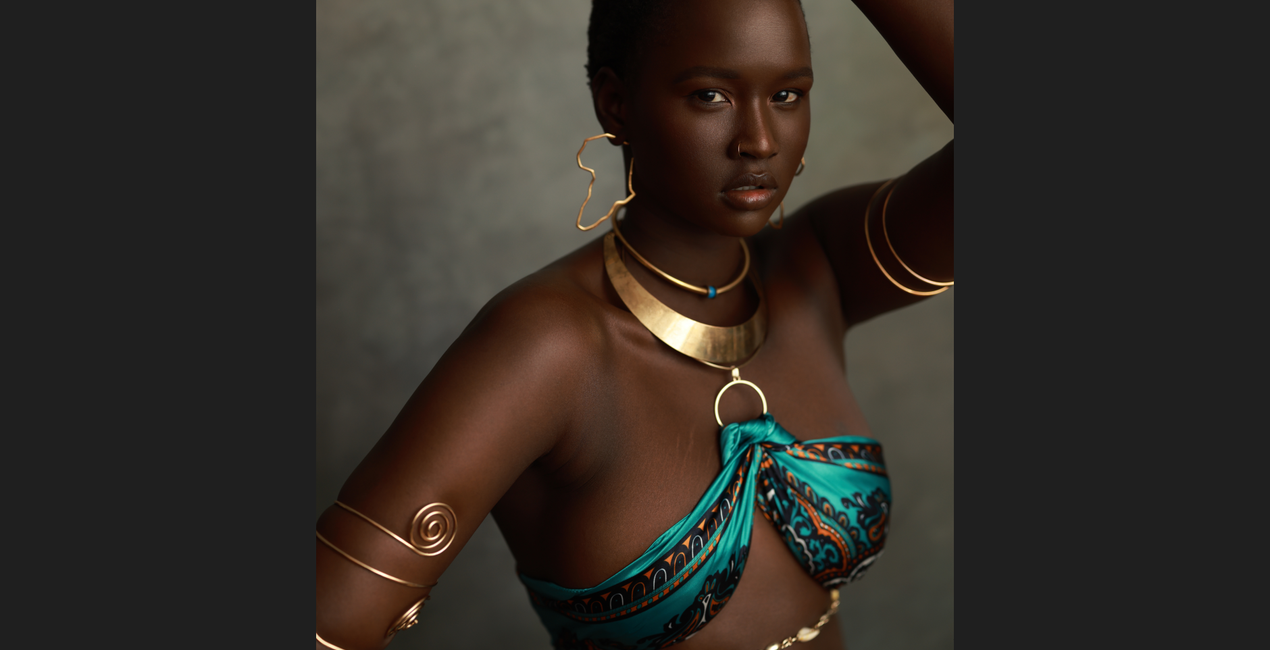
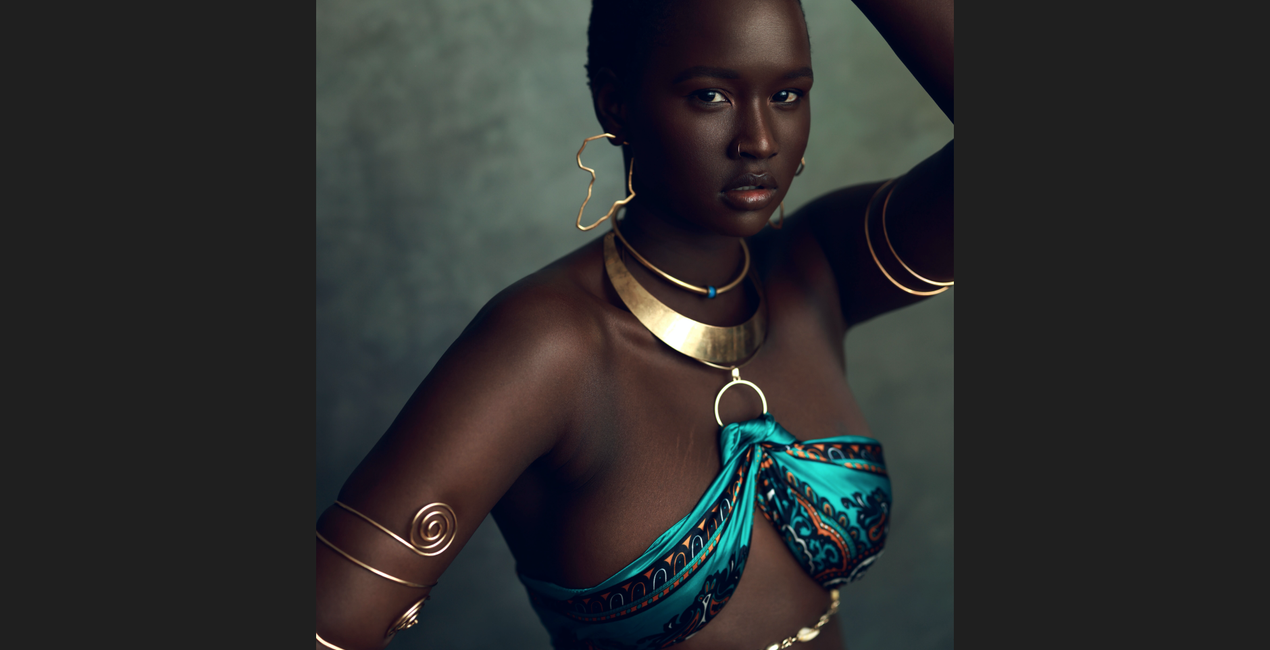
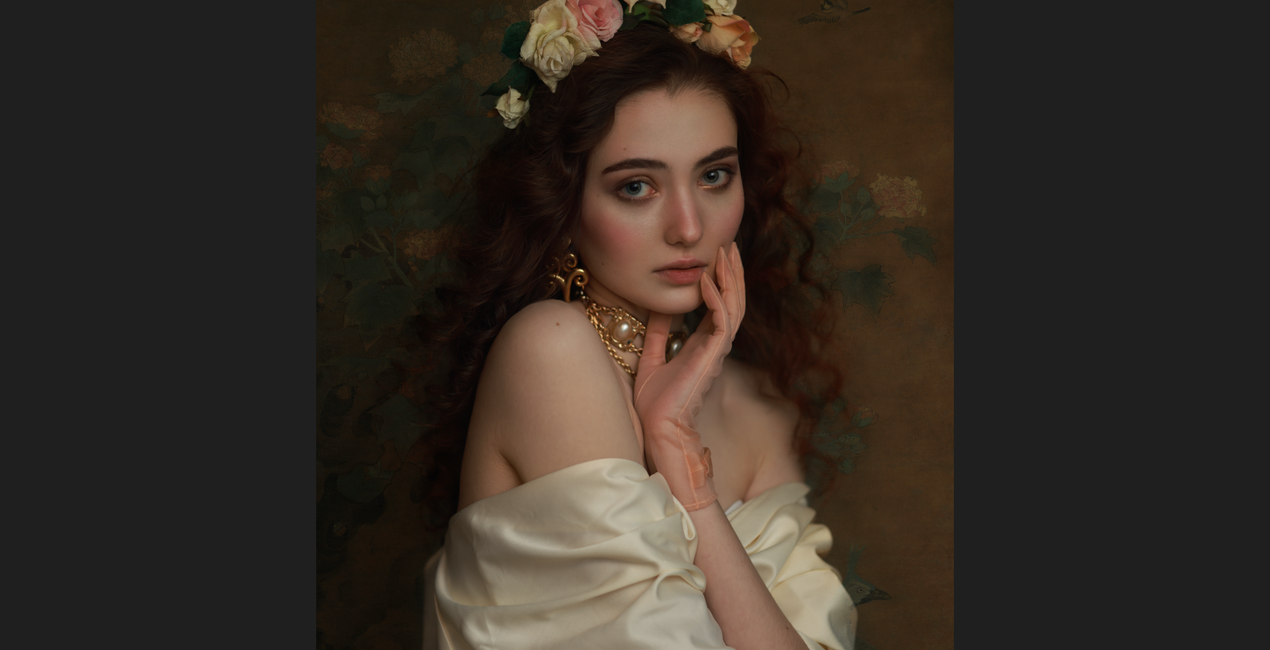
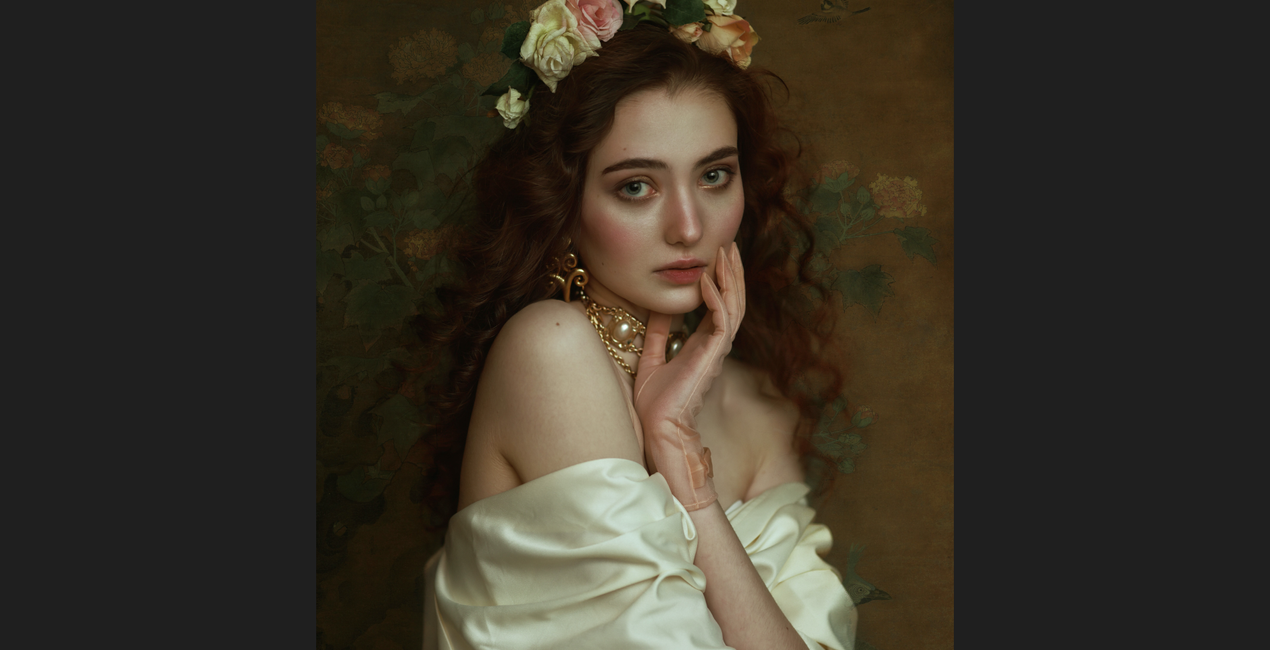
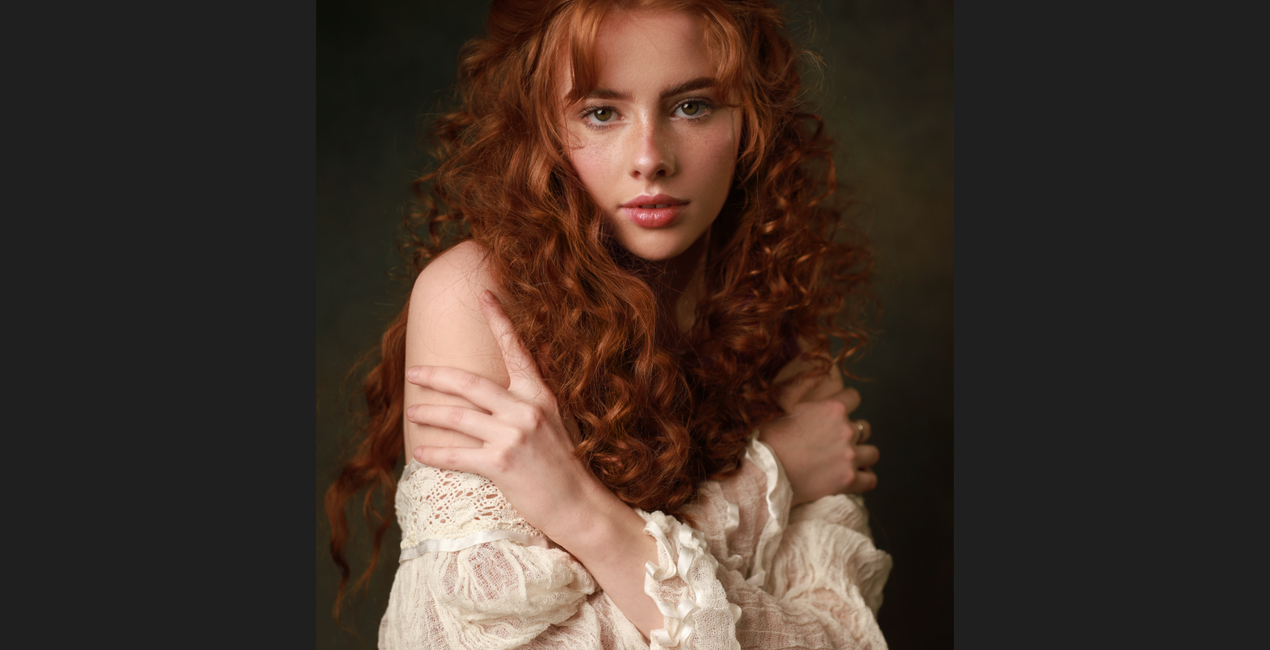
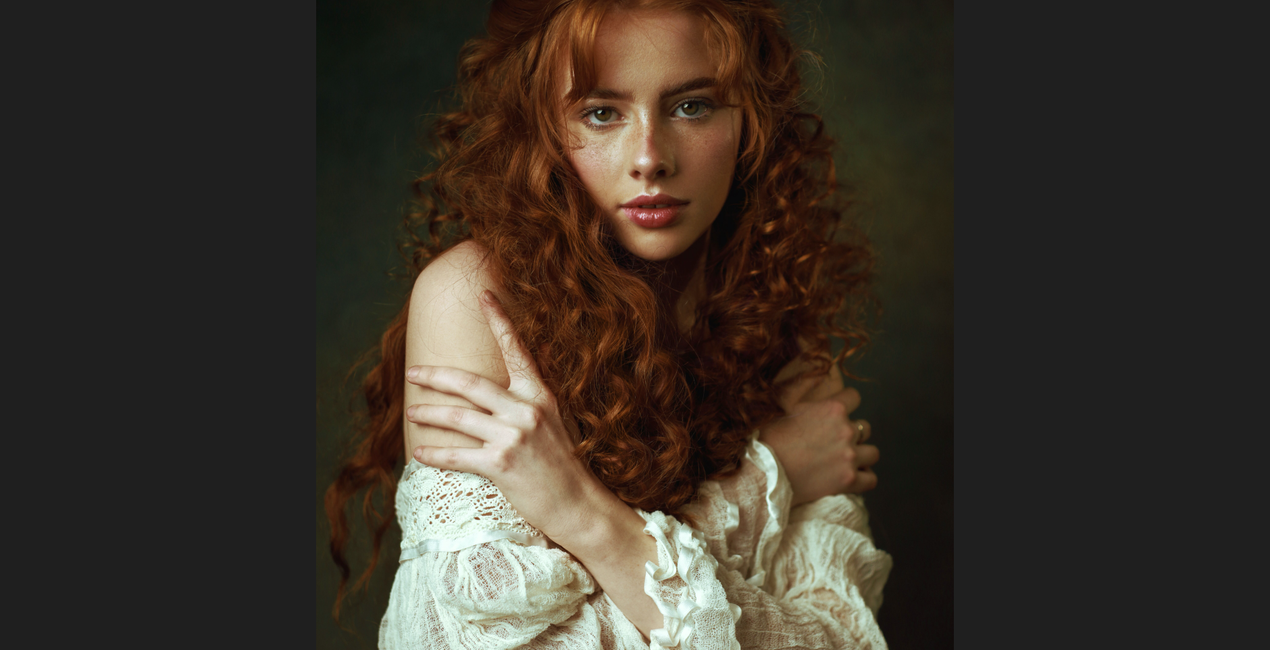
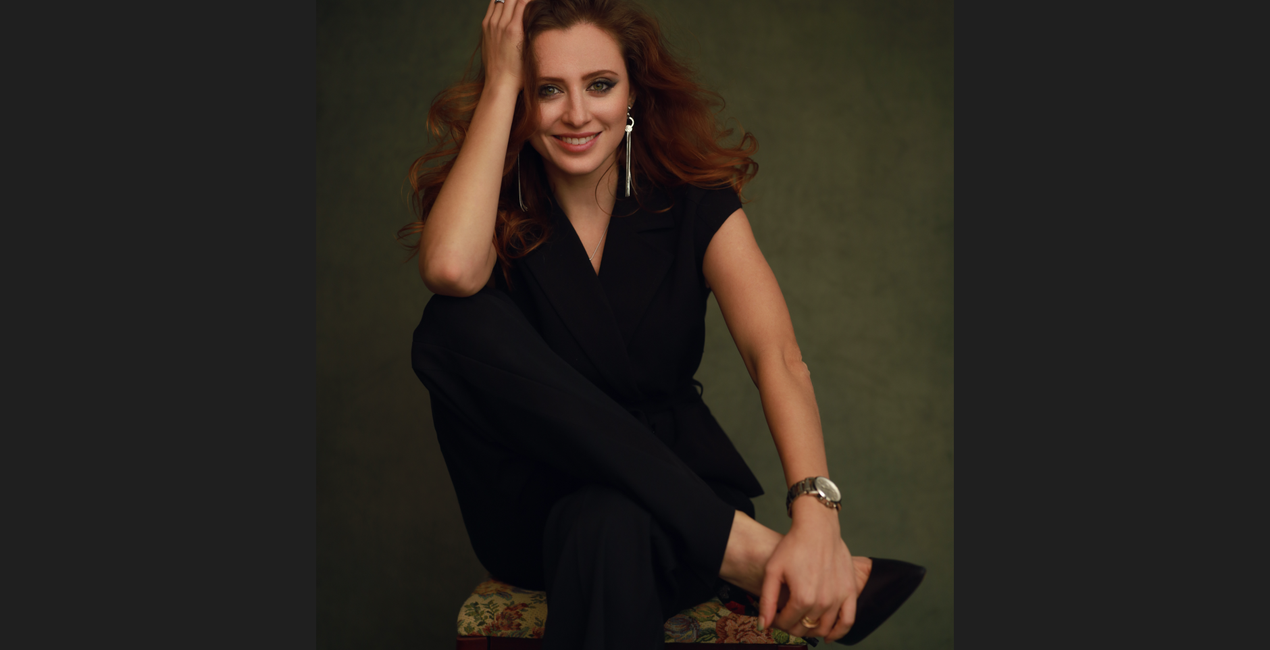
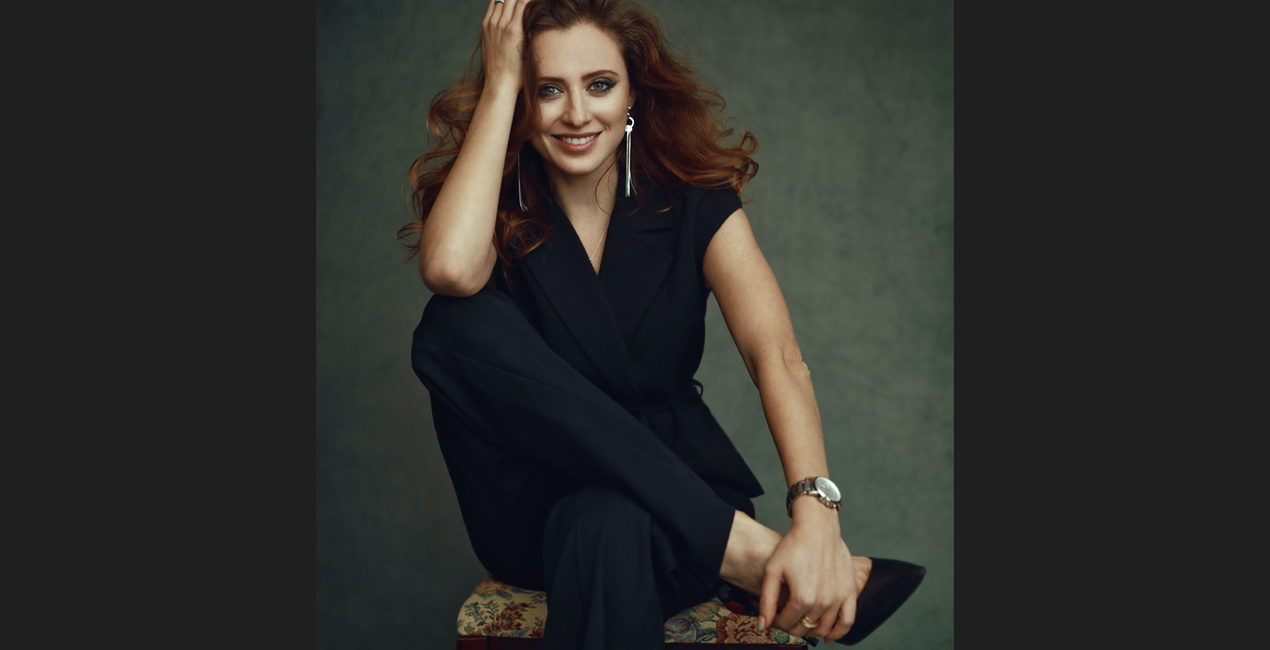
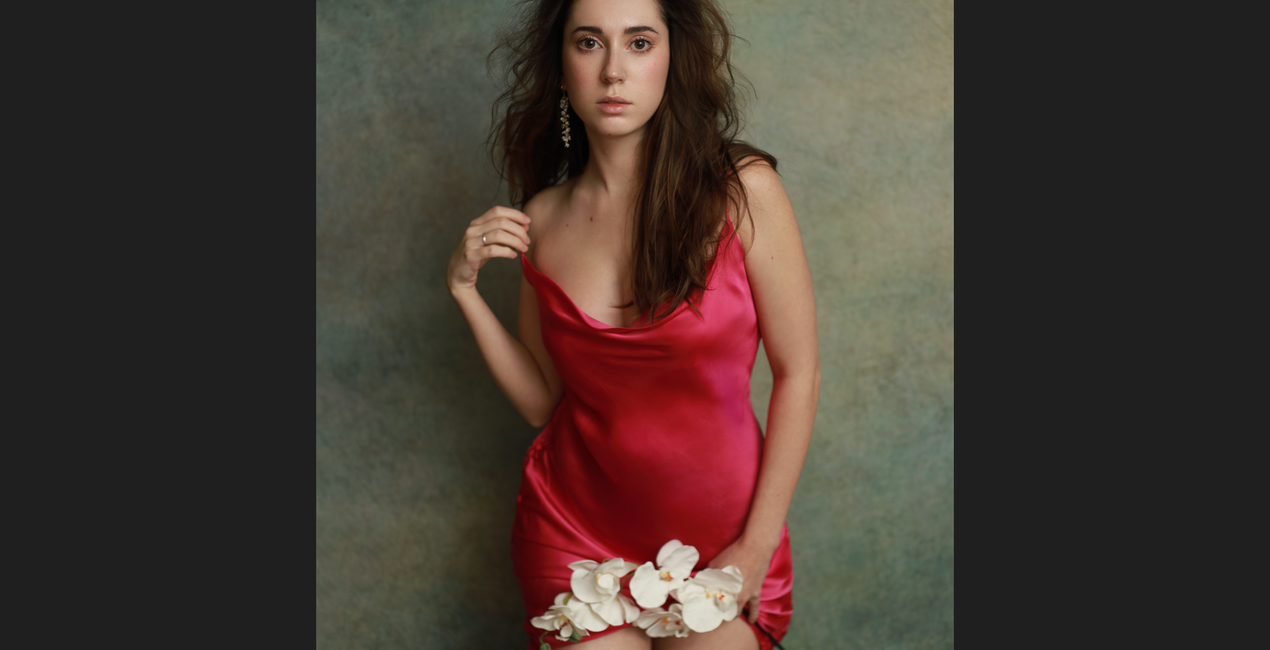
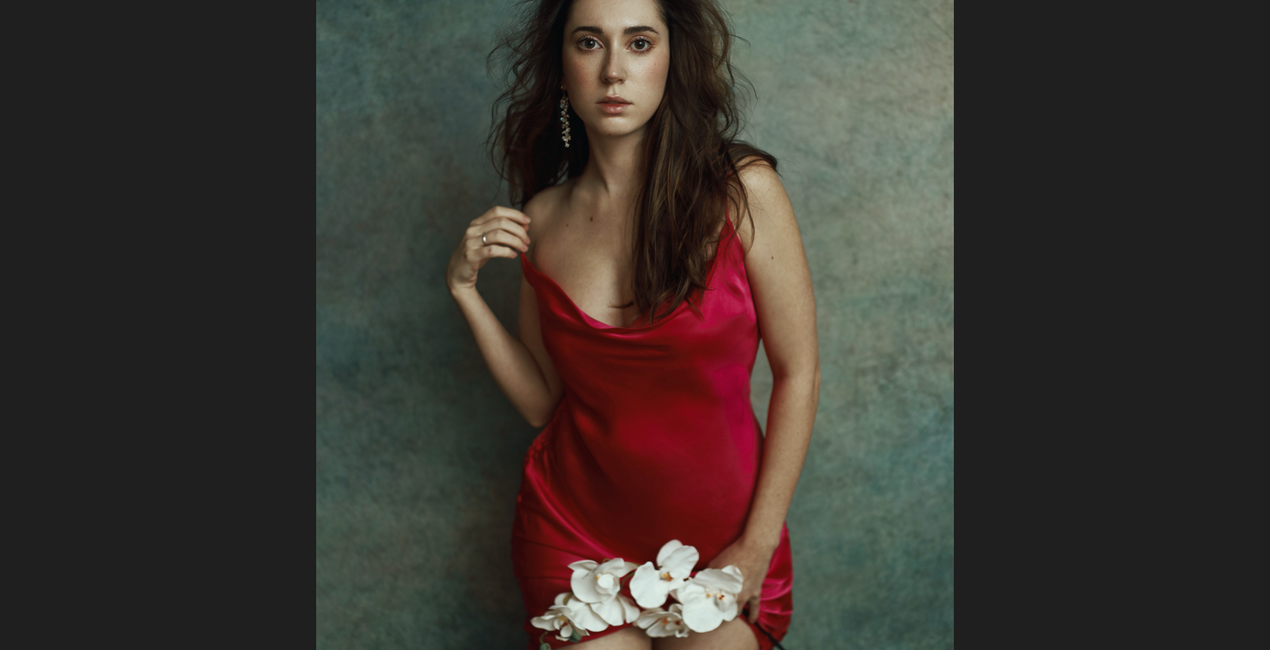
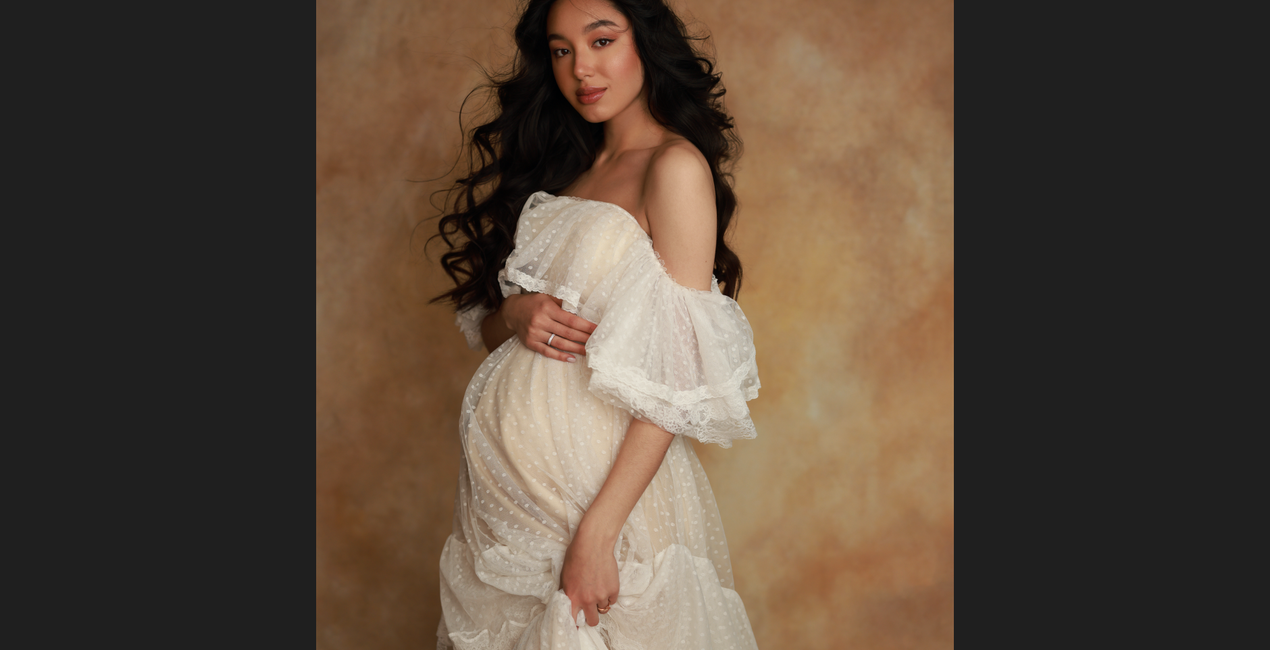
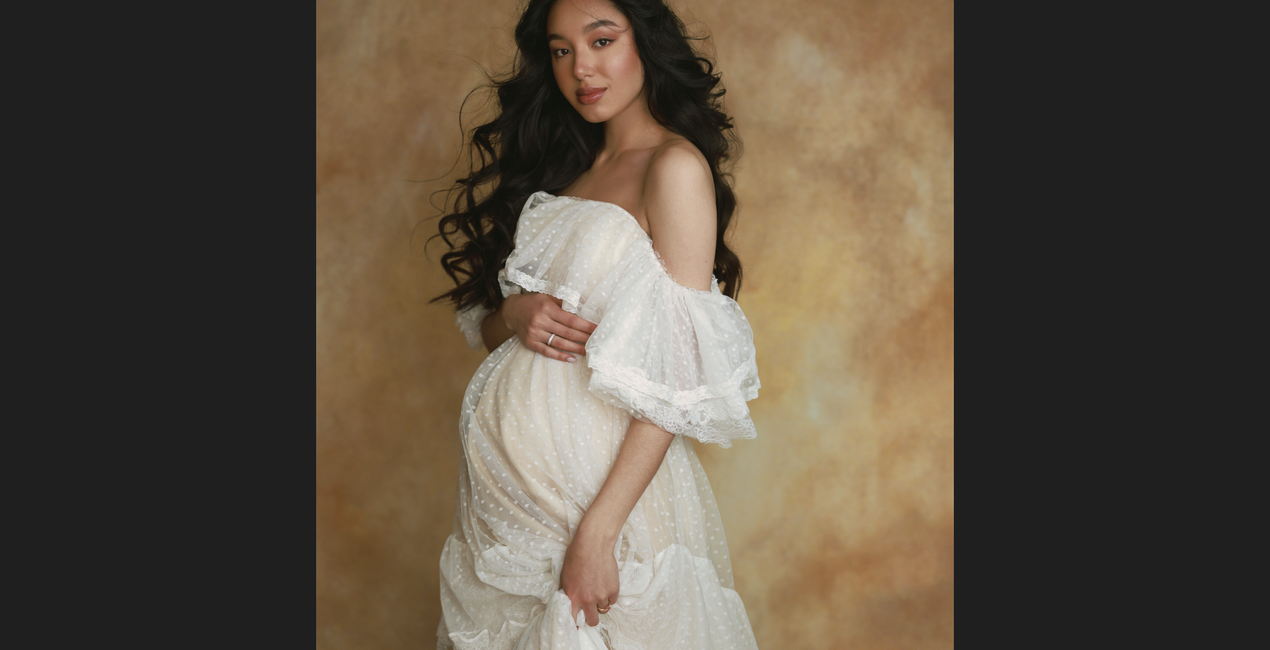
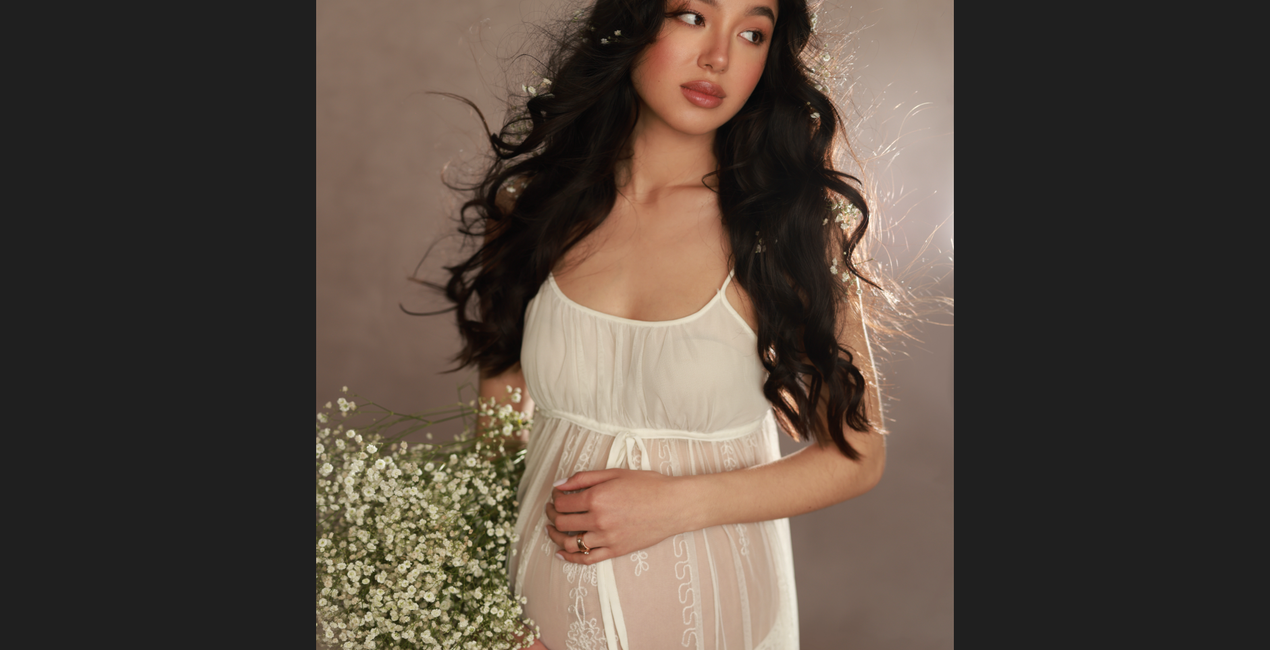
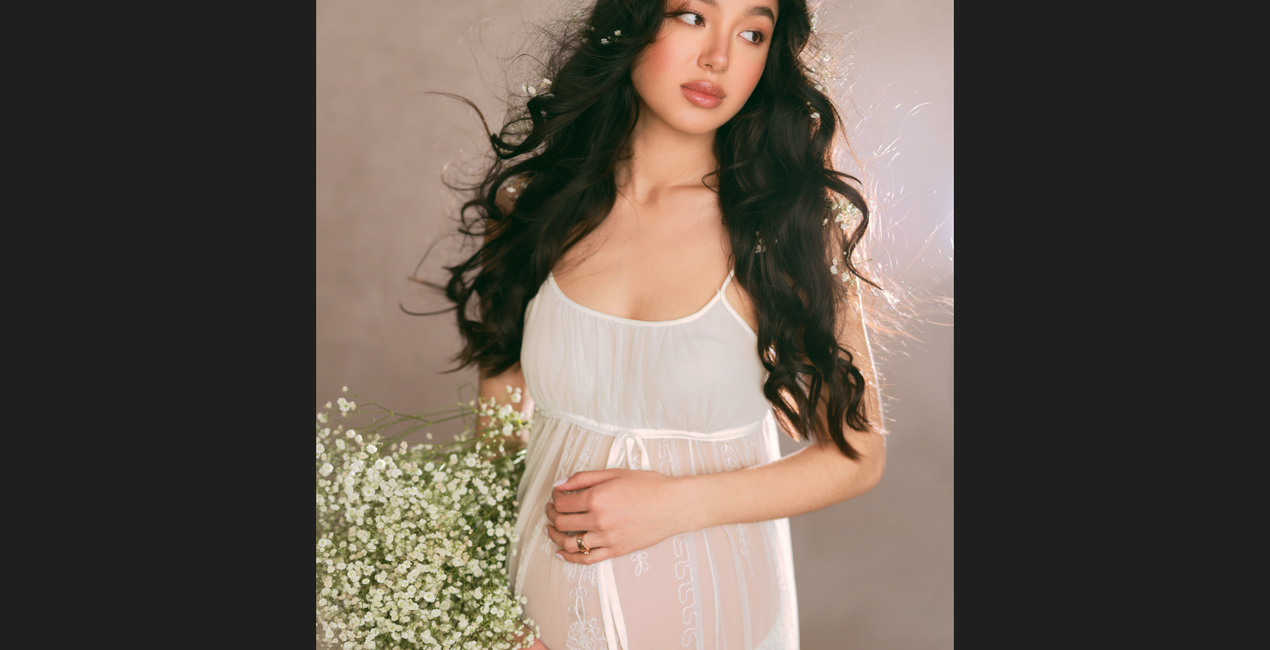
Prezentowana kolekcja zawiera 25 pełnych dramatyzmu i stonowanych szablonów zaprojektowanych przez profesjonalną fotografkę portretową i retuszerkę Irene Rudnyk. Szablony przeznaczone są do zdjęć portretowych wykonanych w studiu lub innych pomieszczeniach. Użyj szablonów, aby nadać swoim portretom różnorodny wygląd - od mocnego i żywego do stonowanego i prostego. Wszystko w zaledwie kilka kliknięć.
Zawartość zestawu
25 Templates and Presets. Compatible with JPEG and RAW images.

Korzystając z plików RAW z łatwością przećwiczysz wskazówki dotyczące retuszu i dowiesz się, jak stworzyć zdjęcia takie jak te.
 >
>
 >
>
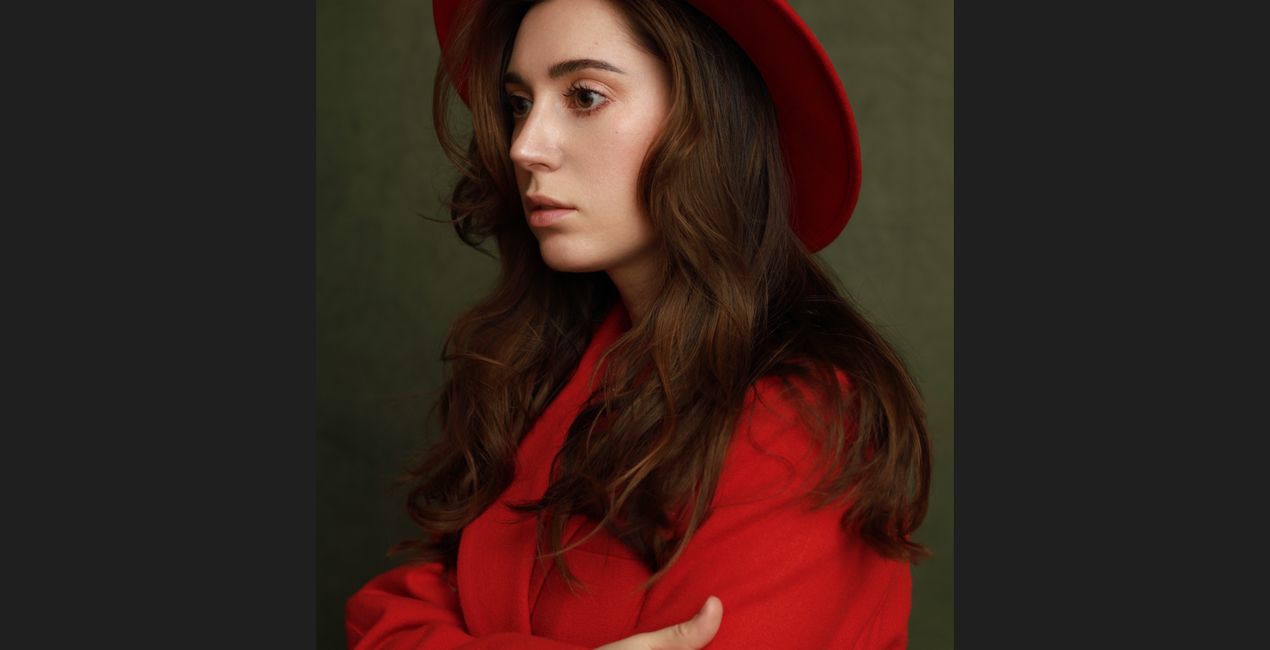
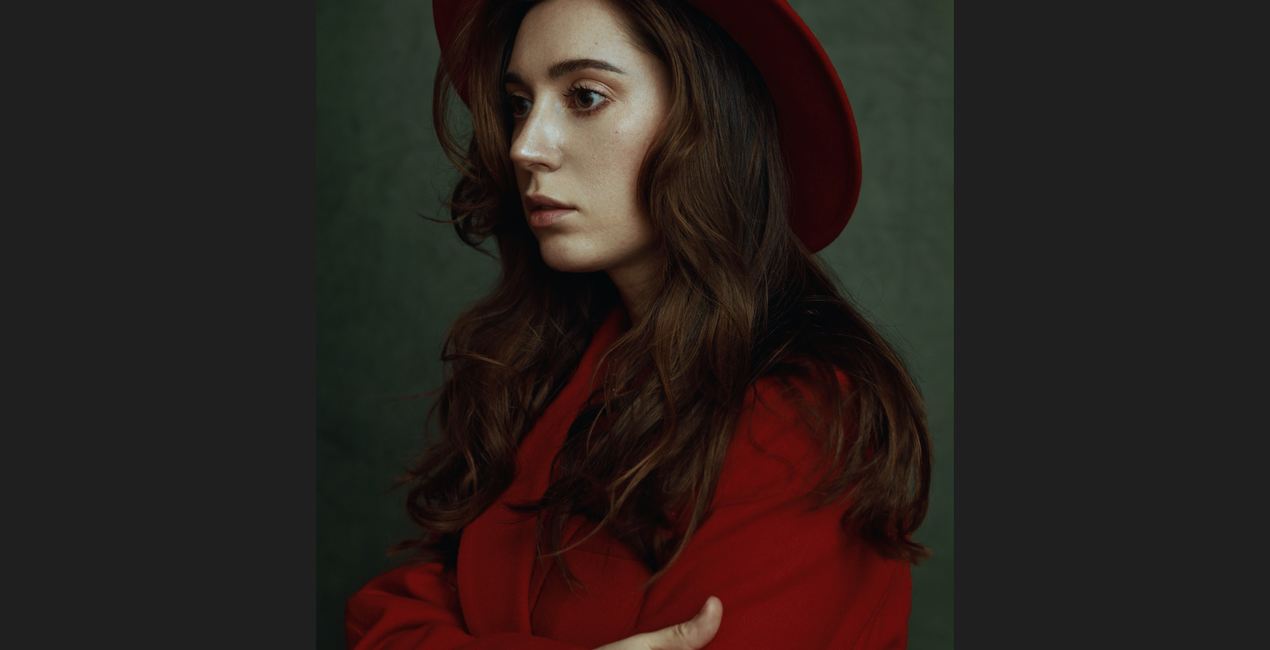 >
>
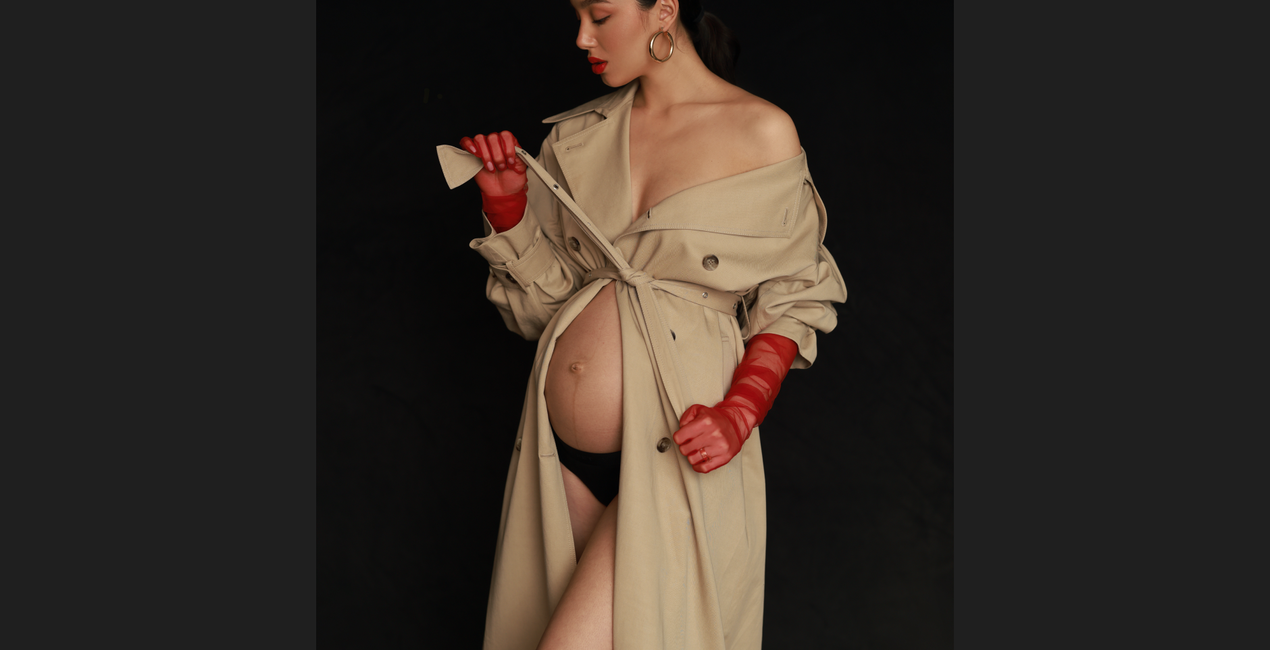
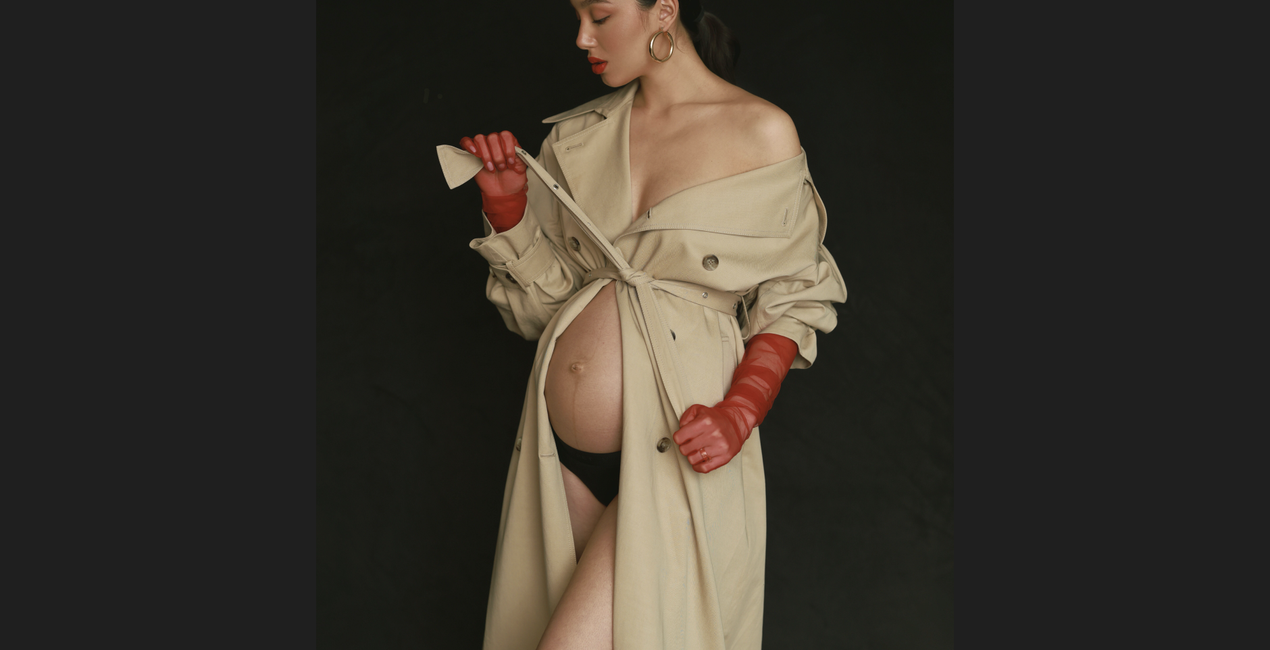 >
>
 >
>
 >
>
 >
>
 >
>
 >
>
In creating these dramatic and subdued Templates designed for both studio and indoor portraits, I was inspired by the self-portrait studio work I created during quarantine.
While experimenting with different textures and color combinations, I came up with some of my favorite Templates that I personally use in my work.
In this collection, you will find looks ranging from strong and vibrant to muted and simple.
The Template icons are labeled with colors that will help you easily identify them. I did my best to make these Templates as versatile as possible, but you might need to play around with the white balance to get the best outcome.
These Templates were designed and will work best in the JPG file format. You can find a detailed tutorial on how to use them on my YouTube channel.
Professional Portrait Photographer, YouTube Creator
<p>Irene Rudnyk is a portrait photographer, educator, content creator, and Canon Canada Ambassador residing in Calgary, Canada.</p><p>Irene first picked up a camera around 11 years ago and started regularly photographing her main subject — her sister Orysia. Since then, she has been captivated and inspired by feminine beauty. Irene tries to capture the woman in front of the camera in a creative, romantic manner. She doesn’t strive for realism, but rather a visually pleasing and feminine version of the finished product. While the subject is always the focus of her images, Irene puts a lot of thought into the environment and details of a photo. She likes to have full creative control over the photoshoot, so she often acts as a stylist or creative director and sometimes assumes the role of makeup and hair artist.</p><p>Irene started her own YouTube channel as a place to share creative projects and help other photographers with tutorials, behind-the-scenes views, and DIY videos. She has never considered herself an overly technical photographer, and she loves to show how she achieves her images with simple techniques, simple setups, and natural light. Irene shares her art with subscribers in the hopes of inspiring others and spreading some beauty into the world.</p>
Jeśli masz jakiekolwiek pytania dotyczące produktu, możesz skontaktować się z zespołem pomocy technicznej dostępnym 24 godziny na dobę, 7 dni w tygodniu. Wystarczy kliknąć ten link.
Aby kupić Studio Portraits, wykonaj następujące kroki:
1. Otwórz Marketplace Skylum.
2. Przejdź do odpowiedniej zakładki, w której znajduje się Studio Portraits. Kliknij na nim i dodaj produkt do koszyka.
3. Przejdź do koszyka. Tutaj zakończ proces zakupu produktu Studio Portraits.
4. Po dokonaniu zakupu otrzymasz wiadomość e-mail z linkiem do pobrania Studio Portraits. Nowy produkt znajdziesz również na swoim koncie Skylum, w zakładce Moje dodatki.
Szczegółowe instrukcje dotyczące instalacji Studio Portraits zostaną przesłane w wiadomości e-mail wraz z linkiem do pobrania
Ponadto zakupiony produkt można zainstalować bezpośrednio w programie Luminar Neo: przejdź do menu Dodatki > Marketplace, wybierz kategorię produktu, znajdź zakupiony produkt i kliknij Zainstaluj.
To całkiem proste! Przejdź do zakładki Presety, a następnie wybierz opcję Zakupione. Zainstalowane presety będą się znajdować w tym miejscu.
Nie martw się. Wszystkie zakupione produkty, w tym Studio Portraits, są przechowywane w zakładce „Moje dodatki” na koncie Skylum, co umożliwia ich łatwe ponowne pobranie i użycie.
Ogólnie rzecz biorąc, większość produktów jest kompatybilna z Luminar Neo. Aby jednak upewnić się, że Studio Portraits jest kompatybilne z Twoim oprogramowaniem, przed pobraniem lub zakupem sprawdź jego specyfikację. Poszukaj sekcji „Kompatybilność” po prawej stronie strony Studio Portraits, gdzie wymienione są wszystkie kompatybilne produkty.
Nie wychodź jeszcze. Mamy dla Ciebie ekskluzywny kod rabatowy. Wykorzystaj go w ciągu najbliższych 15 minut, aby uzyskać dodatkowe 10% zniżki przy finalizacji zamówienia. Skopiuj poniższy kod i sfinalizuj zakup.
15 m : 00 s





