


 Zastosowany


Creative Skies
Save $201 $ 19 .00 $ 29 .00

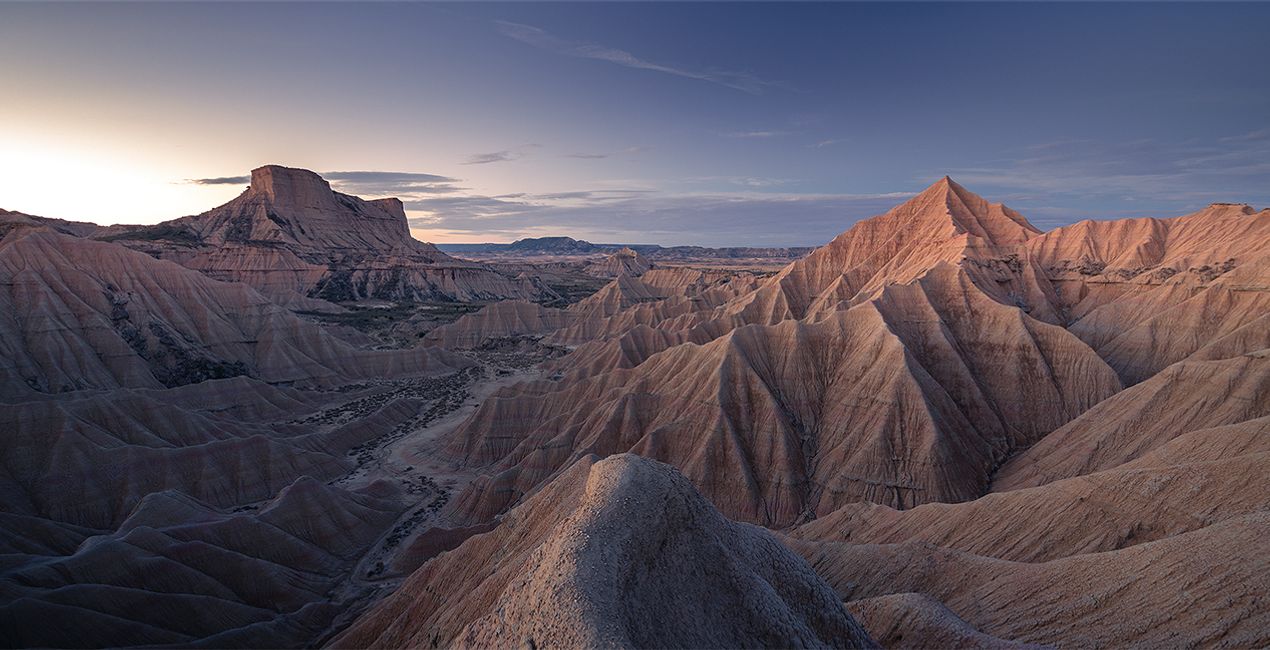
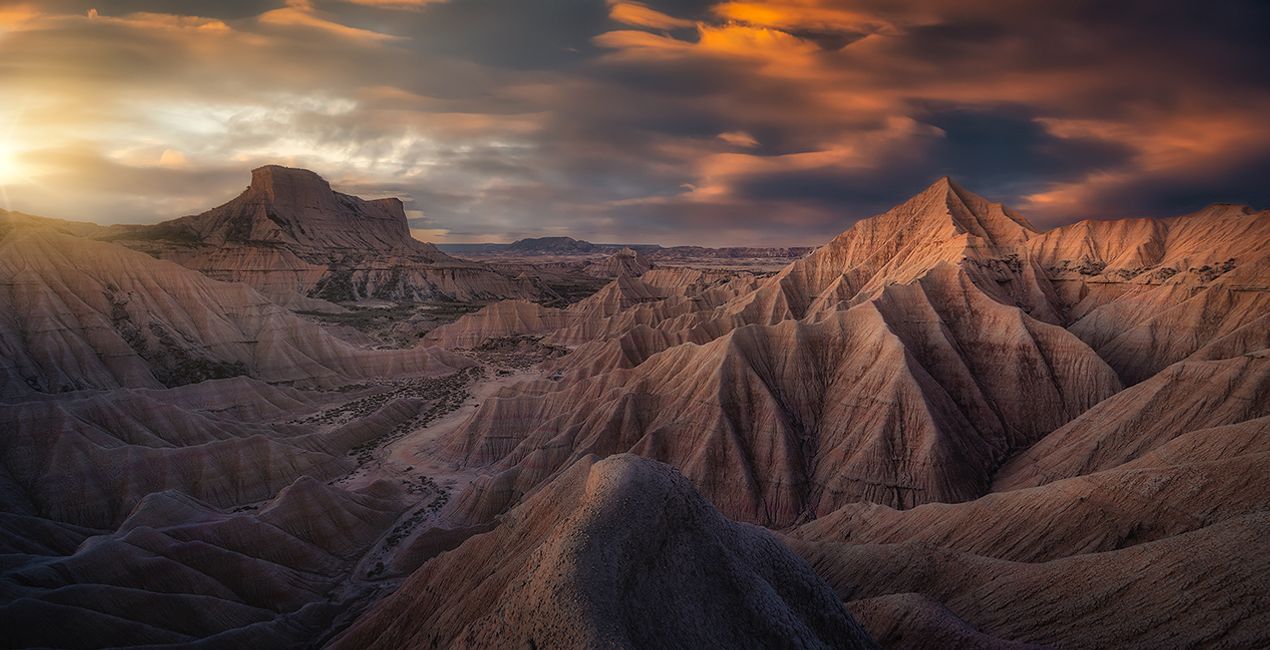
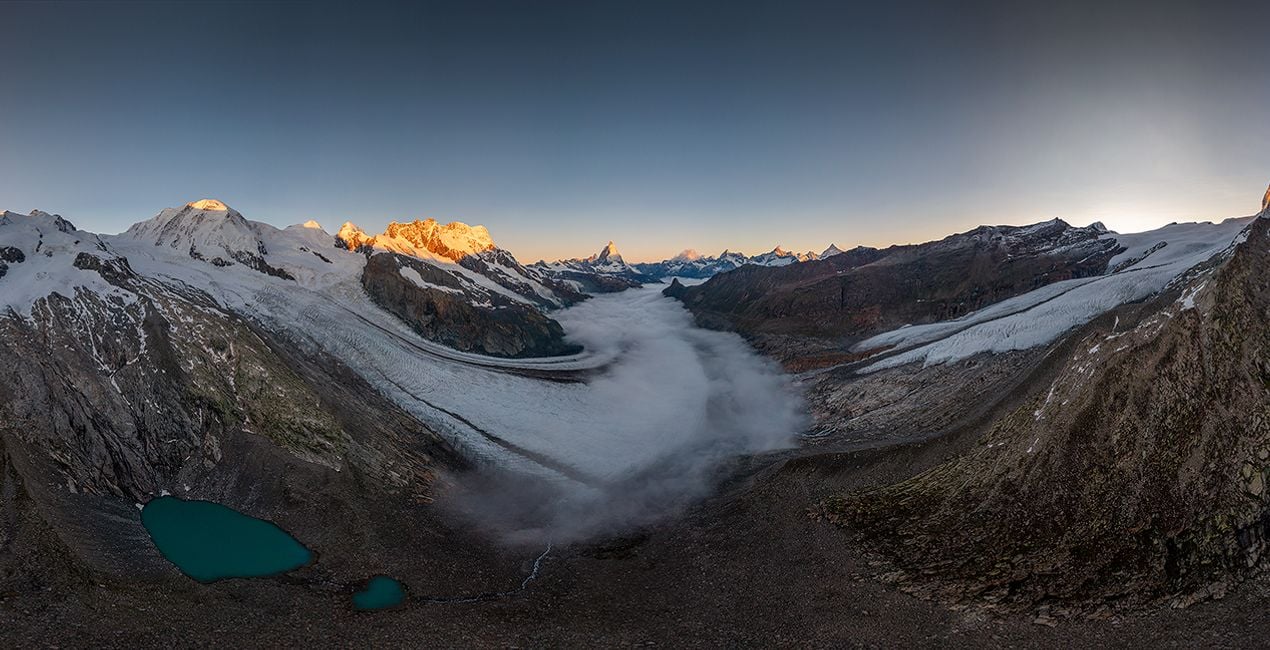
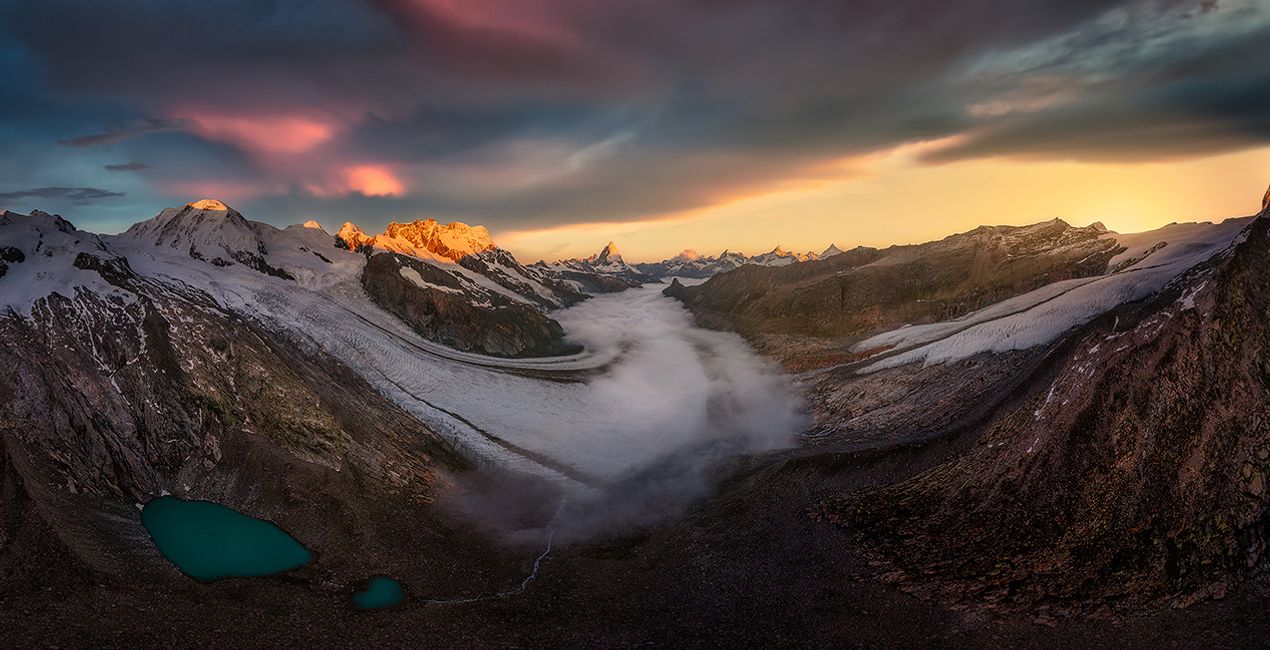
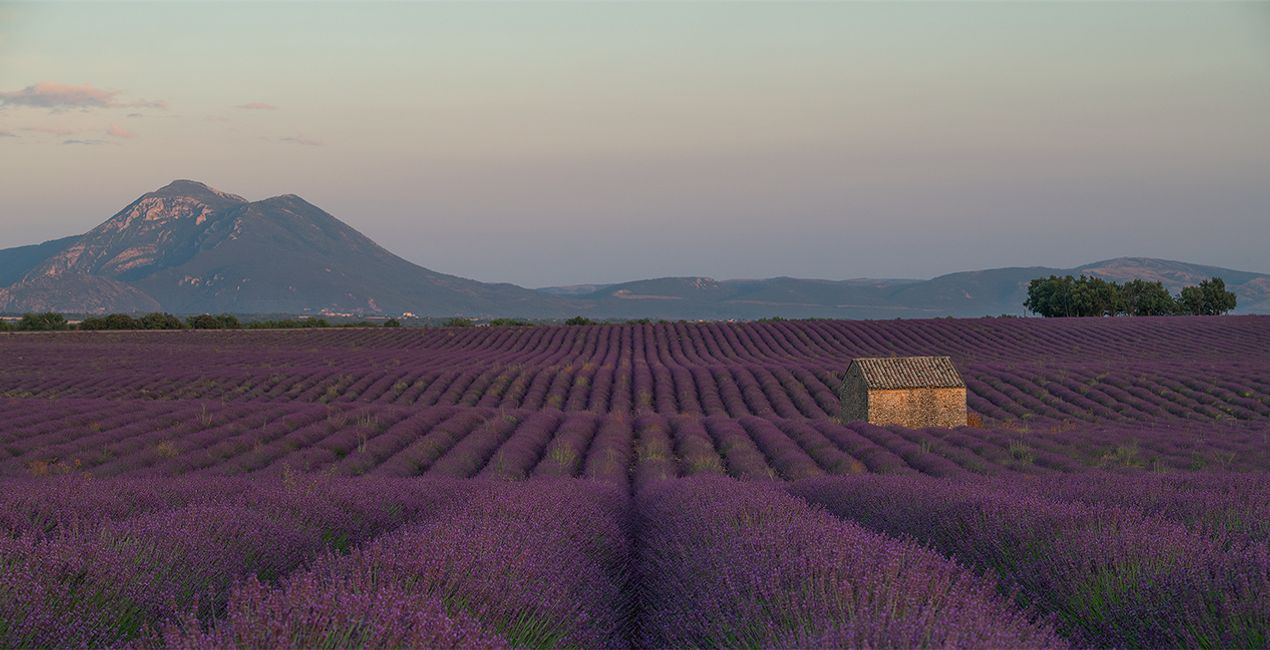
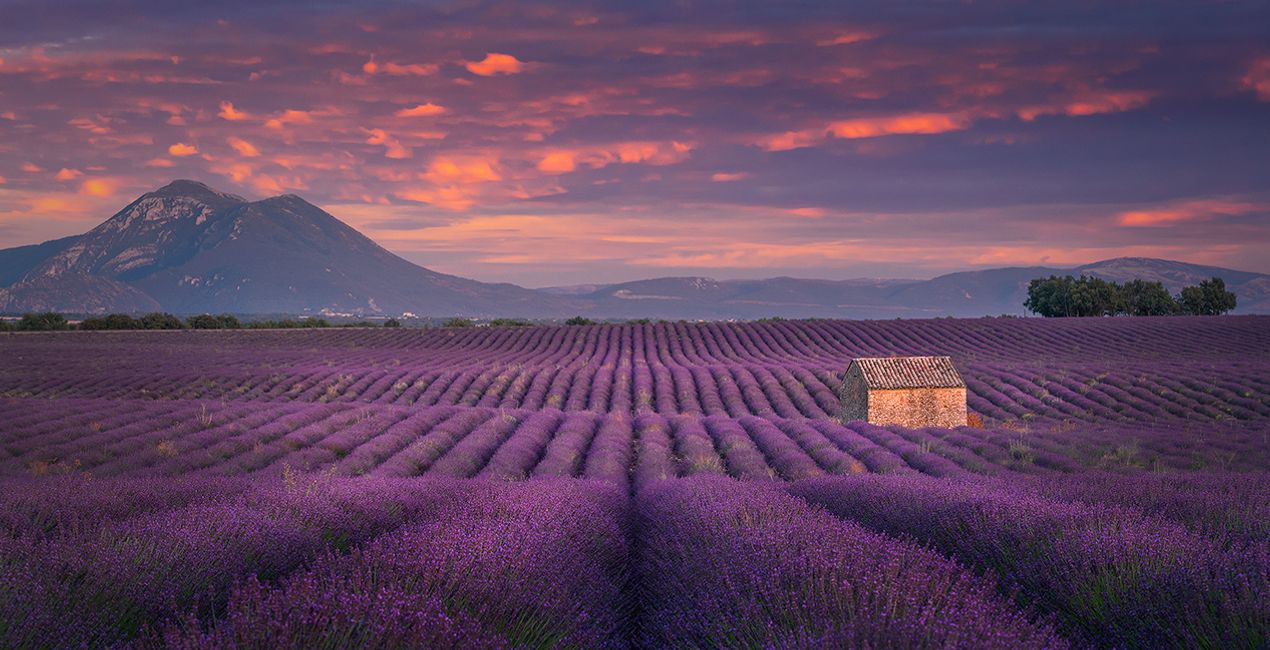
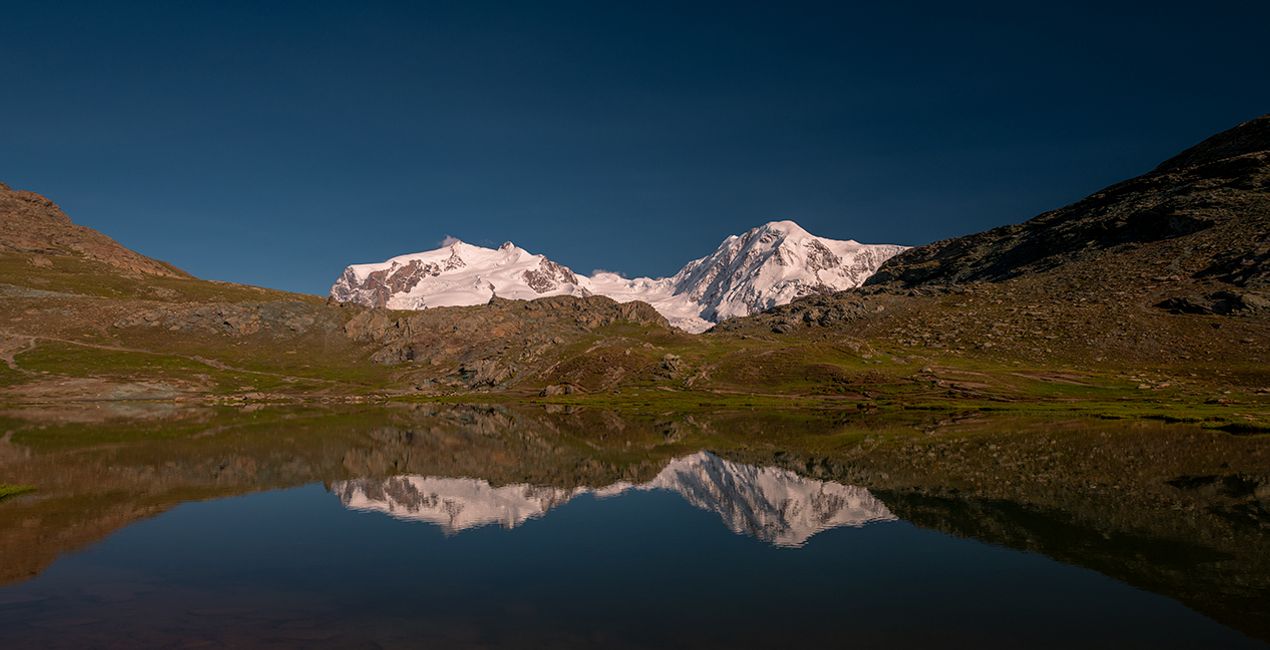
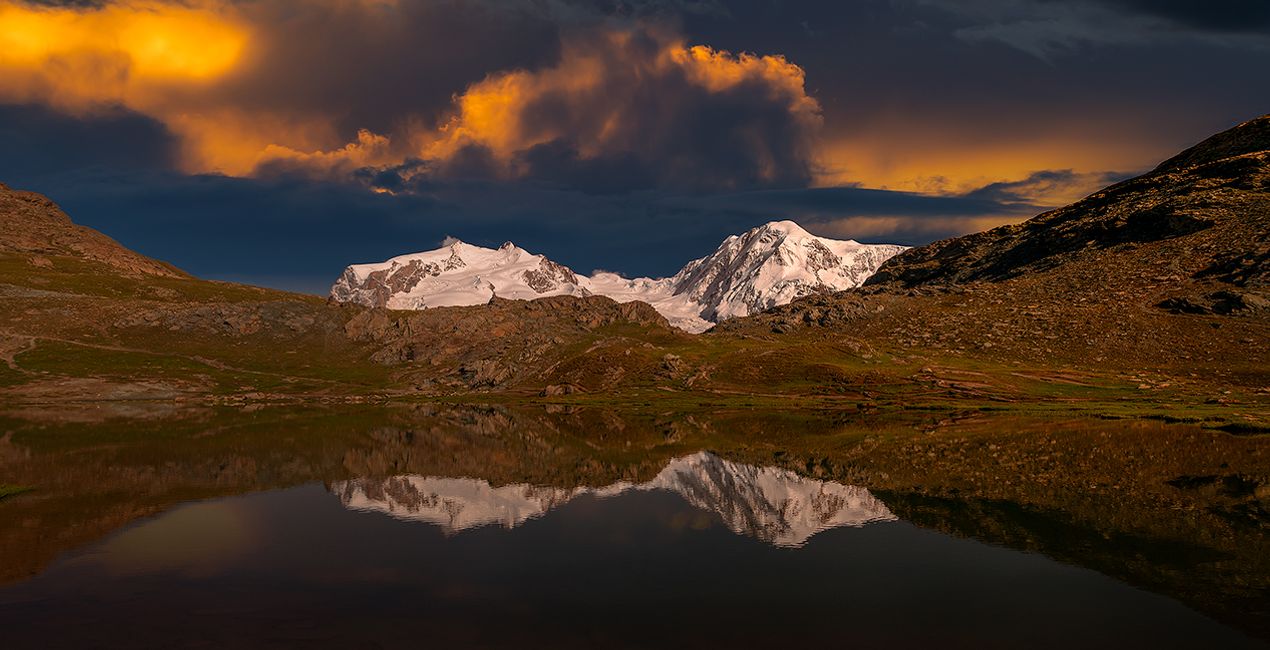
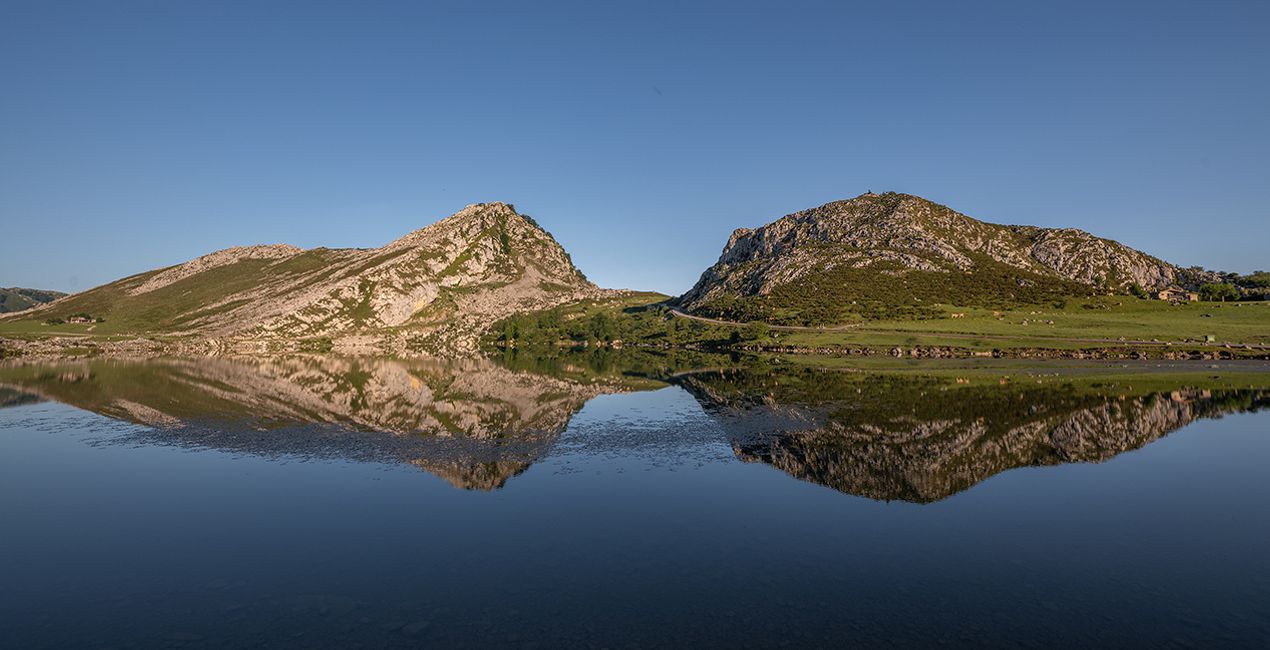
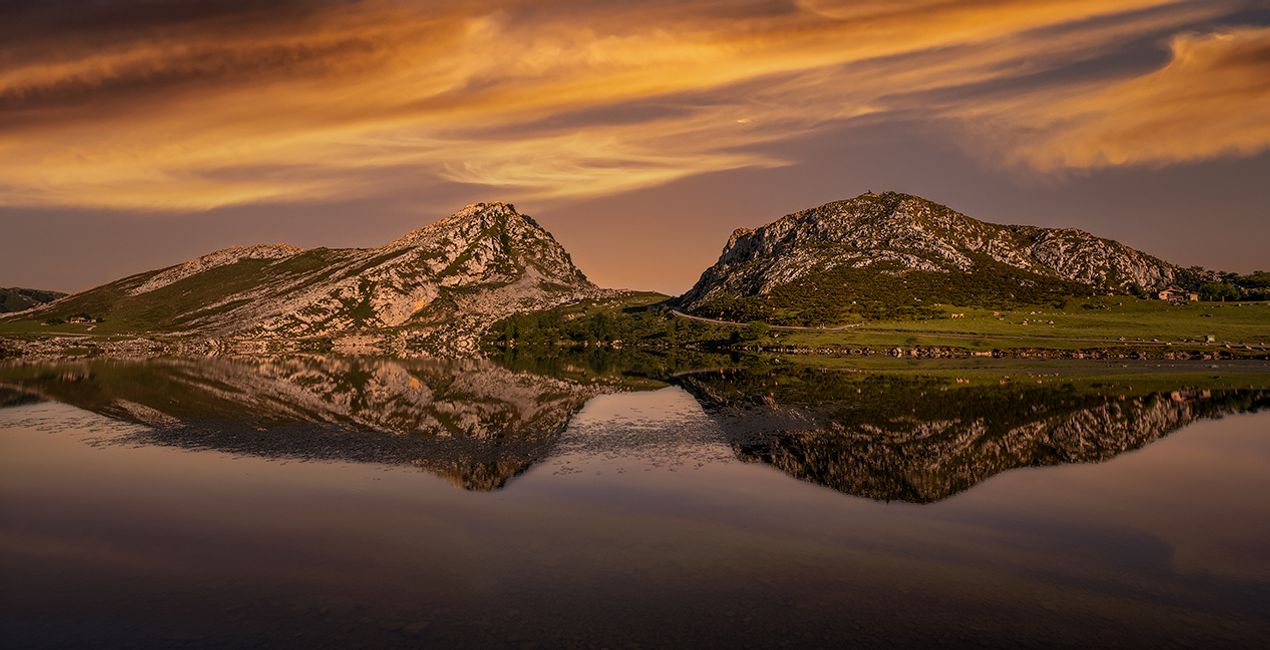
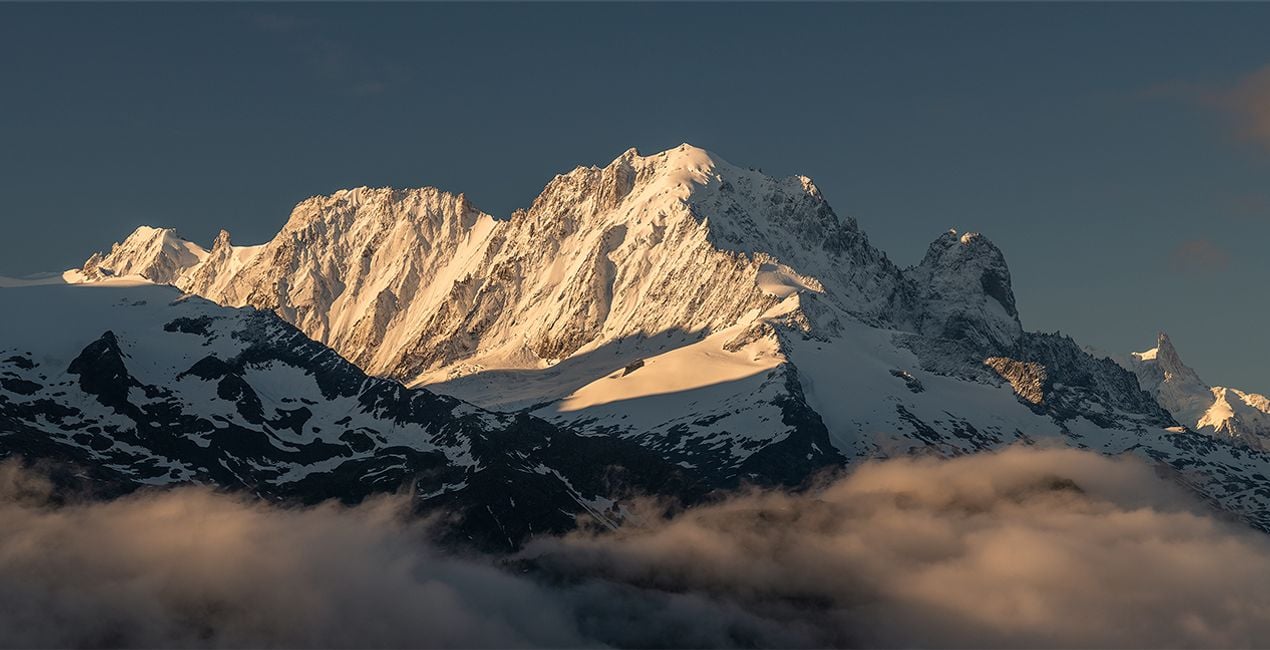
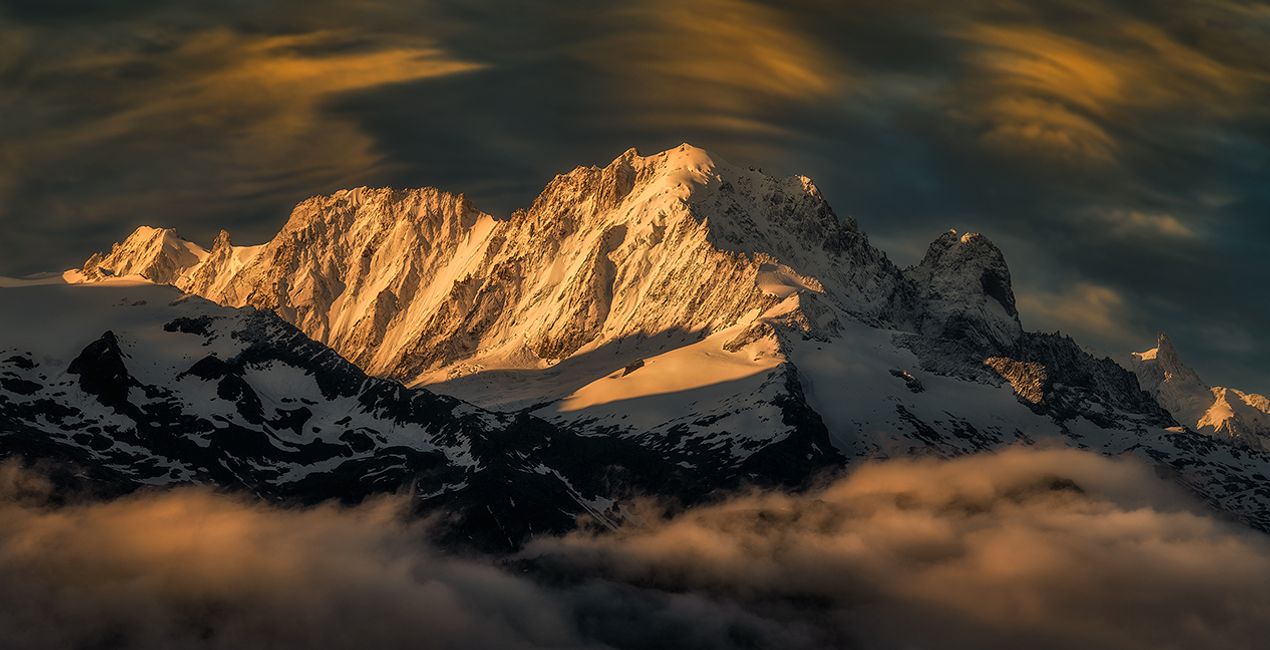
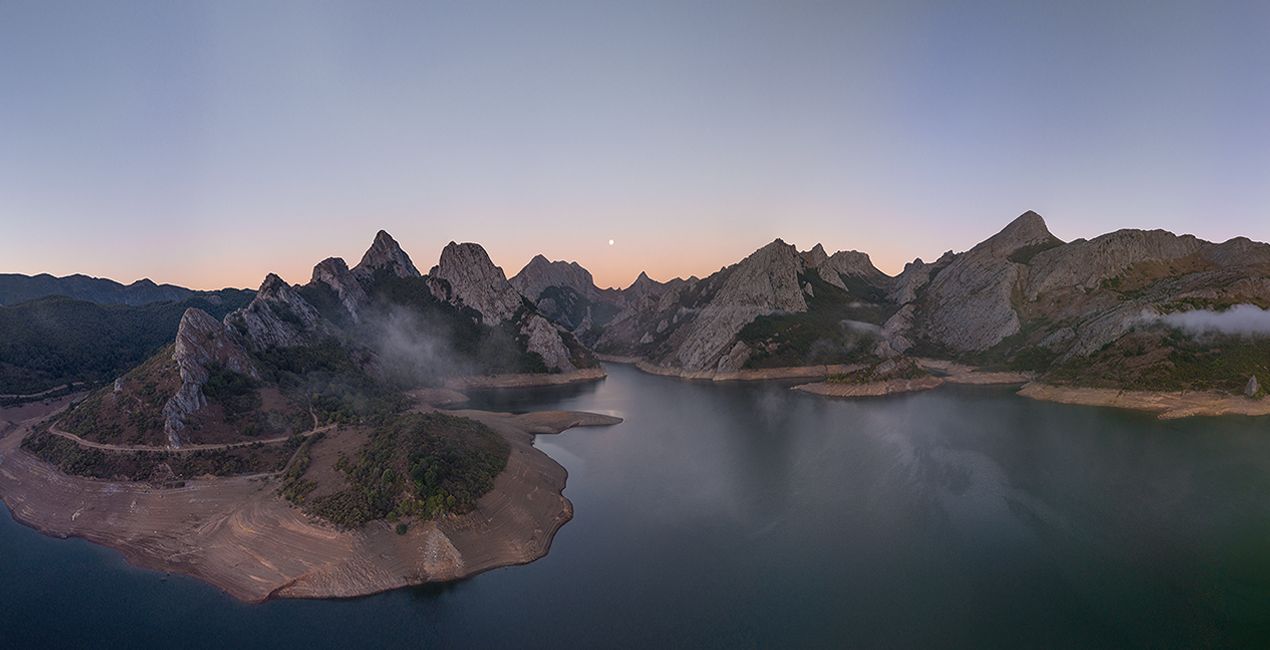
Discover these 25 high-quality JPEG Skies captured by Armand Sarlangue that will help you transform your photo into unique and creative images. Designed for landscape and aerial shots, they will also work for both wide angle scenes and telephoto lens shots.
Zawartość zestawu
25 Skies in JPEG format


Korzystając z plików RAW z łatwością przećwiczysz wskazówki dotyczące retuszu i dowiesz się, jak stworzyć zdjęcia takie jak te.
 >
>
 >
>
 >
>
 >
>
 >
>
 >
>
.jpg?w=1270&h=650&resize=cover) >
>
“My idea with this new sky pack was to offer a selection of skies that would be more than «filling content» for images with a boring sky. I wanted to propose to you the kind of skies that could inspire you to explore your imagination and unleash your creativity.
In the pack you’ll find surreal light and clouds formations captured during sunsets, sunrises, and storms. Orange, red, blue, light pits, and dramatic storm clouds… All you need to experiment with creative sky replacement in a creative way!” says Armand Sarlangue.
Creator tips:
- Choose the sky that fits the best your vision, and play with the Sky Orientation sliders to find the best display: some of these skies are almost full images, so there are a lot of possibilities within one single sky.
- Use the Relight Scene slider to fine tune the ambiance of the foreground and match perfectly the new sky.
- If you have water in your image, experiment with the Reflection sliders. The results will surprise you.
- Have fun creating!


Photographer. Skylum Ambassador.
Armand Sarlangue has been a professional photographer for 14 years. The son of a photographer, visual art has been Armand’s true passion since childhood, and it’s through nature photography that he really expresses his creativity.
Being alone in the most remote places and translating the feelings of those moments through his images is what motivates Armand. He uses advanced post-production techniques to create ambiances that match his vision of our world.
Armand’s landscape images have been internationally awarded and exhibited in the USA, Spain, Italy, and France. His work has also been published by National Geographic, GEO Magazine, Australian Photography magazine, BBC News, and many other publications.
Jeśli masz jakiekolwiek pytania dotyczące produktu, możesz skontaktować się z zespołem pomocy technicznej dostępnym 24 godziny na dobę, 7 dni w tygodniu. Wystarczy kliknąć ten link.
Aby kupić Creative Skies, wykonaj następujące kroki:
1. Otwórz Marketplace Skylum.
2. Przejdź do odpowiedniej zakładki, w której znajduje się Creative Skies. Kliknij na nim i dodaj produkt do koszyka.
3. Przejdź do koszyka. Tutaj zakończ proces zakupu produktu Creative Skies.
4. Po dokonaniu zakupu otrzymasz wiadomość e-mail z linkiem do pobrania Creative Skies. Nowy produkt znajdziesz również na swoim koncie Skylum, w zakładce Moje dodatki.
Szczegółowe instrukcje dotyczące instalacji Creative Skies zostaną przesłane w wiadomości e-mail wraz z linkiem do pobrania
Ponadto zakupiony produkt można zainstalować bezpośrednio w programie Luminar Neo: przejdź do menu Dodatki > Marketplace, wybierz kategorię produktu, znajdź zakupiony produkt i kliknij Zainstaluj.
To całkiem proste! W górnym pasku menu przejdź do zakładki Edycji. Przejdź do panelu Narzędzia i wybierz Nieboᴬᴵ > Wybór nieba > Zakupione. Zainstalowany Creative Skies będzie tam widoczny.
Nie martw się. Wszystkie zakupione produkty, w tym Creative Skies, są przechowywane w zakładce „Moje dodatki” na koncie Skylum, co umożliwia ich łatwe ponowne pobranie i użycie.
Ogólnie rzecz biorąc, większość produktów jest kompatybilna z Luminar Neo. Aby jednak upewnić się, że Creative Skies jest kompatybilne z Twoim oprogramowaniem, przed pobraniem lub zakupem sprawdź jego specyfikację. Poszukaj sekcji „Kompatybilność” po prawej stronie strony Creative Skies, gdzie wymienione są wszystkie kompatybilne produkty.
Nie wychodź jeszcze. Mamy dla Ciebie ekskluzywny kod rabatowy. Wykorzystaj go w ciągu najbliższych 15 minut, aby uzyskać dodatkowe 10% zniżki przy finalizacji zamówienia. Skopiuj poniższy kod i sfinalizuj zakup.
15 m : 00 s





