


 Appliqué


Ciels créatifs
Save $201 $ 19 .00 $ 29 .00

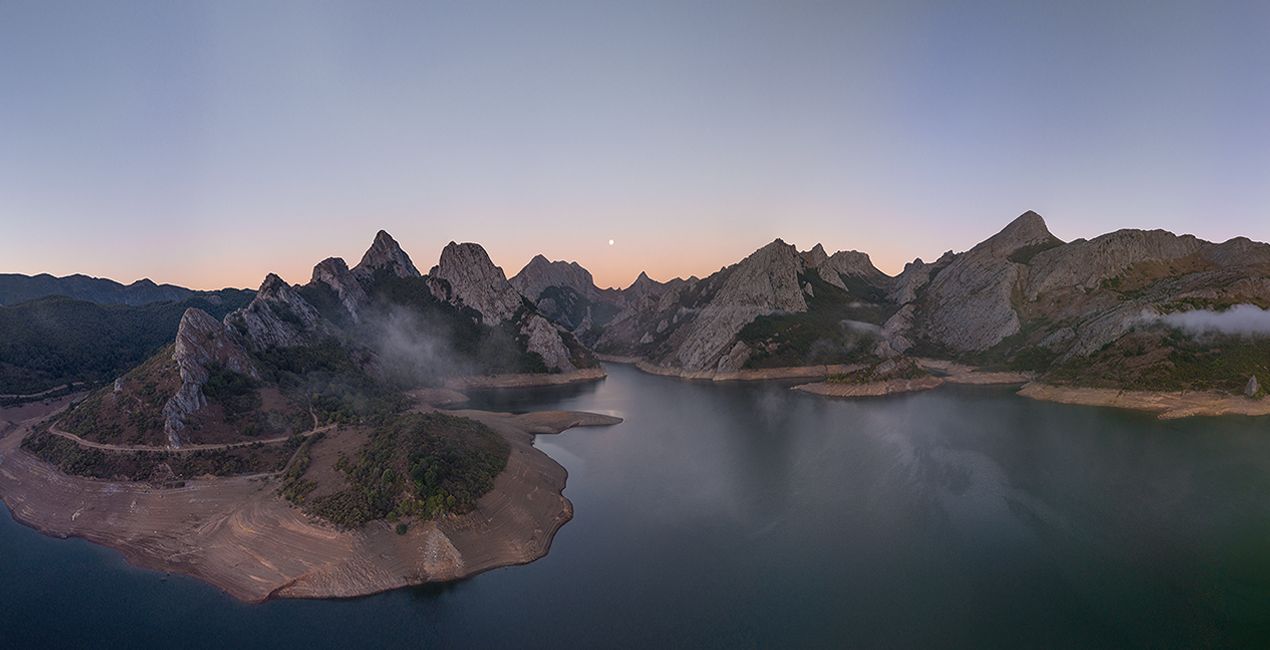
Découvrez ces 25 ciels JPEG de haute qualité capturés par Armand Sarlangue pour vous aider à transformer vos photos en images uniques et créatives. Conçus pour les paysages et les prises de vue aériennes, ils conviendront également aux scènes grand angle et aux prises de vue au téléobjectif.
Inclus
25 Ciels au format JPEG


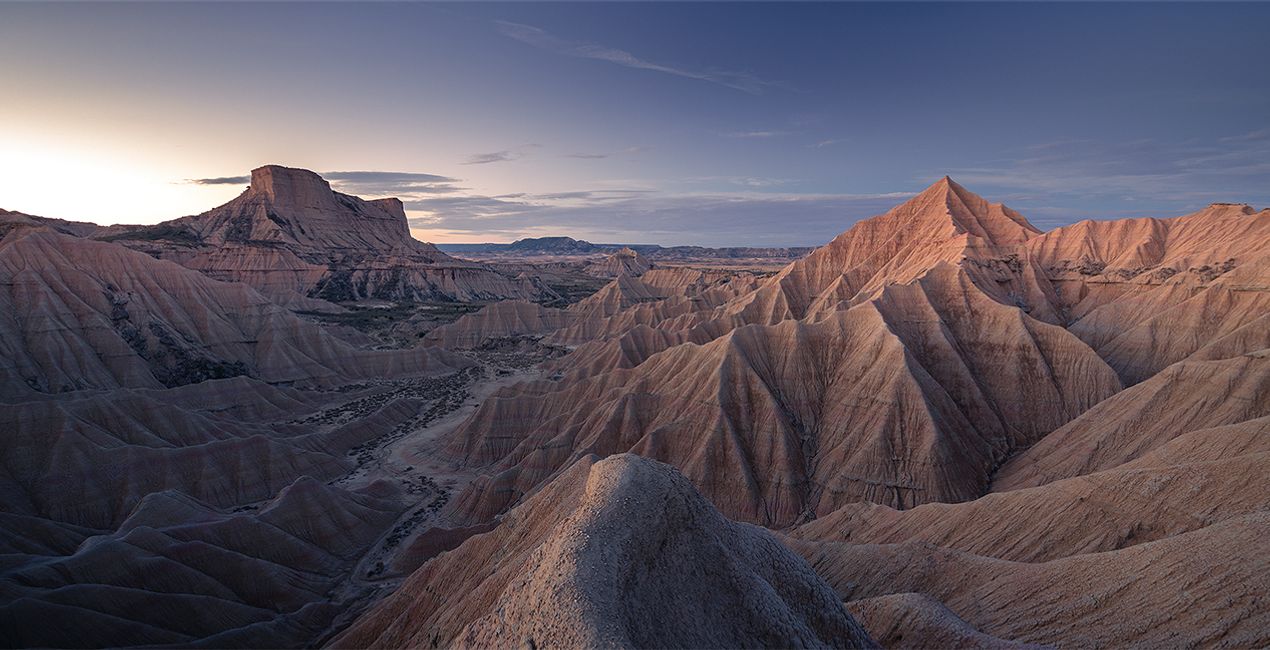
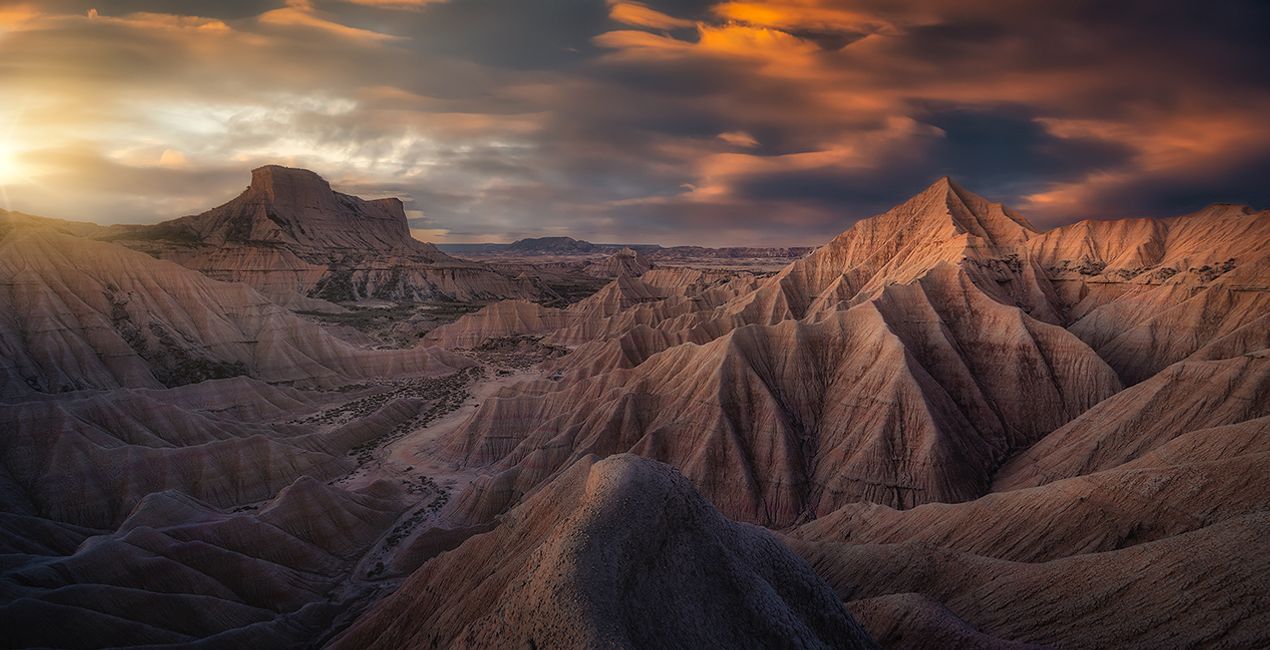
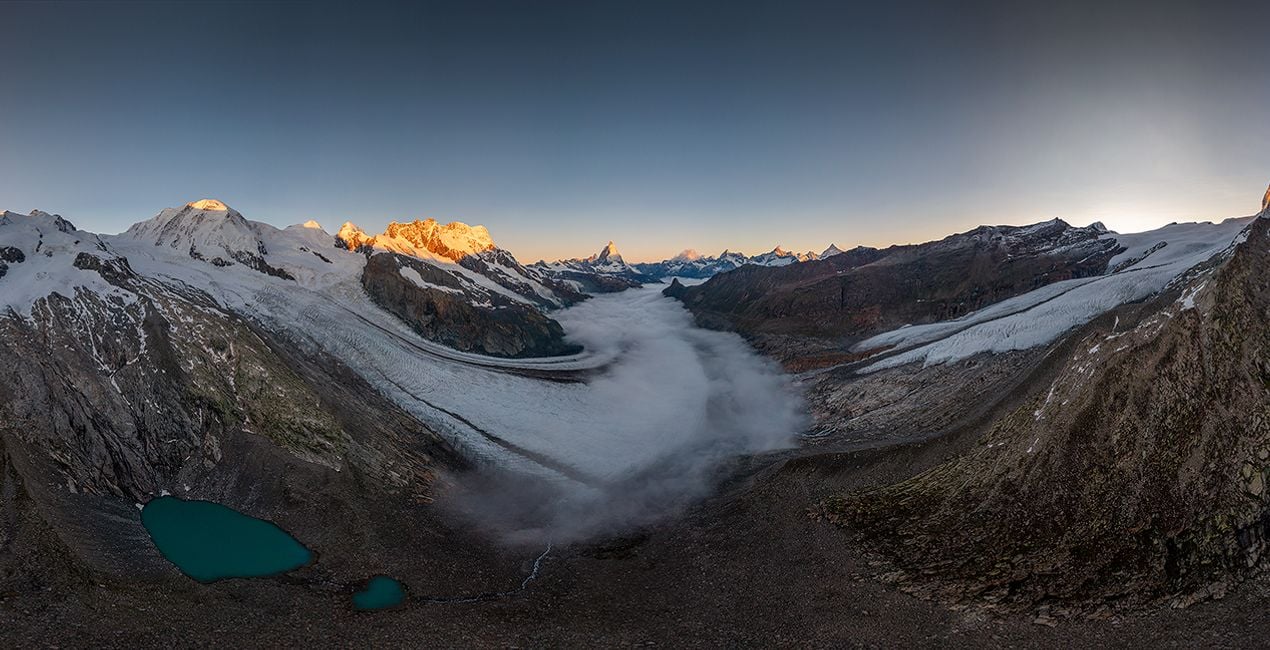
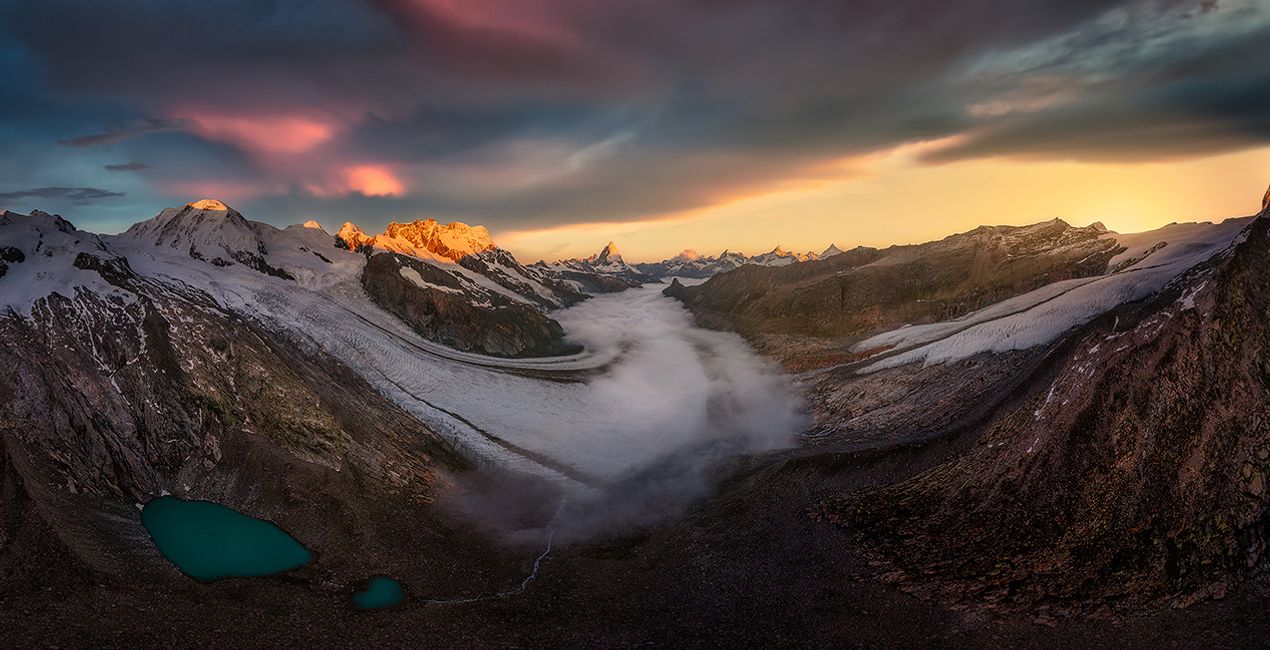
À l'aide des fichiers RAW fournis, vous pourrez facilement appliquer les conseils en matière de retouche et découvrir comment obtenir des photos comme celles-ci.
 >
>
 >
>
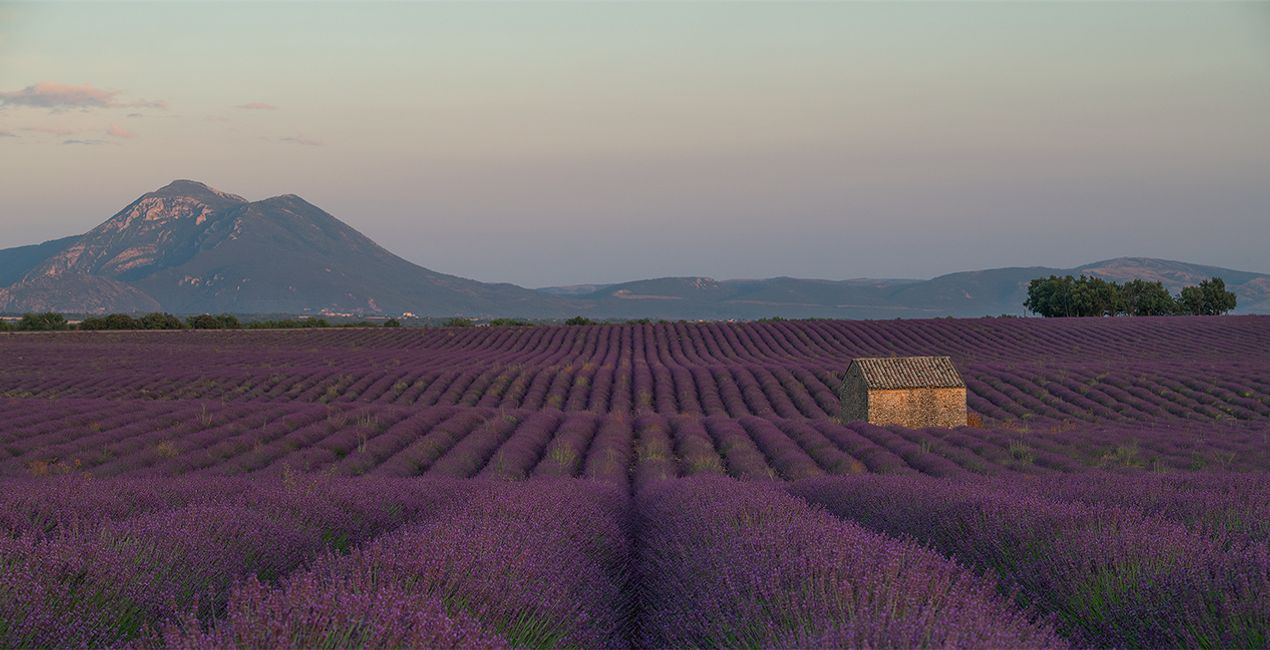
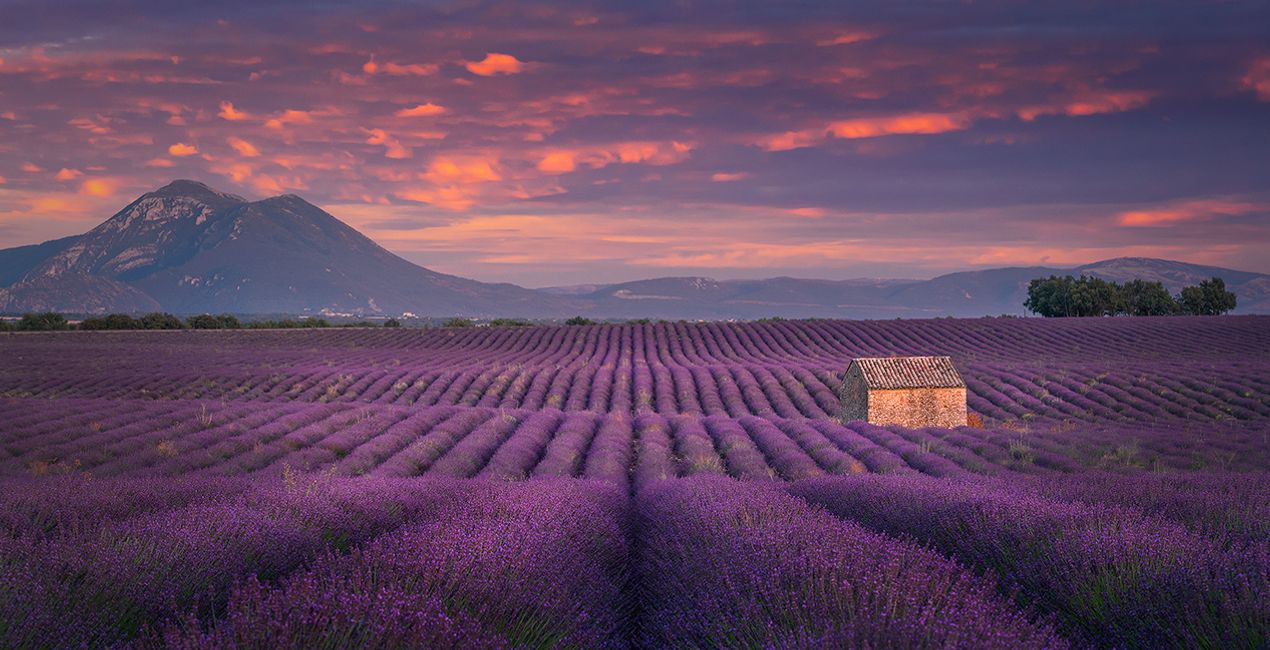 >
>
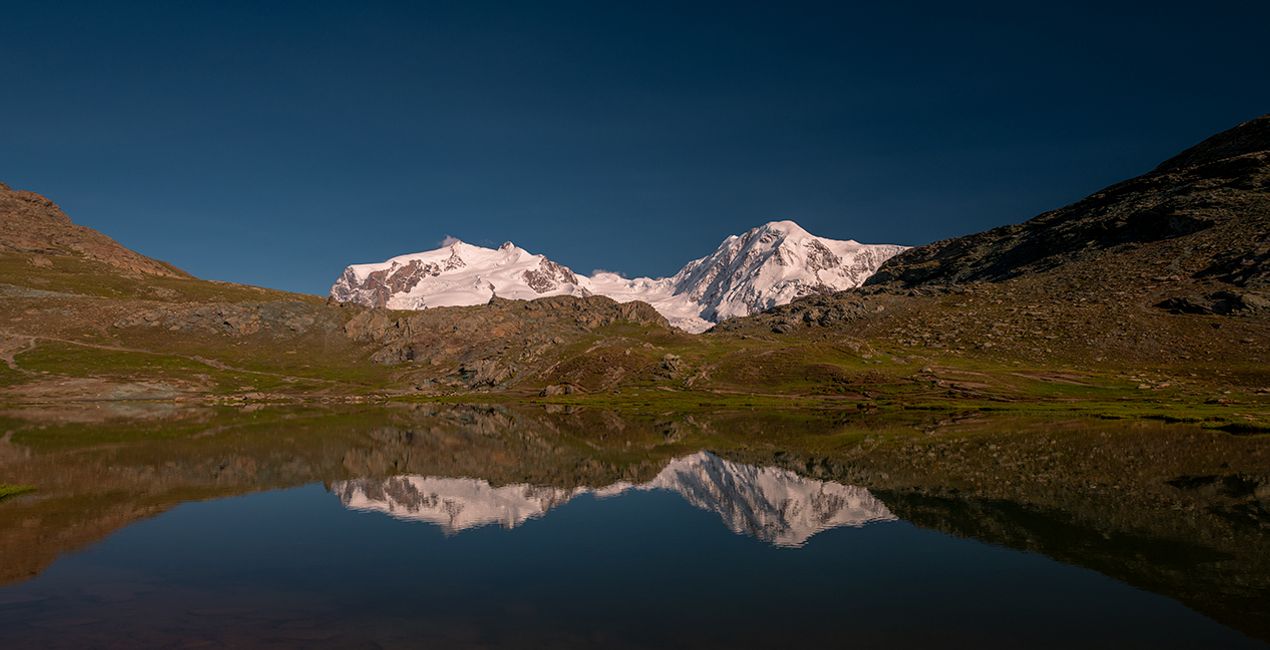
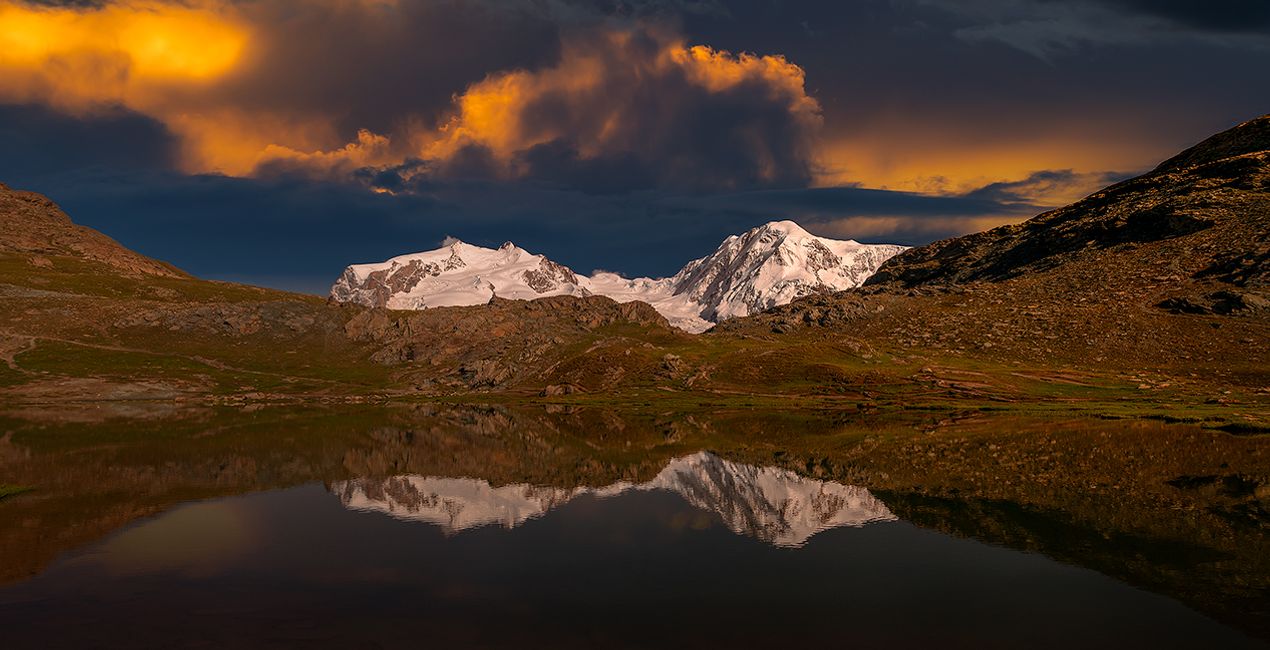 >
>
 >
>
 >
>
.jpg?w=1270&h=650&resize=cover) >
>
"Avec ce nouveau pack de ciel, je voulais proposer une sélection de ciels qui seraient plus qu'un "contenu de remplissage" pour les images avec un ciel ennuyeux. Je voulais vous proposer le genre de ciel qui pourrait vous inspirer à explorer votre imagination et à libérer votre créativité.
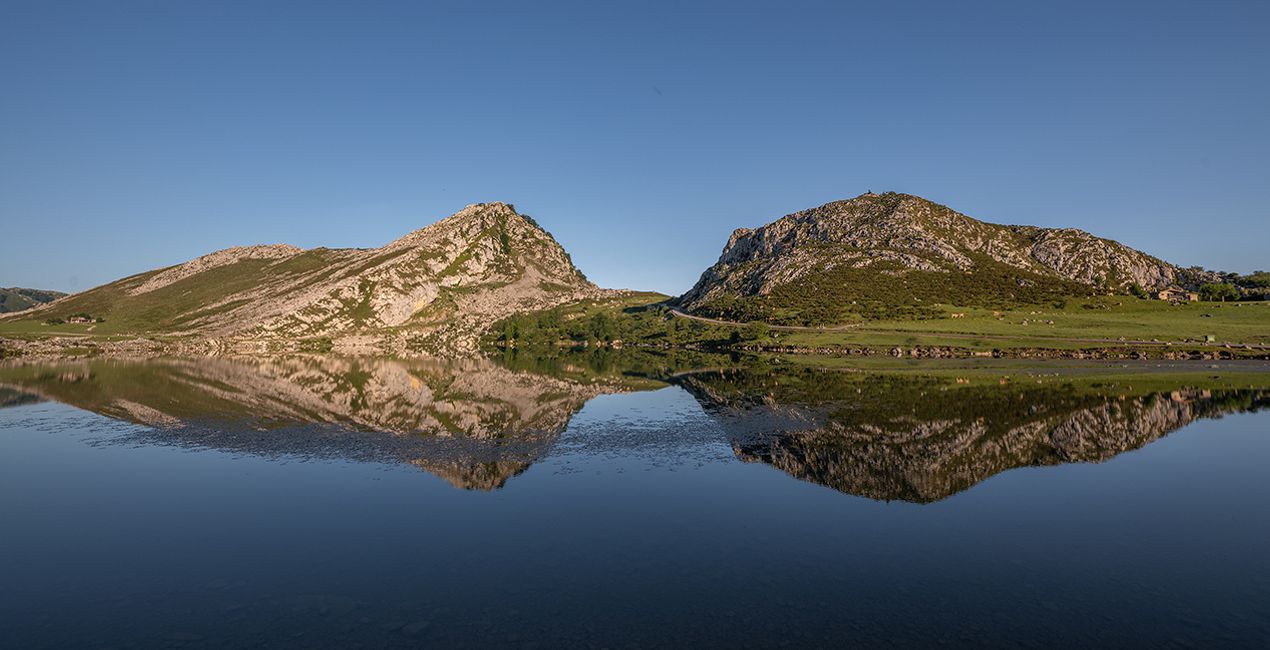
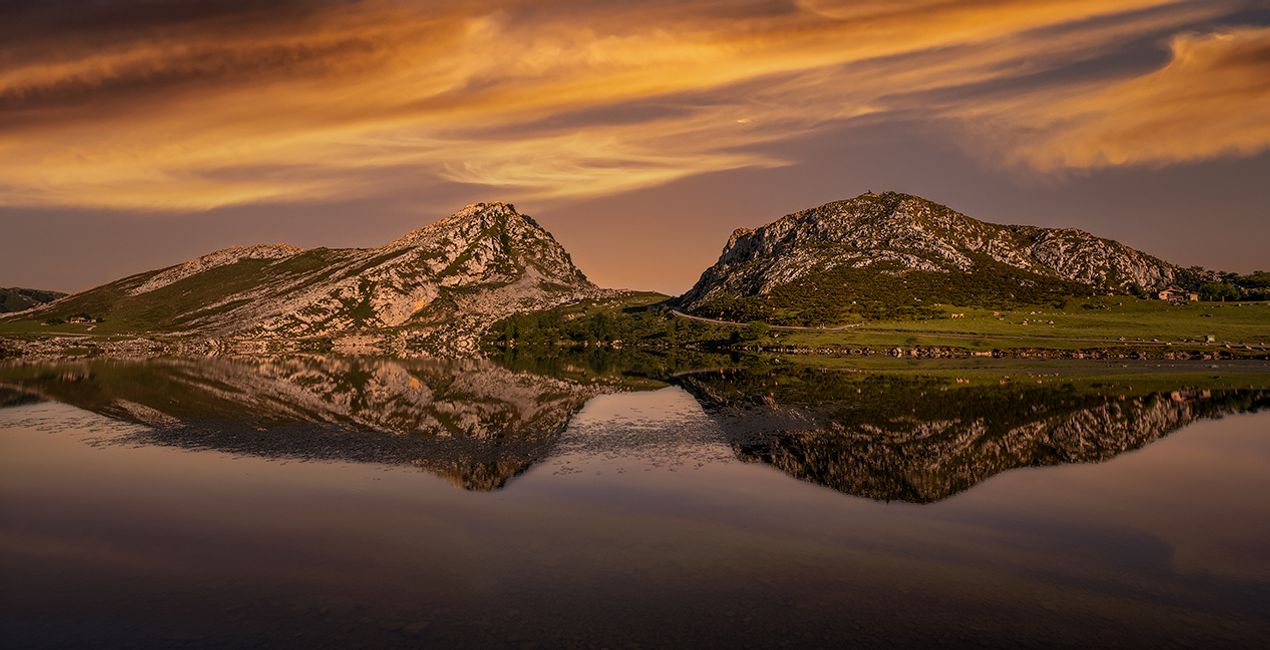
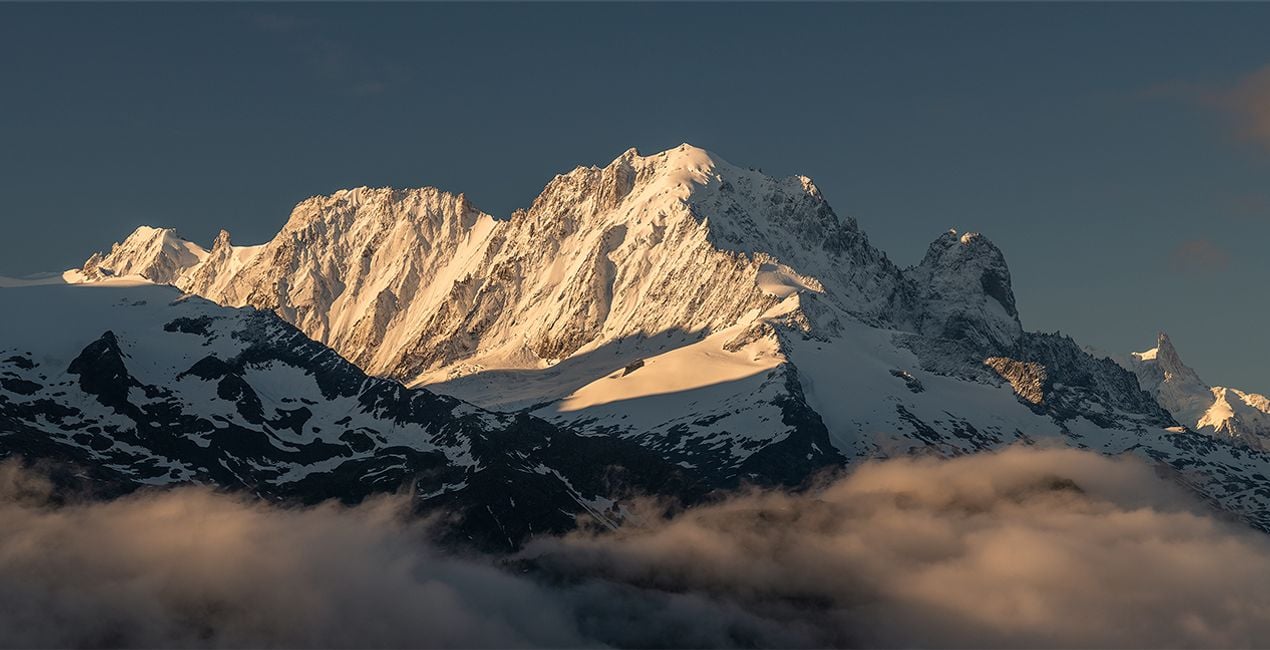
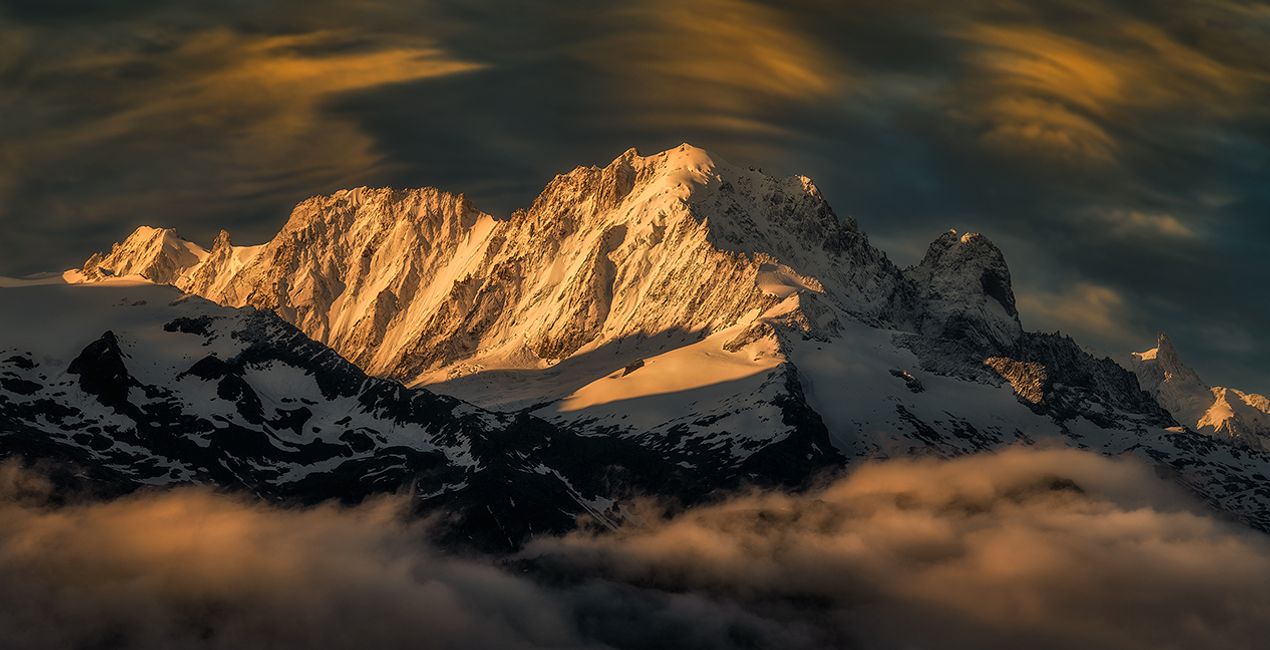
Dans ce pack, vous trouverez des lumières surréalistes et des formations nuageuses capturées lors de couchers de soleil, de levers de soleil et d'orages. Orange, rouge, bleu, puits de lumière et nuages d'orage spectaculaires... Tout ce dont vous avez besoin pour expérimenter le remplacement de ciel de manière créative", déclare Armand Sarlangue.
Conseils aux créateurs :
- Choisissez le ciel qui correspond le mieux à votre vision, et jouez avec les curseurs d'orientation afin de trouver le meilleur emplacement : certains de ces ciels sont des images presque complètes, ce qui offre de nombreuses possibilités au sein d'un seul et même ciel.
- Utilisez le curseur Éclairage de la scène pour affiner l'ambiance du premier plan et l'adapter parfaitement au nouveau ciel.
- Si vous avez de l'eau dans votre image, expérimentez avec les curseurs Réflexion. Les résultats vous surprendront.
- Amusez-vous bien tout en créant !


Photographer. Skylum Ambassador.
Armand Sarlangue has been a professional photographer for 14 years. The son of a photographer, visual art has been Armand’s true passion since childhood, and it’s through nature photography that he really expresses his creativity.
Being alone in the most remote places and translating the feelings of those moments through his images is what motivates Armand. He uses advanced post-production techniques to create ambiances that match his vision of our world.
Armand’s landscape images have been internationally awarded and exhibited in the USA, Spain, Italy, and France. His work has also been published by National Geographic, GEO Magazine, Australian Photography magazine, BBC News, and many other publications.
FAQ
Vous avez d'autres questions ou souhaitez simplement des conseils ?
contacter le support techniqueSi vous avez des questions concernant le produit, contactez notre équipe d'assistance disponible 24 h/24, 7 j/7. Suivez simplement ce lien.
Pour acheter Creative Skies, suivez les étapes suivantes :
1. Ouvrez le Marketplace de Skylum.
2. Allez dans l'onglet correspondant où Creative Skies est répertorié. Cliquez dessus et ajoutez le produit à votre panier.
3. Accédez à votre panier. Là, terminez le processus d'achat pour Creative Skies.
4. Après l'achat, vous recevrez un e-mail de confirmation contenant le lien de téléchargement pour Creative Skies. Vous trouverez également le nouvel élément dans votre compte Skylum, sous l'onglet Mes modules complémentaires.
Des instructions détaillées sur l'installation du Creative Skies vous seront envoyées dans l'e-mail de confirmation, ainsi que le lien de téléchargement.
De plus, vous pouvez installer l'article acheté directement dans Luminar Neo : allez dans Extras > Marketplace, sélectionnez la catégorie Produit, trouvez l'article acheté et cliquez sur Installer.
C'est très simple ! Dans le menu de la barre supérieure, passez à l'onglet Modifier. Allez dans le panneau Outils et sélectionnez Cielᴬᴵ > Sélection du ciel > Achats. Creative Skies installé s'y trouvera.
Ne vous inquiétez pas. Tous les articles achetés, y compris Creative Skies, sont stockés dans l'onglet « Mes modules complémentaires » de votre compte Skylum. Vous pouvez ainsi facilement les utiliser et les télécharger à nouveau.
Normalement, la plupart des articles proposés sont compatibles avec Luminar Neo. Toutefois, pour vous assurer que Creative Skies est bien compatible avec votre logiciel, veuillez vérifier ses spécifications avant de le télécharger ou de l'acheter. Consultez la section « Compatibilité » à droite de la page Creative Skies, où tous les produits compatibles sont répertoriés.
Ne partez pas tout de suite. Voici un code de réduction exclusif pour vous. Utilisez-le dans les 15 prochaines minutes pour bénéficier d'une réduction supplémentaire de 10 % lors du paiement. Copiez le code ci-dessous et finalisez votre achat.
15 m : 00 s





