


 Zastosowany




O nas
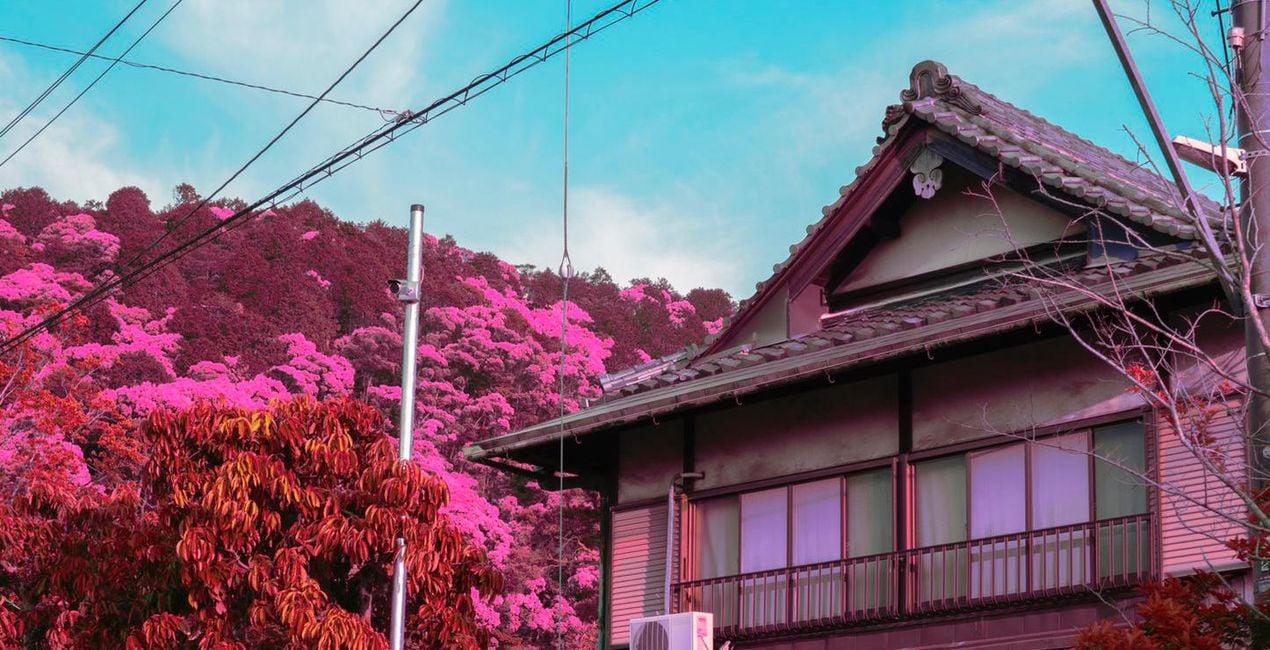
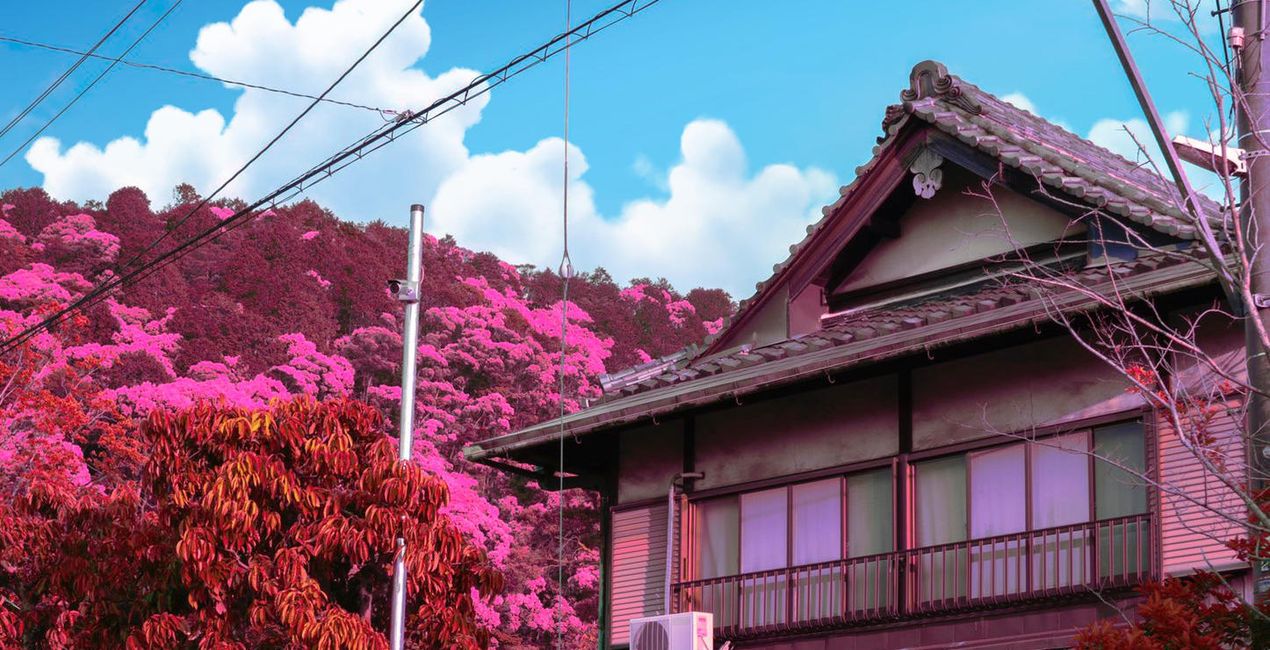
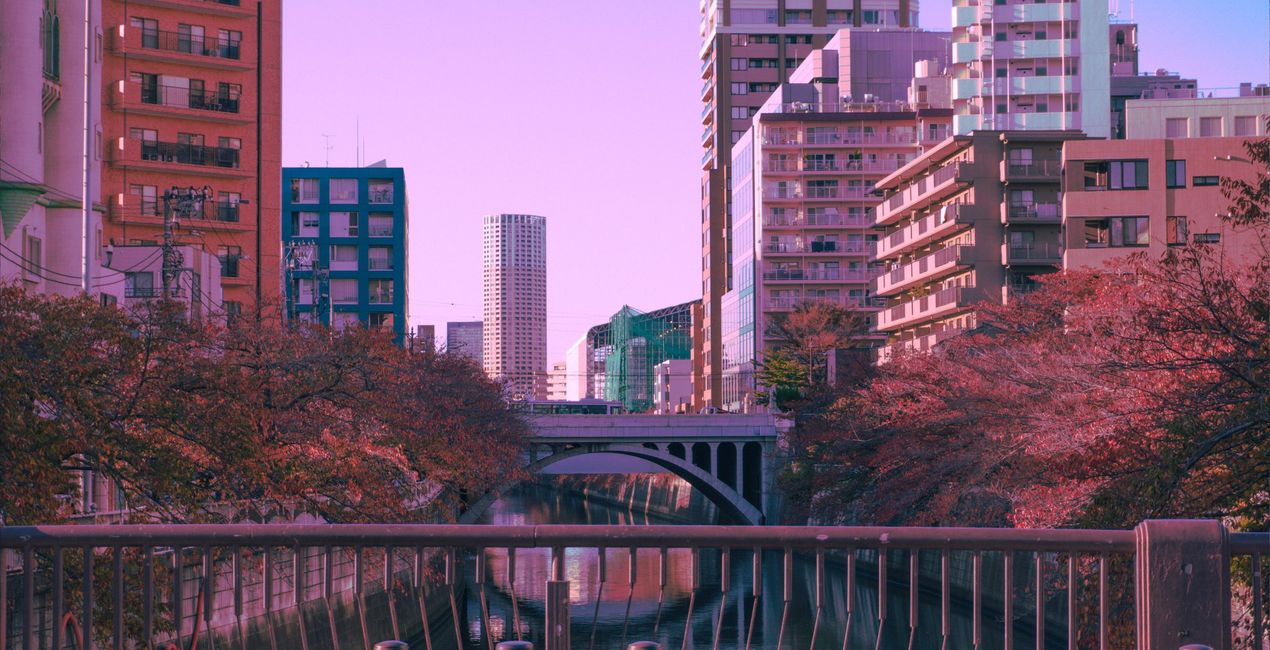
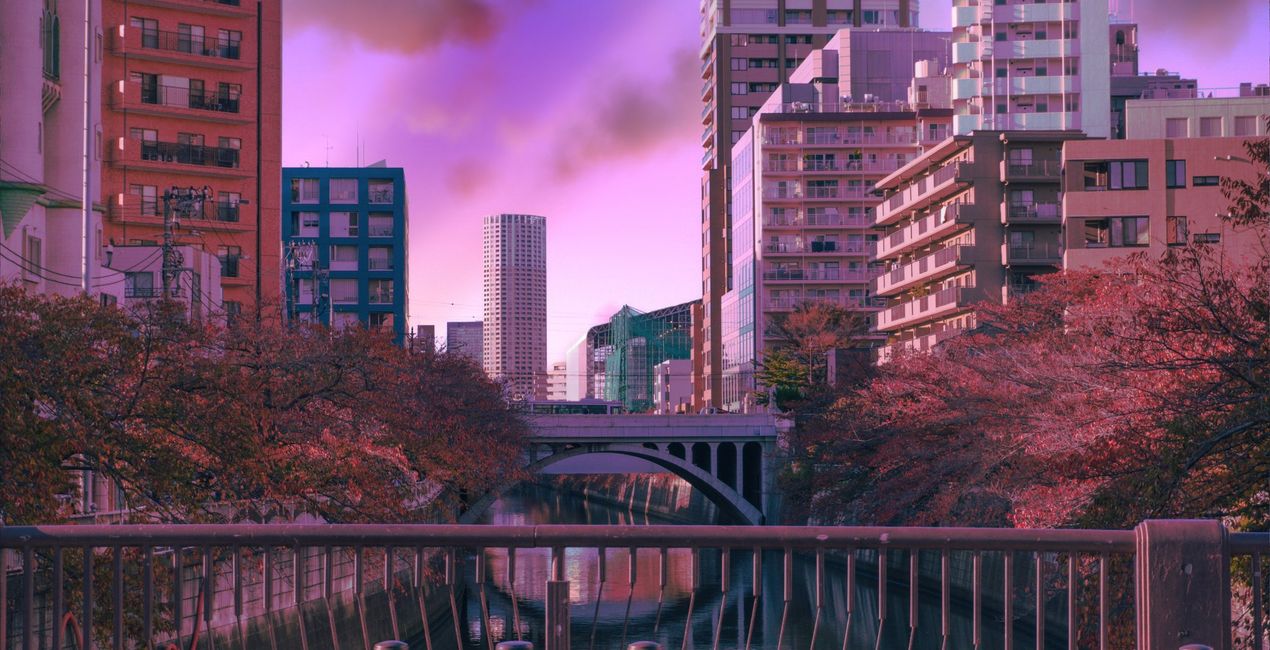
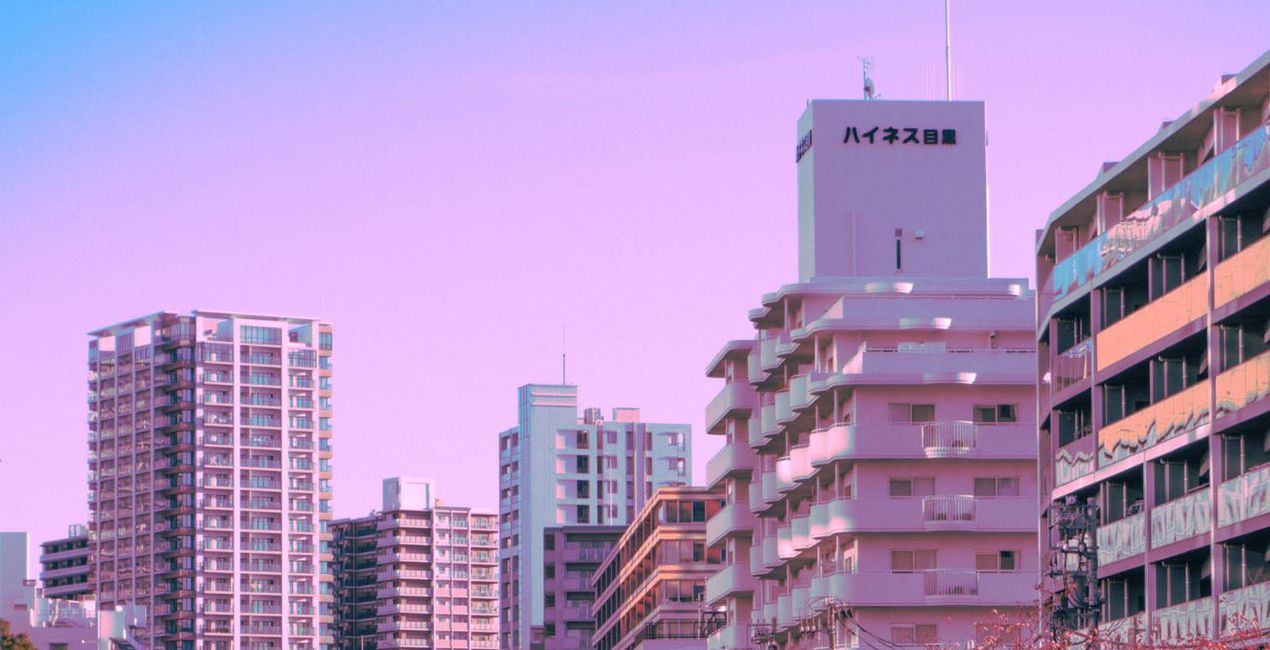
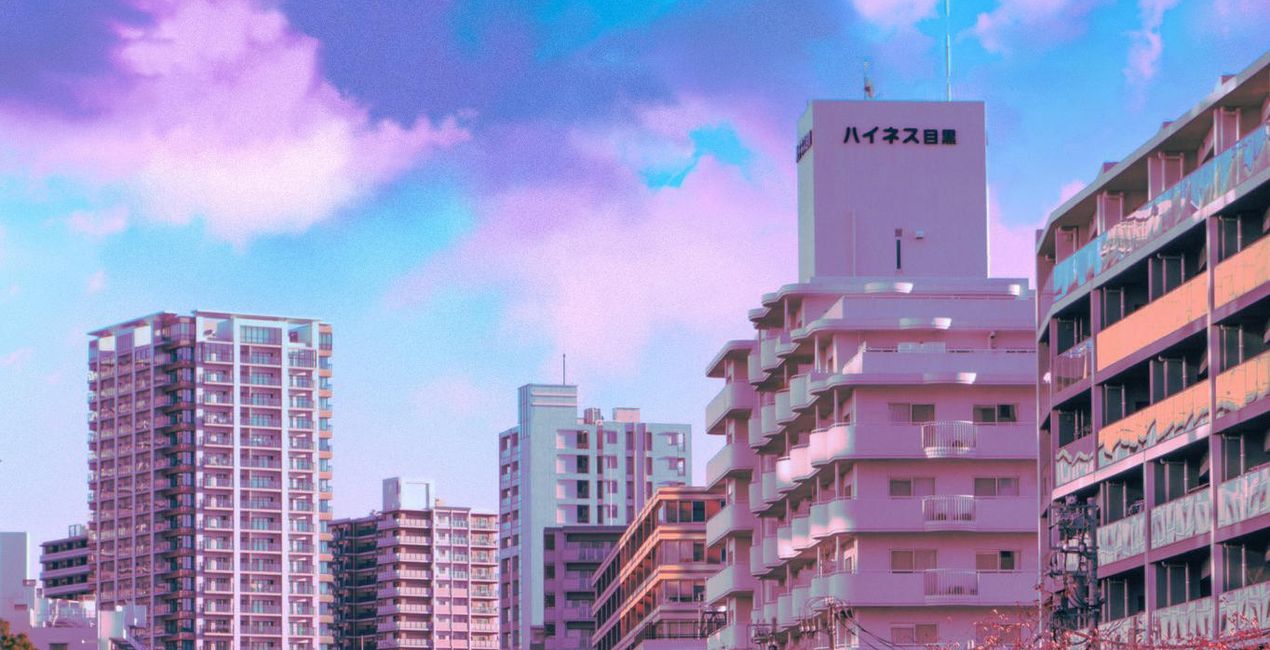
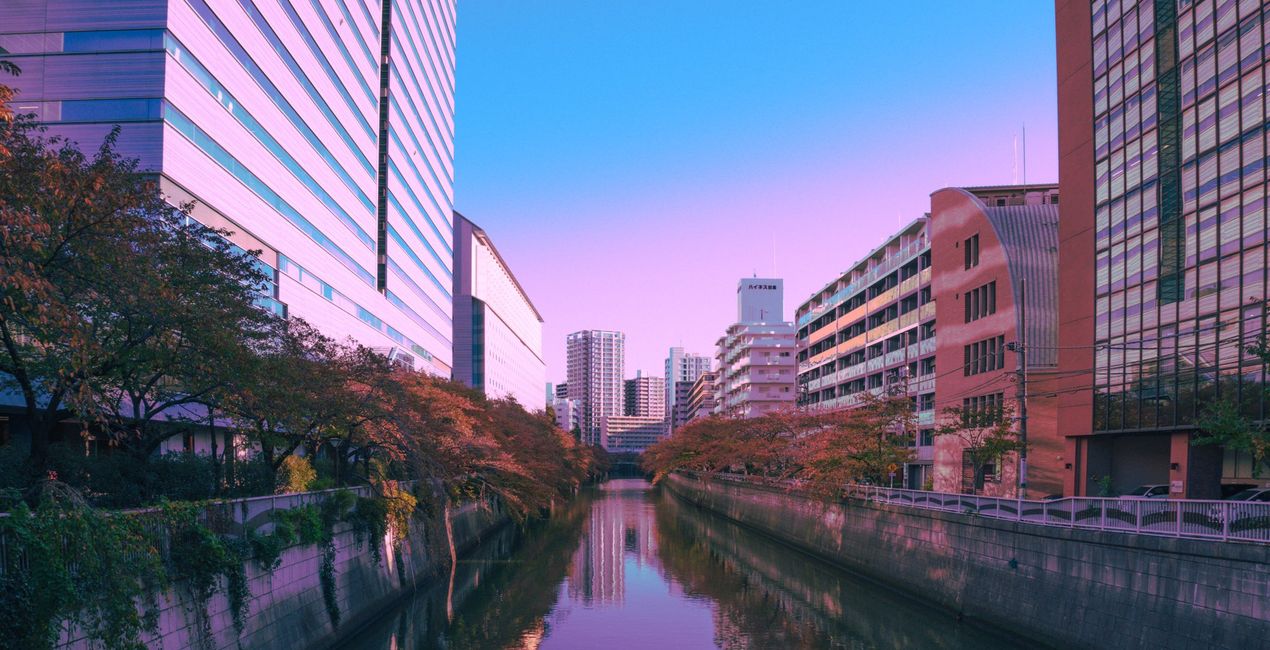
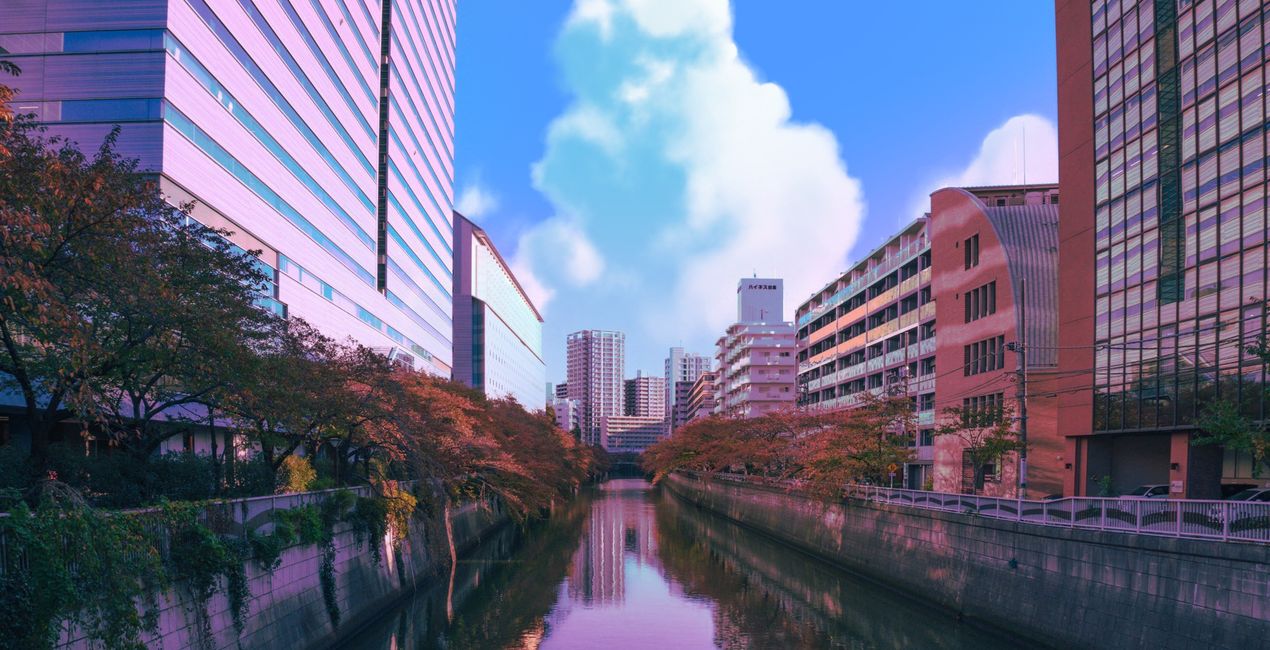
Evoke a feeling of childhood happiness and bittersweet nostalgia in your photos thanks to this Skies pack by Japan-based photographer Denise Rashidi. Create unique artworks with 10 Skies inspired by 90s anime, especially Ghibli movies. Marvel in the picturesque clouds of cotton and mesmerizing colors. Denise Rashidi has captured real places in pastel colors that will make your photos feel like a hazy dream or a childhood memory.
Zawartość zestawu
10 Skies inspired by 90s anime.
Kompatybilność


Twórz zdjęcia takie jak to
Korzystając z plików RAW z łatwością przećwiczysz wskazówki dotyczące retuszu i dowiesz się, jak stworzyć zdjęcia takie jak te.
 >
>
 >
>
 >
>
 >
>
Nieba zawarte w pakiecie


Podobne produkty


Twórca
Denise Rashidi
Art director & freelance artist
Denise Rashidi is an art director and illustrator, born and raised near Frankfurt, Germany.
Growing up, she has always been surrounded by different cultures due to her mixed heritage and constant travels between families. It wasn’t until her first trip to Japan that she discovered her love for architectural designs, nature and nostalgic pastel colours, which eventually led her to take her travel experiences and translate them into her own signature “Neon Pastel”-style.
She likes to create places and scenes that are often based on real life locations, while adding a dreamlike twist to turn them into a dream world. Her main goal is to give the viewers of her art a feeling of warmth, familiarity and dream like nostalgia, even if they have no personal connection to the places she depicts.
Jak skontaktować się z pomocą techniczną?
Jeśli masz jakiekolwiek pytania dotyczące produktu, możesz skontaktować się z zespołem pomocy technicznej dostępnym 24 godziny na dobę, 7 dni w tygodniu. Wystarczy kliknąć ten link.
Jak mogę kupić Anime Clouds?
Aby kupić Anime Clouds, wykonaj następujące kroki:
1. Otwórz Marketplace Skylum.
2. Przejdź do odpowiedniej zakładki, w której znajduje się Anime Clouds. Kliknij na nim i dodaj produkt do koszyka.
3. Przejdź do koszyka. Tutaj zakończ proces zakupu produktu Anime Clouds.
4. Po dokonaniu zakupu otrzymasz wiadomość e-mail z linkiem do pobrania Anime Clouds. Nowy produkt znajdziesz również na swoim koncie Skylum, w zakładce Moje dodatki.
Jak zainstalować Anime Clouds?
Szczegółowe instrukcje dotyczące instalacji Anime Clouds zostaną przesłane w wiadomości e-mail wraz z linkiem do pobrania
Ponadto zakupiony produkt można zainstalować bezpośrednio w programie Luminar Neo: przejdź do menu Dodatki > Marketplace, wybierz kategorię produktu, znajdź zakupiony produkt i kliknij Zainstaluj.
Gdzie mogę znaleźć Anime Clouds po instalacji?
To całkiem proste! W górnym pasku menu przejdź do zakładki Edycji. Przejdź do panelu Narzędzia i wybierz Nieboᴬᴵ > Wybór nieba > Zakupione. Zainstalowany Anime Clouds będzie tam widoczny.
Co jeśli zgubię Anime Clouds?
Nie martw się. Wszystkie zakupione produkty, w tym Anime Clouds, są przechowywane w zakładce „Moje dodatki” na koncie Skylum, co umożliwia ich łatwe ponowne pobranie i użycie.
Jak sprawdzić, czy Anime Clouds jest kompatybilne z moim oprogramowaniem?
Ogólnie rzecz biorąc, większość produktów jest kompatybilna z Luminar Neo. Aby jednak upewnić się, że Anime Clouds jest kompatybilne z Twoim oprogramowaniem, przed pobraniem lub zakupem sprawdź jego specyfikację. Poszukaj sekcji „Kompatybilność” po prawej stronie strony Anime Clouds, gdzie wymienione są wszystkie kompatybilne produkty.



