


 Applicato




Informazioni
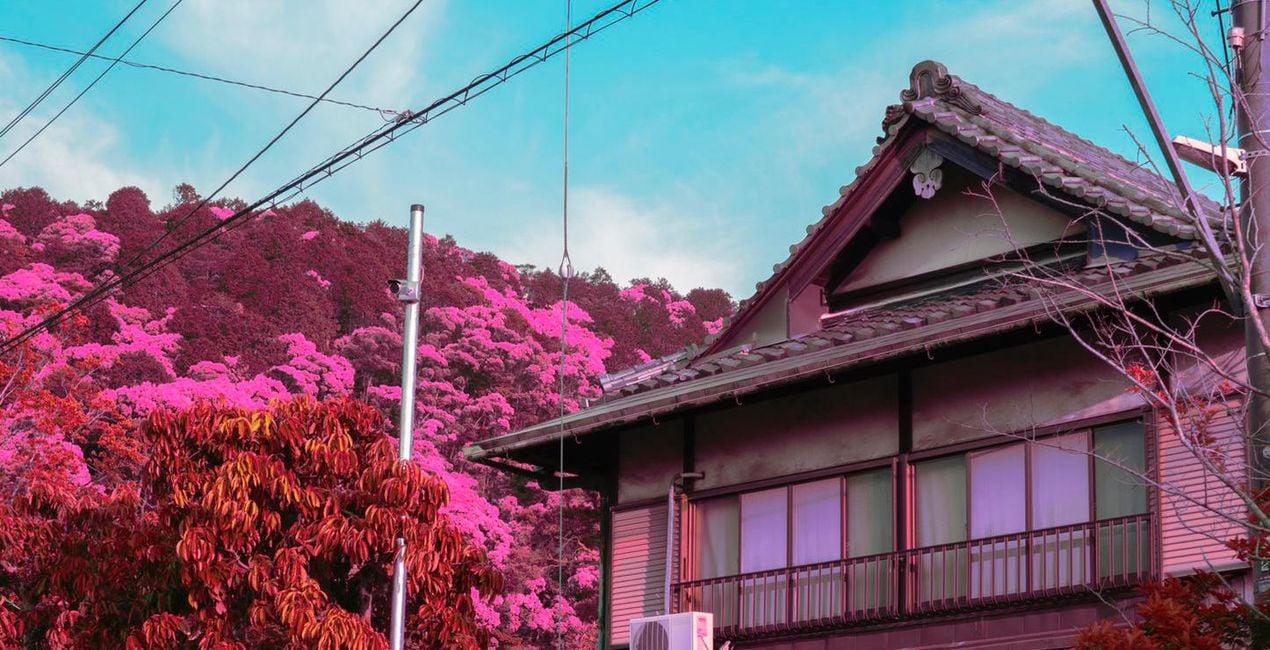
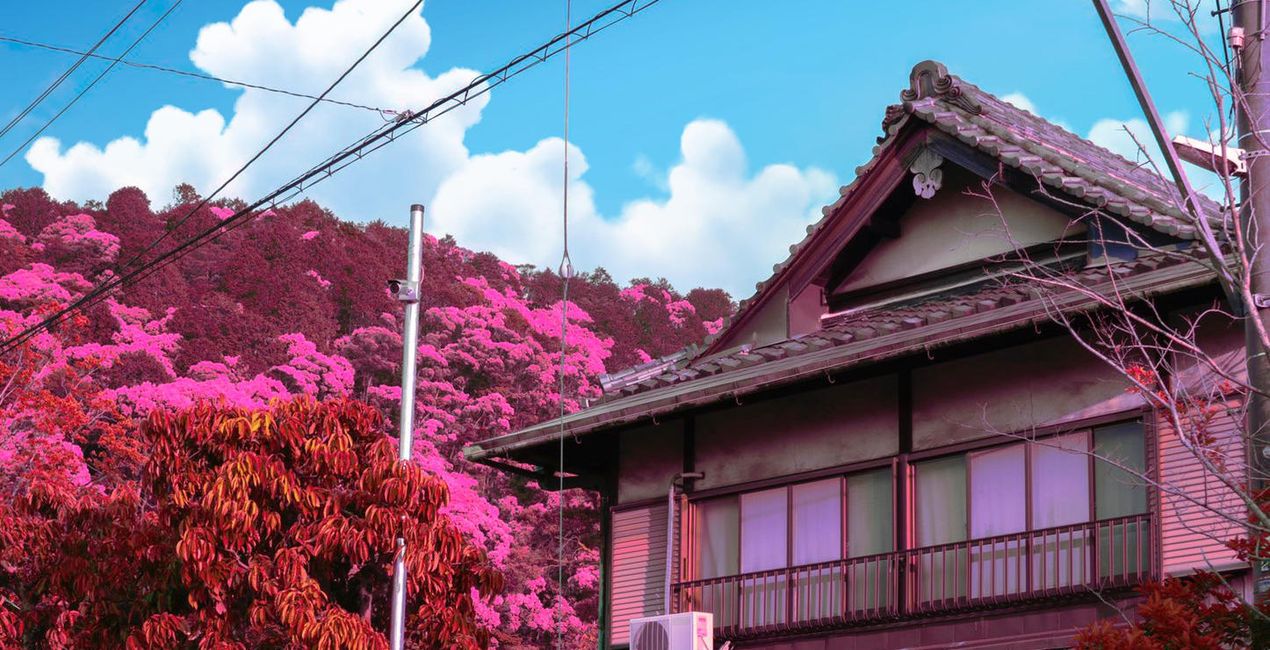
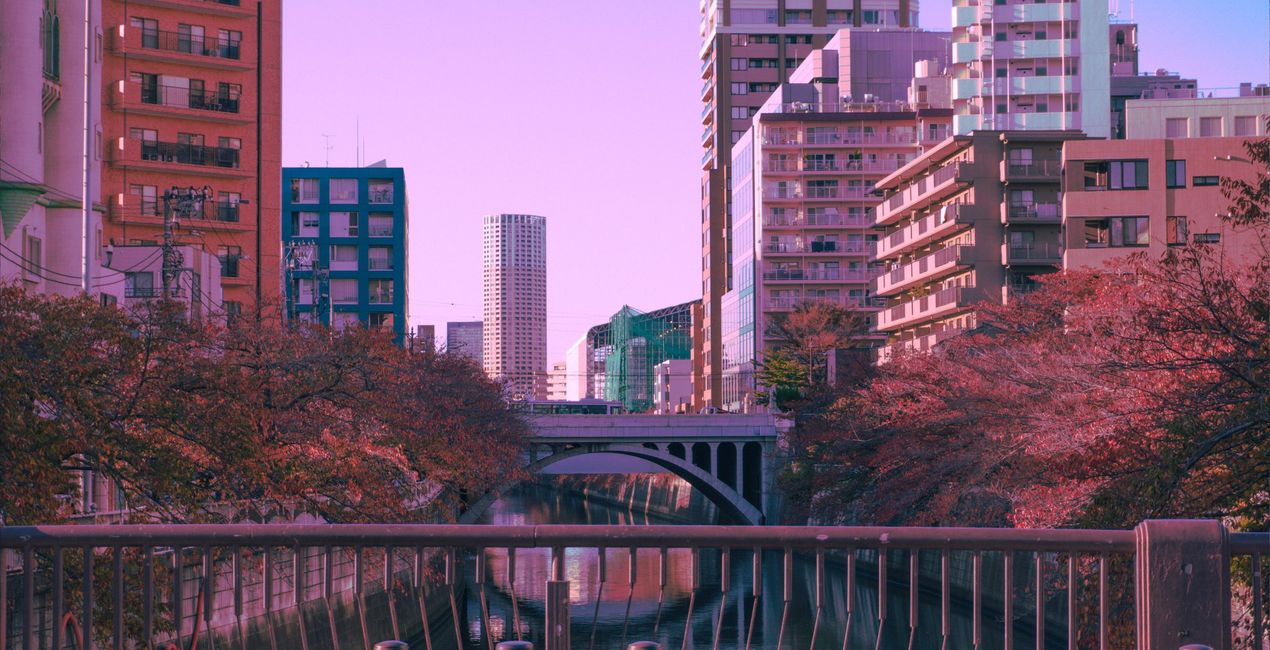
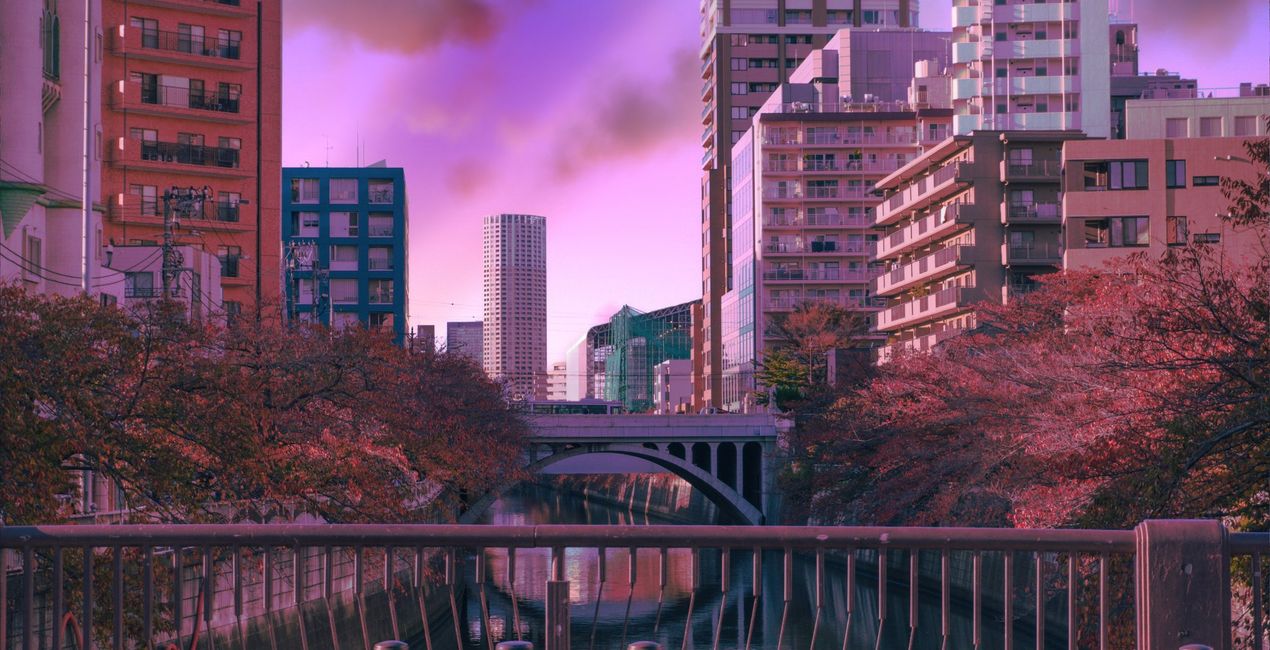
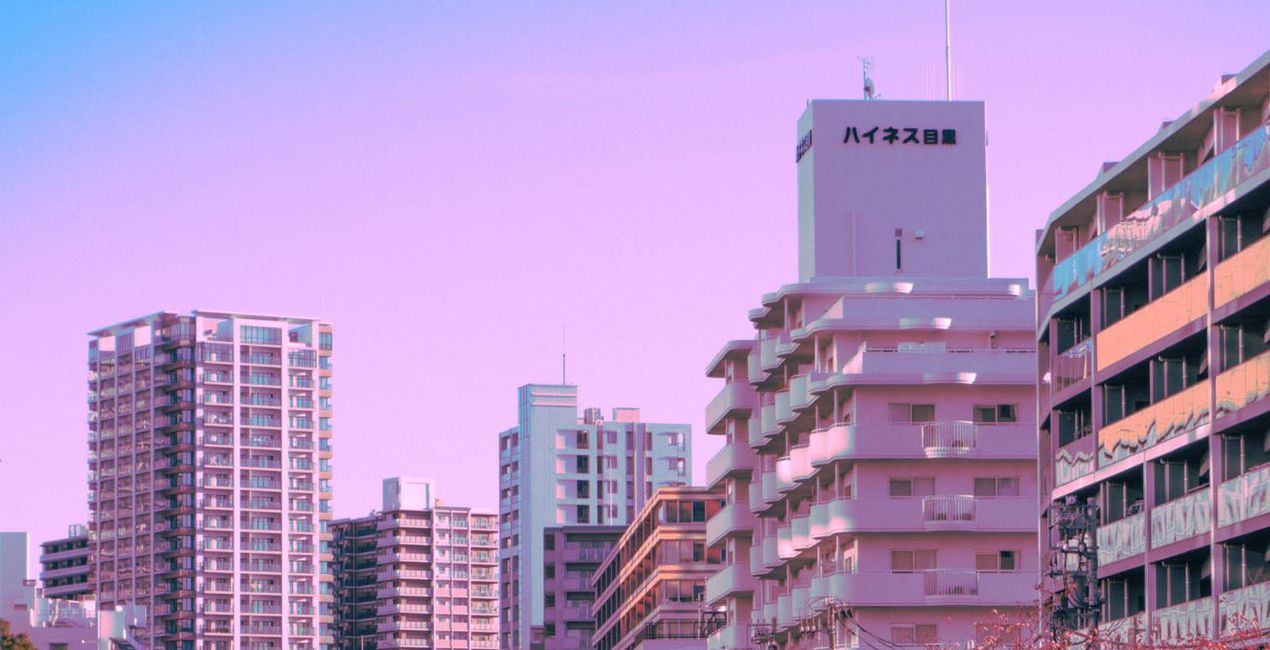
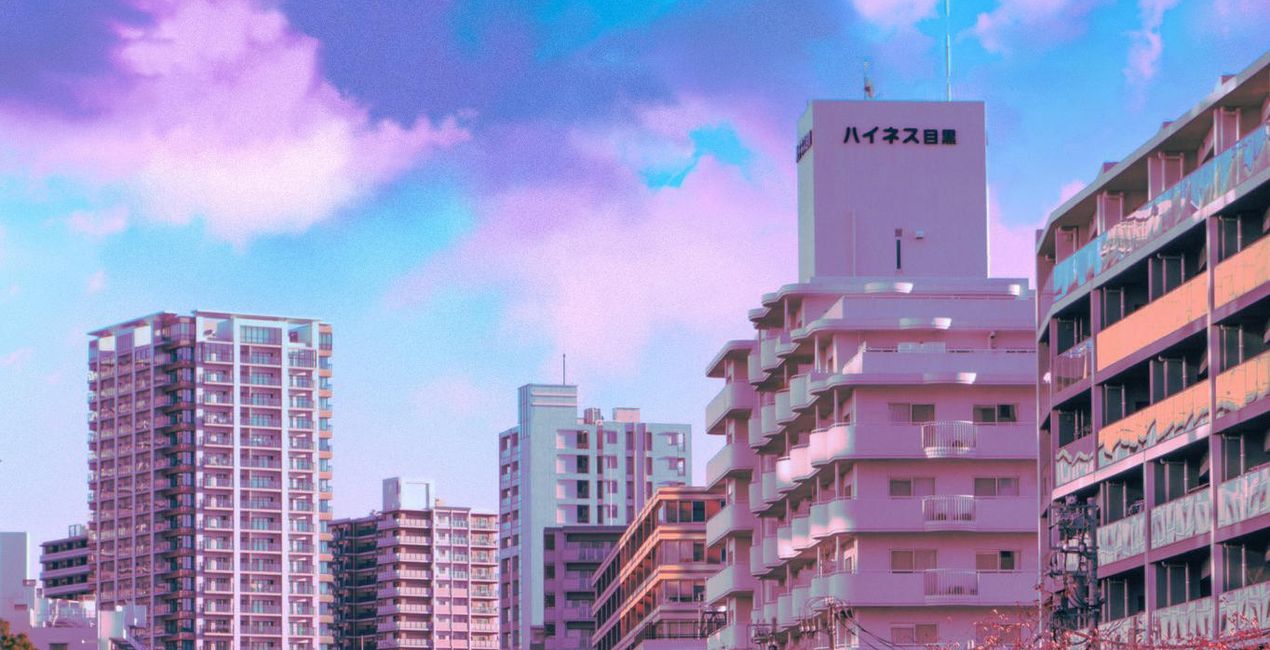
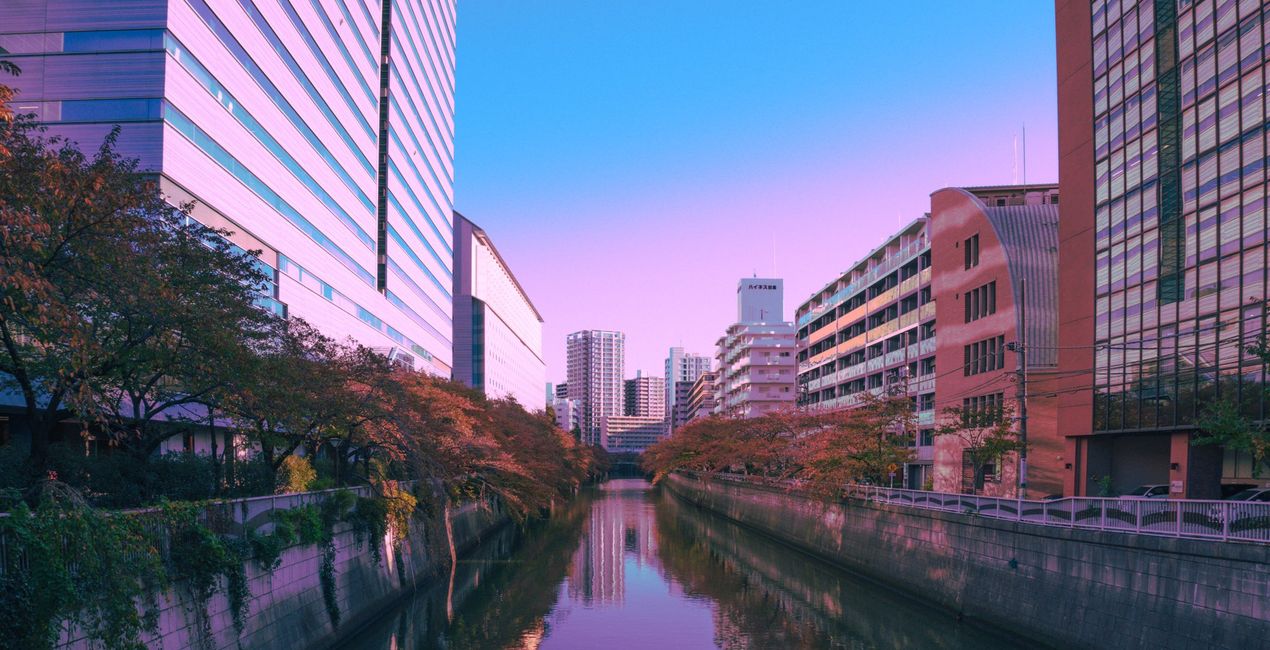
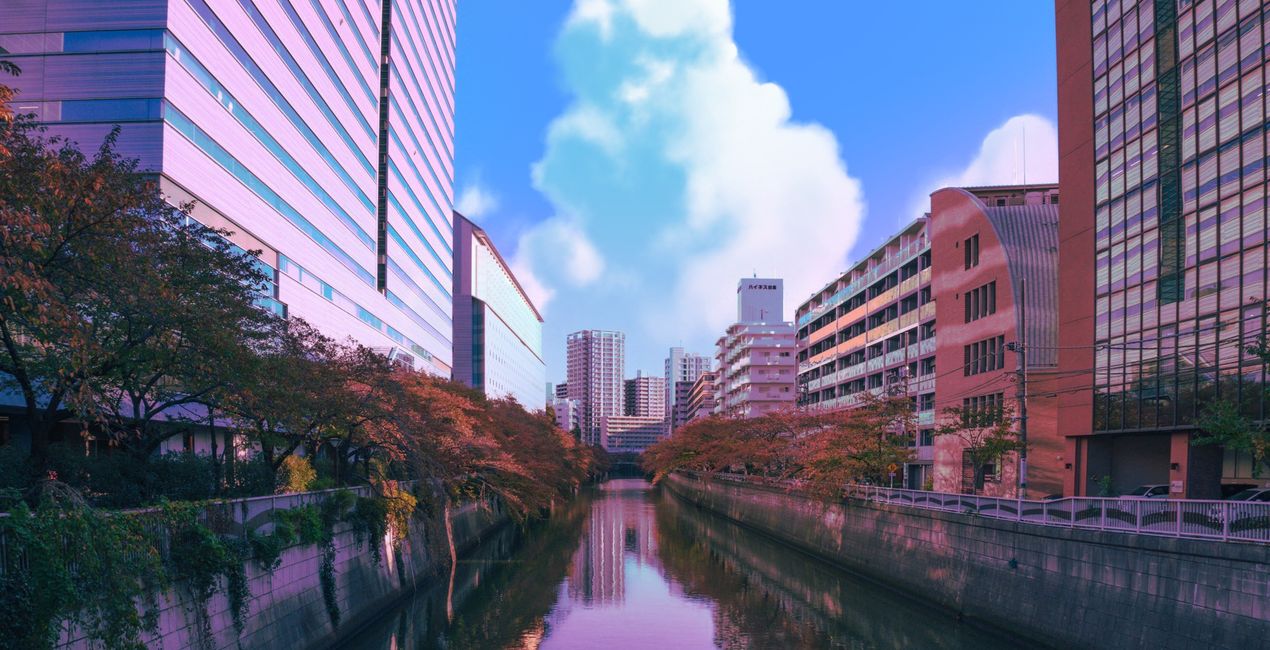
Evoke a feeling of childhood happiness and bittersweet nostalgia in your photos thanks to this Skies pack by Japan-based photographer Denise Rashidi. Create unique artworks with 10 Skies inspired by 90s anime, especially Ghibli movies. Marvel in the picturesque clouds of cotton and mesmerizing colors. Denise Rashidi has captured real places in pastel colors that will make your photos feel like a hazy dream or a childhood memory.
Cosa è incluso
10 Skies inspired by 90s anime.
Compatibilità


Ottieni foto come queste
Utilizzando i file RAW forniti, potrai mettere facilmente in pratica i consigli di ritocco e imparare a ottenere foto come queste.
 >
>
 >
>
 >
>
 >
>
Cieli inclusi nel pacchetto


Prodotti correlati


Creator
Denise Rashidi
Art director & freelance artist
Denise Rashidi is an art director and illustrator, born and raised near Frankfurt, Germany.
Growing up, she has always been surrounded by different cultures due to her mixed heritage and constant travels between families. It wasn’t until her first trip to Japan that she discovered her love for architectural designs, nature and nostalgic pastel colours, which eventually led her to take her travel experiences and translate them into her own signature “Neon Pastel”-style.
She likes to create places and scenes that are often based on real life locations, while adding a dreamlike twist to turn them into a dream world. Her main goal is to give the viewers of her art a feeling of warmth, familiarity and dream like nostalgia, even if they have no personal connection to the places she depicts.
Come faccio a contattare l'assistenza?
Se hai domande sui prodotti, puoi contattare il team dell'assistenza tutti i giorni, 24 ore al giorno. Utilizza questo link.
Come faccio ad acquistare Anime Clouds?
Per acquistare Anime Clouds, segui questi passaggi:
1. Apri il Marketplace di Skylum.
2. Vai sulla scheda dove è elencato Anime Clouds. Clicca sul nome del prodotto per aggiungerlo al carrello.
3. Vai al carrello, dove potrai completare l'acquisto di Anime Clouds.
4. Dopo l'acquisto, riceverai un'e-mail con il link per scaricare Anime Clouds. Potrai trovare il nuovo acquisto anche nel tuo account Skylum, nella scheda I miei add-on.
Come faccio a installare Anime Clouds?
Nell'e-mail con il link per il download riceverai anche istruzioni dettagliate su come installare Anime Clouds.
Inoltre, puoi installare l'articolo acquistato direttamente in Luminar Neo: vai su Extra > Marketplace, seleziona la categoria di prodotto, trova l'articolo acquistato e clicca su Installa.
Dove trovo Anime Clouds dopo l'installazione?
È facilissimo! Nella barra dei menu superiori, passa alla scheda Modifica. Vai nel pannello Tool e seleziona Cieloᴬᴵ > Selezione cielo > Acquistati. Anime Clouds che hai acquistato si troverà lì.
Che succede se perdo Anime Clouds?
Non preoccuparti. Tutti gli articoli acquistati, incluso Anime Clouds, vengono conservati nella scheda "I miei add-on" del tuo account Skylum, così potrai riscaricarli e utilizzarli in tutta facilità.
Come faccio a verificare se Anime Clouds è compatibile con i miei software?
In generale, la maggior parte degli articoli è compatibile con Luminar Neo. Ma per assicurarti che Anime Clouds sia compatibile con i tuoi software, verificane le specifiche prima di scaricarlo o acquistarlo. Cerca la sezione "Compatibilità" sulla destra della pagina di Anime Clouds, dove sono elencati tutti i prodotti compatibili.


