 © generated by Midjourney
 © generated by Midjourney
 © generated by Midjourney
 © generated by Midjourney
Informazioni
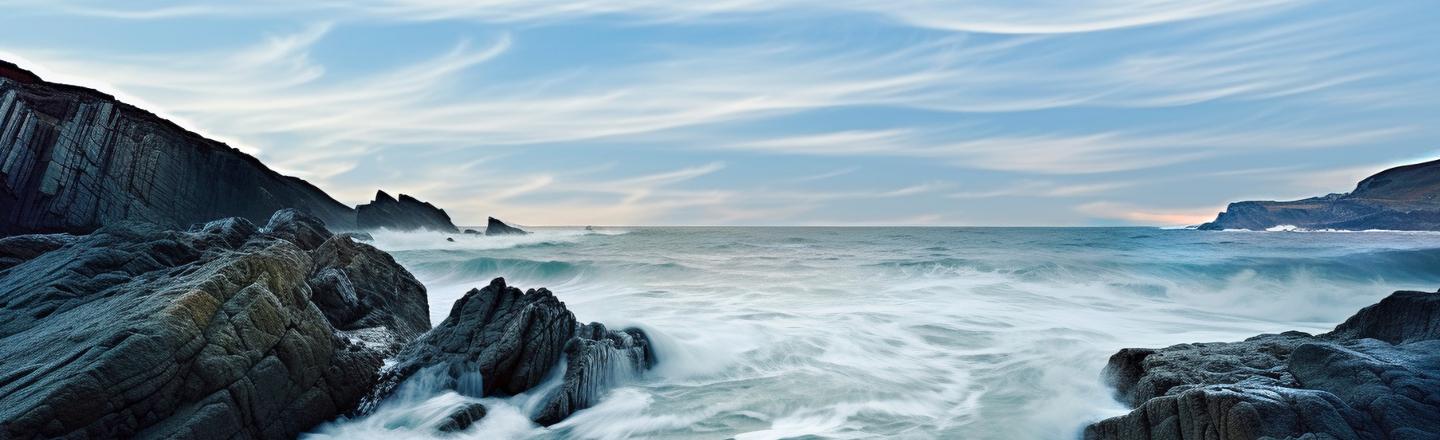
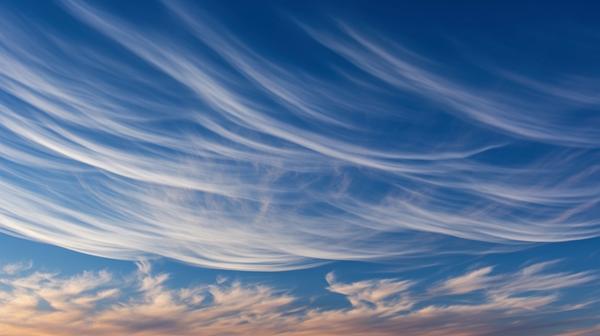
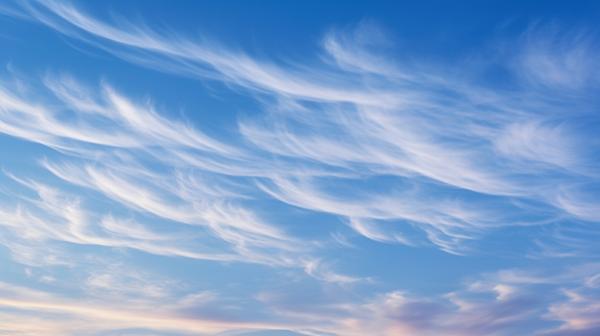
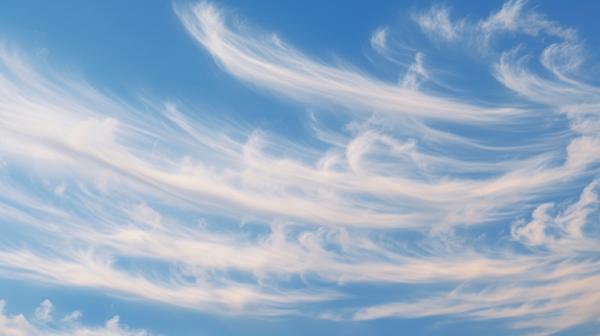
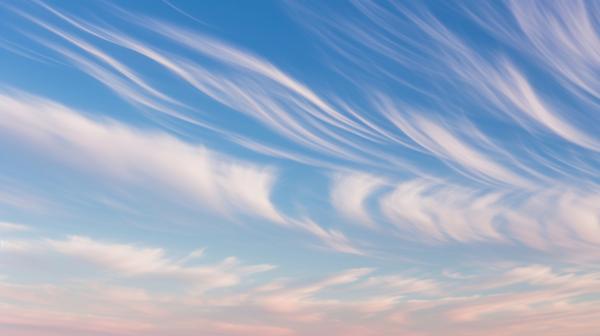
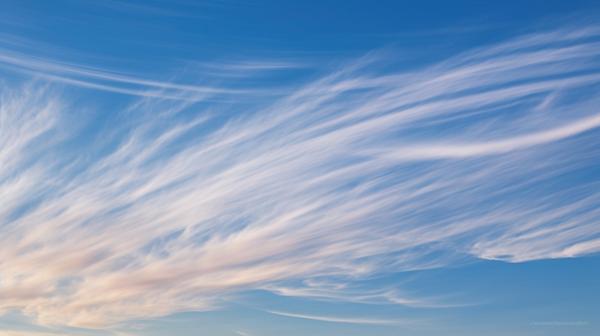
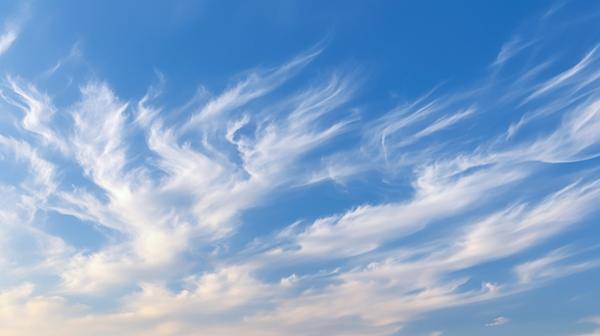
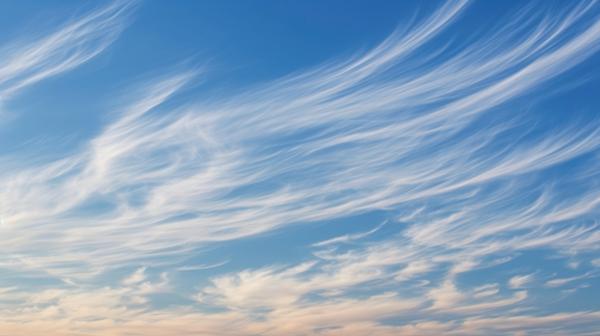
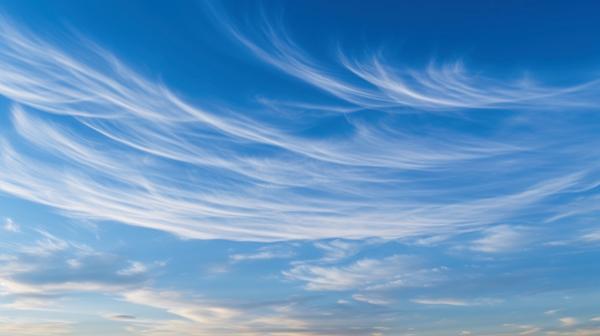
Float above the ordinary with the Cirrus Wisps pack. This captivating collection presents striking Cirrus Cloud skies, each epitomizing the ethereal beauty of these high-altitude clouds. The Skies add an element of otherworldly elegance to your photos, casting them under a canopy of delicate, wisp-like formations. Each Cirrus Wisp swathes your image in a ballet of feathery streaks, creating an atmospheric spectacle that commands awe. With Cirrus Wisps, invite your audience to journey into the serene heights of the sky, evoking a sense of tranquility that can only be found in the gentle embrace of these soft cloud formations.
Cosa è incluso
20 Skies in JPEG format
Ottieni foto come queste
Utilizzando i file RAW forniti, potrai mettere facilmente in pratica i consigli di ritocco e imparare a ottenere foto come queste.


Cieli incluso nel pacchetto






Prodotti correlati




Creator
Dan DiPietro
Photographer
Dan DiPietro's journey into the world of photography started in his home state of Vermont, where he was inspired by the beauty of nature. After graduating from Champlain College with a degree in Multimedia & Graphic Design, he began his photography career in 2006, opening a path to a richly diverse career in the industry. His years of military service brought him face-to-face with a variety of different photography needs, enabling him to hone his skills across an array of applications such as studio portraits, environmental photography, commercial photography, and aircraft photography. From contributing to high-profile national commercial productions to designing visually stunning graphics for Air National Guard units across the country, Dan's creative footprint is far-reaching.