


 Zastosowany


Magical Forests - Part II
Save $201 $ 12 .73 $ 19 .00

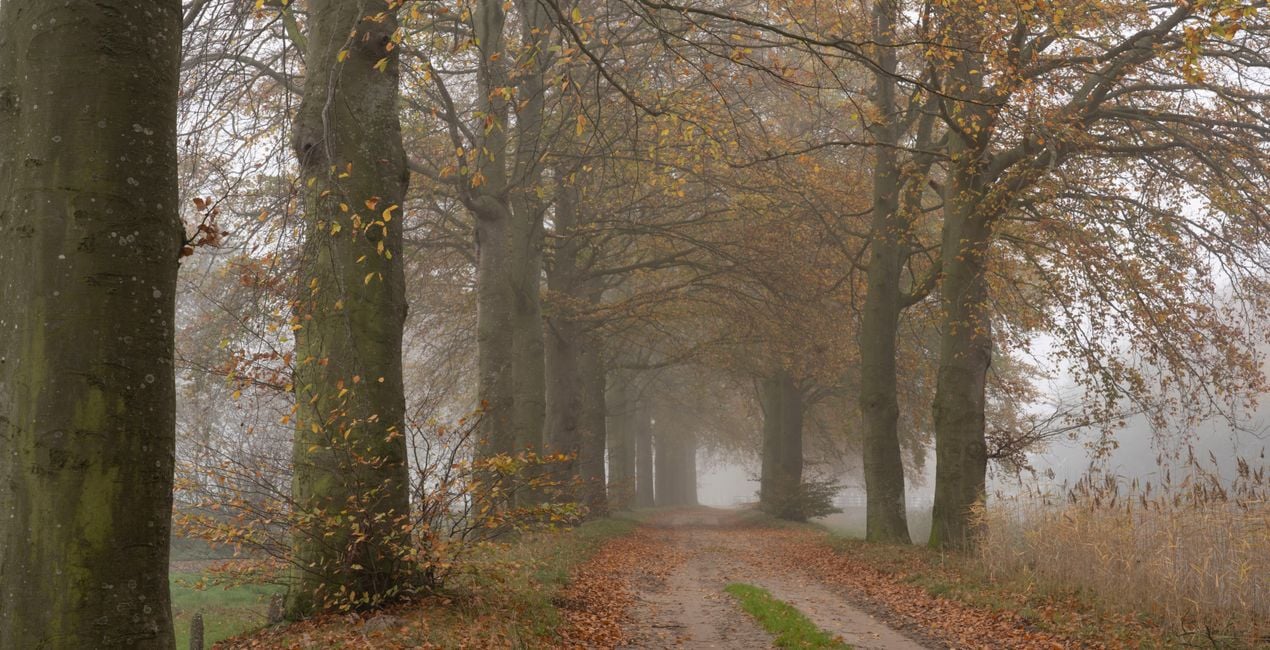
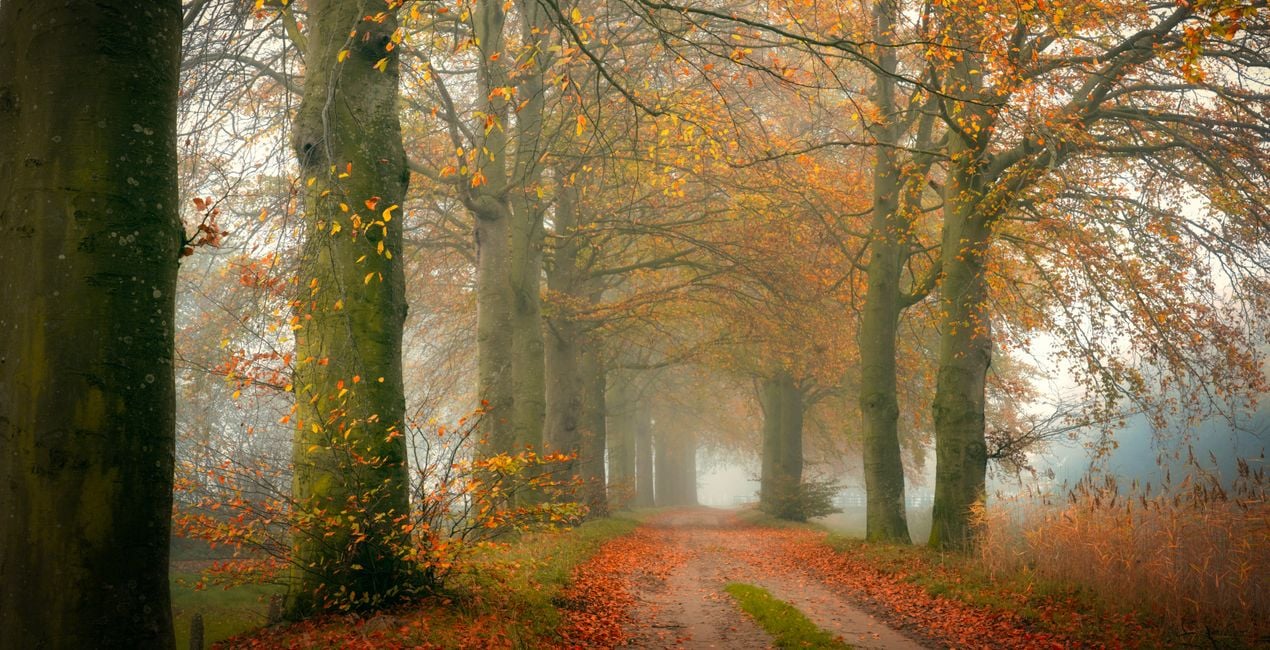
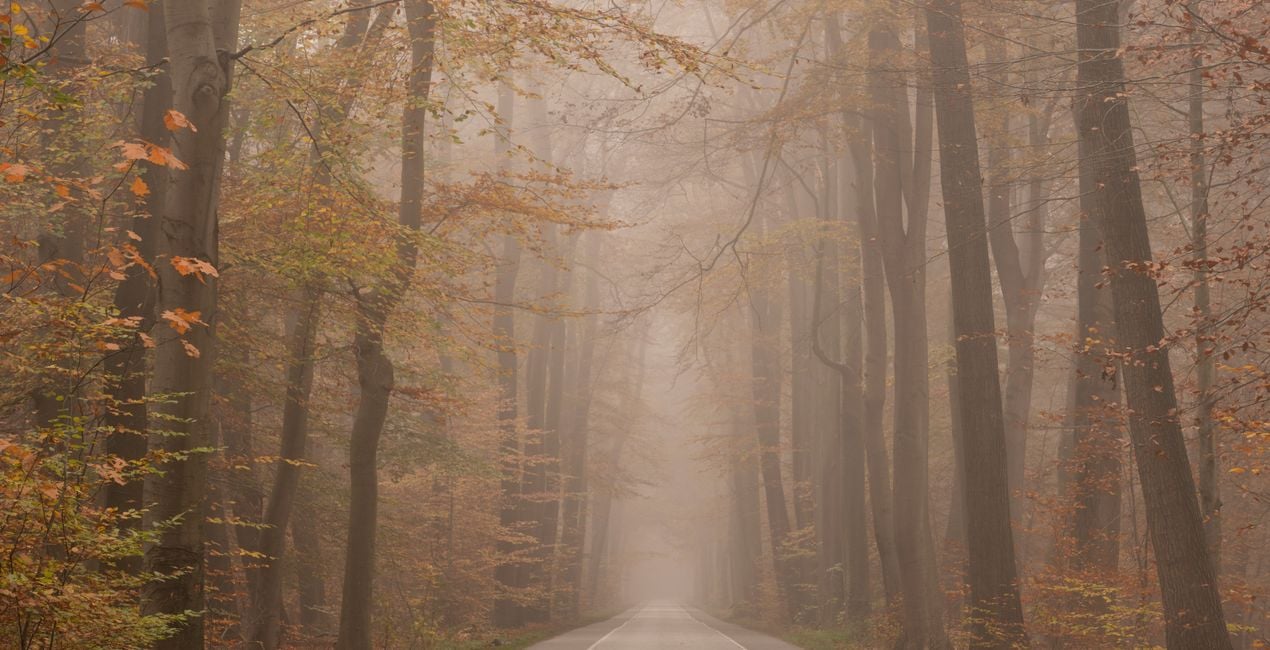
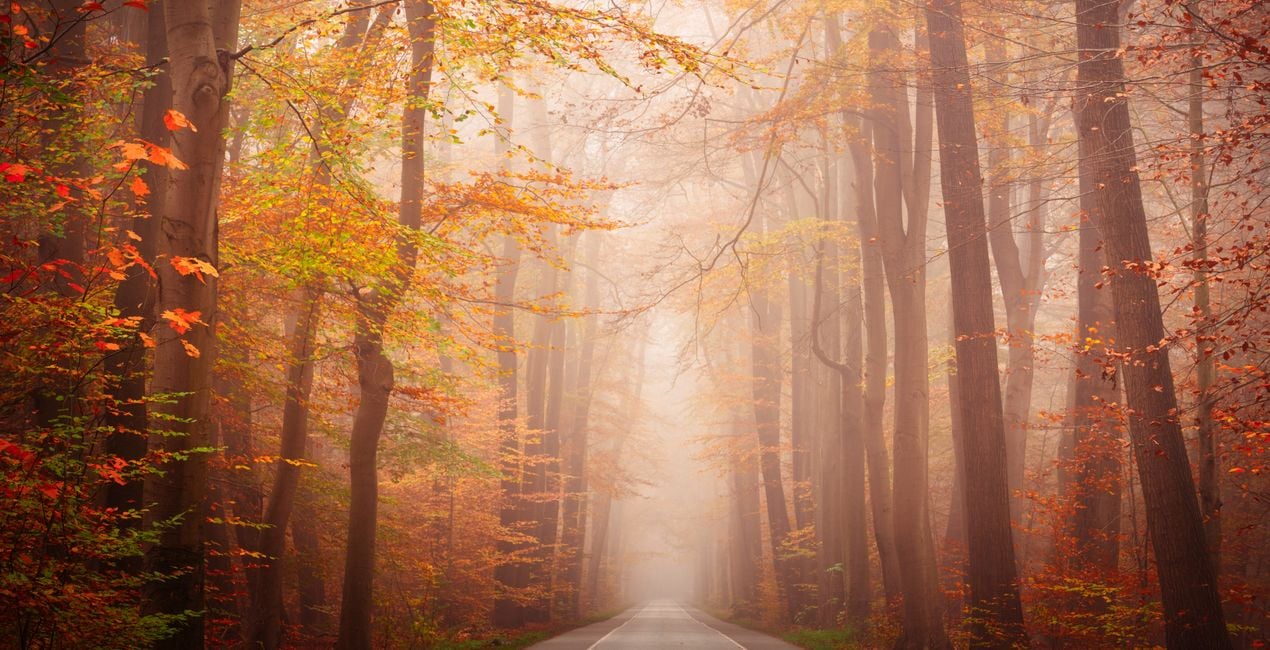
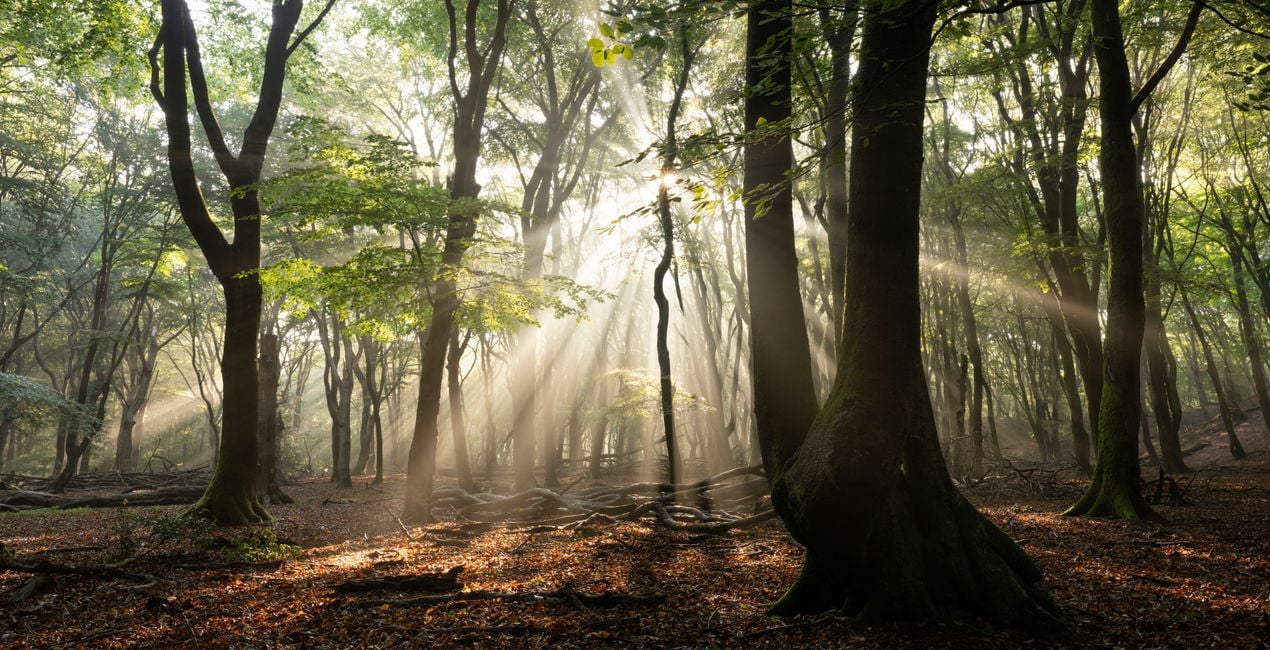
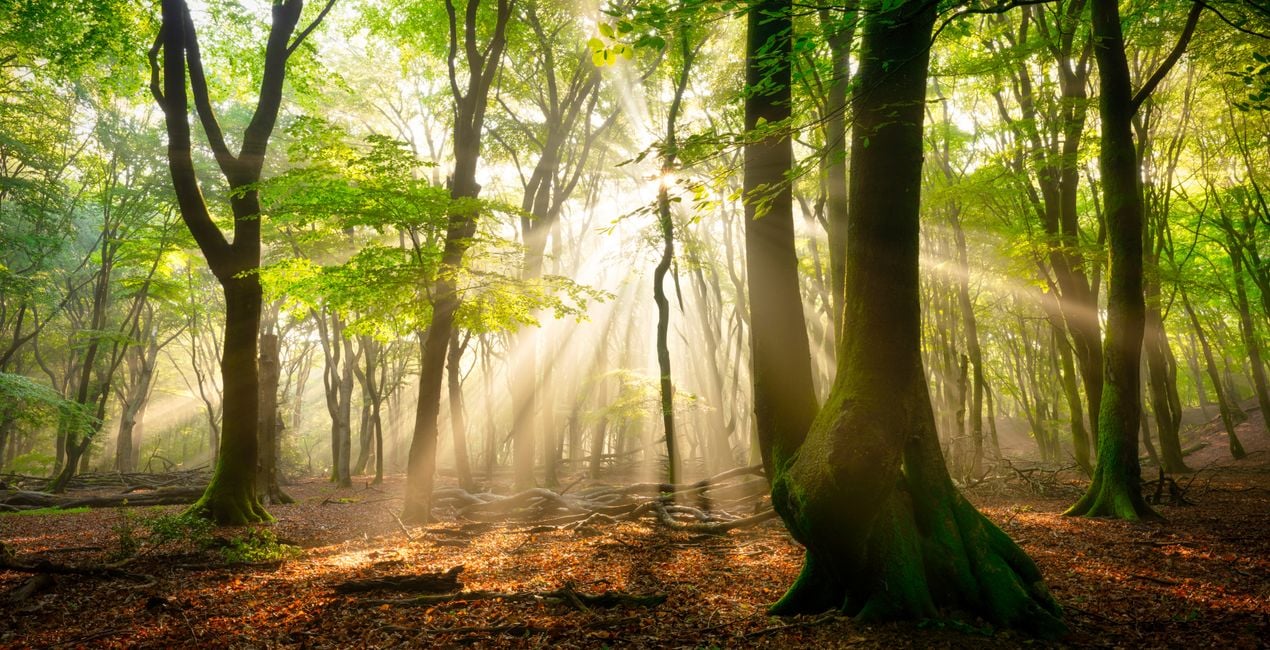
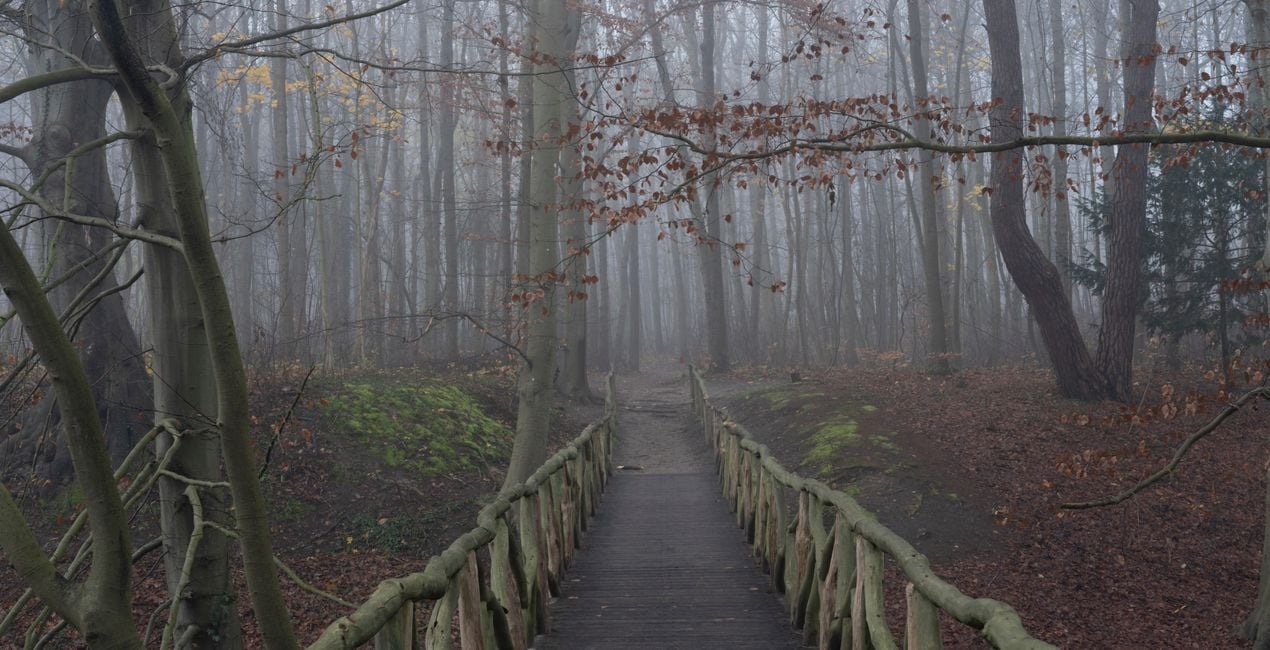
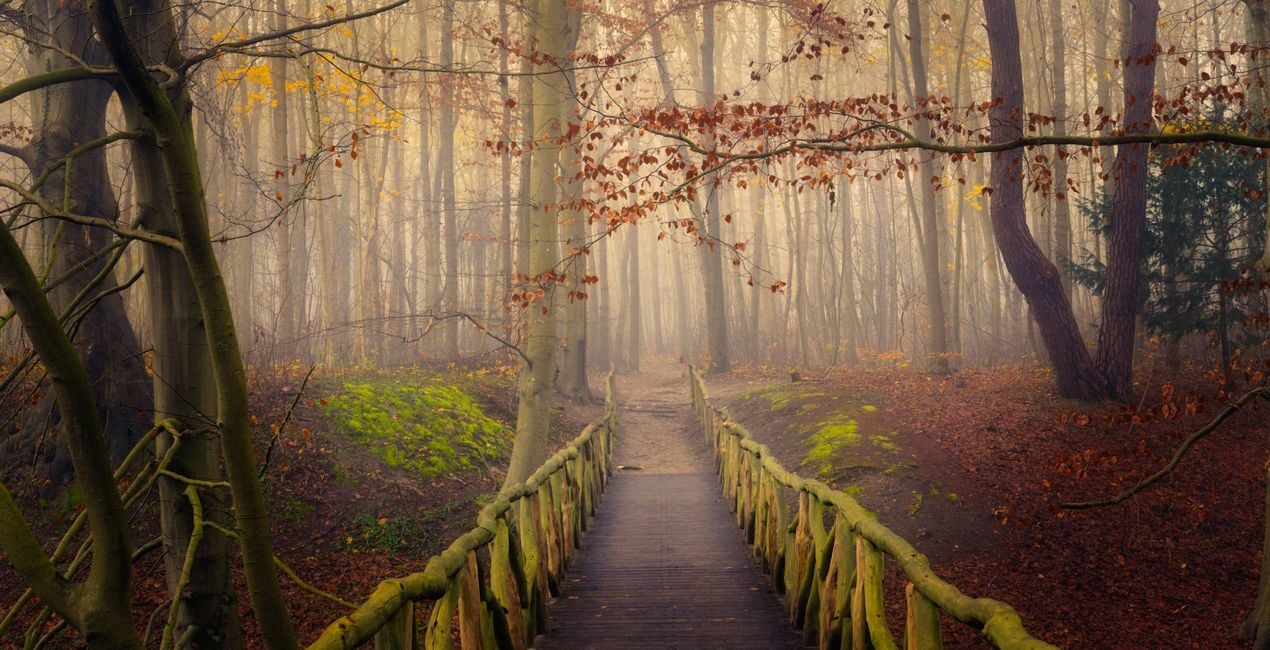
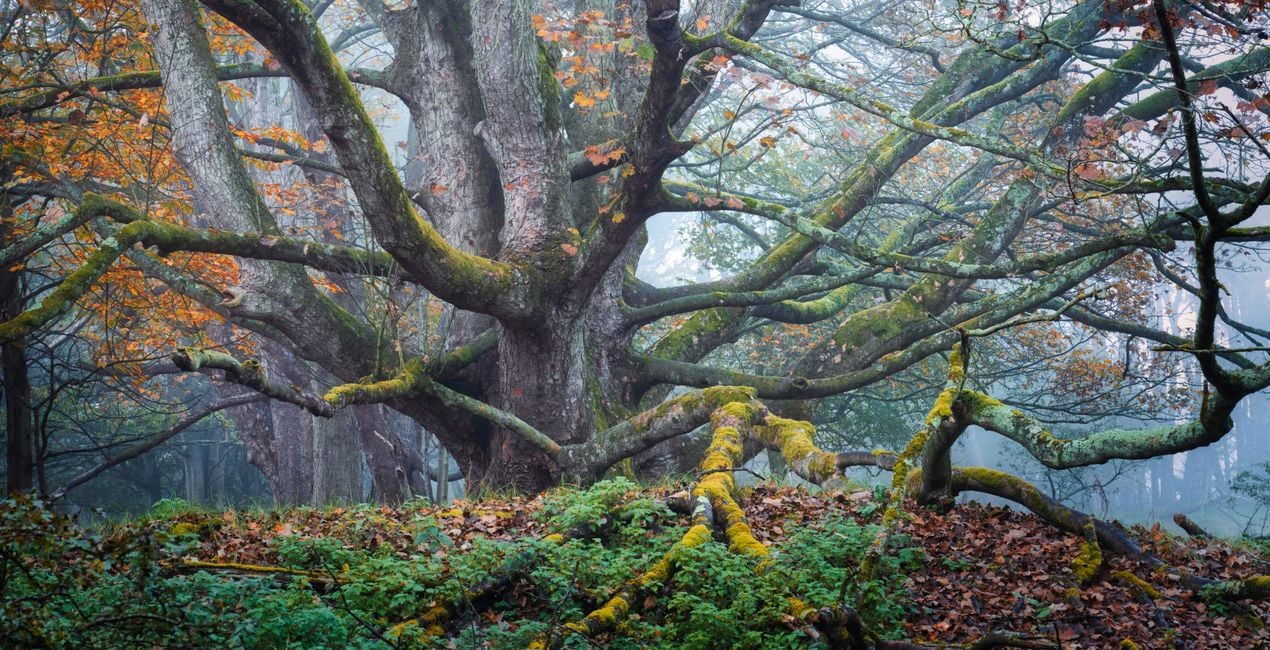
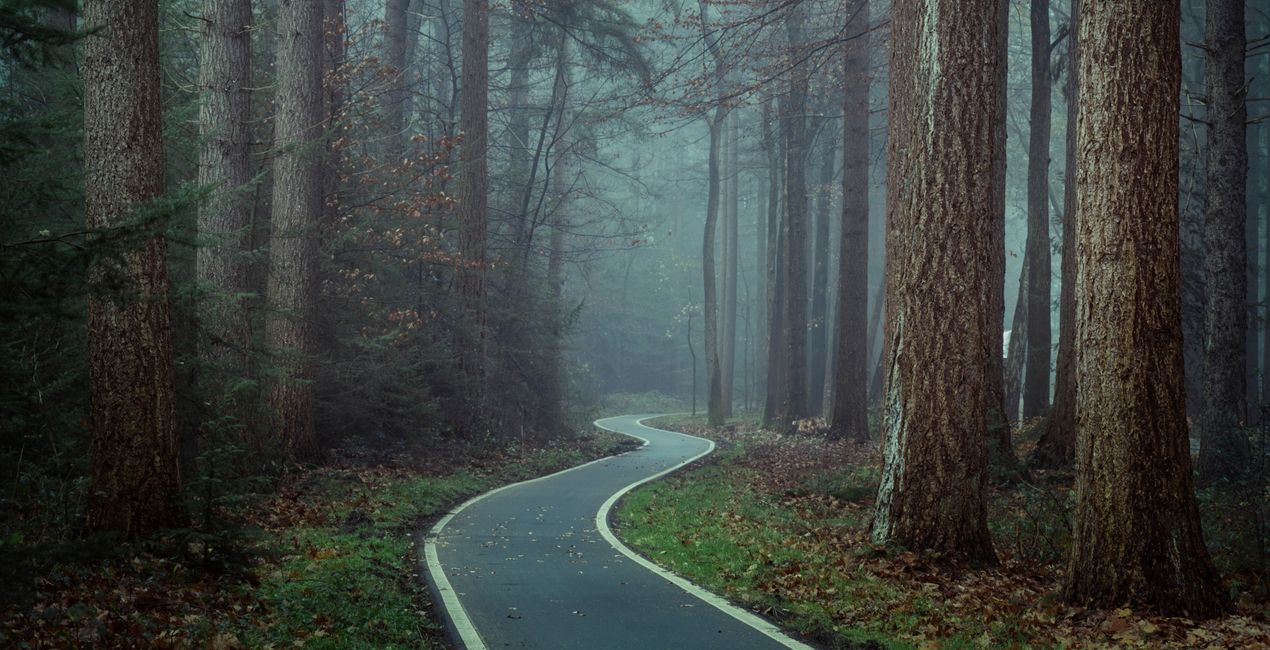
Te 11 Szablonów zostało zaprojektowanych wyłącznie dla LuminarAI. Szablony wykorzystują nowe narzędzia Color Harmony, Toning i AtmosphereAI. Magiczne Lasy - Część II jest kontynuacją Stylizacji Magiczne Lasy i posiada jeszcze więcej nastrojów i atmosfer od poprzedniej części. Są one niezbędne, jeśli chcesz dodać odpowiedni klimat do swoich leśnych obrazów.
Zawartość zestawu
11 Templates. Compatible with JPEG and RAW images.

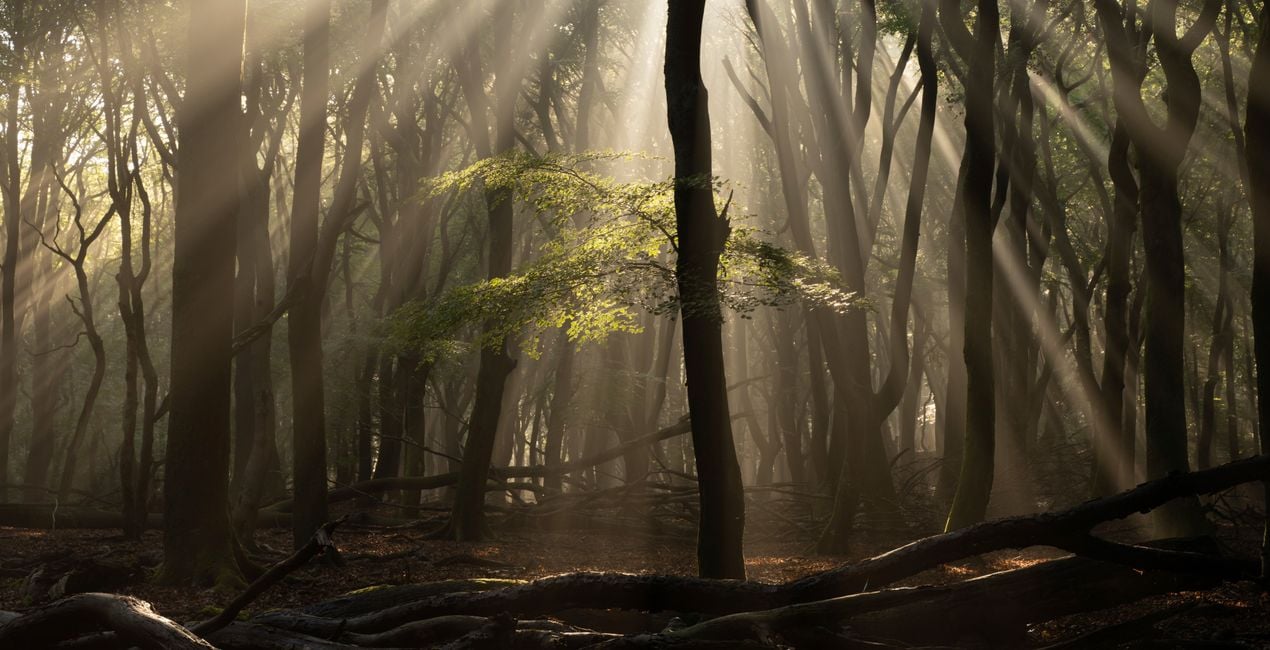
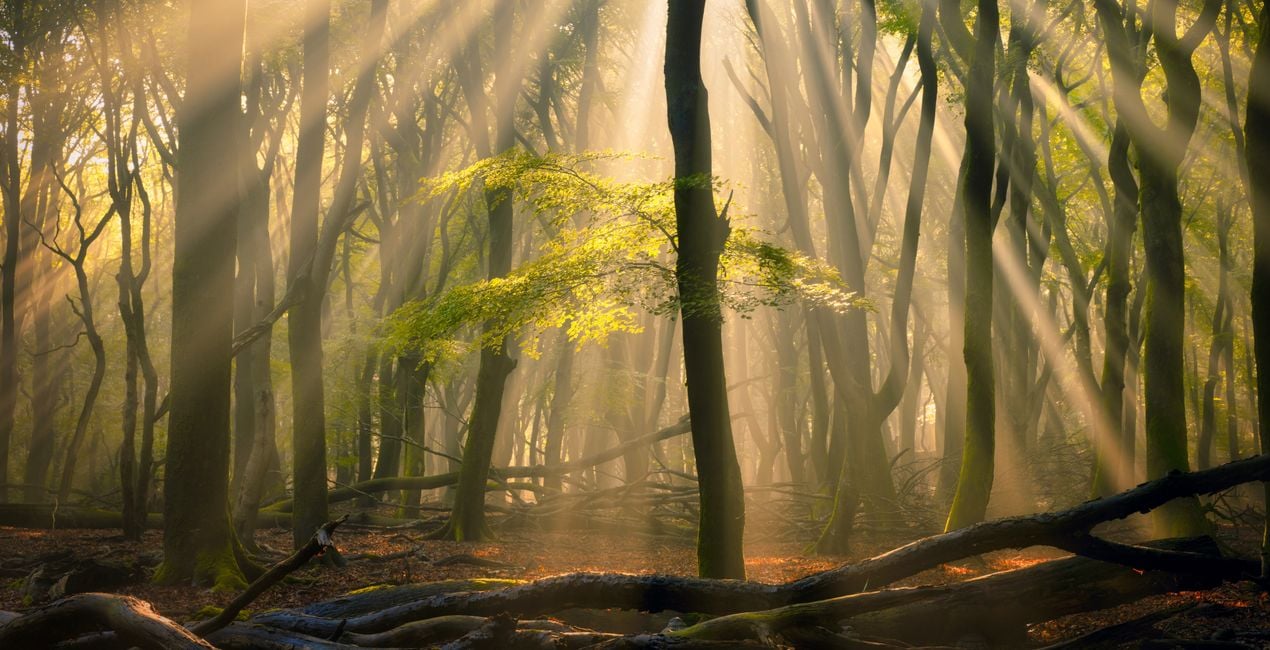
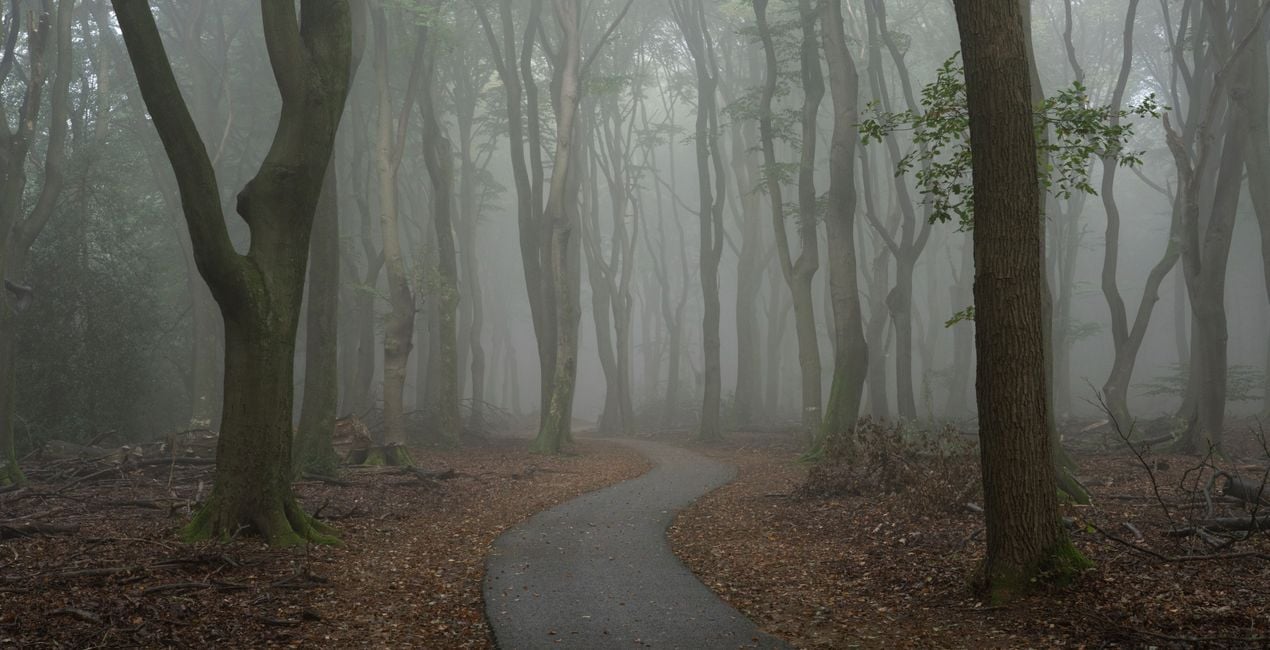
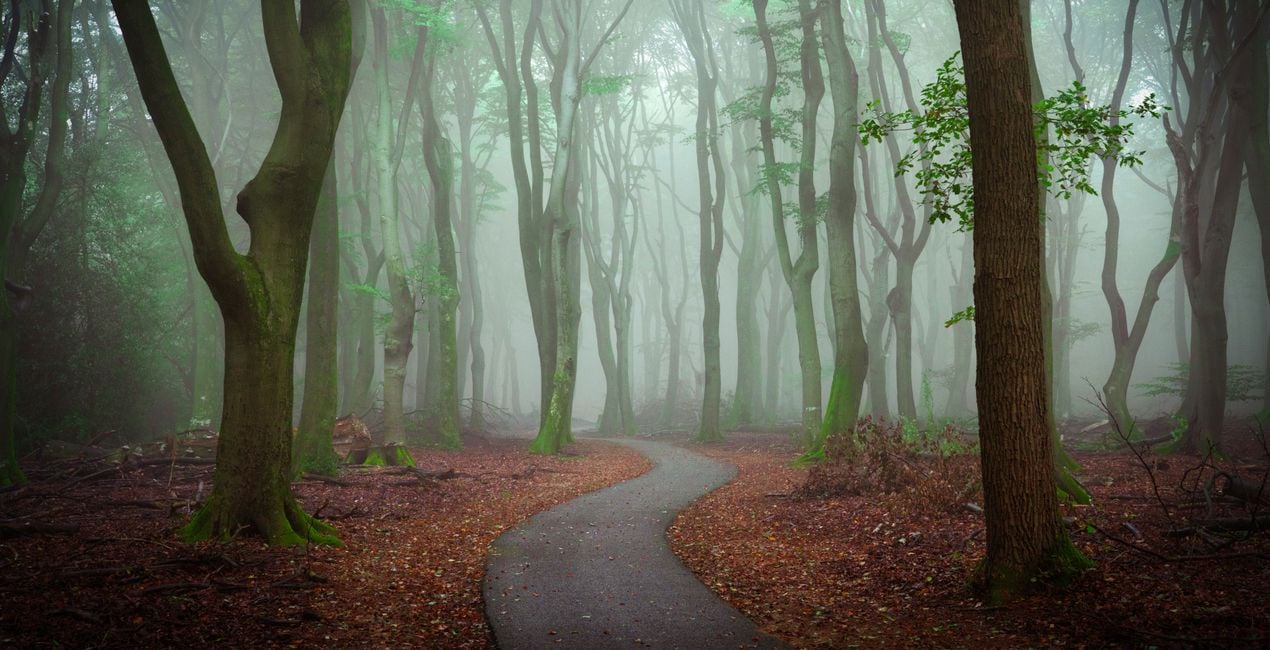
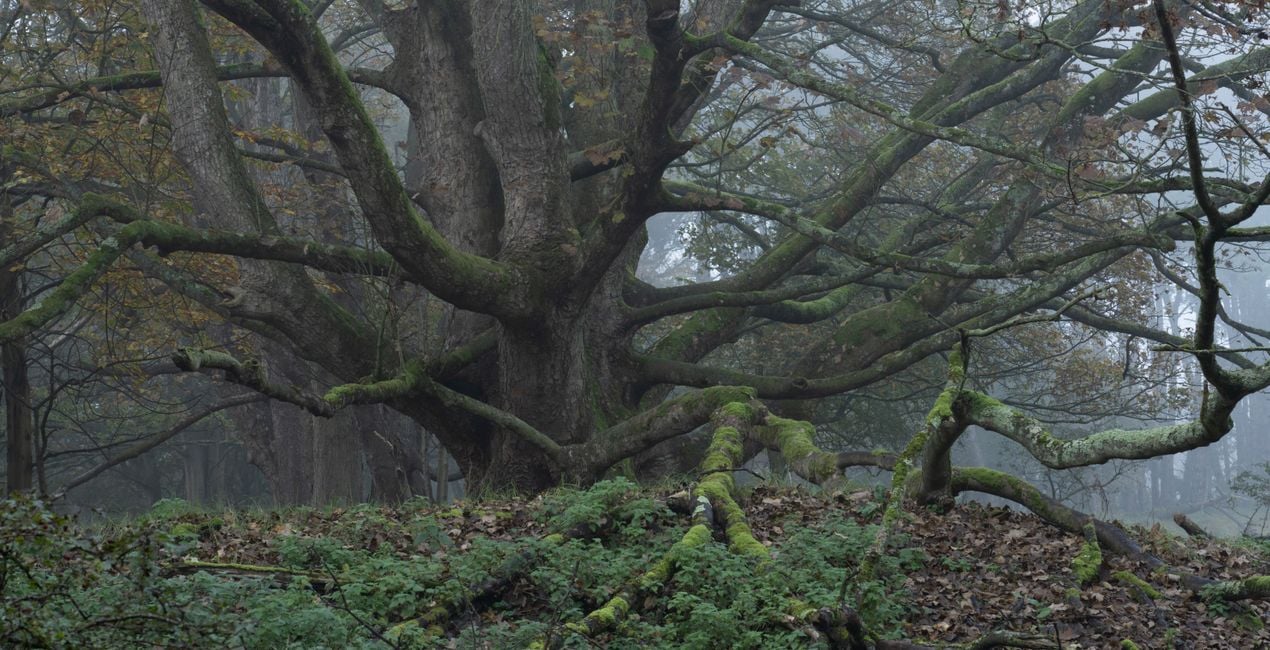
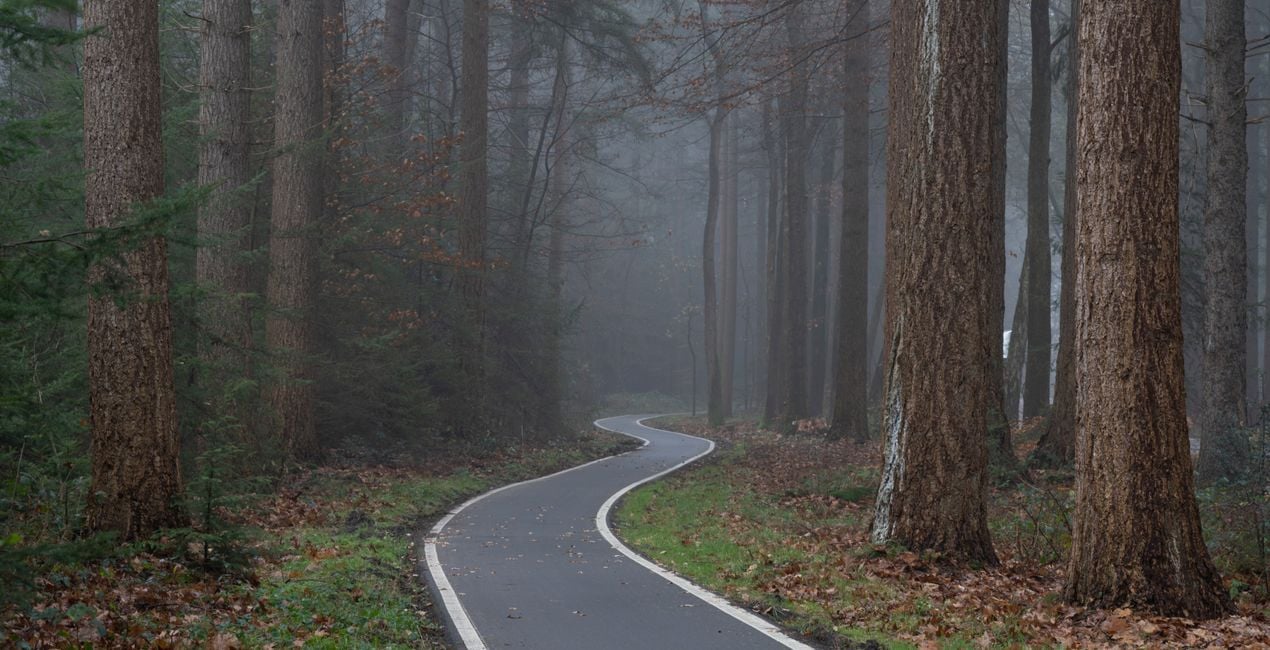
Korzystając z plików RAW z łatwością przećwiczysz wskazówki dotyczące retuszu i dowiesz się, jak stworzyć zdjęcia takie jak te.
 >
>
 >
>
 >
>
 >
>
 >
>
 >
>
 >
>
 >
>
 >
>
Albert’s forest images are known for having a special kind of atmosphere.
They often look like they’re straight out of a fairy tale. Albert chases special conditions in the forest, often getting up early to catch the best possible light. Light beams and thick fog are his favorite conditions to photograph.
Afterwards, Albert uses Luminar to add that extra touch of magic to his forest images. He released his popular Magic Forest Looks a few years back.
Since then, Albert has created new Templates for different conditions and seasons that he uses on a variety of his forest images.
With LuminarAI, he’s now using new techniques like advanced Toning, Color Harmony, and sometimes even the AtmosphereAI tool to take his forest photos to the next level.
This Templates pack is exclusively designed for LuminarAI. It has all-new Templates, so even if you already own Magical Forest Looks, you’ll love part two!
11 Templates list:
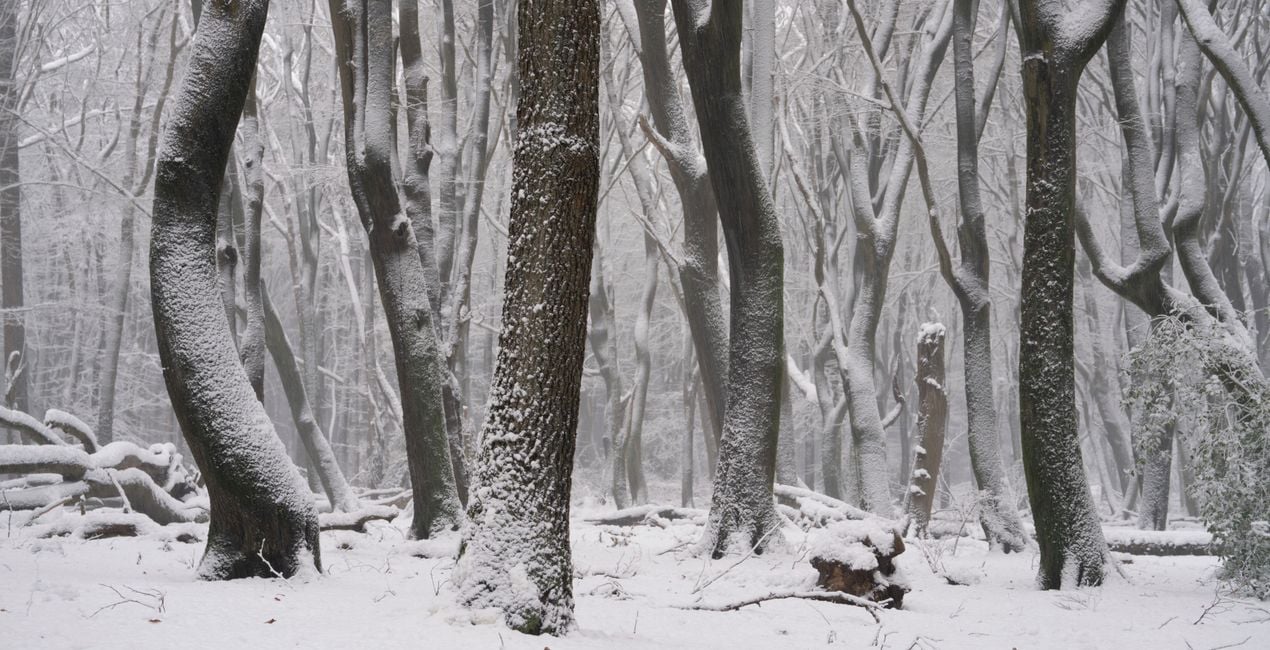
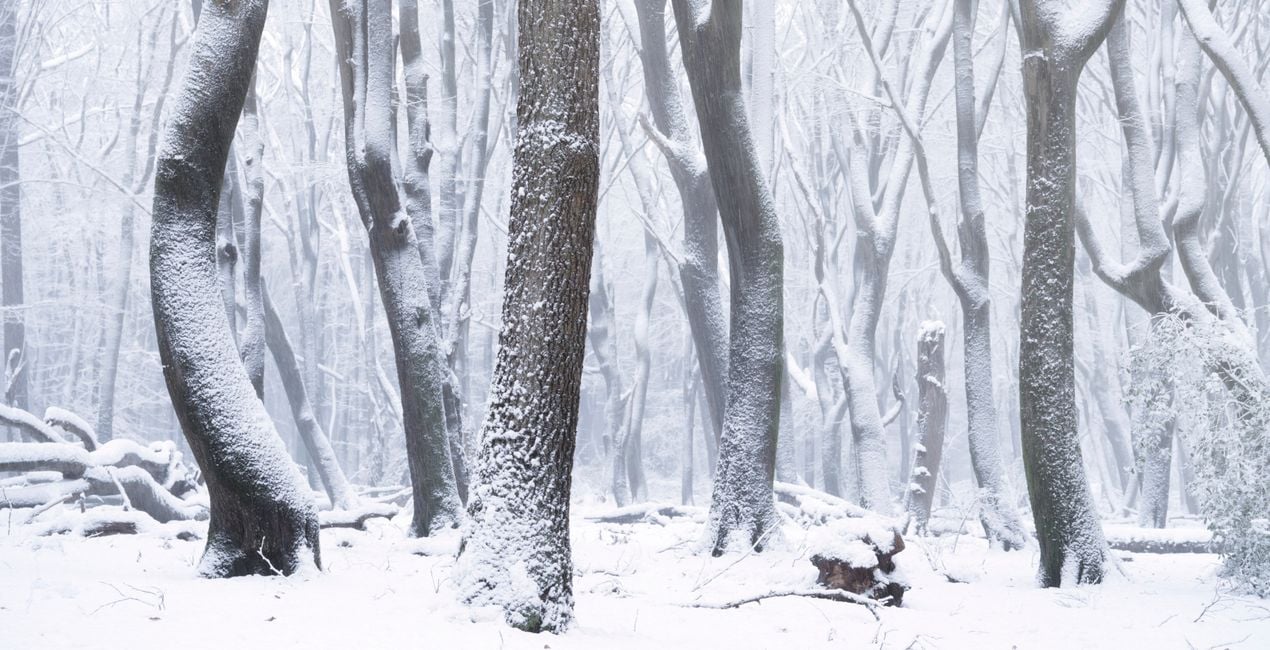
Snow. Desaturates snowy images and makes them look cold.
Moody Split. Creates a nice split toned color palette for a moody look.
Eerie. Gives a creepy color scheme to your image for a horror look.
Eerie Advanced. Gives a greener tone to your image and works for “scary” summer forest images.
Summer Split. Creates separation between summer colors in the forest and makes them much dreamier. Great for images with light beams.
Summer Dream. Adds a dreamy atmosphere to your summer forest shots and intensifies the greens.
Autumn Color. Intensifies autumn colors and creates a very nice split toning look.
Orange Dream. Gives an orange and dreamy look to your autumn images.
Unfog Autumn. “Unfogs” very foggy images and creates stronger colors and color separation.
Unfog Split. Creates a strong split toning look, clears up foggy images and removes haze.
Contrast Control. Meant for images with a lot of contrast, creates a well-balanced image with a dreamy look.
SHARE: Use the hashtag #drosluminar on social media so Albert and the Luminar team can take a look at your results!
Fotograf, pisarz i nauczyciel
Albert Dros is a Dutch landscape photographer who has an extraordinary passion to plan and create unique shots. Volcanoes, solar eclipses and unique aspects of nature draw his attention. He doesn’t just go for the simple shot.
"Go big or go home" is his motto, always trying to add some unique element to his shots.
His work has been recognized on a worldwide scale and he has been published worldwide in the biggest media outlets.
Albert travels a lot as a photo educator but also for personal projects. But even in The Netherlands, he can’t stop photographing. His inspiration never stops.
Jeśli masz jakiekolwiek pytania dotyczące produktu, możesz skontaktować się z zespołem pomocy technicznej dostępnym 24 godziny na dobę, 7 dni w tygodniu. Wystarczy kliknąć ten link.
Aby kupić Magical Forests - Part II, wykonaj następujące kroki:
1. Otwórz Marketplace Skylum.
2. Przejdź do odpowiedniej zakładki, w której znajduje się Magical Forests - Part II. Kliknij na nim i dodaj produkt do koszyka.
3. Przejdź do koszyka. Tutaj zakończ proces zakupu produktu Magical Forests - Part II.
4. Po dokonaniu zakupu otrzymasz wiadomość e-mail z linkiem do pobrania Magical Forests - Part II. Nowy produkt znajdziesz również na swoim koncie Skylum, w zakładce Moje dodatki.
Szczegółowe instrukcje dotyczące instalacji Magical Forests - Part II zostaną przesłane w wiadomości e-mail wraz z linkiem do pobrania
Ponadto zakupiony produkt można zainstalować bezpośrednio w programie Luminar Neo: przejdź do menu Dodatki > Marketplace, wybierz kategorię produktu, znajdź zakupiony produkt i kliknij Zainstaluj.
To całkiem proste! Przejdź do zakładki Presety, a następnie wybierz opcję Zakupione. Zainstalowane presety będą się znajdować w tym miejscu.
Nie martw się. Wszystkie zakupione produkty, w tym Magical Forests - Part II, są przechowywane w zakładce „Moje dodatki” na koncie Skylum, co umożliwia ich łatwe ponowne pobranie i użycie.
Ogólnie rzecz biorąc, większość produktów jest kompatybilna z Luminar Neo. Aby jednak upewnić się, że Magical Forests - Part II jest kompatybilne z Twoim oprogramowaniem, przed pobraniem lub zakupem sprawdź jego specyfikację. Poszukaj sekcji „Kompatybilność” po prawej stronie strony Magical Forests - Part II, gdzie wymienione są wszystkie kompatybilne produkty.
Nie wychodź jeszcze. Mamy dla Ciebie ekskluzywny kod rabatowy. Wykorzystaj go w ciągu najbliższych 15 minut, aby uzyskać dodatkowe 10% zniżki przy finalizacji zamówienia. Skopiuj poniższy kod i sfinalizuj zakup.
15 m : 00 s





