


 Zastosowany




O nas
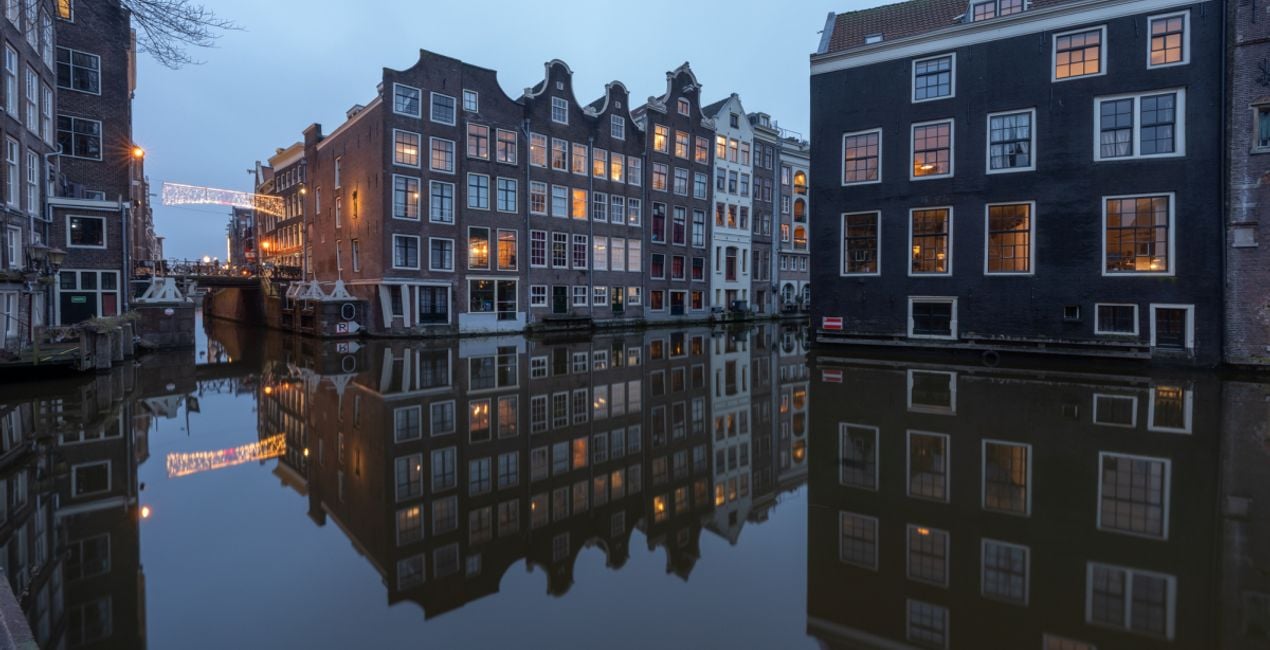
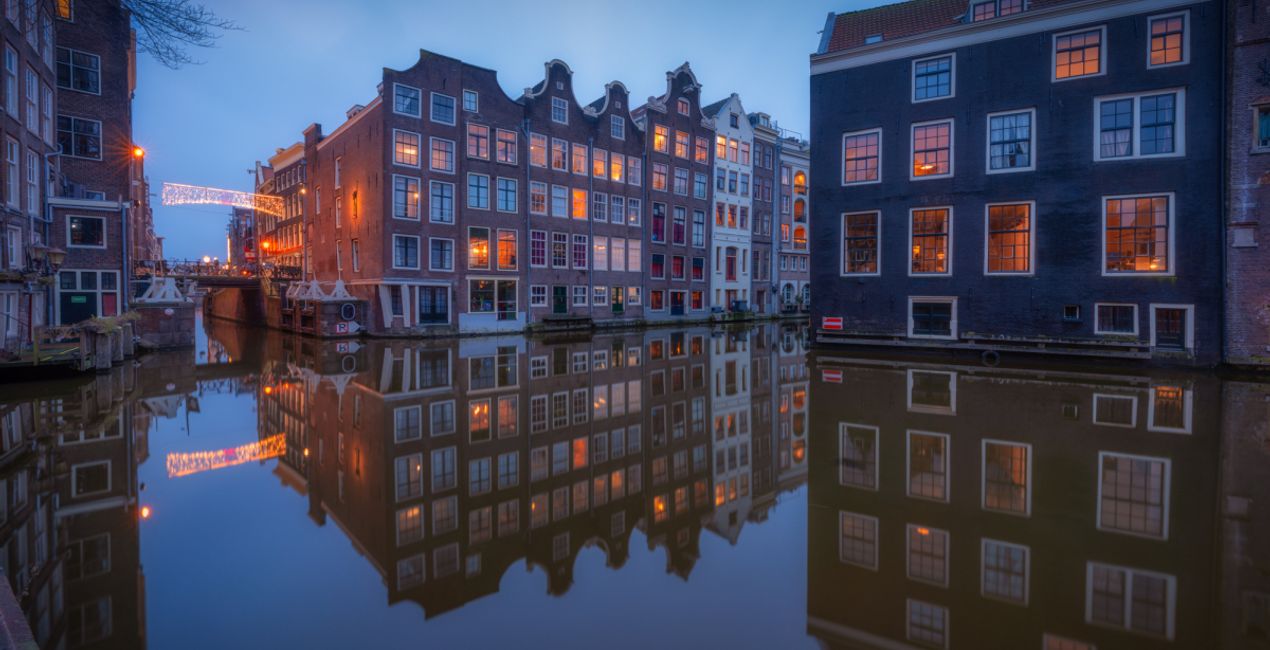
This Indigo Hues Signature Templates pack is perfect for photographs taken in the evening. Add some extra romance or magic to your cityscapes or give them a distinctive style, thanks to these 10 captivating Templates created by Albert Dros especially for blue hour photos.
Kompatybilność

Twórz zdjęcia takie jak to
Korzystając z plików RAW z łatwością przećwiczysz wskazówki dotyczące retuszu i dowiesz się, jak stworzyć zdjęcia takie jak te.

 >
>
 >
>

 >
>
 >
>

 >
>

 >
>

 >
>

 >
>

 >
>
Historia
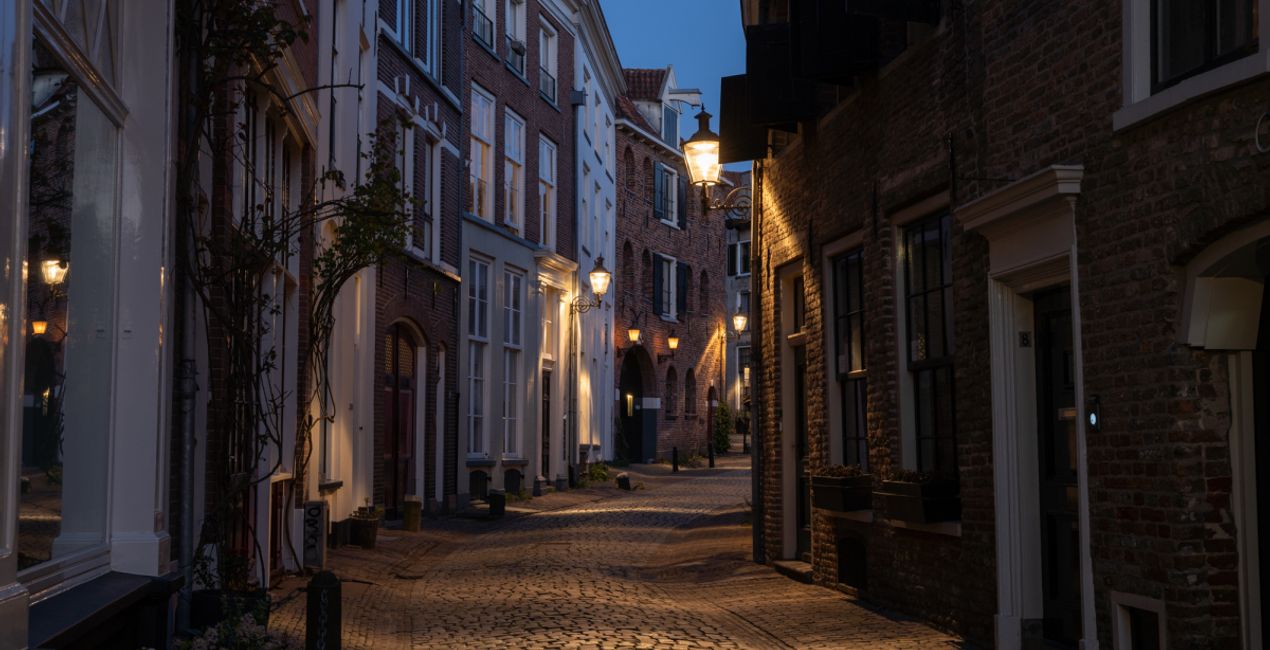
Albert Dros often uses these Templates himself for his photos of little streets in the evening. He’s satisfied with them because they allow him to quickly achieve a nice result. Even though the Templates sometimes need a bit of tweaking, they’re often great as they are. Use them to add a little magic to your evening images. Your blue hour photos will never look better!
Podobne produkty


Twórca
Albert Dros
Fotograf, pisarz i nauczyciel
Albert Dros is a Dutch landscape photographer who has an extraordinary passion to plan and create unique shots. Volcanoes, solar eclipses and unique aspects of nature draw his attention. He doesn’t just go for the simple shot.
"Go big or go home" is his motto, always trying to add some unique element to his shots.
His work has been recognized on a worldwide scale and he has been published worldwide in the biggest media outlets.
Albert travels a lot as a photo educator but also for personal projects. But even in The Netherlands, he can’t stop photographing. His inspiration never stops.
Jak skontaktować się z pomocą techniczną?
Jeśli masz jakiekolwiek pytania dotyczące produktu, możesz skontaktować się z zespołem pomocy technicznej dostępnym 24 godziny na dobę, 7 dni w tygodniu. Wystarczy kliknąć ten link.
Jak mogę kupić INDIGO HUES?
Aby kupić INDIGO HUES, wykonaj następujące kroki:
1. Otwórz Marketplace Skylum.
2. Przejdź do odpowiedniej zakładki, w której znajduje się INDIGO HUES. Kliknij na nim i dodaj produkt do koszyka.
3. Przejdź do koszyka. Tutaj zakończ proces zakupu produktu INDIGO HUES.
4. Po dokonaniu zakupu otrzymasz wiadomość e-mail z linkiem do pobrania INDIGO HUES. Nowy produkt znajdziesz również na swoim koncie Skylum, w zakładce Moje dodatki.
Jak zainstalować INDIGO HUES?
Szczegółowe instrukcje dotyczące instalacji INDIGO HUES zostaną przesłane w wiadomości e-mail wraz z linkiem do pobrania
Ponadto zakupiony produkt można zainstalować bezpośrednio w programie Luminar Neo: przejdź do menu Dodatki > Marketplace, wybierz kategorię produktu, znajdź zakupiony produkt i kliknij Zainstaluj.
Gdzie mogę znaleźć INDIGO HUES po instalacji?
To całkiem proste! Przejdź do zakładki Presety, a następnie wybierz opcję Zakupione. Zainstalowane presety będą się znajdować w tym miejscu.
Co jeśli zgubię INDIGO HUES?
Nie martw się. Wszystkie zakupione produkty, w tym INDIGO HUES, są przechowywane w zakładce „Moje dodatki” na koncie Skylum, co umożliwia ich łatwe ponowne pobranie i użycie.
Jak sprawdzić, czy INDIGO HUES jest kompatybilne z moim oprogramowaniem?
Ogólnie rzecz biorąc, większość produktów jest kompatybilna z Luminar Neo. Aby jednak upewnić się, że INDIGO HUES jest kompatybilne z Twoim oprogramowaniem, przed pobraniem lub zakupem sprawdź jego specyfikację. Poszukaj sekcji „Kompatybilność” po prawej stronie strony INDIGO HUES, gdzie wymienione są wszystkie kompatybilne produkty.


