


 Zastosowany


Magiczne Knieje
Save $201 $ 12 .73 $ 19 .00

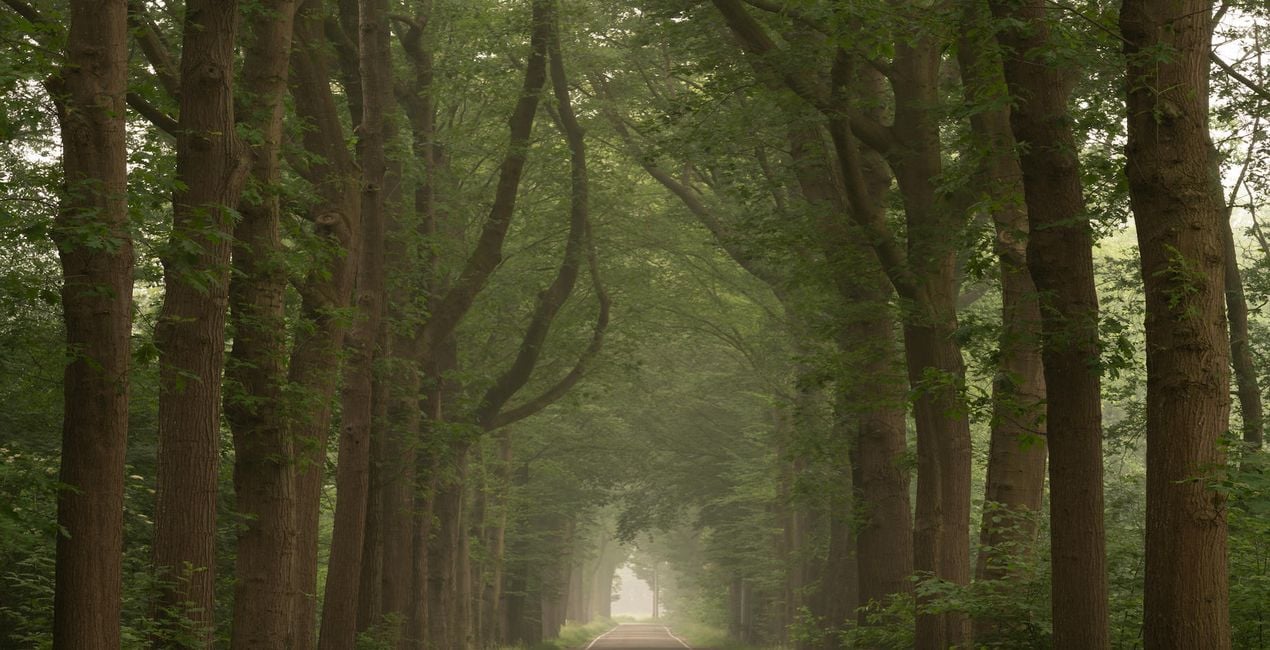
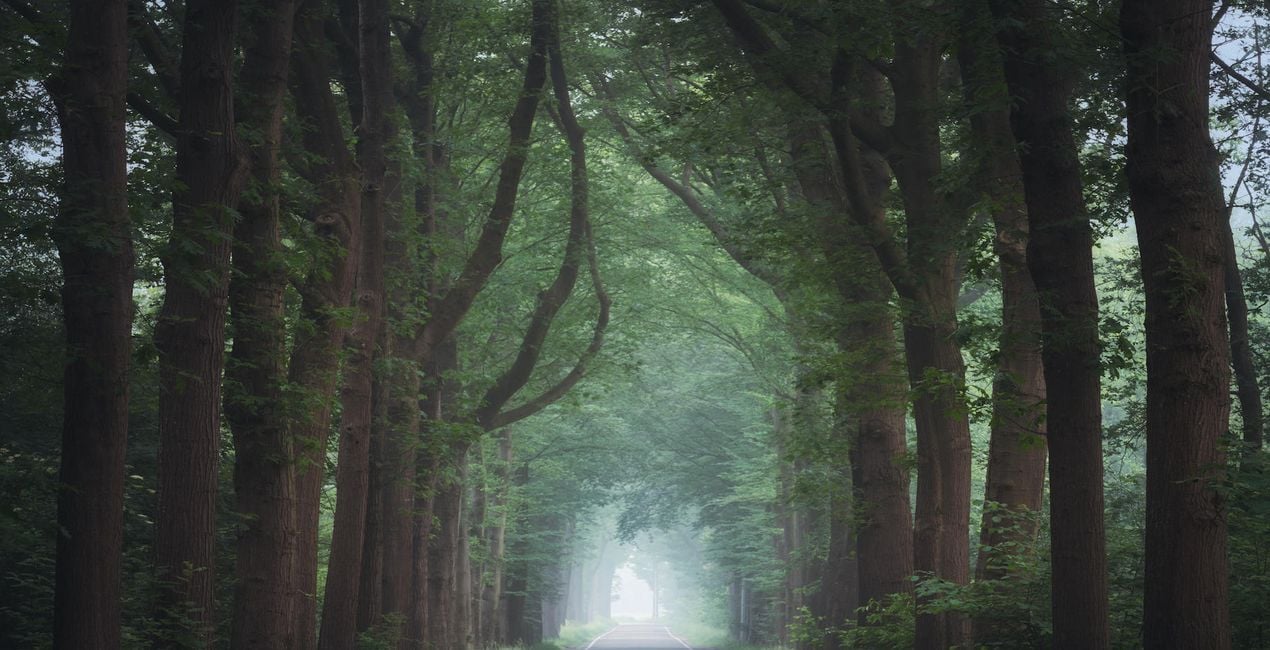
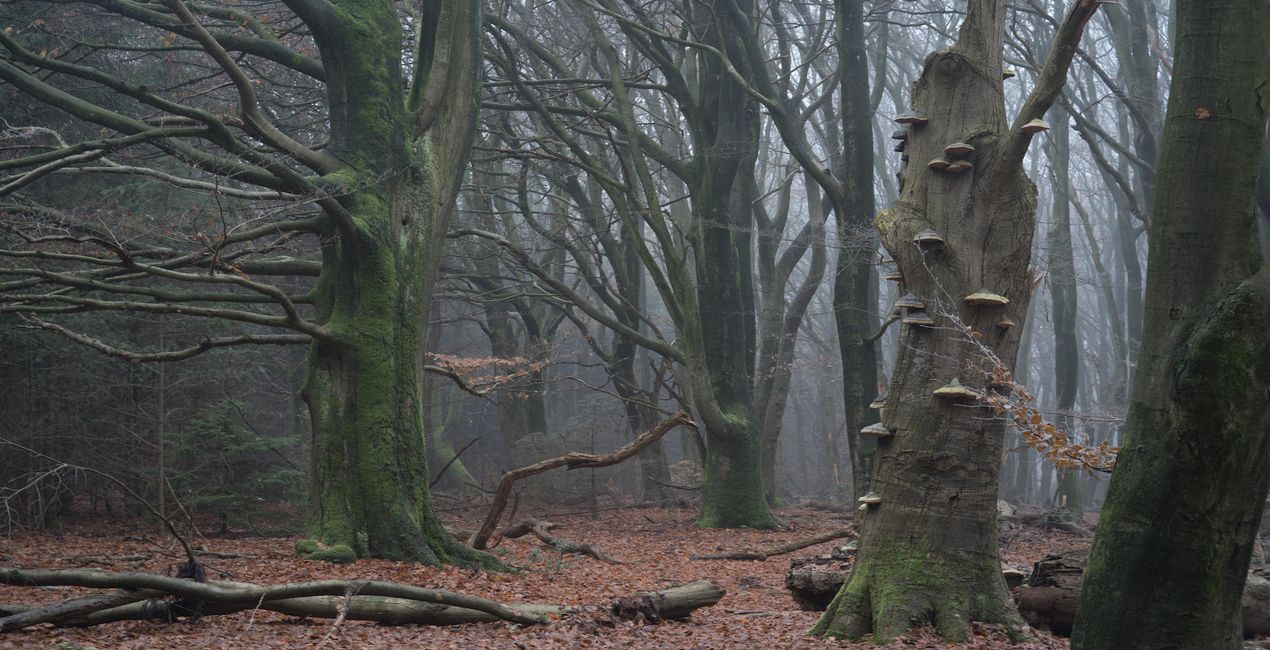
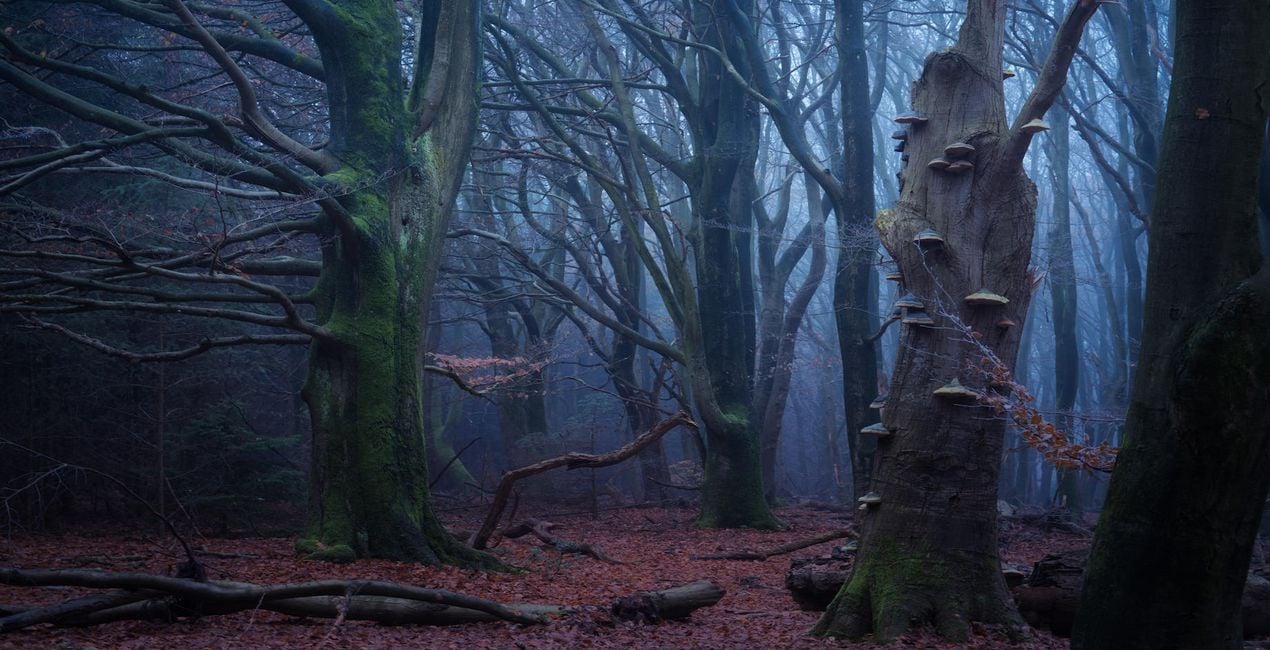
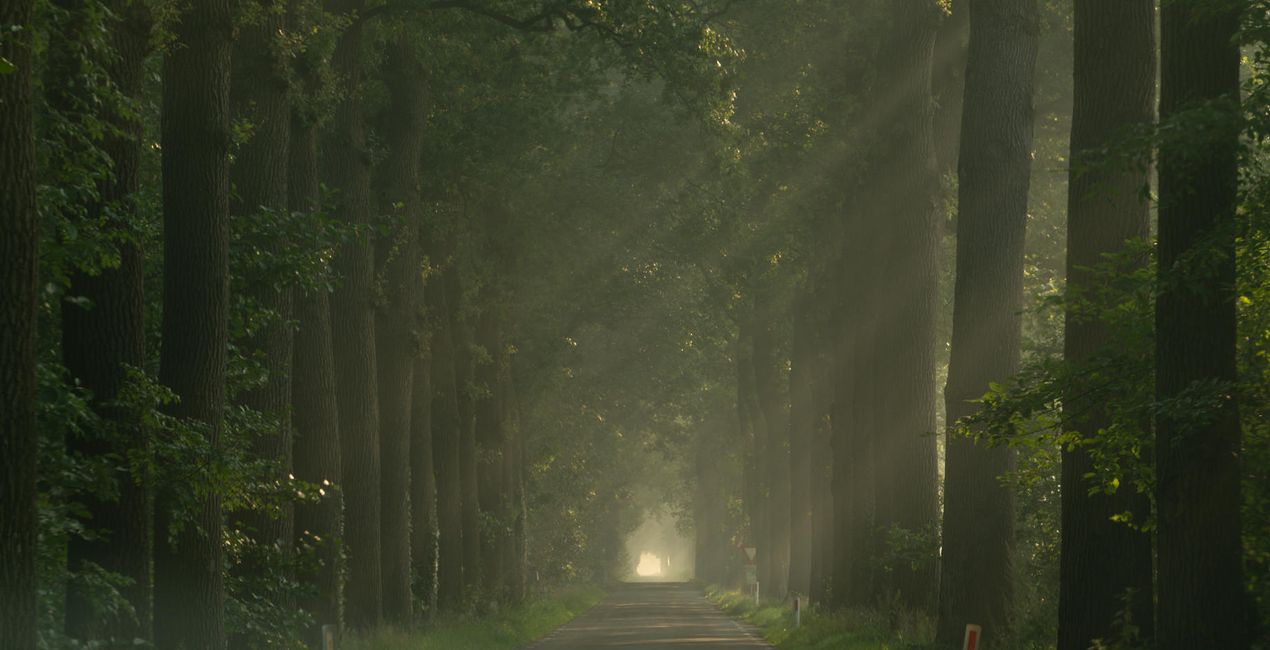
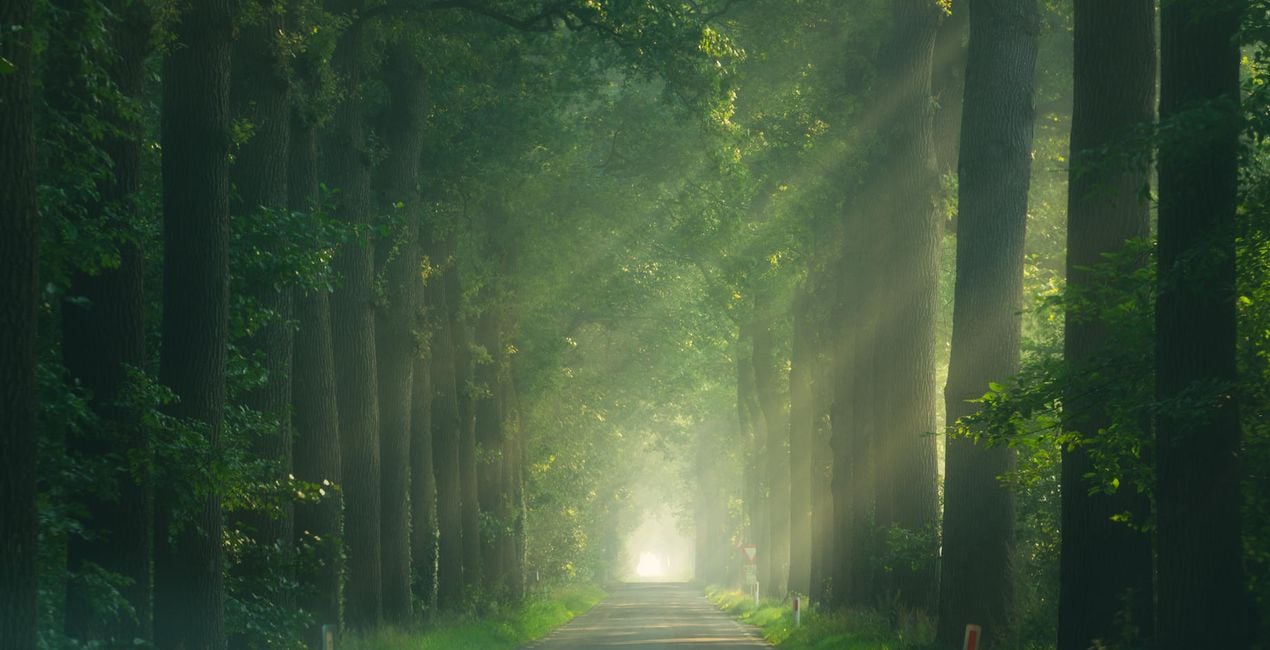
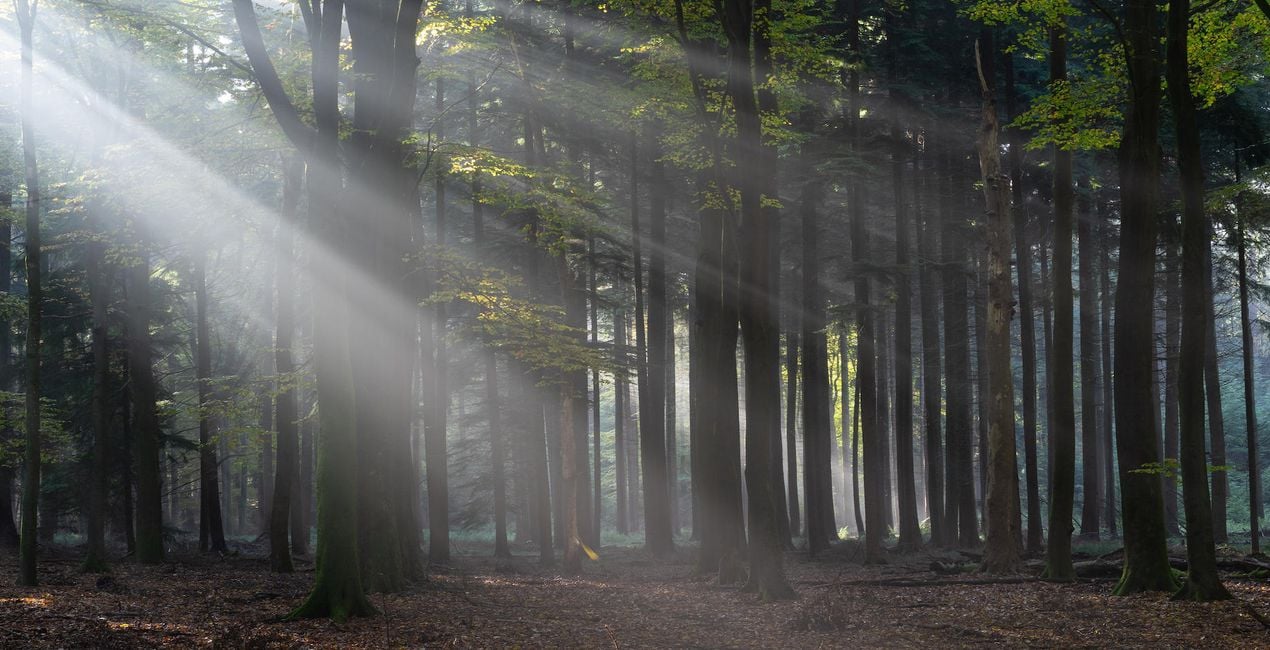
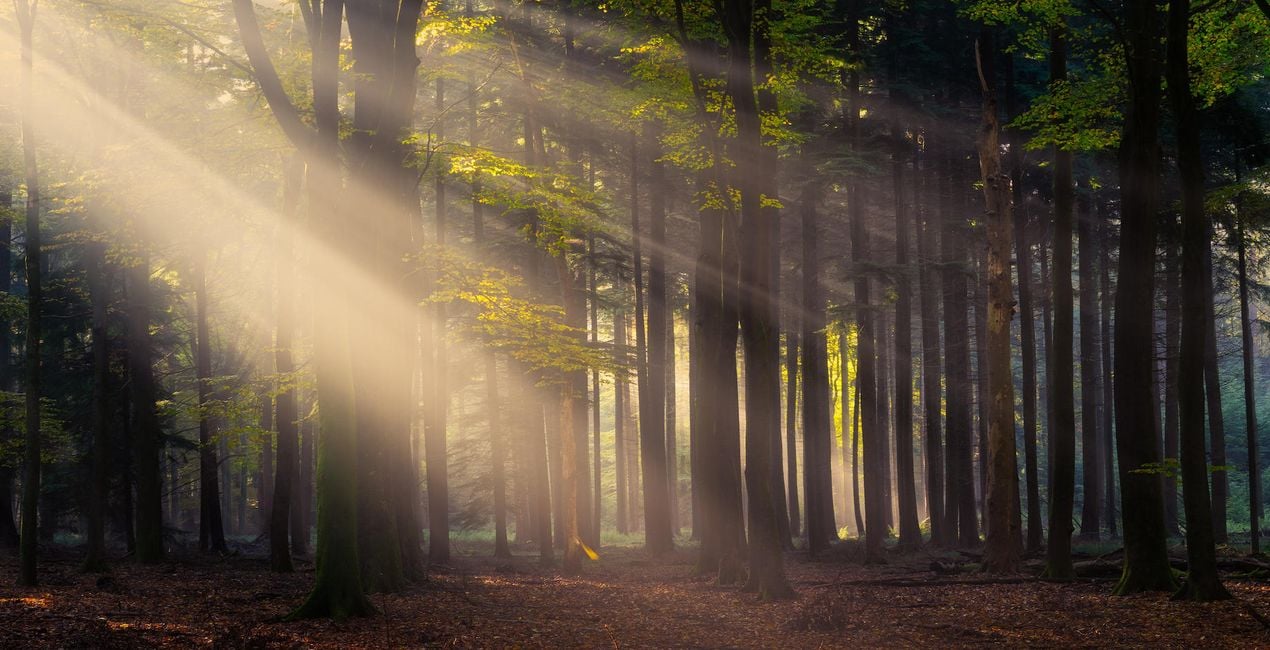
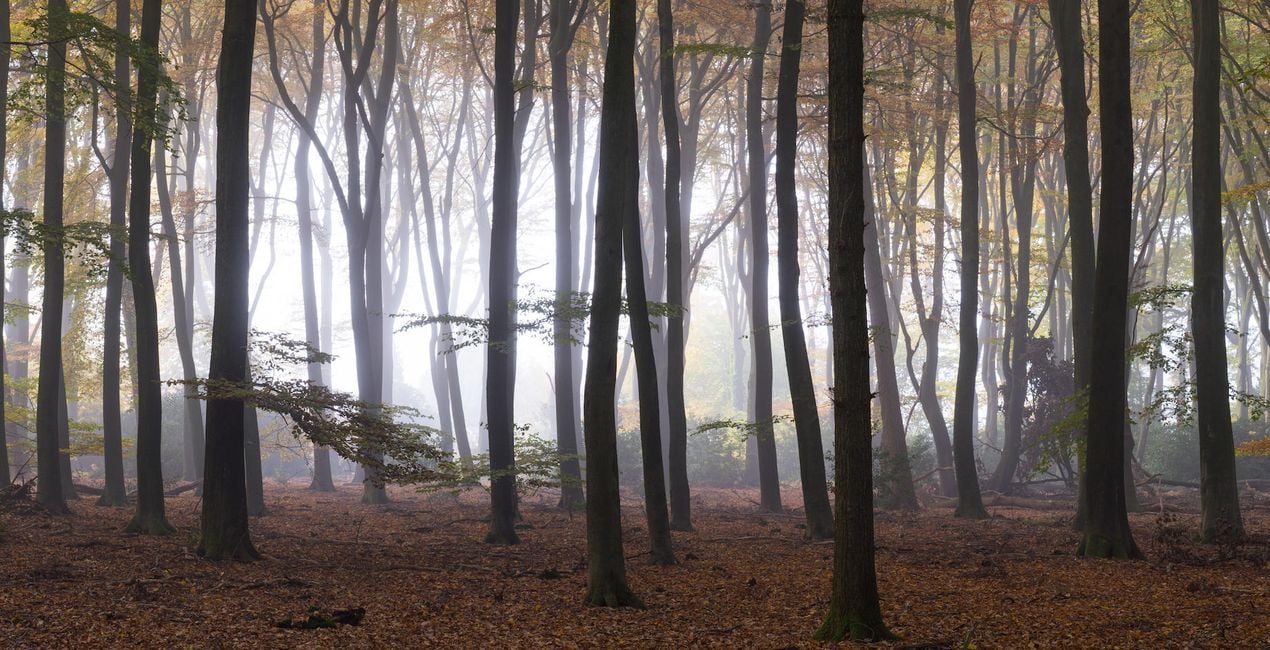
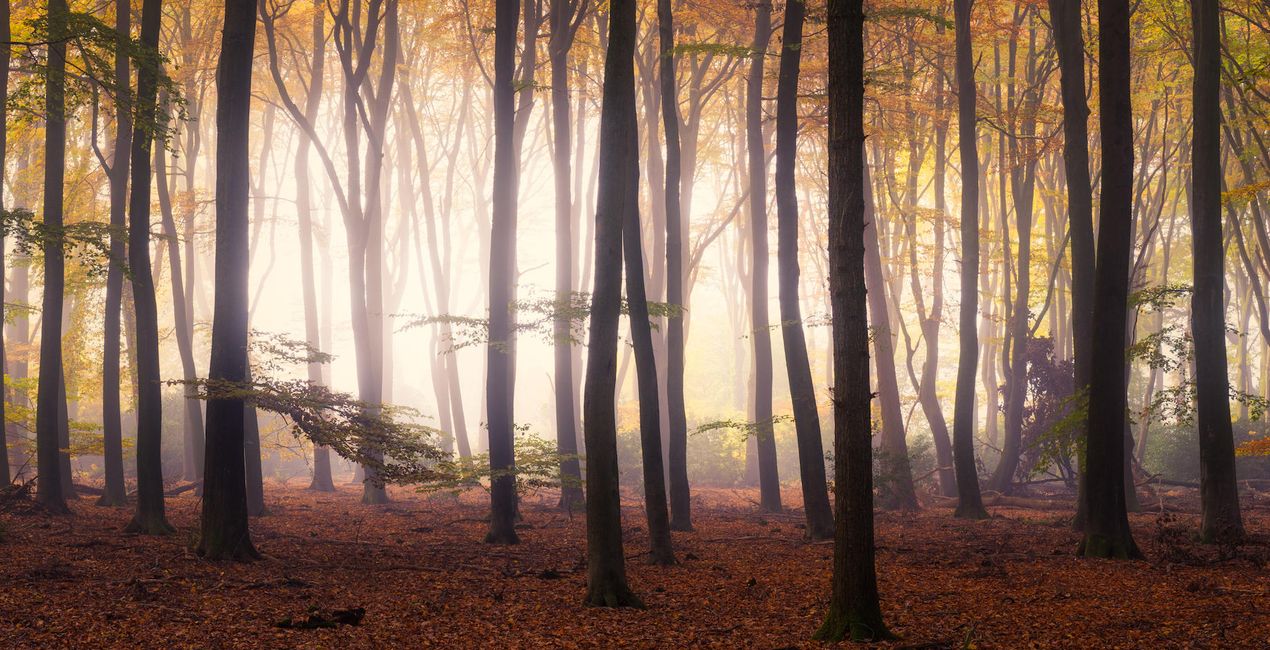
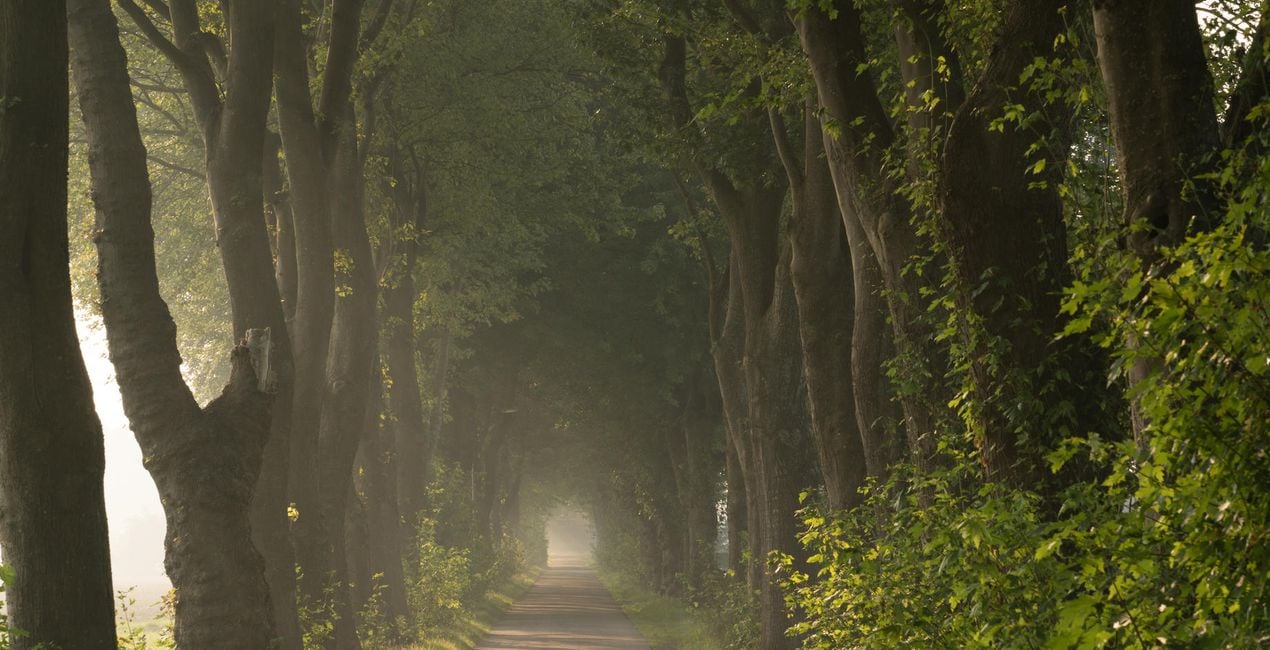
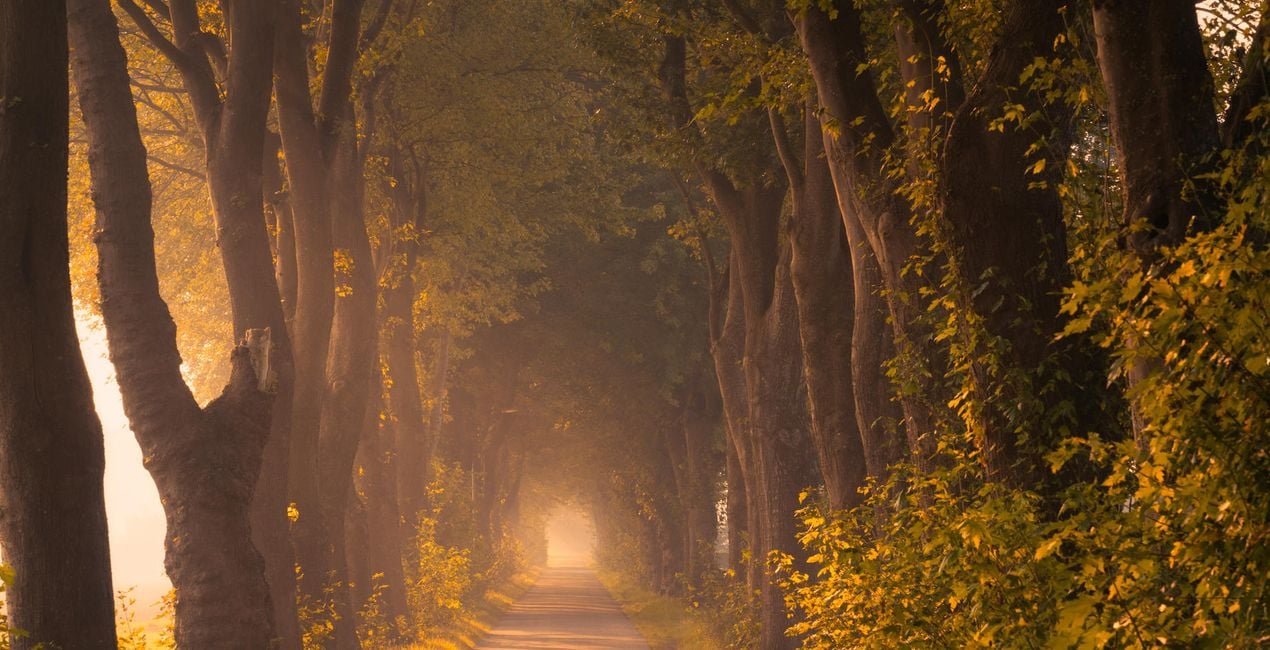
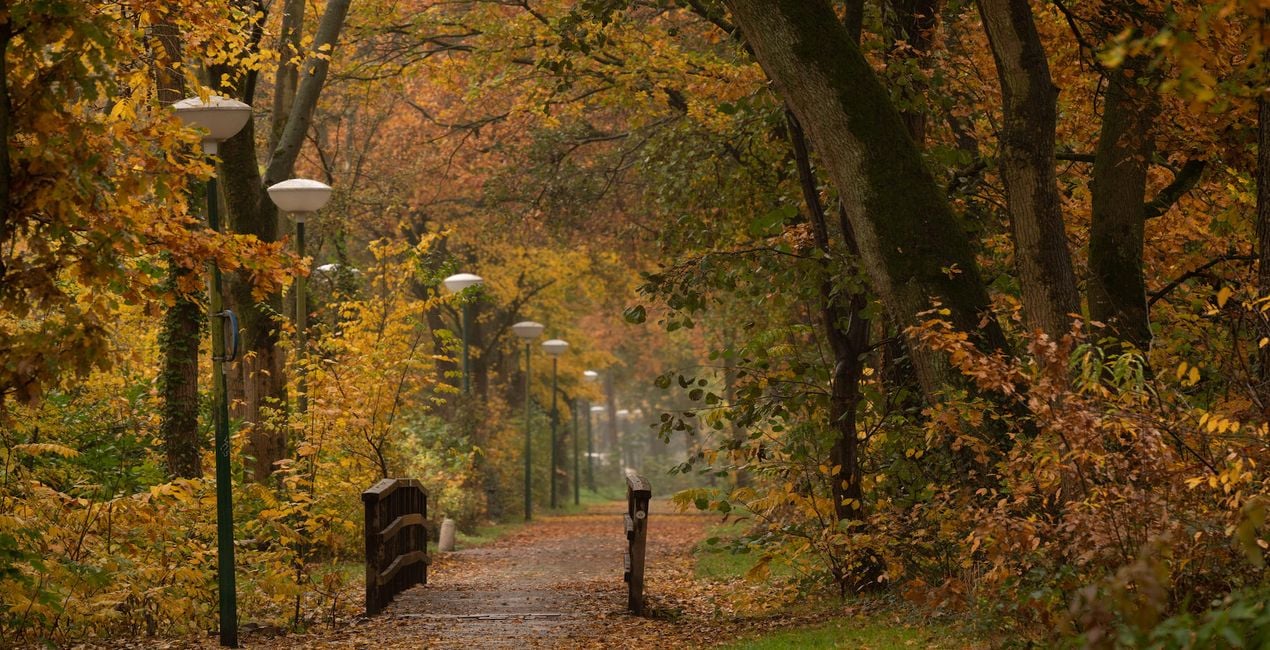
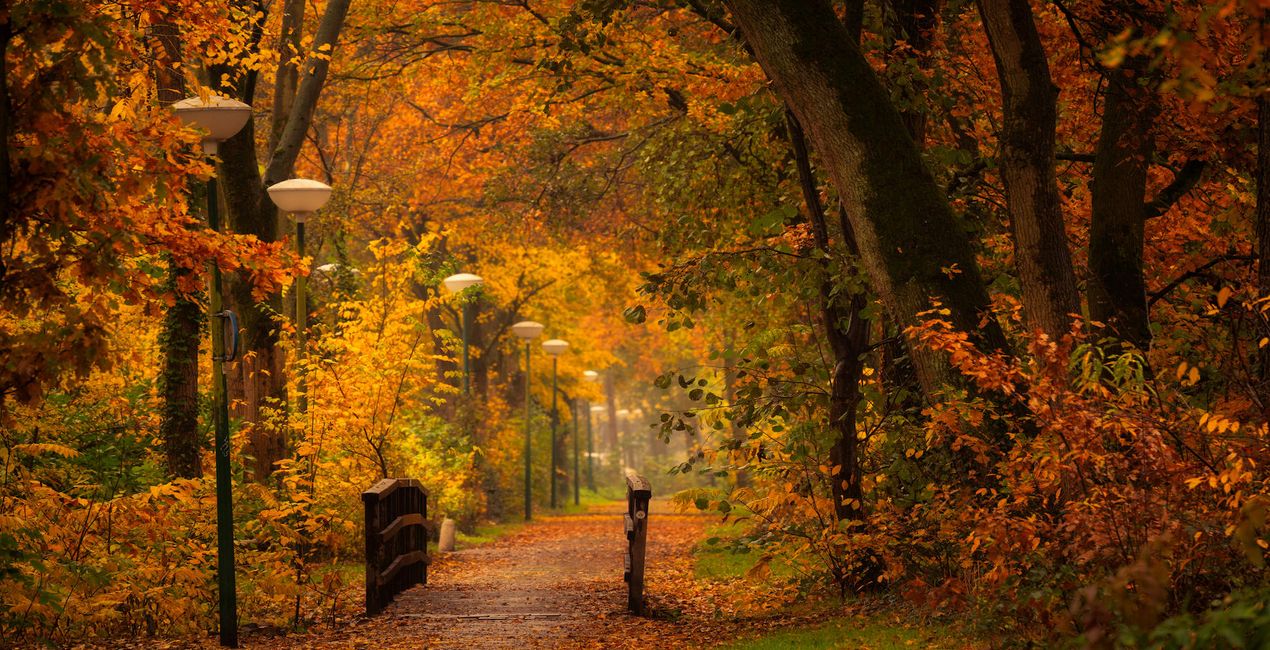
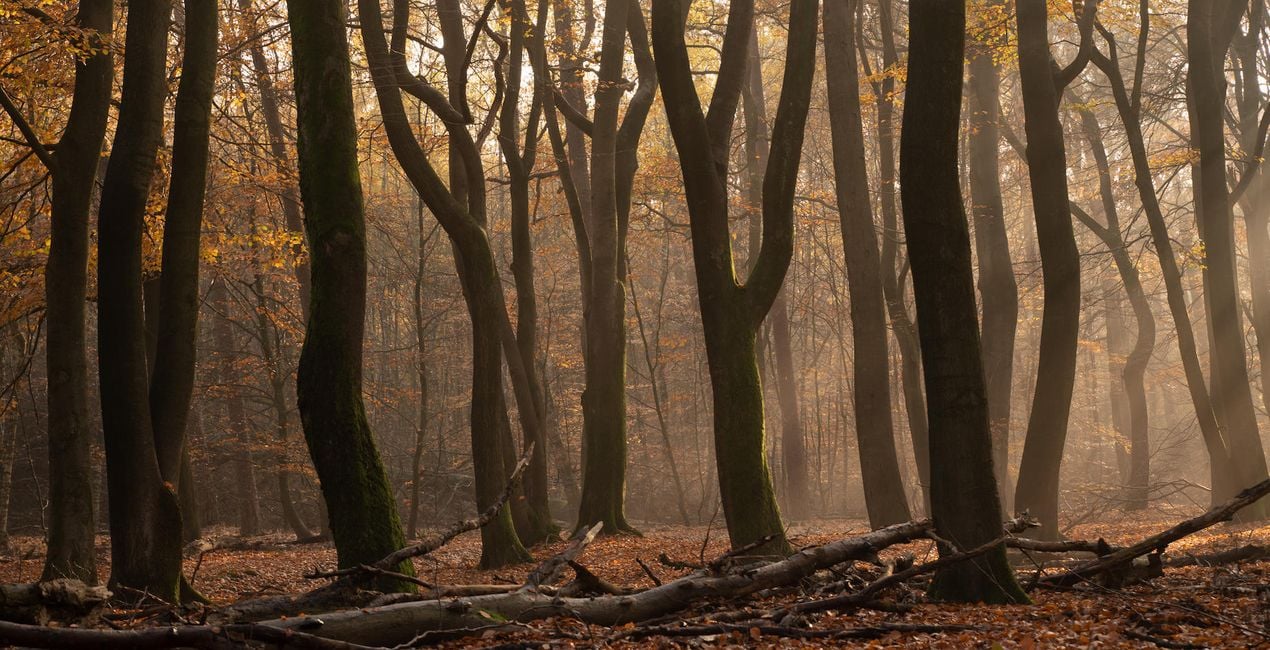
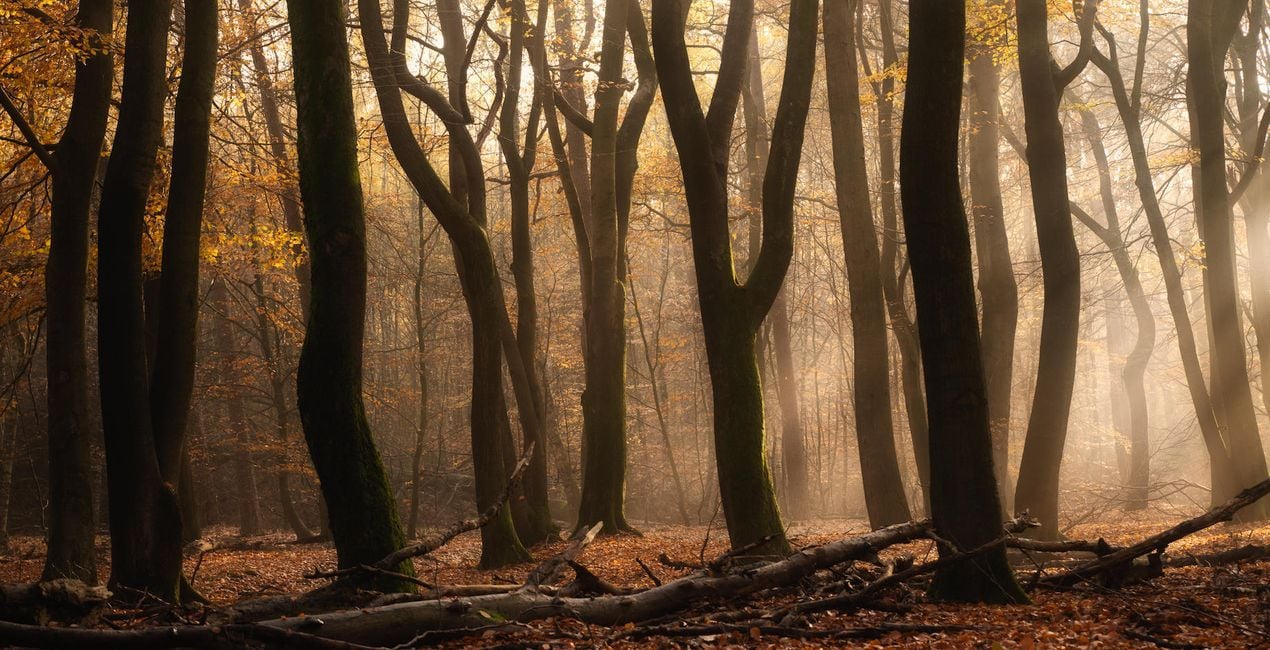
Albert Dros specjalizuje się w fotografowaniu lasów i nadawaniu im magicznego wyglądu. Dzięki jego presetom możesz uzyskać świetne efekty za 1 kliknięciem. Albert podkreśla jednak, że aby uzyskać najlepsze rezultaty, Twoje zdjęcie musi mieć dobre oświetlenie. Fotografia słabej jakości nie stanie się nagle przepiękna tylko dzięki presetom.

Korzystając z plików RAW z łatwością przećwiczysz wskazówki dotyczące retuszu i dowiesz się, jak stworzyć zdjęcia takie jak te.
 >
>
 >
>
 >
>
 >
>
 >
>
 >
>
 >
>
 >
>
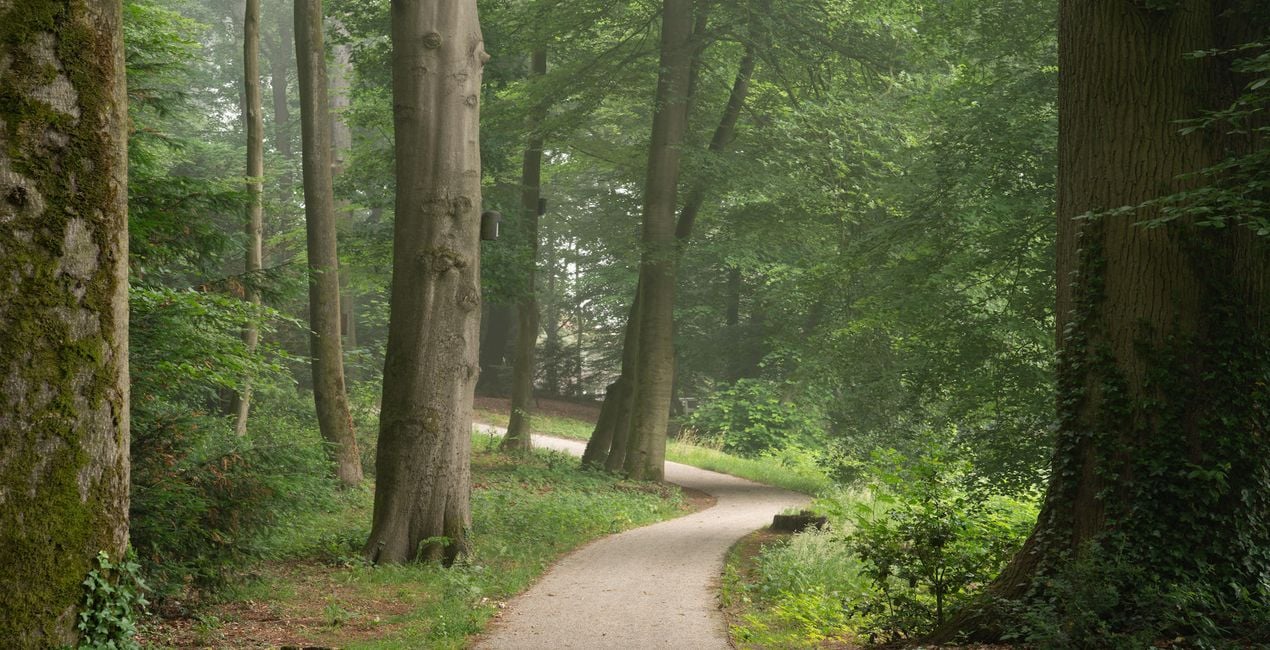
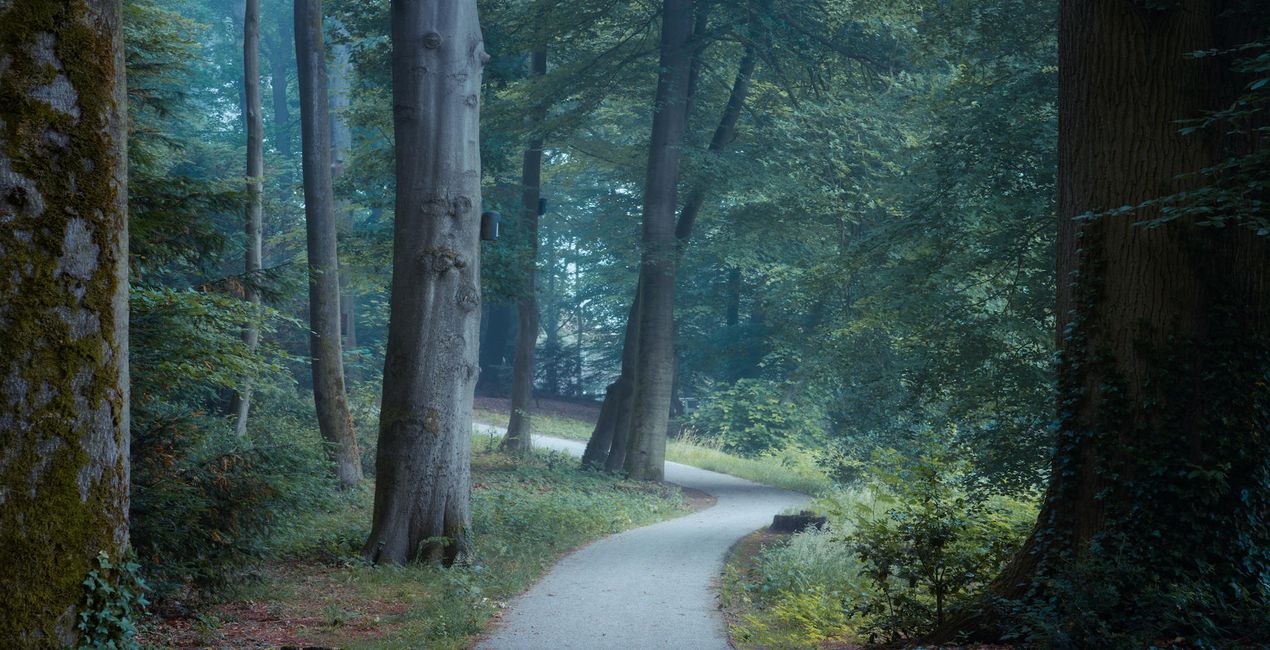 >
>
This preset pack was created to make it easy and quick to edit forest photos. Walking around in a beautiful forest can be magical, especially with the right light. It’s not always possible to capture that feeling and light properly when photographing forests. This pack was created to help you push out that certain mood that you experienced while walking in the forest out of your photos. Dreamy, Mystical or maybe a Spooky look? They can either be used as inspiration or final result. I was inspired to create these Templates/Looks from the photo community that was always asking me how I edit my photos. Sometimes I spend hours on a photo, and sometimes it takes a few minutes with only a few clicks. That’s the case with most of my forest photos. So I figured I would make it easier for the community to help them achieve my style! With these presets users can edit their forest photos in a super-easy way and achieve very quick results. Bu only tweaking a few parameters like exposure, intensity and white balance, the user can very quickly get the desired result. These presets are based on micro-contrast, split toning and adding a different kind of glows. And by playing with colours they give you that magical look you often see in Albert’s forest photos. For a full forest guide сheck the article at the Iceland Photo Tours website. IMPORTANT Exposure: When using these presets, you sometimes need to adjust the Exposure slider to get the desired brightness. Vignette: In some of the presets Vignetting is applied. You can change the center point of this vignette to your preference. Amount: The effect might sometimes be too strong. Play with the ‘amount’ slider to reduce the effect in case it’s too strong.
Fotograf, pisarz i nauczyciel
Albert Dros is a Dutch landscape photographer who has an extraordinary passion to plan and create unique shots. Volcanoes, solar eclipses and unique aspects of nature draw his attention. He doesn’t just go for the simple shot.
"Go big or go home" is his motto, always trying to add some unique element to his shots.
His work has been recognized on a worldwide scale and he has been published worldwide in the biggest media outlets.
Albert travels a lot as a photo educator but also for personal projects. But even in The Netherlands, he can’t stop photographing. His inspiration never stops.
Jeśli masz jakiekolwiek pytania dotyczące produktu, możesz skontaktować się z zespołem pomocy technicznej dostępnym 24 godziny na dobę, 7 dni w tygodniu. Wystarczy kliknąć ten link.
Aby kupić Magical Forests, wykonaj następujące kroki:
1. Otwórz Marketplace Skylum.
2. Przejdź do odpowiedniej zakładki, w której znajduje się Magical Forests. Kliknij na nim i dodaj produkt do koszyka.
3. Przejdź do koszyka. Tutaj zakończ proces zakupu produktu Magical Forests.
4. Po dokonaniu zakupu otrzymasz wiadomość e-mail z linkiem do pobrania Magical Forests. Nowy produkt znajdziesz również na swoim koncie Skylum, w zakładce Moje dodatki.
Szczegółowe instrukcje dotyczące instalacji Magical Forests zostaną przesłane w wiadomości e-mail wraz z linkiem do pobrania
Ponadto zakupiony produkt można zainstalować bezpośrednio w programie Luminar Neo: przejdź do menu Dodatki > Marketplace, wybierz kategorię produktu, znajdź zakupiony produkt i kliknij Zainstaluj.
To całkiem proste! Przejdź do zakładki Presety, a następnie wybierz opcję Zakupione. Zainstalowane presety będą się znajdować w tym miejscu.
Nie martw się. Wszystkie zakupione produkty, w tym Magical Forests, są przechowywane w zakładce „Moje dodatki” na koncie Skylum, co umożliwia ich łatwe ponowne pobranie i użycie.
Ogólnie rzecz biorąc, większość produktów jest kompatybilna z Luminar Neo. Aby jednak upewnić się, że Magical Forests jest kompatybilne z Twoim oprogramowaniem, przed pobraniem lub zakupem sprawdź jego specyfikację. Poszukaj sekcji „Kompatybilność” po prawej stronie strony Magical Forests, gdzie wymienione są wszystkie kompatybilne produkty.
Nie wychodź jeszcze. Mamy dla Ciebie ekskluzywny kod rabatowy. Wykorzystaj go w ciągu najbliższych 15 minut, aby uzyskać dodatkowe 10% zniżki przy finalizacji zamówienia. Skopiuj poniższy kod i sfinalizuj zakup.
15 m : 00 s





