


 Appliqué


Romance Brush Overlays
Save $201 $ 19 .00

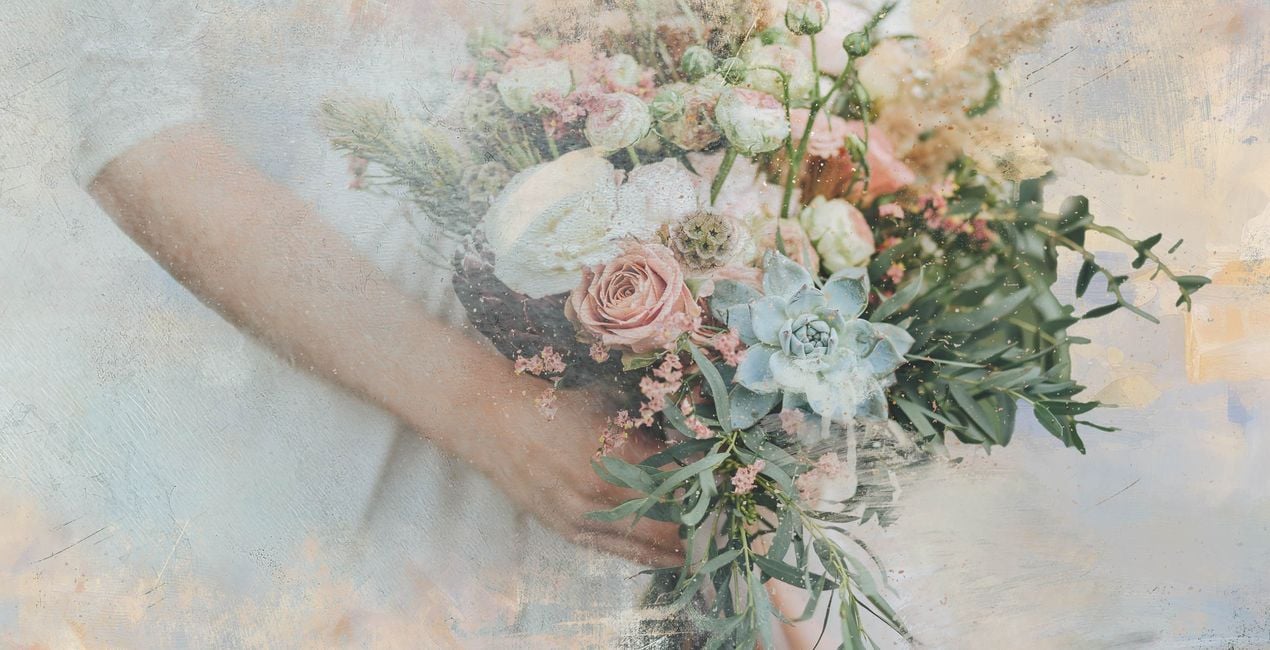
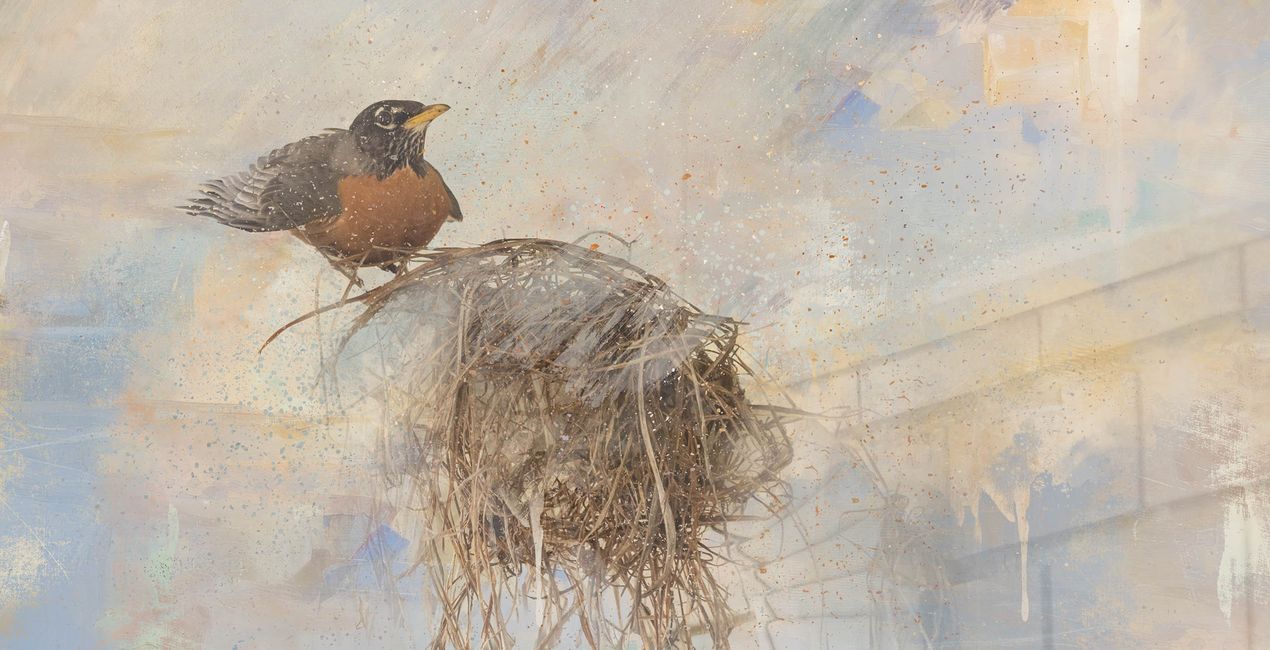
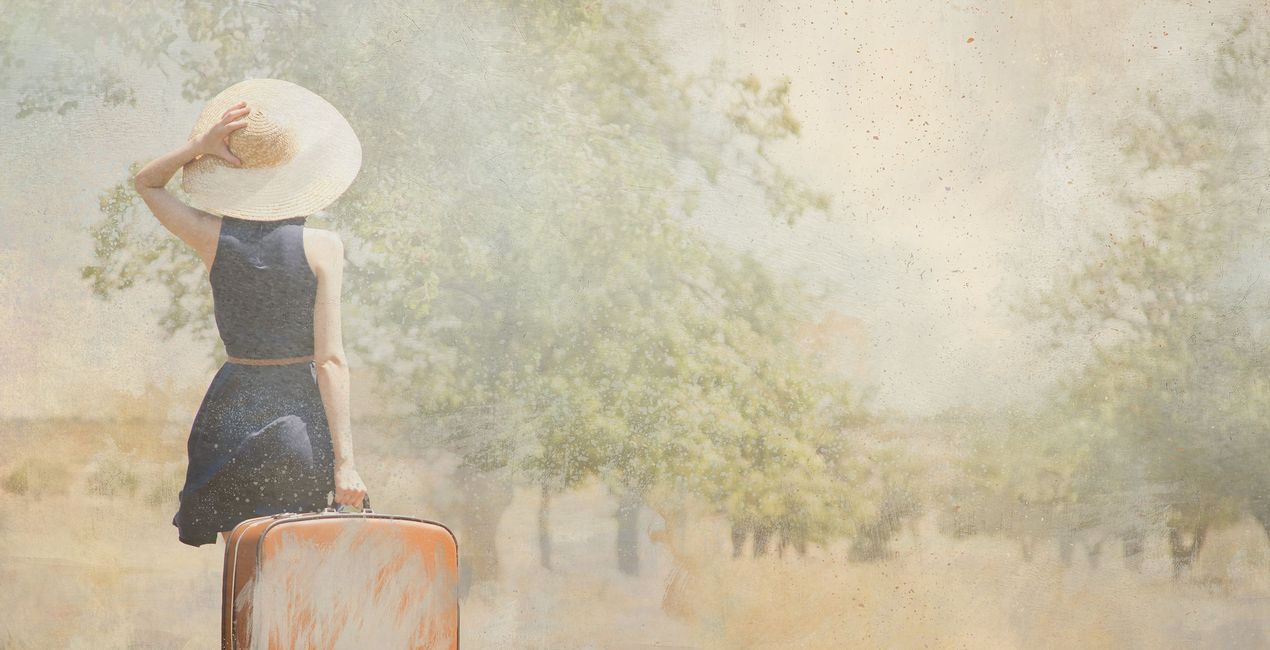
Elevate your ordinary photos to extraordinary vintage masterpieces using our exquisite Romance Brush Overlays, inspired by the enchanting French Rococo art movement. Immerse yourself in the beauty of 10 high-resolution brush Overlays, each intricately designed with the essence of Rococo Art. These dreamy and soft brushes effortlessly transport your composite artistry to a realm of sensuous luxury, allowing you to create captivating visuals that resonate with timeless elegance and charm.
Inclus
10 Overlays in PNG format


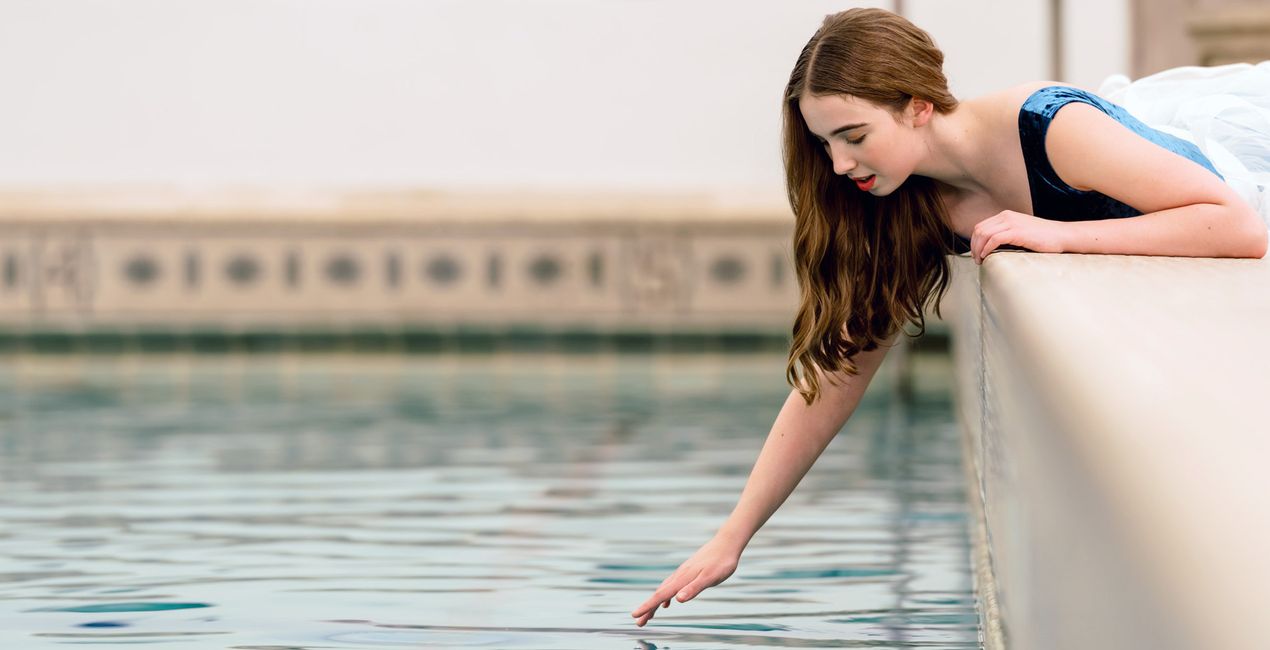
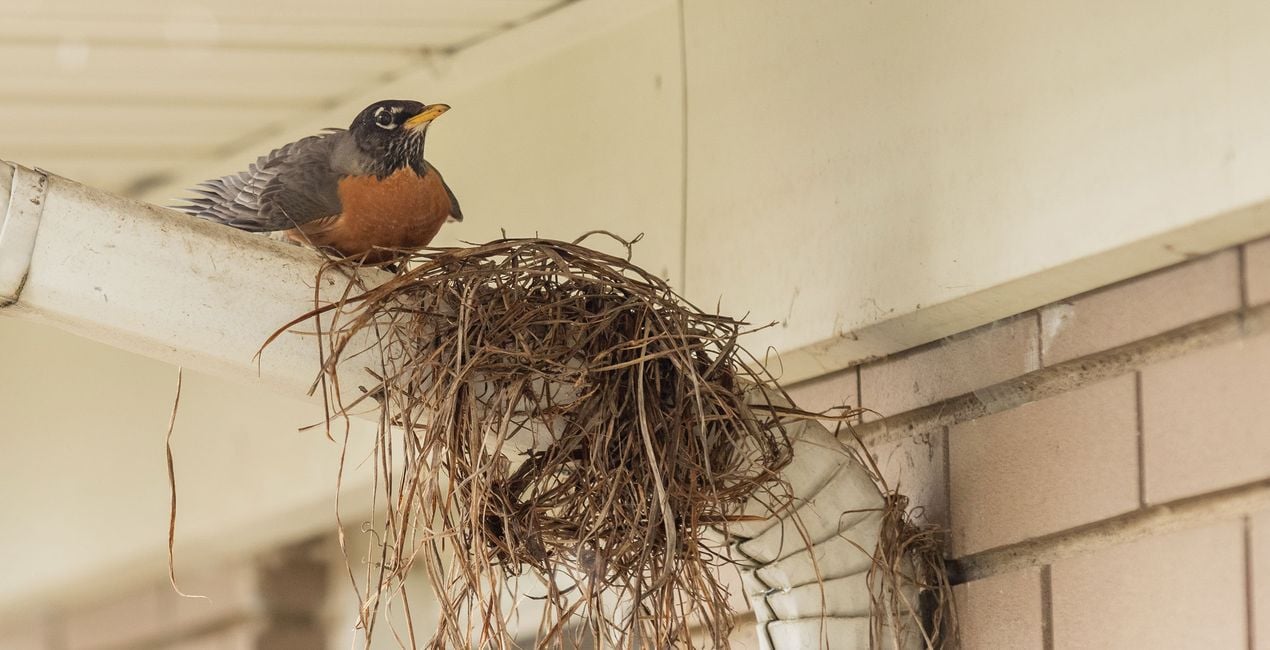
À l'aide des fichiers RAW fournis, vous pourrez facilement appliquer les conseils en matière de retouche et découvrir comment obtenir des photos comme celles-ci.

 >
>

 >
>
 >
>
 >
>

 >
>


Professional Photographer and Master Artist
Carly Sullens is a globally renowned master artist and certified professional photographer whose expertise spans painting, art history, psychology, and art therapy. Skillfully merging traditional techniques with digital artistry, Carly crafts captivating and imaginative photographic masterpieces. Carly's photography seamlessly weaves reality with imagination, constantly pushing the boundaries to transform ordinary moments into extraordinary visions. With a profound ability to deconstruct and reimagine her photographs, she crafts distinct and enchanting artistic images. Whether through her lens, skillful adjustments, digital painting, or innovative compositing, Carly breathes life into her work, creating a world where imagination knows no bounds. Her talent has not gone unnoticed, as she has garnered numerous accolades, publications and awards for her unparalleled skills. Carly’s pieces evoke a timeless allure reminiscent of revered museum artworks, showcasing her mastery of seamlessly blending traditional artistry with cutting-edge digital techniques. A trailblazer in her field, Carly is an enthusiastic educator, sharing her expertise internationally to inspire others to achieve painterly effects from their own photographs. She effortlessly imparts her knowledge and techniques, enabling individuals to unleash their creative potential within the expansive realm of digital artistry. Carly's unwavering dedication to photography shapes a vibrant and mesmerizing world of visual storytelling. Through her lens, she captures hearts, enthralls audiences, and kindles the spirits of fellow artists. With each creation, Carly propels the boundaries of artistic possibility, leaving an indelible mark on the ever-evolving tapestry of visual expression.
FAQ
Vous avez d'autres questions ou souhaitez simplement des conseils ?
contacter le support techniqueSi vous avez des questions concernant le produit, contactez notre équipe d'assistance disponible 24 h/24, 7 j/7. Suivez simplement ce lien.
Pour acheter Romance Brush Overlays, suivez les étapes suivantes :
1. Ouvrez le Marketplace de Skylum.
2. Allez dans l'onglet correspondant où Romance Brush Overlays est répertorié. Cliquez dessus et ajoutez le produit à votre panier.
3. Accédez à votre panier. Là, terminez le processus d'achat pour Romance Brush Overlays.
4. Après l'achat, vous recevrez un e-mail de confirmation contenant le lien de téléchargement pour Romance Brush Overlays. Vous trouverez également le nouvel élément dans votre compte Skylum, sous l'onglet Mes modules complémentaires.
Des instructions détaillées sur l'installation du Romance Brush Overlays vous seront envoyées dans l'e-mail de confirmation, ainsi que le lien de téléchargement.
De plus, vous pouvez installer l'article acheté directement dans Luminar Neo : allez dans Extras > Marketplace, sélectionnez la catégorie Produit, trouvez l'article acheté et cliquez sur Installer.
C'est très simple ! Romance Brush Overlays se trouve dans Calques > Achetés. Cliquez pour appliquer et ajuster les propriétés de texture/objet telles que la taille, l'opacité et le mode de fusion dans le menu Propriétés du calque.
Si vous utilisez Luminar AI, allez dans l'onglet Édition dans le menu de la barre supérieure. Le produit Romance Brush Overlays installé se trouvera dans Masquage local > Texture > Sélection de texture > Personnalisé.
Ne vous inquiétez pas. Tous les articles achetés, y compris Romance Brush Overlays, sont stockés dans l'onglet « Mes modules complémentaires » de votre compte Skylum. Vous pouvez ainsi facilement les utiliser et les télécharger à nouveau.
Normalement, la plupart des articles proposés sont compatibles avec Luminar Neo. Toutefois, pour vous assurer que Romance Brush Overlays est bien compatible avec votre logiciel, veuillez vérifier ses spécifications avant de le télécharger ou de l'acheter. Consultez la section « Compatibilité » à droite de la page Romance Brush Overlays, où tous les produits compatibles sont répertoriés.
Ne partez pas tout de suite. Voici un code de réduction exclusif pour vous. Utilisez-le dans les 15 prochaines minutes pour bénéficier d'une réduction supplémentaire de 10 % lors du paiement. Copiez le code ci-dessous et finalisez votre achat.
15 m : 00 s





