


 Zastosowany




O nas
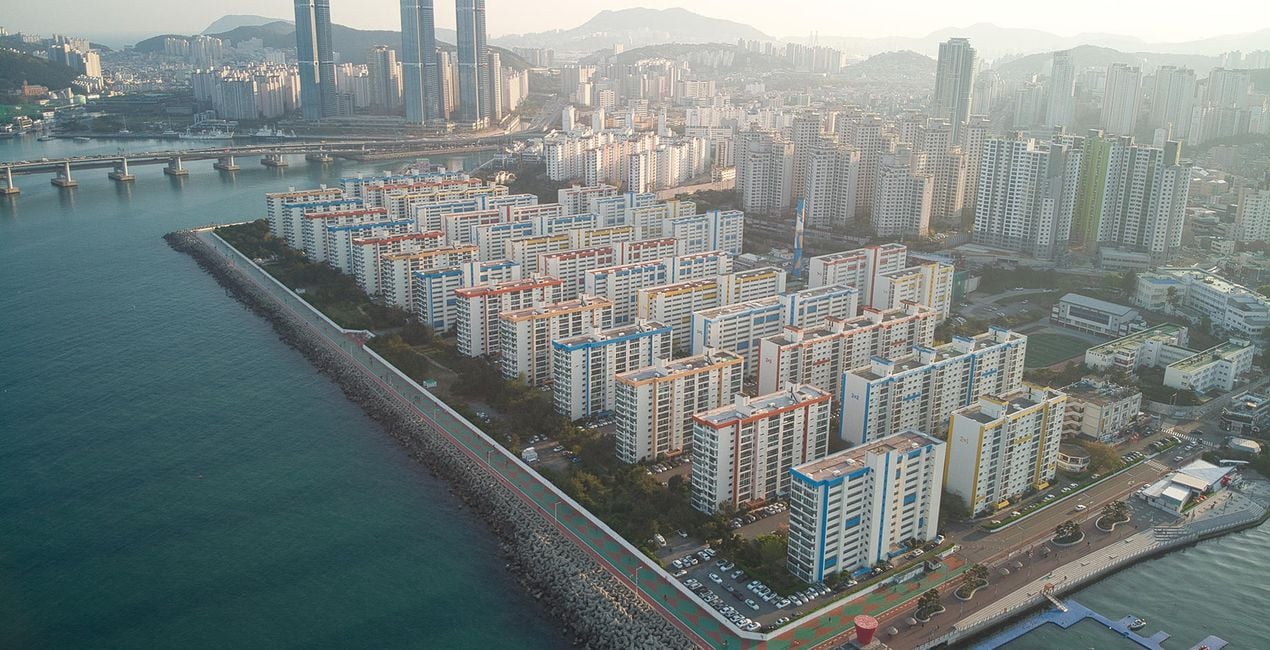
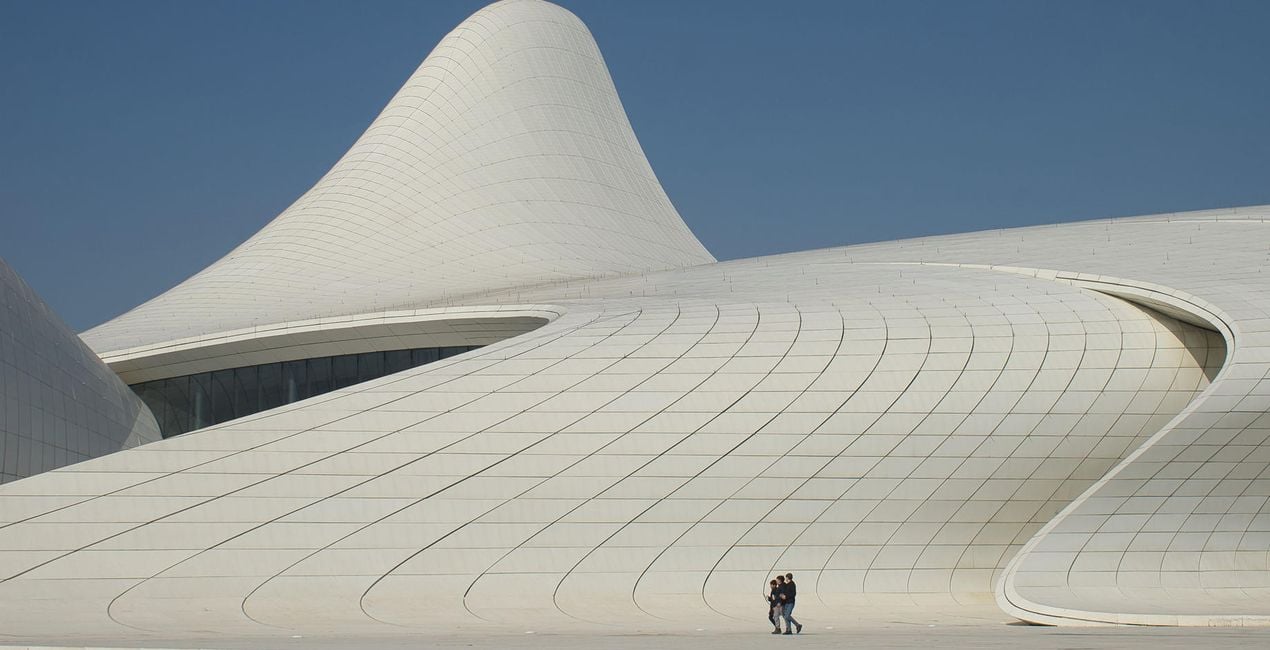
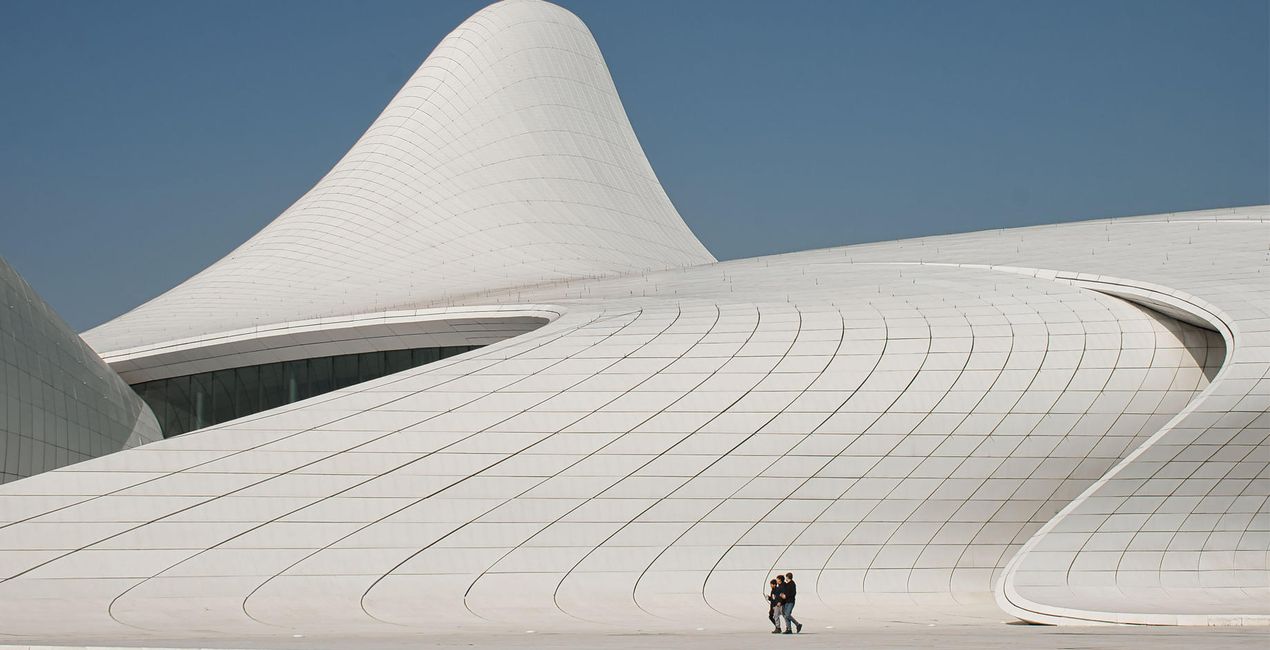
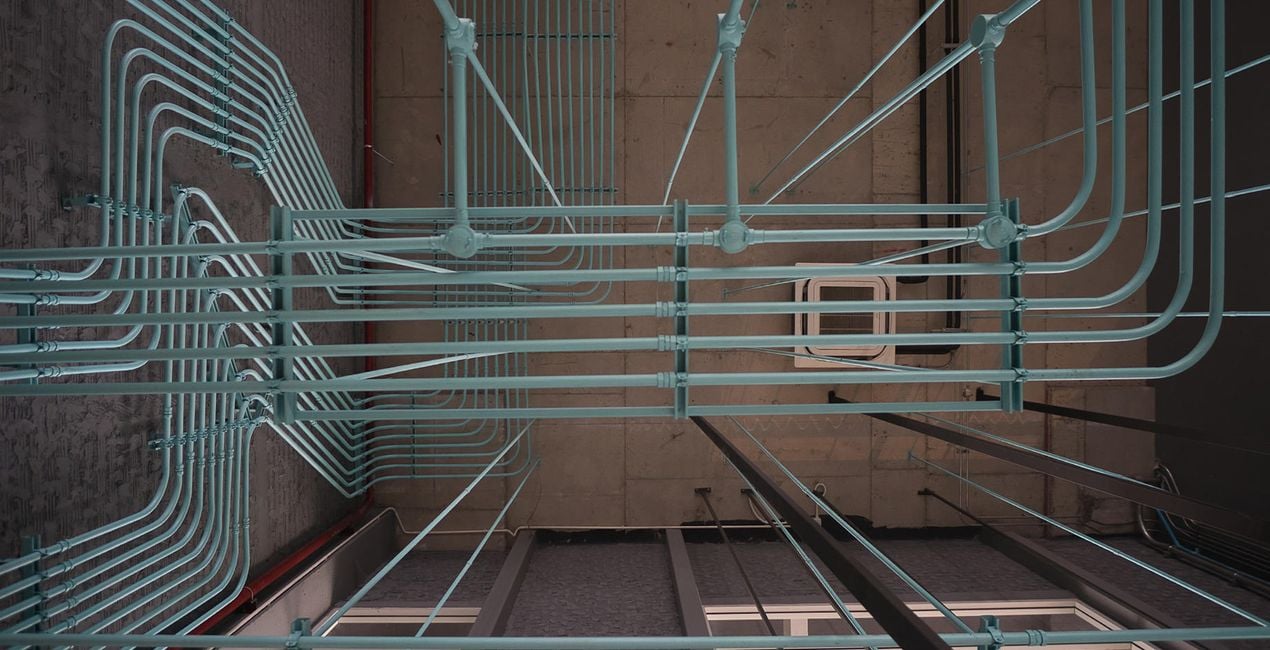
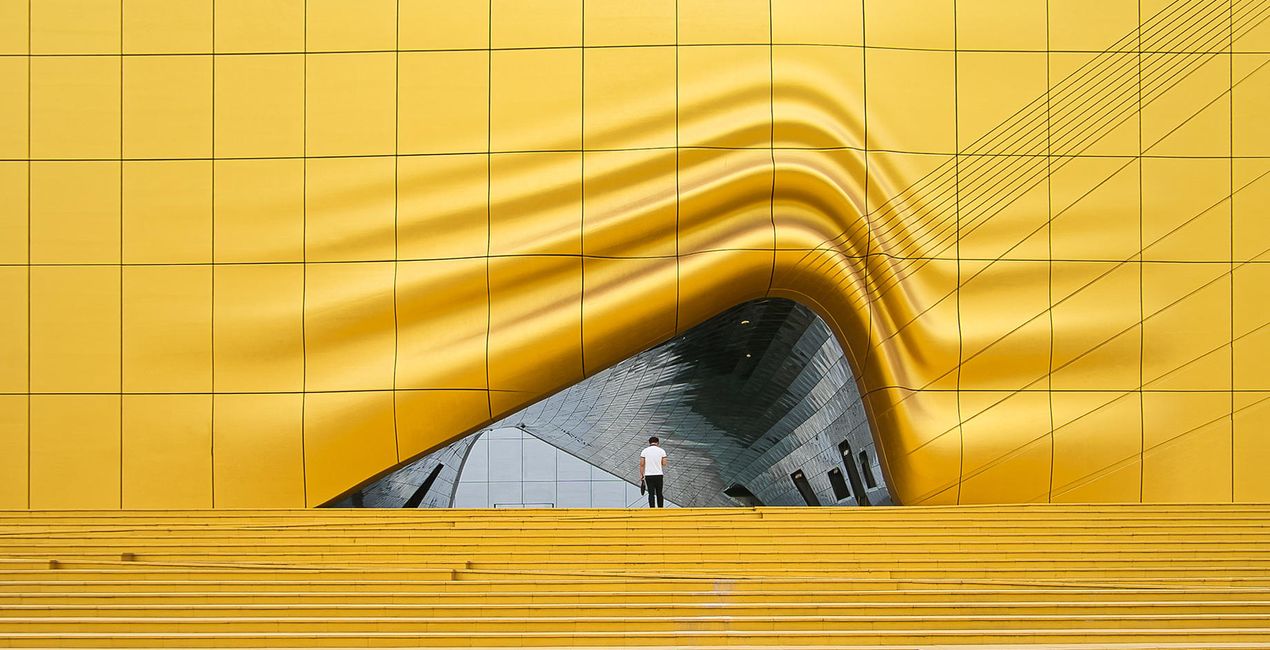
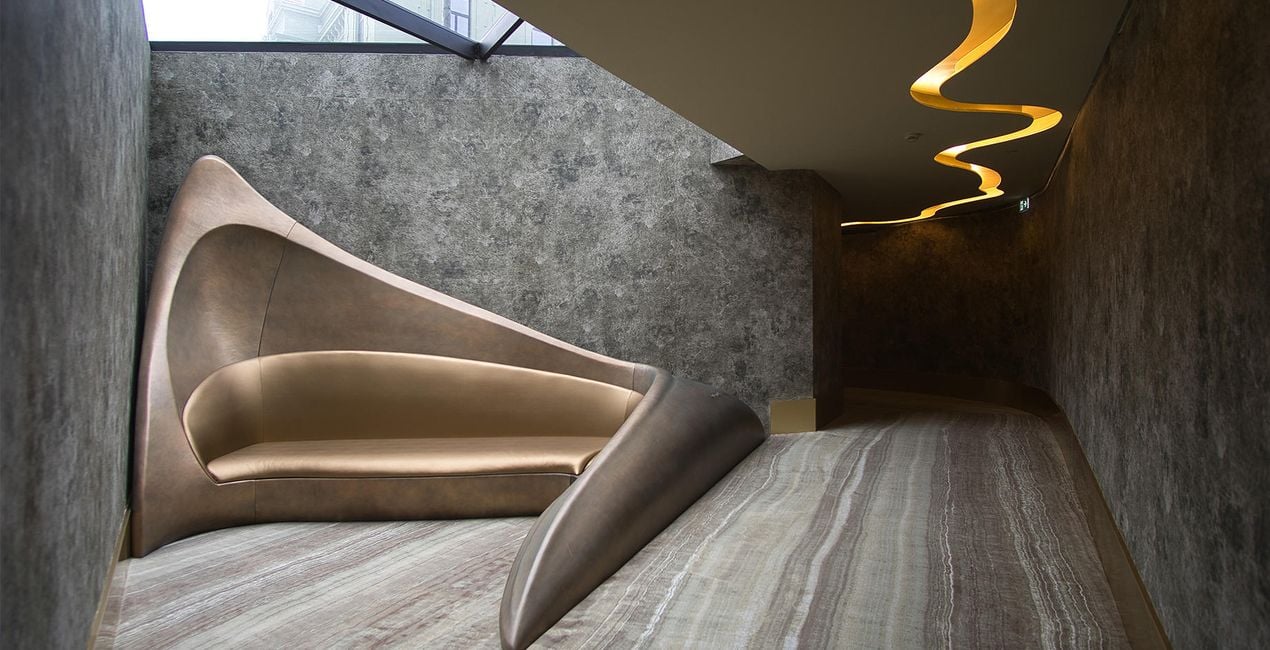
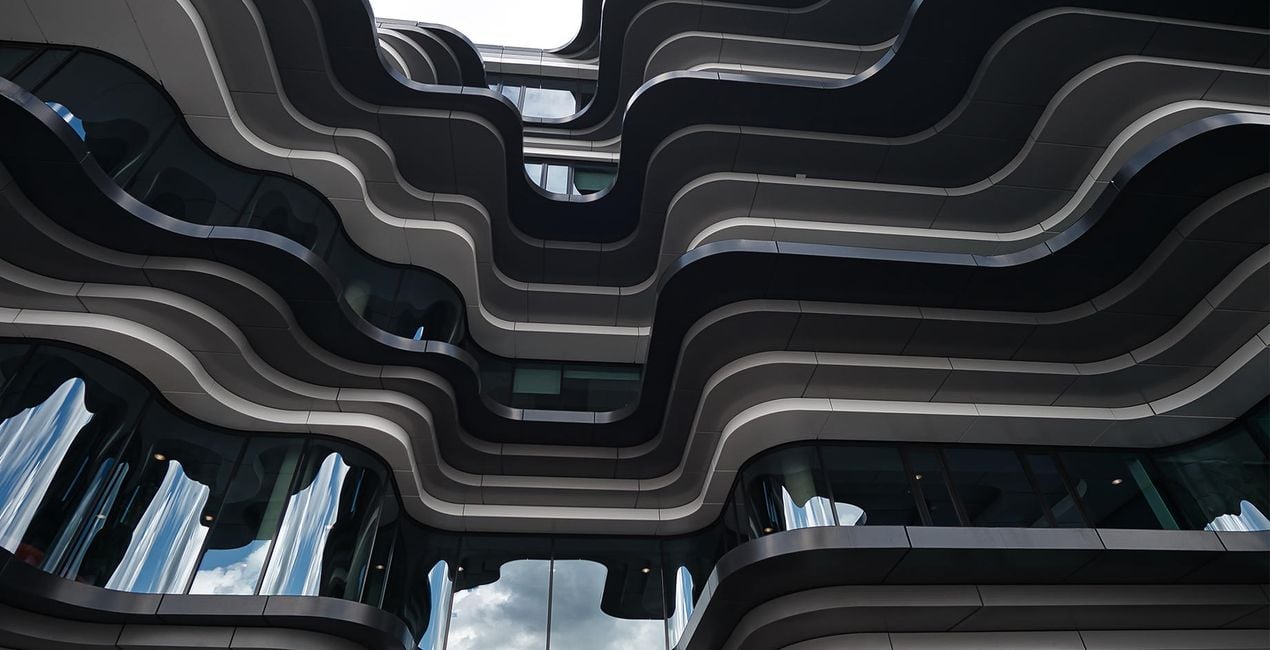
Odkryj wzmocnione kolory, zakrzywione linie i urzekające kompozycje w światowych cudach architektury. Nancy Da Campo prezentuje 10 szablonów w kolekcji doskonałej dla każdego rodzaju budynku. Dodaj wyrazistości i energii do swoich zdjęć street life.
Kompatybilność

Twórz zdjęcia takie jak to
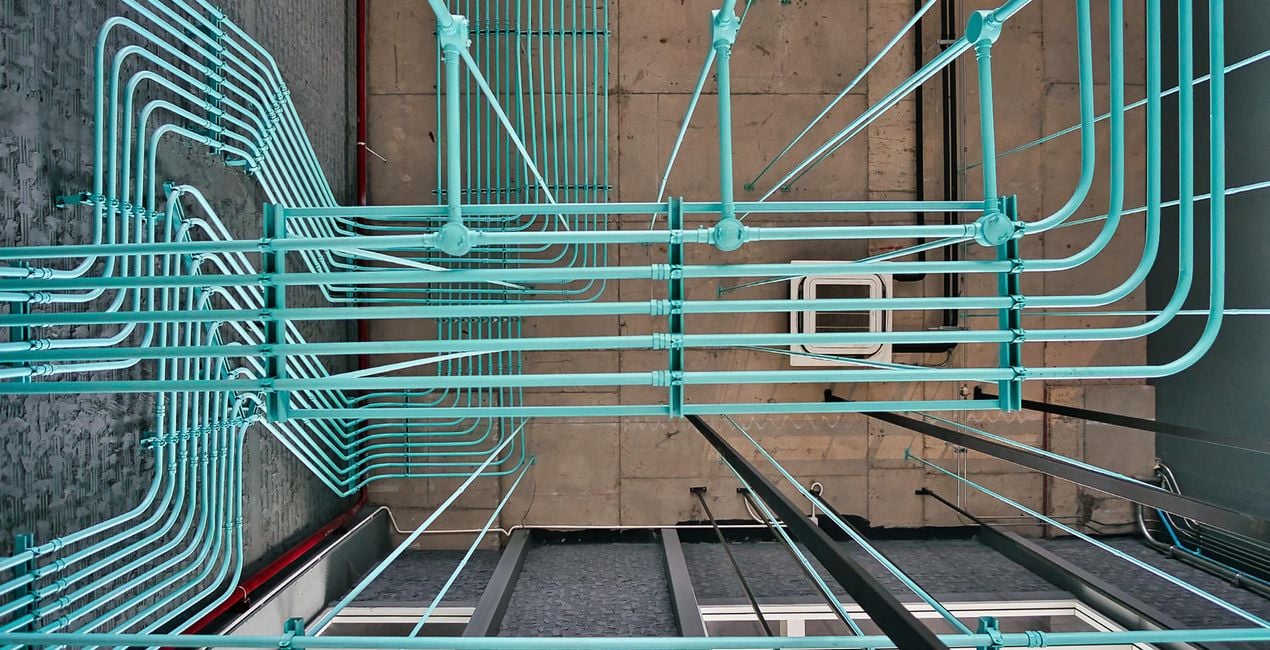
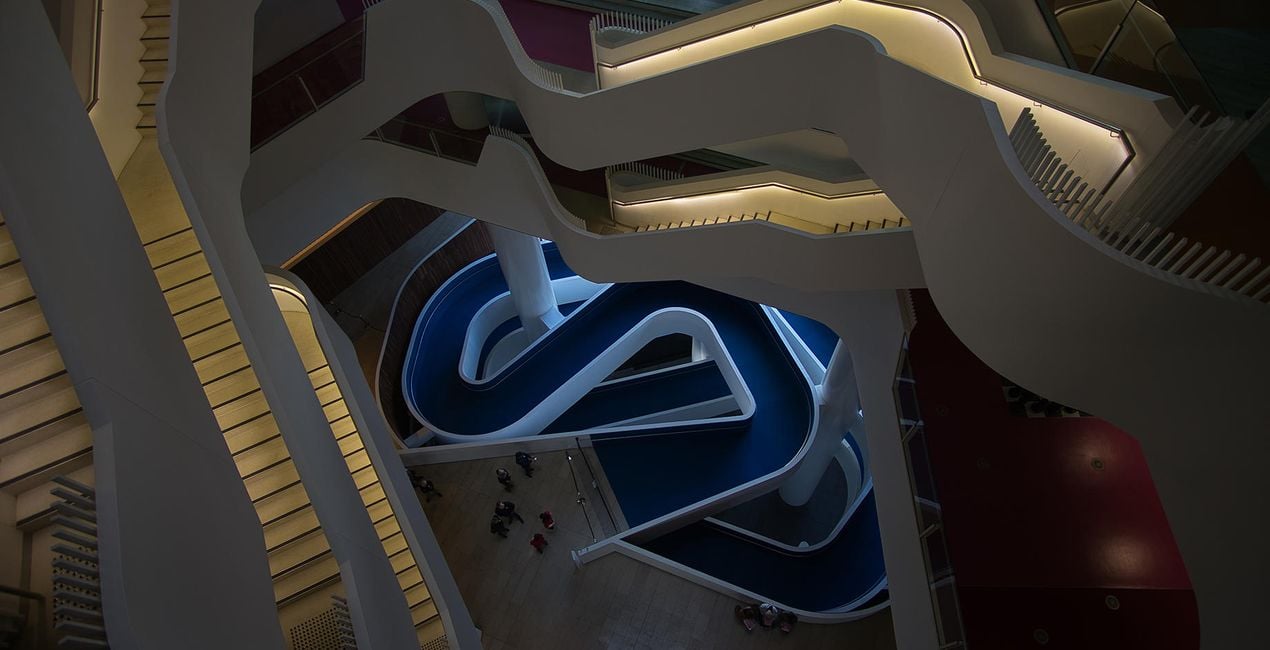
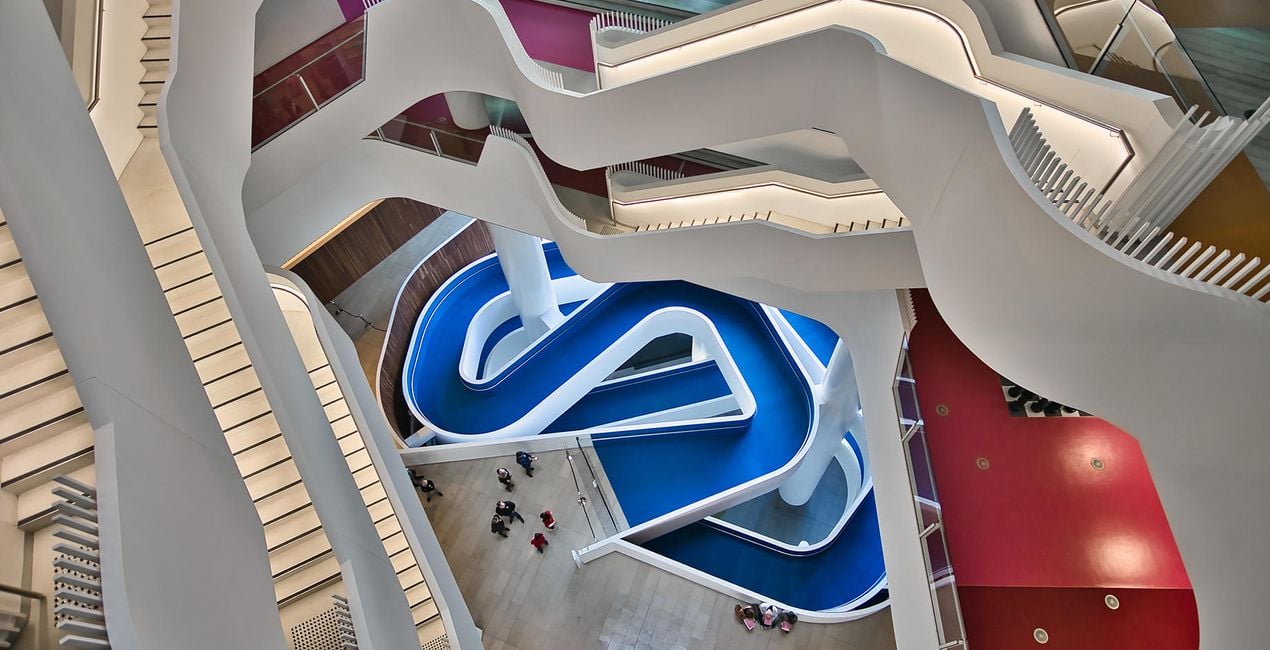
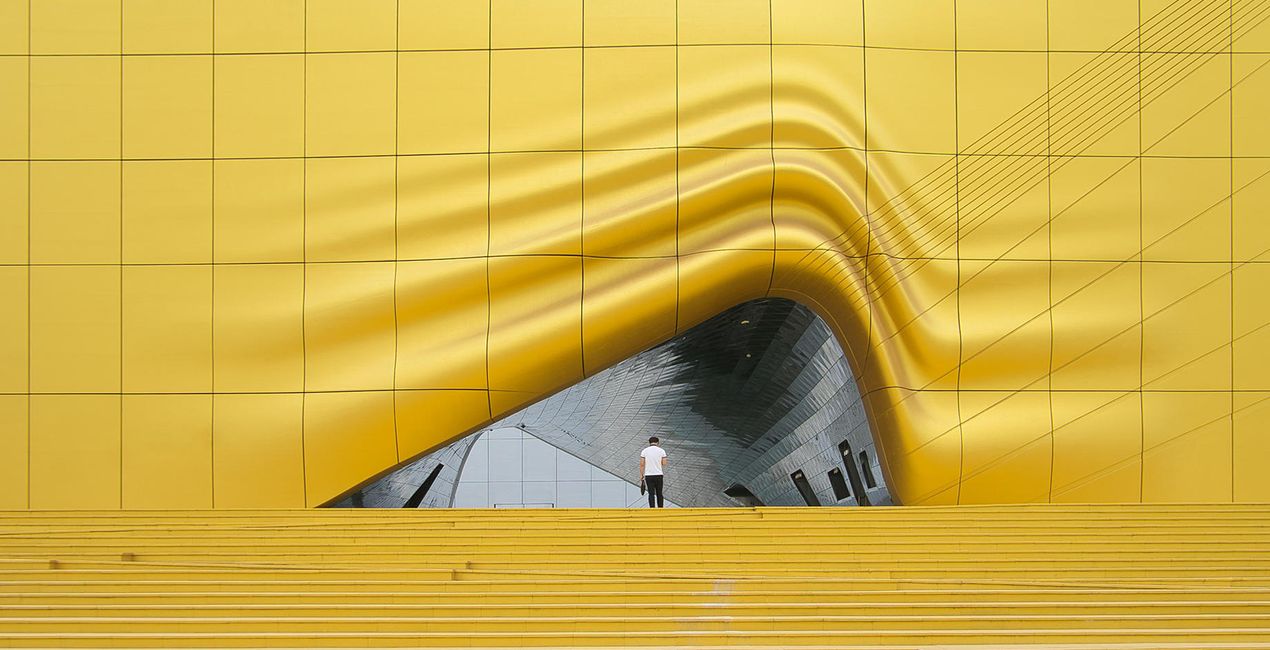
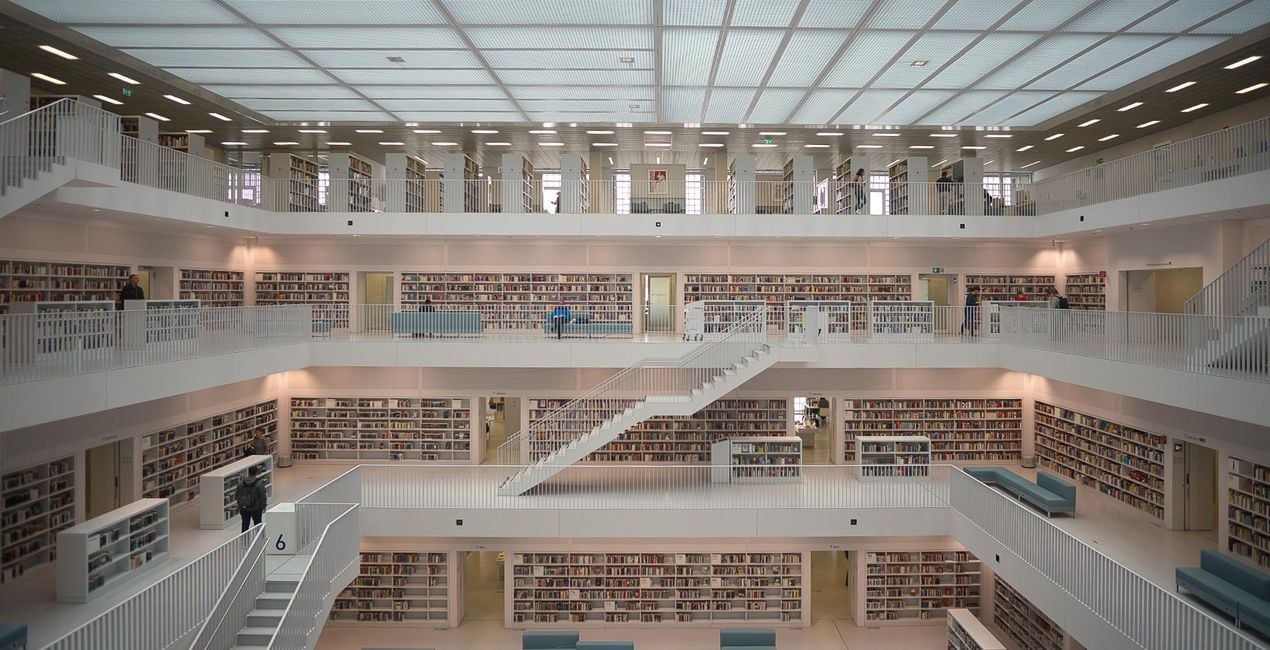
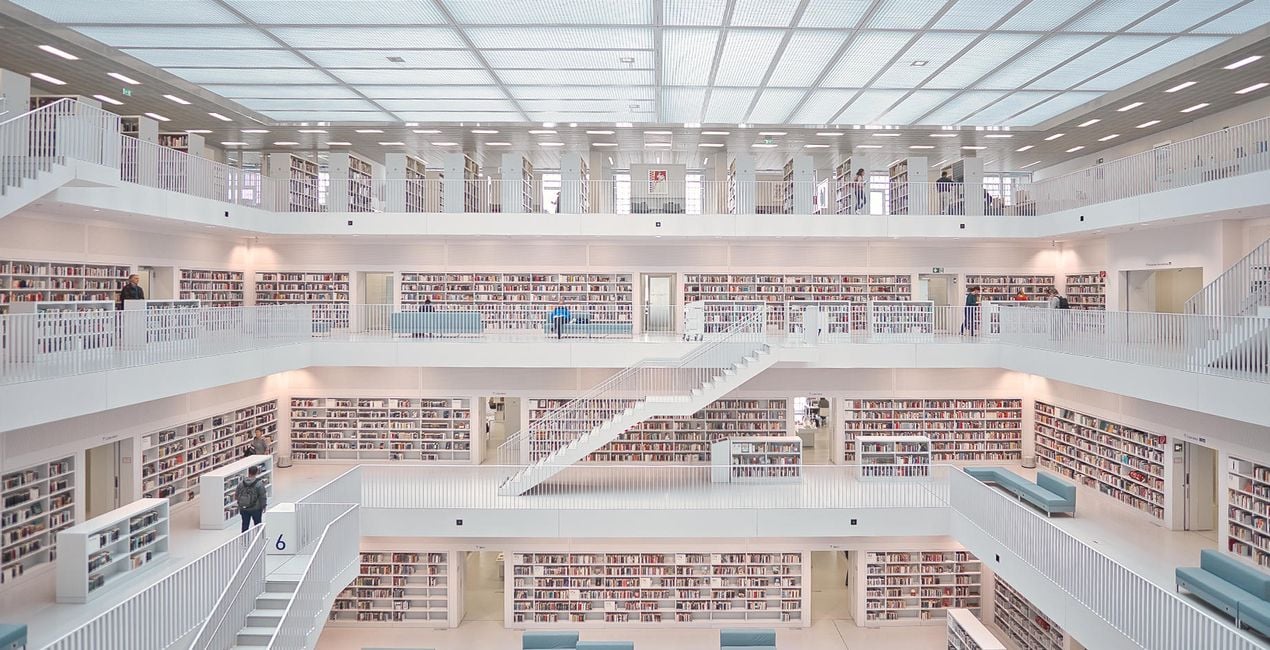
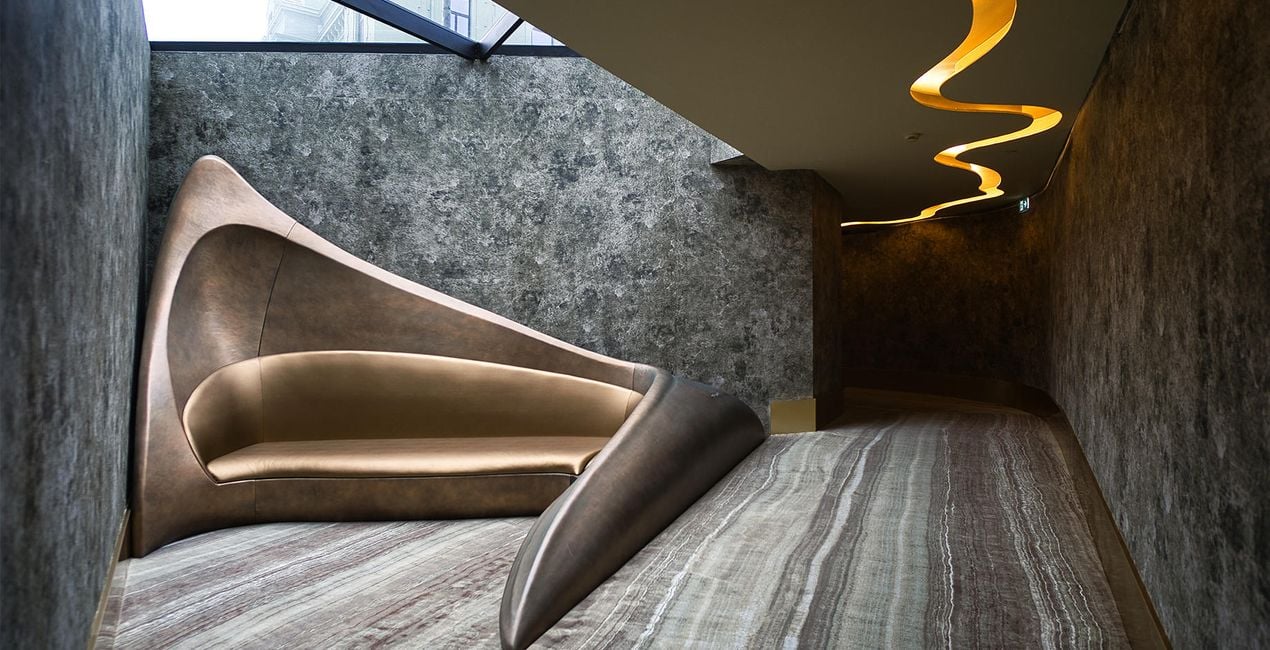
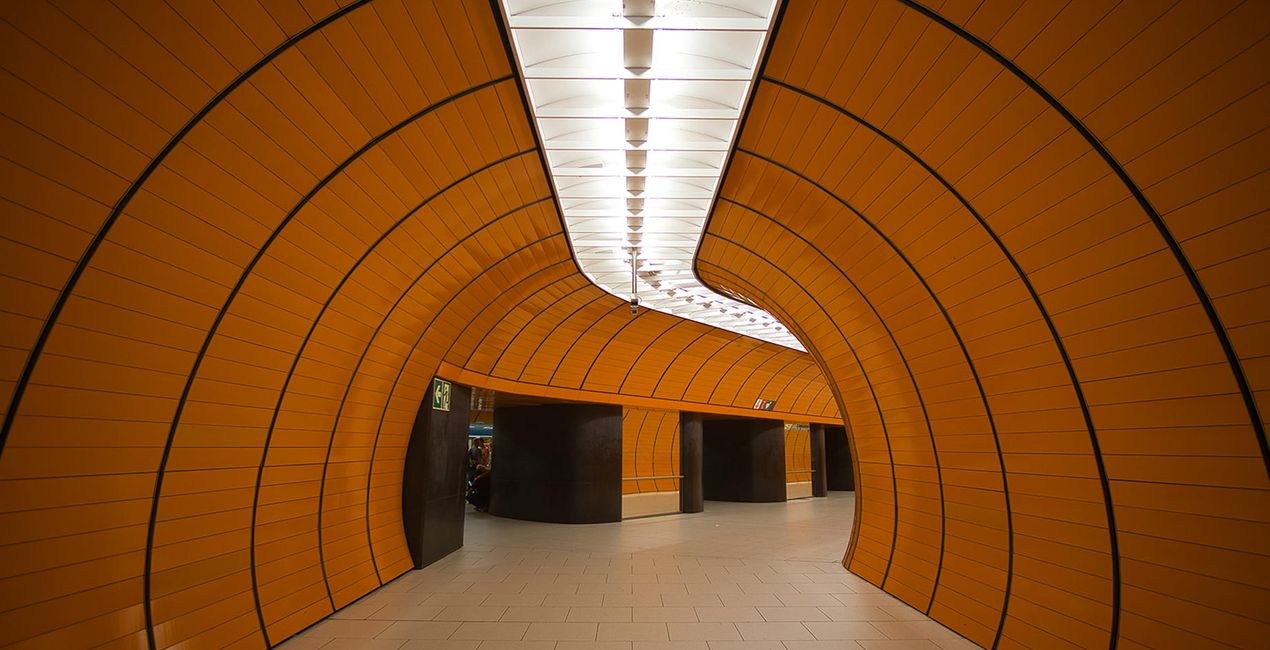
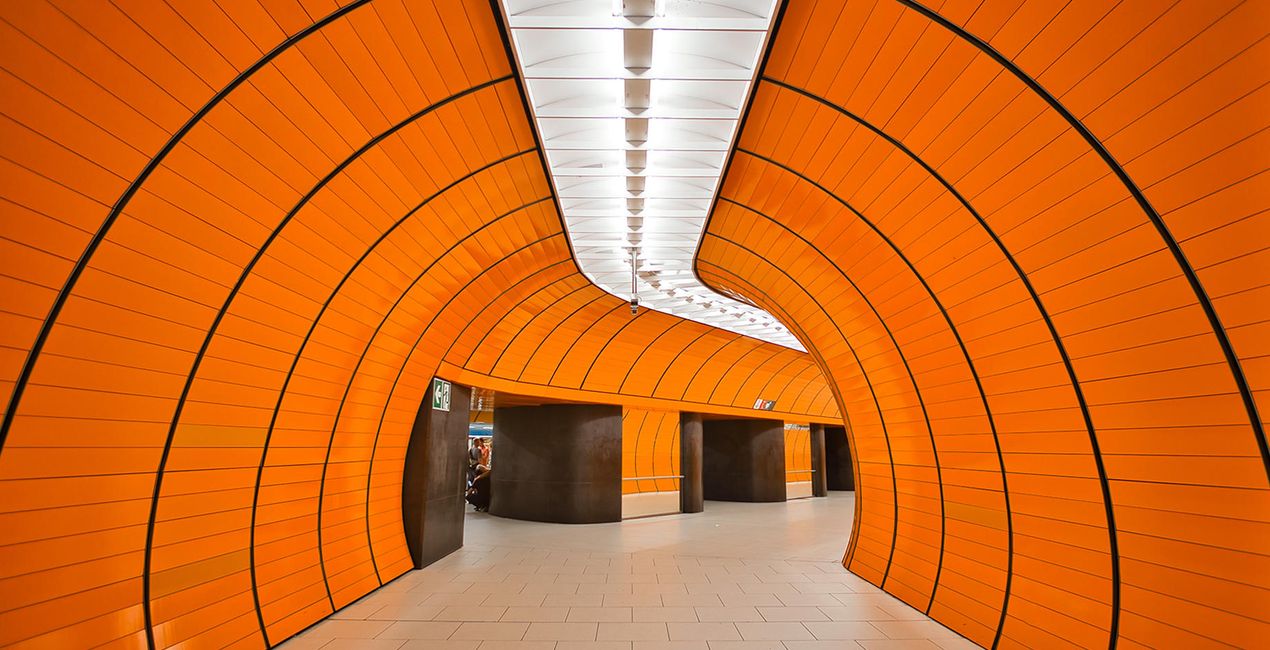
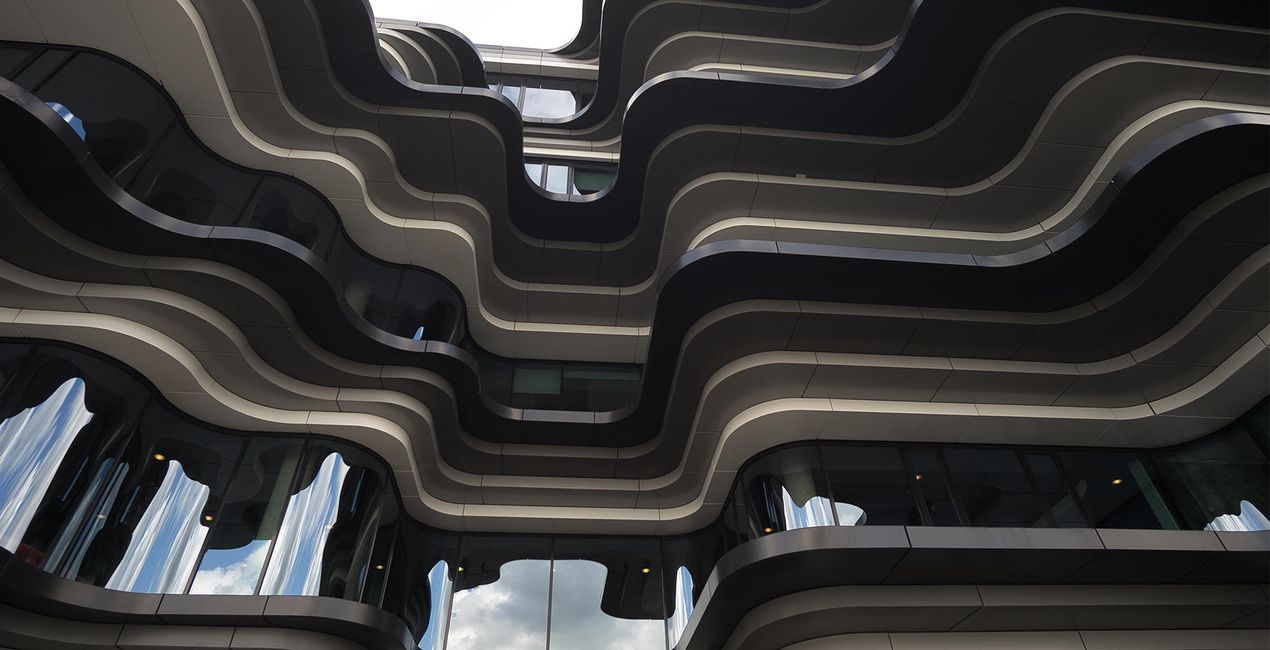
Korzystając z plików RAW z łatwością przećwiczysz wskazówki dotyczące retuszu i dowiesz się, jak stworzyć zdjęcia takie jak te.
 >
>
 >
>
 >
>
 >
>
 >
>
 >
>
 >
>
 >
>
 >
>
Historia
Straight out of the camera to a brilliant photo in one click? Here you can find 10 creative Luminar Templates that I developed to enhance your architecture, cityscape, and travel photos.This collection is highly focused on architecture and inspired by my favourite cities in which I’ve captured the most amazing and interesting buildings. To create this Templates pack, I analyzed dozens of my photos to find the editing elements that distinguish them among other travel and architecture shots out there. I’ve tested these Templates with a variety of my photos, and they work especially well with architecture and cityscape shots. Use them to take your raw photos to the next level with just one click.The Templates in this set are designed to instantly recover highlights and add contrast in order to create a softer or more dramatic look for your photos. Some of the Templates you’ll find in this pack will brighten your photos, adding cool or warm tones and pumping up the vibrance, while others will give a moodier and desaturated look. In any case, all of them will enhance fine details and sharpen your photos for print or web so you can get the maximum quality for your architecture and travel shots.Notes: Every photo is different, so I recommend using these Templates as a starting point and then adjusting the Exposure, White Balance, and Tint to suit your own creative vision. Bear in mind that sometimes a Template might be too strong for a certain image. If so, simply lower its effects with the Amount slider.Exposure: Adjust the Exposure in the Light tool if you think the image is too bright or too dark. White Balance: Adjust the White Balance and Tint if the image seems too warm or cold. Share: Use the hashtag #NancyLuminar on social media so Nancy Da Campo and the Luminar team can check out and share your images created with these Signature Templates!
Podobne produkty


Twórca
Nancy Da Campo
Architecture photographer and educator
<p>Nancy Da Campo is a freelance architecture and interiors photographer born in Milan, Italy, and currently traveling extensively to discover and capture the beauty of the built environment. <br></p><p>Perspectives and the use of lines are two central pillars of Nancy’s content, and she’s always looking for new and interesting angles to show her interpretation of a building through her camera or drone lens. </p><p></p><p>Nancy regularly works with architectural and cultural institutions, tech brands, and tourism boards. </p>
Jak skontaktować się z pomocą techniczną?
Jeśli masz jakiekolwiek pytania dotyczące produktu, możesz skontaktować się z zespołem pomocy technicznej dostępnym 24 godziny na dobę, 7 dni w tygodniu. Wystarczy kliknąć ten link.
Jak mogę kupić Unique Architecture?
Aby kupić Unique Architecture, wykonaj następujące kroki:
1. Otwórz Marketplace Skylum.
2. Przejdź do odpowiedniej zakładki, w której znajduje się Unique Architecture. Kliknij na nim i dodaj produkt do koszyka.
3. Przejdź do koszyka. Tutaj zakończ proces zakupu produktu Unique Architecture.
4. Po dokonaniu zakupu otrzymasz wiadomość e-mail z linkiem do pobrania Unique Architecture. Nowy produkt znajdziesz również na swoim koncie Skylum, w zakładce Moje dodatki.
Jak zainstalować Unique Architecture?
Szczegółowe instrukcje dotyczące instalacji Unique Architecture zostaną przesłane w wiadomości e-mail wraz z linkiem do pobrania
Ponadto zakupiony produkt można zainstalować bezpośrednio w programie Luminar Neo: przejdź do menu Dodatki > Marketplace, wybierz kategorię produktu, znajdź zakupiony produkt i kliknij Zainstaluj.
Gdzie mogę znaleźć Unique Architecture po instalacji?
To całkiem proste! Przejdź do zakładki Presety, a następnie wybierz opcję Zakupione. Zainstalowane presety będą się znajdować w tym miejscu.
Co jeśli zgubię Unique Architecture?
Nie martw się. Wszystkie zakupione produkty, w tym Unique Architecture, są przechowywane w zakładce „Moje dodatki” na koncie Skylum, co umożliwia ich łatwe ponowne pobranie i użycie.
Jak sprawdzić, czy Unique Architecture jest kompatybilne z moim oprogramowaniem?
Ogólnie rzecz biorąc, większość produktów jest kompatybilna z Luminar Neo. Aby jednak upewnić się, że Unique Architecture jest kompatybilne z Twoim oprogramowaniem, przed pobraniem lub zakupem sprawdź jego specyfikację. Poszukaj sekcji „Kompatybilność” po prawej stronie strony Unique Architecture, gdzie wymienione są wszystkie kompatybilne produkty.


