


 Zastosowany




O nas
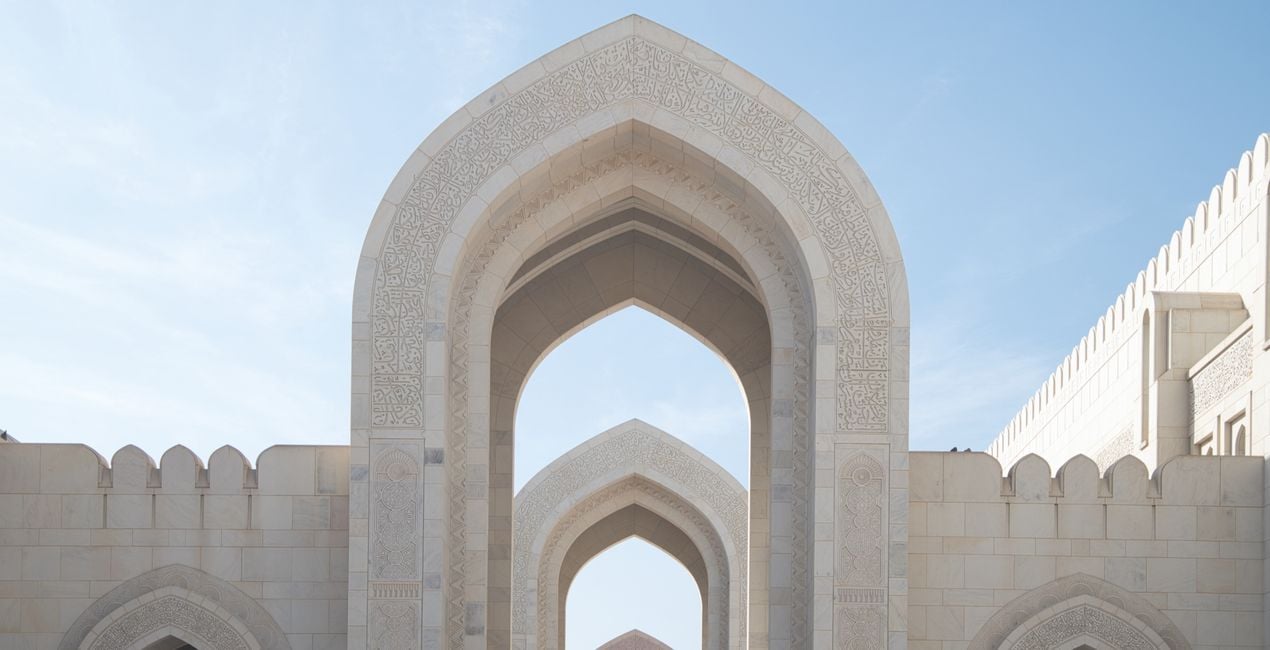
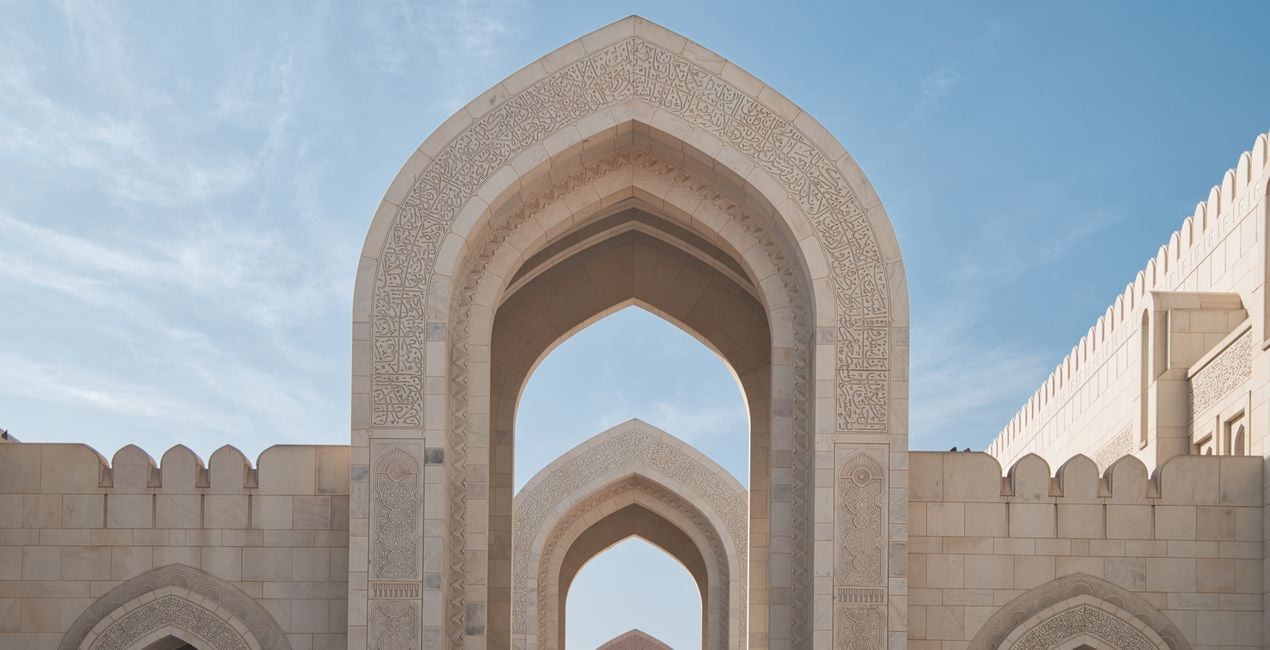
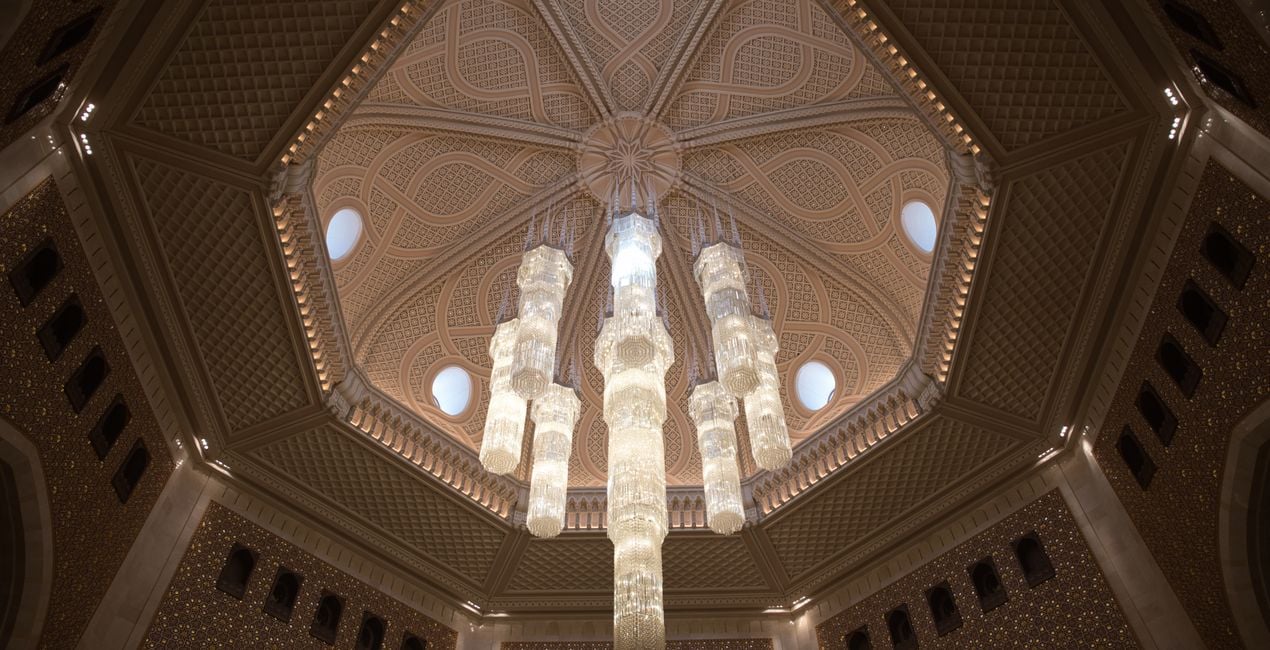
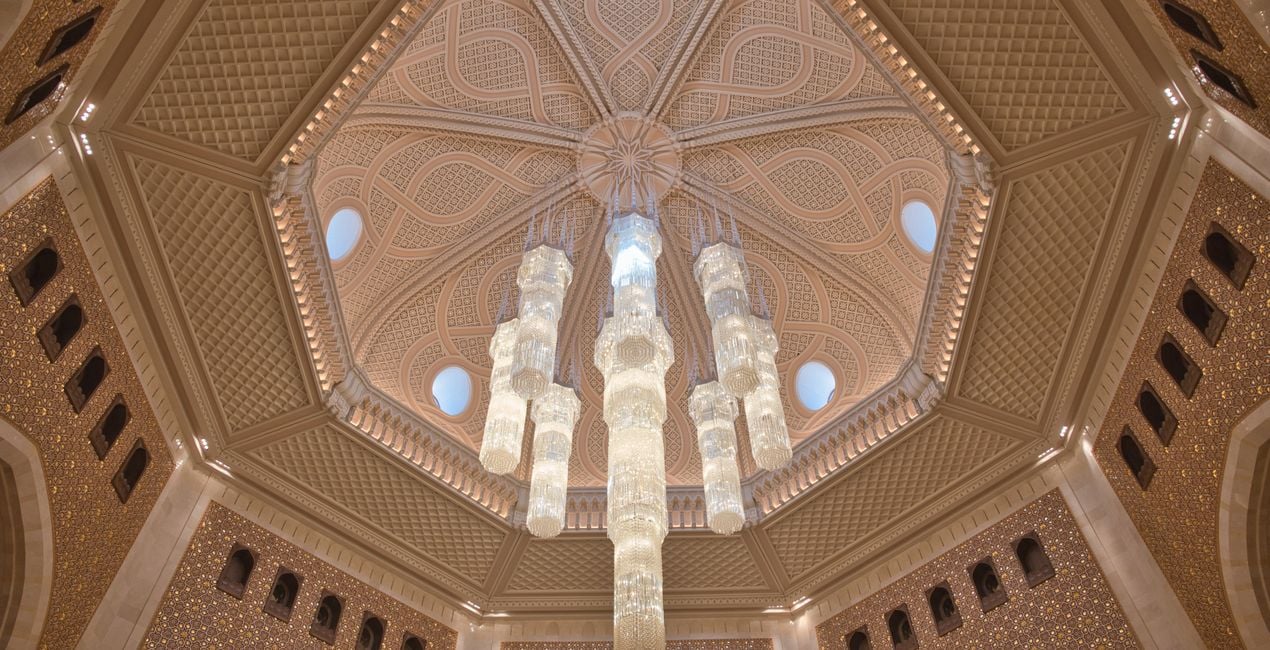
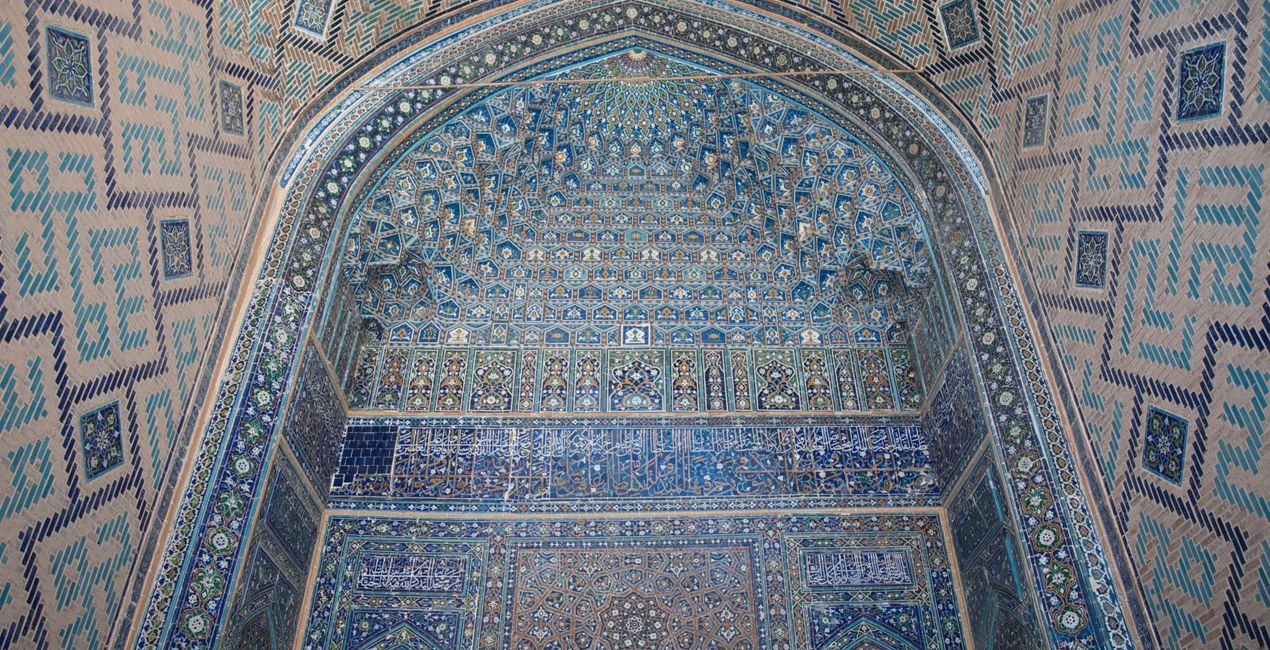
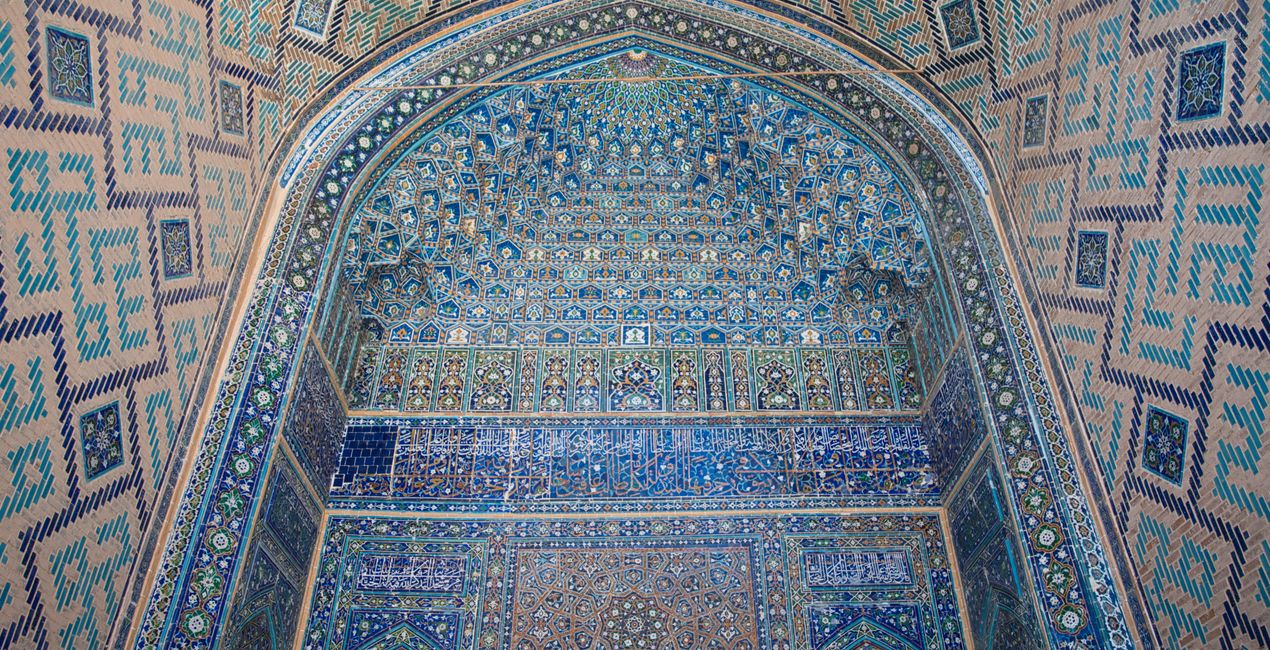
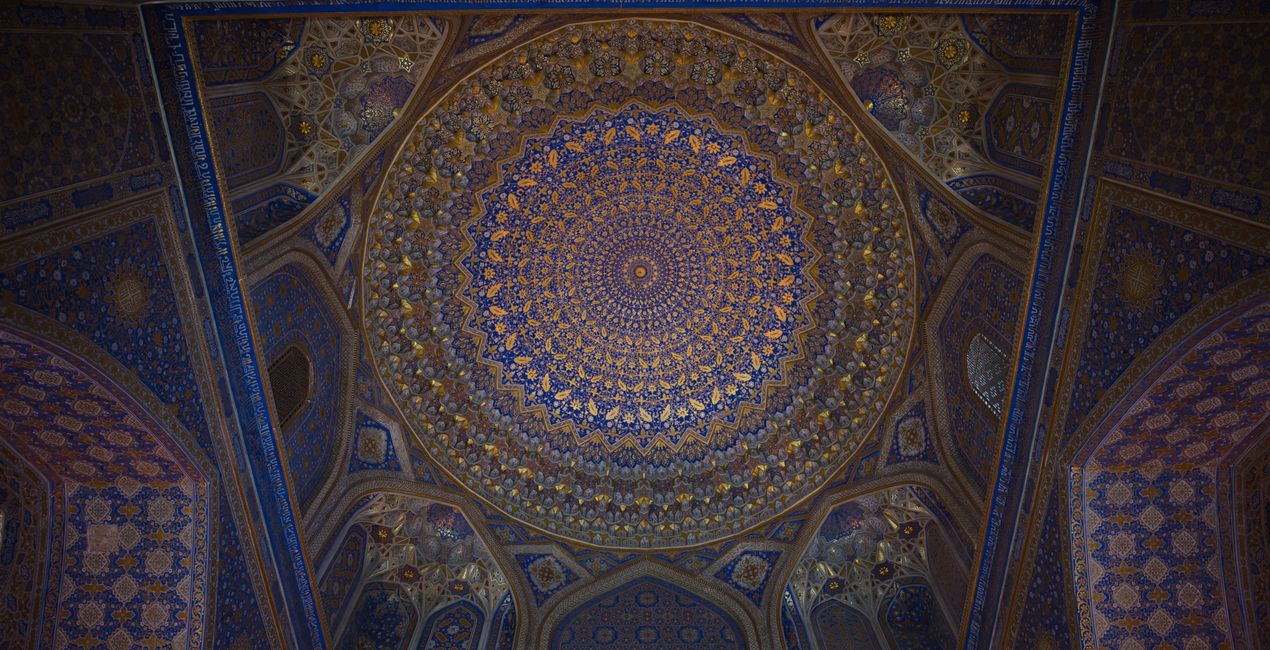
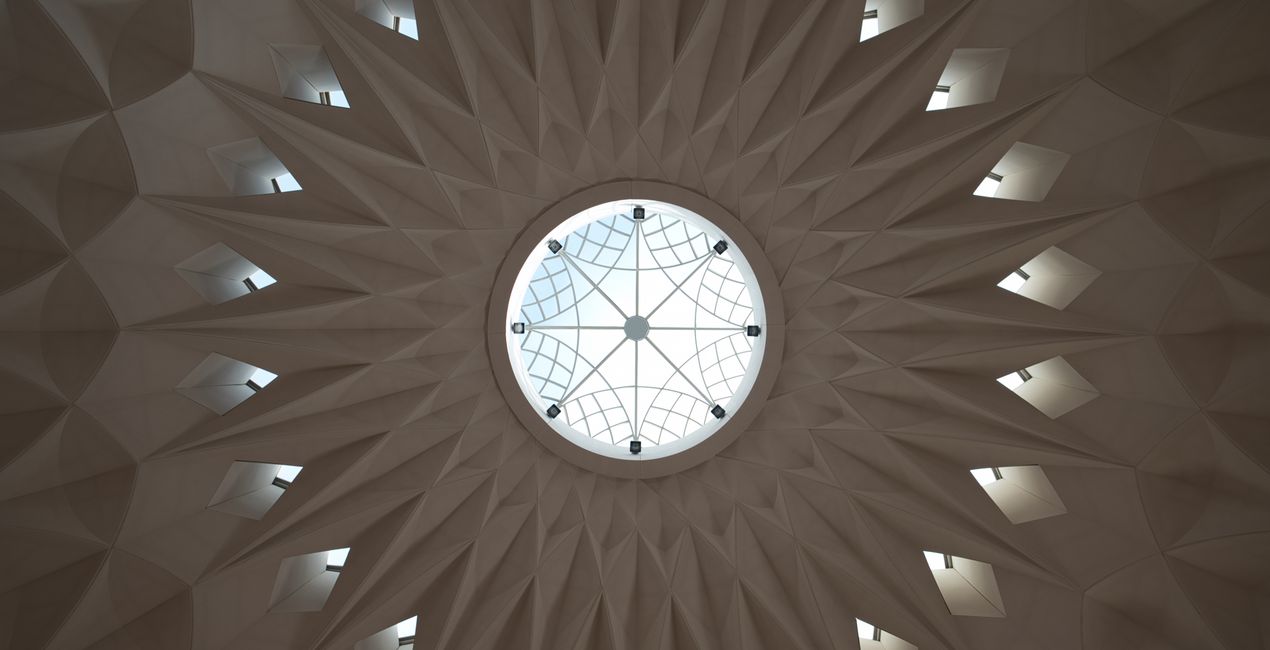
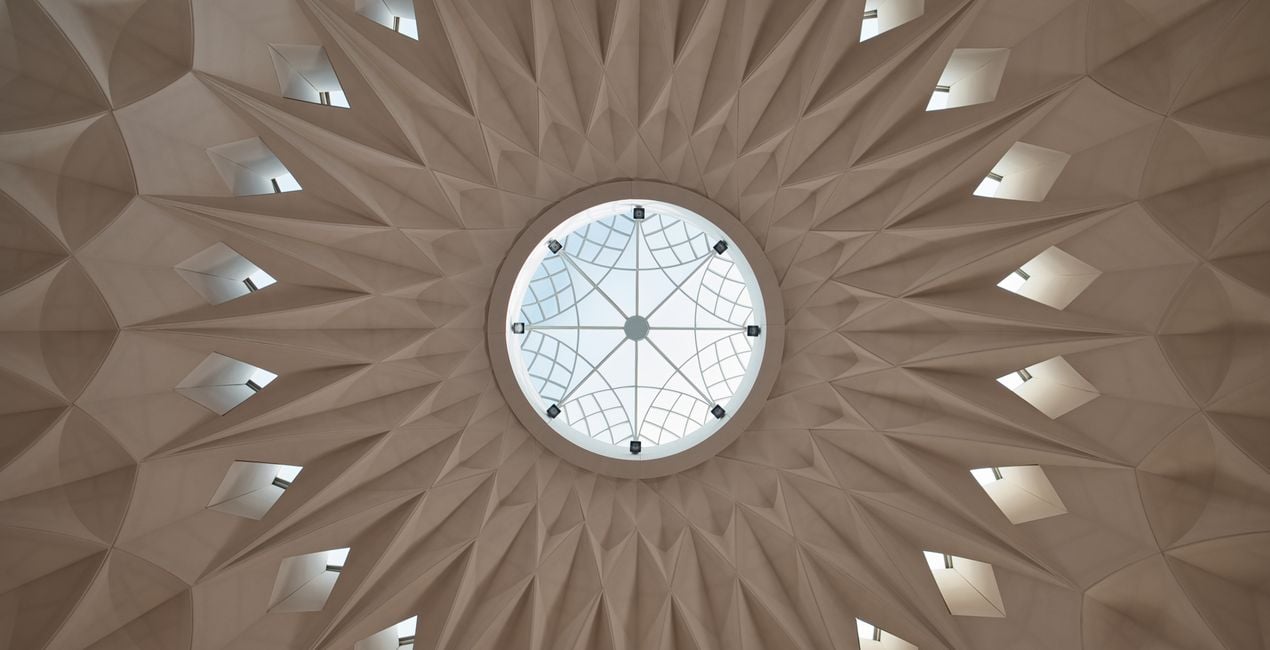
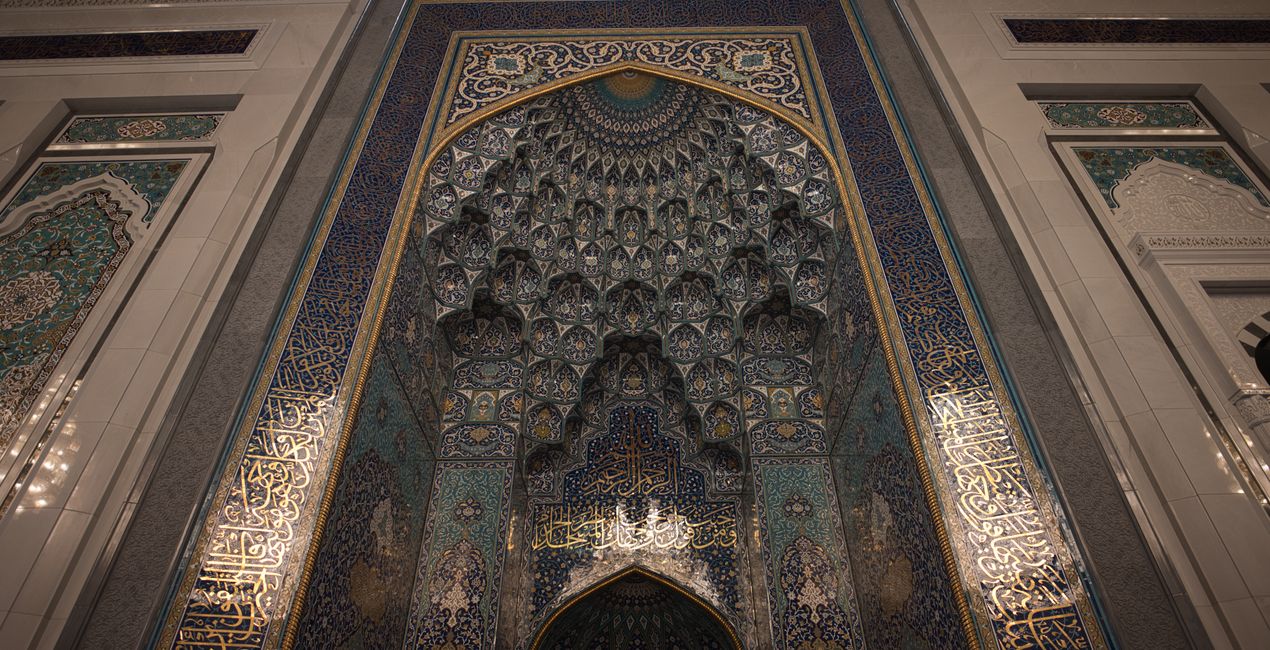
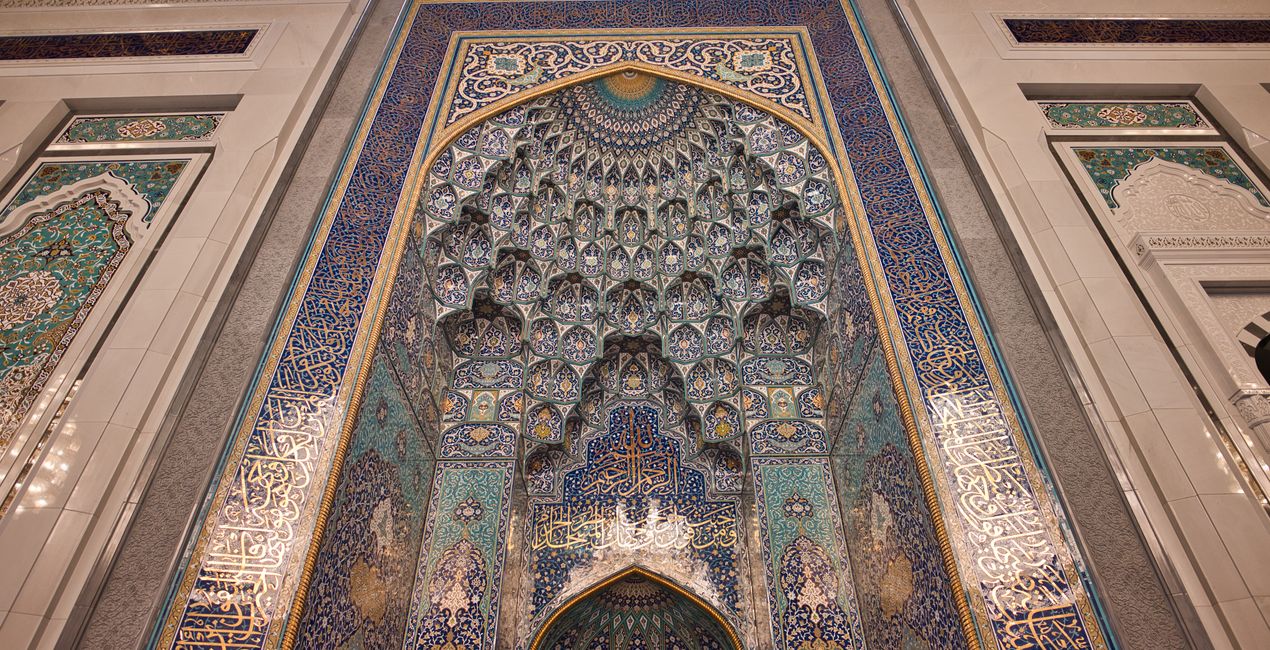
A pack of 10 Presets for Luminar Neo and Luminar AI. Instantly get a warm look for your travel photos shot in the Middle East and other Arab countries. These Presets are specifically created to enhance desert landscapes and oriental cityscapes with golden tones and rich colors.
Kompatybilność

Twórz zdjęcia takie jak to
Korzystając z plików RAW z łatwością przećwiczysz wskazówki dotyczące retuszu i dowiesz się, jak stworzyć zdjęcia takie jak te.
 >
>
 >
>
 >
>
 >
>
 >
>
 >
>
Historia
This collection of 10 one-click Presets for travel and architecture photography is just what you need to enhance your oriental images. These Presets add more detail, color and a sunny look to your photos.
You’ll find 10 Presets in this pack:
Samarkand - Lighten up and give a light saturation to the image.
Bukhara - Improve the colors and give some structure adjusting the contrast.
Amman - Warm the colors, improve the structure and the glow of the picture.
Riyhad - Add colder tones and enhance the structure.
Muscat - Darken the over-exposed areas and improve the gold tones in the image.
Shiraz - Improve the luminosity of the image making it more glowy.
Abu Dhabi - Lower the contrast and mute vibrant colors for a mystical look.
Kuwait - Add a hard contrast and improve the structure of the image.
Dubai - Improve the luminosity of your picture by adding a characteristic glow.
Doha - Perfect for desert landscapes, it adds a bit of a dramatic look.
Pro tip: For the best results, adjust the Amount slider for each Preset to control its impact. Remember that each image is unique, so make sure to adjust each Preset to match your vision and get the best results. Once you’ve applied a Preset, tweak the Exposure, Contrast, Highlights, and Blacks and Whites to your liking.
Podobne produkty


Twórca
Nancy Da Campo
Architecture photographer and educator
<p>Nancy Da Campo is a freelance architecture and interiors photographer born in Milan, Italy, and currently traveling extensively to discover and capture the beauty of the built environment. <br></p><p>Perspectives and the use of lines are two central pillars of Nancy’s content, and she’s always looking for new and interesting angles to show her interpretation of a building through her camera or drone lens. </p><p></p><p>Nancy regularly works with architectural and cultural institutions, tech brands, and tourism boards. </p>
Jak skontaktować się z pomocą techniczną?
Jeśli masz jakiekolwiek pytania dotyczące produktu, możesz skontaktować się z zespołem pomocy technicznej dostępnym 24 godziny na dobę, 7 dni w tygodniu. Wystarczy kliknąć ten link.
Jak mogę kupić Oriental Feel?
Aby kupić Oriental Feel, wykonaj następujące kroki:
1. Otwórz Marketplace Skylum.
2. Przejdź do odpowiedniej zakładki, w której znajduje się Oriental Feel. Kliknij na nim i dodaj produkt do koszyka.
3. Przejdź do koszyka. Tutaj zakończ proces zakupu produktu Oriental Feel.
4. Po dokonaniu zakupu otrzymasz wiadomość e-mail z linkiem do pobrania Oriental Feel. Nowy produkt znajdziesz również na swoim koncie Skylum, w zakładce Moje dodatki.
Jak zainstalować Oriental Feel?
Szczegółowe instrukcje dotyczące instalacji Oriental Feel zostaną przesłane w wiadomości e-mail wraz z linkiem do pobrania
Ponadto zakupiony produkt można zainstalować bezpośrednio w programie Luminar Neo: przejdź do menu Dodatki > Marketplace, wybierz kategorię produktu, znajdź zakupiony produkt i kliknij Zainstaluj.
Gdzie mogę znaleźć Oriental Feel po instalacji?
To całkiem proste! Przejdź do zakładki Presety, a następnie wybierz opcję Zakupione. Zainstalowane presety będą się znajdować w tym miejscu.
Co jeśli zgubię Oriental Feel?
Nie martw się. Wszystkie zakupione produkty, w tym Oriental Feel, są przechowywane w zakładce „Moje dodatki” na koncie Skylum, co umożliwia ich łatwe ponowne pobranie i użycie.
Jak sprawdzić, czy Oriental Feel jest kompatybilne z moim oprogramowaniem?
Ogólnie rzecz biorąc, większość produktów jest kompatybilna z Luminar Neo. Aby jednak upewnić się, że Oriental Feel jest kompatybilne z Twoim oprogramowaniem, przed pobraniem lub zakupem sprawdź jego specyfikację. Poszukaj sekcji „Kompatybilność” po prawej stronie strony Oriental Feel, gdzie wymienione są wszystkie kompatybilne produkty.


