


 Appliqué




À propos
Mettez vos photos d'animaux en valeur grâce à cette collection de 12 Modèles sauvages par Mathew Browne qui vous permettront de dévoiler l'âme de vos sujets. Des oiseaux de proie aux lions majestueux en passant par les jolies créatures poilues, cette collection contient à coup sûr le Modèle qu'il vous faut.
Inclus
12 Modèles et Préréglages. Compatibles avec les images JPEG et RAW.
Compatibilité

Obtenez des photos comme celles-ci
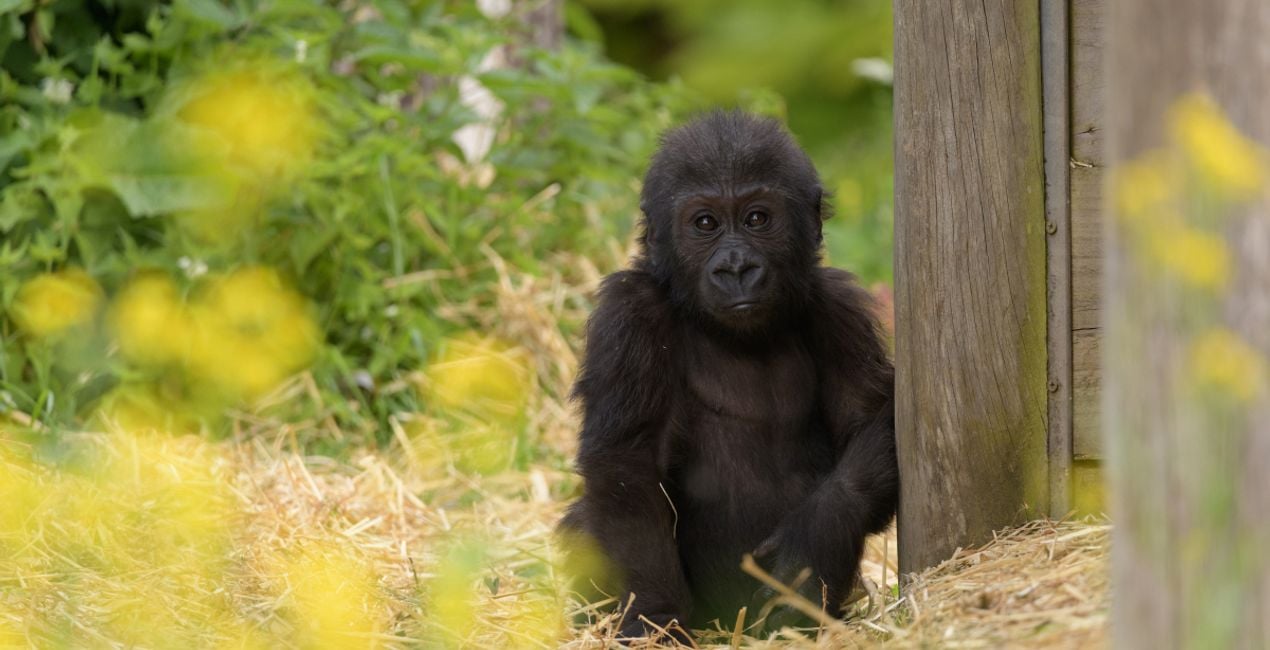
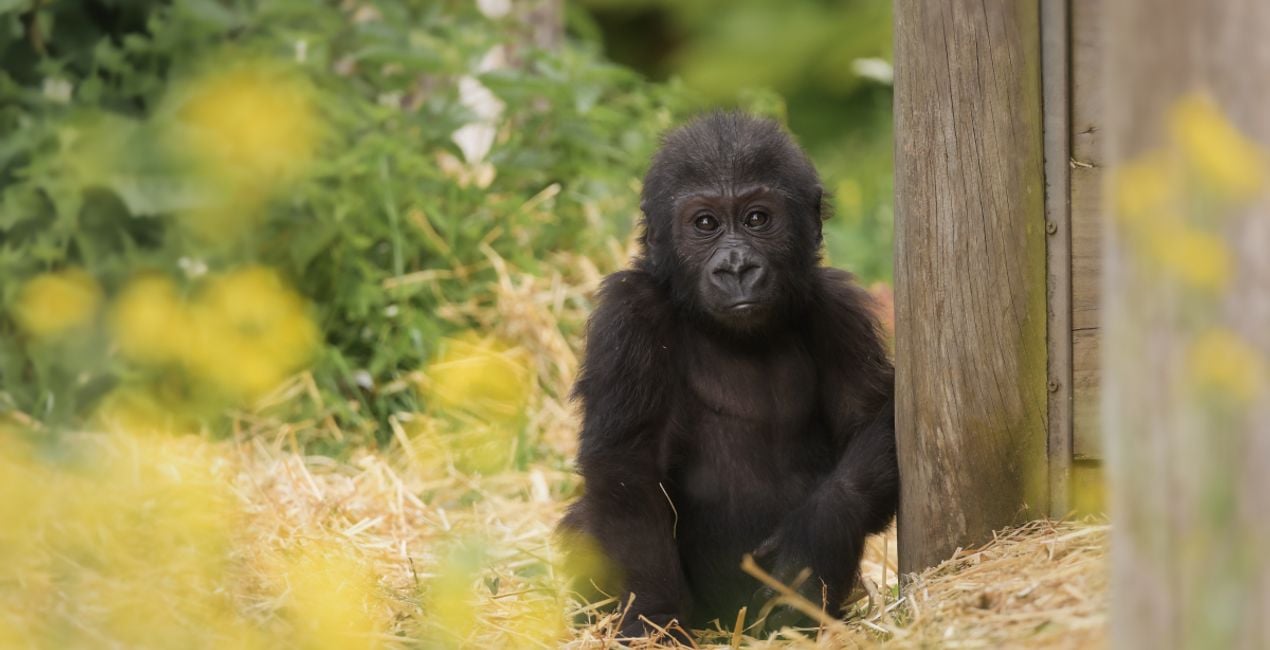
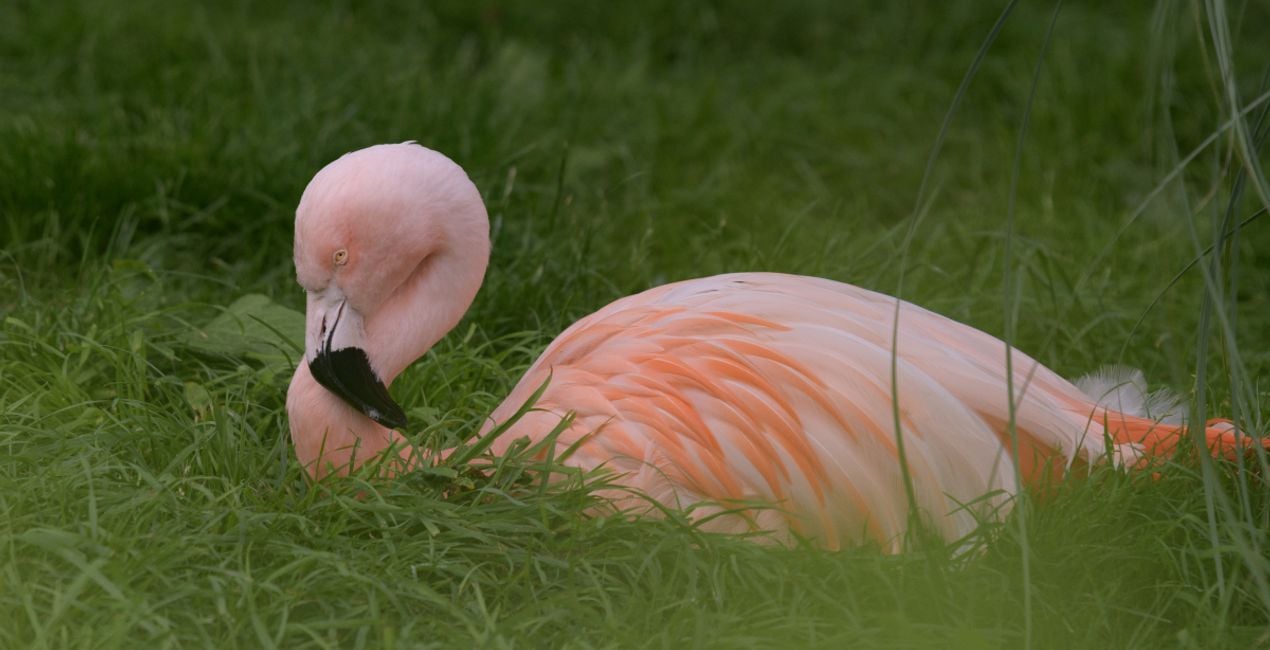
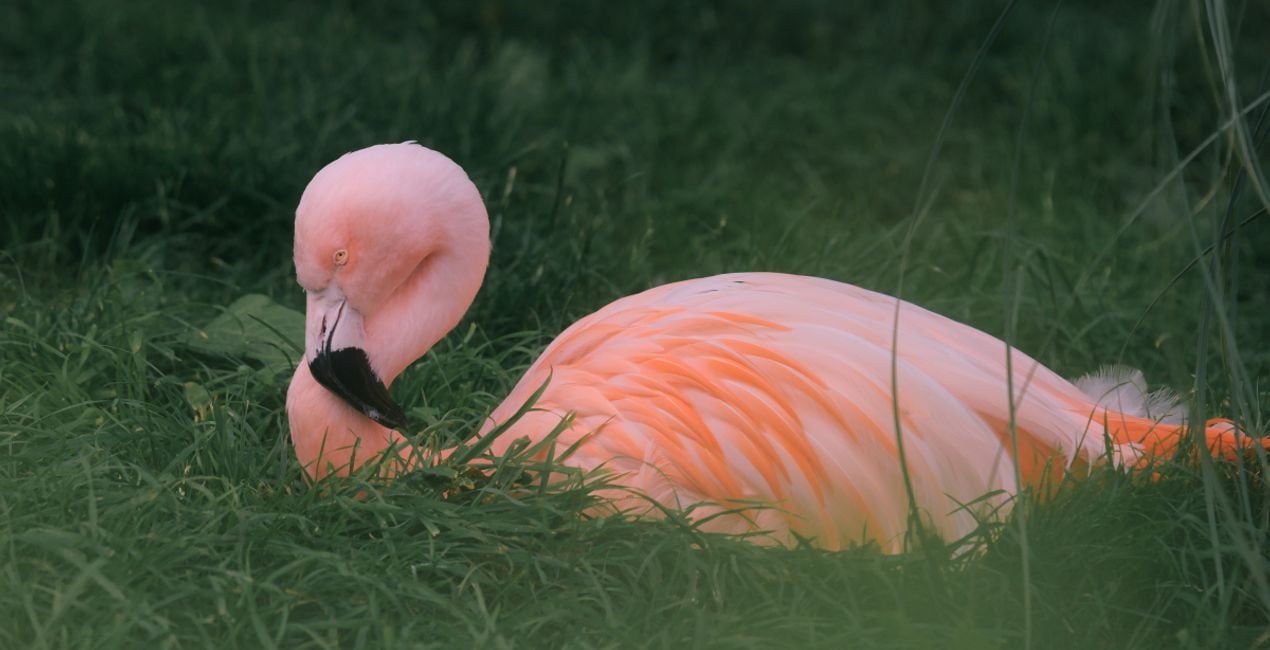
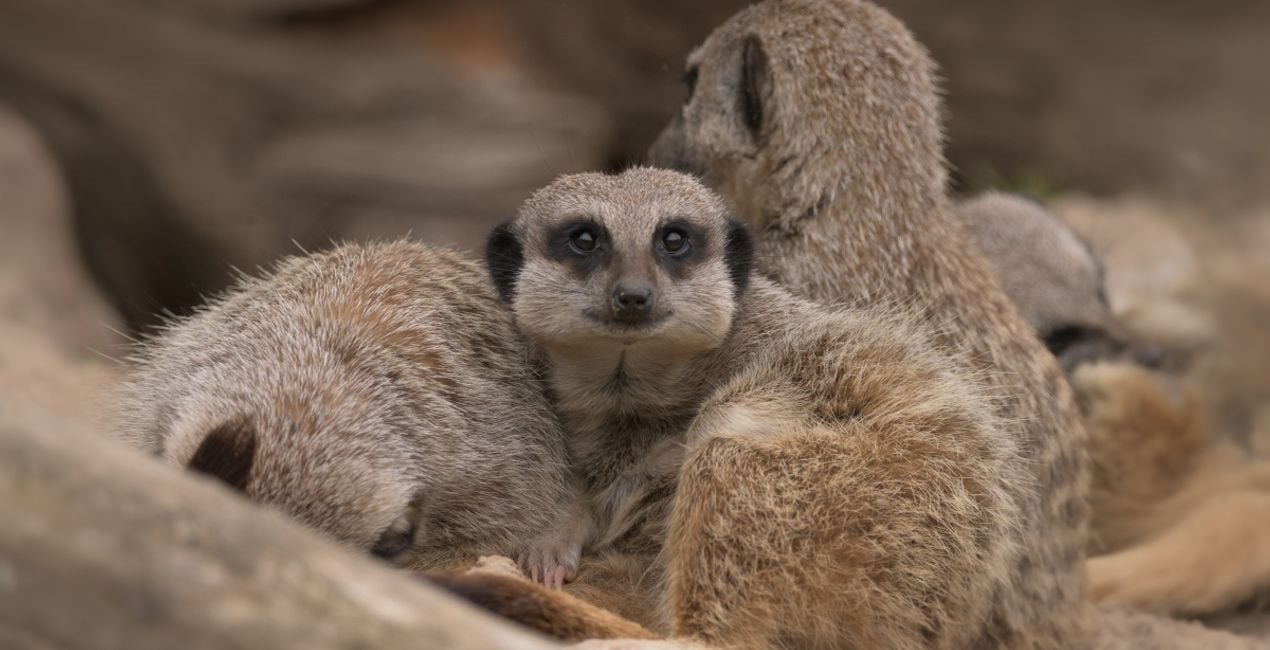
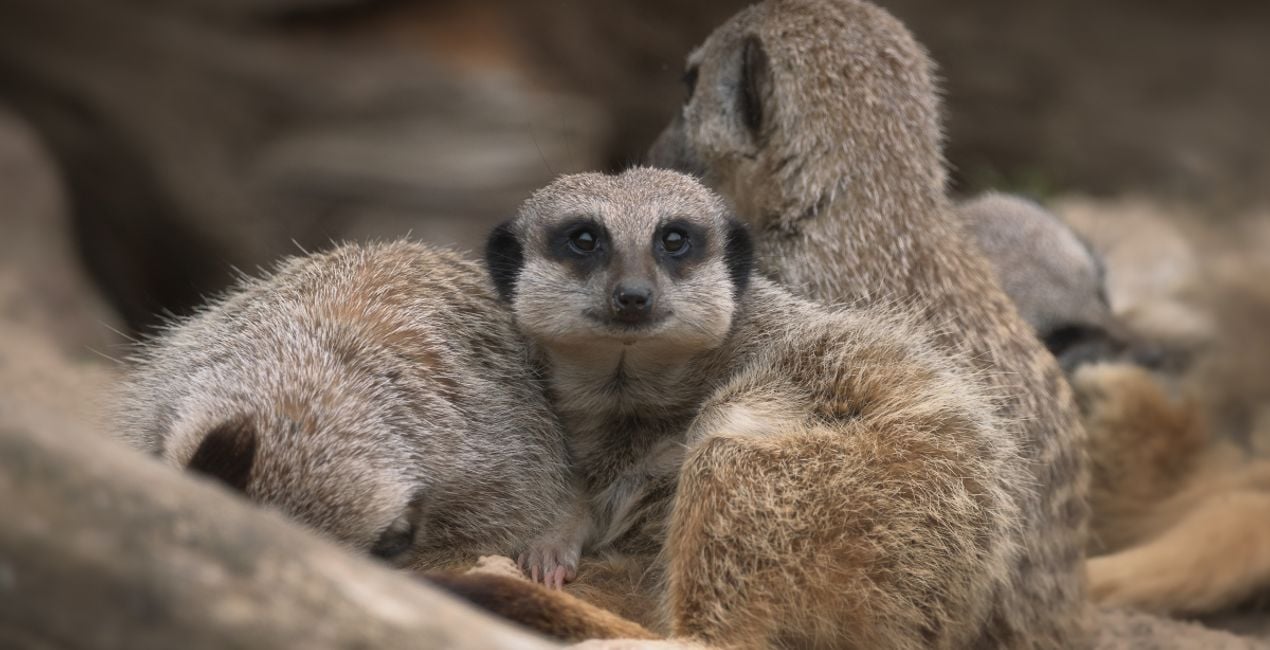
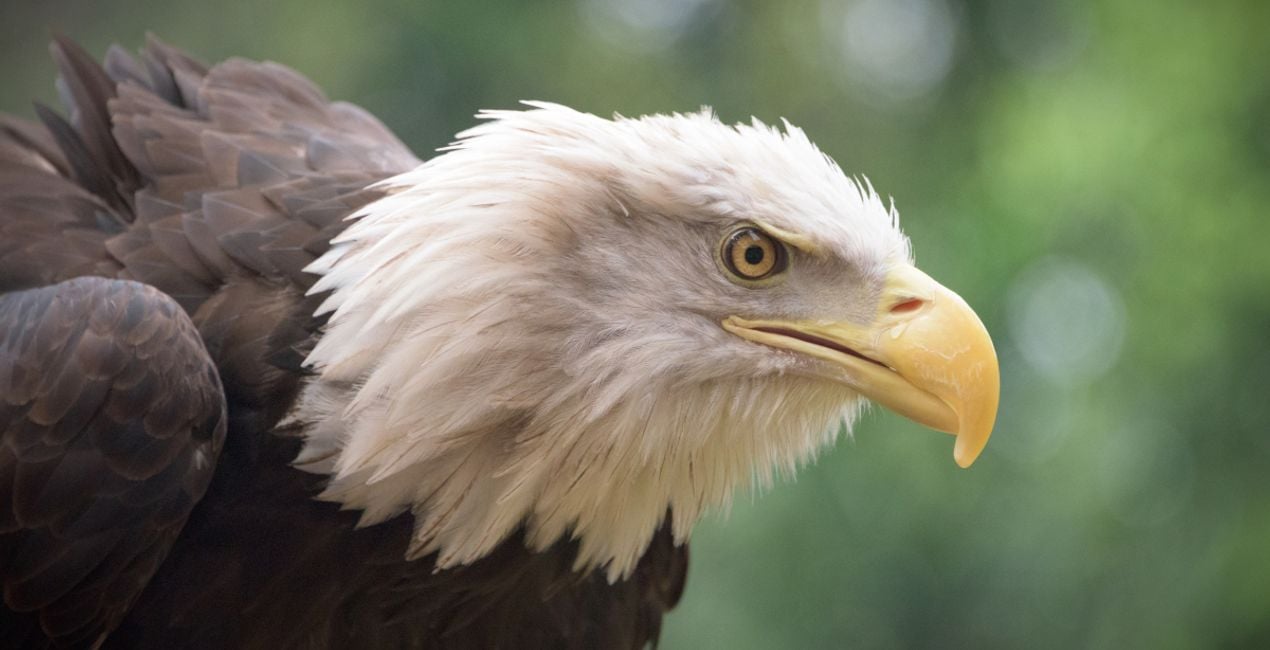
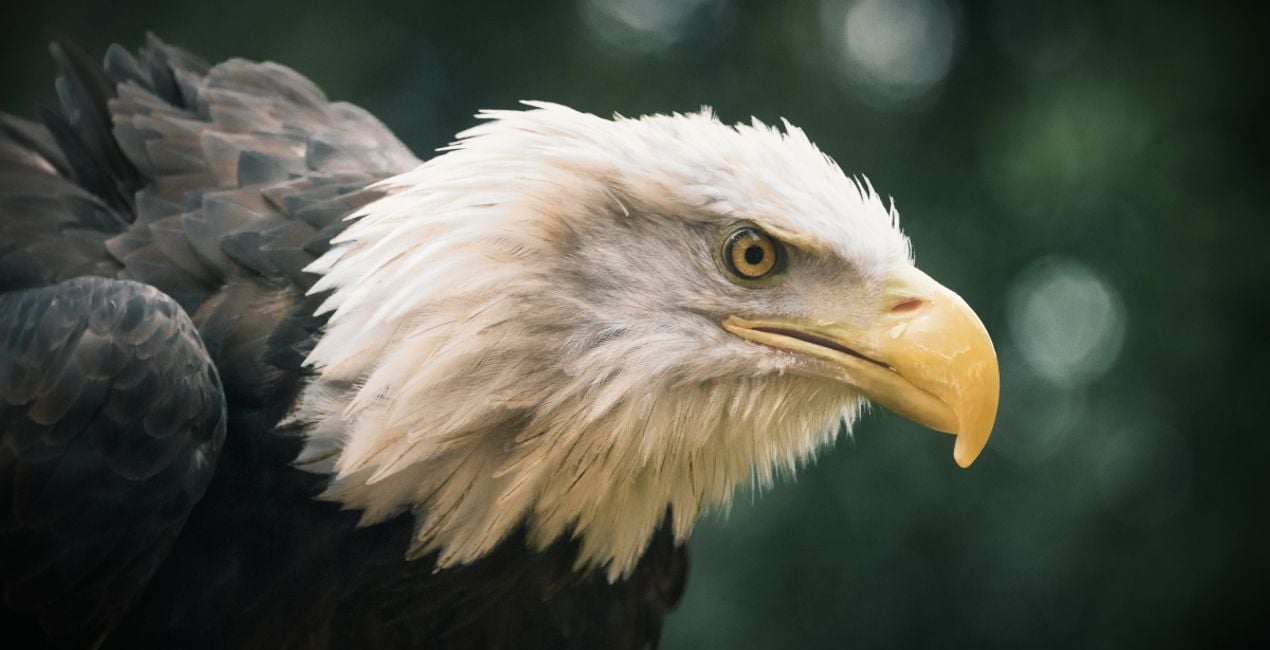
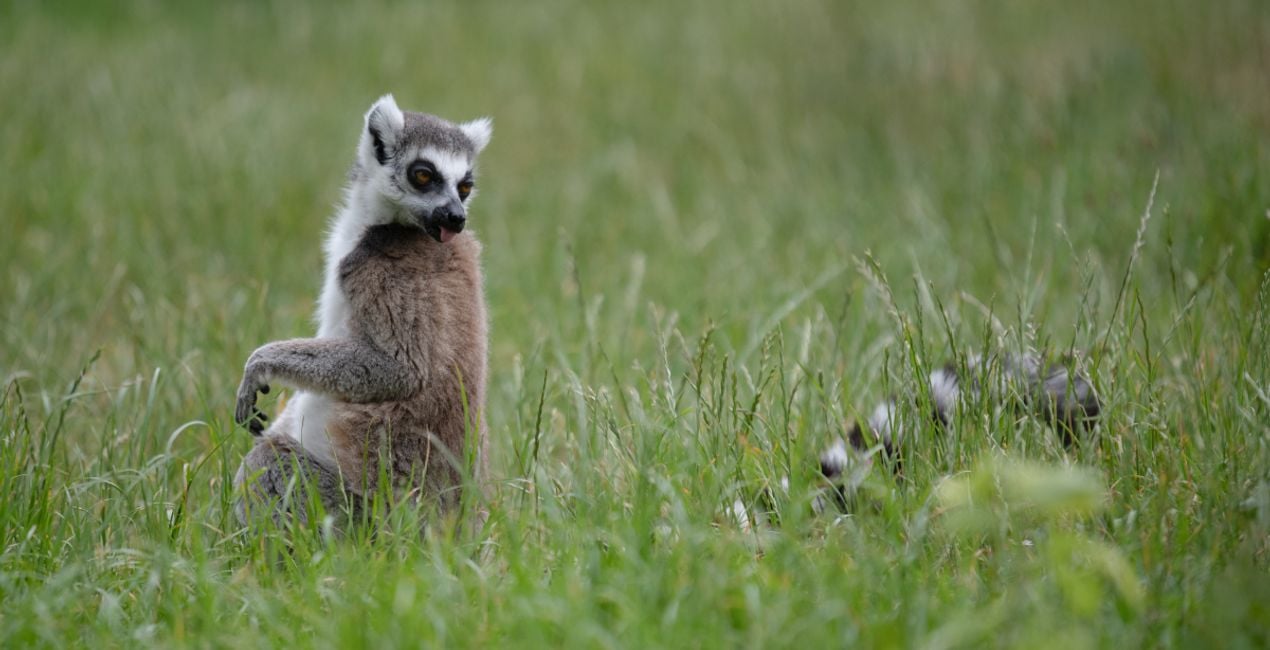
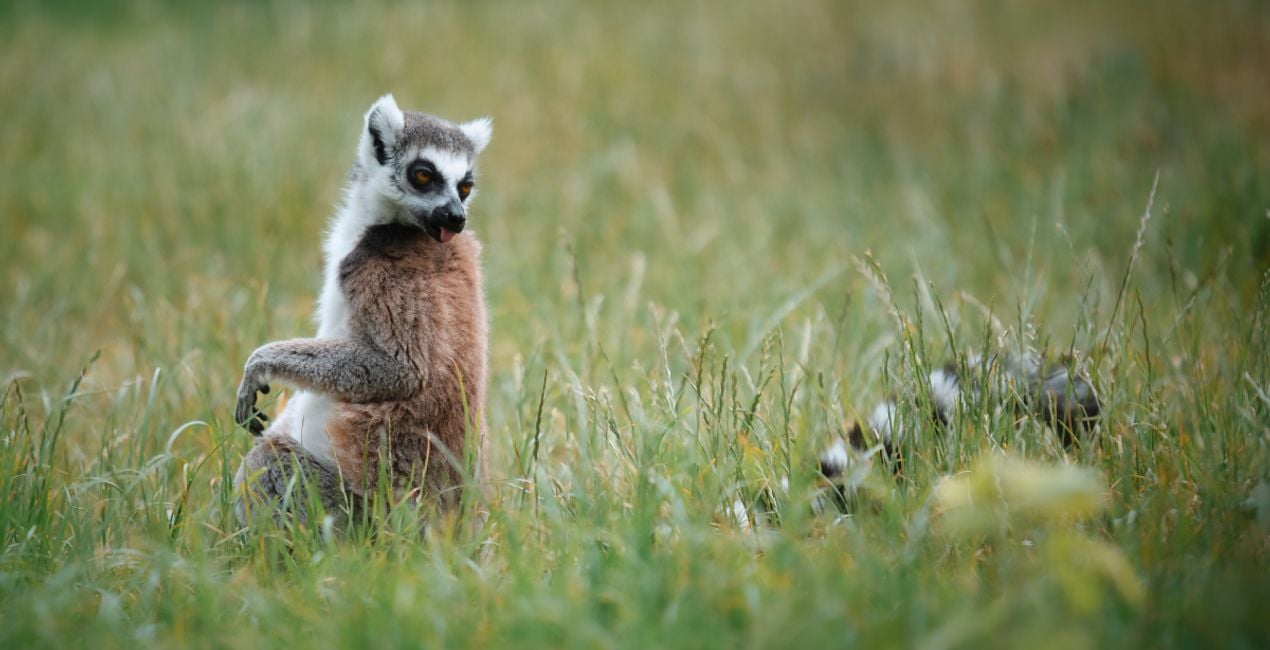
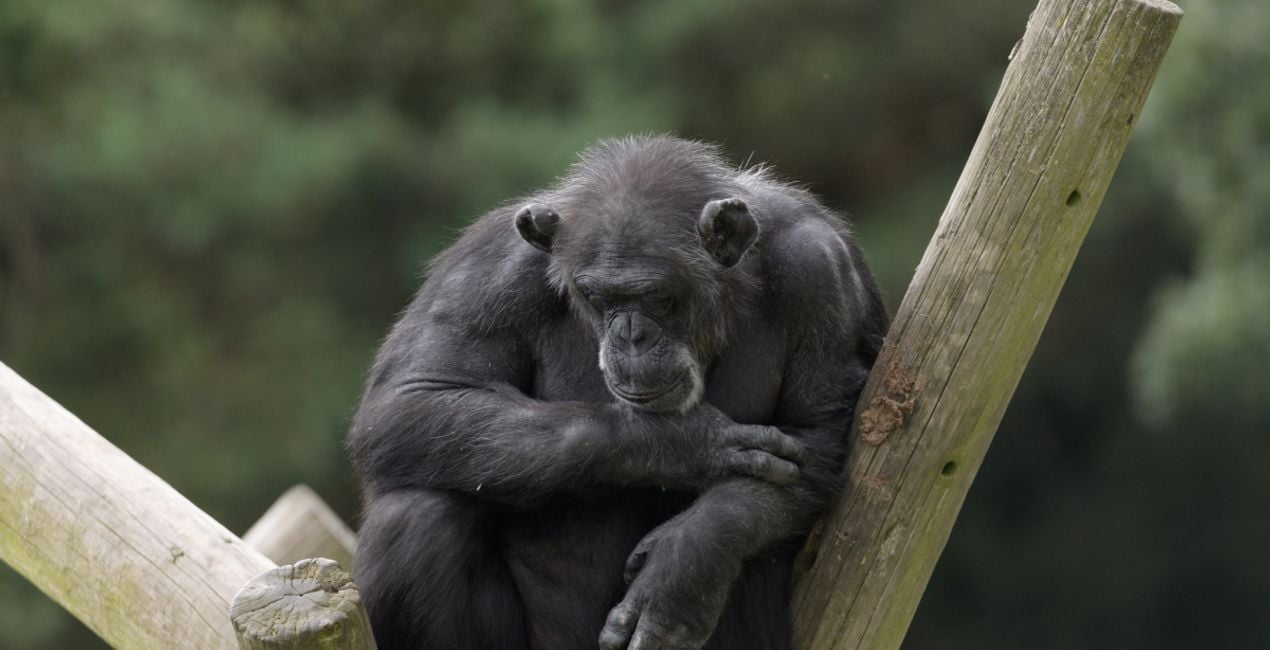
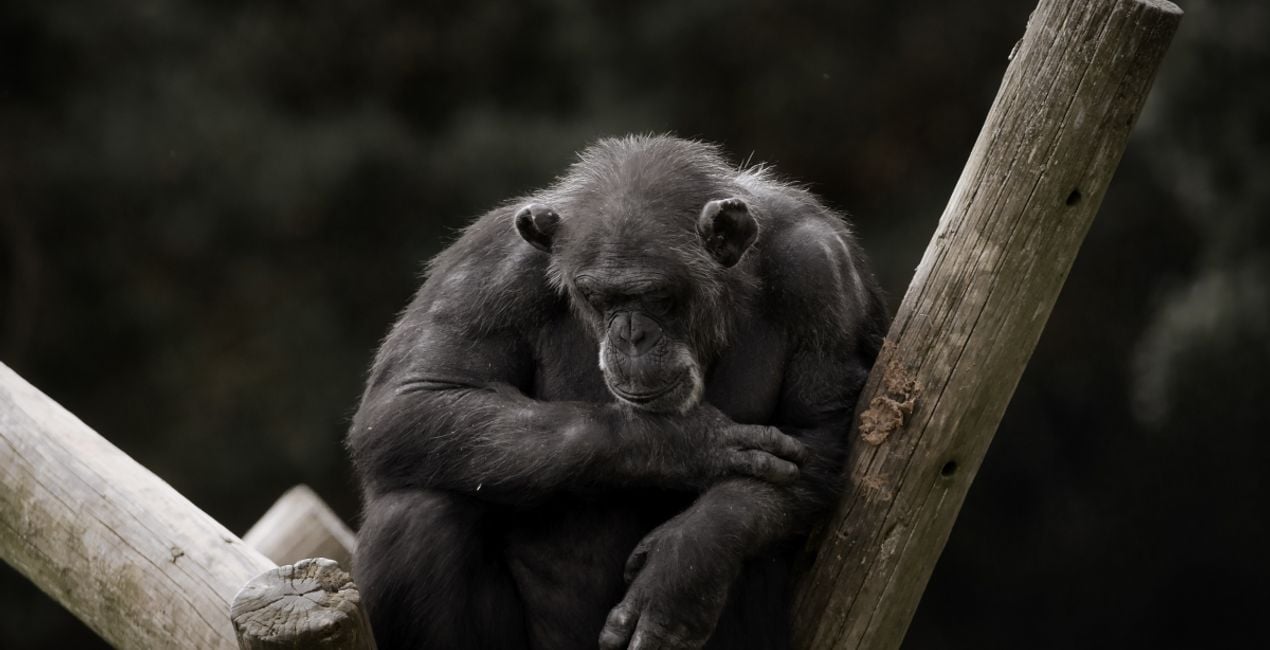
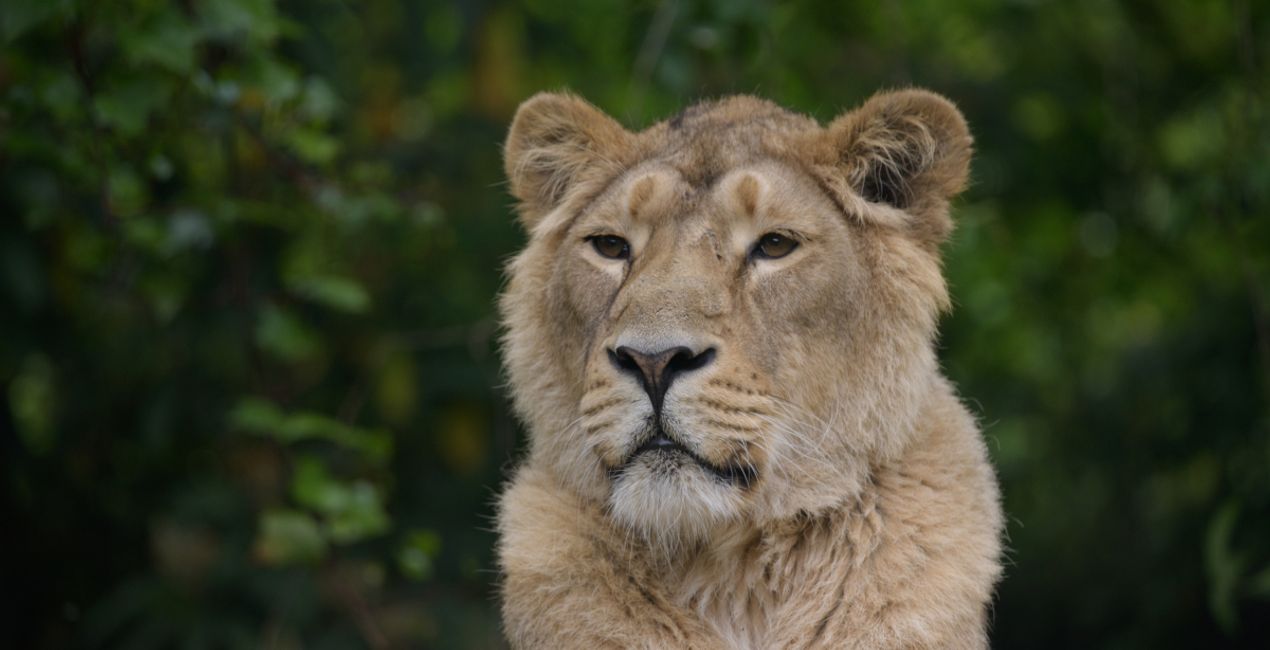
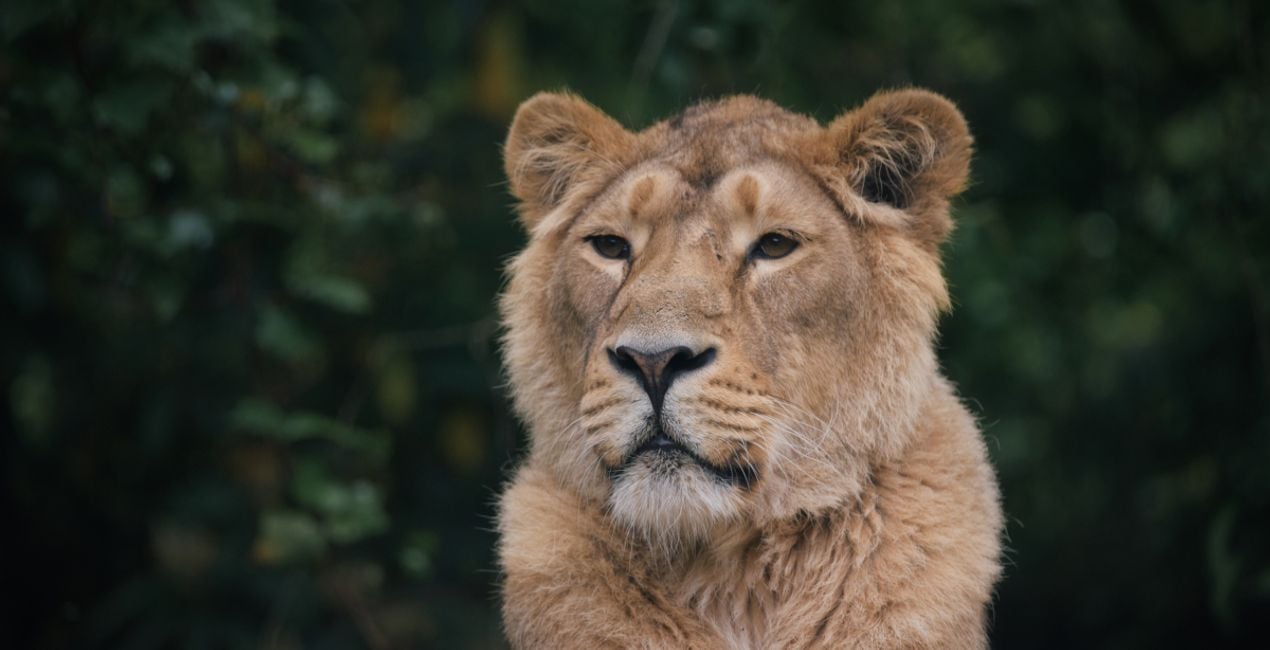
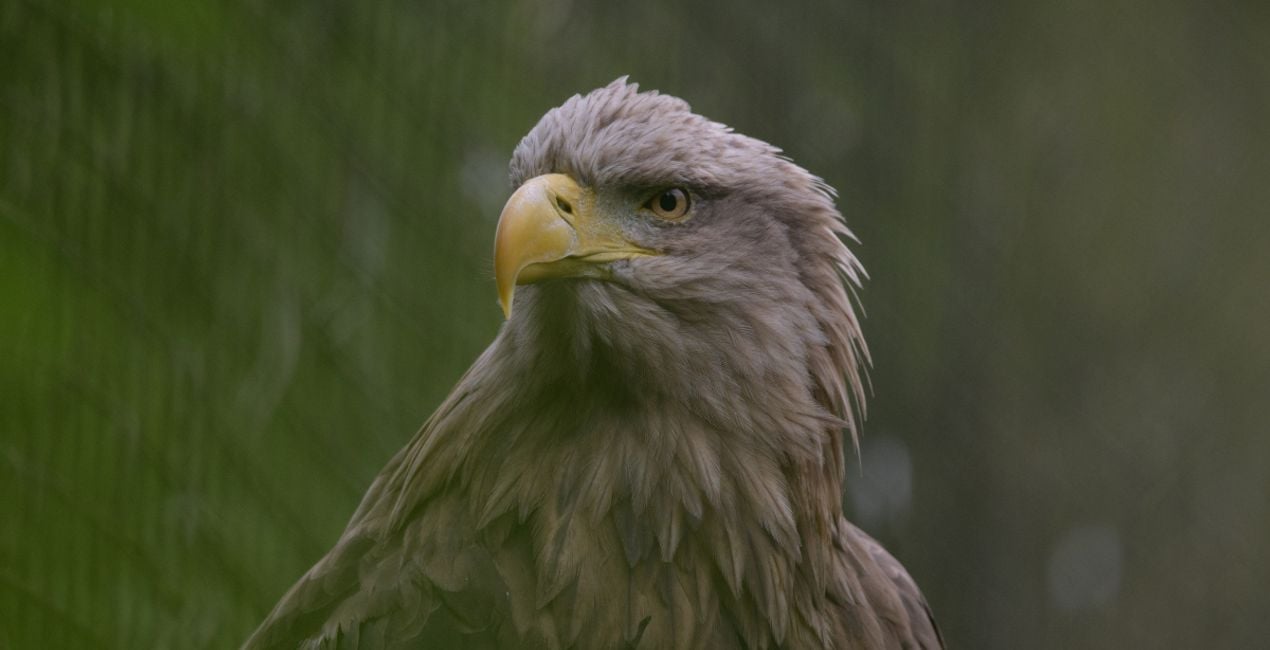
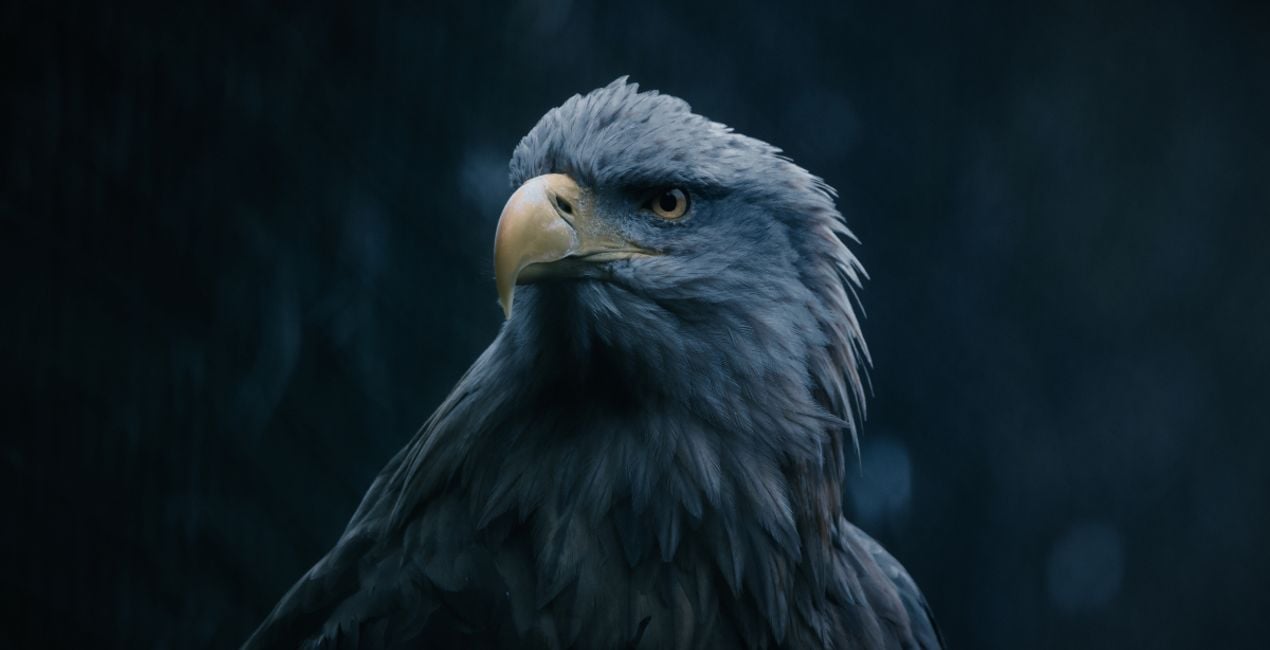
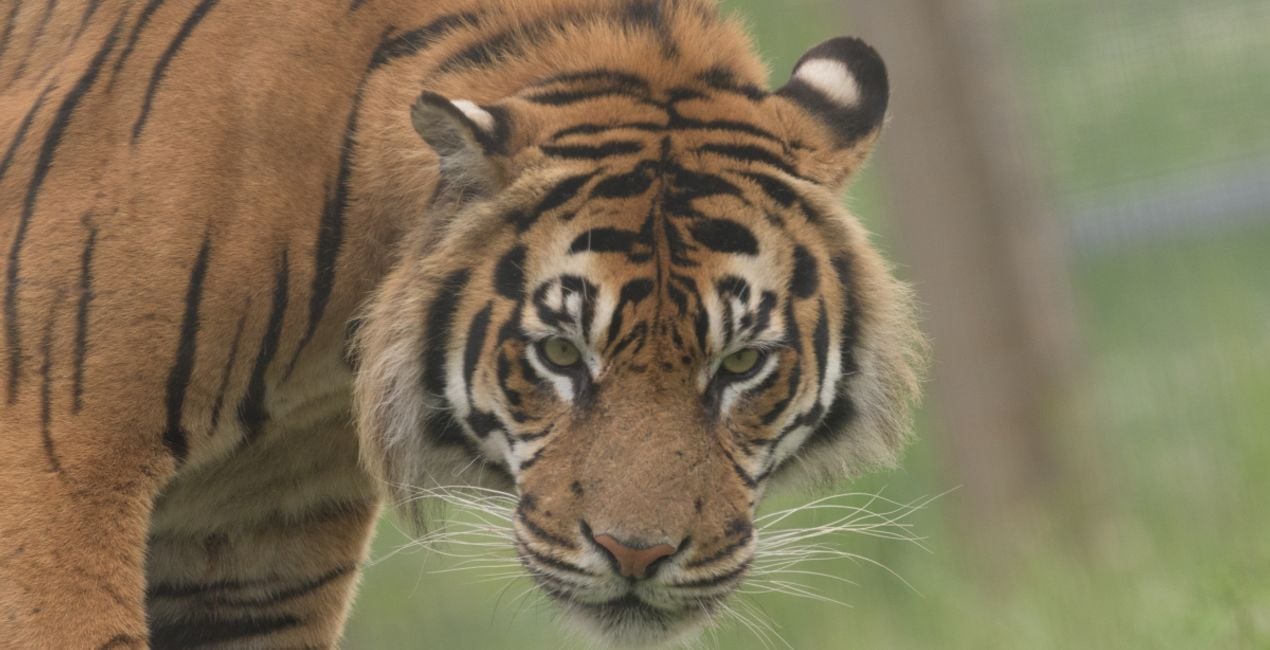
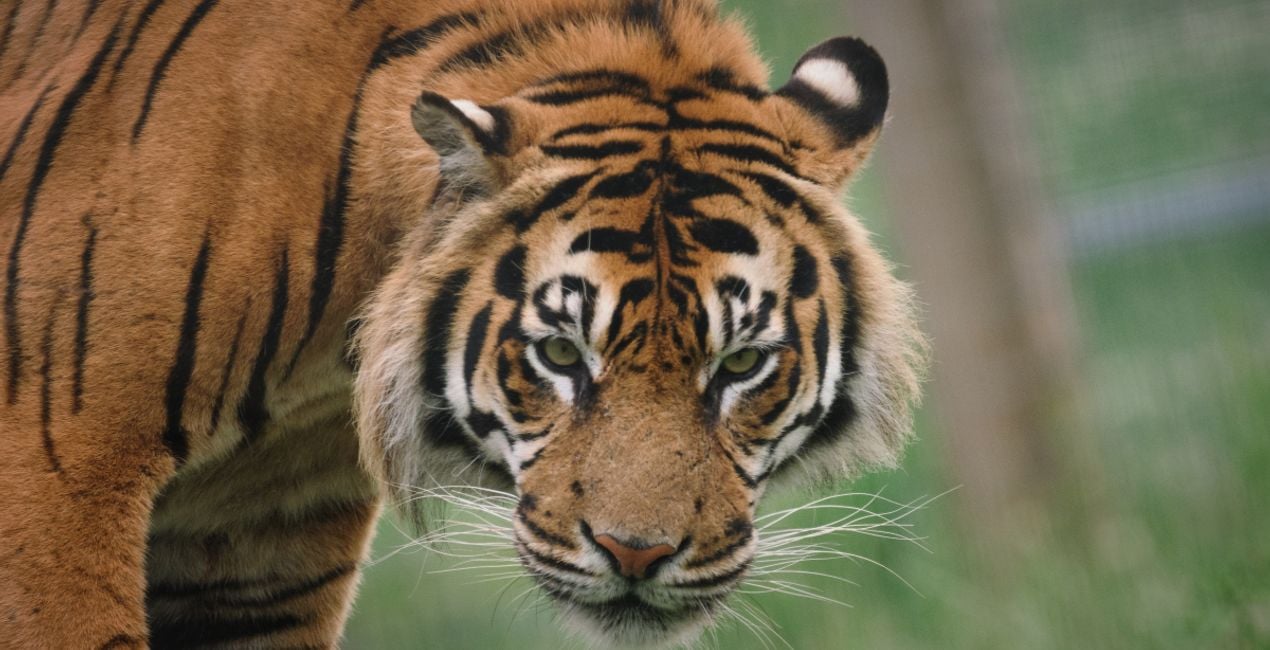
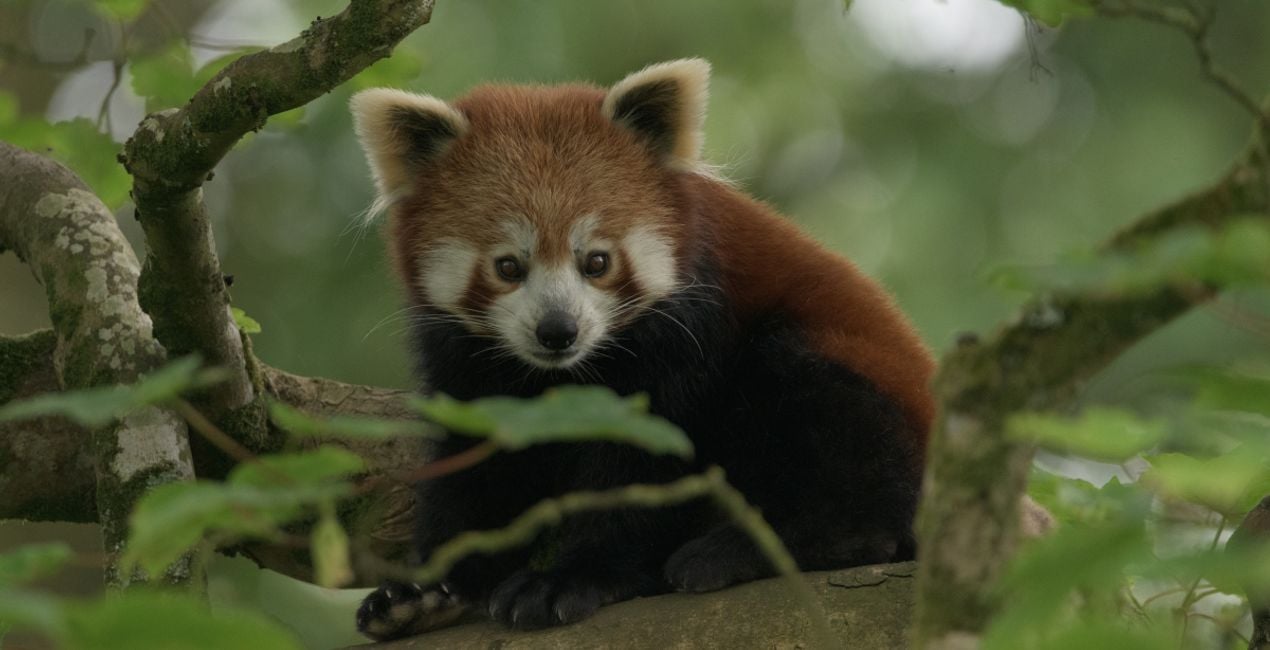
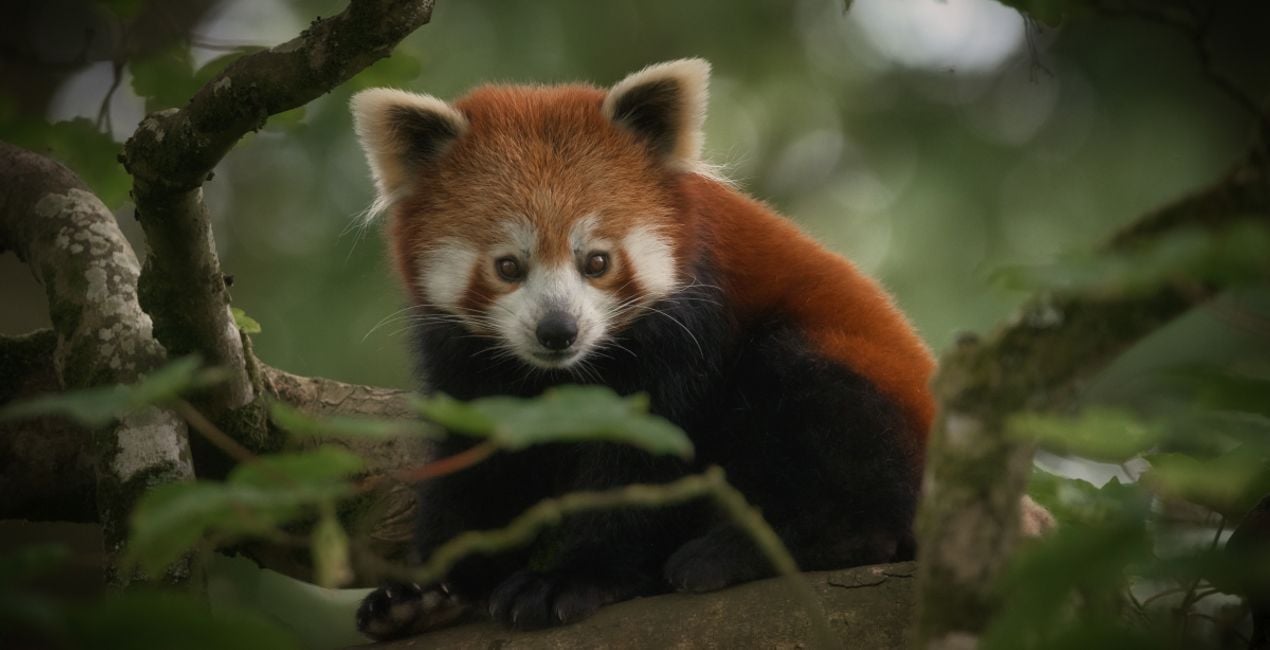
À l'aide des fichiers RAW fournis, vous pourrez facilement appliquer les conseils en matière de retouche et découvrir comment obtenir des photos comme celles-ci.
 >
>
 >
>
 >
>
 >
>
 >
>
 >
>
 >
>
 >
>
 >
>
 >
>
 >
>
 >
>
L'histoire
Got photos of wild animals that don’t do these creatures justice?
Enhance them with the Templates in this collection.
Enjoy 12 fierce wild fauna Templates by Mathew Browne that are perfect for your safari photos.
Vibrant, dynamic, faded, atmospheric, mysterious — you name it, this collection has it. Perfect for animals you’ve encountered in the wild or in zoos, no matter how big or small.
With this collection, they will surely make an impression.
What you’ll find in this pack (12 Templates):
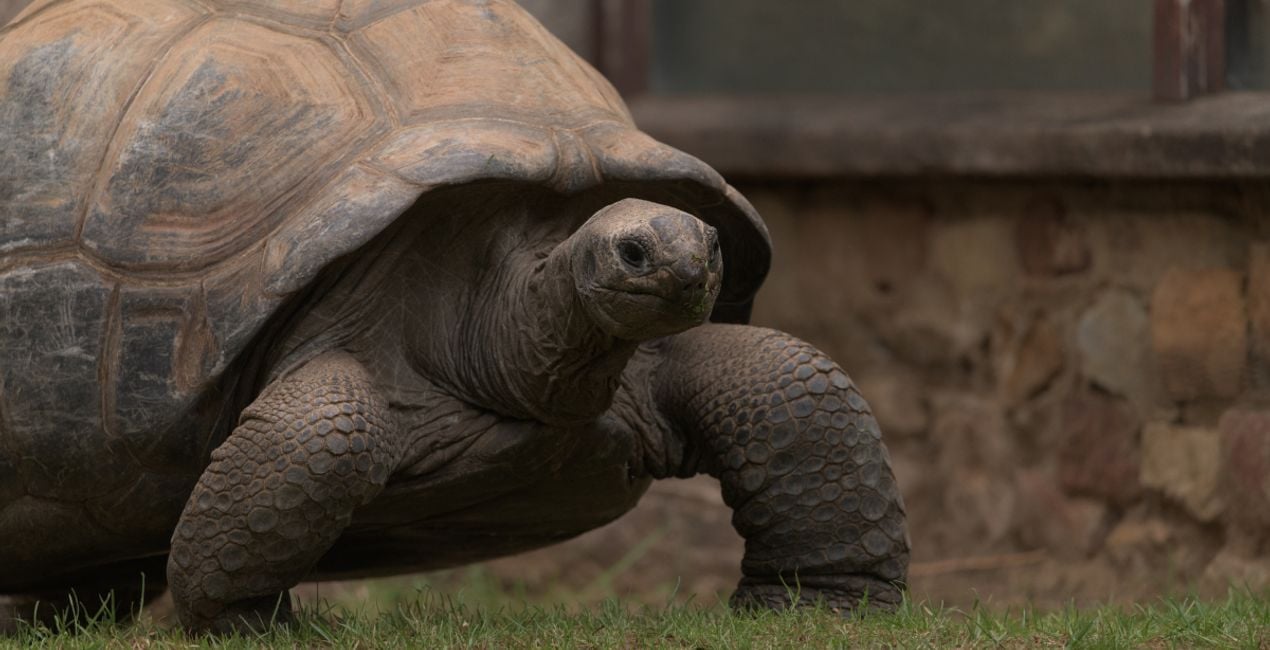
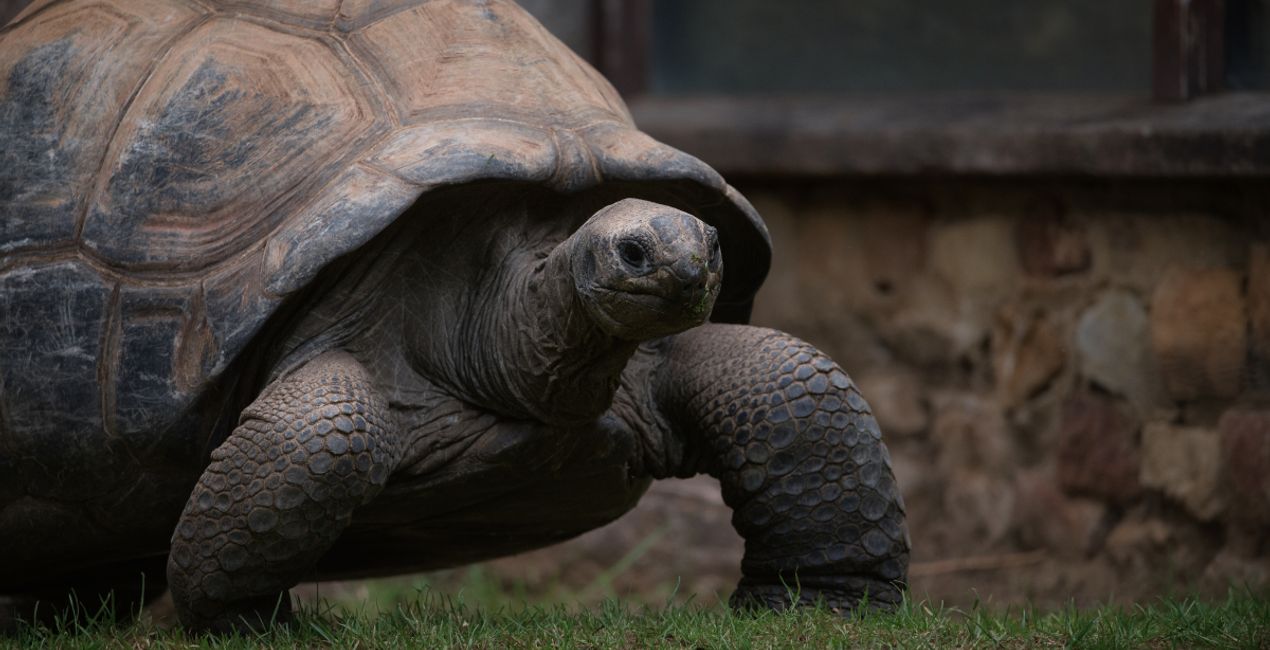
Tortoise Shell: Add a pleasing vignette, bring out details, and give a slightly cold tone for a captivating photo.
Flamingo: Make your photos stand out thanks to slightly darker toning plus enhanced contrast and depth.
Soft Fur: This Template adds softness and glow, perfect for enhancing the fur of cuddly animals.
Gorilla: This Template adds a darker, more mysterious tone that adds drama and pulls the viewer in.
Rainy Bird: An atmospheric Template in cold tones and shadows that adds a gloomy mood to your photo.
Tiger: Add contrast and color in one slide, making colorful animals stand out.
Meerkat: Elevate your subject by bringing a slightly darker toning to the background.
Red Panda: This Template enhances the contrast of the photo, adding an accentuating vignette.
Savanna: Bring a faded, subdued tone to your images for an atmospheric look.
Forest Bird: This rich Template adds drama and depth as well as a mystical glow.
Primates: A neutral tone that pulls the viewer toward the subject, with a slight vignette.
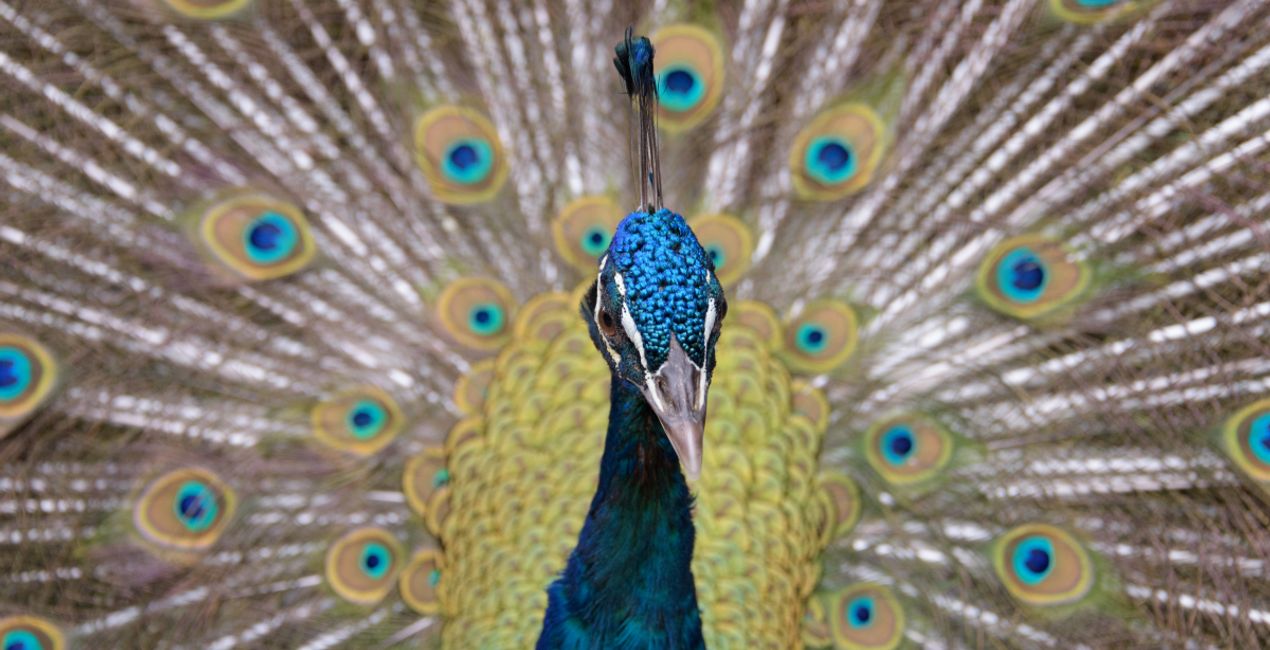
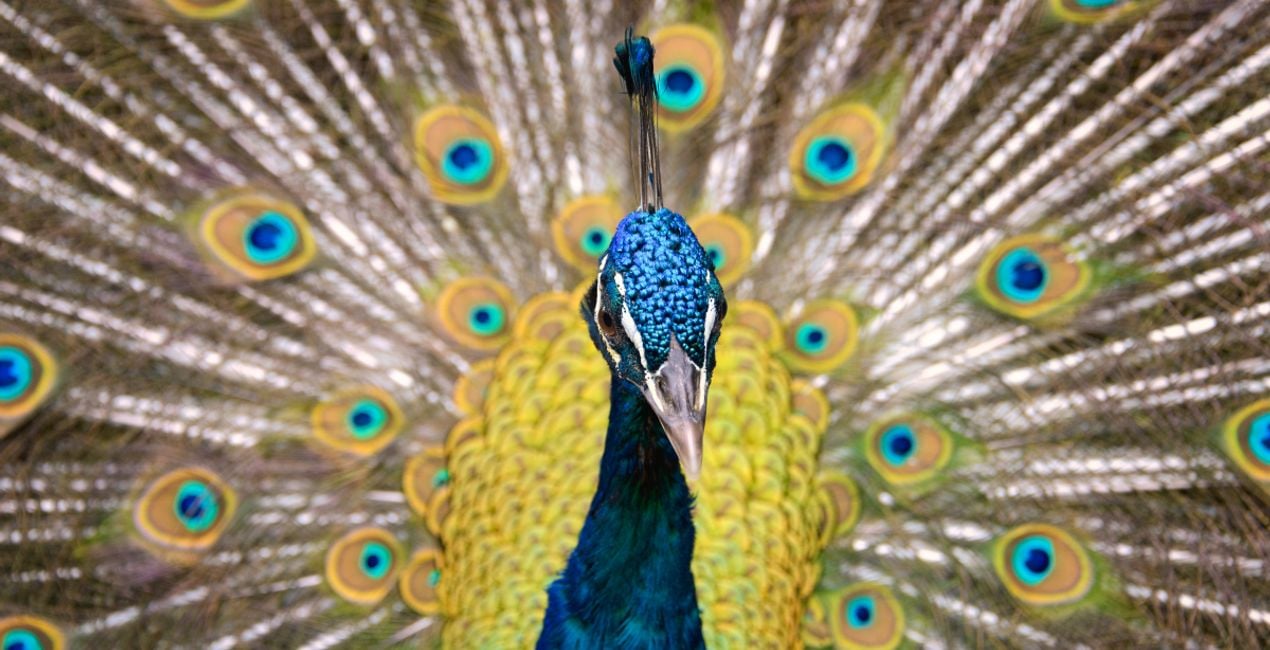
Peacock: Add a cheerful tone to your animal photos with this Template filled with bright colors and increased saturation.
Keep in mind that a Template’s default effect might be too strong for your photo.
If it is, simply bring it back a bit with the Amount slider.
Don’t forget to share your results! Use the hashtag #madewithluminar on social media so the Skylum Team can take a look at your work!
Produits similaires


Créateur
Mathew Browne
Photographer. Skylum Ambassador.
Mathew Browne is a cross-genre photographer who has gained recognition for his vibrant images spanning the spectrum of travel photography. A prolific traveler, Mathew has visited nearly 70 countries and photographs extensively for the photo location sharing platform PhotoHound, which he co-founded in 2018.
These Looks serve as the foundation for much of his wildlife portfolio, often allowing him to achieve his desired result with just one click.
FAQ
Vous avez d'autres questions ou souhaitez simplement des conseils ?
contacter le support techniqueComment contacter l'assistance ?
Si vous avez des questions concernant le produit, contactez notre équipe d'assistance disponible 24 h/24, 7 j/7. Suivez simplement ce lien.
Comment acheter Amazing Animals - Part II ?
Pour acheter Amazing Animals - Part II, suivez les étapes suivantes :
1. Ouvrez le Marketplace de Skylum.
2. Allez dans l'onglet correspondant où Amazing Animals - Part II est répertorié. Cliquez dessus et ajoutez le produit à votre panier.
3. Accédez à votre panier. Là, terminez le processus d'achat pour Amazing Animals - Part II.
4. Après l'achat, vous recevrez un e-mail de confirmation contenant le lien de téléchargement pour Amazing Animals - Part II. Vous trouverez également le nouvel élément dans votre compte Skylum, sous l'onglet Mes modules complémentaires.
Comment installer Amazing Animals - Part II ?
Des instructions détaillées sur l'installation du Amazing Animals - Part II vous seront envoyées dans l'e-mail de confirmation, ainsi que le lien de téléchargement.
De plus, vous pouvez installer l'article acheté directement dans Luminar Neo : allez dans Extras > Marketplace, sélectionnez la catégorie Produit, trouvez l'article acheté et cliquez sur Installer.
Où puis-je trouver Amazing Animals - Part II après l'installation ?
C'est très simple ! Allez dans l'onglet Préréglages, puis sélectionnez Achetés. Votre préréglage installé s'y trouvera.
Que faire si je perds Amazing Animals - Part II ?
Ne vous inquiétez pas. Tous les articles achetés, y compris Amazing Animals - Part II, sont stockés dans l'onglet « Mes modules complémentaires » de votre compte Skylum. Vous pouvez ainsi facilement les utiliser et les télécharger à nouveau.
Comment vérifier si Amazing Animals - Part II est compatible avec mon logiciel ?
Normalement, la plupart des articles proposés sont compatibles avec Luminar Neo. Toutefois, pour vous assurer que Amazing Animals - Part II est bien compatible avec votre logiciel, veuillez vérifier ses spécifications avant de le télécharger ou de l'acheter. Consultez la section « Compatibilité » à droite de la page Amazing Animals - Part II, où tous les produits compatibles sont répertoriés.


