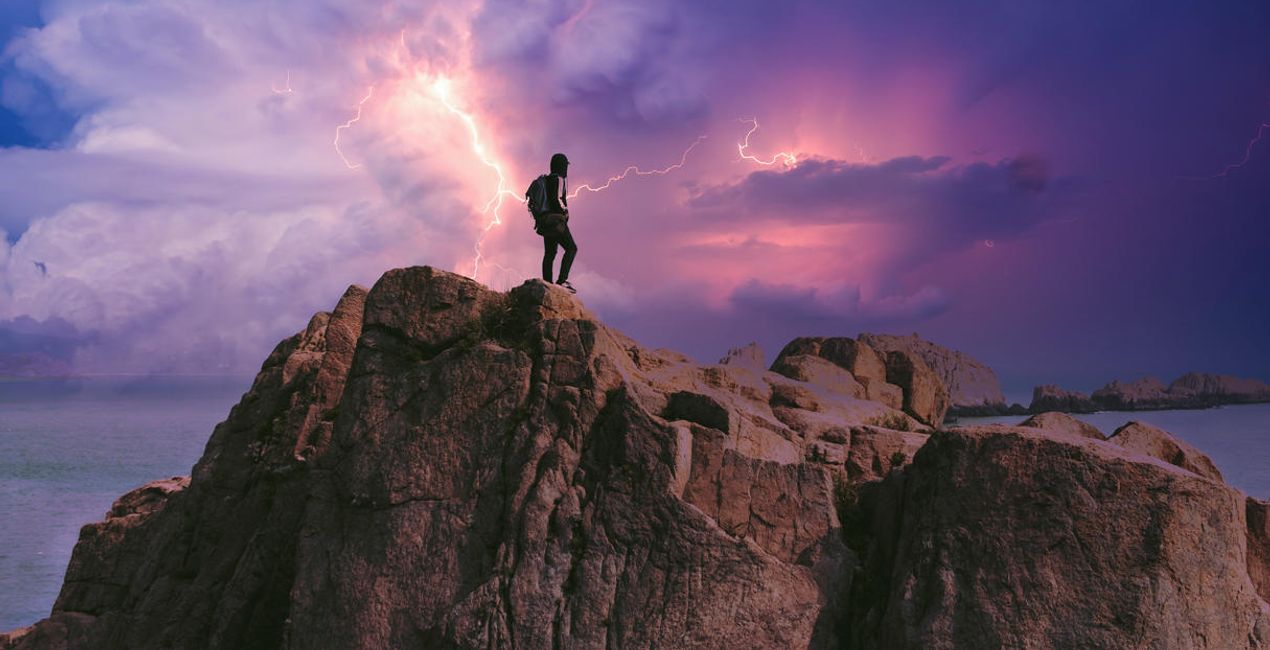
Want to add a touch of drama to your photos? Discover 20 spectacular 10K resolution Skies in JPEG format captured by famous stormchaser Bastian Werner. (3)
Mój koszyk

Twój koszyk jest teraz pusty

Przejrzyj naszą kolekcję, aby znaleźć idealne edycje swoich zdjęć!

Moja torba przedmiot przedmioty

Twój kod wakacyjny:

asdfjvbknl

Want to add a touch of drama to your photos? Discover 20 spectacular 10K resolution Skies in JPEG format captured by famous stormchaser Bastian Werner. Zastosowany

Want to add a touch of drama to your photos? Discover 20 spectacular 10K resolution Skies in JPEG format captured by famous stormchaser Bastian Werner. (5)
Mój koszyk

Twój koszyk jest teraz pusty

Przejrzyj naszą kolekcję, aby znaleźć idealne edycje swoich zdjęć!

Koszyk

Twój kod wakacyjny:

asdfjvbknl

Want to add a touch of drama to your photos? Discover 20 spectacular 10K resolution Skies in JPEG format captured by famous stormchaser Bastian Werner. Zastosowany

Cena łącznie: $

Podsumowanie koszyka

Szyfrowanie bezpiecznych płatności

Want to add a touch of drama to your photos? Discover 20 spectacular 10K resolution Skies in JPEG format captured by famous stormchaser Bastian Werner. (7)

Inni kupili również

Oszczędzasz
przez
Część pakietu
Zaoszczędź $5 kupując pełny pakiet
Kup pełny pakiet

O nas

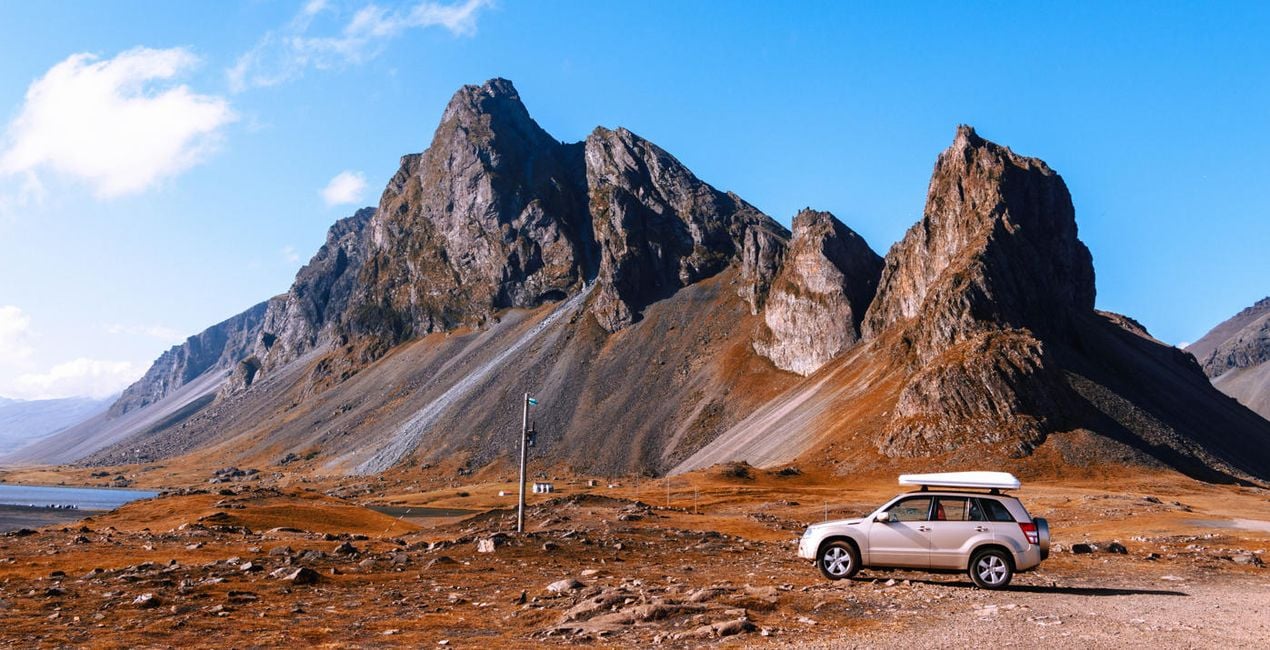
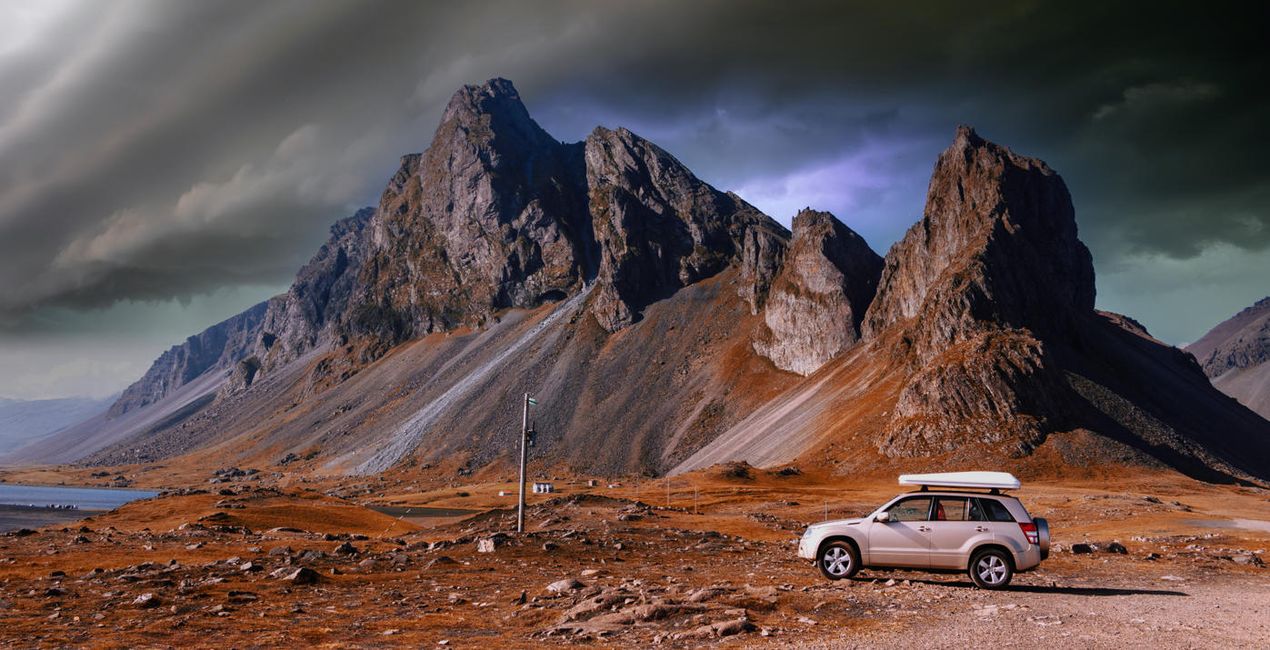
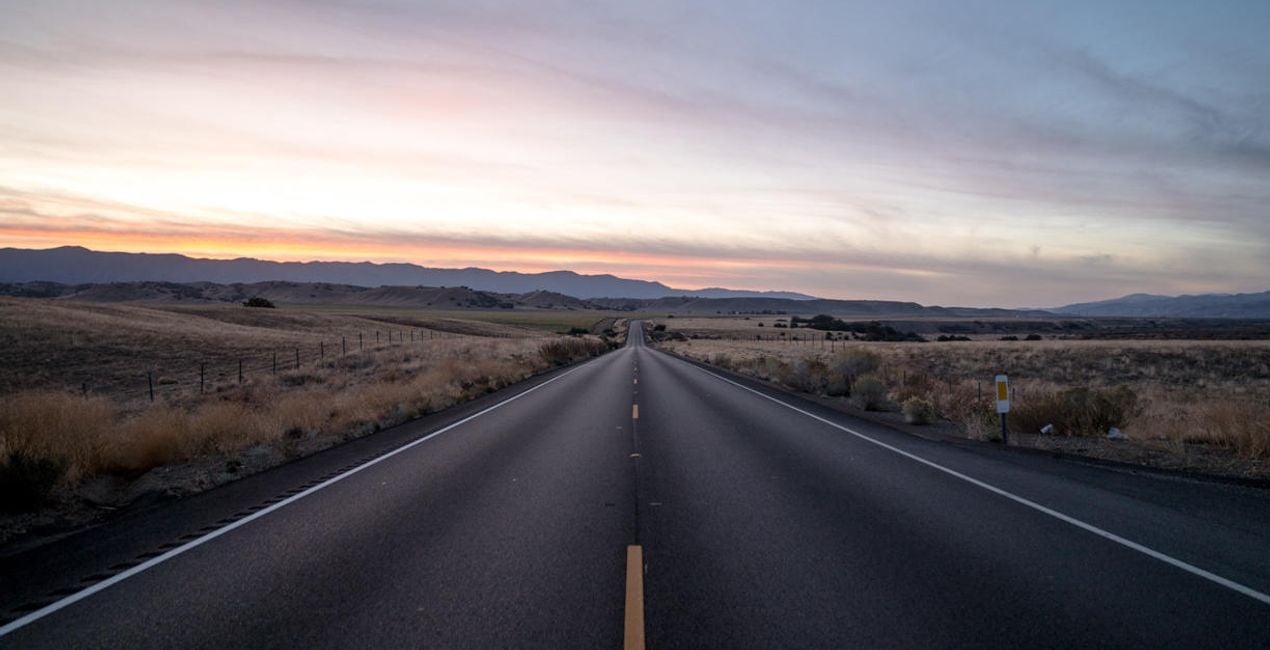
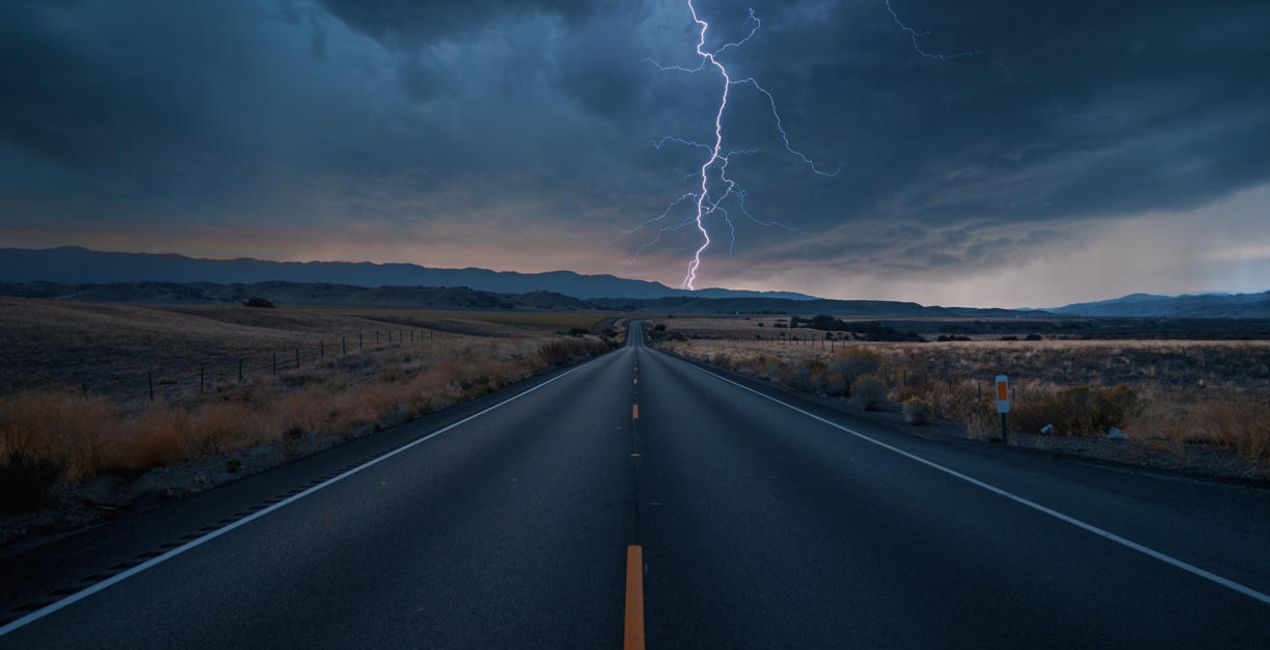
Want to add a touch of drama to your photos? Discover 20 spectacular 10K resolution Skies in JPEG format captured by famous stormchaser Bastian Werner. With these Skies, it will be easy to turn an ordinary photo into an impressive one with visually appealing turbulent clouds and incredible lightning bolts in the background. Try them on your nightscapes and see the difference they make.

Zawartość zestawu

20 Skies in JPEG format

Kompatybilność

Luminar AI, Luminar NEO, Photoshop , Affinity Photo, Evoto, ON1

Twórz zdjęcia takie jak to

Korzystając z plików RAW z łatwością przećwiczysz wskazówki dotyczące retuszu i dowiesz się, jak stworzyć zdjęcia takie jak te.
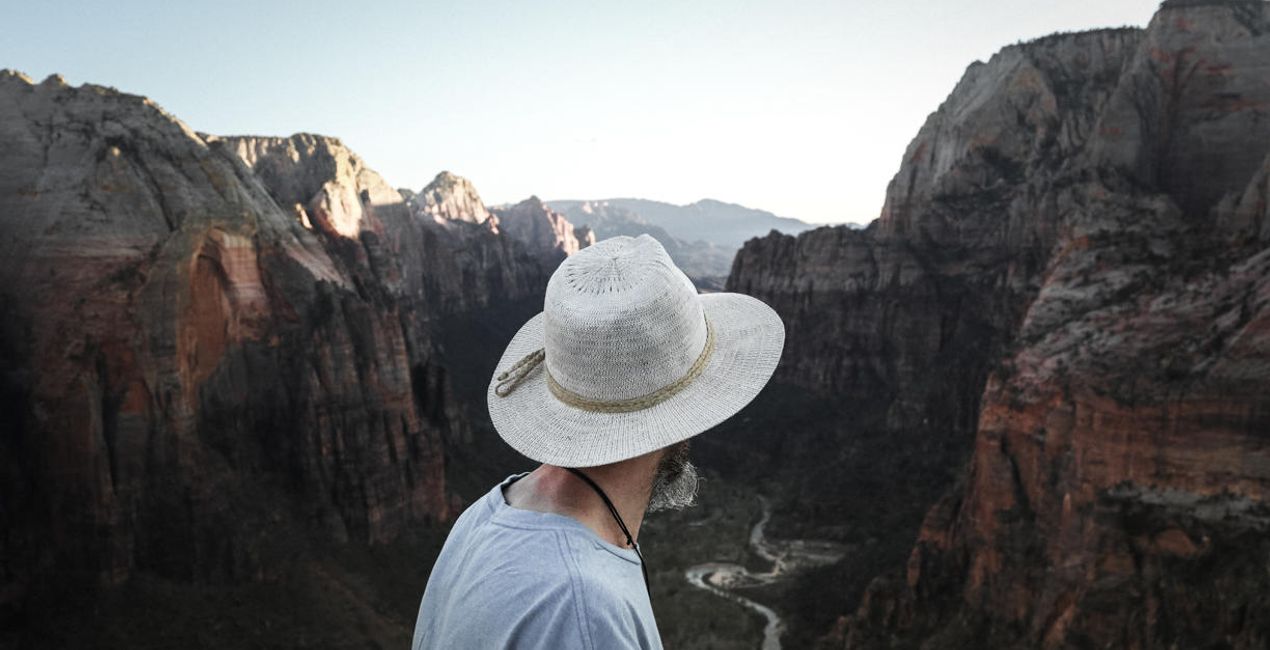
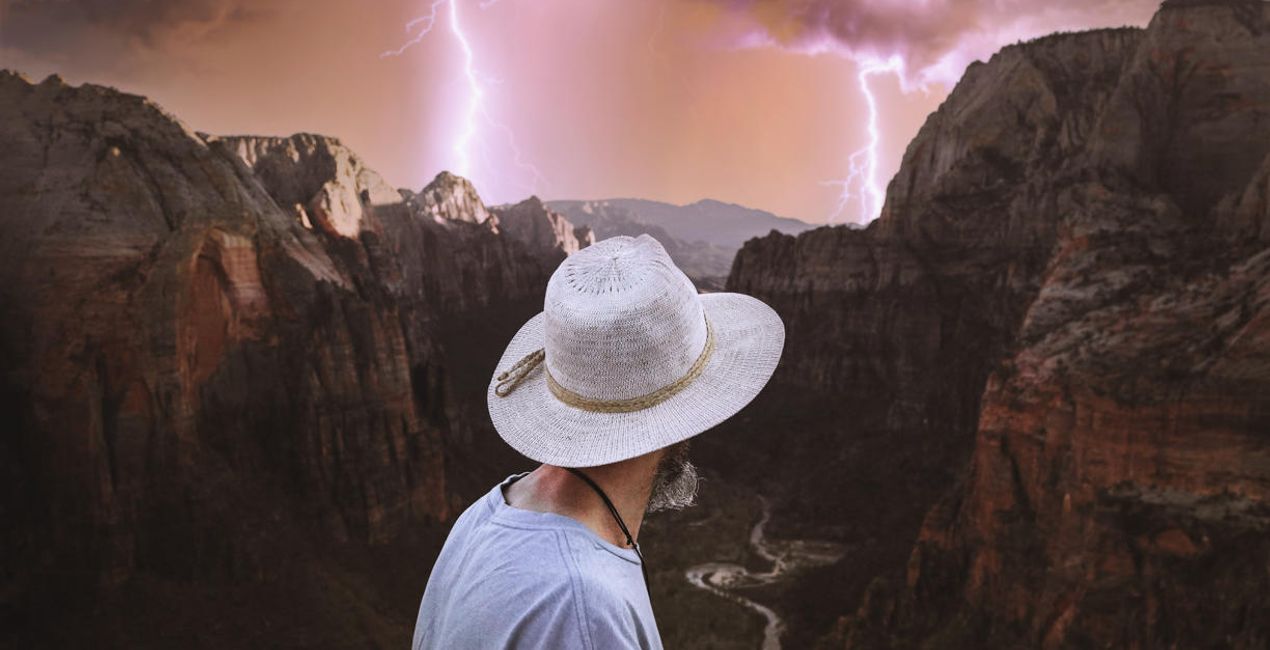
© Jeremy Bishop
Want to add a touch of drama to your photos? Discover 20 spectacular 10K resolution Skies in JPEG format captured by famous stormchaser Bastian Werner. (39)
Want to add a touch of drama to your photos? Discover 20 spectacular 10K resolution Skies in JPEG format captured by famous stormchaser Bastian Werner. (40)>
Przed Po
© Andreas M
Want to add a touch of drama to your photos? Discover 20 spectacular 10K resolution Skies in JPEG format captured by famous stormchaser Bastian Werner. (41)
Want to add a touch of drama to your photos? Discover 20 spectacular 10K resolution Skies in JPEG format captured by famous stormchaser Bastian Werner. (42)>
Przed Po
© Damian Denis
Want to add a touch of drama to your photos? Discover 20 spectacular 10K resolution Skies in JPEG format captured by famous stormchaser Bastian Werner. (43)
Want to add a touch of drama to your photos? Discover 20 spectacular 10K resolution Skies in JPEG format captured by famous stormchaser Bastian Werner. (44)>
Przed Po
© Jeremy Bishop
Want to add a touch of drama to your photos? Discover 20 spectacular 10K resolution Skies in JPEG format captured by famous stormchaser Bastian Werner. (45)
Want to add a touch of drama to your photos? Discover 20 spectacular 10K resolution Skies in JPEG format captured by famous stormchaser Bastian Werner. (46)>
Przed Po
© Wu-Jianxiong
Want to add a touch of drama to your photos? Discover 20 spectacular 10K resolution Skies in JPEG format captured by famous stormchaser Bastian Werner. (47)
Want to add a touch of drama to your photos? Discover 20 spectacular 10K resolution Skies in JPEG format captured by famous stormchaser Bastian Werner. (48)>
Przed Po

Nieba zawarte w pakiecie

Podobne produkty

Twórca

Bastian Werner

Fotograf. Ambasador Skylum.

Bastian Werner is a German photographer who captures images of extreme weather conditions. He’s also an avid adventurer and expedition leader. Bastian’s whole life is dedicated to weather photography. Since 2011, he has traveled Europe taking pictures of thunderstorms and other meteorological phenomena. In 2017, Bastian published a book titled "Fotografieren mit Wind und Wetter" (Photography with Wind and Weather) about weather and weather forecasting for landscape photographers, and it includes a big section on storm chasing. Be sure to check out his work!

FAQ

Masz dodatkowe pytania lub potrzebujesz pomocy?

skontaktuj się z naszym zespołem wsparcia

Jak skontaktować się z pomocą techniczną?

Jeśli masz jakiekolwiek pytania dotyczące produktu, możesz skontaktować się z zespołem pomocy technicznej dostępnym 24 godziny na dobę, 7 dni w tygodniu. Wystarczy kliknąć ten link.

Jak mogę kupić Taming the Lightning Storm ?

Aby kupić Taming the Lightning Storm , wykonaj następujące kroki:

1. Otwórz Marketplace Skylum.

2. Przejdź do odpowiedniej zakładki, w której znajduje się Taming the Lightning Storm . Kliknij na nim i dodaj produkt do koszyka.

3. Przejdź do koszyka. Tutaj zakończ proces zakupu produktu Taming the Lightning Storm .

4. Po dokonaniu zakupu otrzymasz wiadomość e-mail z linkiem do pobrania Taming the Lightning Storm . Nowy produkt znajdziesz również na swoim koncie Skylum, w zakładce Moje dodatki.

Jak zainstalować Taming the Lightning Storm ?

Szczegółowe instrukcje dotyczące instalacji Taming the Lightning Storm zostaną przesłane w wiadomości e-mail wraz z linkiem do pobrania

Ponadto zakupiony produkt można zainstalować bezpośrednio w programie Luminar Neo: przejdź do menu Dodatki > Marketplace, wybierz kategorię produktu, znajdź zakupiony produkt i kliknij Zainstaluj.

Gdzie mogę znaleźć Taming the Lightning Storm po instalacji?

To całkiem proste! W górnym pasku menu przejdź do zakładki Edycji. Przejdź do panelu Narzędzia i wybierz Nieboᴬᴵ > Wybór nieba > Zakupione. Zainstalowany Taming the Lightning Storm będzie tam widoczny.

Co jeśli zgubię Taming the Lightning Storm ?

Nie martw się. Wszystkie zakupione produkty, w tym Taming the Lightning Storm , są przechowywane w zakładce „Moje dodatki” na koncie Skylum, co umożliwia ich łatwe ponowne pobranie i użycie.

Jak sprawdzić, czy Taming the Lightning Storm jest kompatybilne z moim oprogramowaniem?

Ogólnie rzecz biorąc, większość produktów jest kompatybilna z Luminar Neo. Aby jednak upewnić się, że Taming the Lightning Storm jest kompatybilne z Twoim oprogramowaniem, przed pobraniem lub zakupem sprawdź jego specyfikację. Poszukaj sekcji „Kompatybilność” po prawej stronie strony Taming the Lightning Storm , gdzie wymienione są wszystkie kompatybilne produkty.

Świętuj ten sezon z kreatywnością! 25% zniżki na wszystkie zasoby — użyj kodu
XMAS25

00d

:

00h

:

00m

:

00s

Want to add a touch of drama to your photos? Discover 20 spectacular 10K resolution Skies in JPEG format captured by famous stormchaser Bastian Werner. (72)