


 Zastosowany


Varied Lighting
Save $201 $ 19 .00

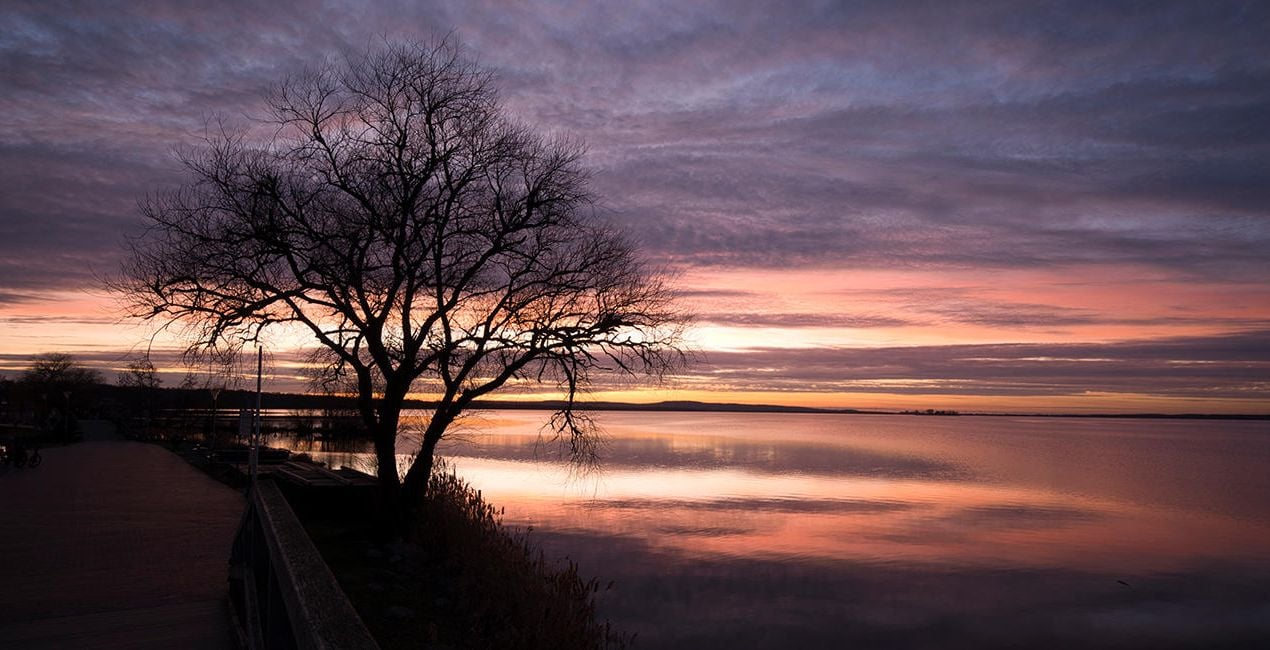
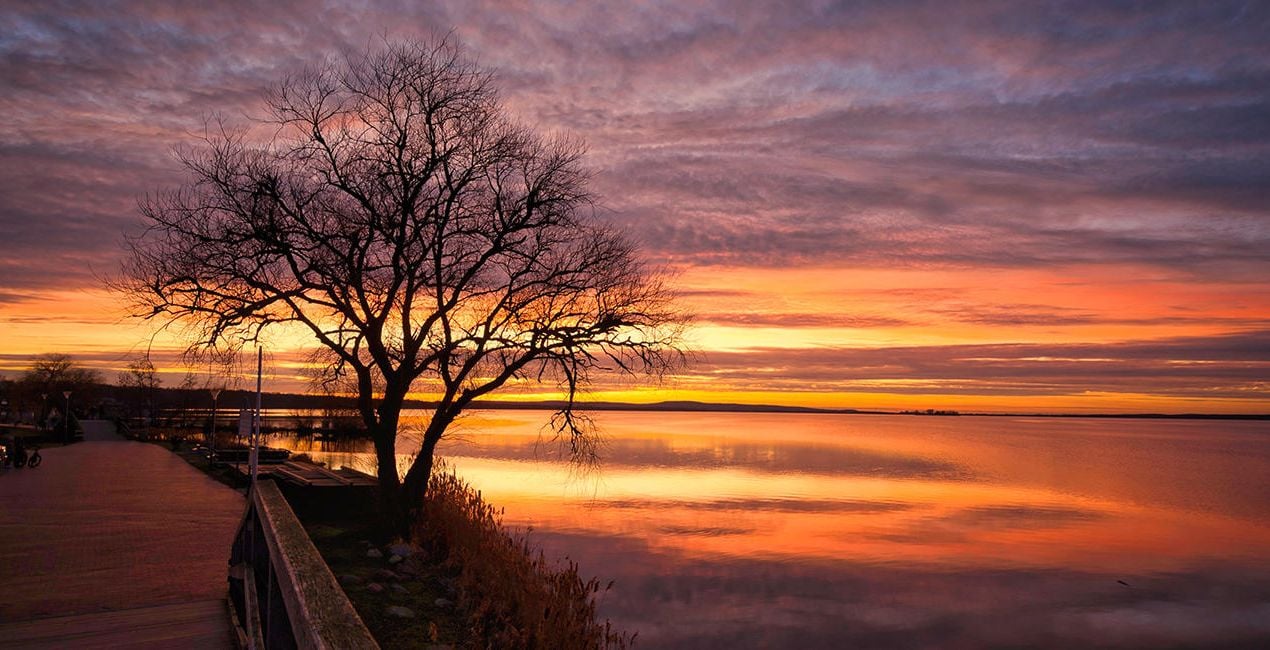
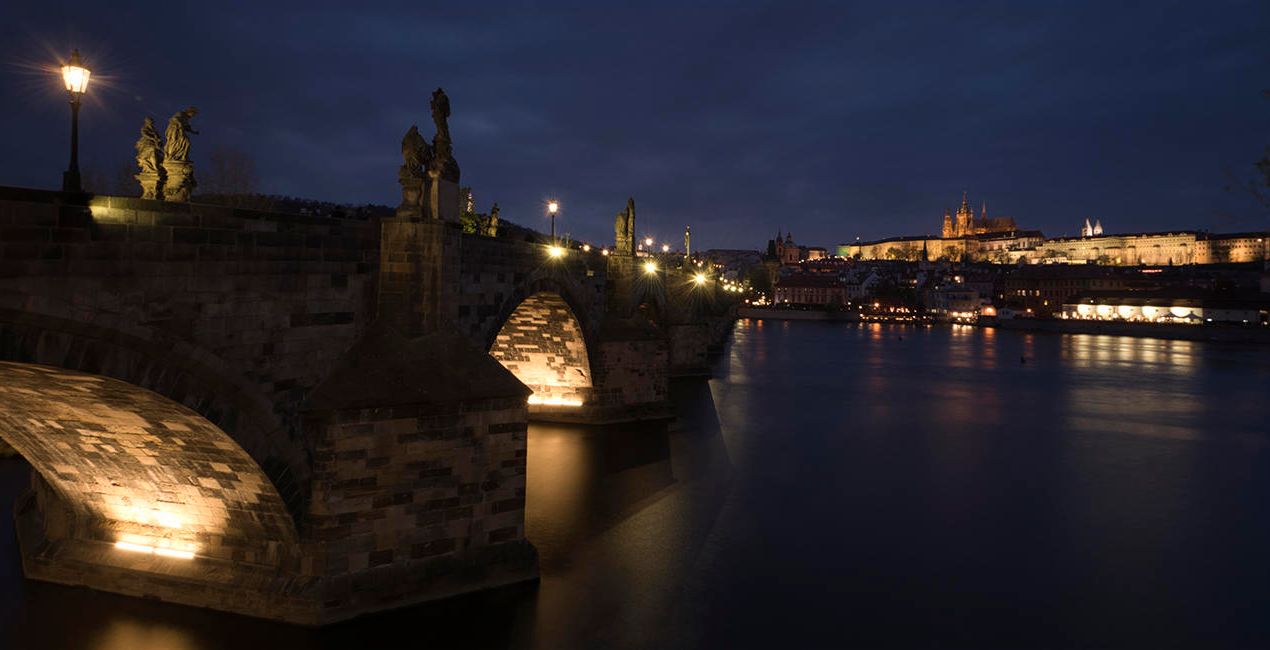
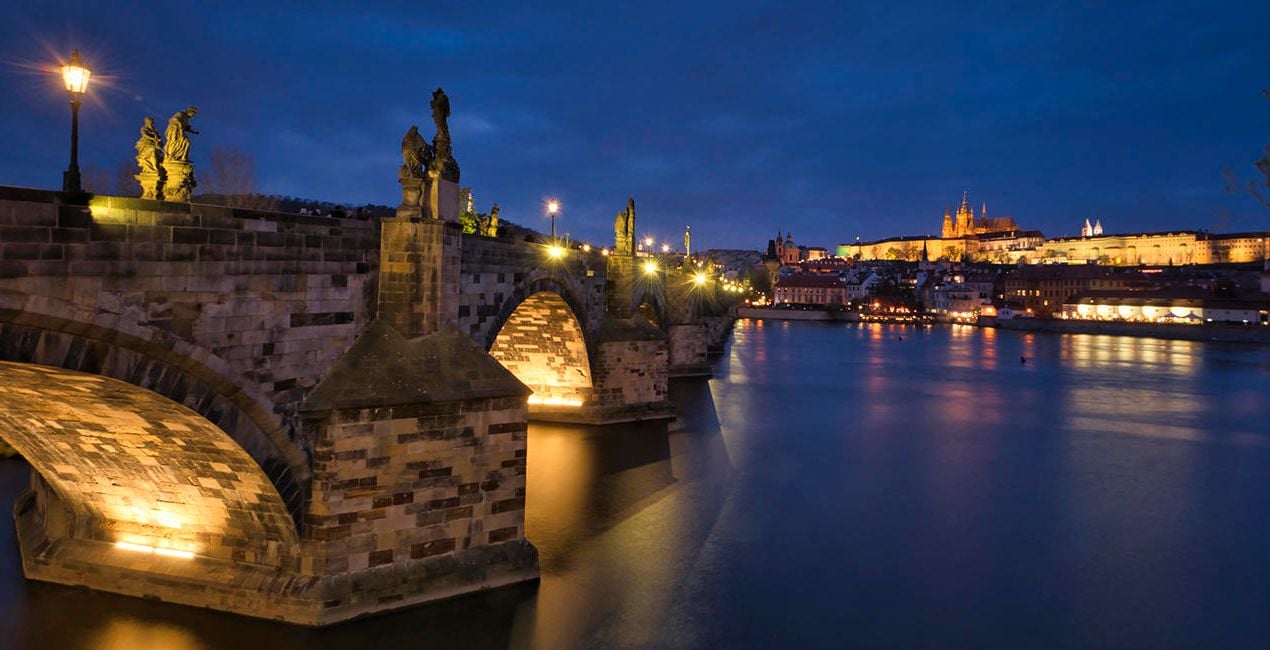
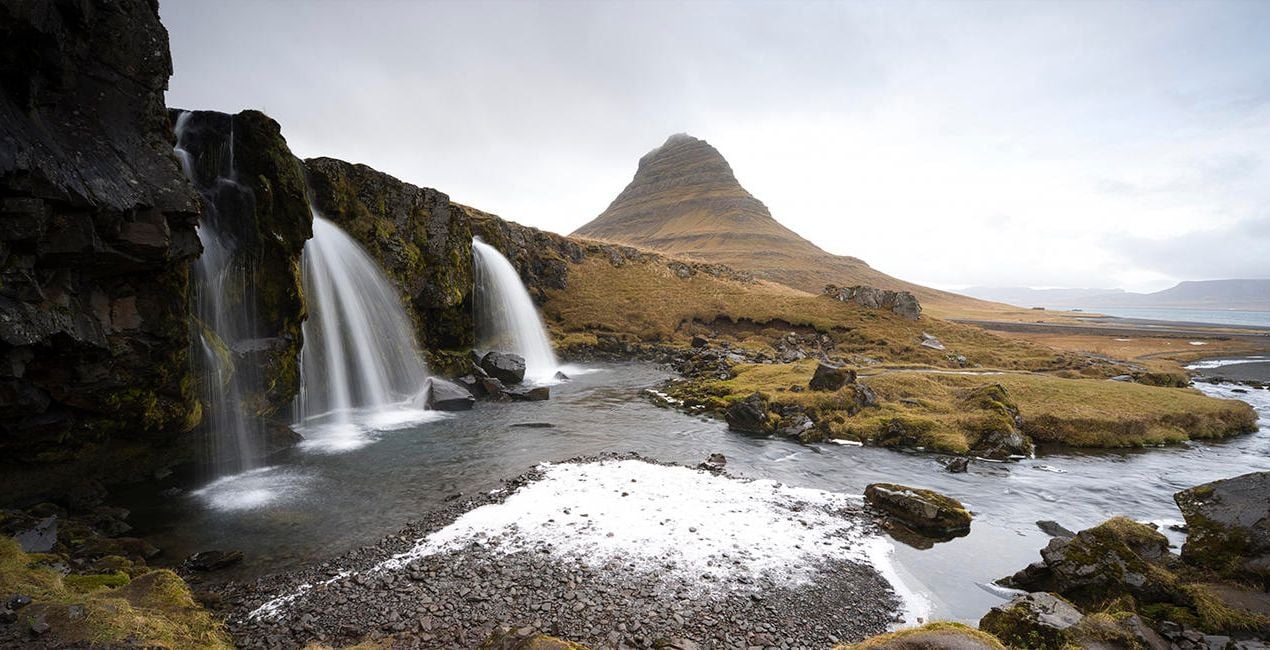
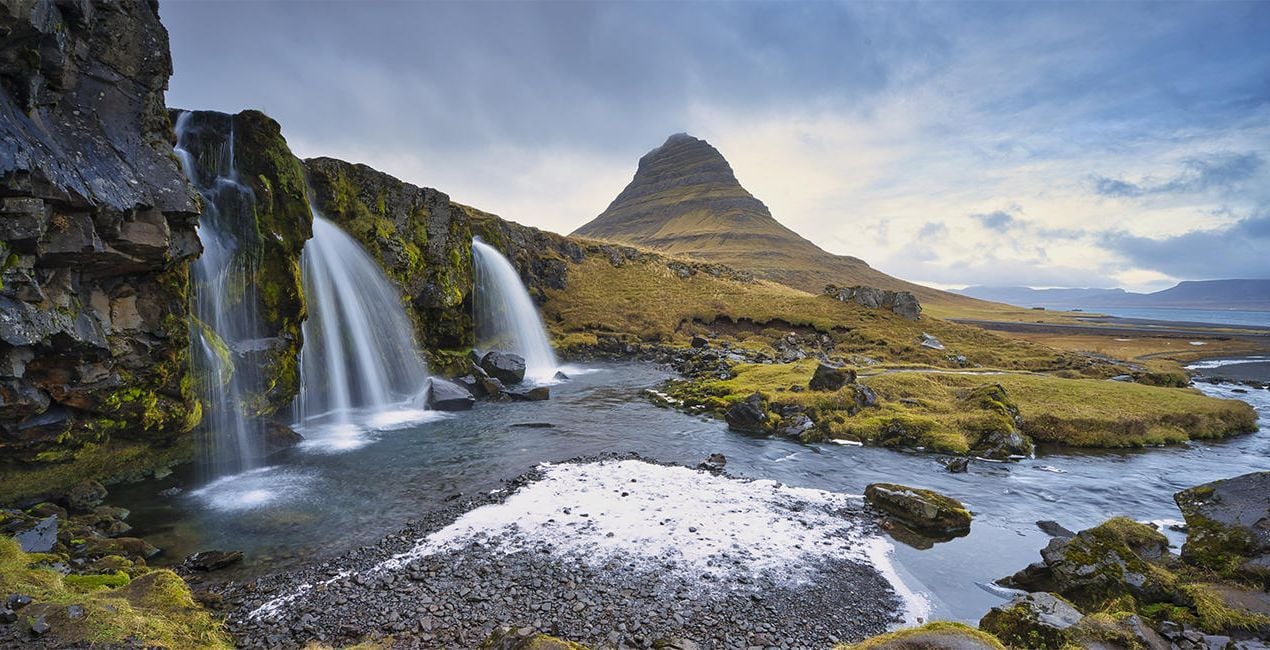
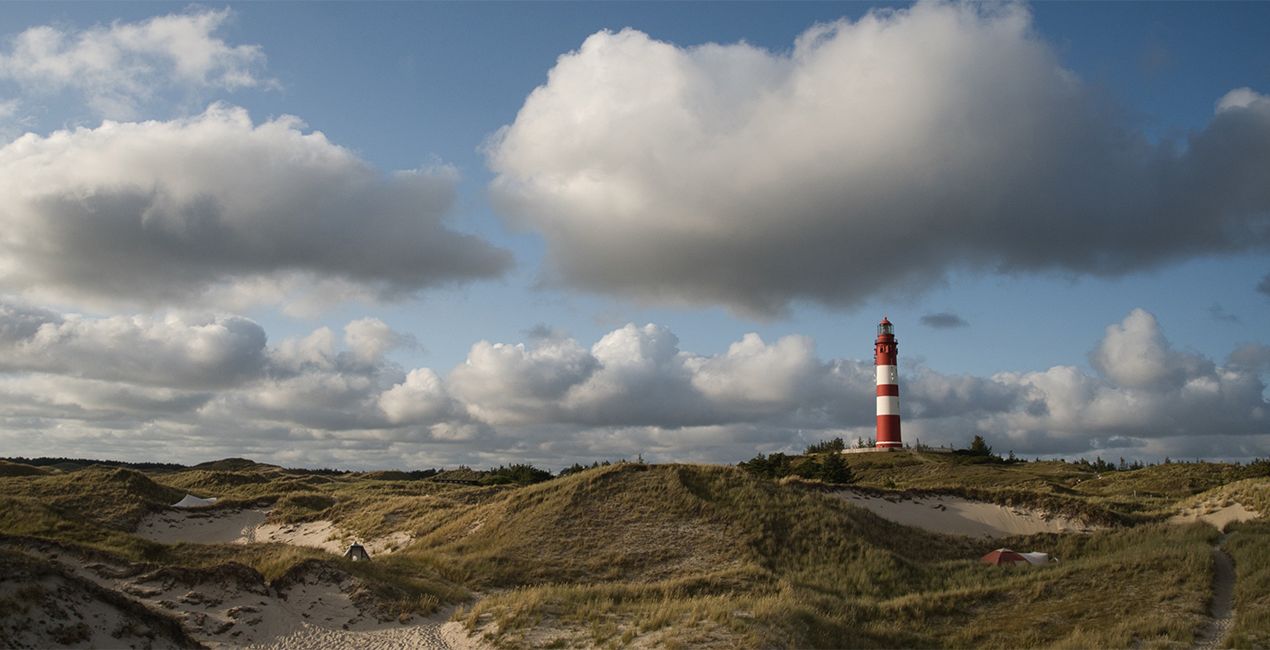
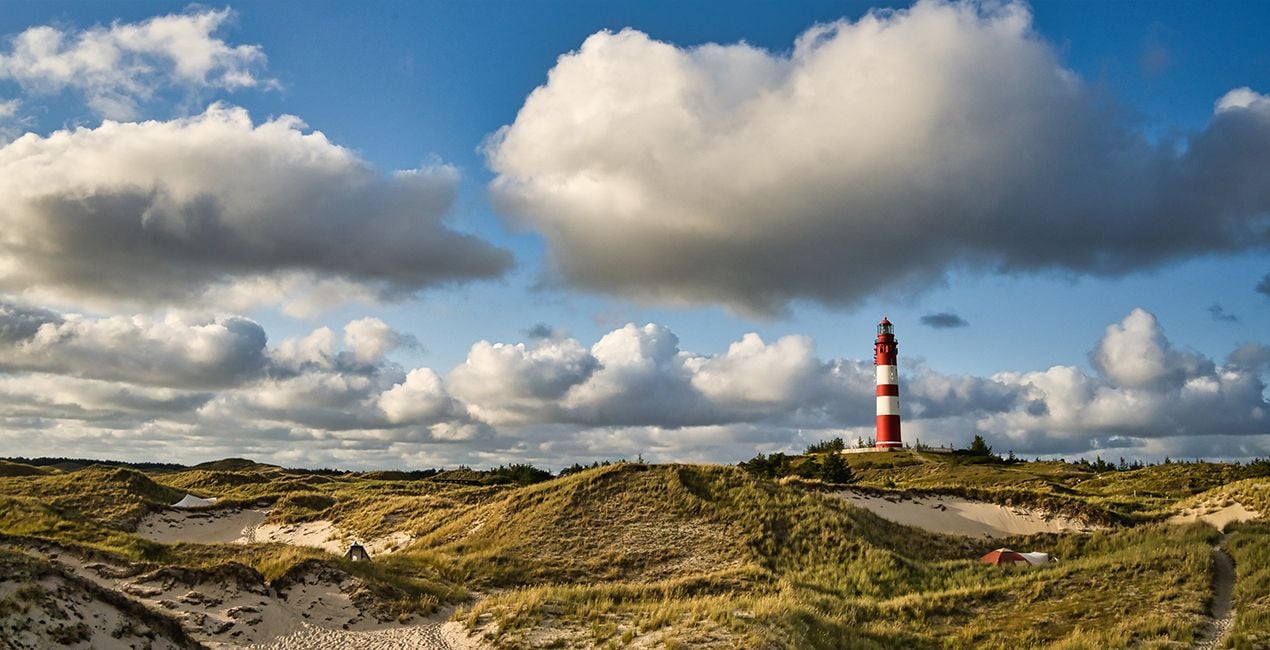
This Presets Pack is the ultimate solution for anyone who wants fast and satisfying photo results, tuned for different times of day and different weather conditions.

Korzystając z plików RAW z łatwością przećwiczysz wskazówki dotyczące retuszu i dowiesz się, jak stworzyć zdjęcia takie jak te.
 >
>

 >
>
 >
>
 >
>
 >
>
 >
>
These 10 Presets, which include AI-powered tools, let you quickly and easily make basic adjustments to enhance any landscape or cityscape image — no matter what time of day it was captured. The Presets will help you get stunning results in almost any lighting condition and are suitable for both JPEG and raw images. With this Presets pack, your photo editing will be easier than ever!
Presets included:
Morning / Afternoon: Enhances structures, slightly lifts haze, and provides more beautiful color
Noon: Provides beautiful light/dark contrasts, slightly lifts haze in the image, and creates a pleasant, warmer atmosphere
Backlight: Darkens the bright parts of the image and lightens the dark parts so that more details are visible
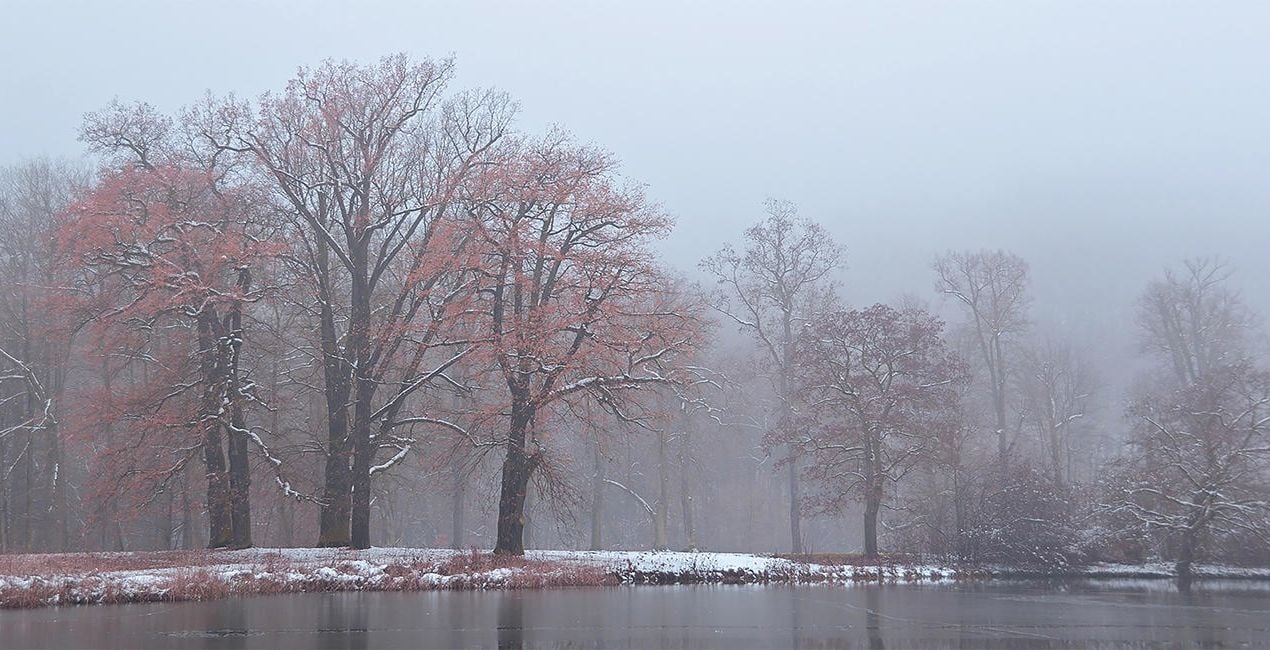
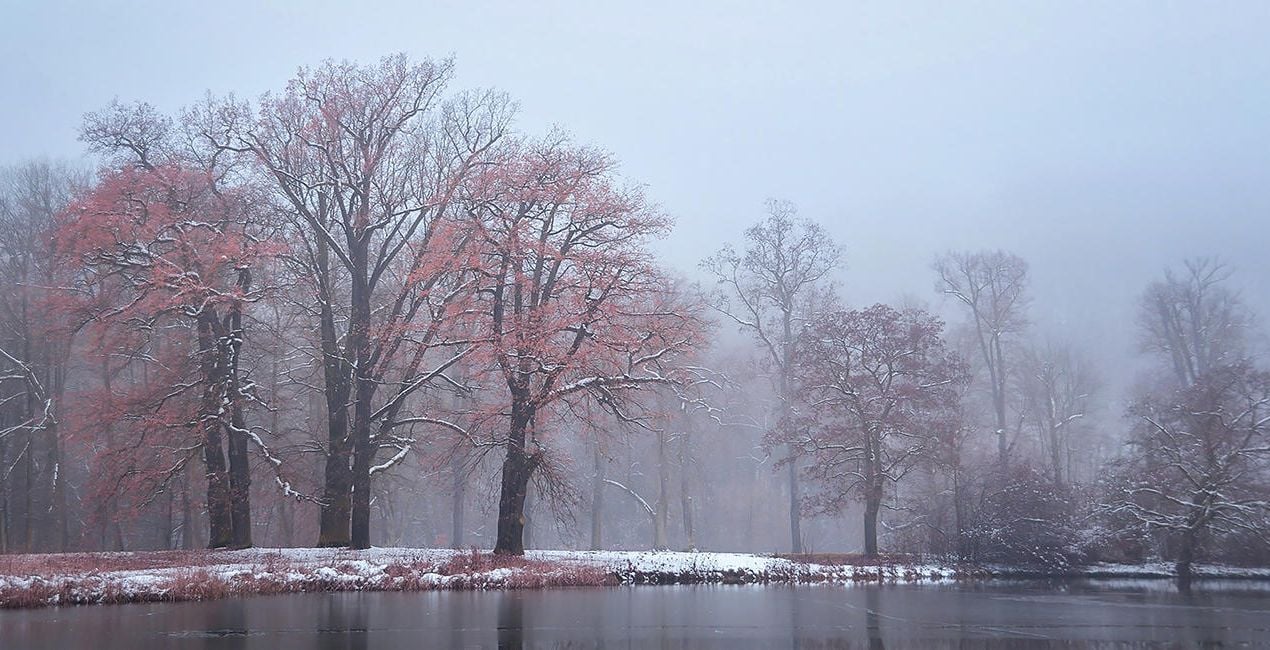
Foggy Day: Slightly raises contrast in the image without sacrificing the foggy atmosphere
Dull Weather: Increases contrast, colorfulness, and sharpness if the sun wasn’t shining when the picture was taken
Golden Hour: Enhances the warm orange-yellow mood that prevails before sunset
Backlight Golden Hour: Enhances warm tones in both the light and dark parts of the image
Blue Hour: Provides a more intense blue and at the same time enhances warm city lights
Milky Way: Provides more sharpness in the details and conjures up a beautiful Milky Way in the image with Sky AI
Nighttime: Provides more details in the dark parts of the image and enhances warm city lights
Photographer. Skylum Ambassador
René Ledrado is a certified commercial photographer who has worked in advertising since 1993.
His passion is photographing landscapes, especially during the blue hour.
René teaches photography at the Akademie Deutsche POP and the Adult Education Center in Hanover. Every week, he shares a new tutorial (mostly about Luminar) on YouTube.
His popular Luminar book has already helped many photographers get the best editing results.
Jeśli masz jakiekolwiek pytania dotyczące produktu, możesz skontaktować się z zespołem pomocy technicznej dostępnym 24 godziny na dobę, 7 dni w tygodniu. Wystarczy kliknąć ten link.
Aby kupić Varied Lighting, wykonaj następujące kroki:
1. Otwórz Marketplace Skylum.
2. Przejdź do odpowiedniej zakładki, w której znajduje się Varied Lighting. Kliknij na nim i dodaj produkt do koszyka.
3. Przejdź do koszyka. Tutaj zakończ proces zakupu produktu Varied Lighting.
4. Po dokonaniu zakupu otrzymasz wiadomość e-mail z linkiem do pobrania Varied Lighting. Nowy produkt znajdziesz również na swoim koncie Skylum, w zakładce Moje dodatki.
Szczegółowe instrukcje dotyczące instalacji Varied Lighting zostaną przesłane w wiadomości e-mail wraz z linkiem do pobrania
Ponadto zakupiony produkt można zainstalować bezpośrednio w programie Luminar Neo: przejdź do menu Dodatki > Marketplace, wybierz kategorię produktu, znajdź zakupiony produkt i kliknij Zainstaluj.
To całkiem proste! Przejdź do zakładki Presety, a następnie wybierz opcję Zakupione. Zainstalowane presety będą się znajdować w tym miejscu.
Nie martw się. Wszystkie zakupione produkty, w tym Varied Lighting, są przechowywane w zakładce „Moje dodatki” na koncie Skylum, co umożliwia ich łatwe ponowne pobranie i użycie.
Ogólnie rzecz biorąc, większość produktów jest kompatybilna z Luminar Neo. Aby jednak upewnić się, że Varied Lighting jest kompatybilne z Twoim oprogramowaniem, przed pobraniem lub zakupem sprawdź jego specyfikację. Poszukaj sekcji „Kompatybilność” po prawej stronie strony Varied Lighting, gdzie wymienione są wszystkie kompatybilne produkty.
Nie wychodź jeszcze. Mamy dla Ciebie ekskluzywny kod rabatowy. Wykorzystaj go w ciągu najbliższych 15 minut, aby uzyskać dodatkowe 10% zniżki przy finalizacji zamówienia. Skopiuj poniższy kod i sfinalizuj zakup.
15 m : 00 s





