


 Zastosowany


CLASSIC B&W FILTERS
Save $201 $ 19 .00

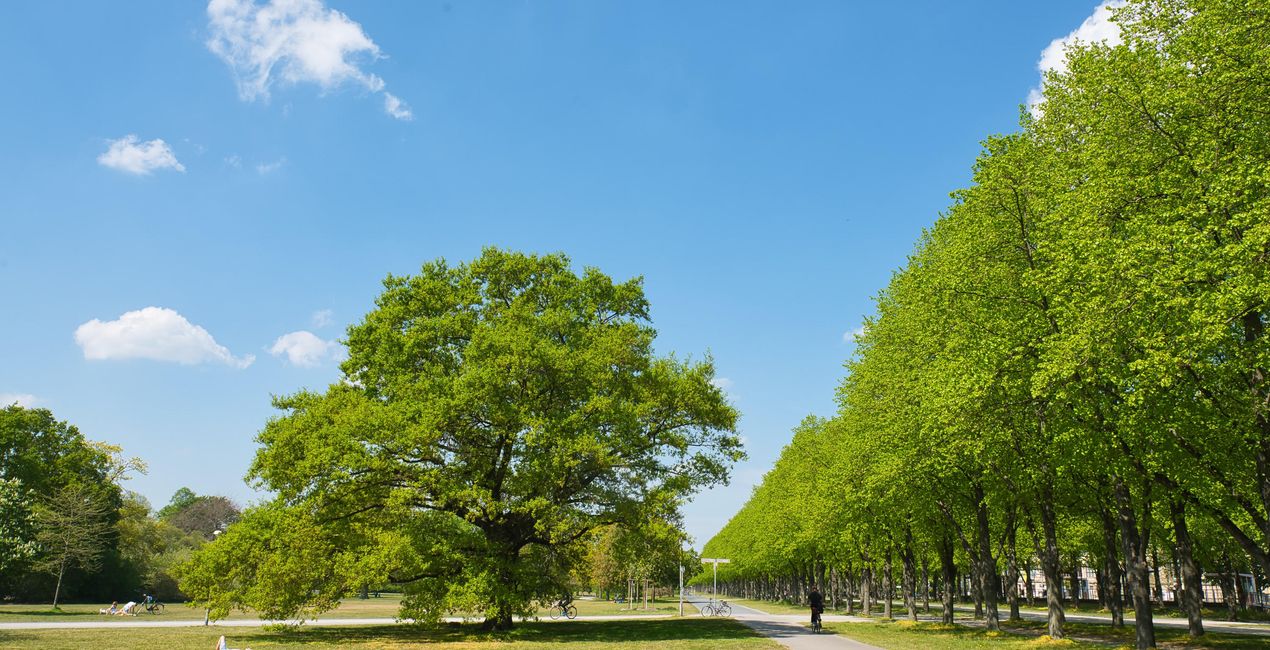
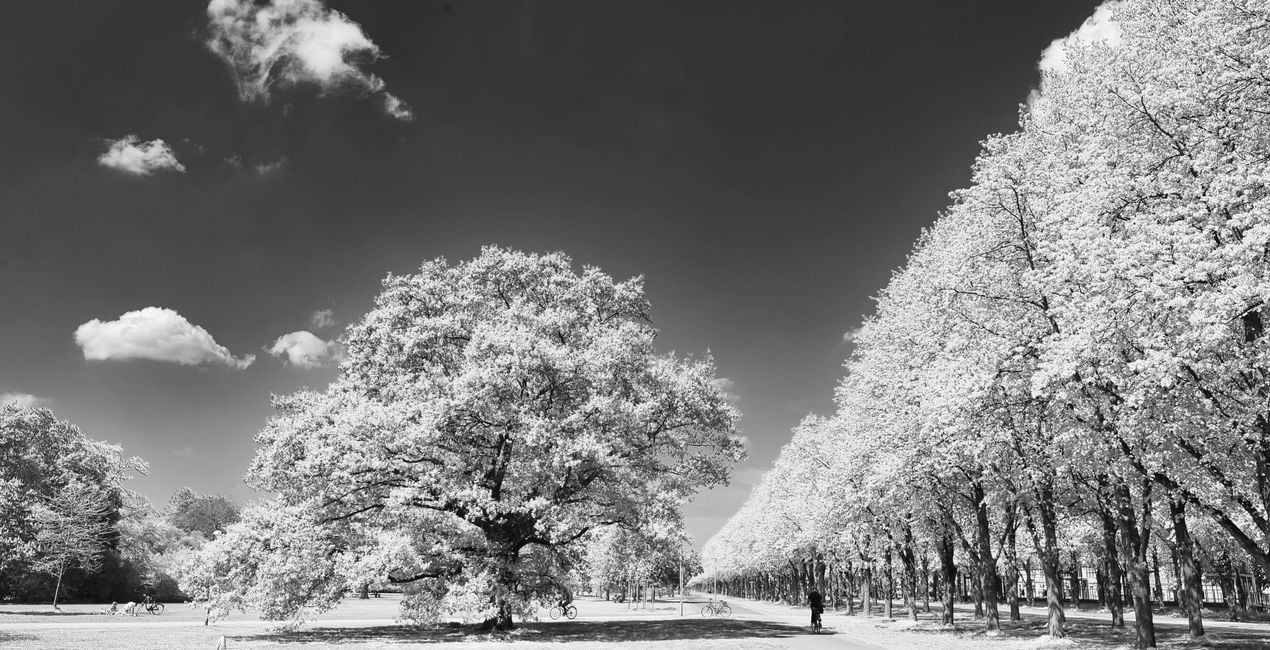
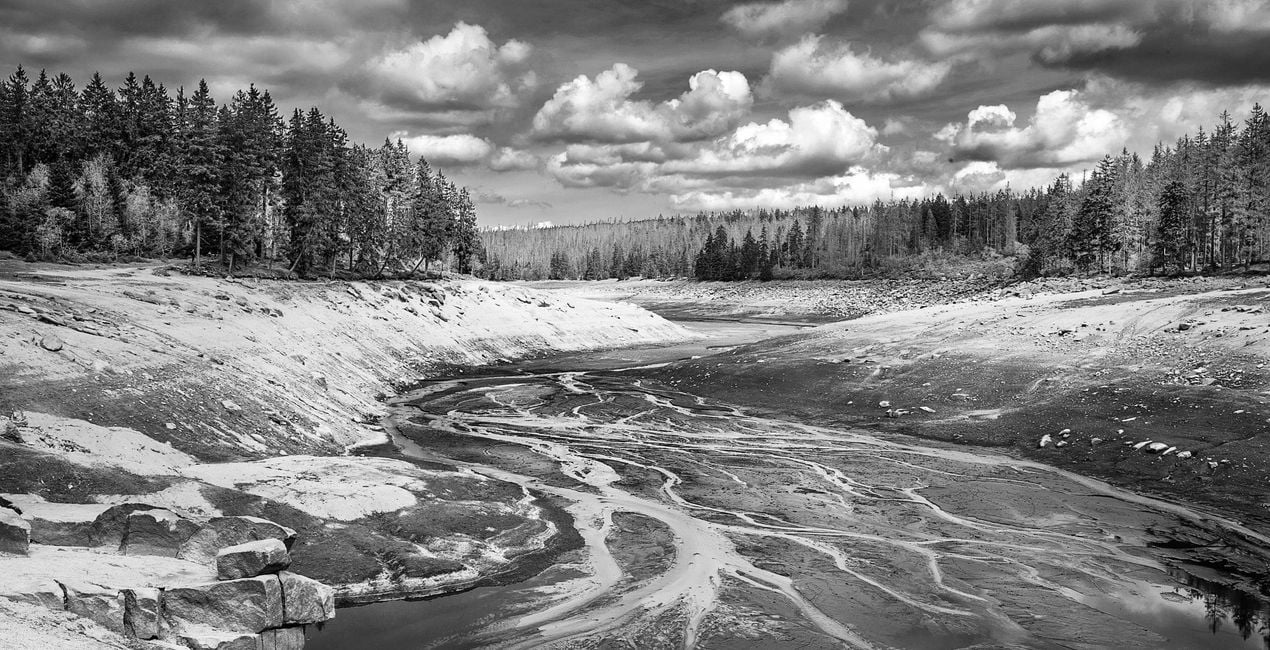
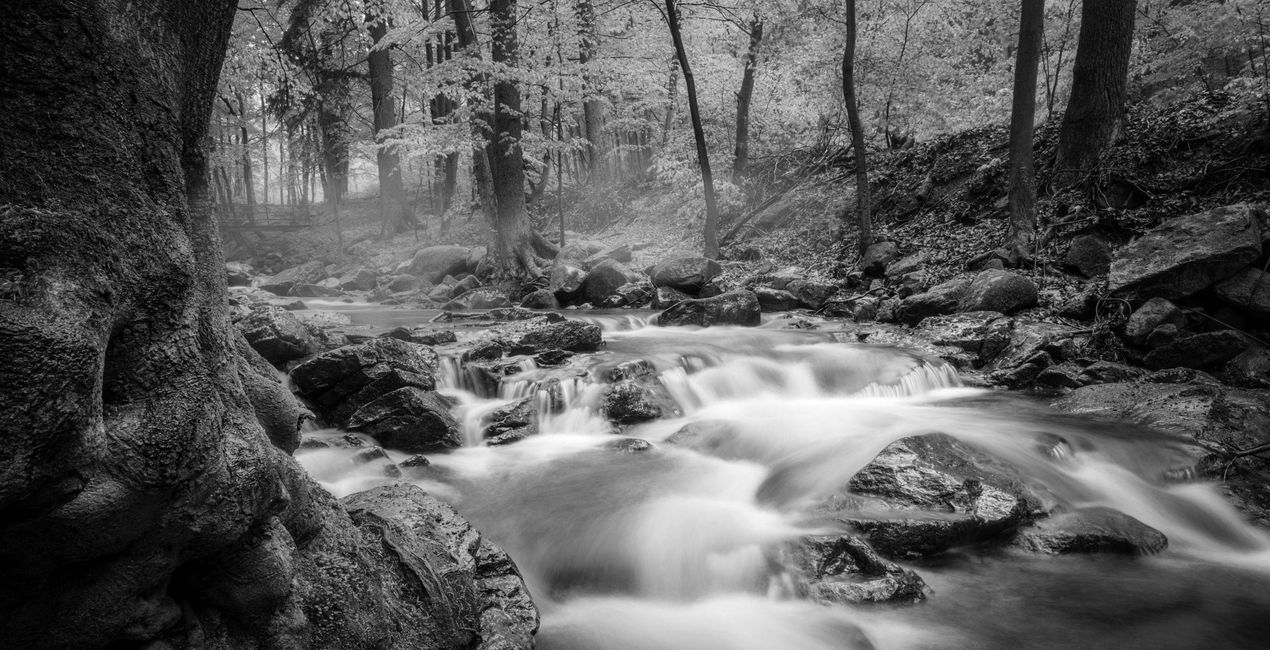
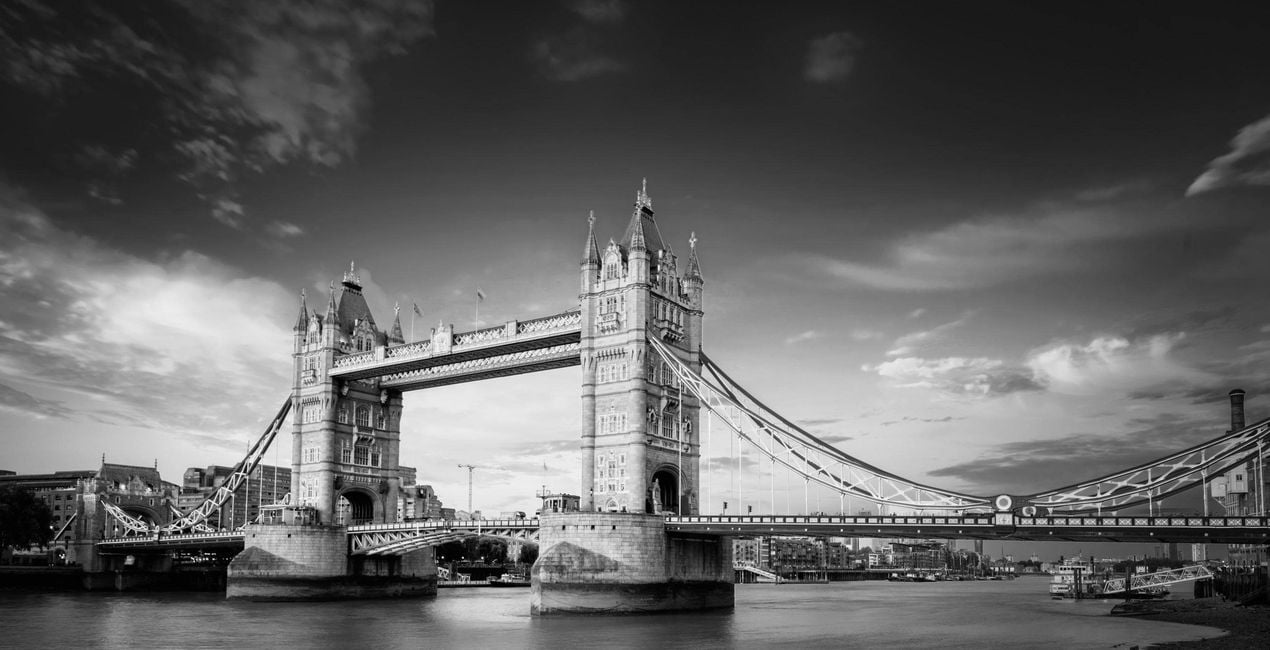
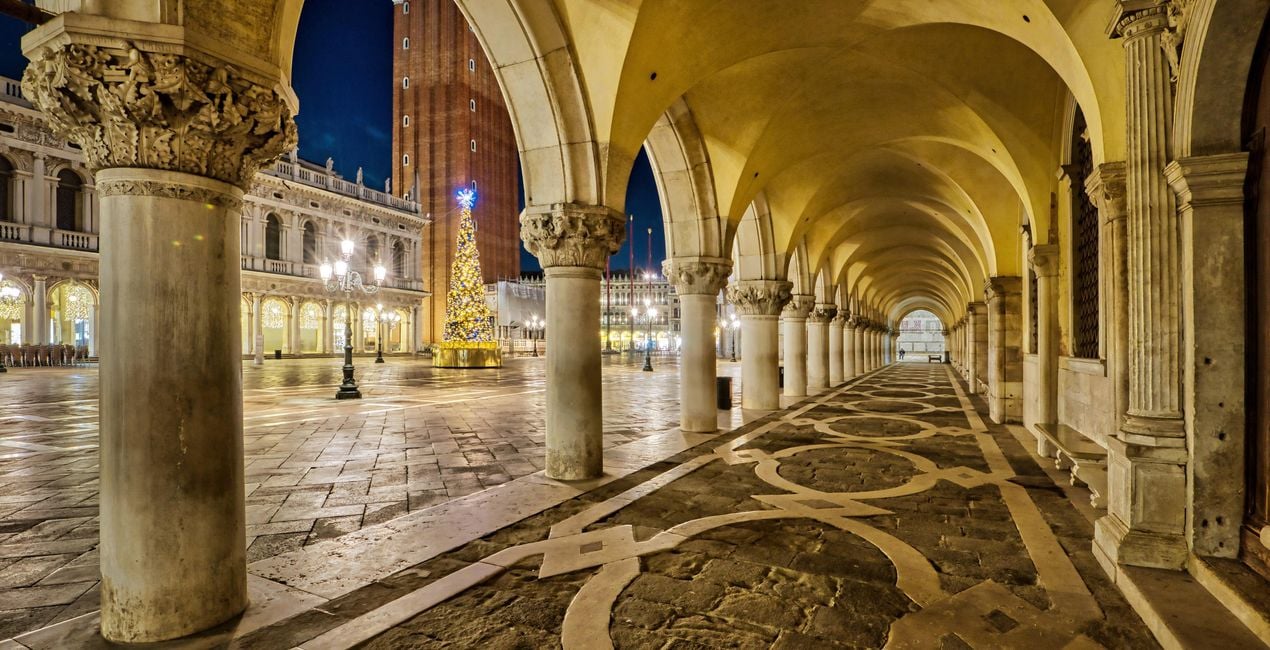
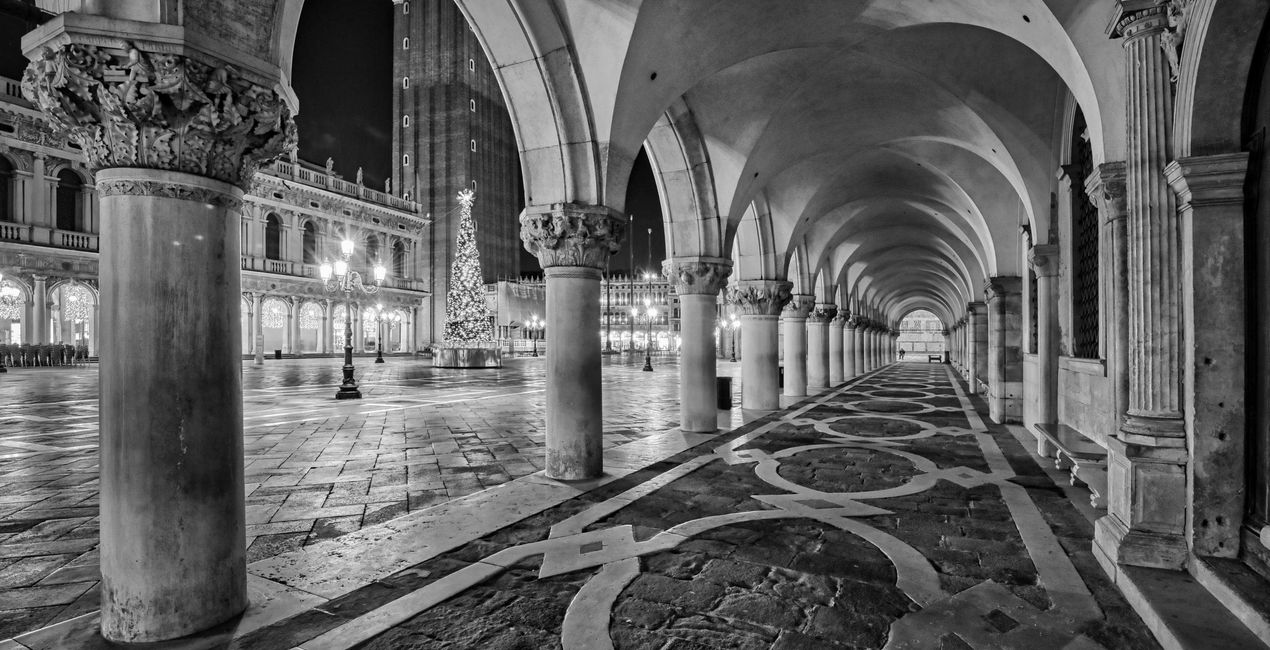
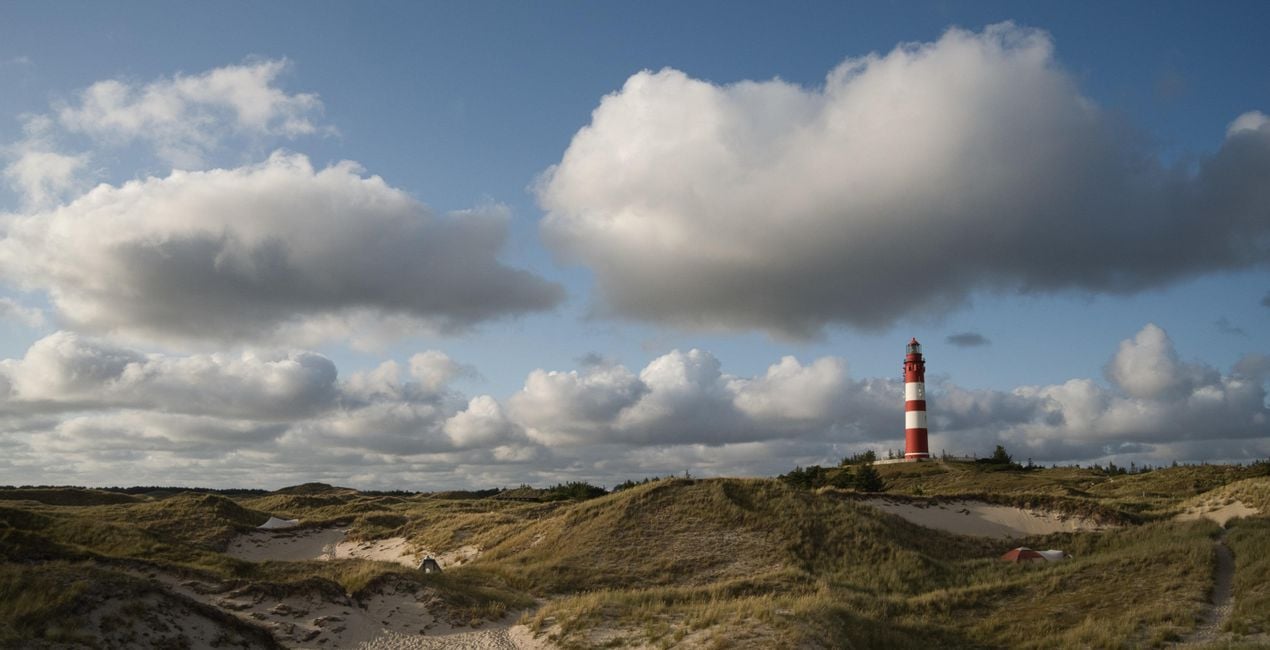
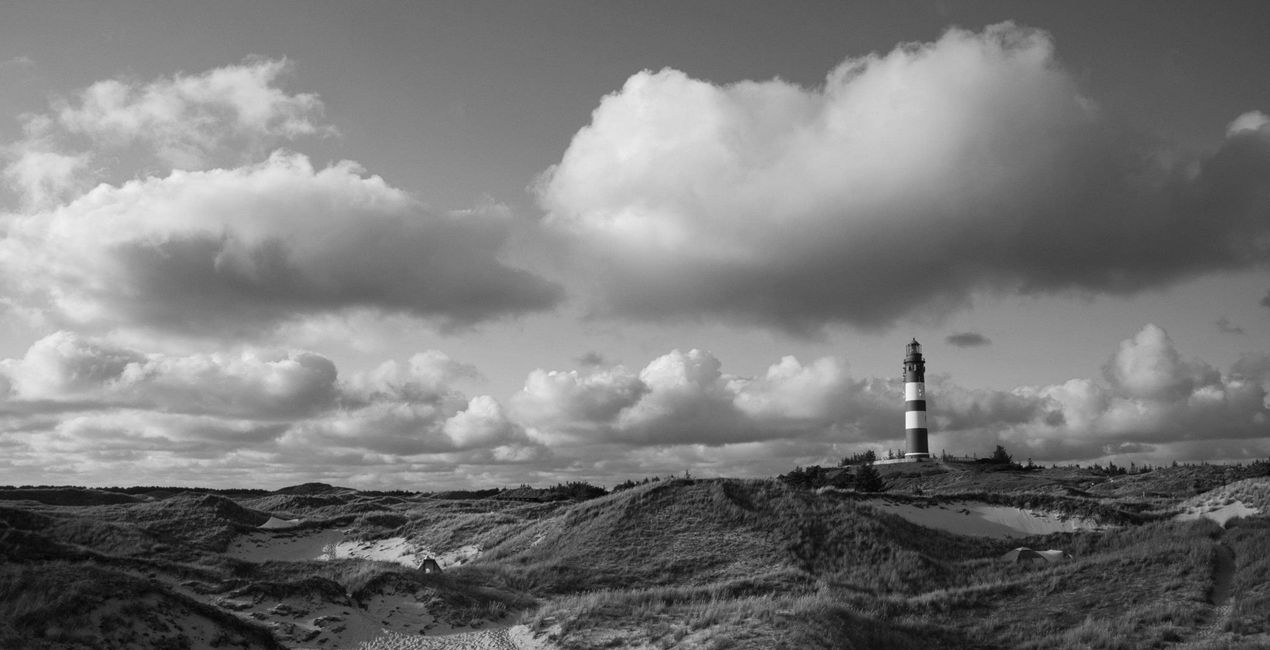
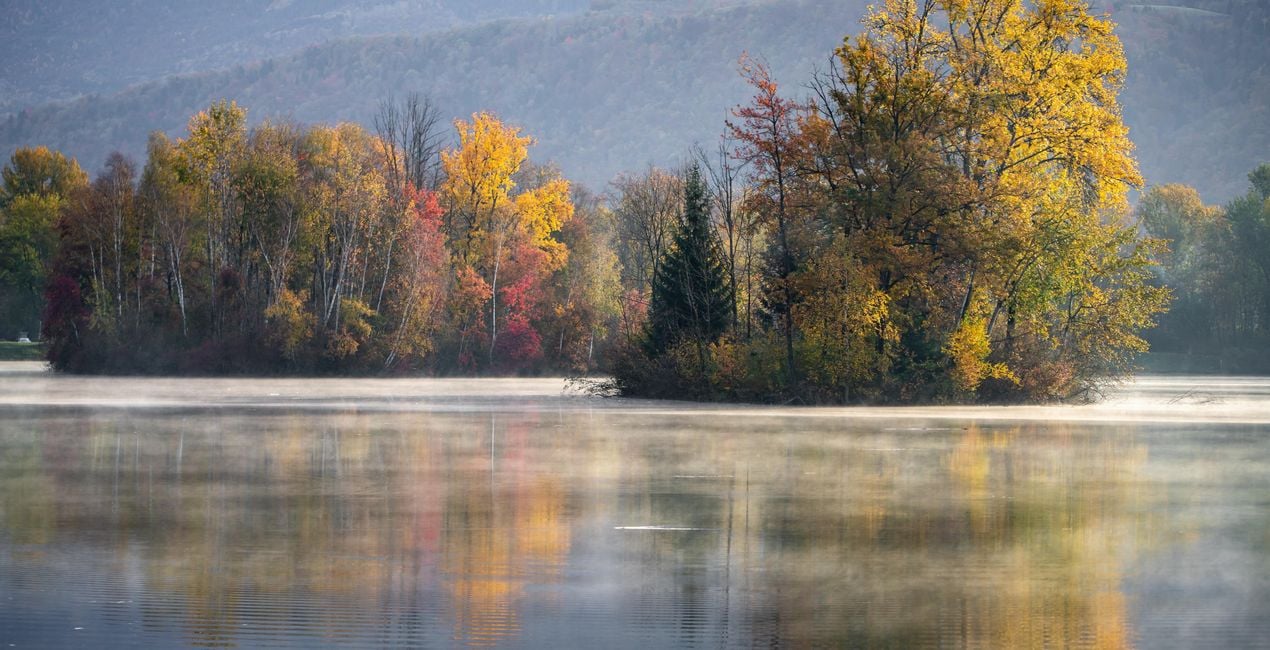
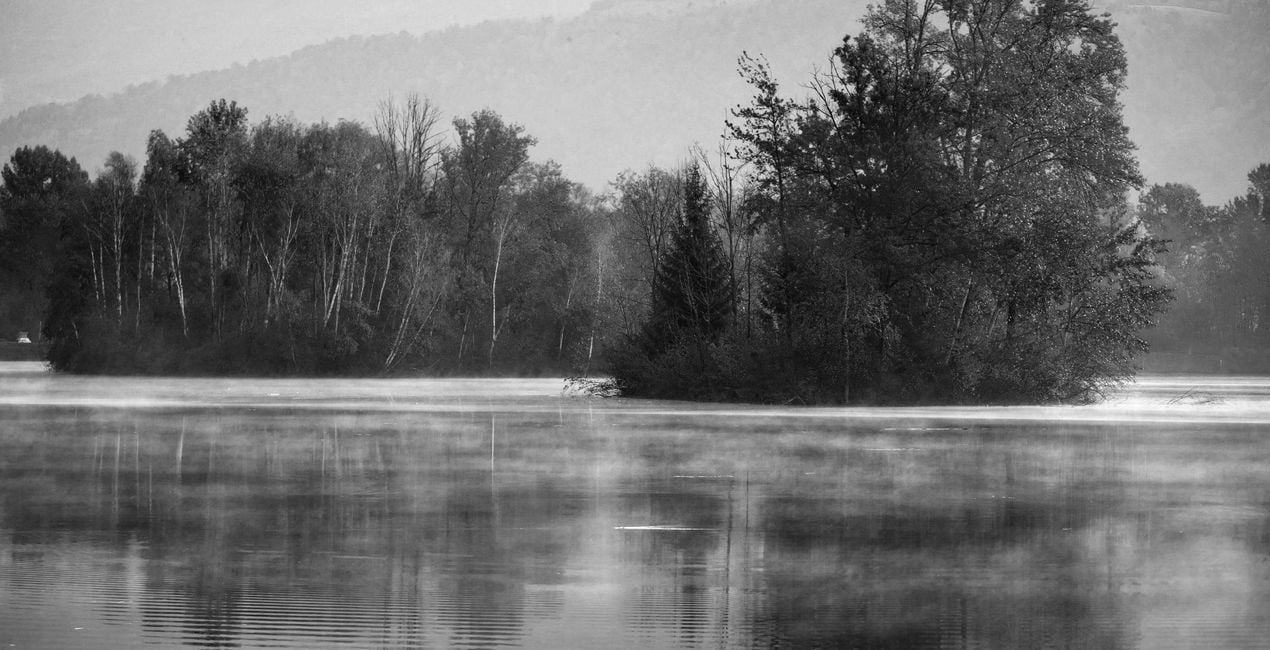
Transform your photos into a classic black and white style with this collection of 12 Presets/Templates/Looks by Rene Ledrado. It includes a variety of effects: red filter, yellow filter, green filter, blue filter, infrared, natural, and many more. Try them now!

Korzystając z plików RAW z łatwością przećwiczysz wskazówki dotyczące retuszu i dowiesz się, jak stworzyć zdjęcia takie jak te.
 >
>

 >
>

 >
>

 >
>
 >
>

 >
>
 >
>
 >
>
 >
>
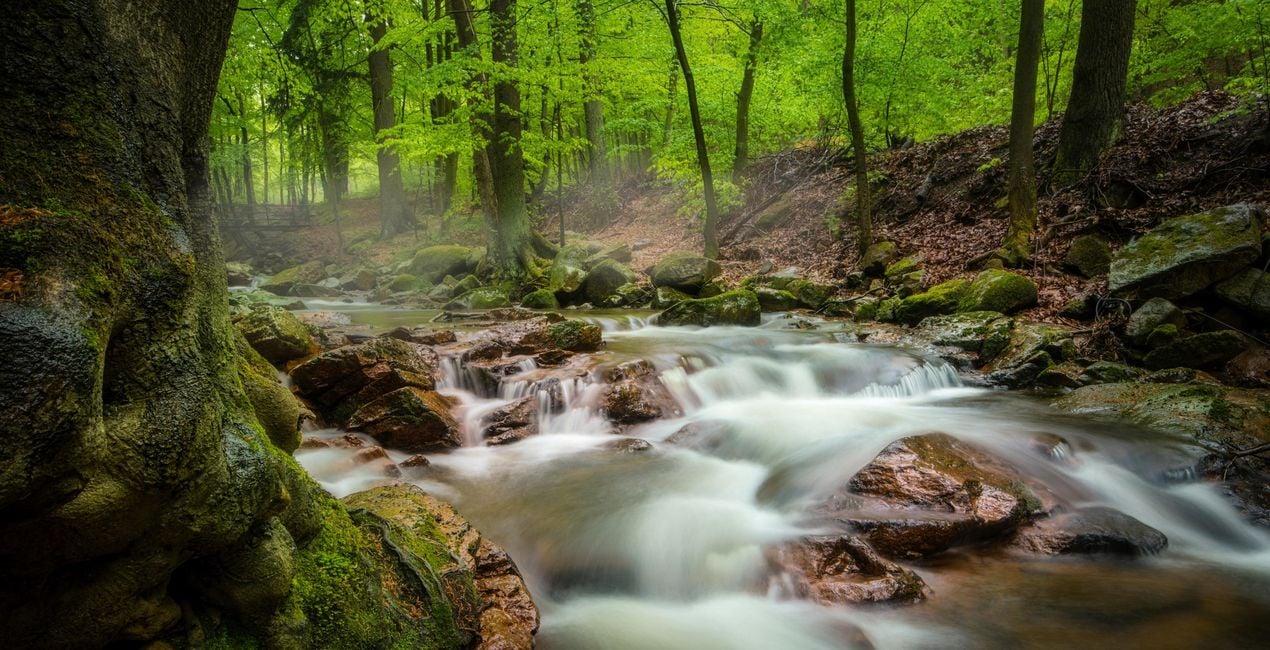
Want to create black and white photos that stand out? This collection contains 12 Presets/Templates/Looks by Rene Ledrado that transform your color photos into impressive black and white photos in a classic style. For this purpose, they make use of various tools in Luminar Neo such as Develop or Develop Raw, Color, Structure AI, and Black and White Conversion. You will find a variety of effects imitating yellow filters, red filters, green filters, blue filters, infrared filters, and others. Experiment and create impressive photos.You’ll find 12 Presets/Templates/Looks in this pack:BW Green Filter: Creates black and white images with bright and beautiful meadows and plantsBW Red Filter: Creates high-contrast photos with dramatic skiesBW Infrared: Transforms your colorful photos into dreamlike and surreal black and white imagesBW Standard: A grayscale conversion that corresponds to a standard panchromatic black and white filmBW Bright: Turns your color photo into a cozy black and white imageBW Dark: An overall darker black and white conversion of a color photoBW Blue Filter: A contrast-increasing Preset in which blue tones are reproduced very brightlyBW Yellow Filter: Gives fantastic photos, especially for subjects with autumn leavesBW Max Black: Produces strong, dark areas; well suited for low-key black and white photosBW Max White: Creates beautiful bright highlights; well suited for high-key black and white photosBW Neutral Density: For black and white photos with good detail and many shades of grayBW Contrasting Red Filter: For photos with an expressive sky and enhanced light/dark contrasts
Photographer. Skylum Ambassador
René Ledrado is a certified commercial photographer who has worked in advertising since 1993.
His passion is photographing landscapes, especially during the blue hour.
René teaches photography at the Akademie Deutsche POP and the Adult Education Center in Hanover. Every week, he shares a new tutorial (mostly about Luminar) on YouTube.
His popular Luminar book has already helped many photographers get the best editing results.
Jeśli masz jakiekolwiek pytania dotyczące produktu, możesz skontaktować się z zespołem pomocy technicznej dostępnym 24 godziny na dobę, 7 dni w tygodniu. Wystarczy kliknąć ten link.
Aby kupić CLASSIC B&W FILTERS , wykonaj następujące kroki:
1. Otwórz Marketplace Skylum.
2. Przejdź do odpowiedniej zakładki, w której znajduje się CLASSIC B&W FILTERS . Kliknij na nim i dodaj produkt do koszyka.
3. Przejdź do koszyka. Tutaj zakończ proces zakupu produktu CLASSIC B&W FILTERS .
4. Po dokonaniu zakupu otrzymasz wiadomość e-mail z linkiem do pobrania CLASSIC B&W FILTERS . Nowy produkt znajdziesz również na swoim koncie Skylum, w zakładce Moje dodatki.
Szczegółowe instrukcje dotyczące instalacji CLASSIC B&W FILTERS zostaną przesłane w wiadomości e-mail wraz z linkiem do pobrania
Ponadto zakupiony produkt można zainstalować bezpośrednio w programie Luminar Neo: przejdź do menu Dodatki > Marketplace, wybierz kategorię produktu, znajdź zakupiony produkt i kliknij Zainstaluj.
To całkiem proste! Przejdź do zakładki Presety, a następnie wybierz opcję Zakupione. Zainstalowane presety będą się znajdować w tym miejscu.
Nie martw się. Wszystkie zakupione produkty, w tym CLASSIC B&W FILTERS , są przechowywane w zakładce „Moje dodatki” na koncie Skylum, co umożliwia ich łatwe ponowne pobranie i użycie.
Ogólnie rzecz biorąc, większość produktów jest kompatybilna z Luminar Neo. Aby jednak upewnić się, że CLASSIC B&W FILTERS jest kompatybilne z Twoim oprogramowaniem, przed pobraniem lub zakupem sprawdź jego specyfikację. Poszukaj sekcji „Kompatybilność” po prawej stronie strony CLASSIC B&W FILTERS , gdzie wymienione są wszystkie kompatybilne produkty.
Nie wychodź jeszcze. Mamy dla Ciebie ekskluzywny kod rabatowy. Wykorzystaj go w ciągu najbliższych 15 minut, aby uzyskać dodatkowe 10% zniżki przy finalizacji zamówienia. Skopiuj poniższy kod i sfinalizuj zakup.
15 m : 00 s





