


 Zastosowany


Seaside Artistic Collection
Save $201 $ 19 .00

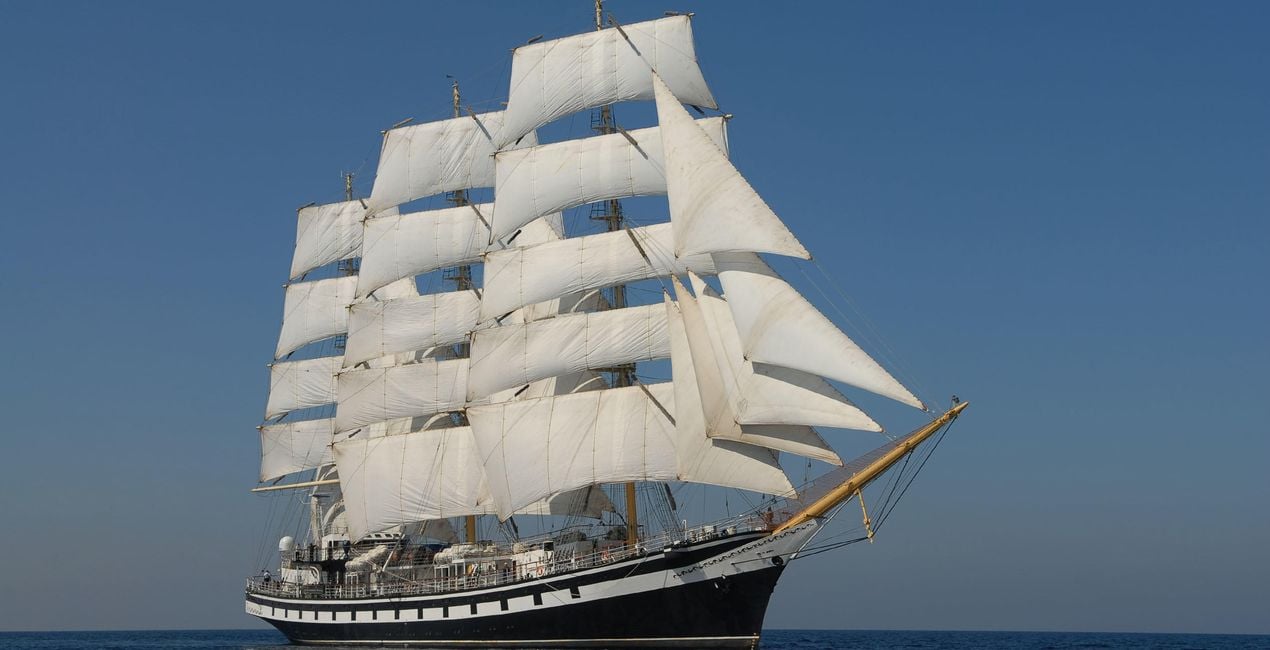
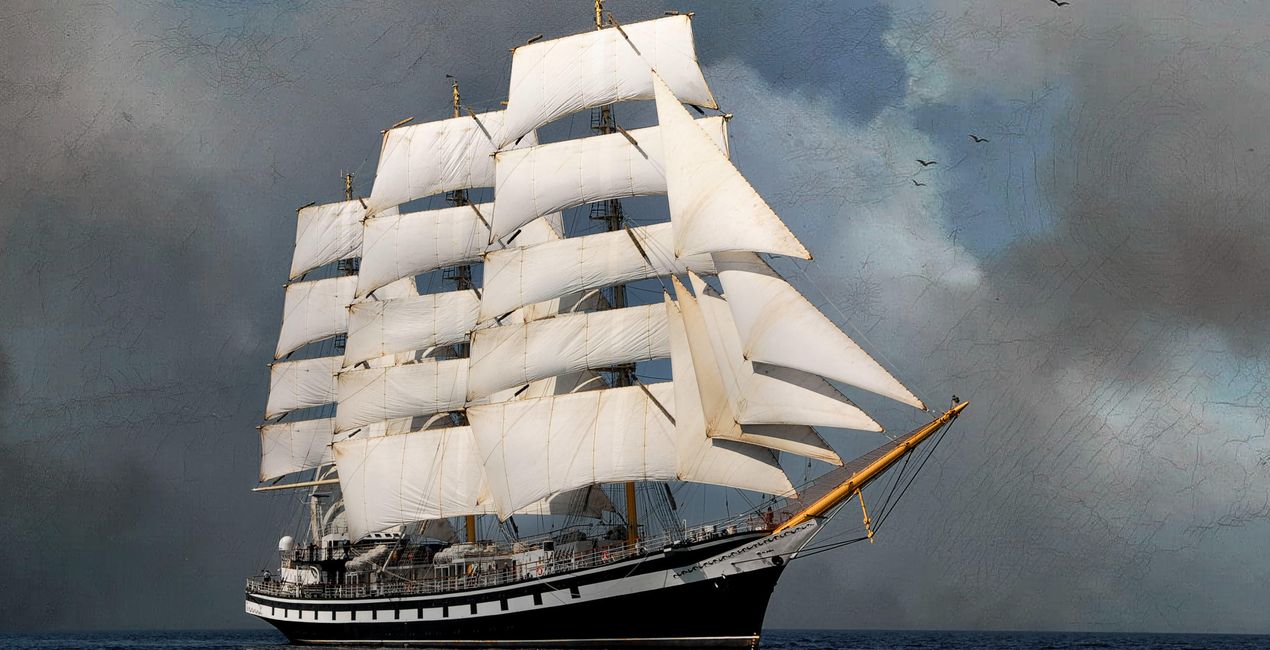
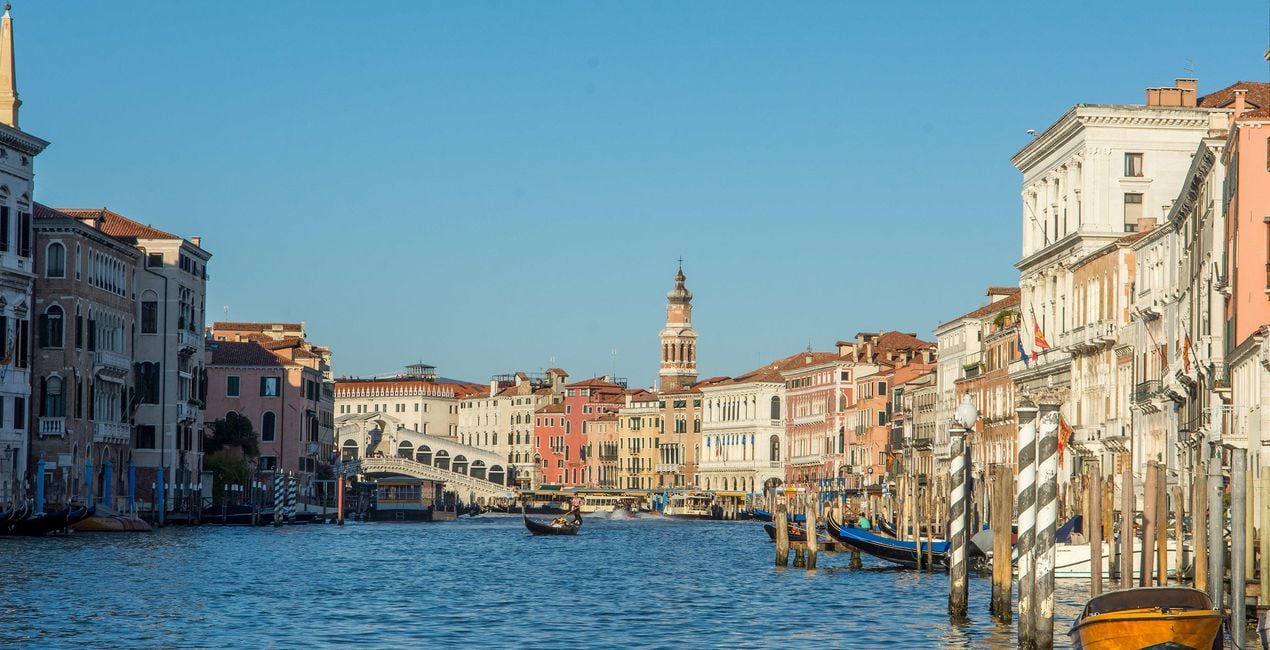
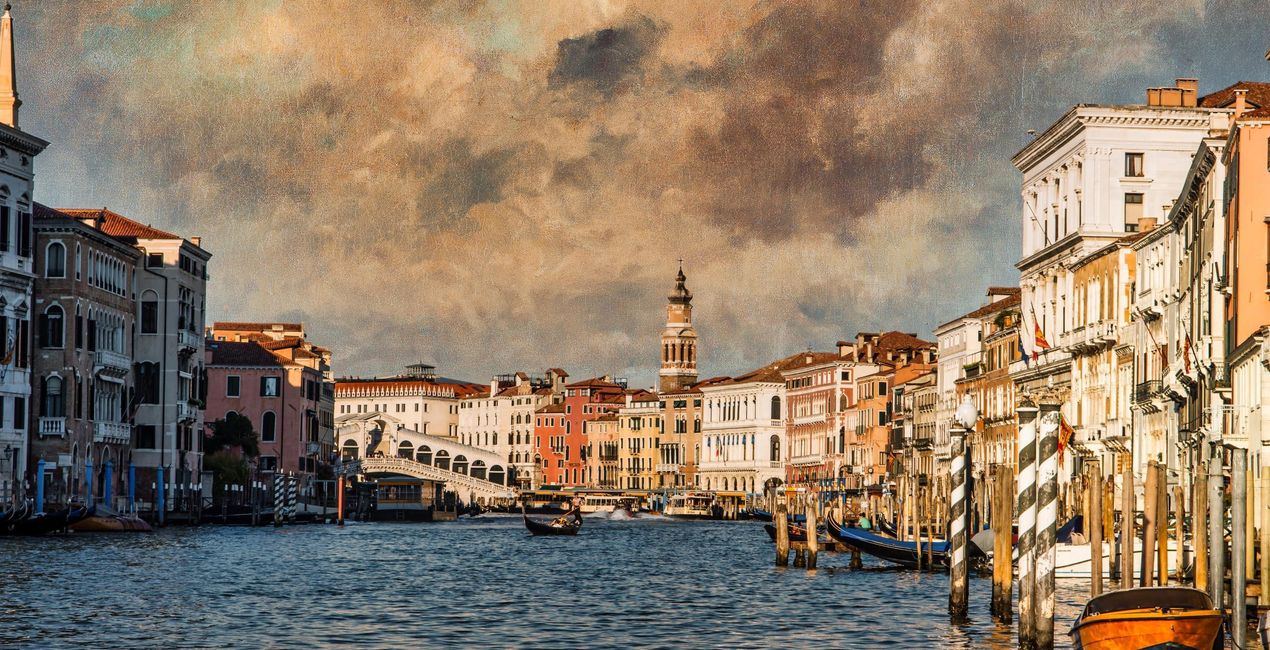
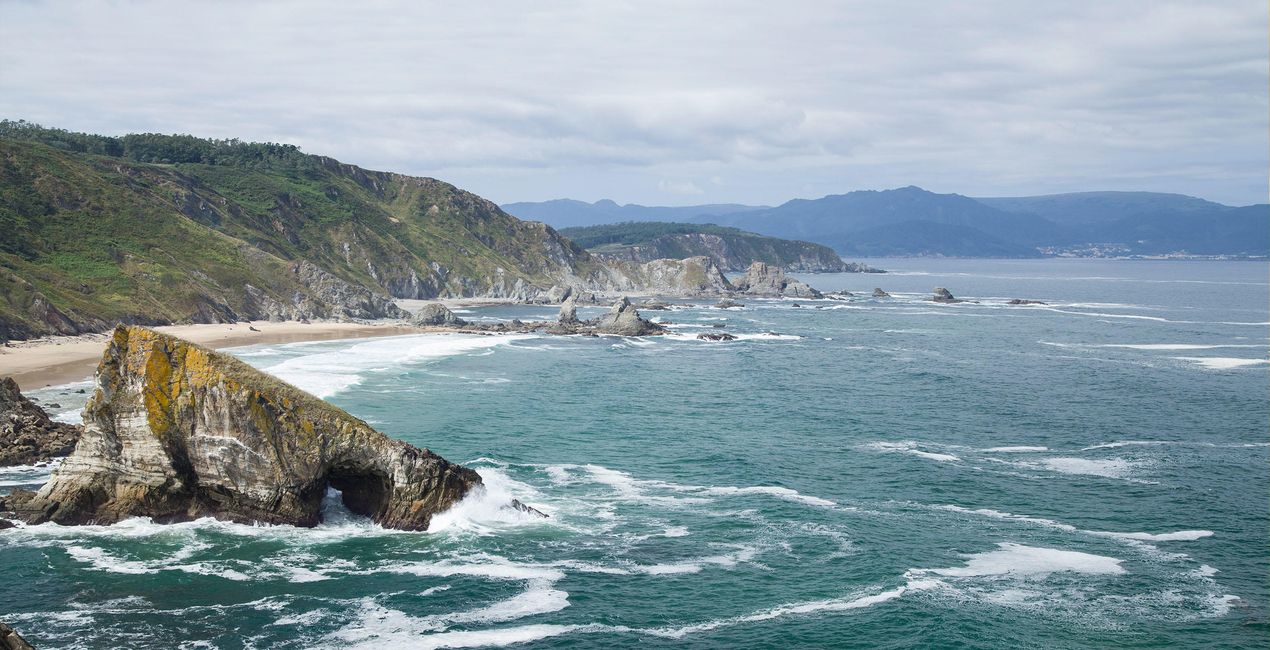
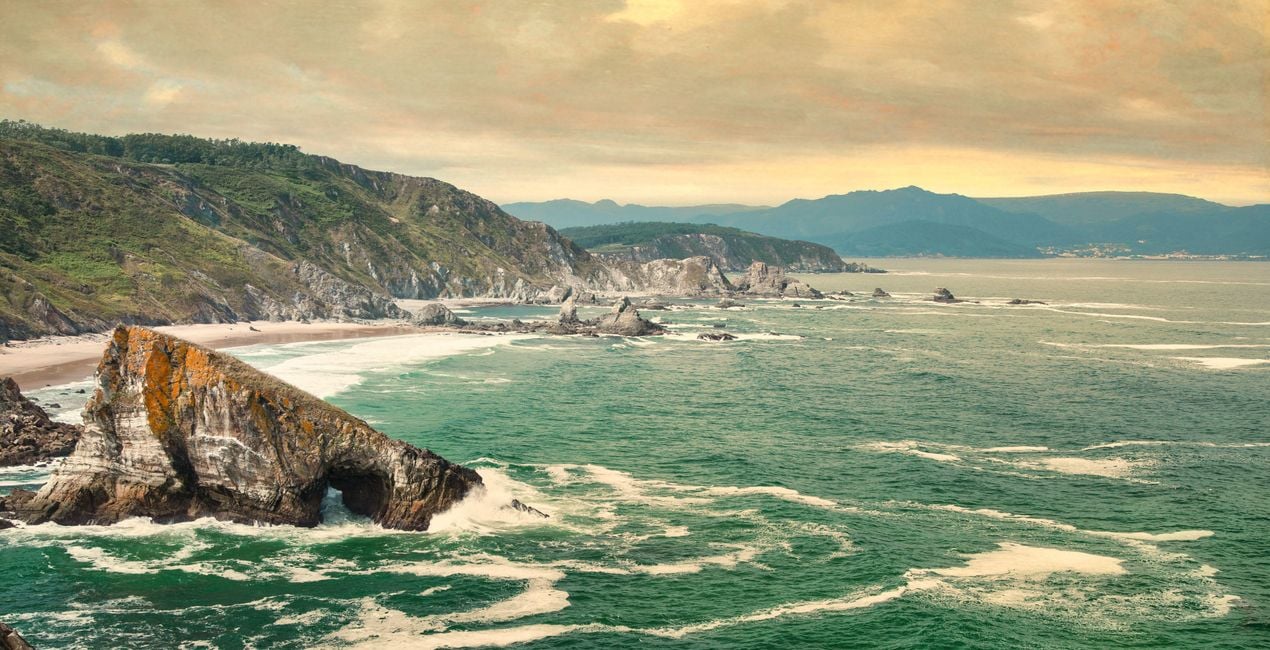
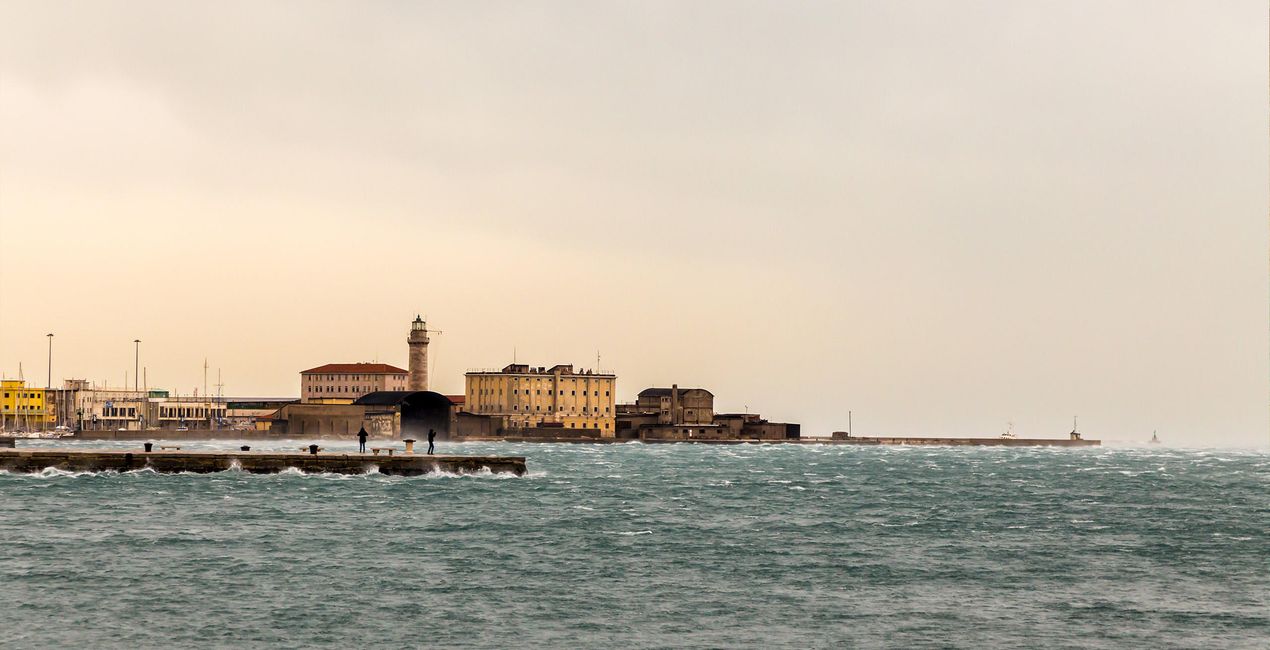
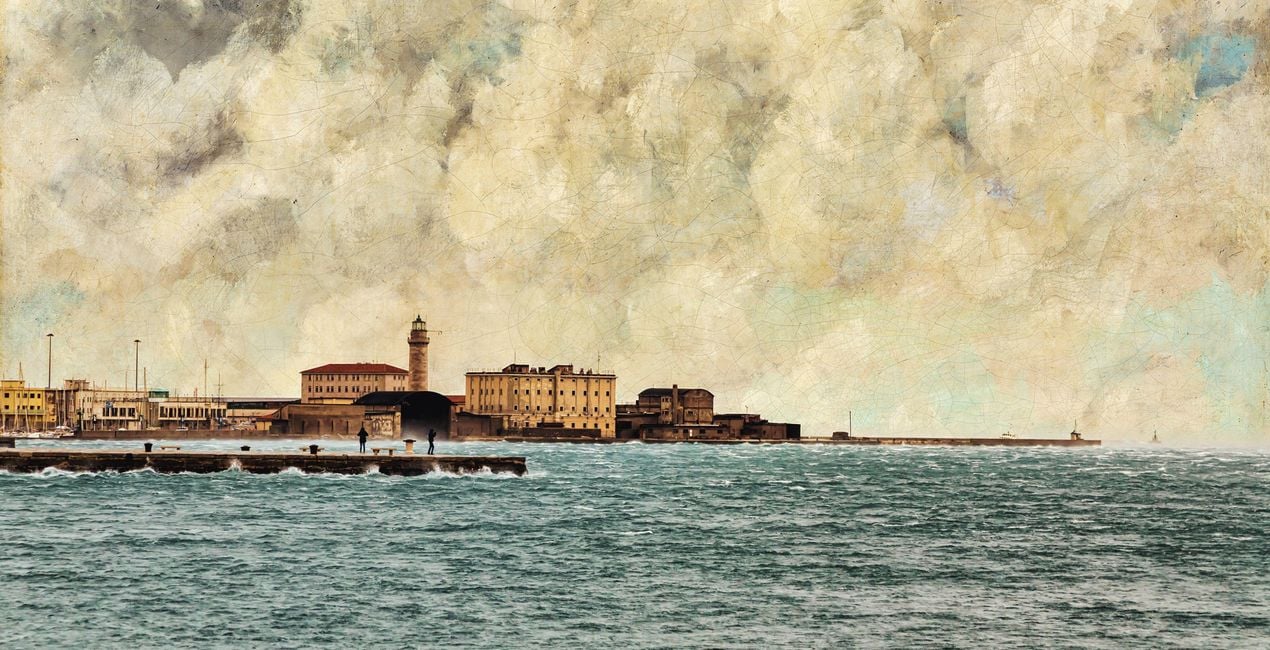
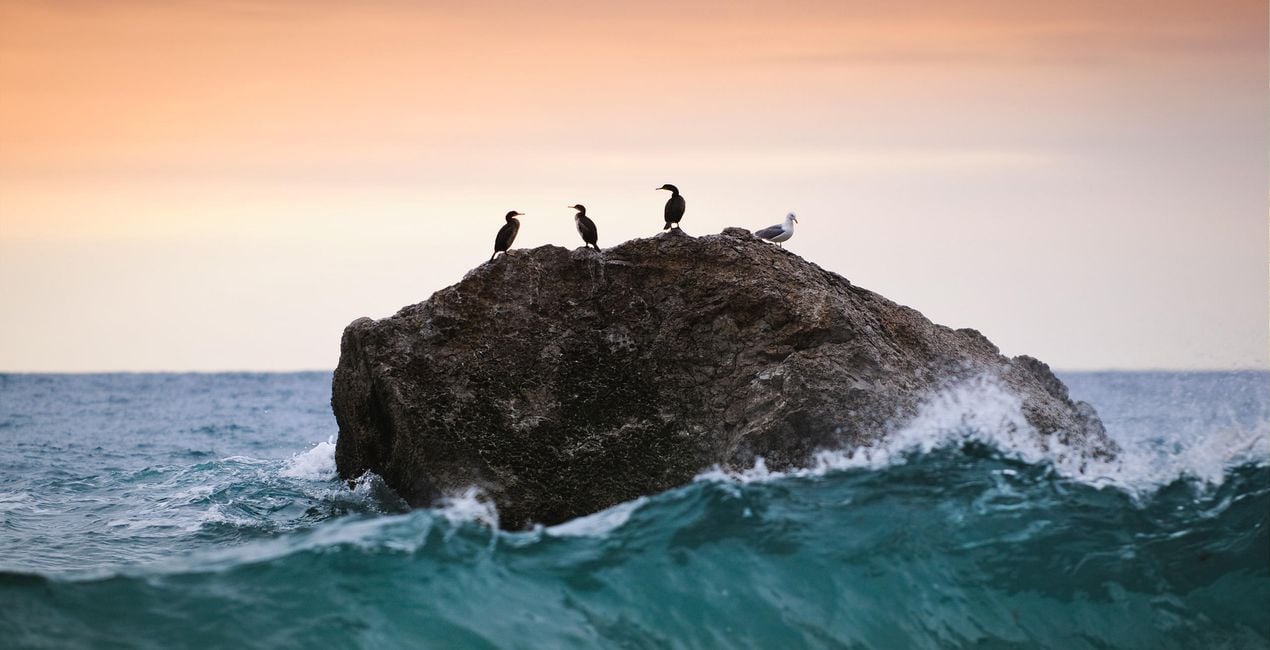
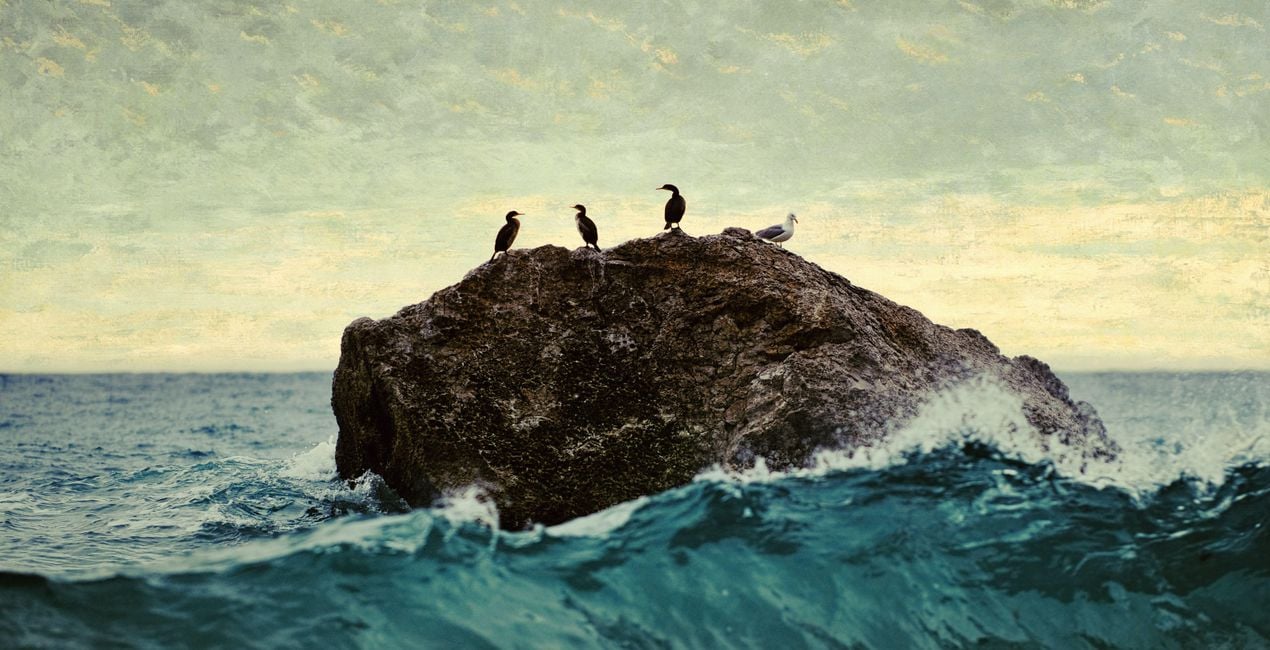
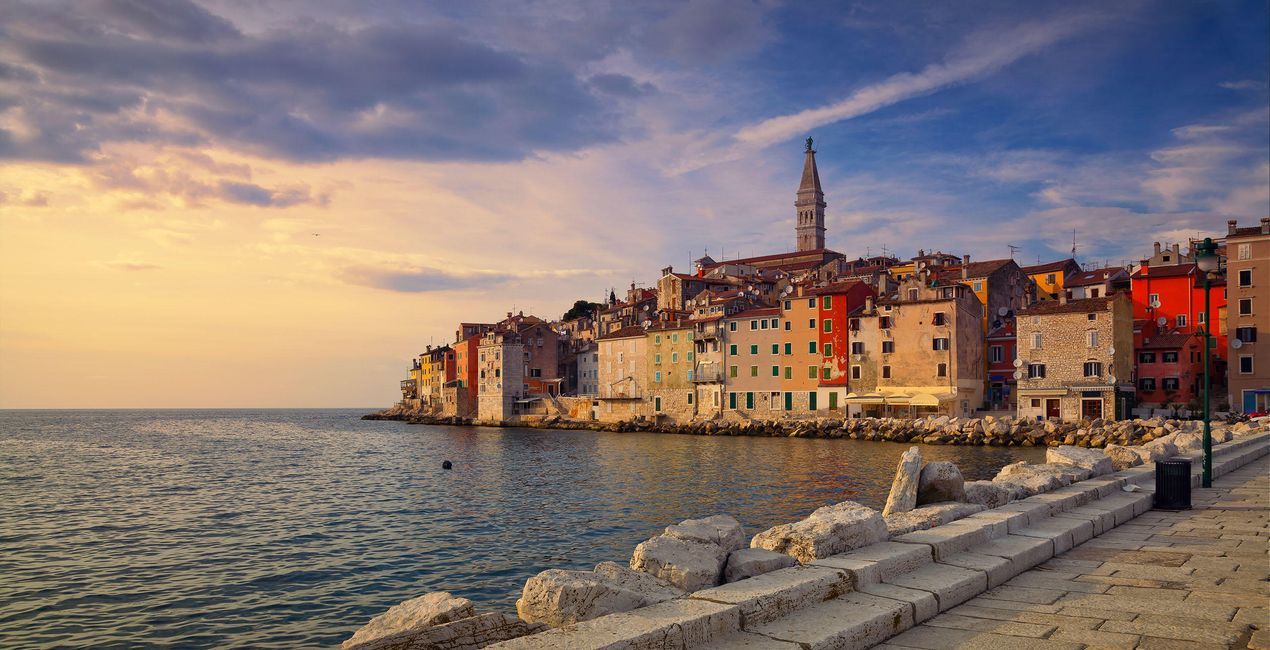
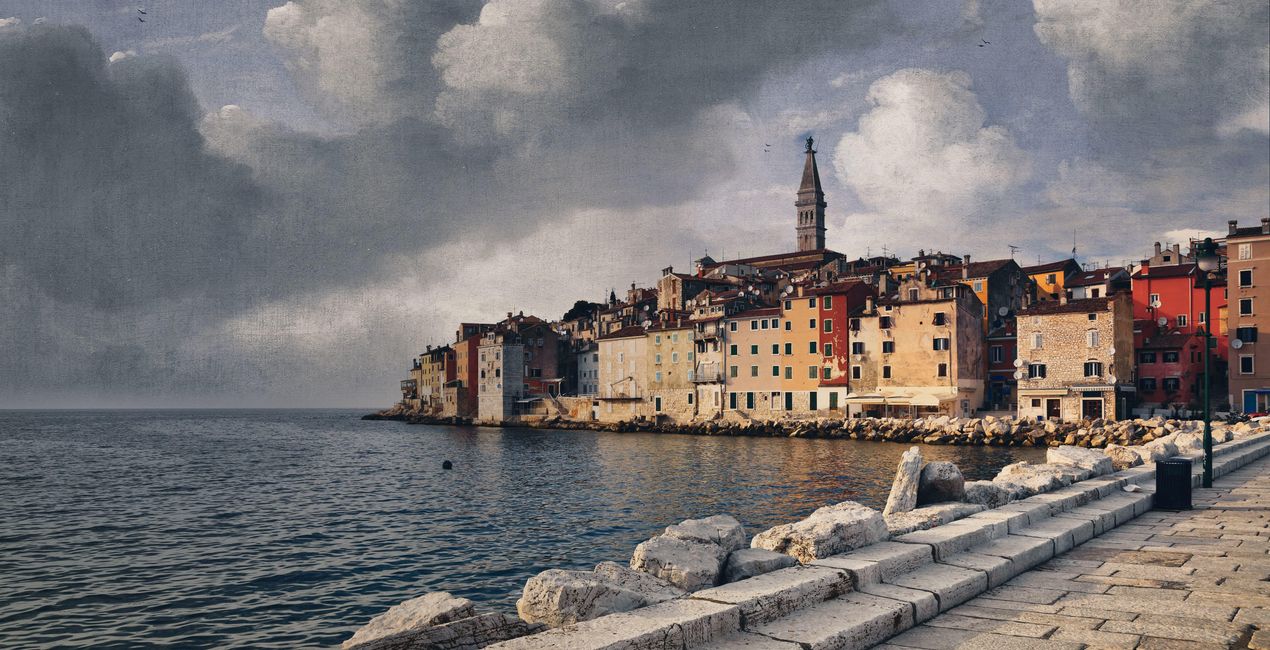
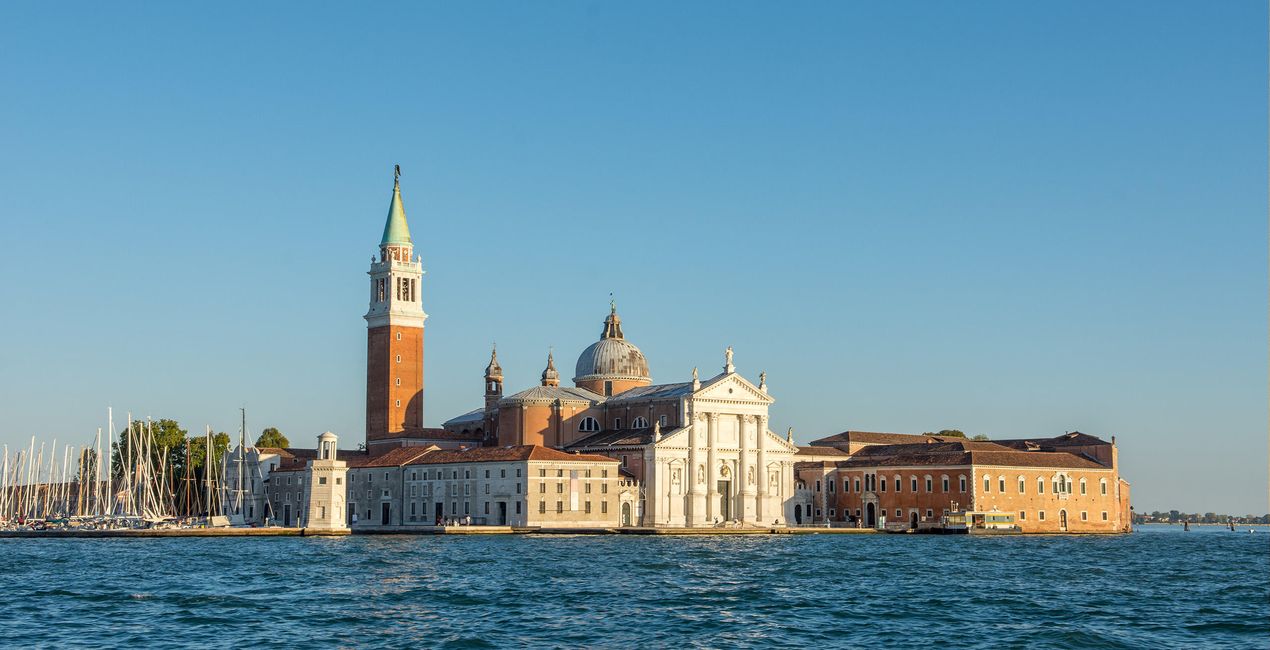
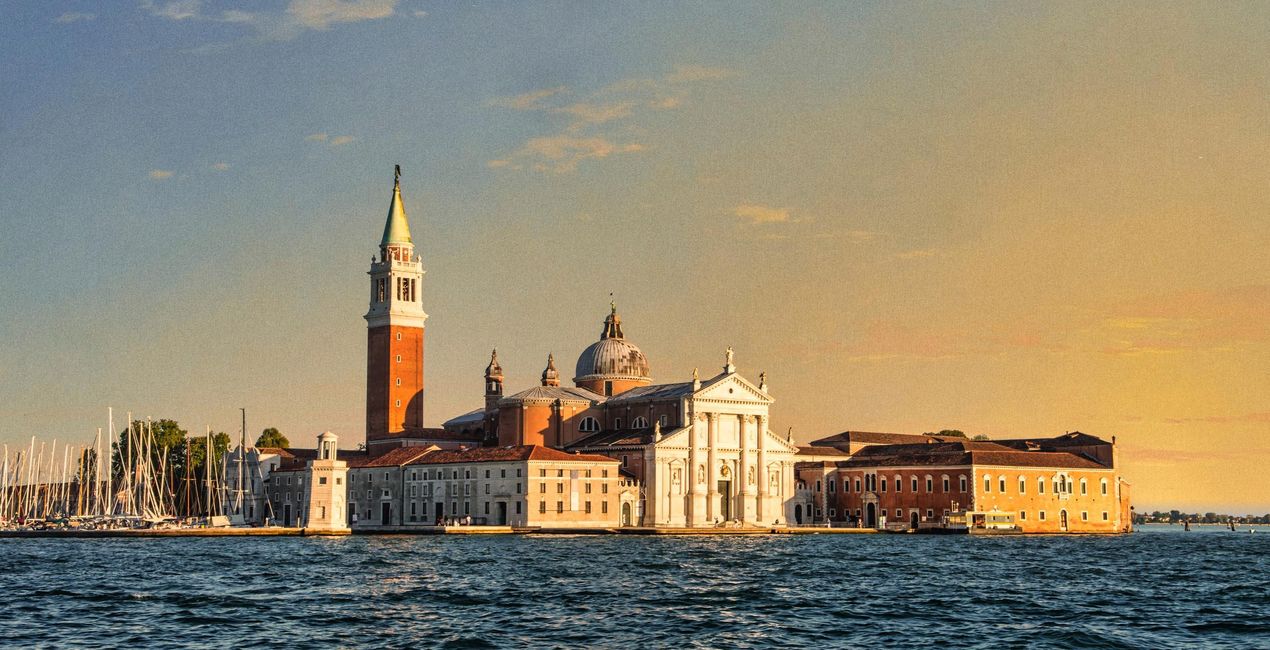
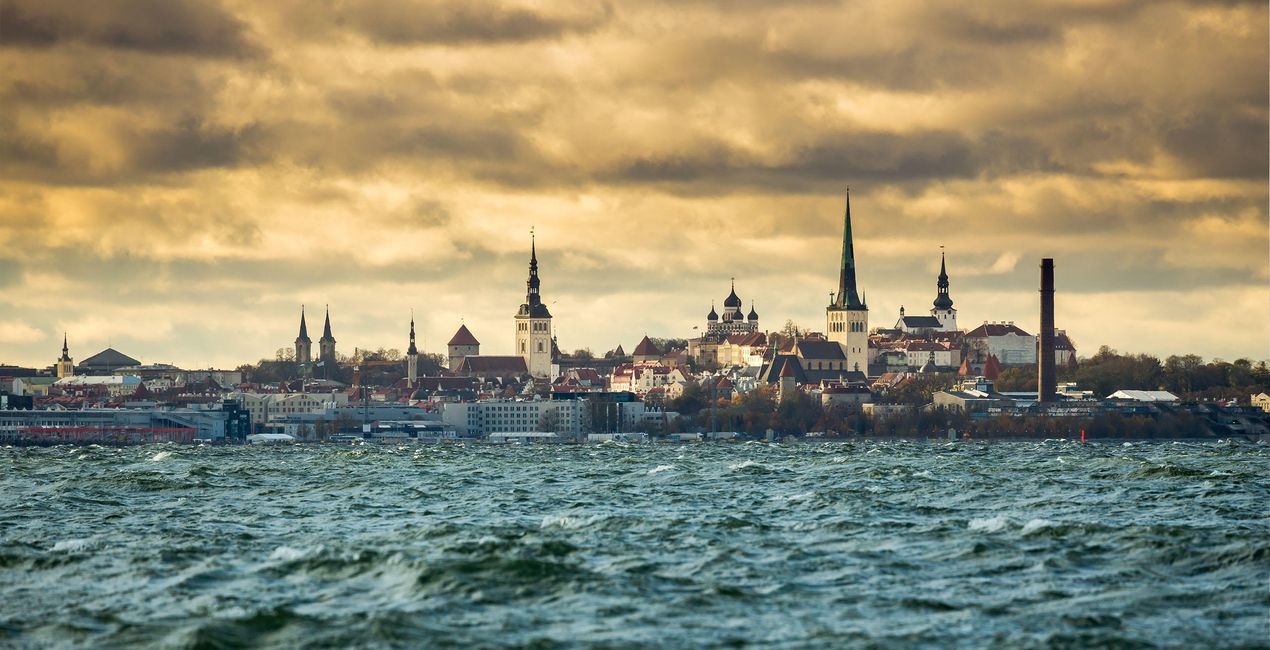
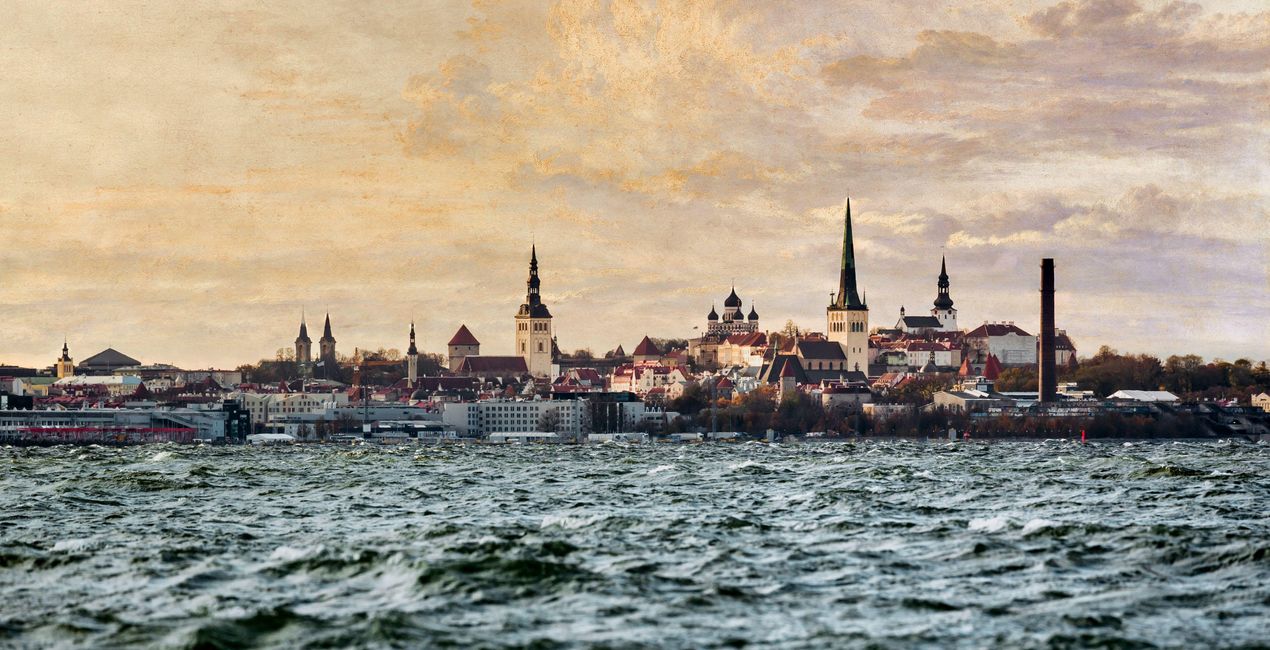
Naśladuj styl Courbeta, Aivazovsky'ego, Verneta i innych malarzy, którzy powołali do życia wspaniałe morskie krajobrazy. Wystarczy jedno kliknięcie, aby przekształcić niebo i atmosferę zdjęcia i dopasować je do arcydzieł malowanych pędzlem - wszystko dzięki tym 10 artystycznym szablonom.
Zawartość zestawu
10 Templates and Presets. Compatible with JPEG and RAW images.

Korzystając z plików RAW z łatwością przećwiczysz wskazówki dotyczące retuszu i dowiesz się, jak stworzyć zdjęcia takie jak te.
 >
>
 >
>
 >
>
 >
>
 >
>
 >
>
 >
>
 >
>
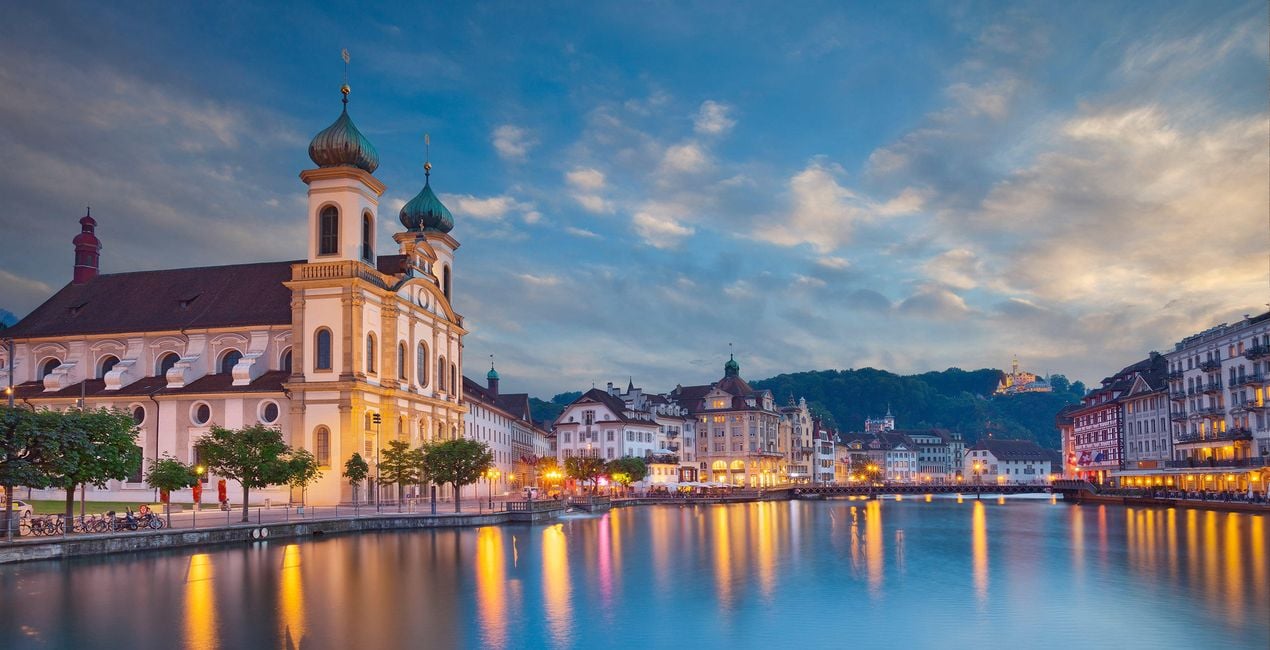
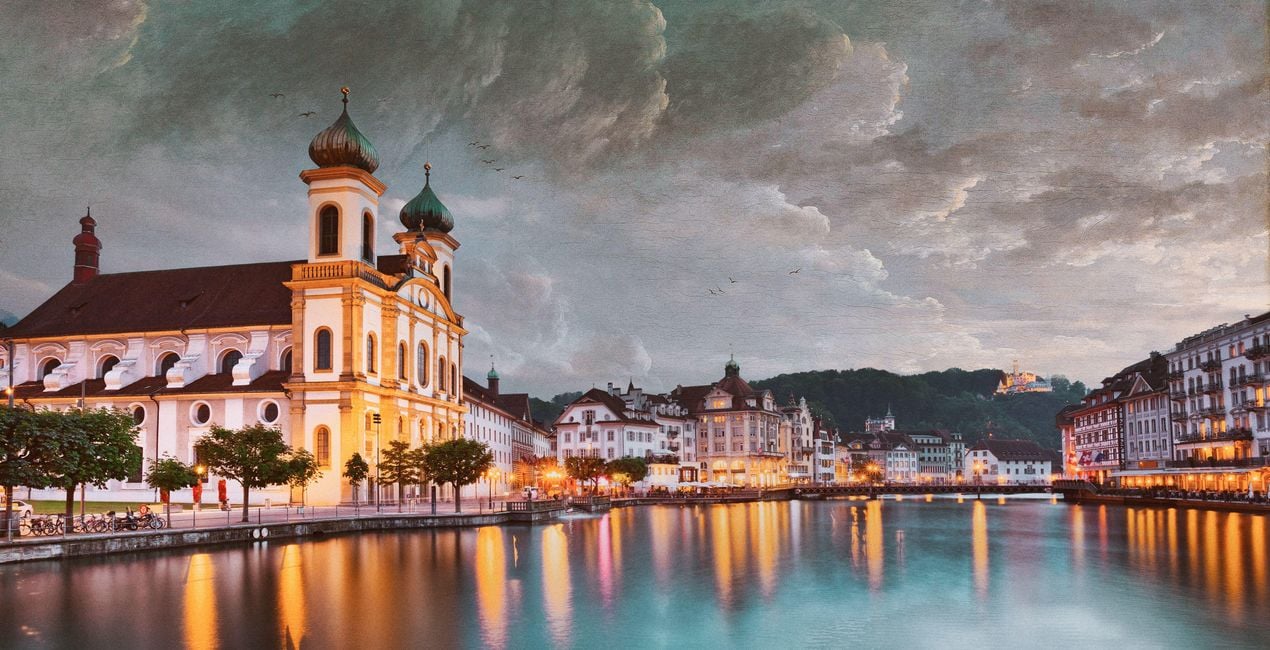 >
>
Channel the unique atmosphere of the sea in your photos.
This Artistic Collection is inspired by famous paintings of the sea by classical artists including Gustave Courbet, Ivan Aivazovsky, Salomon van Ruysdael, Ludolf Bakhuizen, Claude-Joseph Vernet, and J. M. W. Turner.
Romantic, stormy, calm, and entrancing — the paintings by these masters speak to us not only through the sea but through majestic and beautiful clouds, unique aquamarine colors, and other details. Recreate the same atmosphere in your images and make them stand out from the crowd.
What you’ll find in this pack (10 Templates):
Normandy Sea: Make your sky look just like the one in Sea Coast in Normandy by Gustave Courbet. Add the seaside feeling and a touch of drama with this stunning Template.
Calm Sea: Transform your sky to match The Calm Sea by Gustave Courbet. A light, warm, calm Template that brings tranquility to the viewer.
San Lazzaro: Match the atmosphere of Bayron’s visit to San Lazzaro by Ivan Aivazovsky with its emerald hues, vibrant colors, and calm sunny feeling.
Bosphorus: This Template, based on View of Constantinople and the Bosphorus by Ivan Aivazovsky, lets you recreate stunning sunsets and sunrises with warm colors.
Autumn Sea: Autumn Sea by Gustave Courbet is captured in this seaside Template with warm autumnal hues and a bit of dramatic atmosphere.
Deventer: View of Deventer Seen from the North-West by Salomon van Ruysdael brings a pleasing classic light blue sky with a slight dramatic accent in the shadows.
Fishing Boats: Based on Seascape and Fishing Boats by Ludolf Bakhuizen, this Template is filled with the drama of the sea and almost makes you feel the wind gently blowing through your hair.
Tiber: This Template is inspired by A Sporting Contest on the Tiber by Claude-Joseph Vernet that has warm toning with orange hues in the shadows and a stunning emerald sea.
Seashore: Another classic by the masterful seascape painter, Seashore by Aivazovsky is the best for a calm, light blue seaside sky and trembling waves.
Rotterdam: Inspired by Dort or Dordrecht: The Dort packet-boat from Rotterdam becalmed by J. M. W. Turner, this sunny Template brings you a calm sky with orange and yellow hues.
Keep in mind that a Template’s default effect might be too strong for your photo.
If it is, simply bring it back a bit with the Amount slider.
Don’t forget to share your results! Use the hashtag #madewithluminar on social media so the Skylum Team can take a look at your work!
Fotografowie, koloryści i retuszerzy
Zespół Skylum współpracuje z setkami profesjonalnych fotografów i retuszerów, aby dostarczyć Ci Szablony, których używają najlepsi fotografowie do tworzenia swoich arcydzieł. Skylum AI Lab analizuje zdjęcia oraz przepływy pracy fotografów i tworzy Szablony, które są dostępne dla wszystkich, i które wykorzystują zaawansowaną technologię pod maską LuminarAI. Naszą misją jest skrócenie czasu i wysiłku potrzebnego do stworzenia efektownego zdjęcia i umożliwienie wszystkim czerpania radości z edycji i fotografii.
Jeśli masz jakiekolwiek pytania dotyczące produktu, możesz skontaktować się z zespołem pomocy technicznej dostępnym 24 godziny na dobę, 7 dni w tygodniu. Wystarczy kliknąć ten link.
Aby kupić Seaside Artistic Collection, wykonaj następujące kroki:
1. Otwórz Marketplace Skylum.
2. Przejdź do odpowiedniej zakładki, w której znajduje się Seaside Artistic Collection. Kliknij na nim i dodaj produkt do koszyka.
3. Przejdź do koszyka. Tutaj zakończ proces zakupu produktu Seaside Artistic Collection.
4. Po dokonaniu zakupu otrzymasz wiadomość e-mail z linkiem do pobrania Seaside Artistic Collection. Nowy produkt znajdziesz również na swoim koncie Skylum, w zakładce Moje dodatki.
Szczegółowe instrukcje dotyczące instalacji Seaside Artistic Collection zostaną przesłane w wiadomości e-mail wraz z linkiem do pobrania
Ponadto zakupiony produkt można zainstalować bezpośrednio w programie Luminar Neo: przejdź do menu Dodatki > Marketplace, wybierz kategorię produktu, znajdź zakupiony produkt i kliknij Zainstaluj.
To całkiem proste! Przejdź do zakładki Presety, a następnie wybierz opcję Zakupione. Zainstalowane presety będą się znajdować w tym miejscu.
Nie martw się. Wszystkie zakupione produkty, w tym Seaside Artistic Collection, są przechowywane w zakładce „Moje dodatki” na koncie Skylum, co umożliwia ich łatwe ponowne pobranie i użycie.
Ogólnie rzecz biorąc, większość produktów jest kompatybilna z Luminar Neo. Aby jednak upewnić się, że Seaside Artistic Collection jest kompatybilne z Twoim oprogramowaniem, przed pobraniem lub zakupem sprawdź jego specyfikację. Poszukaj sekcji „Kompatybilność” po prawej stronie strony Seaside Artistic Collection, gdzie wymienione są wszystkie kompatybilne produkty.
Nie wychodź jeszcze. Mamy dla Ciebie ekskluzywny kod rabatowy. Wykorzystaj go w ciągu najbliższych 15 minut, aby uzyskać dodatkowe 10% zniżki przy finalizacji zamówienia. Skopiuj poniższy kod i sfinalizuj zakup.
15 m : 00 s





