


 Zastosowany


Macro Worlds
Save $201 $ 19 .00

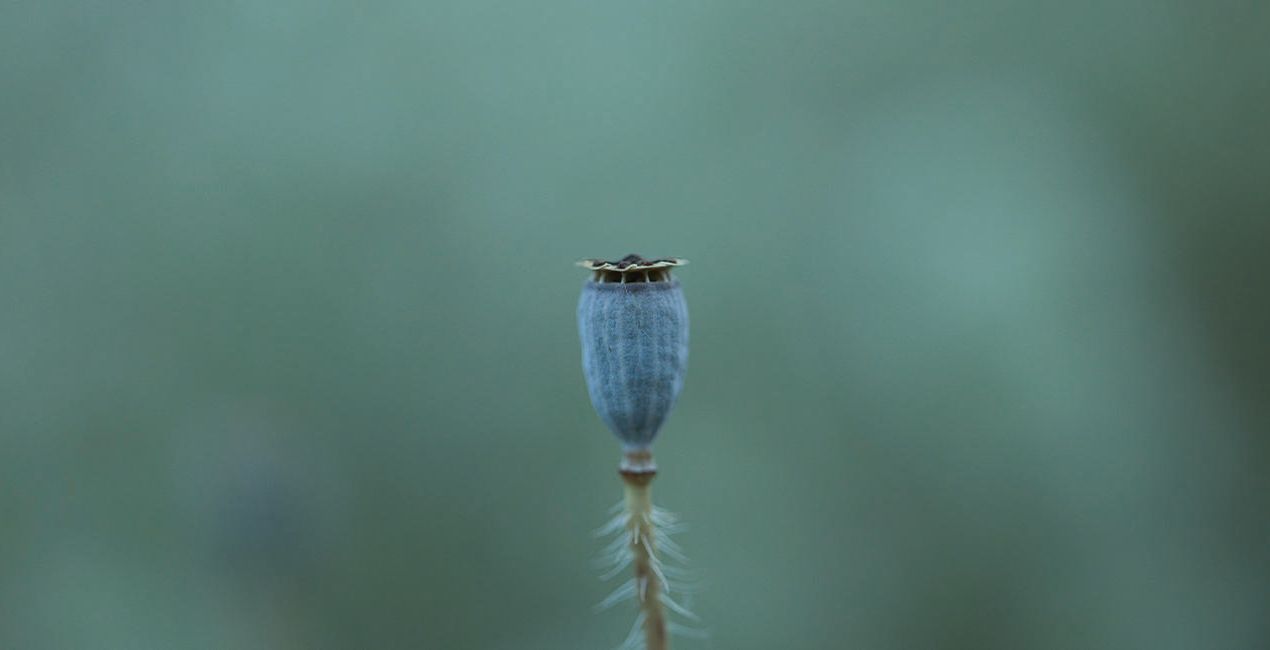
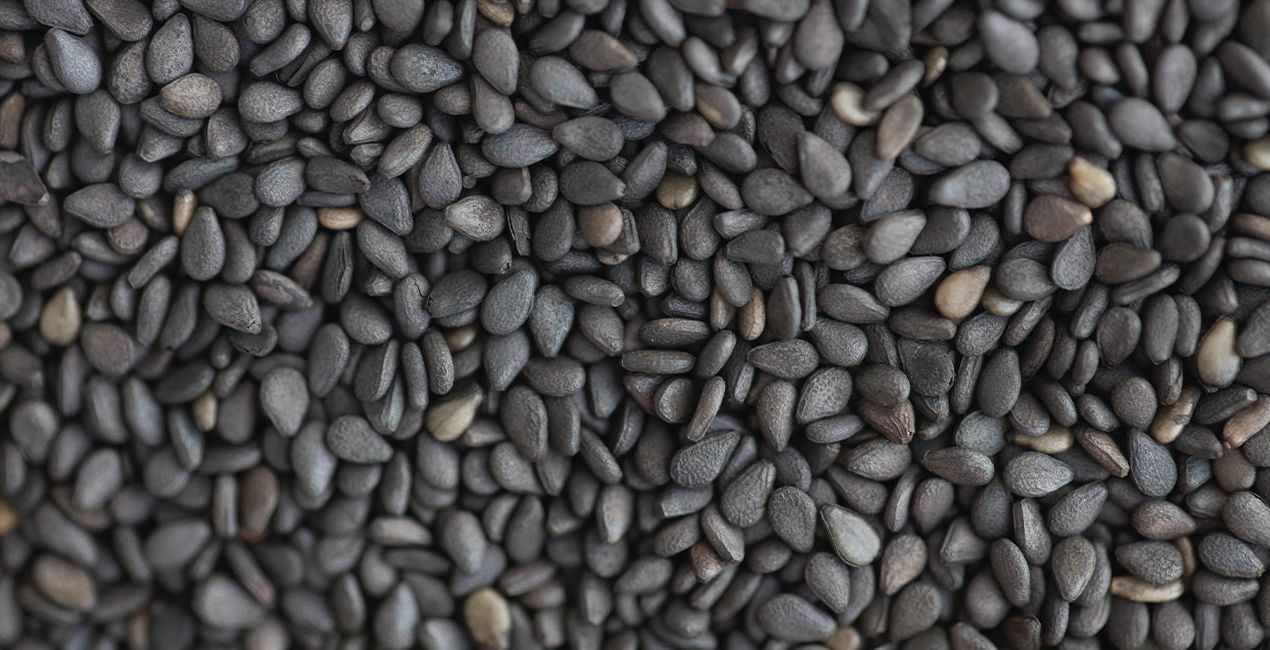
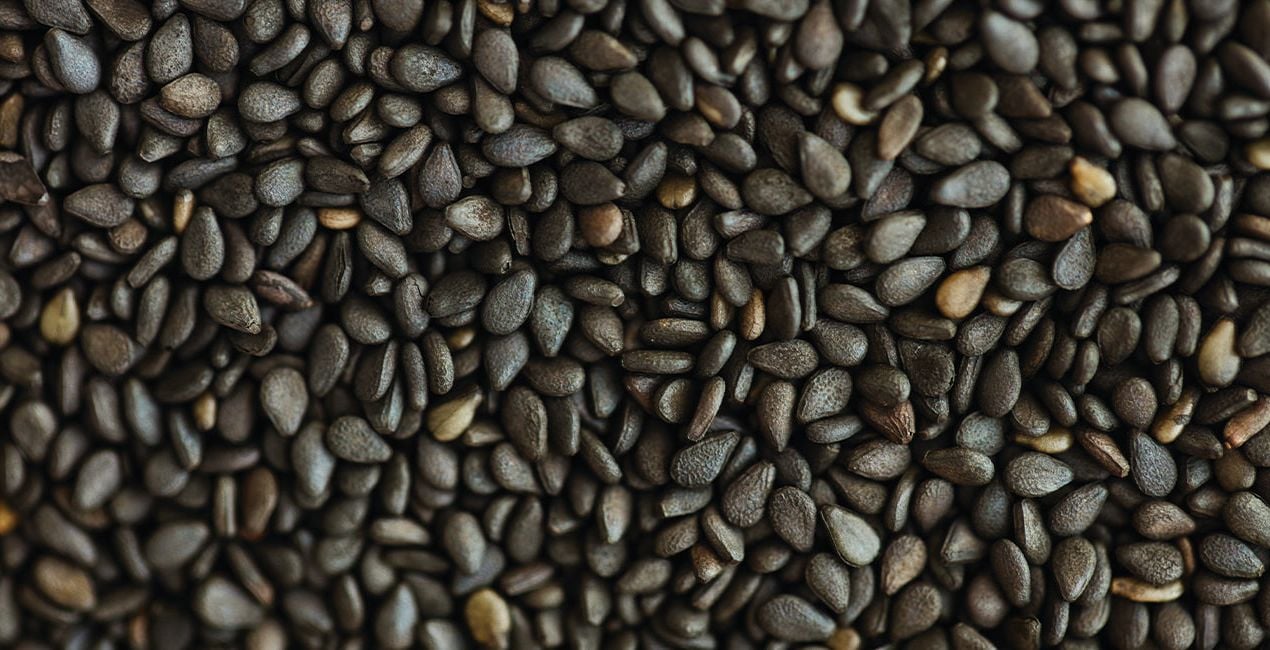
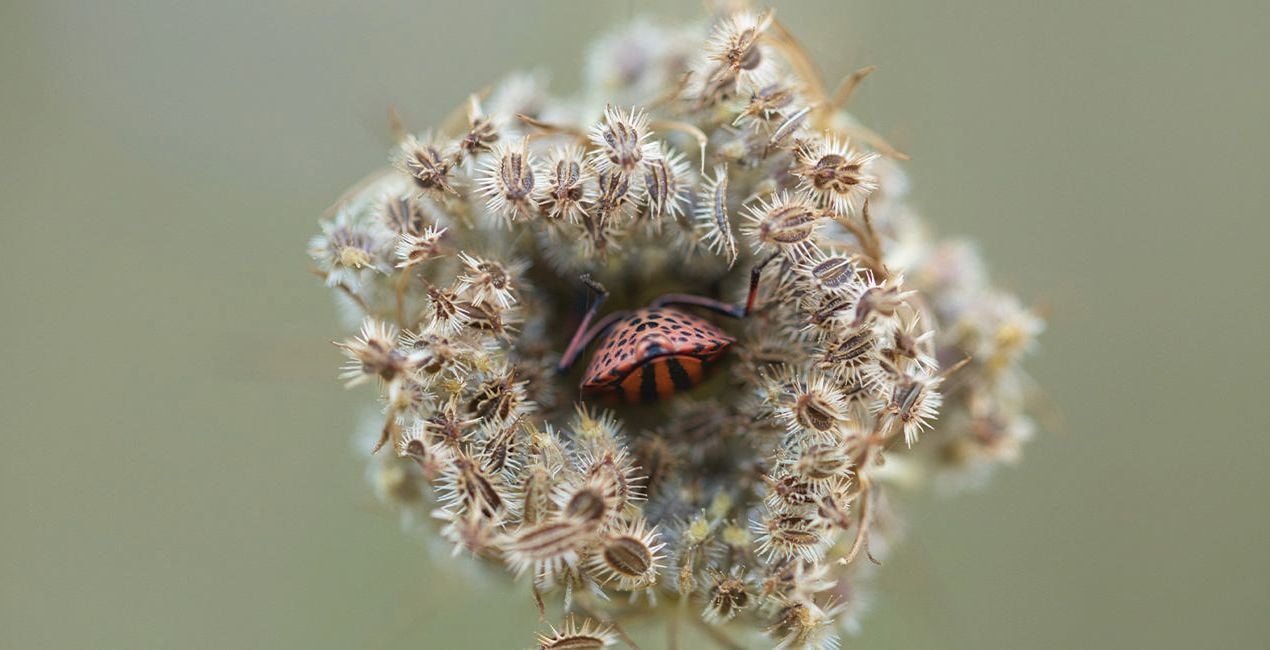
Improve your macro photographs of the natural world with this package of 10 subtle Presets. Some are stronger than others, allowing you to choose between a bolder or a more subtle version. These Presets have been designed to perfect your macro photographs and achieve impressive results. Enjoy!

Korzystając z plików RAW z łatwością przećwiczysz wskazówki dotyczące retuszu i dowiesz się, jak stworzyć zdjęcia takie jak te.
 >
>
 >
>
 >
>
 >
>
 >
>
 >
>
You will find 10 Presets in this Pack:
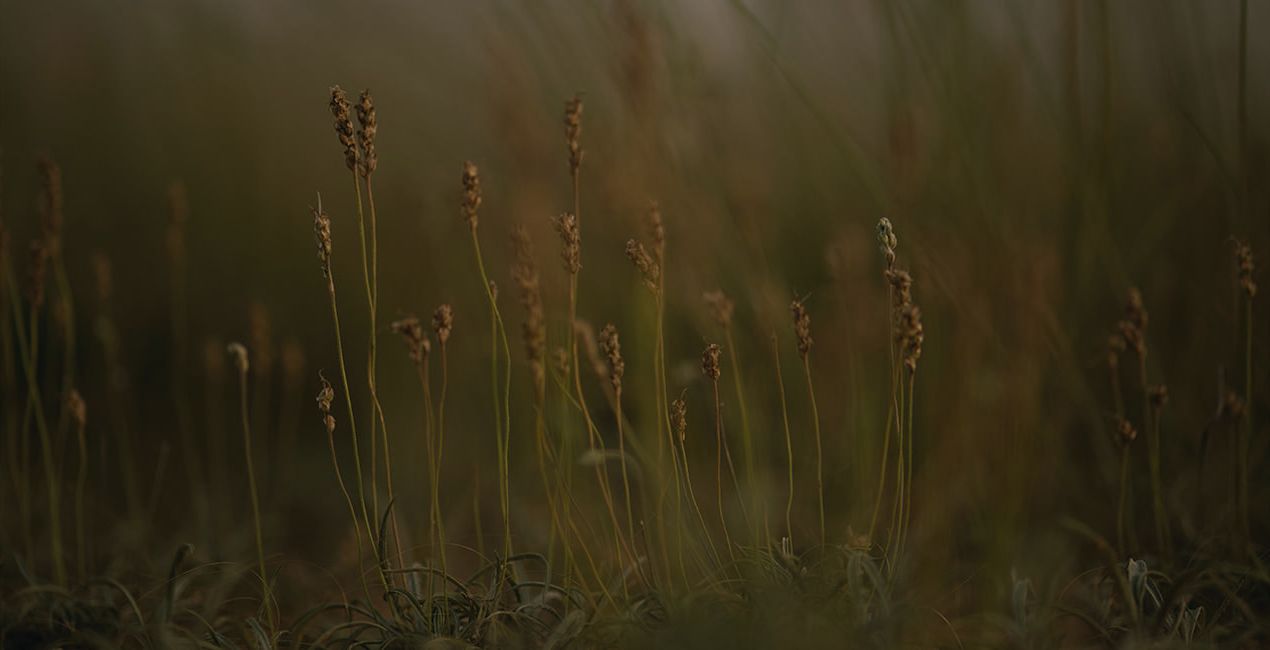
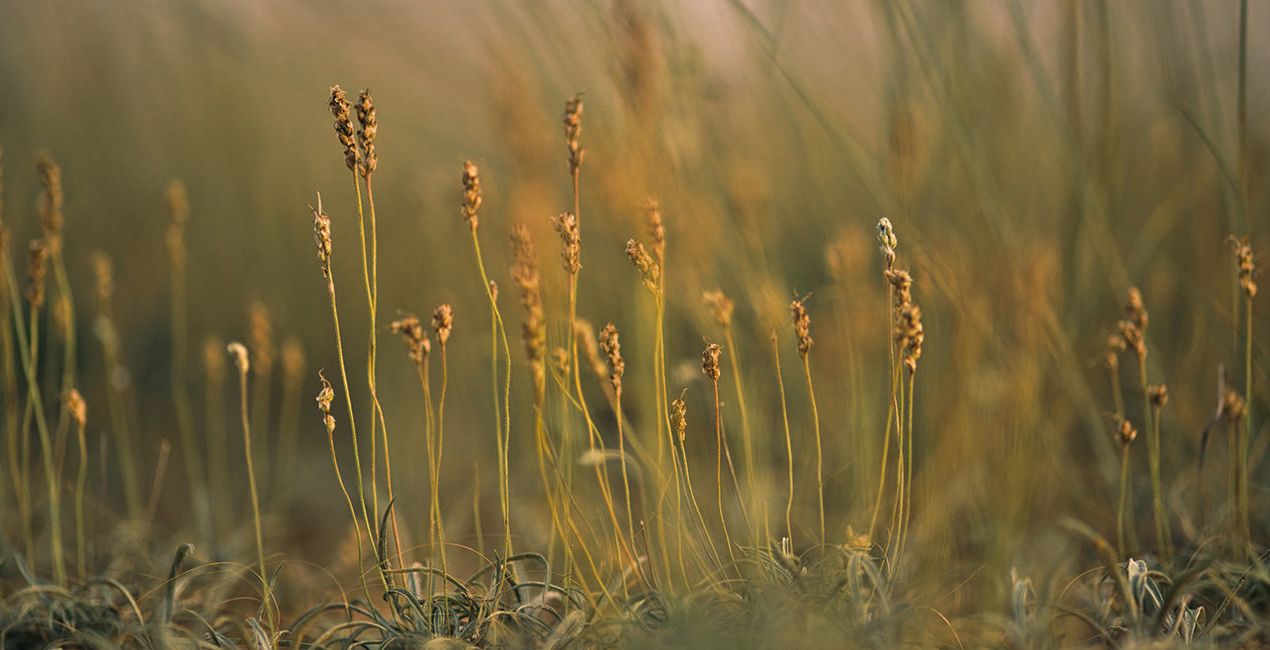
Grand: A Preset for dry plants, where details usually come along with warm colors.
Extensive: A Preset for small plants, where cool colors are the protagonist.
Broad: A Preset for small flowers, increasing saturation and contrast to enhance their beauty.
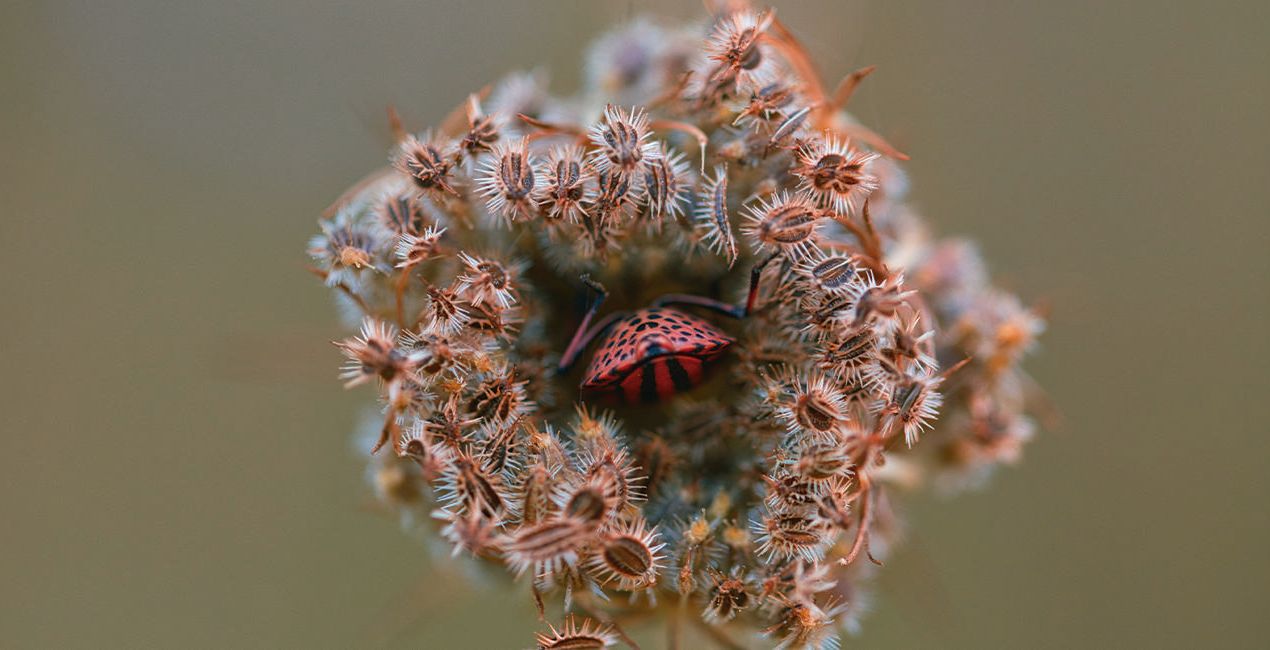
Based: A Preset for macro photos of insects and plants that makes dramatic edits to enhance the beauty of warm spring colors.
Texture: A Preset to enhance the textures we come across in our day-to-day life, whether in a forest or in the kitchen. Features edits in cool tones with low saturation.
Liquid: An ideal macro Preset for mixed fluid photographs that offers an exaggerated edit to enhance colors that the camera may not capture.
Tiny: A macro Preset designed for insect photographs, with a warm and contrasted edit.
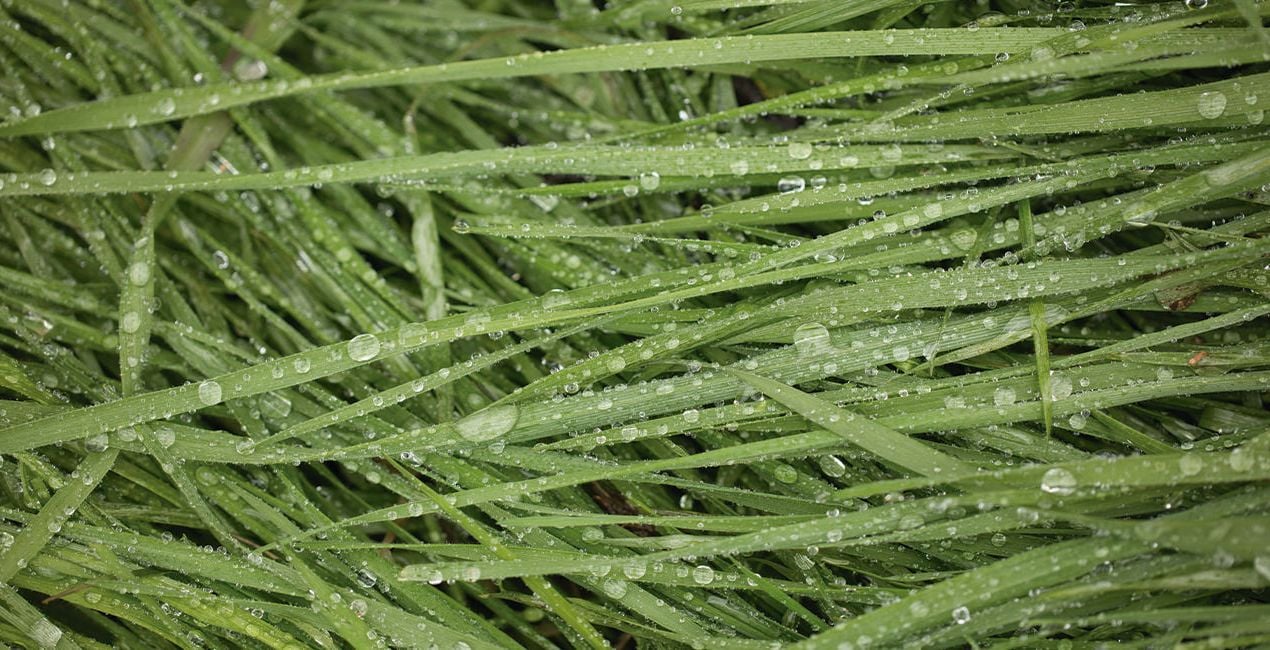
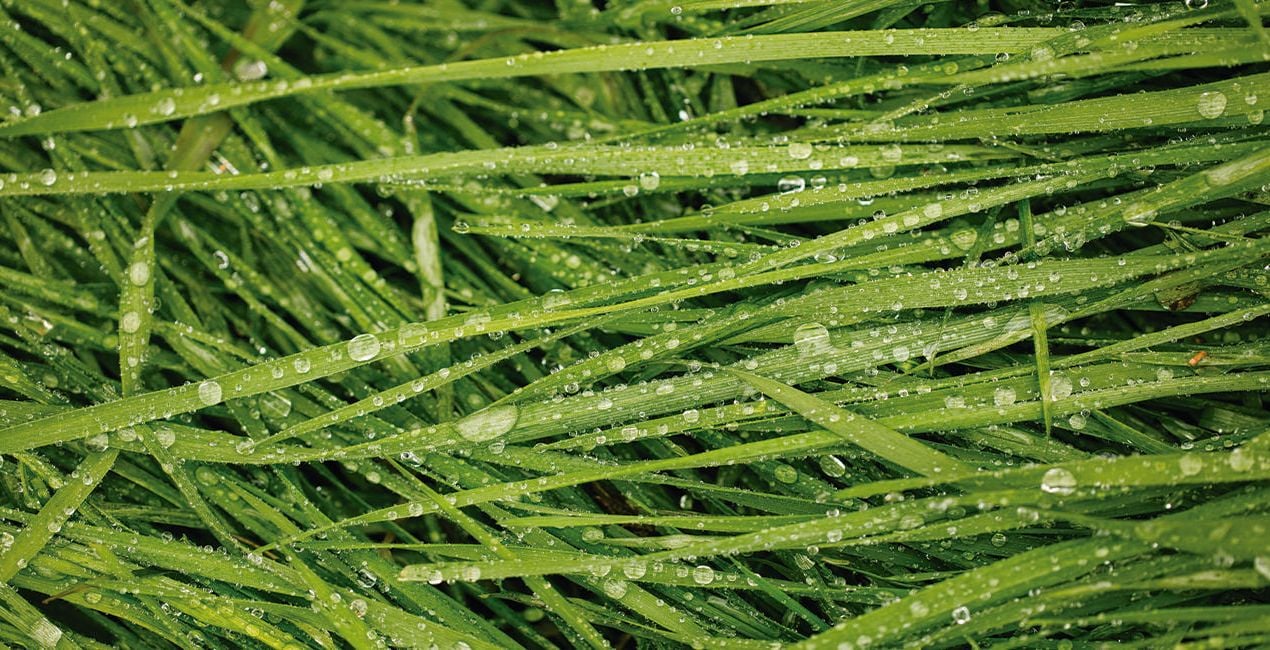
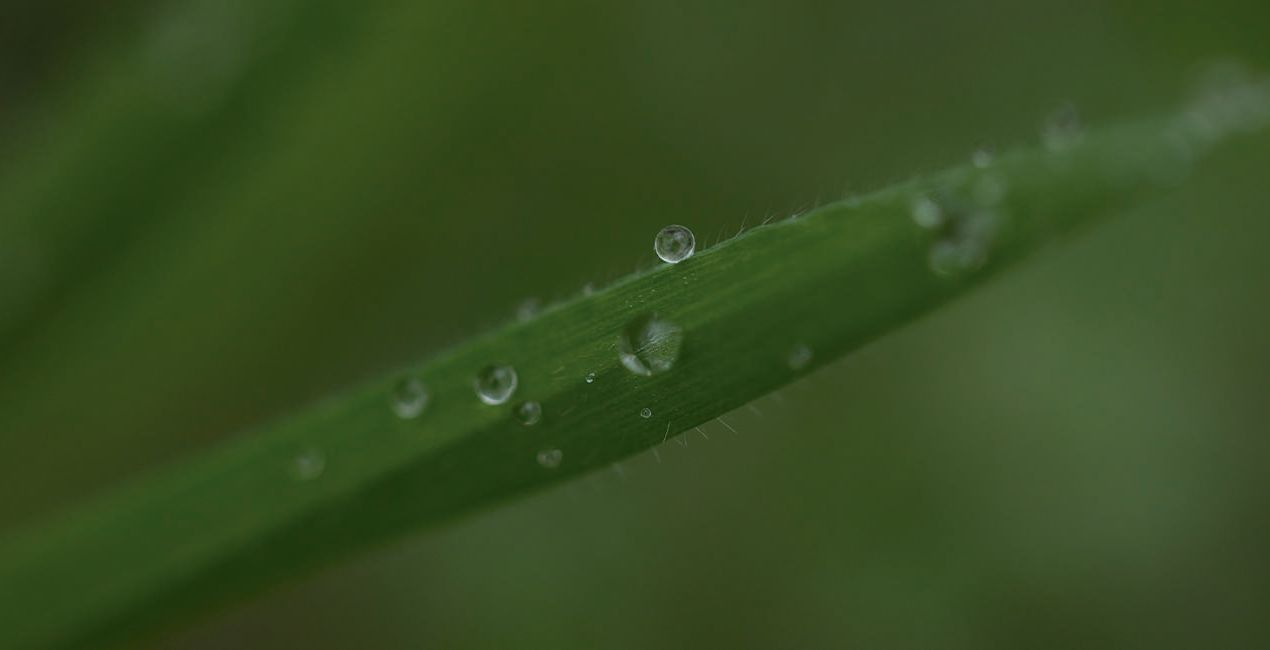
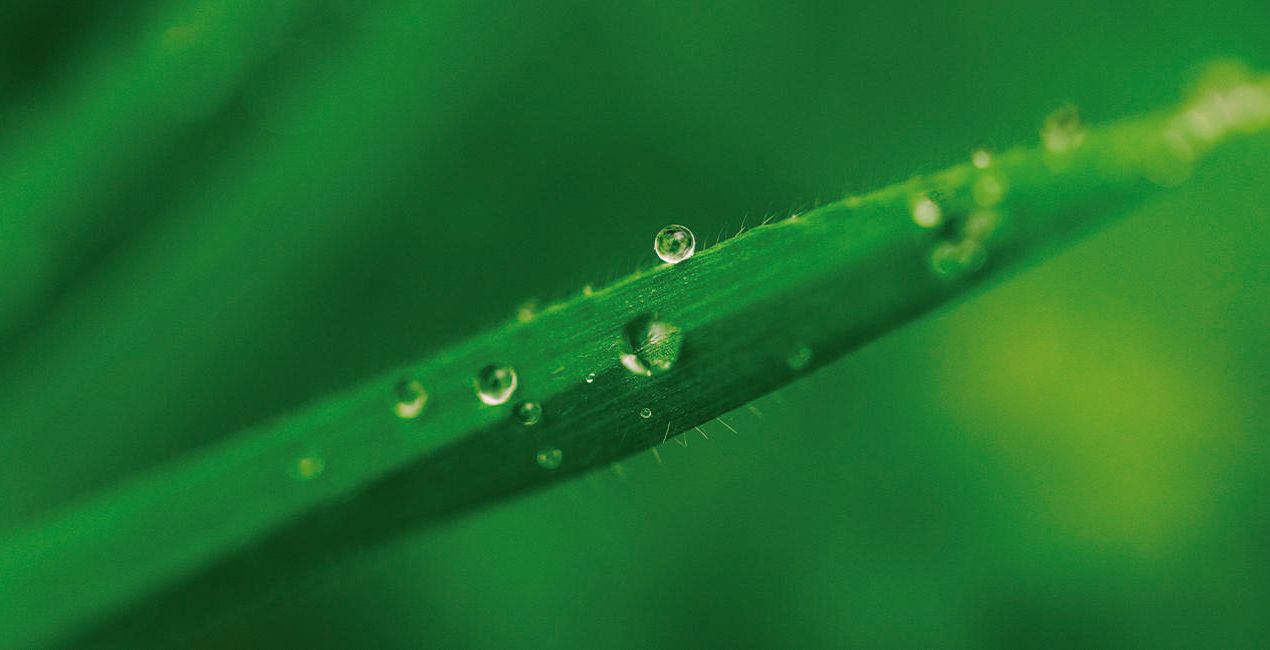
Grass: A Preset designed for photographing wet grass that enhances the green and clarity of the picture.
Delicate: A Preset for delicate macro photography that is ideal for small and dry plants; provides warm edits with high saturation.
Drop: An ideal Preset for forest details that greatly enhances greens and contrast.
Photographer. Skylum Ambassador.
Based in Lleida, Catalonia, Javier Pardina is a photographer and multimedia artist whose commercial work sees him shooting for advertising agencies, stock platforms, corporate brands, and creative agencies. Javier focused his university studies on photography, video, and graphic/3D design. Since 2004, he hasn’t stopped improving and learning all these subjects. In 2005, he created Pardina.co, using his surname as the name of his brand. Javier’s creative work was initially related to music. You can find Javier’s work on albums by some of the most talented musicians in Europe, including Thomas Lemmer and Cristopher Goze.
Years later, Javier decided to specialize in abstract photography, which he used to develop wallpapers for apps and operating systems including Firefox OS and iOS. In 2013, Javier signed with Mozilla to work on the Firefox OS project. In 2015, Javier started working with Stocksy along with offset and Shutterstock Custom, and currently Javier is working on the KAIOS project. To date, Javier has contributed 10,000+ pictures across different stock agencies, and he is heavily focused in the advertising and commercial world, using and merging video, photography, and 3D art forms. He’s worked on multiple ad campaigns both within Spain and internationally. Improving every day and working with passion, Pardina.co is a synonym for work, dedication, and trust.
Jeśli masz jakiekolwiek pytania dotyczące produktu, możesz skontaktować się z zespołem pomocy technicznej dostępnym 24 godziny na dobę, 7 dni w tygodniu. Wystarczy kliknąć ten link.
Aby kupić Macro Worlds, wykonaj następujące kroki:
1. Otwórz Marketplace Skylum.
2. Przejdź do odpowiedniej zakładki, w której znajduje się Macro Worlds. Kliknij na nim i dodaj produkt do koszyka.
3. Przejdź do koszyka. Tutaj zakończ proces zakupu produktu Macro Worlds.
4. Po dokonaniu zakupu otrzymasz wiadomość e-mail z linkiem do pobrania Macro Worlds. Nowy produkt znajdziesz również na swoim koncie Skylum, w zakładce Moje dodatki.
Szczegółowe instrukcje dotyczące instalacji Macro Worlds zostaną przesłane w wiadomości e-mail wraz z linkiem do pobrania
Ponadto zakupiony produkt można zainstalować bezpośrednio w programie Luminar Neo: przejdź do menu Dodatki > Marketplace, wybierz kategorię produktu, znajdź zakupiony produkt i kliknij Zainstaluj.
To całkiem proste! Przejdź do zakładki Presety, a następnie wybierz opcję Zakupione. Zainstalowane presety będą się znajdować w tym miejscu.
Nie martw się. Wszystkie zakupione produkty, w tym Macro Worlds, są przechowywane w zakładce „Moje dodatki” na koncie Skylum, co umożliwia ich łatwe ponowne pobranie i użycie.
Ogólnie rzecz biorąc, większość produktów jest kompatybilna z Luminar Neo. Aby jednak upewnić się, że Macro Worlds jest kompatybilne z Twoim oprogramowaniem, przed pobraniem lub zakupem sprawdź jego specyfikację. Poszukaj sekcji „Kompatybilność” po prawej stronie strony Macro Worlds, gdzie wymienione są wszystkie kompatybilne produkty.
Nie wychodź jeszcze. Mamy dla Ciebie ekskluzywny kod rabatowy. Wykorzystaj go w ciągu najbliższych 15 minut, aby uzyskać dodatkowe 10% zniżki przy finalizacji zamówienia. Skopiuj poniższy kod i sfinalizuj zakup.
15 m : 00 s





