


 Zastosowany


Lofoten Dreams
Save $201 $ 19 .00

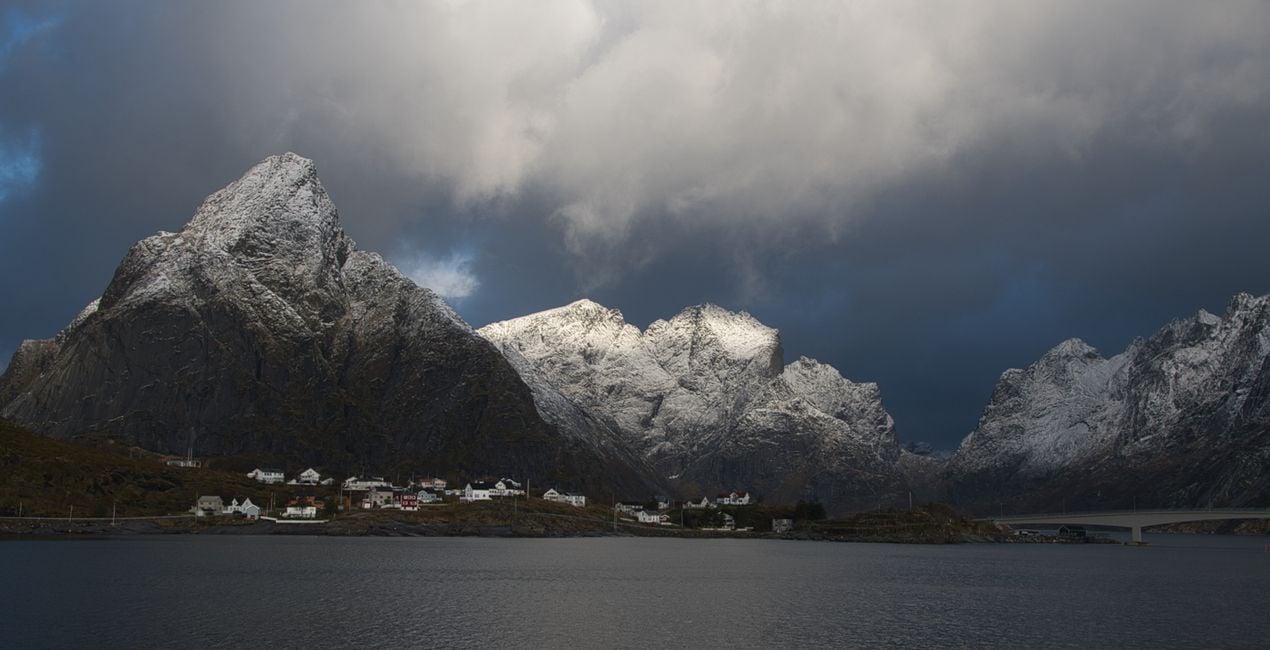
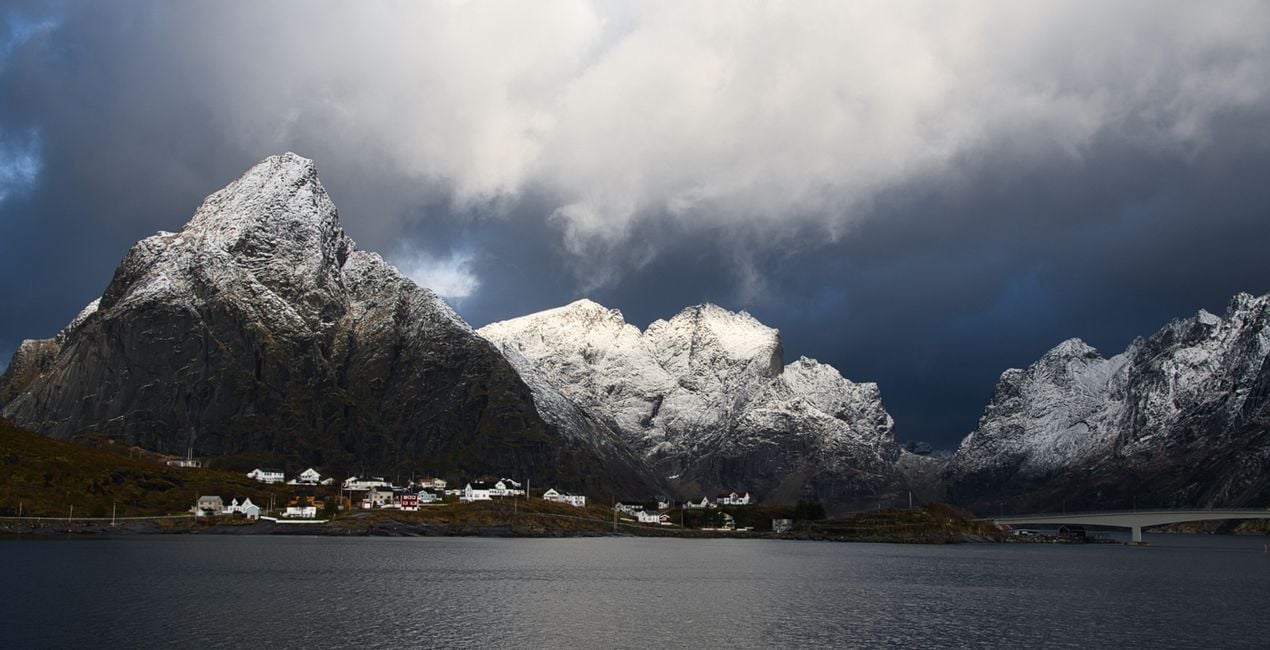
Transform photos of your trips through Norway's extraordinary nature into even more iconic images with this pack of Luminar Neo Presets. Impress the viewers with your photos.

Korzystając z plików RAW z łatwością przećwiczysz wskazówki dotyczące retuszu i dowiesz się, jak stworzyć zdjęcia takie jak te.
 >
>
 >
>
 >
>
 >
>
 >
>
 >
>
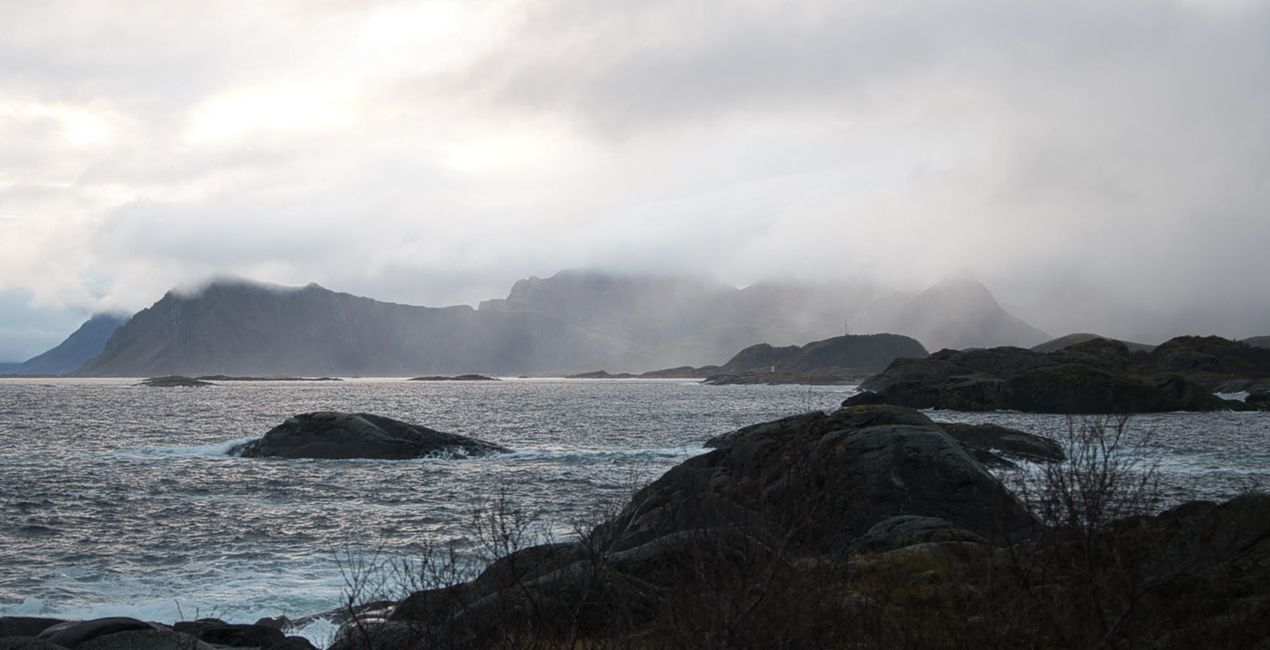
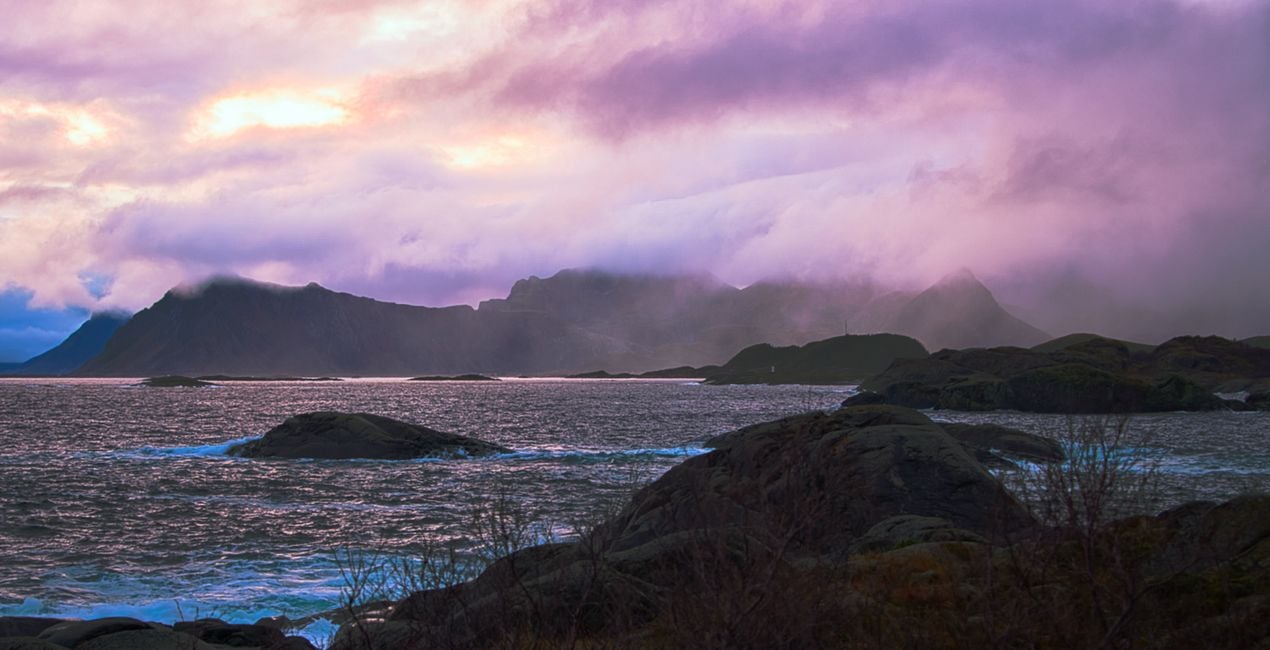
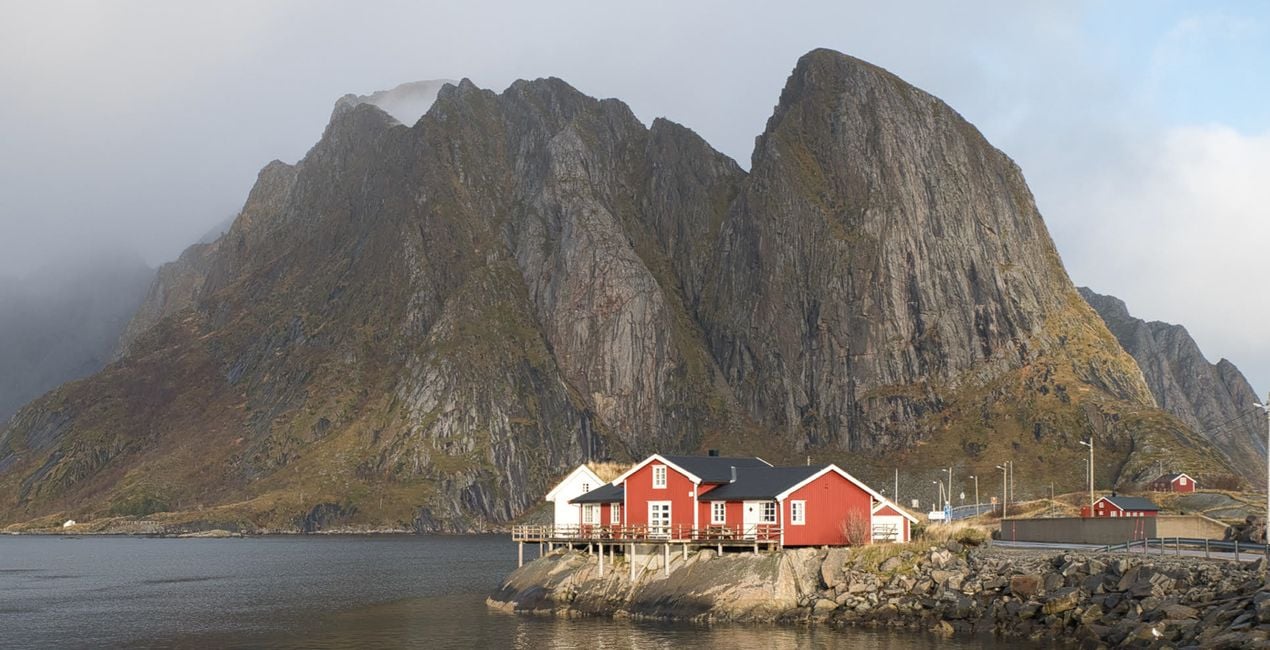
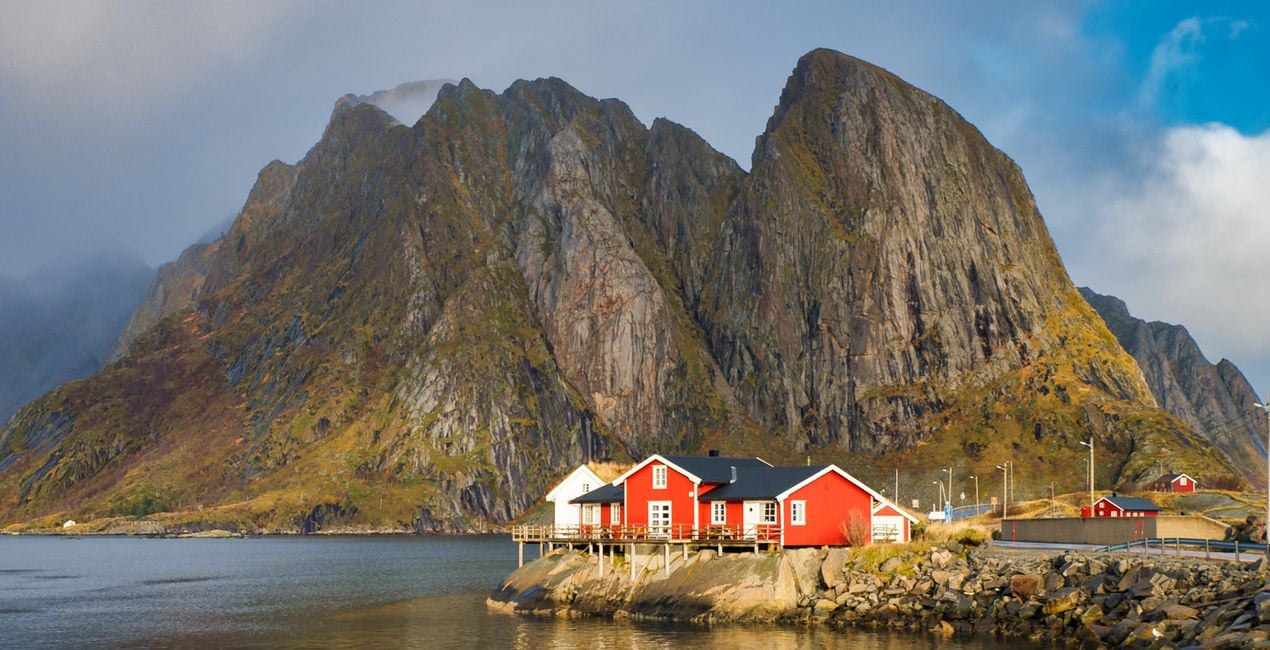
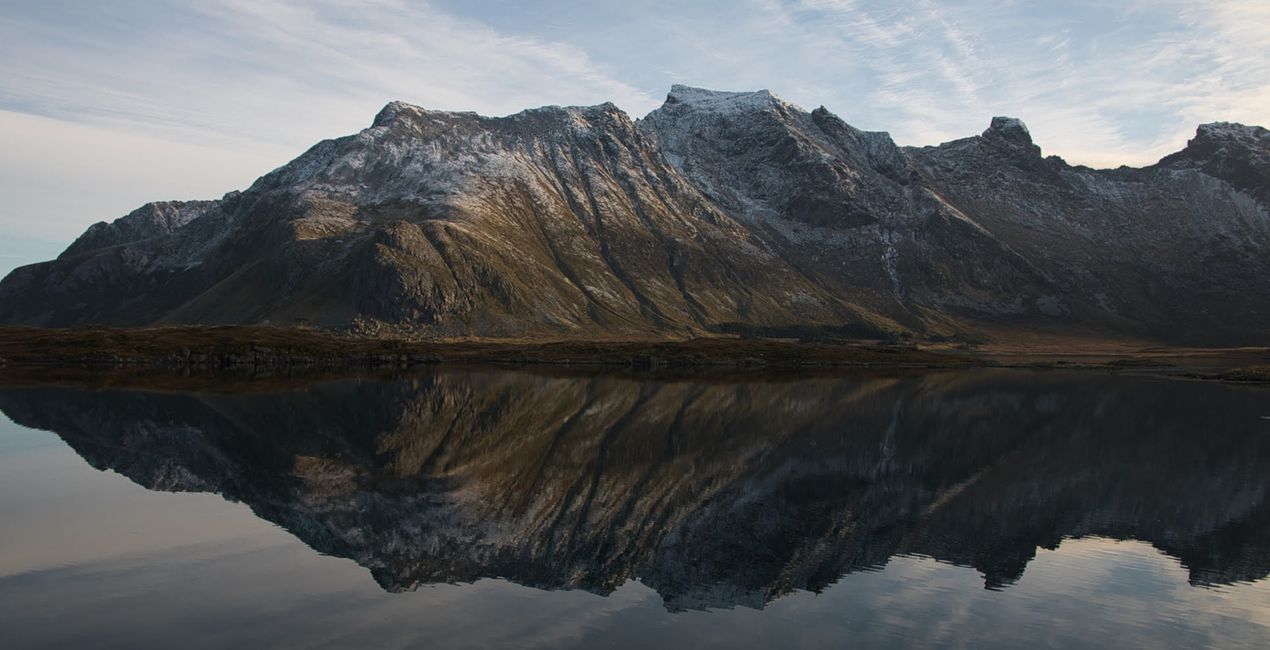
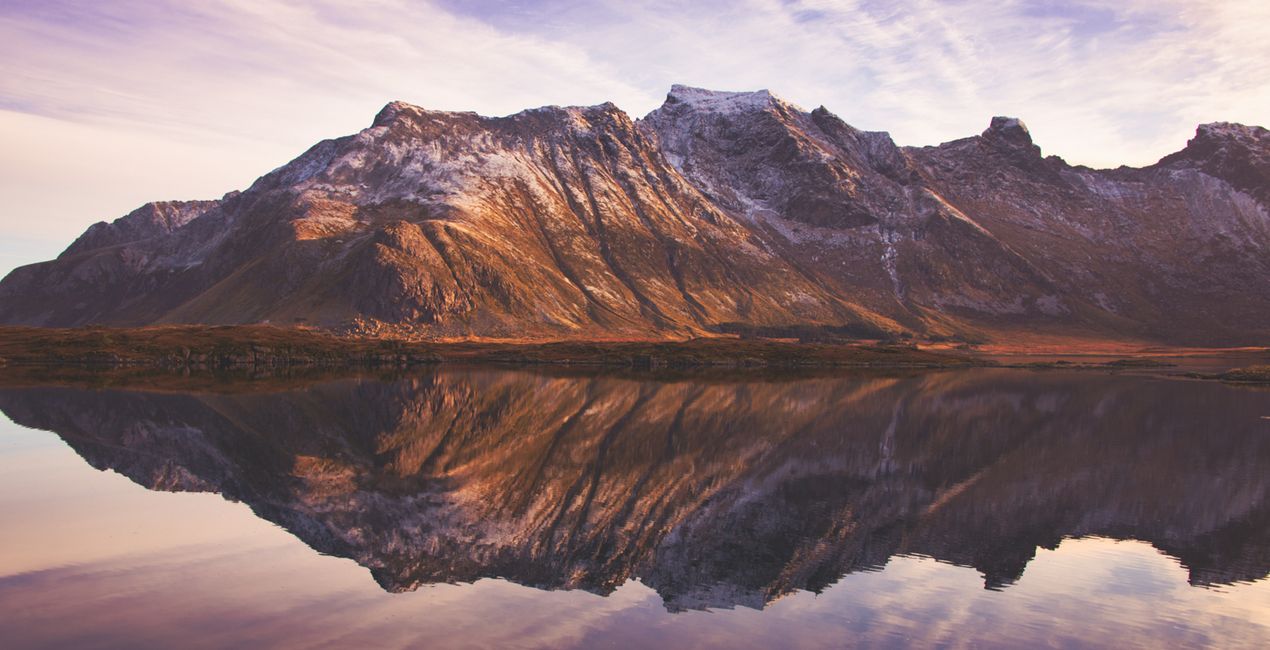
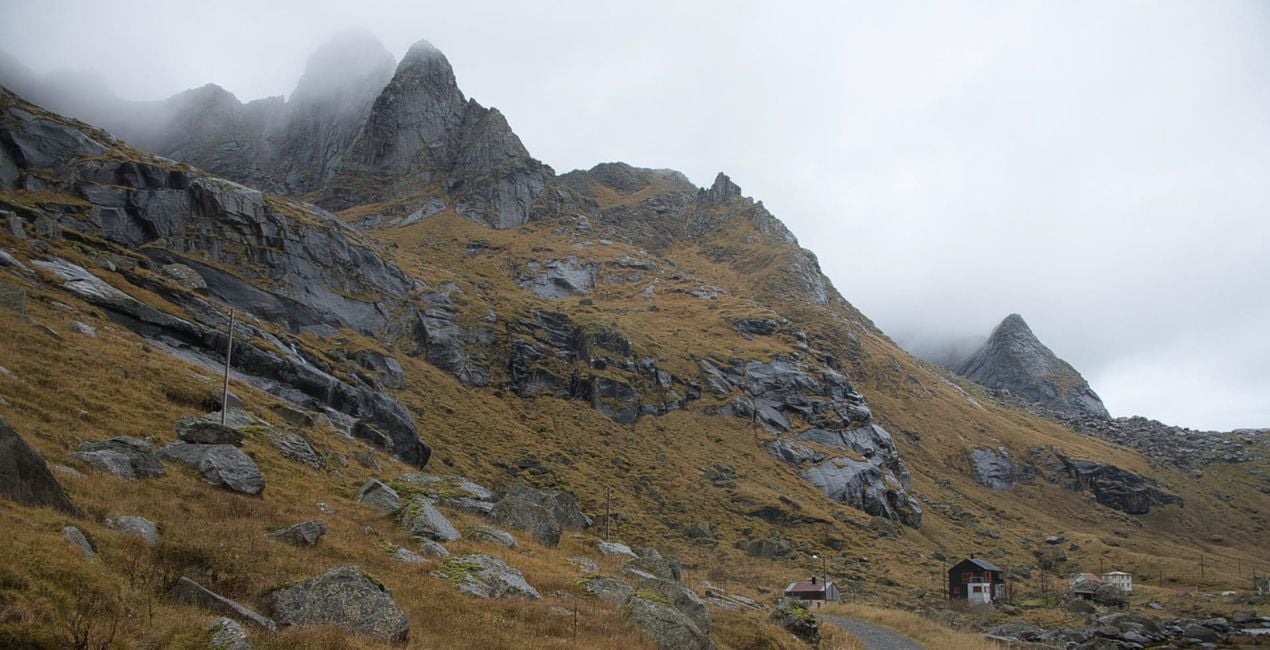
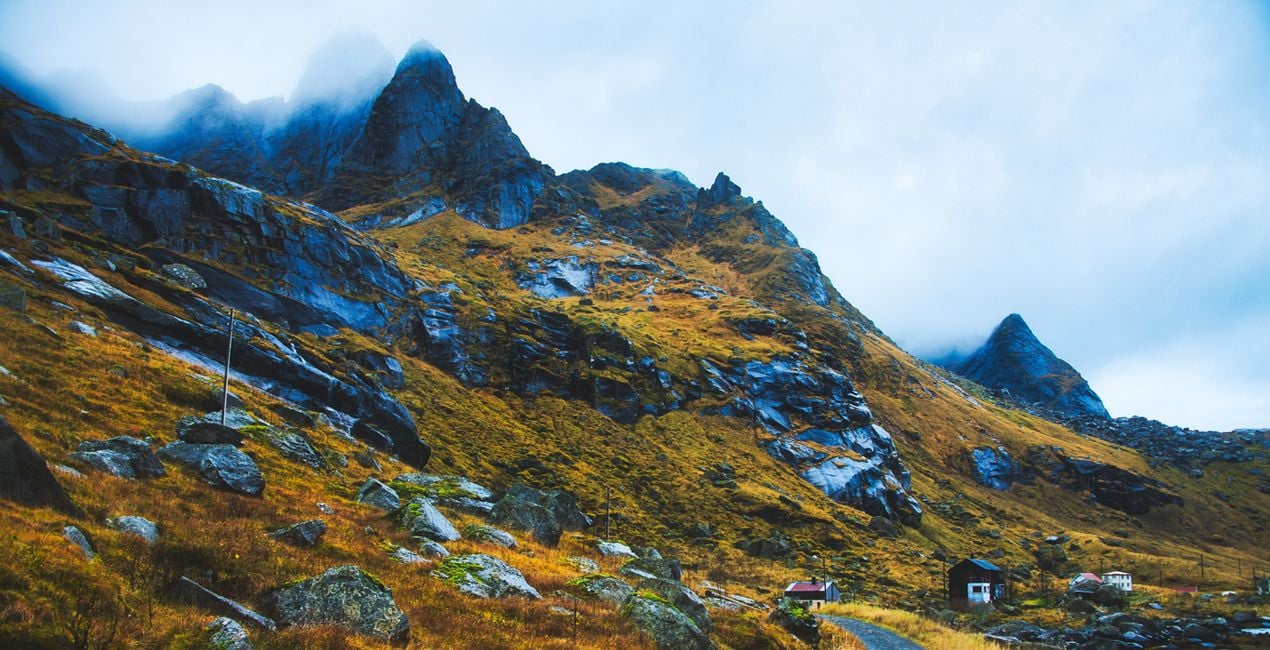
This Presets collection is produced from photos taken during a trip to the Lofoten Islands of Arctic Norway. The unique nature and picturesque landscapes of that region have been a source of inspiration for the photographer.
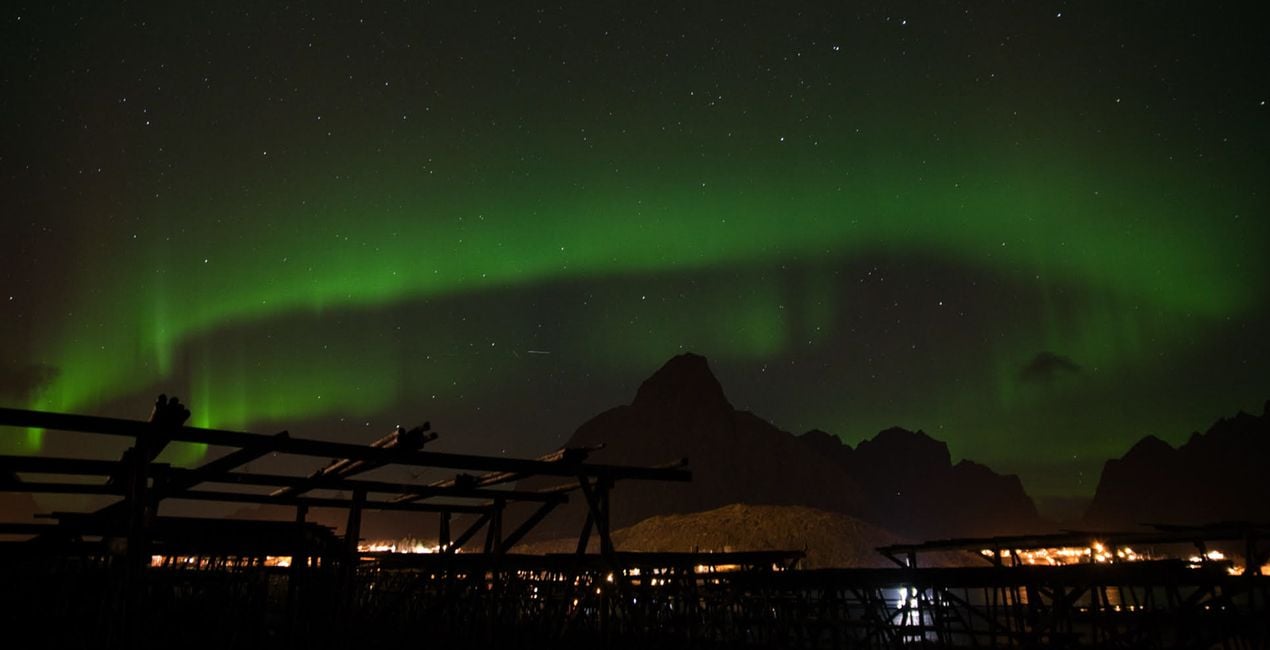
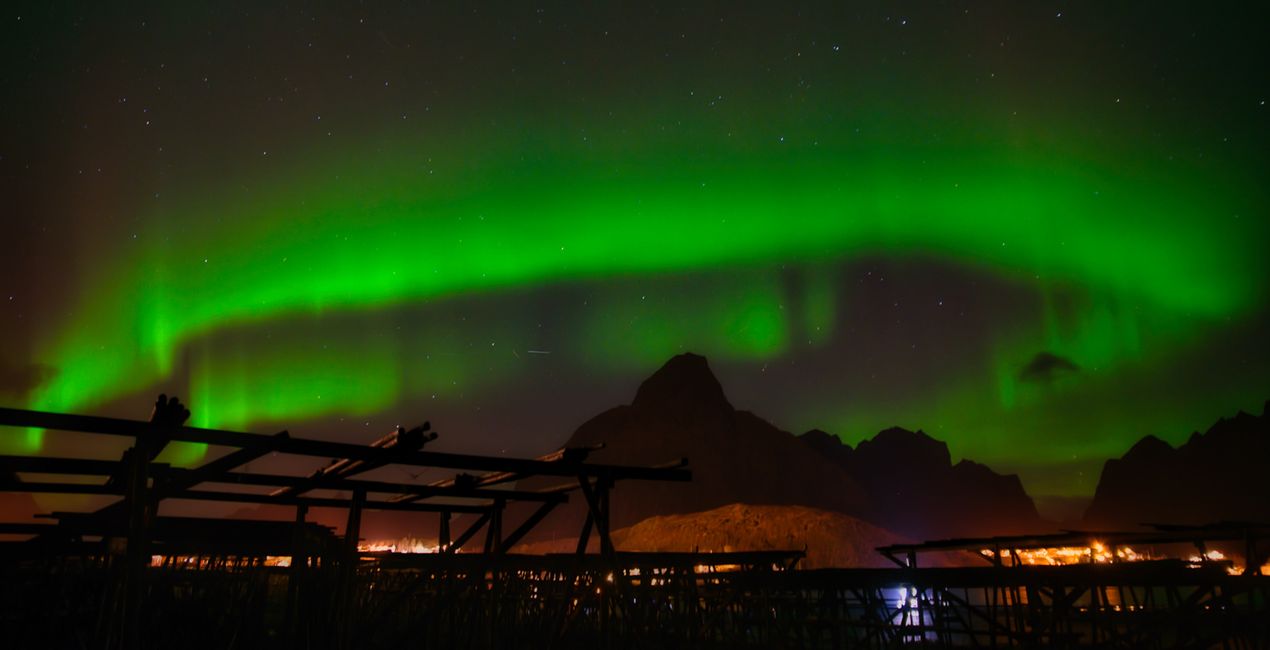
With Ahmet Anak's Nordic Norway Presets pack, transform the photos you take in Norway's Arctic landscapes into iconic images with a single click. Whether it's a sunset, a sunrise, or a unique Northern Light photo, impress those who will see your photos. Get magical images with one touch.
When using Presets, do not forget to adjust the Amount slider. In this way, you will determine the point where the preset best meets your photo. If you need more settings, you can make adjustments in the Edit section, where you can see the components of the preset you are using.
You’ll find 10 Presets in this pack:
Iconic Mountains: A morning Preset with a snowy mountain effect.
Cotton Candy: Perfect for a coastal landscape with a cotton candy sky.
Cold and Blue: Ideal for yellowing grass and cold skies around a stretching road.
Nordic Sunset: A Preset with a setting sun and traces of light on the water behind the snowy mountains.
Iconic Views: Recreate Lofoten's iconic-looking rocks and red-colored fishing huts.
Mystic Moments: Perfect for condensed images of iconic snowy mountains accompanied by the light of the setting sun.
Magical Sky: Apply Northern Lights, circling a mountain and circling the sky from one end to the other.
BlacknWhite Dream: Create dramatic images for a mountain and sea view with very cloudy skies.
Reflection Harmony: Ideal for photos with reflections of the mountain on the water and a harmony of colors.
Morning Dream: Try it on photos of shimmering sunrises and wonderful split colors in the sky.
Landscape, nature photographer, colorist and retoucher
Ahmet Anak lives in Paris, France. He has worked in the design of air conditioning products for about 25 years and has been involved in professional photography for over 10 years. He has been working in photography full-time for the last 3 years.
Ahmet has traveled to more than 20 countries so far and has taken nature and landscape photographs in these countries. He went to Finland, Iceland and Norway from Northern European countries and took various photographs in the parts of those regions that remain in the Arctic Circle.
The photographs he took in Finland were published in one of Turkey's popular travel magazines. It also shares some of the photos it takes with stock photography sites and provides downloadable versions of these photos. He has been interested in drone photography for the last two years and has started to add bird's-eye photos to his archive.
Ahmet works with Luminar products while processing his photographs. Ahmet, one of the first users of Luminar, is currently working with Luminar Neo.
Jeśli masz jakiekolwiek pytania dotyczące produktu, możesz skontaktować się z zespołem pomocy technicznej dostępnym 24 godziny na dobę, 7 dni w tygodniu. Wystarczy kliknąć ten link.
Aby kupić Lofoten Dreams, wykonaj następujące kroki:
1. Otwórz Marketplace Skylum.
2. Przejdź do odpowiedniej zakładki, w której znajduje się Lofoten Dreams. Kliknij na nim i dodaj produkt do koszyka.
3. Przejdź do koszyka. Tutaj zakończ proces zakupu produktu Lofoten Dreams.
4. Po dokonaniu zakupu otrzymasz wiadomość e-mail z linkiem do pobrania Lofoten Dreams. Nowy produkt znajdziesz również na swoim koncie Skylum, w zakładce Moje dodatki.
Szczegółowe instrukcje dotyczące instalacji Lofoten Dreams zostaną przesłane w wiadomości e-mail wraz z linkiem do pobrania
Ponadto zakupiony produkt można zainstalować bezpośrednio w programie Luminar Neo: przejdź do menu Dodatki > Marketplace, wybierz kategorię produktu, znajdź zakupiony produkt i kliknij Zainstaluj.
To całkiem proste! Przejdź do zakładki Presety, a następnie wybierz opcję Zakupione. Zainstalowane presety będą się znajdować w tym miejscu.
Nie martw się. Wszystkie zakupione produkty, w tym Lofoten Dreams, są przechowywane w zakładce „Moje dodatki” na koncie Skylum, co umożliwia ich łatwe ponowne pobranie i użycie.
Ogólnie rzecz biorąc, większość produktów jest kompatybilna z Luminar Neo. Aby jednak upewnić się, że Lofoten Dreams jest kompatybilne z Twoim oprogramowaniem, przed pobraniem lub zakupem sprawdź jego specyfikację. Poszukaj sekcji „Kompatybilność” po prawej stronie strony Lofoten Dreams, gdzie wymienione są wszystkie kompatybilne produkty.
Nie wychodź jeszcze. Mamy dla Ciebie ekskluzywny kod rabatowy. Wykorzystaj go w ciągu najbliższych 15 minut, aby uzyskać dodatkowe 10% zniżki przy finalizacji zamówienia. Skopiuj poniższy kod i sfinalizuj zakup.
15 m : 00 s





