


 Zastosowany


Enchanting Mountains
Save $201 $ 19 .00

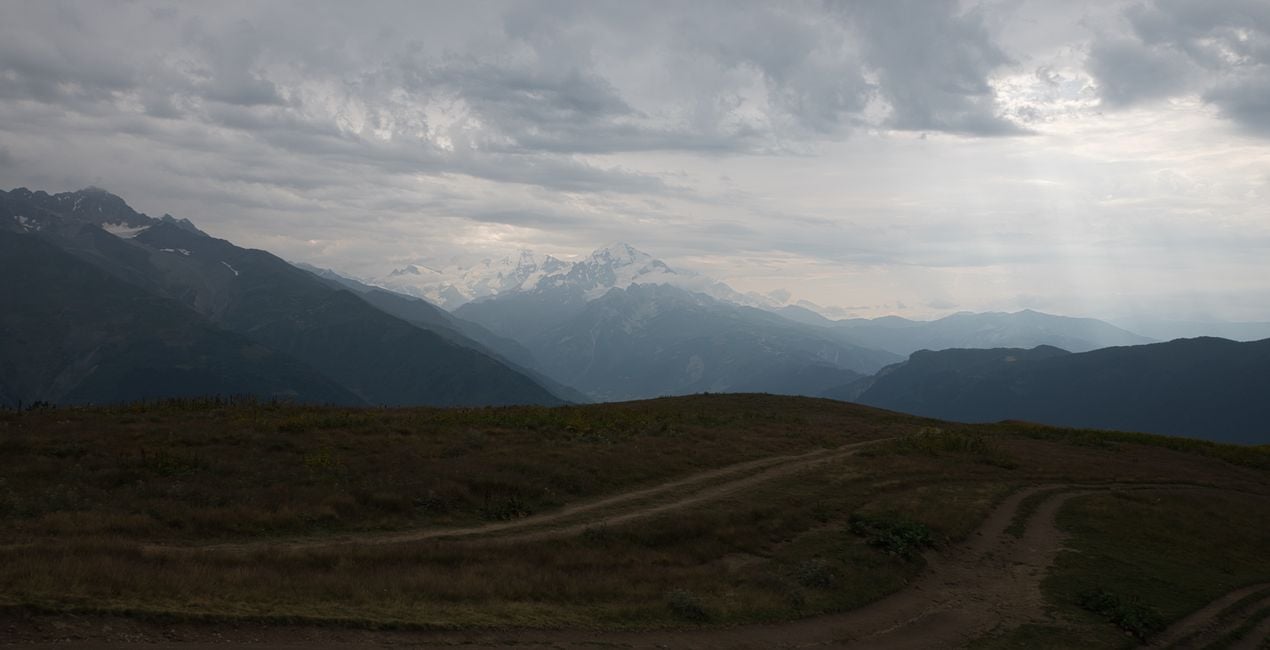
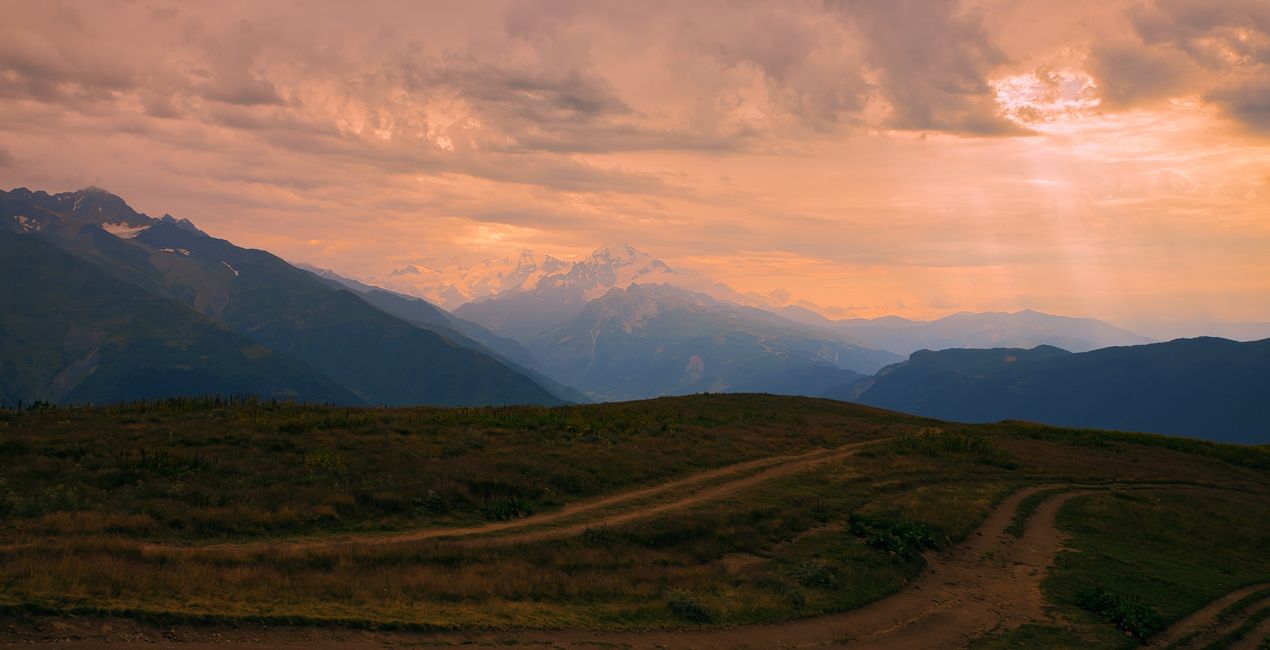
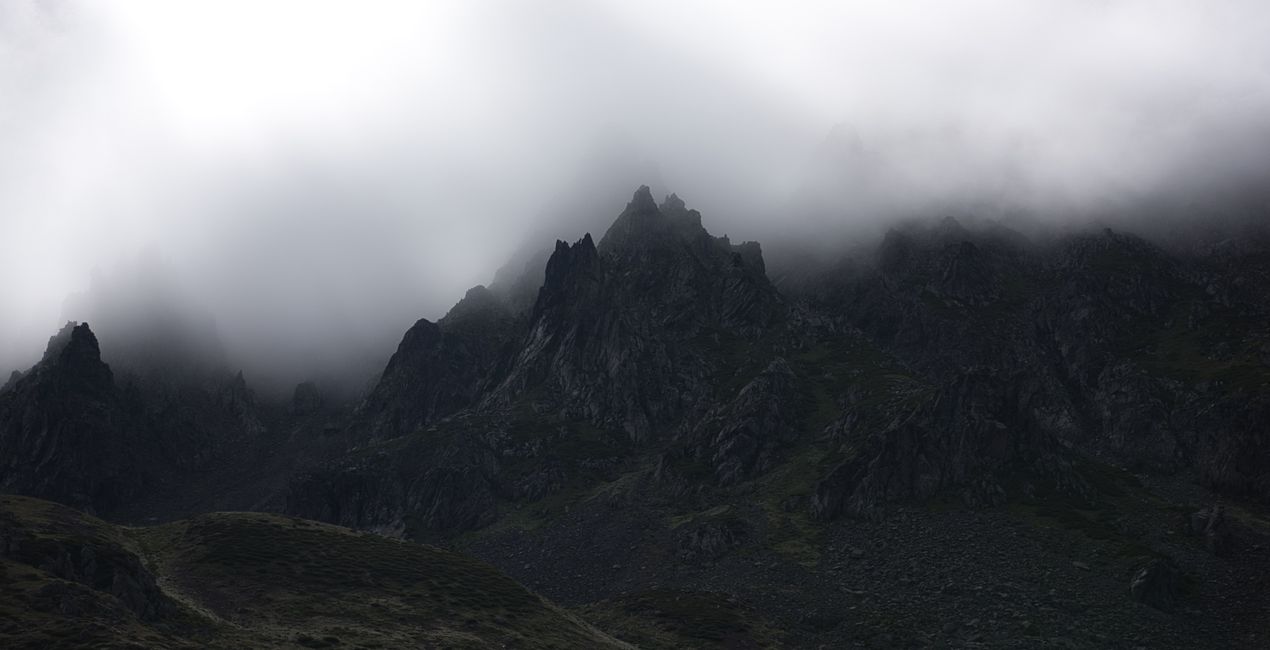
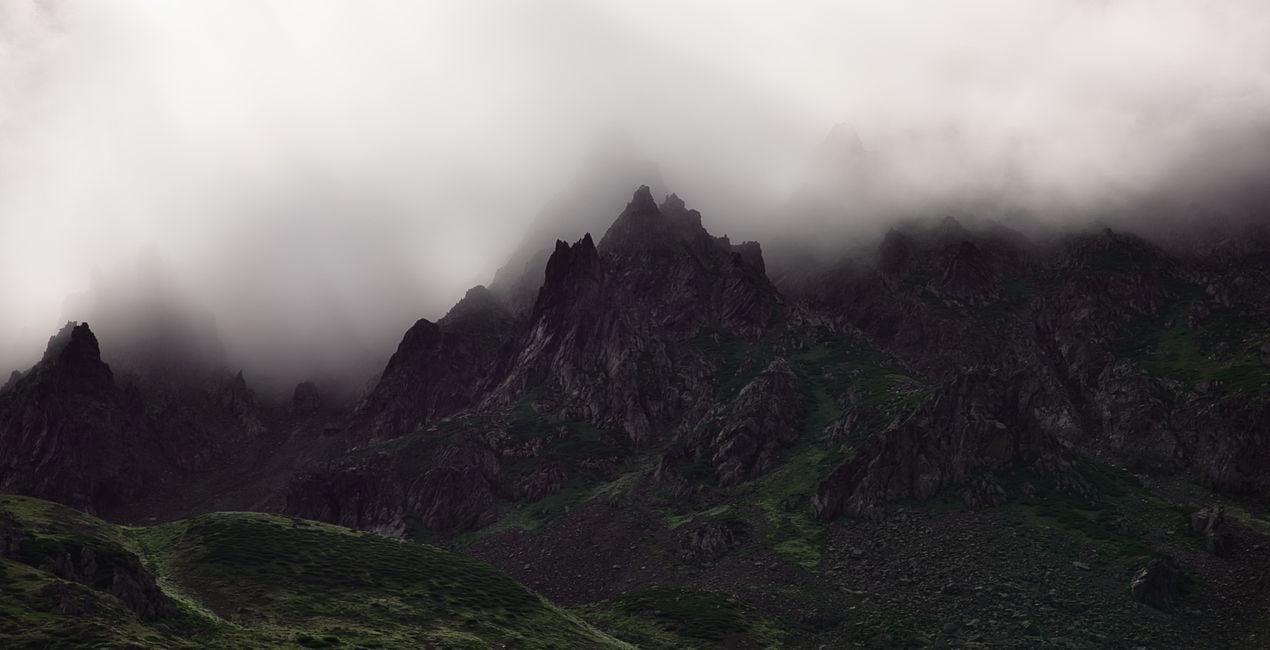
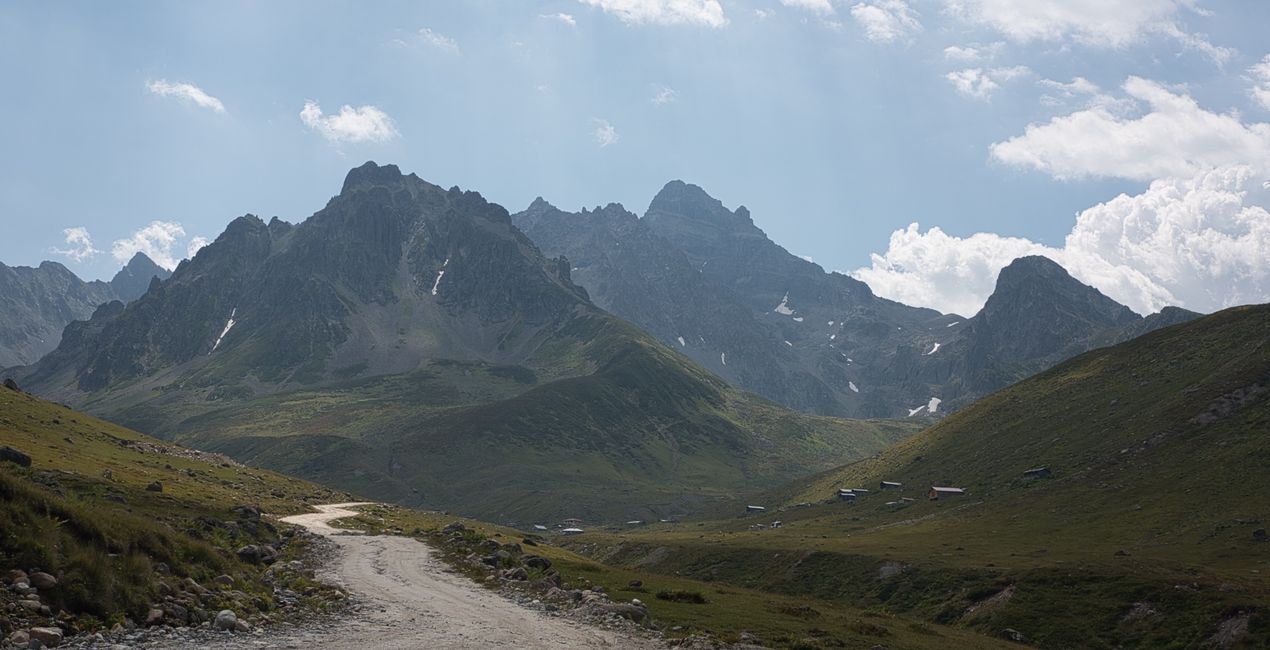
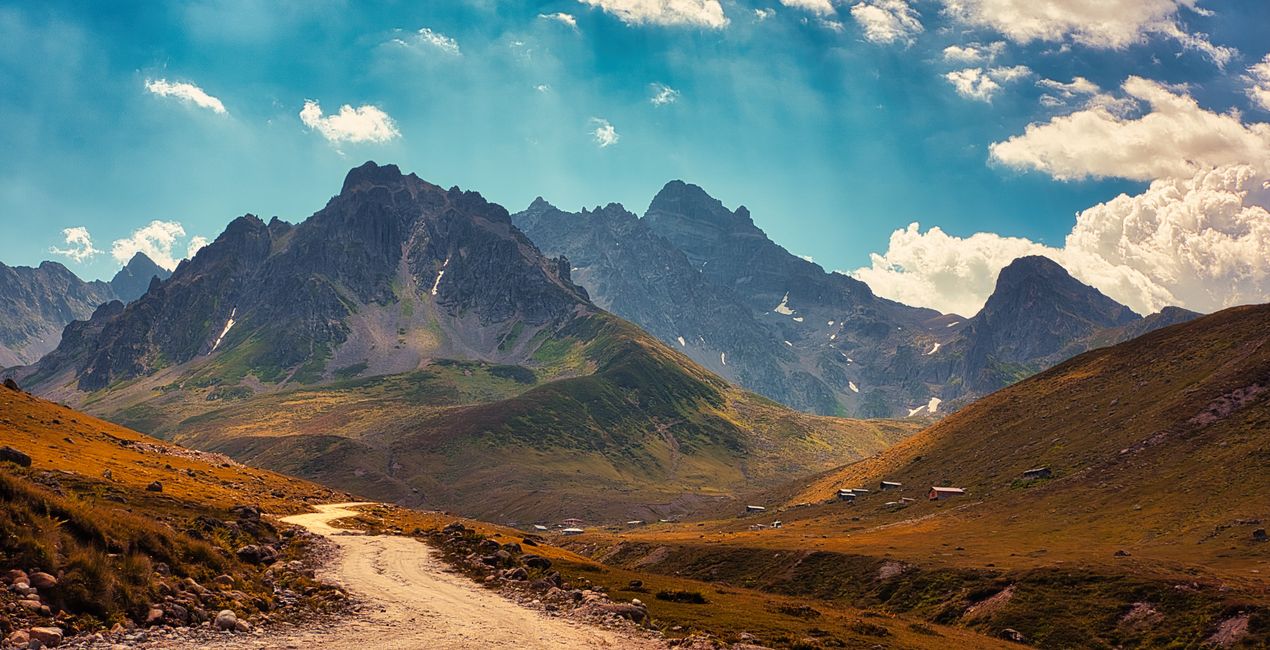
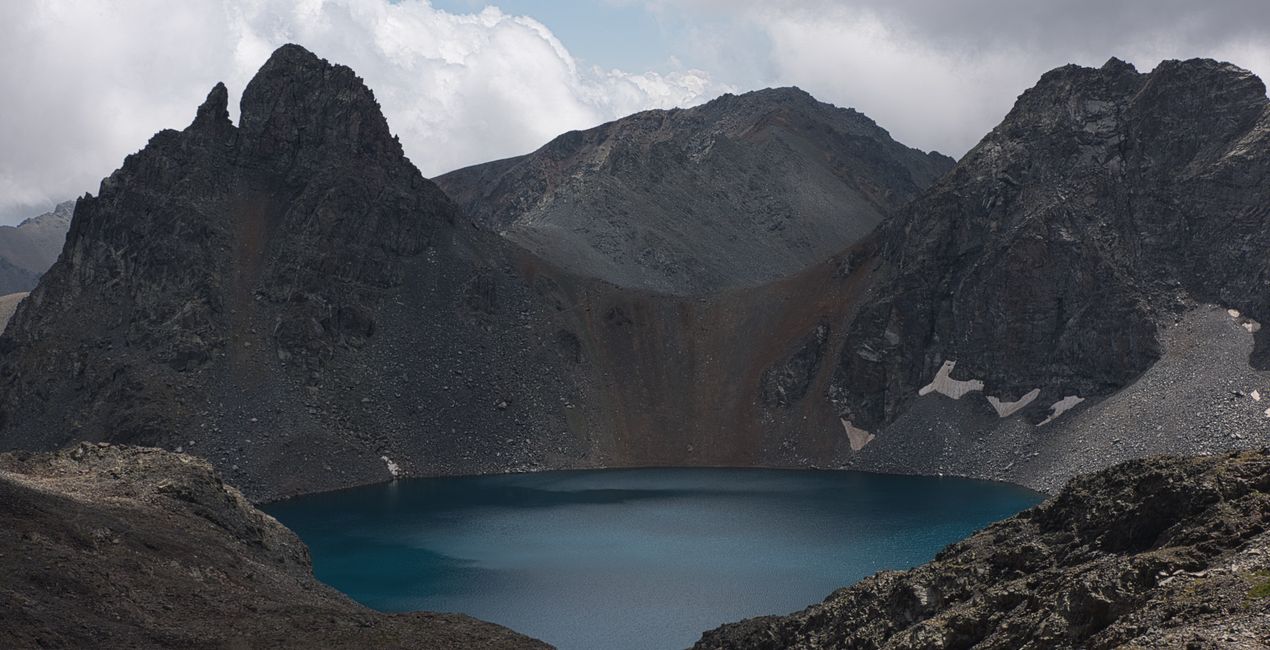
Thanks to this Luminar Neo Preset pack, you can add the uniquely mystical atmosphere of the mountains to the photos you take during your hikes through charming valleys and distant highlands. Enhance the colors and the light of the summits, transform your photos with snowy or cloudy peaks. Make sure that the layers of color created by the first lights of the day, the color show of a snowy peak near sunset, or the views of a hut in a forest at the end of the Alpine Line look as magnificent as you remember them.

Korzystając z plików RAW z łatwością przećwiczysz wskazówki dotyczące retuszu i dowiesz się, jak stworzyć zdjęcia takie jak te.
 >
>
 >
>
 >
>
 >
>
 >
>
 >
>
Between 2017 and 2022, Ahmet Anak traveled to both the Eastern Black Sea Region of his own country and the Svaneti Region of neighboring Georgia specifically to enjoy many walks in the mountains. He climbed to the top of Kackar Mountain in Turkey's Eastern Black Sea Region and explored the hiking routes at the foot of this mountain. He also went to the Svaneti Region of Georgia twice and took photographs in areas above 2000 meters. He had the chance to see the fascinating landscapes of the Kackar and Caucasus mountain ranges and to get to know the cultures there.
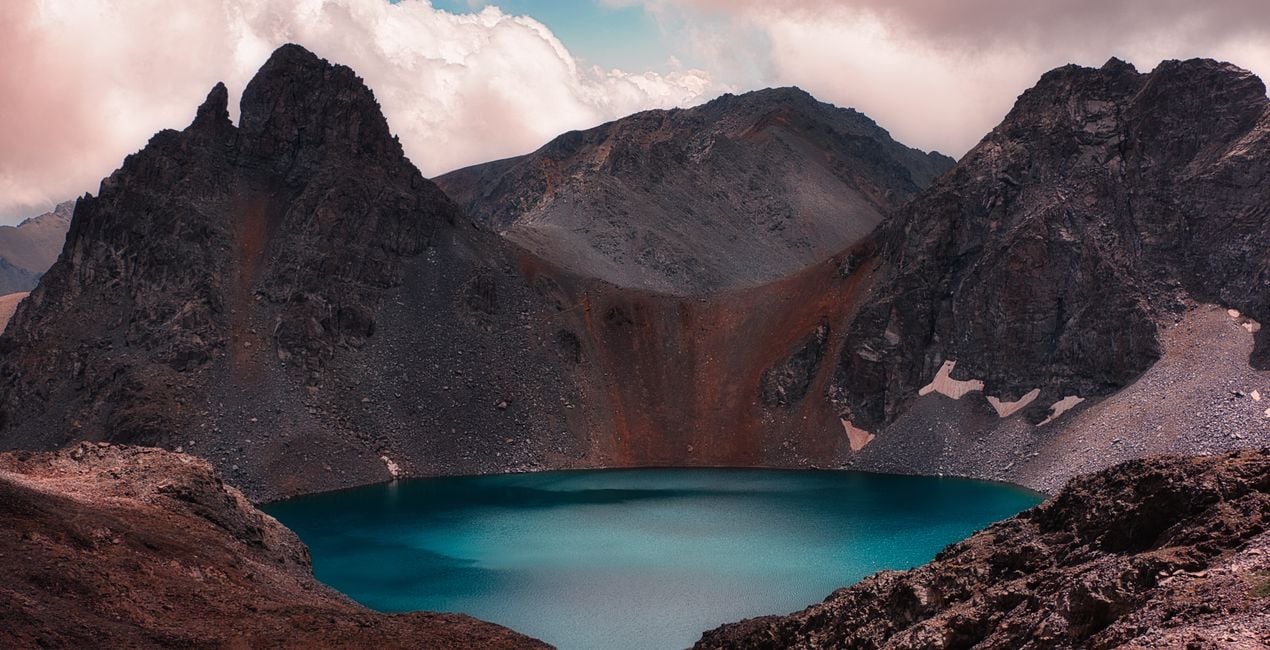
With Ahmet Anak's Preset package, you can add that mystical and fascinating atmosphere to your mountainscapes by using the similar settings Ahmet used in his photos to make them spectacular. You'll see how color, light, and contrast come to life with each Preset in this pack.
Be sure to use the amount slider when using Presets. This way you can determine where the Preset best meets your photo and develop your own style accordingly. If you need further adjustments, you can make them in the "Edit" section, where you can see the components of the Preset you are using.
Never be afraid to use your creativity when using Presets. Let the Presets be a starting point that gets you going!
You will find 12 Presets in this pack:
Red Peaks: give red color to a snow-covered peak in the last hours of the day and create cloud appearances in the same color.
Candlelight: use the golden hour color that hits the tip of a hill, like a candlelight. This Preset will replace other areas of the photo with a similar color.
In The Forest: Adjust the forest colors to the tone you want and create different colors from your own perspective. You can change the Hue and Saturation settings with the edit section of the setting.
Mysterious Mountains: This preset is especially suitable for rocky areas and mountain passes covered with dense fog. Additionally, it will also suit slightly dark and moody photos where there is not much color variety.
Colors of Nature: This Preset specifically enhances colors. You can also try adjusting the different hues. It is useful to increase the Sky Enhancer setting in photos with intense sunlight.
Two Headed Giant: A Preset of Ushba, one of the most famous mountains in the Caucasus. It can be used for a dramatic sky and an accompanying mountain peak.
Cloud Fire: A Preset where the redness of the sky fills the entire environment. Recommended for sunset and golden hour photos.
Mountain Lake: A Preset that can be used on a photo with two contrasting colors. Also recommended for crater lake photos.
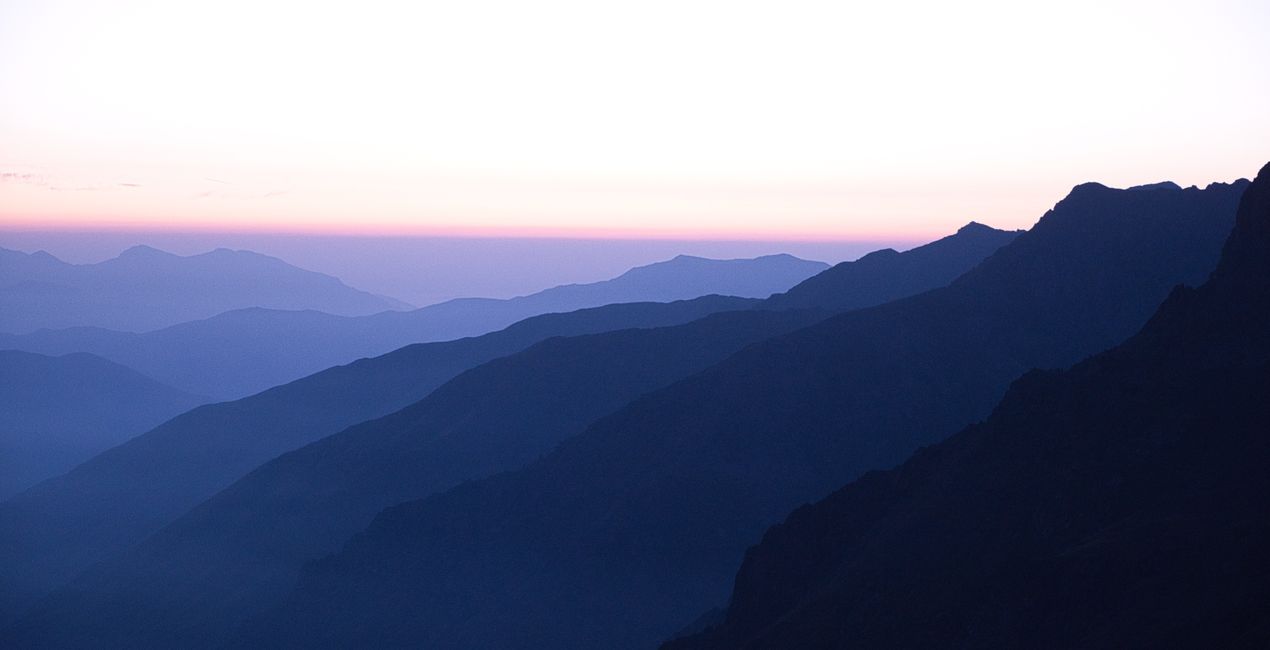
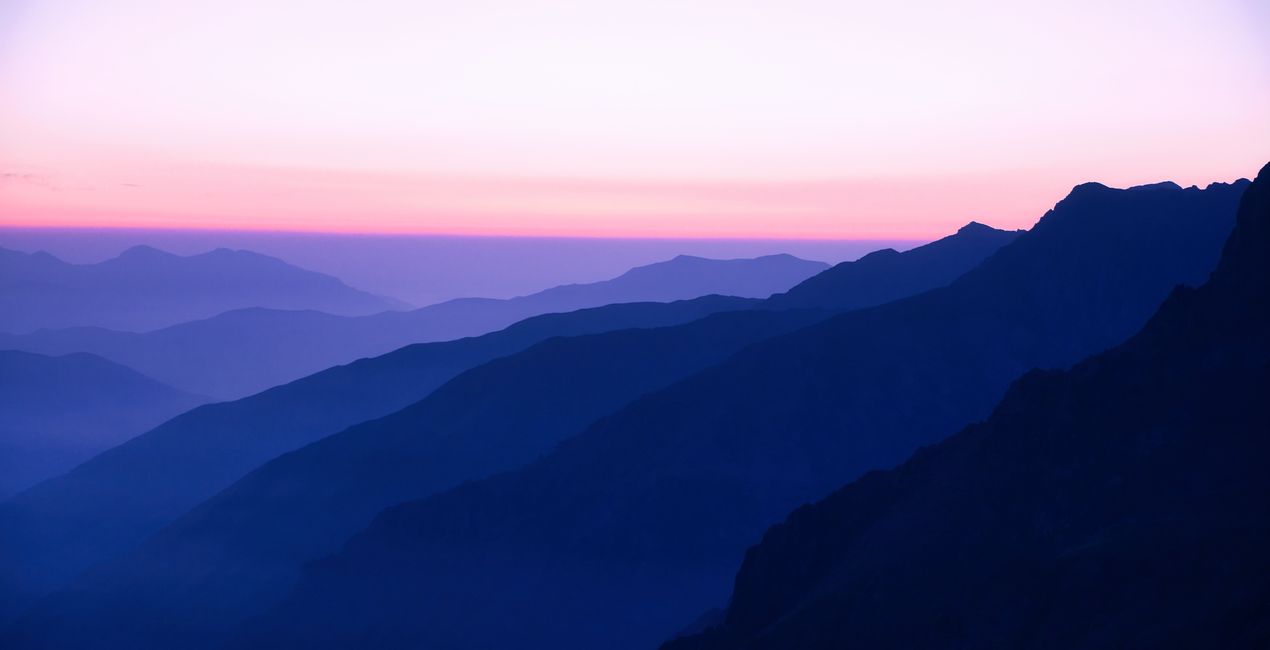
Morning Layers: It can be used for photographs where the mountain ranges are illuminated in similar tones before sunrise and the sky is colored magenta, purple, etc.
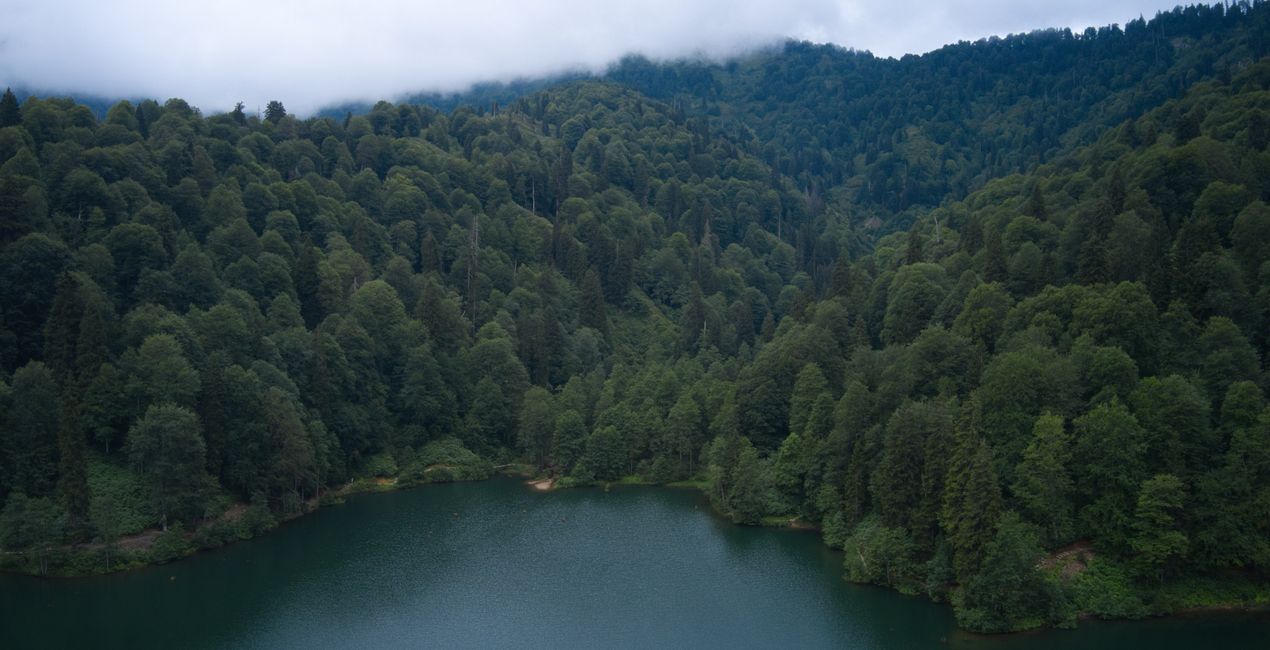
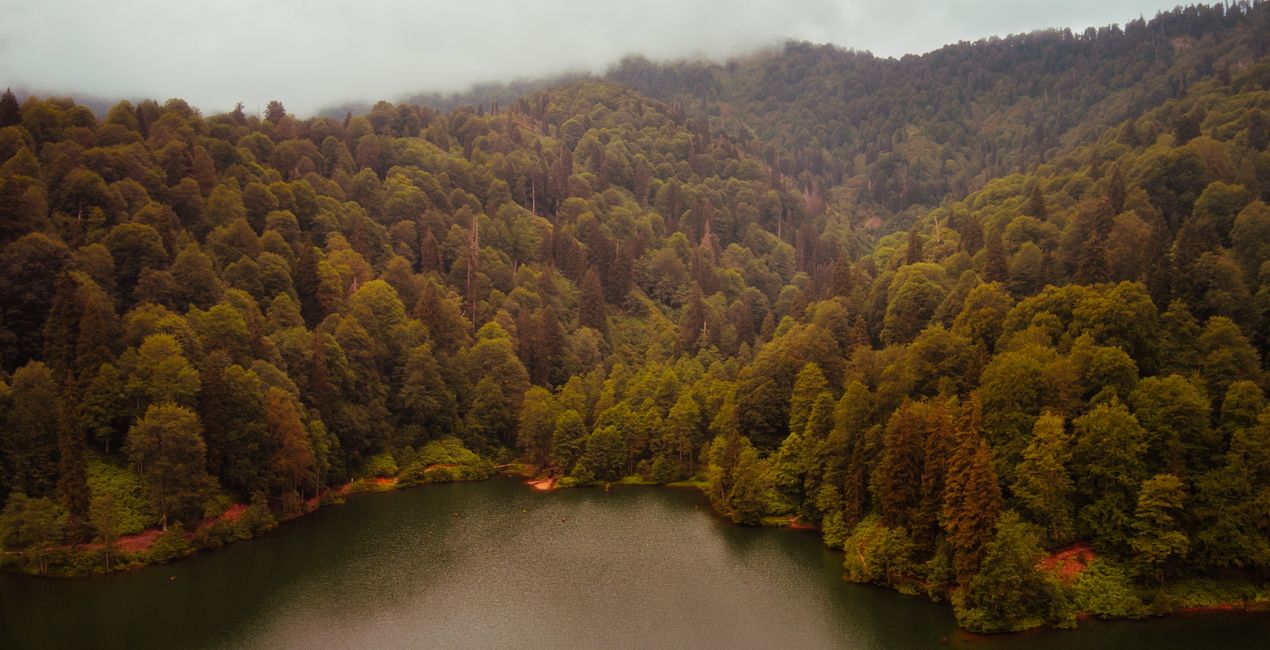
Misty Forest: Recommended for lake and forest photos taken with a drone or camera. You can also switch between spring and autumn tones by changing the hue settings.
Fairytale Valley: Recommended for green areas along a valley and for photos with a sense of depth.
Unique Landscape: Recommended for similar photographs where forest and plateau houses are intertwined. It is perfect for moody tones.
Landscape, nature photographer, colorist and retoucher
Ahmet Anak lives in Paris, France. He has worked in the design of air conditioning products for about 25 years and has been involved in professional photography for over 10 years. He has been working in photography full-time for the last 3 years.
Ahmet has traveled to more than 20 countries so far and has taken nature and landscape photographs in these countries. He went to Finland, Iceland and Norway from Northern European countries and took various photographs in the parts of those regions that remain in the Arctic Circle.
The photographs he took in Finland were published in one of Turkey's popular travel magazines. It also shares some of the photos it takes with stock photography sites and provides downloadable versions of these photos. He has been interested in drone photography for the last two years and has started to add bird's-eye photos to his archive.
Ahmet works with Luminar products while processing his photographs. Ahmet, one of the first users of Luminar, is currently working with Luminar Neo.
Jeśli masz jakiekolwiek pytania dotyczące produktu, możesz skontaktować się z zespołem pomocy technicznej dostępnym 24 godziny na dobę, 7 dni w tygodniu. Wystarczy kliknąć ten link.
Aby kupić Enchanting Mountains, wykonaj następujące kroki:
1. Otwórz Marketplace Skylum.
2. Przejdź do odpowiedniej zakładki, w której znajduje się Enchanting Mountains. Kliknij na nim i dodaj produkt do koszyka.
3. Przejdź do koszyka. Tutaj zakończ proces zakupu produktu Enchanting Mountains.
4. Po dokonaniu zakupu otrzymasz wiadomość e-mail z linkiem do pobrania Enchanting Mountains. Nowy produkt znajdziesz również na swoim koncie Skylum, w zakładce Moje dodatki.
Szczegółowe instrukcje dotyczące instalacji Enchanting Mountains zostaną przesłane w wiadomości e-mail wraz z linkiem do pobrania
Ponadto zakupiony produkt można zainstalować bezpośrednio w programie Luminar Neo: przejdź do menu Dodatki > Marketplace, wybierz kategorię produktu, znajdź zakupiony produkt i kliknij Zainstaluj.
To całkiem proste! Przejdź do zakładki Presety, a następnie wybierz opcję Zakupione. Zainstalowane presety będą się znajdować w tym miejscu.
Nie martw się. Wszystkie zakupione produkty, w tym Enchanting Mountains, są przechowywane w zakładce „Moje dodatki” na koncie Skylum, co umożliwia ich łatwe ponowne pobranie i użycie.
Ogólnie rzecz biorąc, większość produktów jest kompatybilna z Luminar Neo. Aby jednak upewnić się, że Enchanting Mountains jest kompatybilne z Twoim oprogramowaniem, przed pobraniem lub zakupem sprawdź jego specyfikację. Poszukaj sekcji „Kompatybilność” po prawej stronie strony Enchanting Mountains, gdzie wymienione są wszystkie kompatybilne produkty.
Nie wychodź jeszcze. Mamy dla Ciebie ekskluzywny kod rabatowy. Wykorzystaj go w ciągu najbliższych 15 minut, aby uzyskać dodatkowe 10% zniżki przy finalizacji zamówienia. Skopiuj poniższy kod i sfinalizuj zakup.
15 m : 00 s





