


 Zastosowany




O nas
Elevate your dark and moody landscape photography to a whole new level with this collection by Jabi Sanz — where each Preset is a brushstroke that paints a story, leaving a lasting impression on those who view your work. Embrace the power of these Presets and let your creativity unfold in the captivating world of shadows and mood.
Kompatybilność

Twórz zdjęcia takie jak to
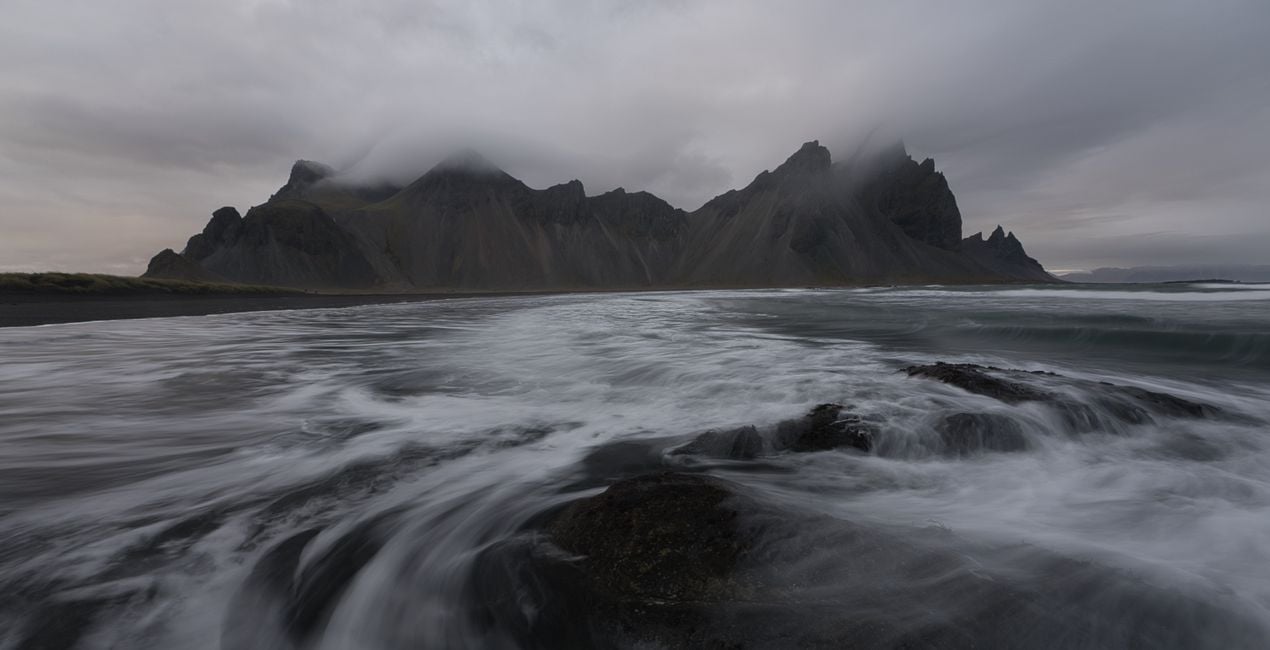
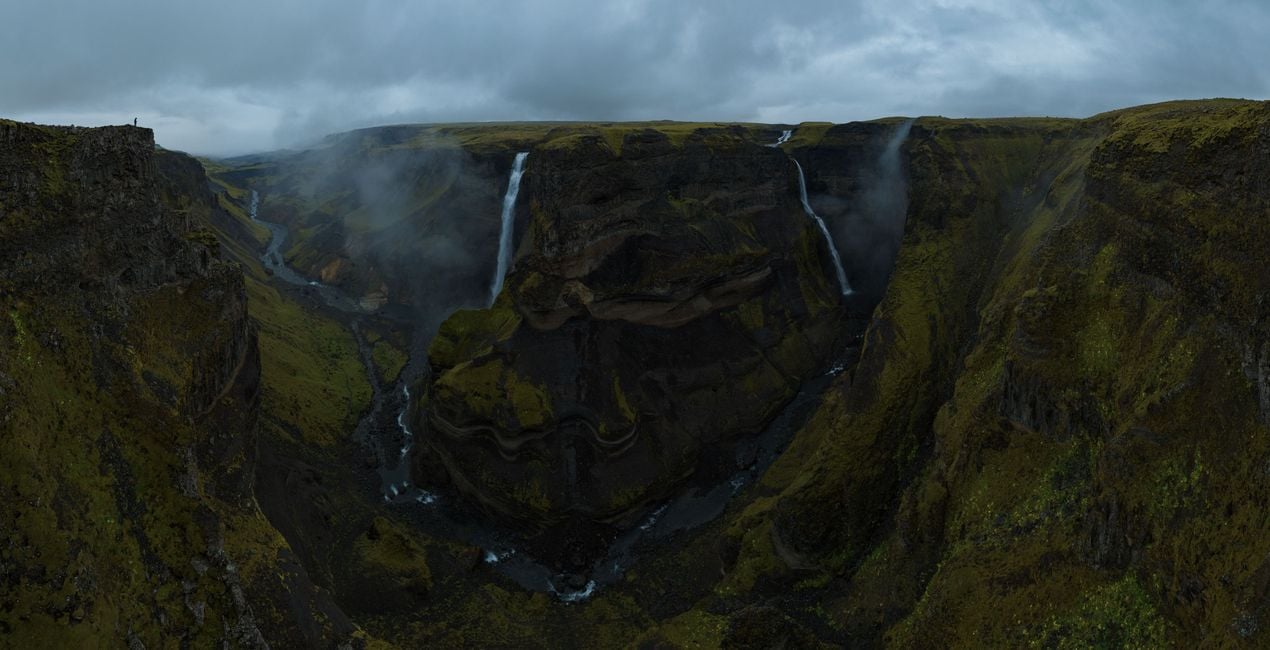
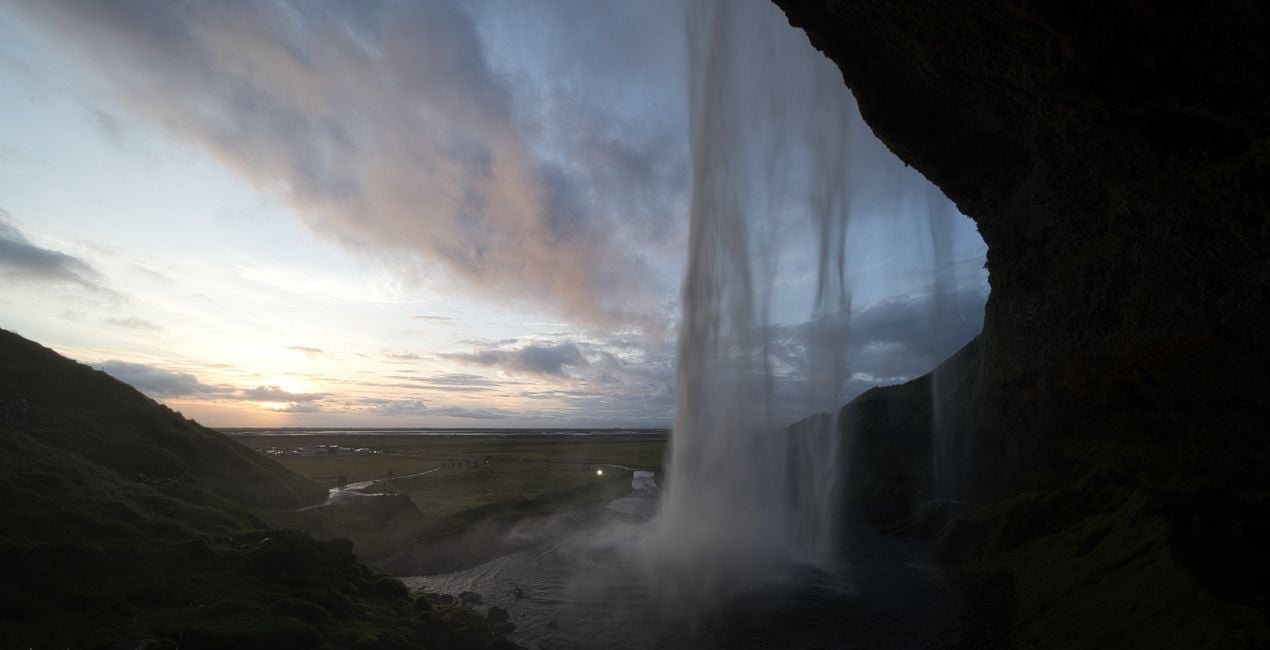
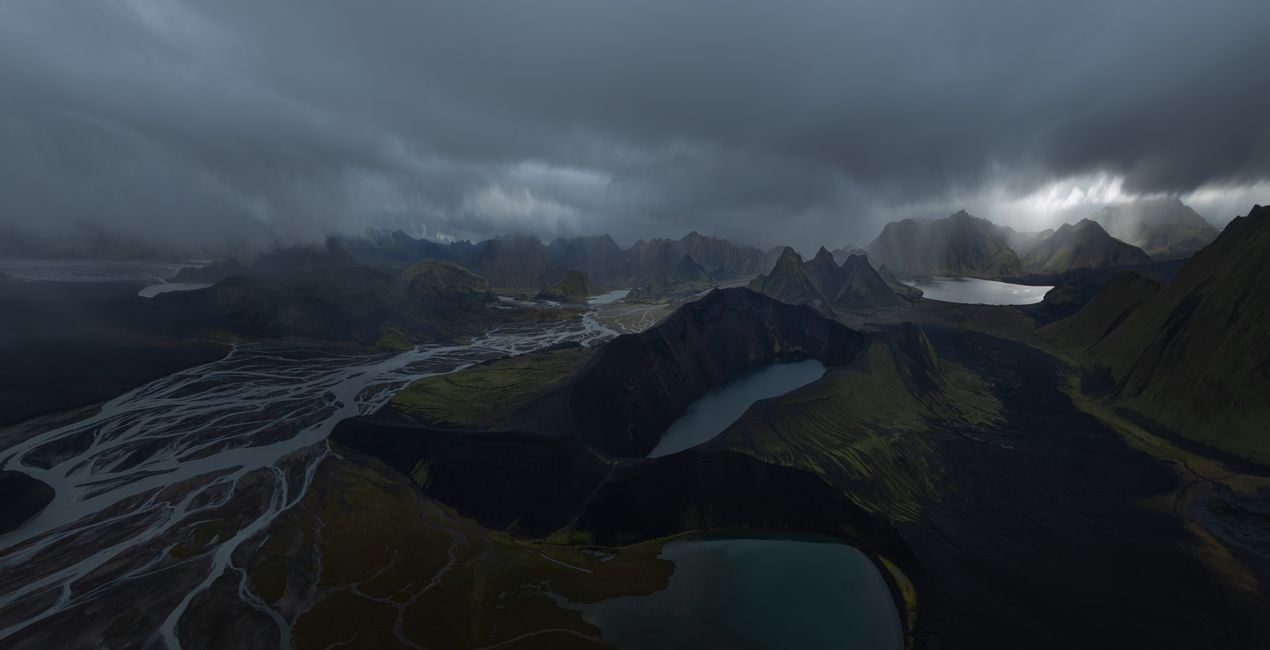
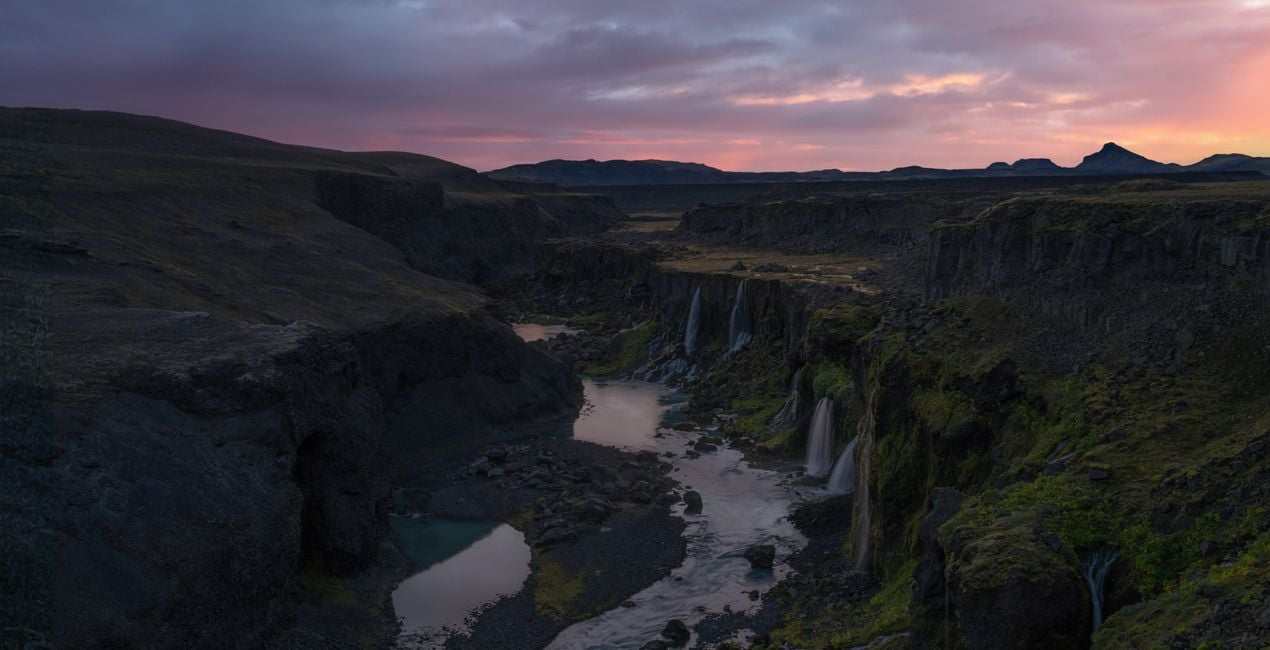
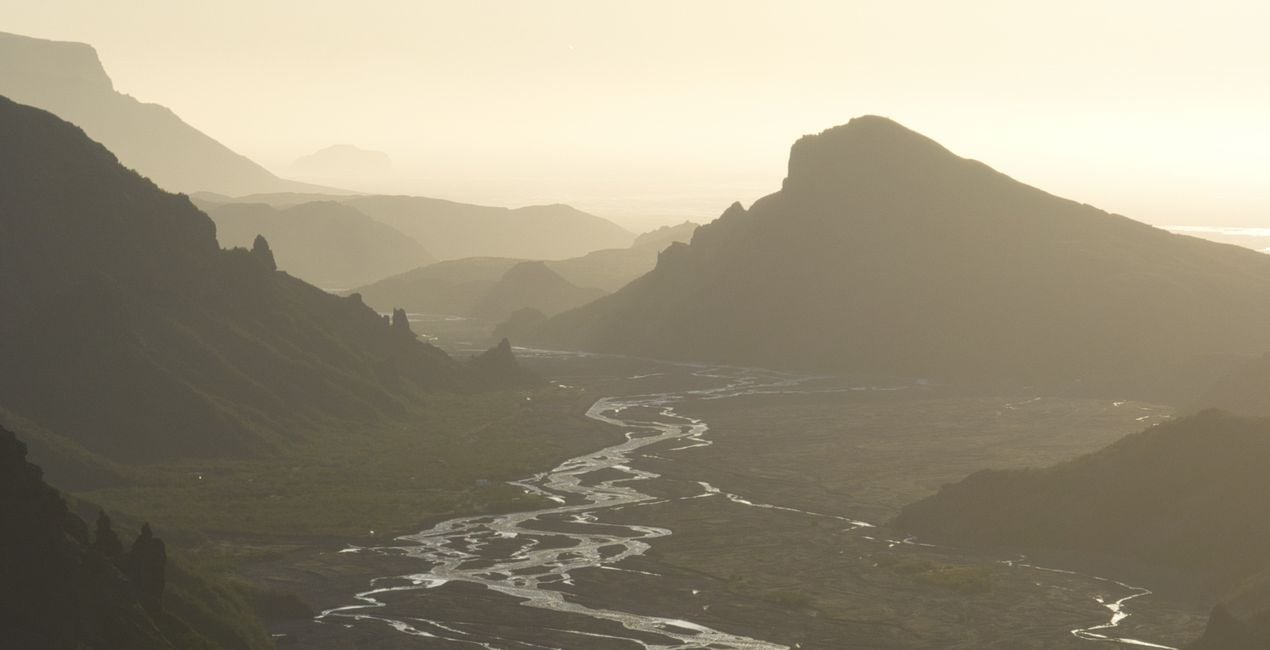
Korzystając z plików RAW z łatwością przećwiczysz wskazówki dotyczące retuszu i dowiesz się, jak stworzyć zdjęcia takie jak te.
.jpg?w=1270&h=650&resize=cover) >
>
.jpg?w=1270&h=650&resize=cover) >
>
.jpg?w=1270&h=650&resize=cover) >
>
copy.jpg?w=1270&h=650&resize=cover) >
>
.jpg?w=1270&h=650&resize=cover) >
>
.jpg?w=1270&h=650&resize=cover) >
>
Historia
Introducing an outstanding collection by Jabi Sanz — a set of 10 meticulously crafted Presets designed to elevate your dark and moody landscape photography to new heights. Immerse your photos in a captivating atmosphere, where shadows dance and highlights whisper, creating a stunning visual narrative that resonates with emotion.
Jabi Sanz, a renowned name in the world of photography, brings his signature touch to this collection, ensuring that each Preset is a work of art in itself. These Presets are tailor-made for those who seek to evoke a sense of mystery, drama, and depth in their images, transforming ordinary landscapes into extraordinary visual stories.
Whether you're capturing the brooding beauty of a dense forest, the haunting allure of a mist-covered mountain, or the enigmatic charm of the seascapes, these Presets are your key to unlocking a world of creative possibilities. The careful balance of darkness and light in these Presets adds a cinematic quality to your photos, making them stand out in a sea of ordinary images.
Take your audience on a journey through the shadows, where every detail is emphasized, and every nuance is accentuated. With just a click, Jabi Sanz's Presets infuse your photographs with a sense of atmosphere, allowing you to express the mood and emotion you envisioned at the moment of capture.
You will find 10 Presets in this Pack:
Connection: Dramatic look with an emphasis on vivid colors.
Glowing: Accentuate the warm, golden tones in an image and bring it to life.
Highland: Give a nice lift to your images with colors, light and contrast.
Volcanos: Accentuates the highlights and depths in an image.
Warm Morning: Lift the warm colors on the images and saturation.
Level Up: Recovers the highlights and shadows, creating a dreamlike atmosphere.
Cold Autumn: Gives cold tones to the image without losing the warm highlights.
Warm Up: Enhances the sunset tones and creates a better color separation, adding a dreamy look.
Moody: Works great to create dramatic, moody images, enhancing the atmosphere.
Dark: Perfect for flat images, creates a dark moody atmosphere with a fairytale look.
Podobne produkty


Twórca
Jabi Sanz
Photographer. Skylum Ambassador.
<p>Jabi Sanz is a landscape and travel photographer from Pamplona, a small city in northern Spain. He never had a professional camera or a passion for photography until his trip to Iceland. Iceland really blew his mind, and now Jabi can’t imagine his life without photography. His inspiration comes from nature, with all the beauty, variety of colors, sounds, and compositions. Photography and travel open new horizons for Jabi and take him to places he has never been.<br></p>
Jak skontaktować się z pomocą techniczną?
Jeśli masz jakiekolwiek pytania dotyczące produktu, możesz skontaktować się z zespołem pomocy technicznej dostępnym 24 godziny na dobę, 7 dni w tygodniu. Wystarczy kliknąć ten link.
Jak mogę kupić Gloomy Landscapes?
Aby kupić Gloomy Landscapes, wykonaj następujące kroki:
1. Otwórz Marketplace Skylum.
2. Przejdź do odpowiedniej zakładki, w której znajduje się Gloomy Landscapes. Kliknij na nim i dodaj produkt do koszyka.
3. Przejdź do koszyka. Tutaj zakończ proces zakupu produktu Gloomy Landscapes.
4. Po dokonaniu zakupu otrzymasz wiadomość e-mail z linkiem do pobrania Gloomy Landscapes. Nowy produkt znajdziesz również na swoim koncie Skylum, w zakładce Moje dodatki.
Jak zainstalować Gloomy Landscapes?
Szczegółowe instrukcje dotyczące instalacji Gloomy Landscapes zostaną przesłane w wiadomości e-mail wraz z linkiem do pobrania
Ponadto zakupiony produkt można zainstalować bezpośrednio w programie Luminar Neo: przejdź do menu Dodatki > Marketplace, wybierz kategorię produktu, znajdź zakupiony produkt i kliknij Zainstaluj.
Gdzie mogę znaleźć Gloomy Landscapes po instalacji?
To całkiem proste! Przejdź do zakładki Presety, a następnie wybierz opcję Zakupione. Zainstalowane presety będą się znajdować w tym miejscu.
Co jeśli zgubię Gloomy Landscapes?
Nie martw się. Wszystkie zakupione produkty, w tym Gloomy Landscapes, są przechowywane w zakładce „Moje dodatki” na koncie Skylum, co umożliwia ich łatwe ponowne pobranie i użycie.
Jak sprawdzić, czy Gloomy Landscapes jest kompatybilne z moim oprogramowaniem?
Ogólnie rzecz biorąc, większość produktów jest kompatybilna z Luminar Neo. Aby jednak upewnić się, że Gloomy Landscapes jest kompatybilne z Twoim oprogramowaniem, przed pobraniem lub zakupem sprawdź jego specyfikację. Poszukaj sekcji „Kompatybilność” po prawej stronie strony Gloomy Landscapes, gdzie wymienione są wszystkie kompatybilne produkty.


