


 Zastosowany


Sense Of Lavender
Save $201 $ 19 .00

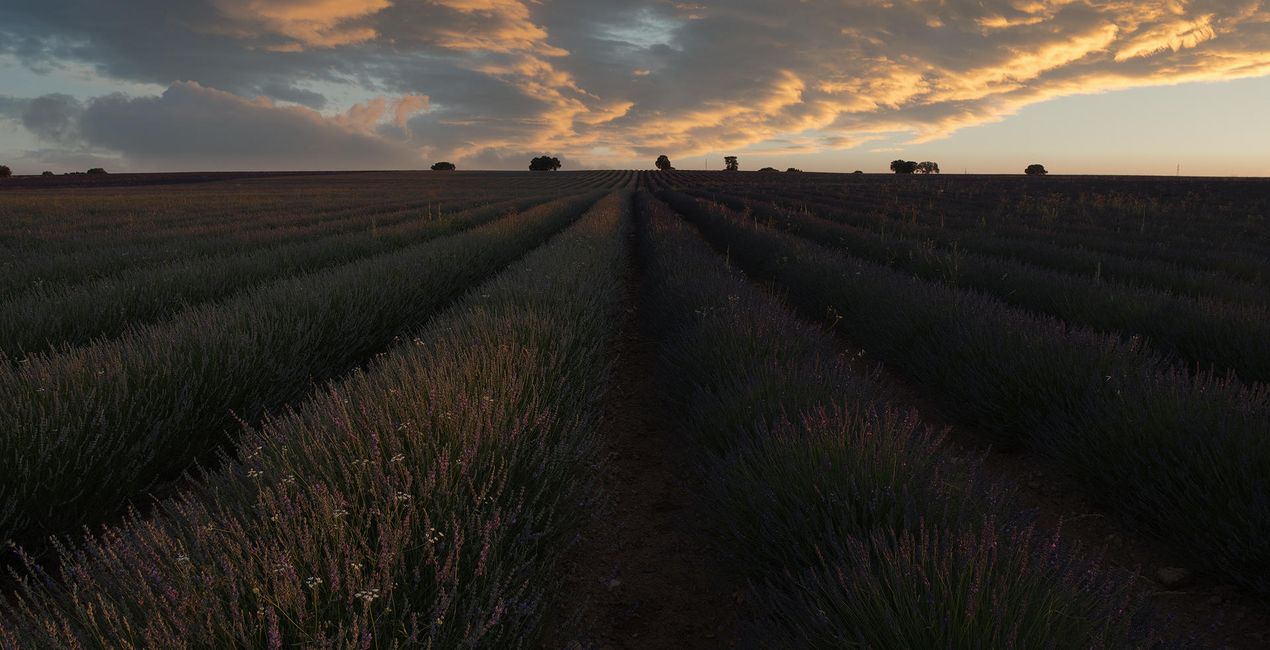
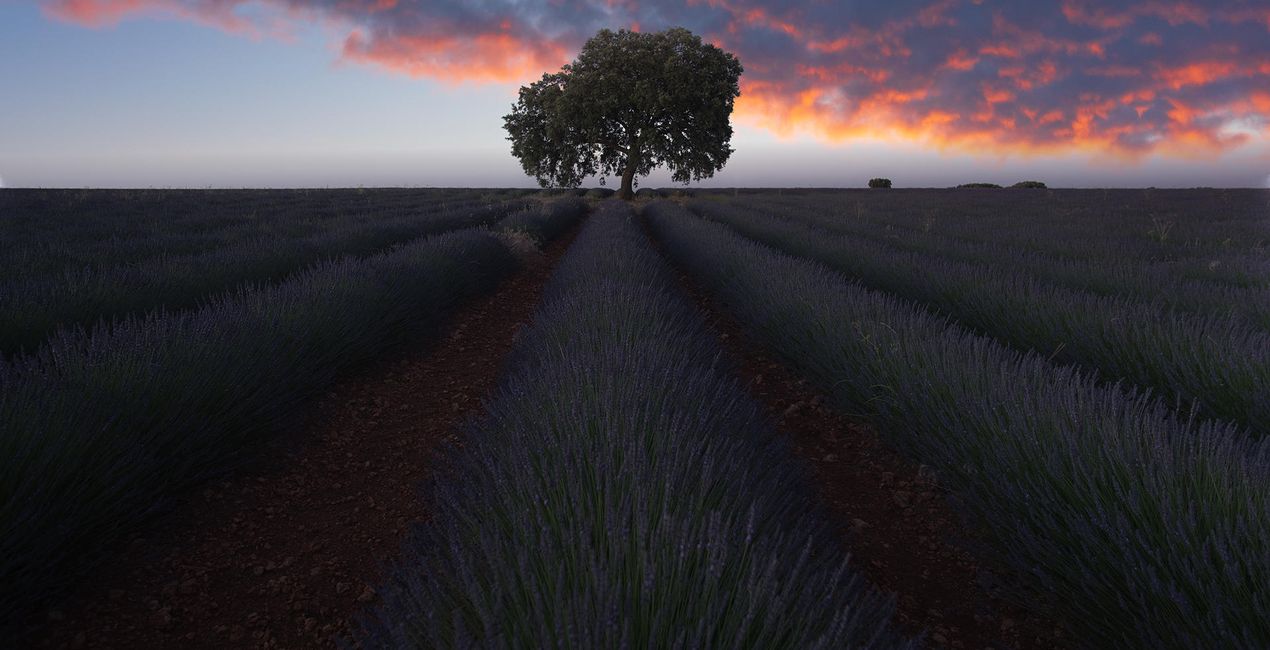
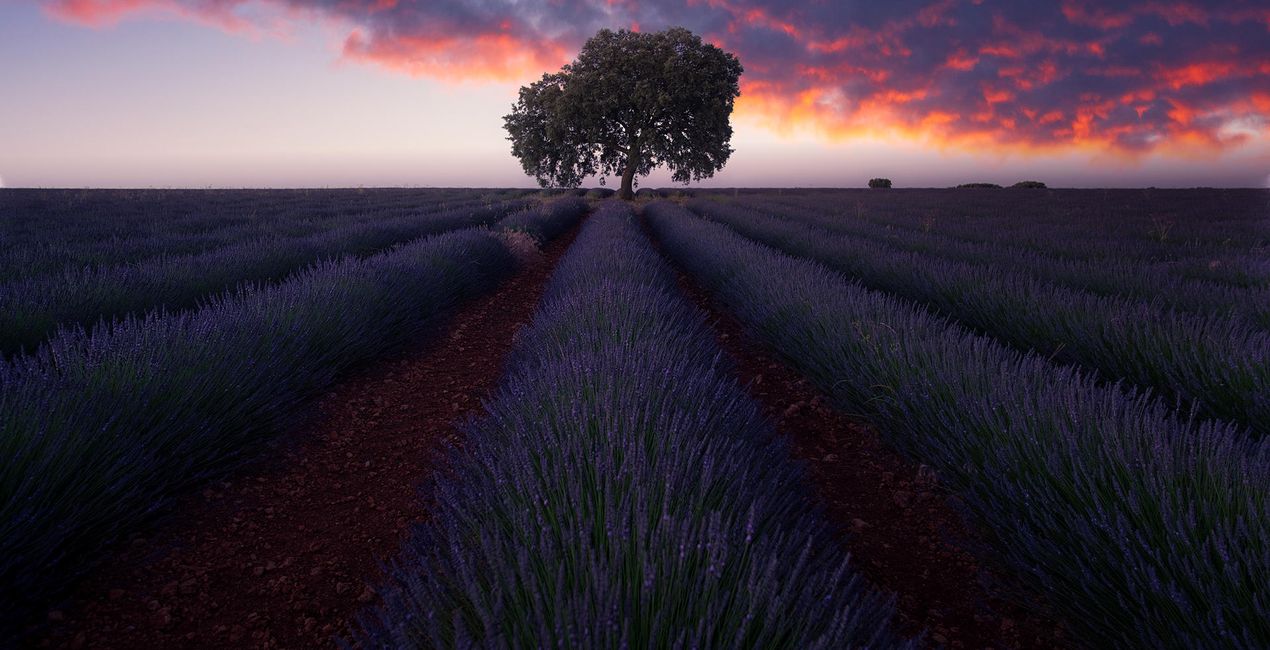
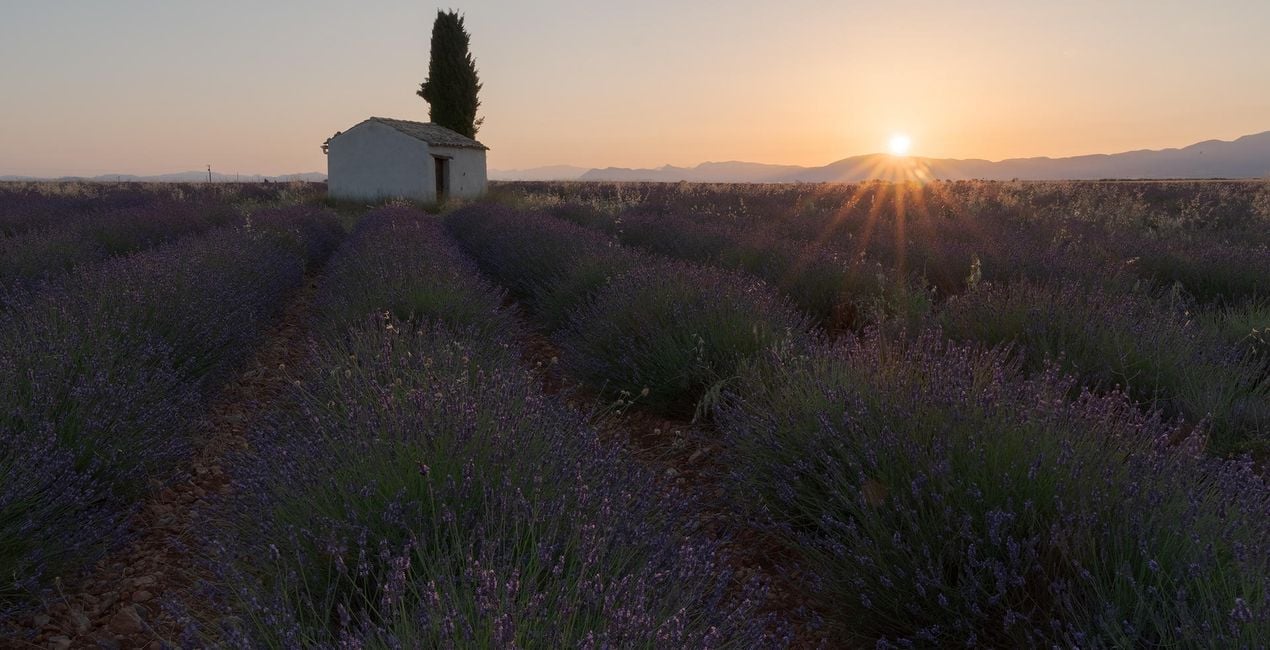
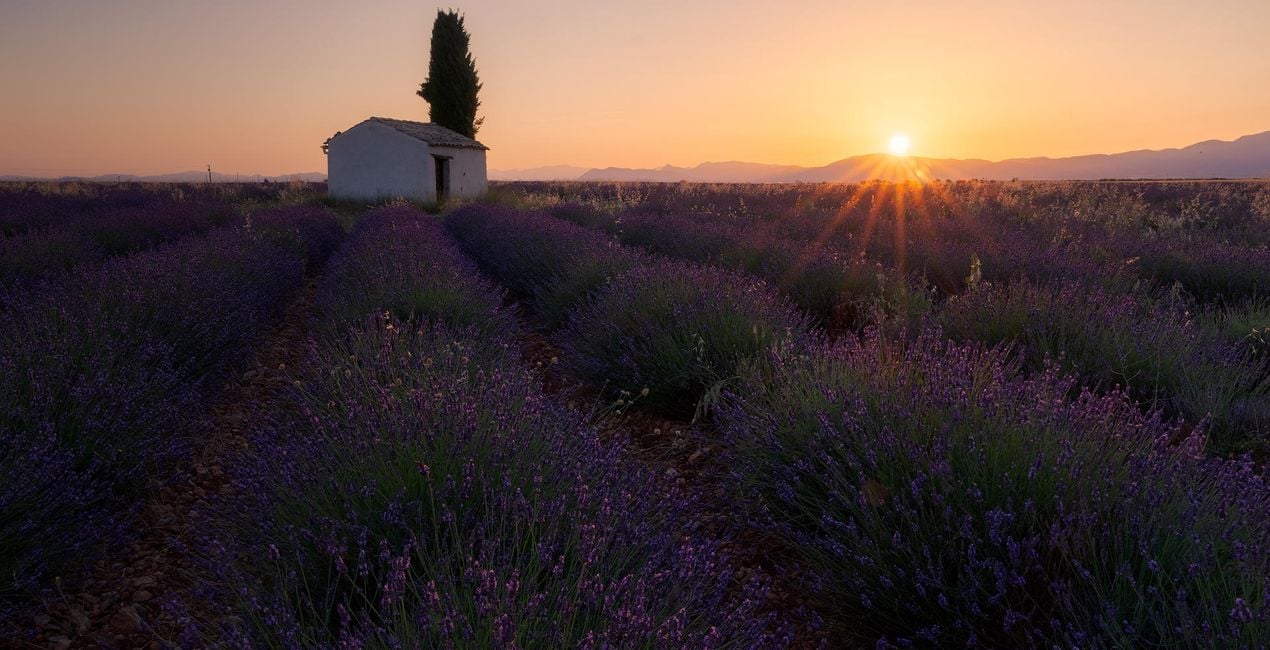
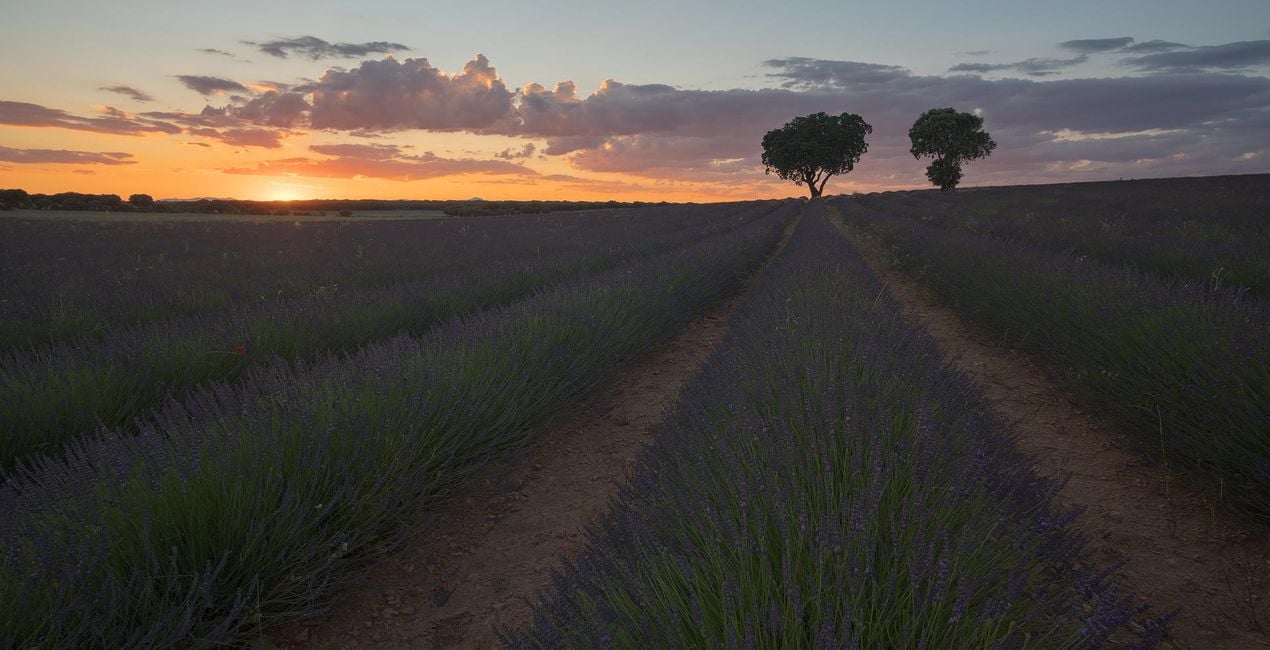
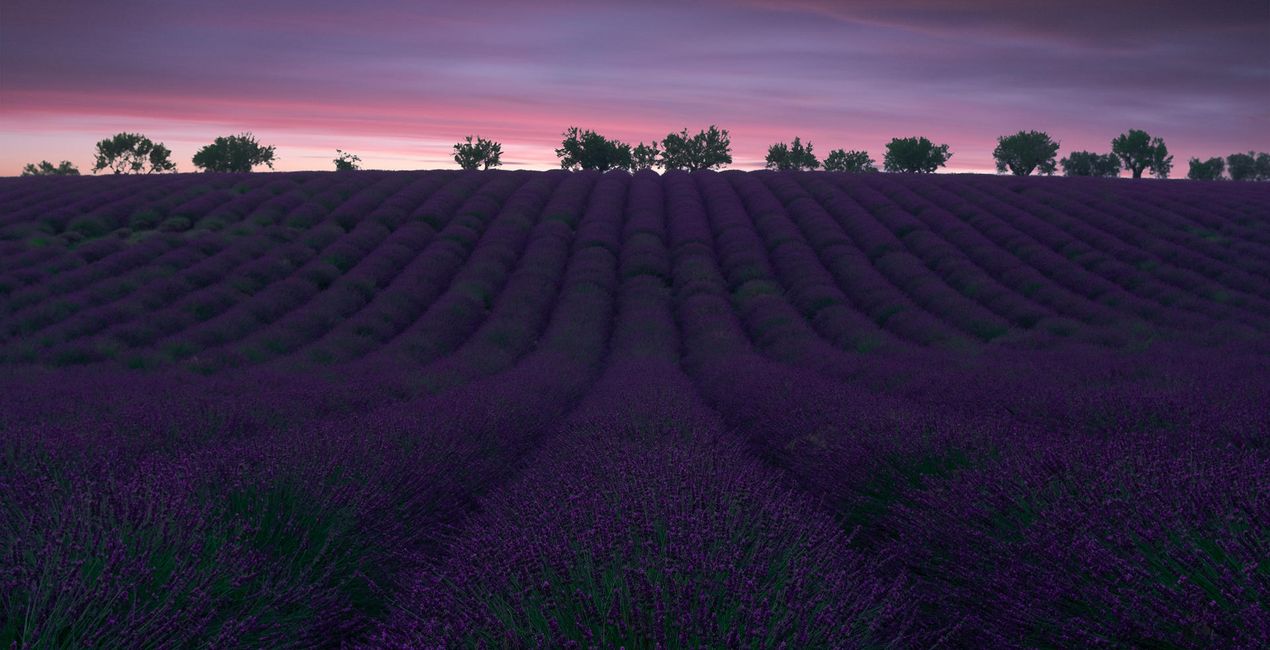
Turn your landscape photos into art with this brand-new Templates collection from Jabi Sanz. Jabi developed these 10 Templates on his countless visits to the famous lavender fields of Valensole, France, and Brihuega, Spain.
Zawartość zestawu
10 Templates. Compatible with JPEG and RAW images.

Korzystając z plików RAW z łatwością przećwiczysz wskazówki dotyczące retuszu i dowiesz się, jak stworzyć zdjęcia takie jak te.
 >
>
 >
>
 >
>

 >
>

 >
>

 >
>
 >
>
 >
>

 >
>
This amazing collection has been thoughtfully designed to boost the color in your photos and create a unique, dreamy atmosphere. All the techniques Jabi Sanz has used take care of the tiniest details, resulting in his characteristic style.
Each Template has a completely different look.
Jabi’s goal was to create a collection of Templates that can light up and enhance your lavender images as needed, offering softer to stronger edits and working mainly on colors, light, and shadows — and creating a dreamy look.
This Templates collection has it all for your mesmerizing landscapes of fields, so don’t wait any more. Start taking your images to the next level.
Note that Jabi applied some local masking, so make sure to take into account the characteristics of the photo you’re going to edit, as there are some Radial Mask and Gradient Mask adjustments in the sky.
Most of the Templates also have a strong vignette, so be sure to modify it and put it where the light source should be.
Photographer. Skylum Ambassador.
<p>Jabi Sanz is a landscape and travel photographer from Pamplona, a small city in northern Spain. He never had a professional camera or a passion for photography until his trip to Iceland. Iceland really blew his mind, and now Jabi can’t imagine his life without photography. His inspiration comes from nature, with all the beauty, variety of colors, sounds, and compositions. Photography and travel open new horizons for Jabi and take him to places he has never been.<br></p>
Jeśli masz jakiekolwiek pytania dotyczące produktu, możesz skontaktować się z zespołem pomocy technicznej dostępnym 24 godziny na dobę, 7 dni w tygodniu. Wystarczy kliknąć ten link.
Aby kupić Sense Of Lavender, wykonaj następujące kroki:
1. Otwórz Marketplace Skylum.
2. Przejdź do odpowiedniej zakładki, w której znajduje się Sense Of Lavender. Kliknij na nim i dodaj produkt do koszyka.
3. Przejdź do koszyka. Tutaj zakończ proces zakupu produktu Sense Of Lavender.
4. Po dokonaniu zakupu otrzymasz wiadomość e-mail z linkiem do pobrania Sense Of Lavender. Nowy produkt znajdziesz również na swoim koncie Skylum, w zakładce Moje dodatki.
Szczegółowe instrukcje dotyczące instalacji Sense Of Lavender zostaną przesłane w wiadomości e-mail wraz z linkiem do pobrania
Ponadto zakupiony produkt można zainstalować bezpośrednio w programie Luminar Neo: przejdź do menu Dodatki > Marketplace, wybierz kategorię produktu, znajdź zakupiony produkt i kliknij Zainstaluj.
To całkiem proste! Przejdź do zakładki Presety, a następnie wybierz opcję Zakupione. Zainstalowane presety będą się znajdować w tym miejscu.
Nie martw się. Wszystkie zakupione produkty, w tym Sense Of Lavender, są przechowywane w zakładce „Moje dodatki” na koncie Skylum, co umożliwia ich łatwe ponowne pobranie i użycie.
Ogólnie rzecz biorąc, większość produktów jest kompatybilna z Luminar Neo. Aby jednak upewnić się, że Sense Of Lavender jest kompatybilne z Twoim oprogramowaniem, przed pobraniem lub zakupem sprawdź jego specyfikację. Poszukaj sekcji „Kompatybilność” po prawej stronie strony Sense Of Lavender, gdzie wymienione są wszystkie kompatybilne produkty.
Nie wychodź jeszcze. Mamy dla Ciebie ekskluzywny kod rabatowy. Wykorzystaj go w ciągu najbliższych 15 minut, aby uzyskać dodatkowe 10% zniżki przy finalizacji zamówienia. Skopiuj poniższy kod i sfinalizuj zakup.
15 m : 00 s





