


 Applicato


Mirage
Save $201 $ 19 .00

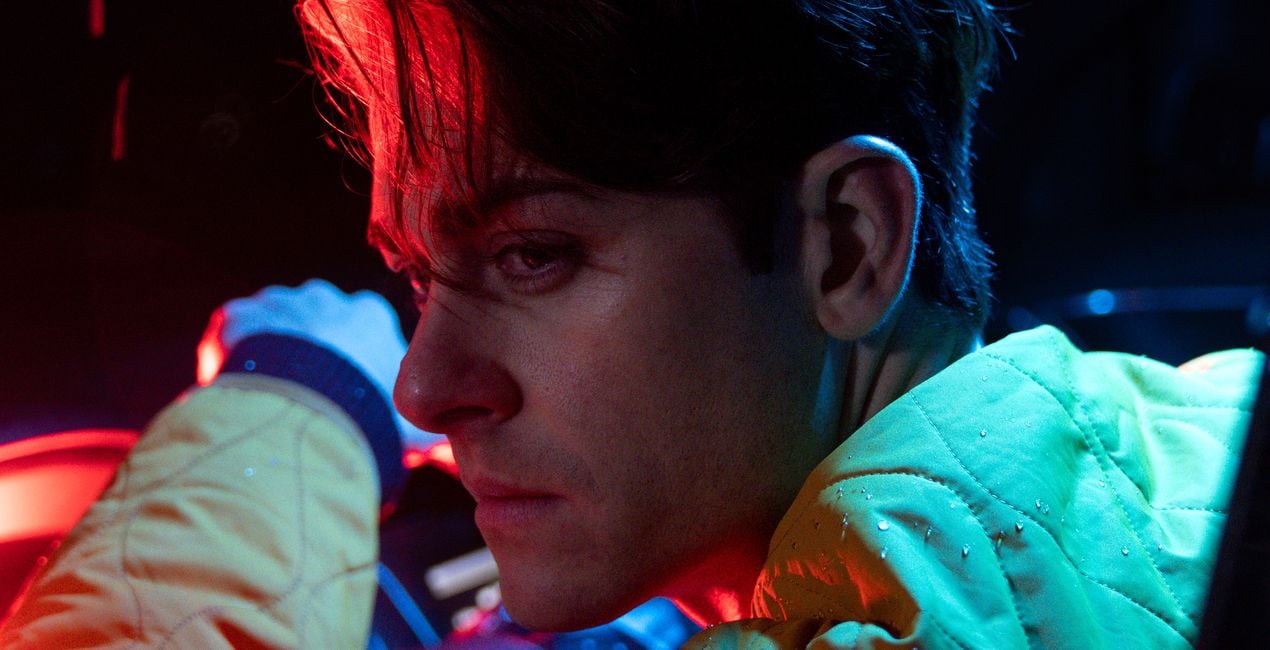
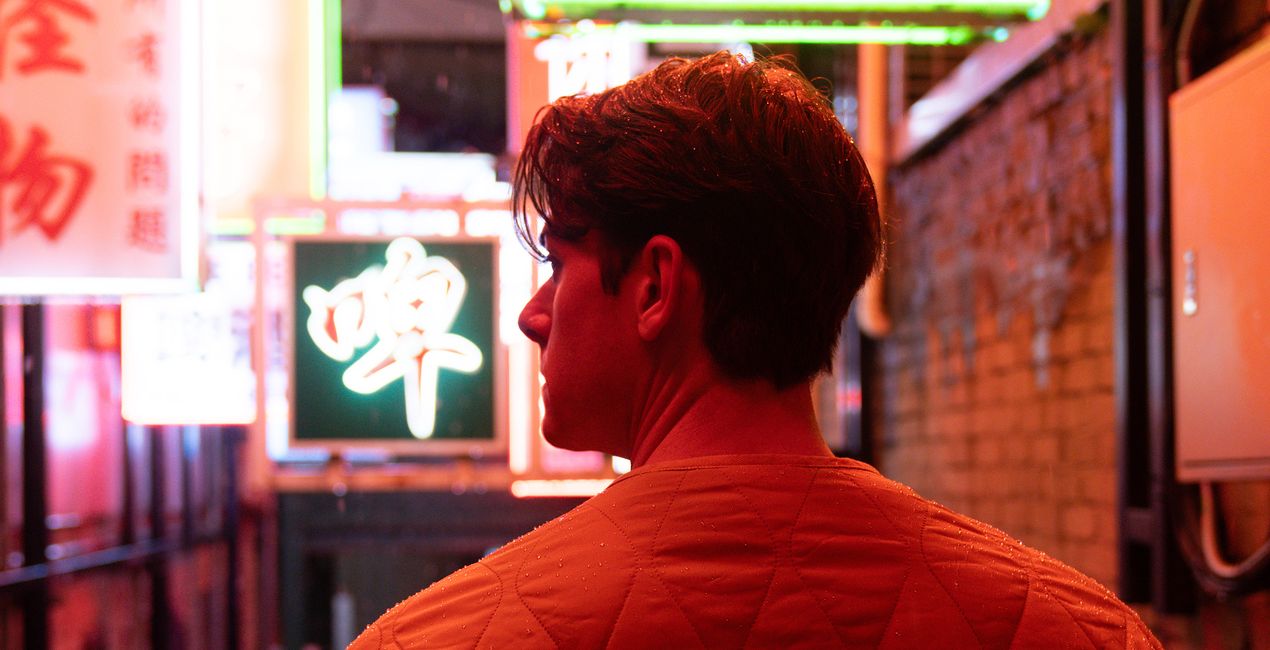
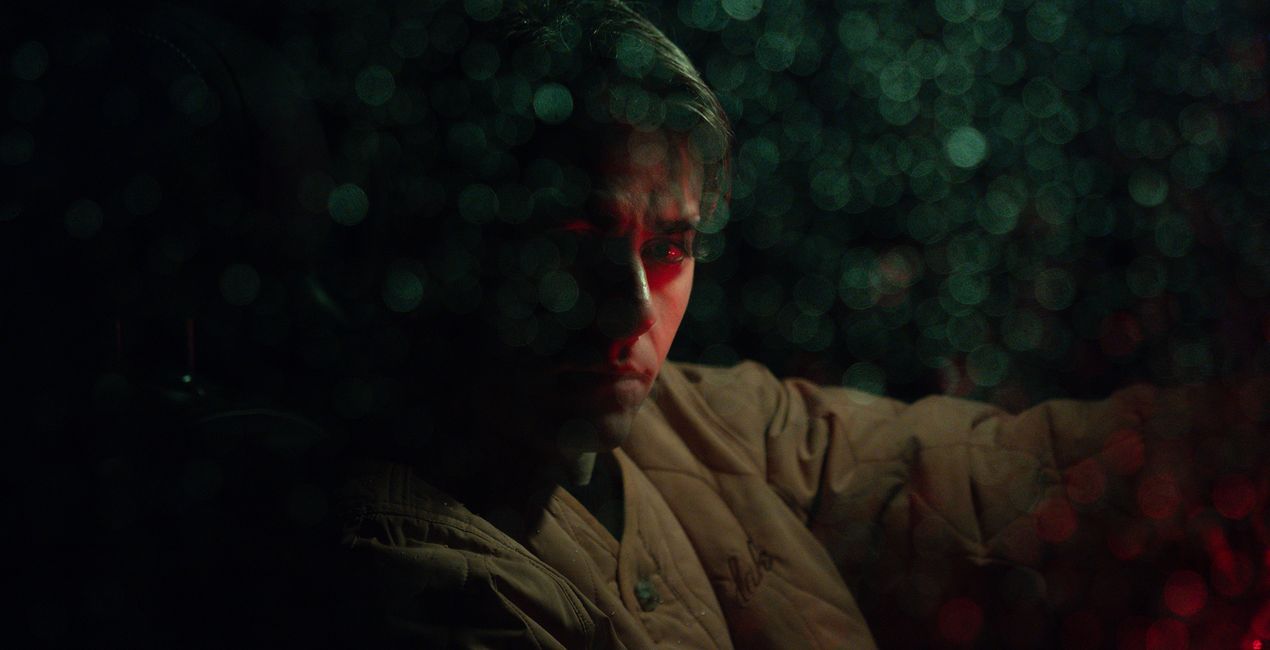
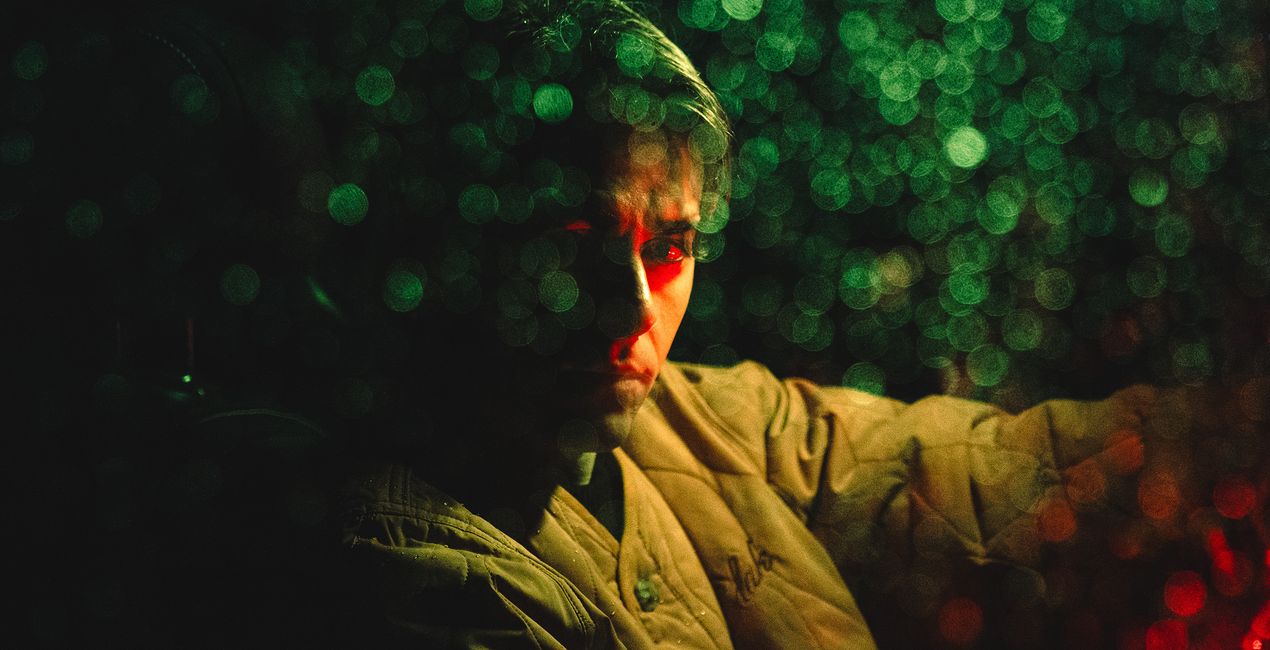
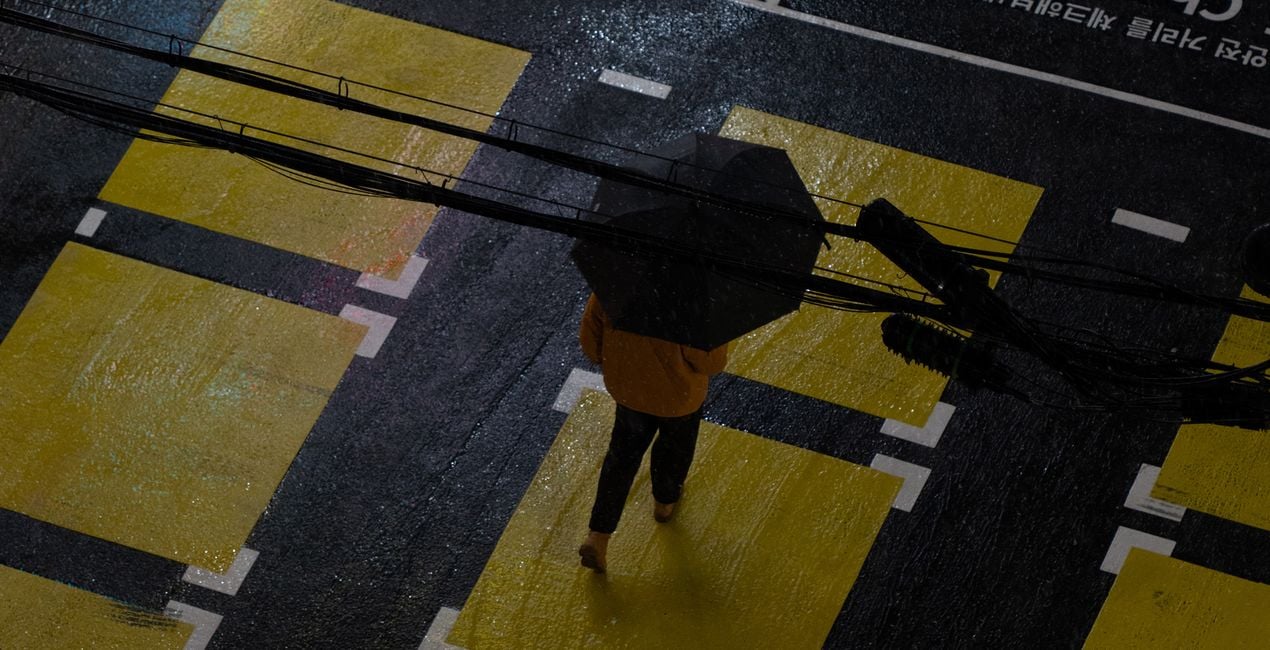
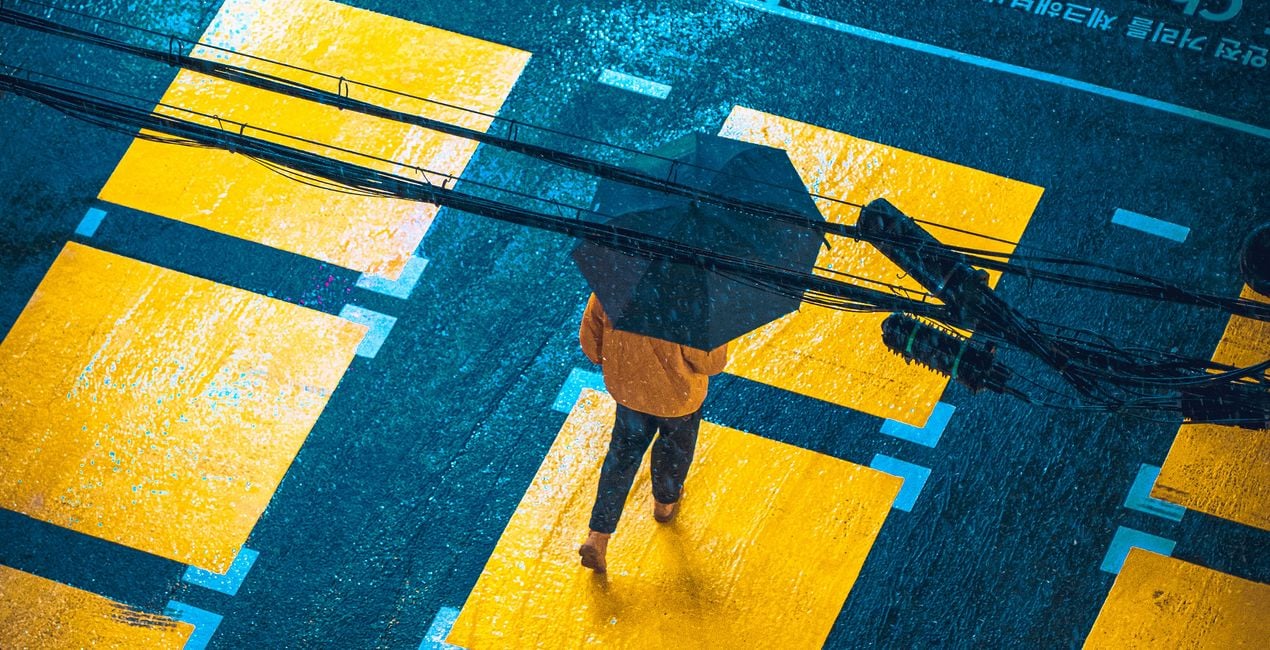
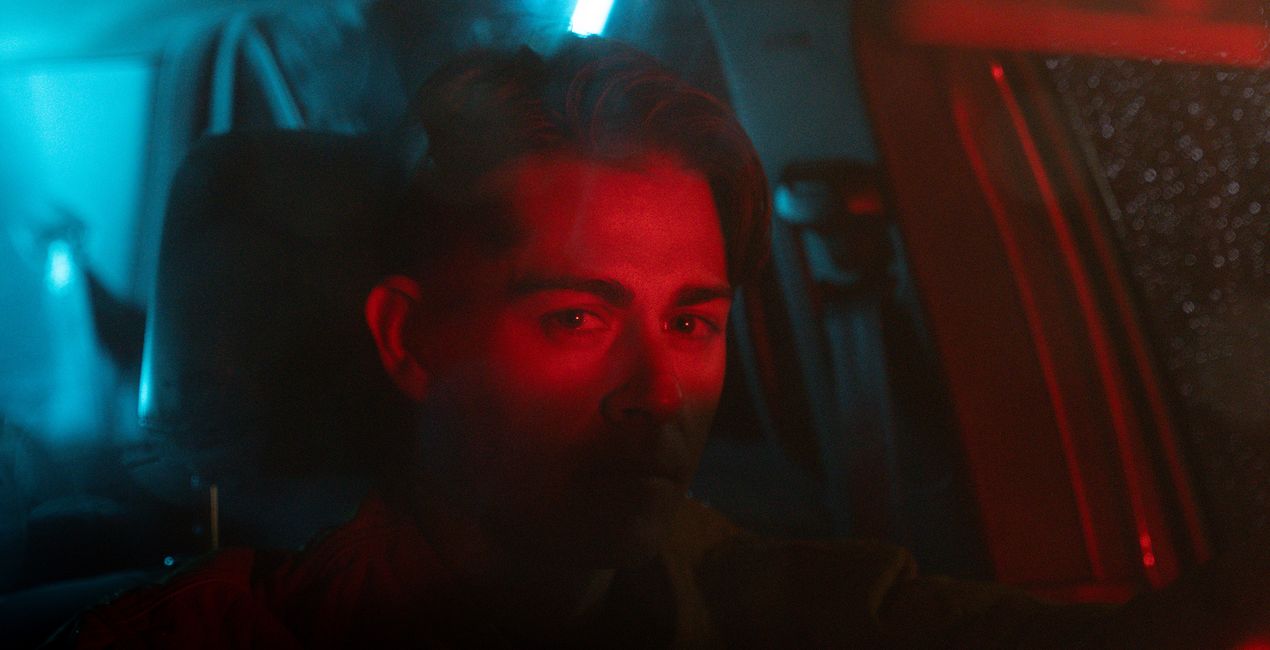
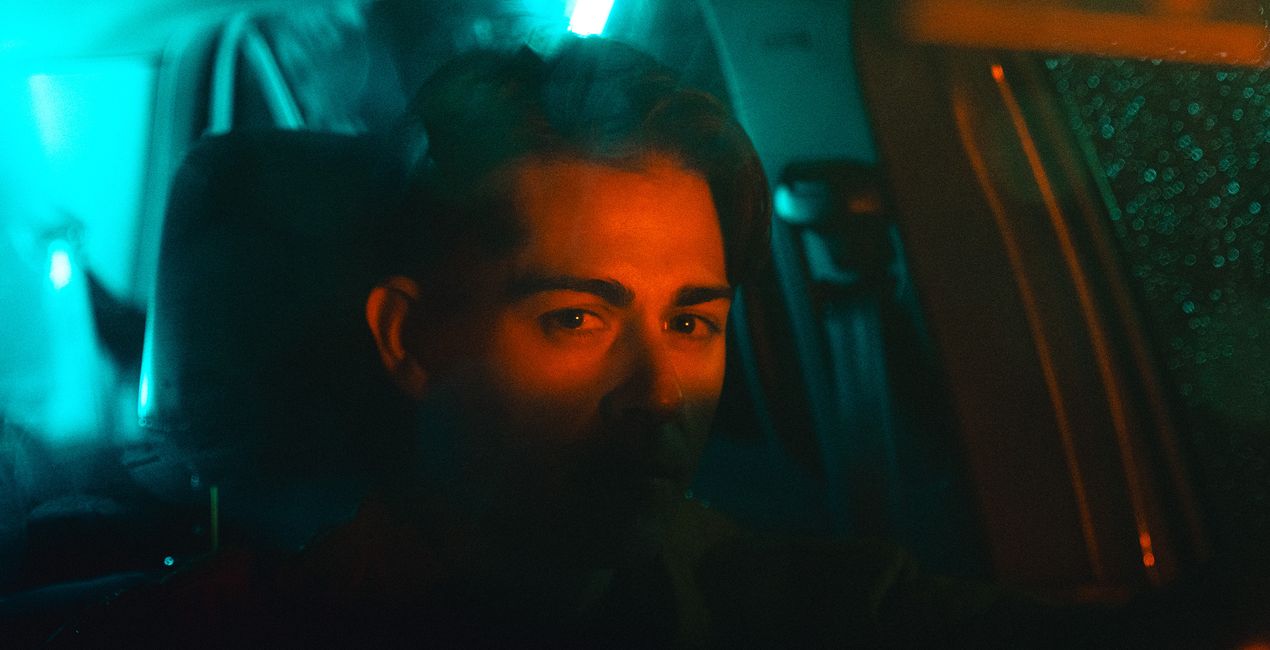
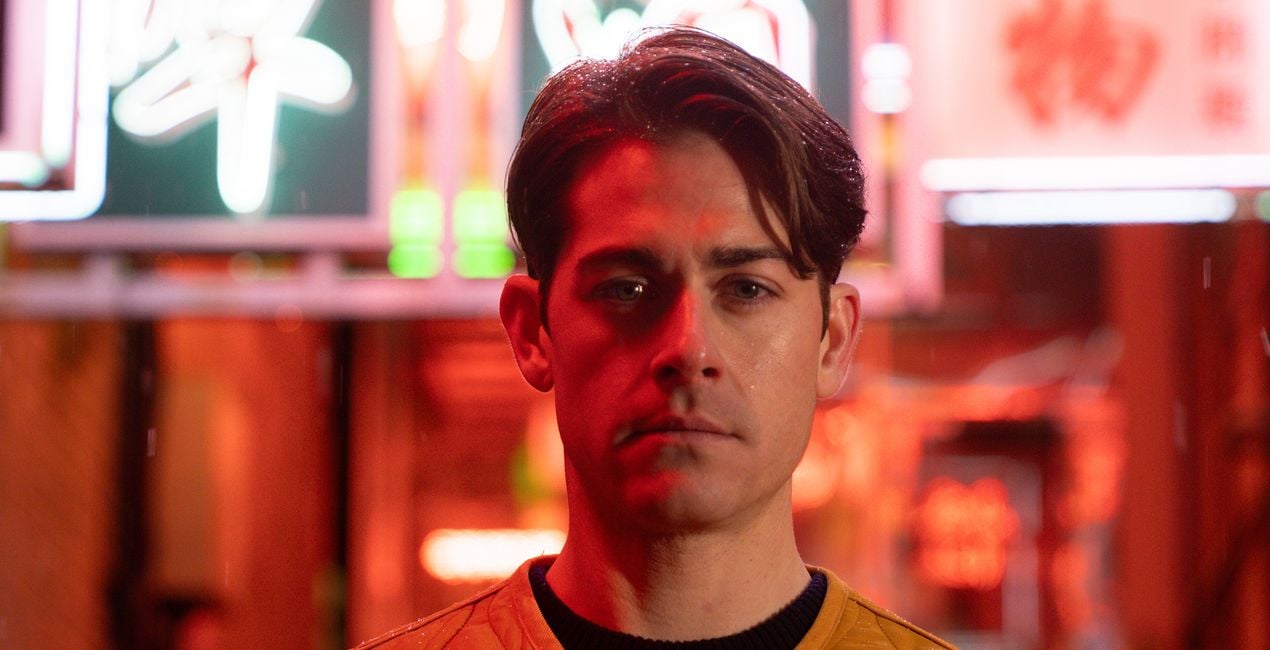
This Preset pack was crafted for the enchanting world of night photography, especially when spotlighting neon-lit portraits and scenes. It's designed to elevate the luminous dance of neon lights against the canvas of the night, transforming each capture into a vivid spectacle of colors and contrasts.


Utilizzando i file RAW forniti, potrai mettere facilmente in pratica i consigli di ritocco e imparare a ottenere foto come queste.
 >
>
 >
>
 >
>
 >
>
 >
>
 >
>
Step into the night with 10 carefully curated Presets dedicated to the art of neon night photography. This pack is your key to unlocking the full potential of night portraits and urban landscapes, infusing them with the ethereal glow of neon lights. From the subtle interplay of shadows and light to the bold strokes of neon brilliance, Mirage offers a diverse palette of Presets to suit every mood and moment.
Whether you're aiming to capture a city’s silent whispers or its nightlife’s electric vibrancy, this collection provides the tools to bring your vision to life. Each Preset is meticulously engineered to enhance textures, colors, and details, ensuring your night photography stands out with unparalleled clarity and depth. Embrace the mystery and beauty of the night, crafting images that resonate with emotion and narrative.
You will find 10 Presets in this Pack:
Bloom: A warm Preset that breathes life into night scenes, adding a cozy, inviting glow. 2. Drive: Captures the moody essence of the night, enhanced with vibrant, dynamic colors for an energetic feel.
Dusk: Provides a moody ambiance with warm tones, perfect for the soft transition from sunset to night.
Electric Octane: Combines warm tones with subtle green hues, electrifying your nightscapes with energy.
Neon Noir: A dark and moody Preset that accentuates pops of neon yellow, perfect for capturing the gritty essence of the night.
Nightshade: Offers cool, moody tones, ideal for creating enigmatic and deep night portraits.
Shadow Play: A dark and moody Preset where colors vividly pop through the shadows, adding drama to your captures.
Tail Lights: Emphasizes vibrant reds, mimicking the lively glow of tail lights in the nocturnal cityscape.
Veil: Crafts a moody atmosphere with distinctive green hues, enveloping your shots in a mysterious aura.
Velvet: Imbues your shots with deep, cyberpunk-inspired purple tones.
Street and Fashion photographer
Steve Roe is a photographer based in Seoul, originally from the UK, who has made a name for himself with his neon street photography. He captures the vibrant essence of cyberpunk culture, infusing his work with a futuristic and captivating allure. He is also known for his experimental approach to portraiture, employing neon lights and fractal lenses to craft imaginative and unique images that transport subjects to a realm of intriguing futurism. His talents have not gone unnoticed, with notable brands like Apple and Prada seeking his distinctive style for their campaigns. Steve's work has also received recognition from major platforms such as the BBC and National Geographic, while his photographs have graced the covers of iconic cyberpunk novels like The Neuromancer Trilogy by William Gibson. With an eye for neon aesthetics and a passion for capturing the essence of Asia's neon-lit cities, Steve Roe continues to captivate audiences, blurring the lines between reality and the dazzling realm of neon-lit dreams.
Se hai domande sui prodotti, puoi contattare il team dell'assistenza tutti i giorni, 24 ore al giorno. Utilizza questo link.
Per acquistare Mirage, segui questi passaggi:
1. Apri il Marketplace di Skylum.
2. Vai sulla scheda dove è elencato Mirage. Clicca sul nome del prodotto per aggiungerlo al carrello.
3. Vai al carrello, dove potrai completare l'acquisto di Mirage.
4. Dopo l'acquisto, riceverai un'e-mail con il link per scaricare Mirage. Potrai trovare il nuovo acquisto anche nel tuo account Skylum, nella scheda I miei add-on.
Nell'e-mail con il link per il download riceverai anche istruzioni dettagliate su come installare Mirage.
Inoltre, puoi installare l'articolo acquistato direttamente in Luminar Neo: vai su Extra > Marketplace, seleziona la categoria di prodotto, trova l'articolo acquistato e clicca su Installa.
È piuttosto semplice! Innanzitutto, scarica il pacchetto dal tuo Account > I miei componenti aggiuntivi. Quindi segui le istruzioni di installazione contenute nella cartella scaricata. Ogni tipo di risorsa può avere una procedura di installazione specifica, quindi assicurati di consultare la guida inclusa.
Non preoccuparti. Tutti gli articoli acquistati, incluso Mirage, vengono conservati nella scheda "I miei add-on" del tuo account Skylum, così potrai riscaricarli e utilizzarli in tutta facilità.
In generale, la maggior parte degli articoli è compatibile con Luminar Neo. Ma per assicurarti che Mirage sia compatibile con i tuoi software, verificane le specifiche prima di scaricarlo o acquistarlo. Cerca la sezione "Compatibilità" sulla destra della pagina di Mirage, dove sono elencati tutti i prodotti compatibili.
Non andartene ancora. Ecco un codice sconto esclusivo per te. Usalo entro i prossimi 15 minuti per ottenere un ulteriore sconto del 10% al momento del pagamento. Copia il codice qui sotto e completa l'acquisto.
15 m : 00 s





