


 Applicato


Autumn in the East
Save $201 $ 19 .00

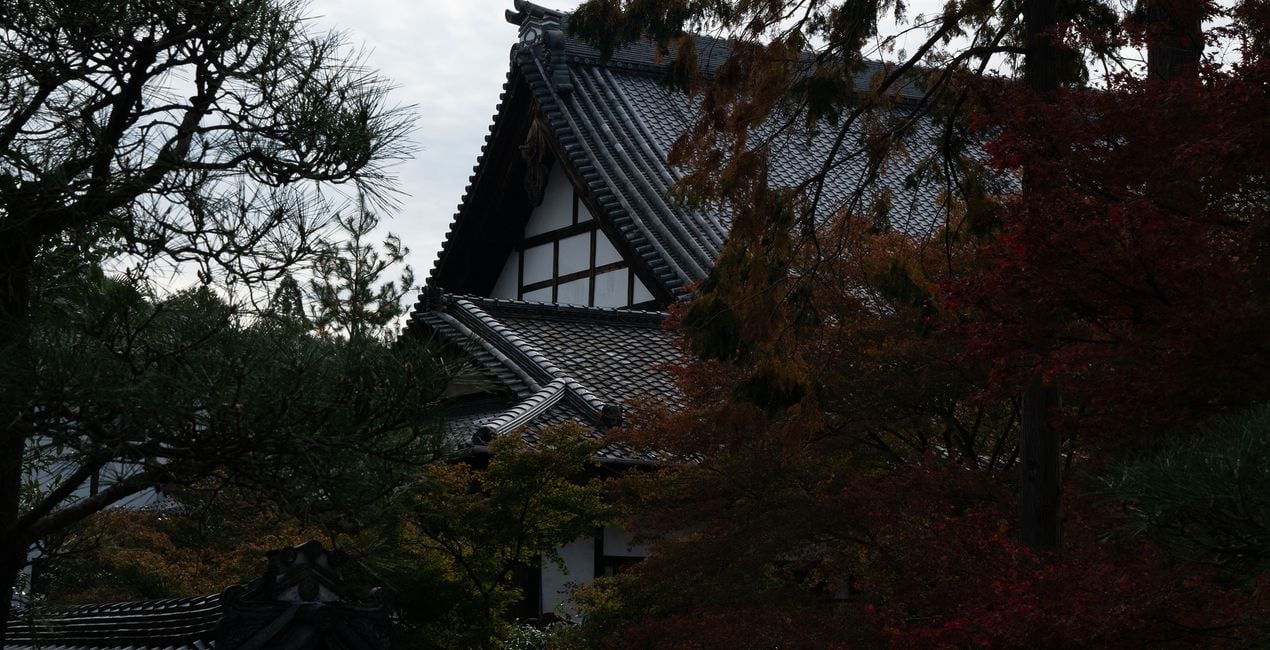
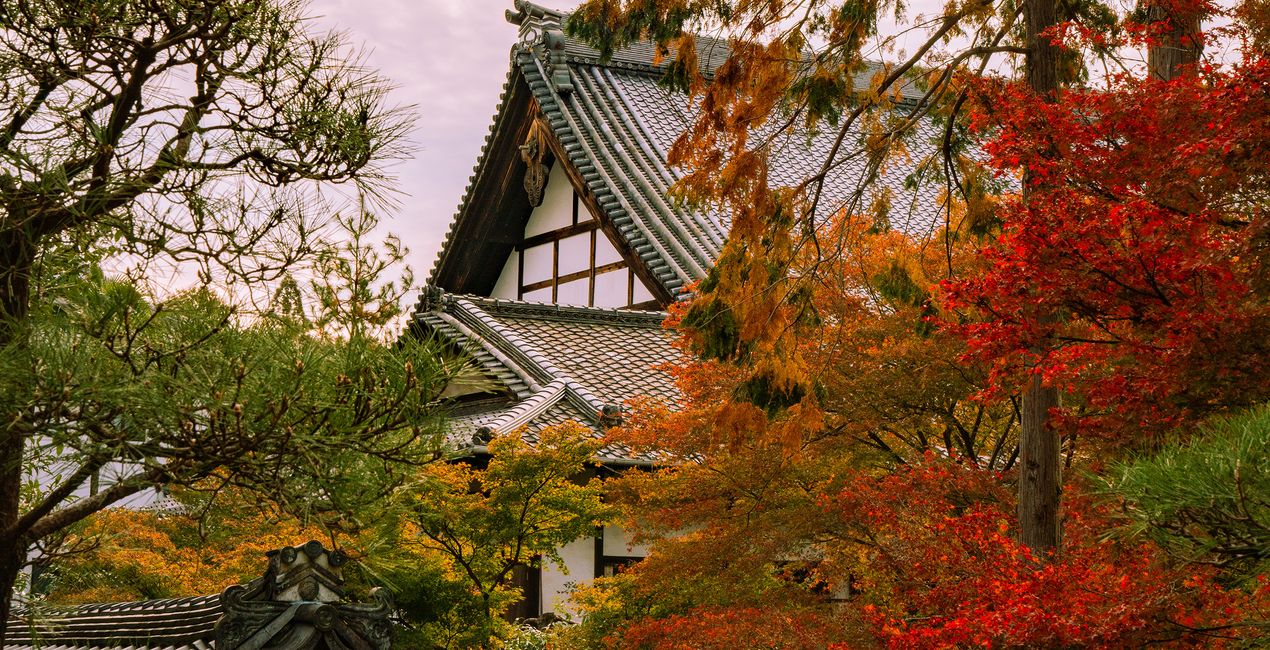
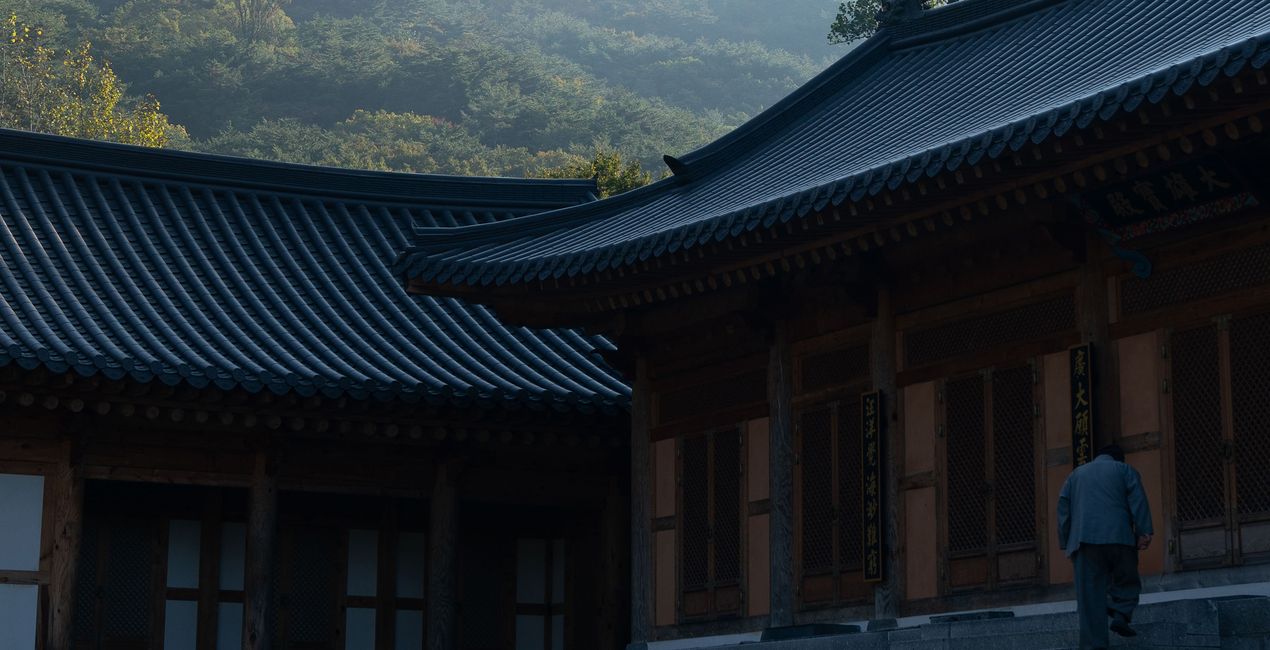
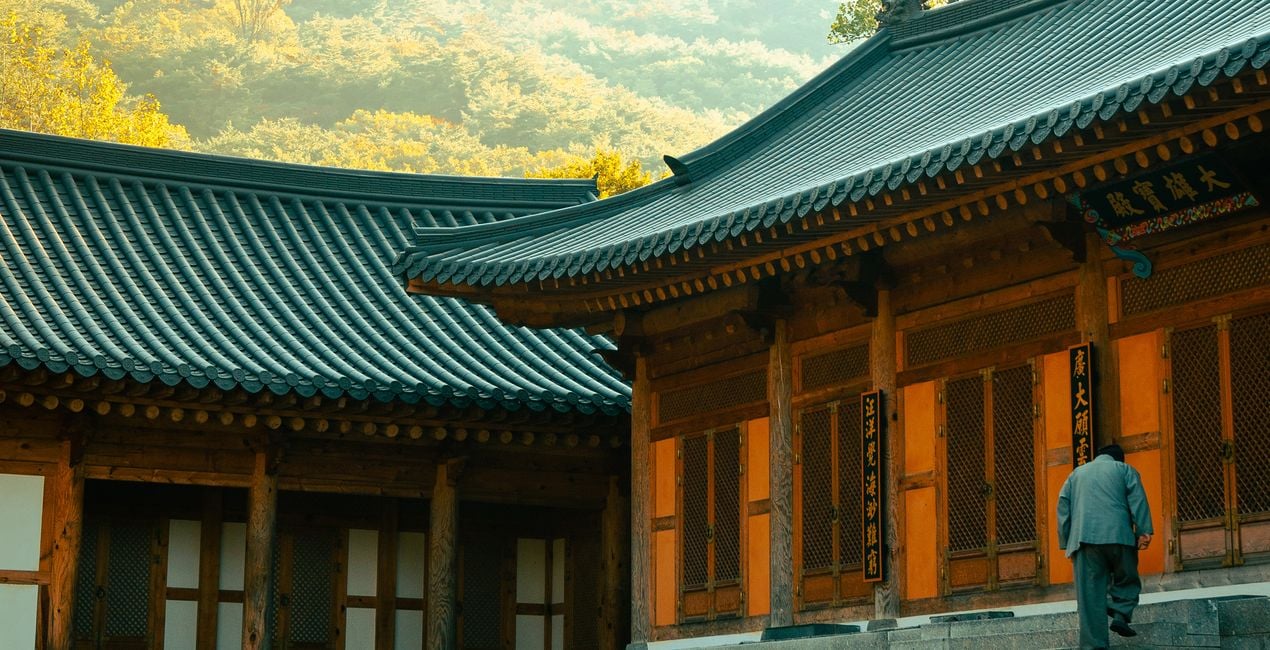
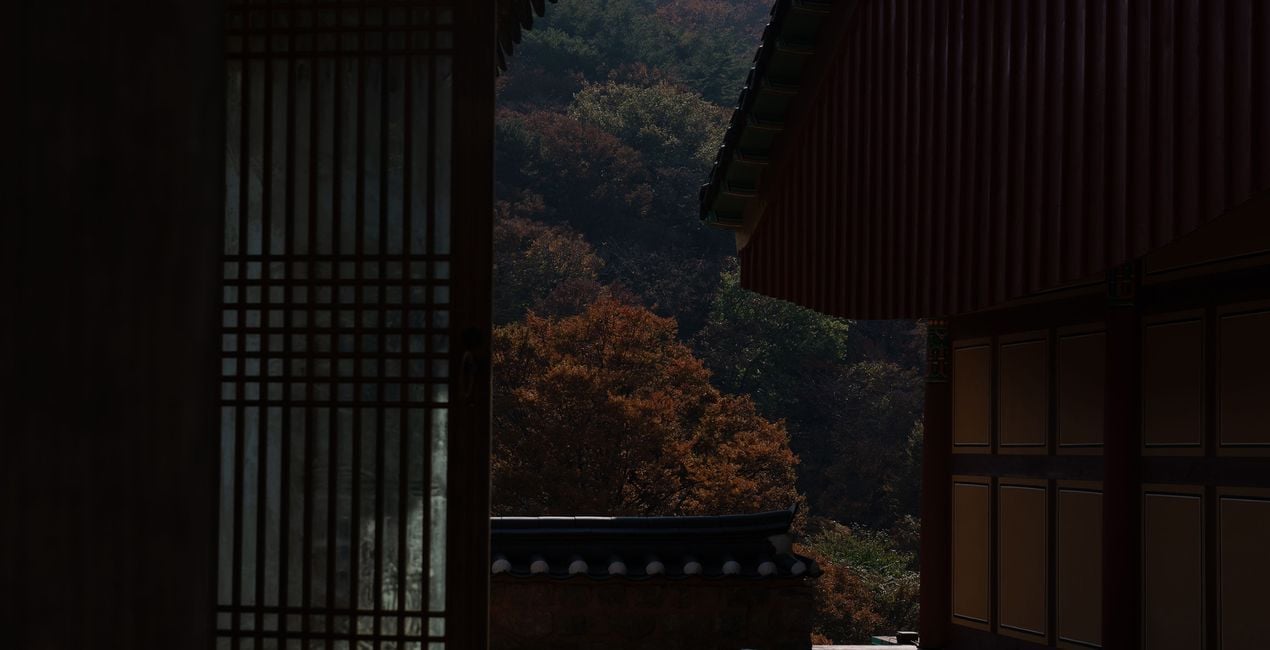
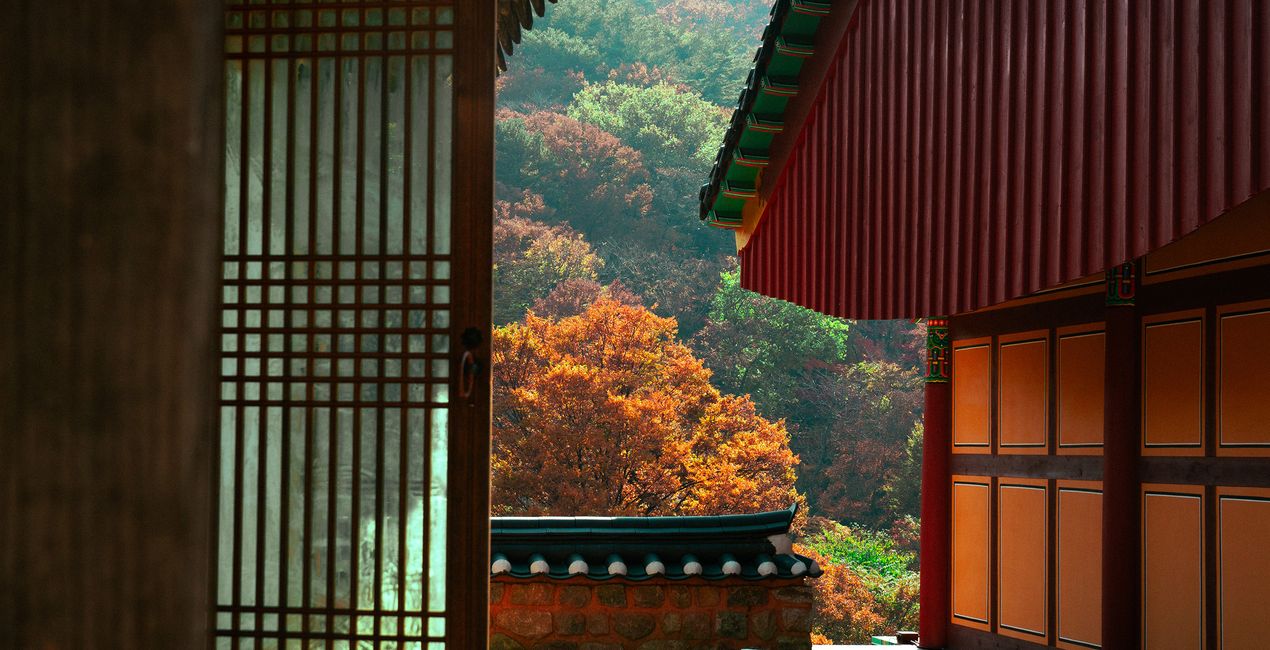
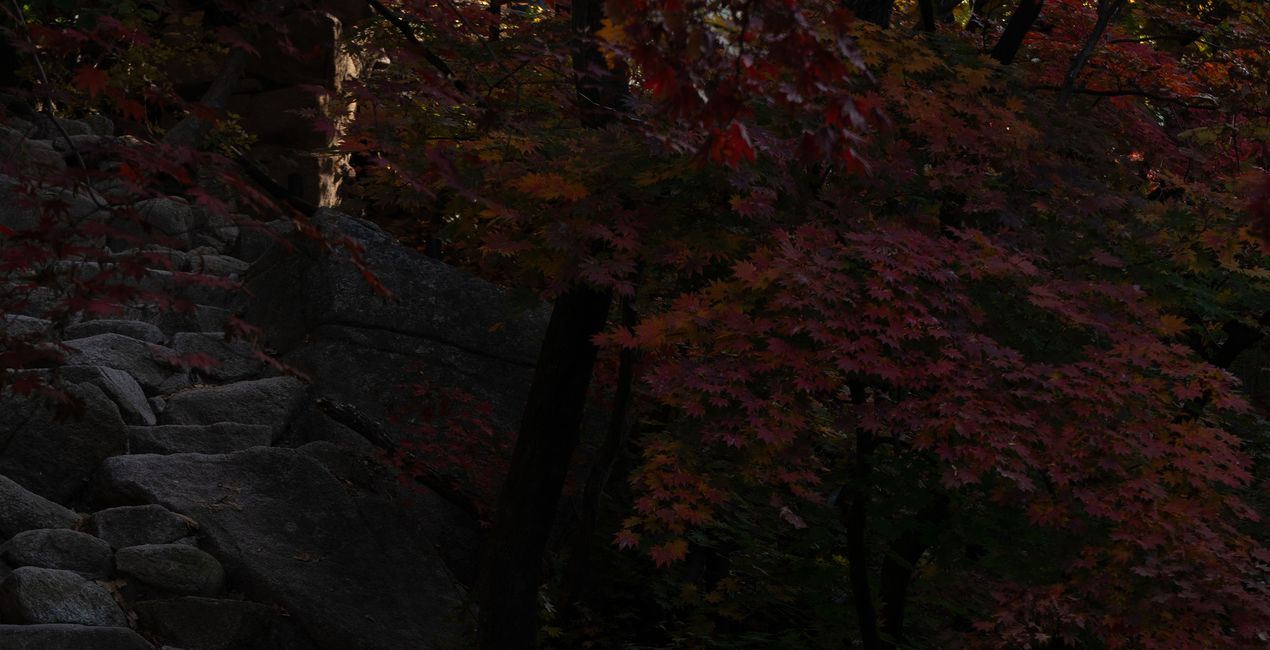
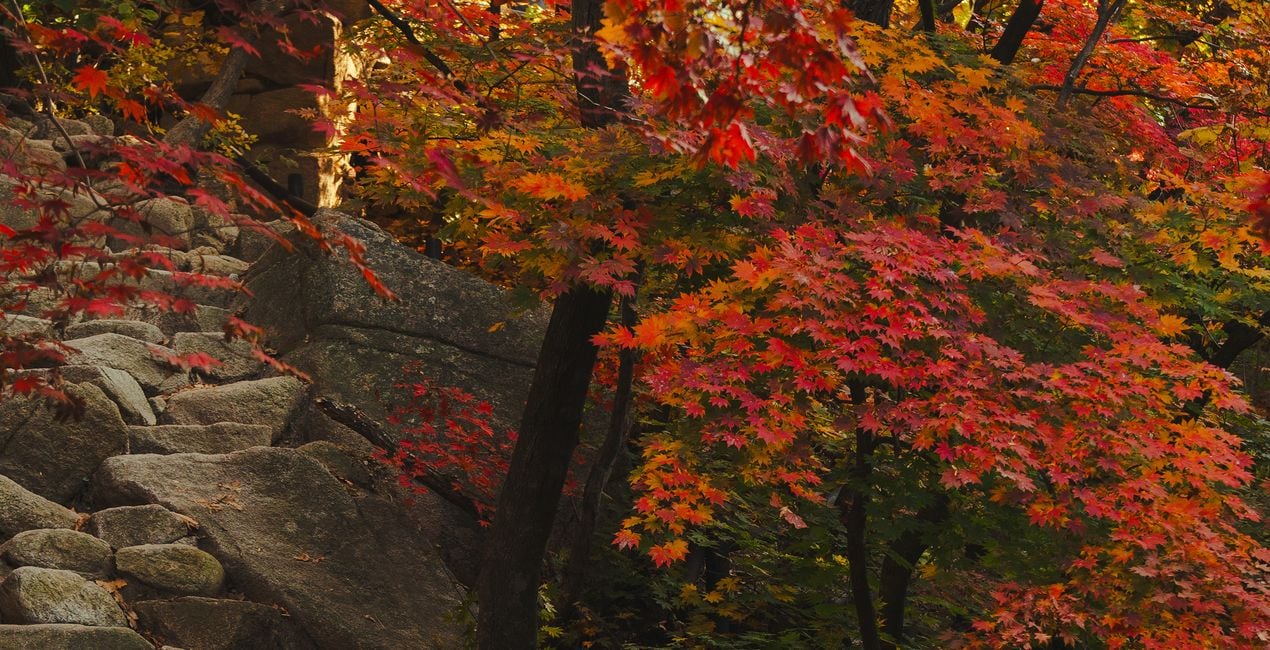
Enhance your photos with this exclusive Preset pack for Luminar Neo, where the beauty of fall foliage shines through in every click. These 10 Presets draw inspiration from the rich and warm tones of autumn leaves, infusing your photos with a captivating vibrancy that accentuates the bright reds and golden hues. Whether you're capturing the magic of autumn in your backyard or a distant woodland, these Presets add a touch of seasonal warmth and brilliance to your images. Transform your autumn photography effortlessly and let your pictures radiate the enchantment of the fall season, wherever you are in the world.


Utilizzando i file RAW forniti, potrai mettere facilmente in pratica i consigli di ritocco e imparare a ottenere foto come queste.
 >
>
 >
>
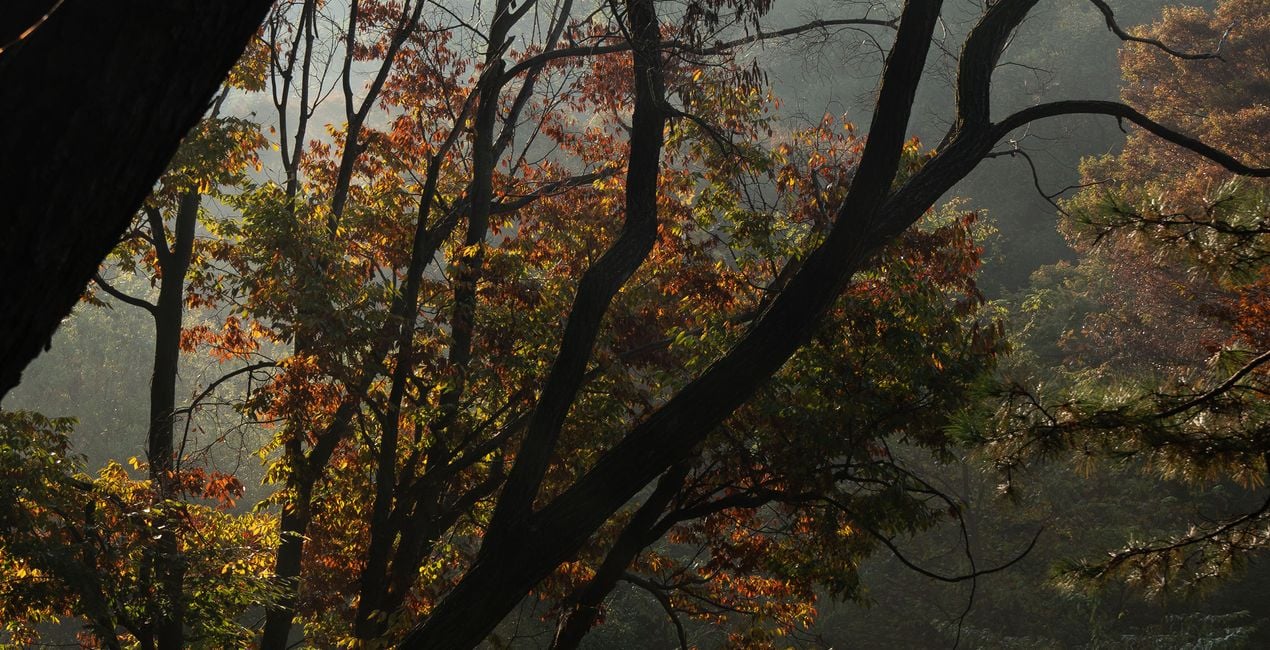
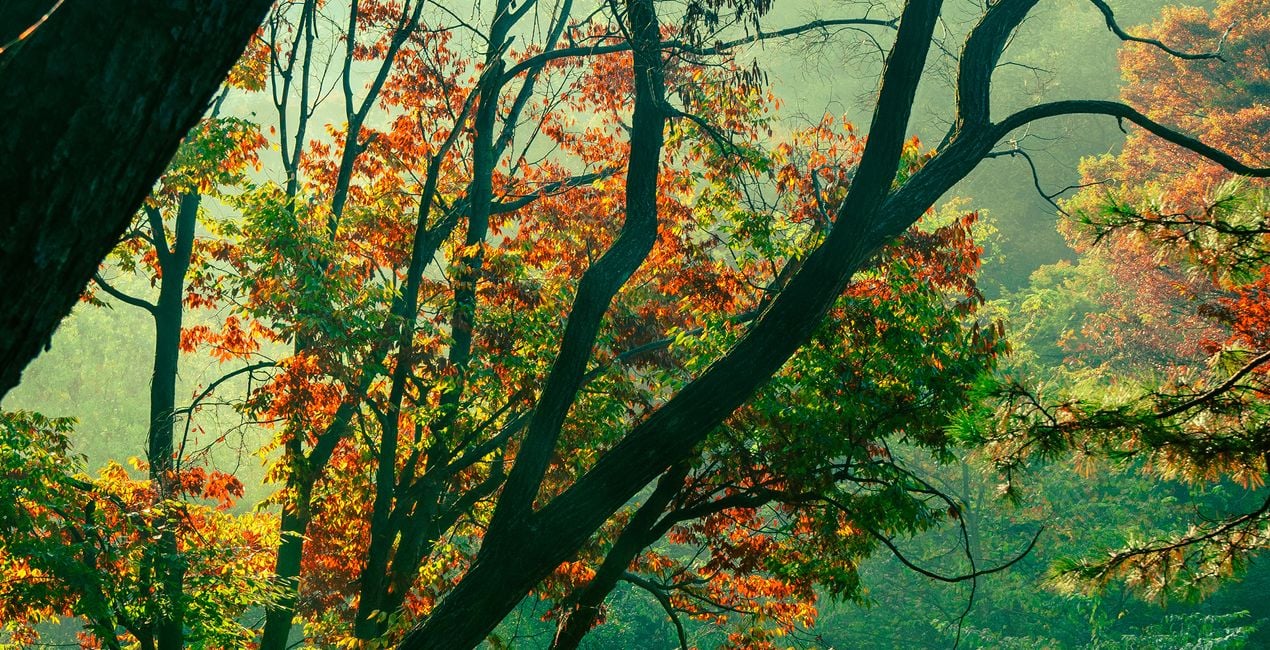 >
>
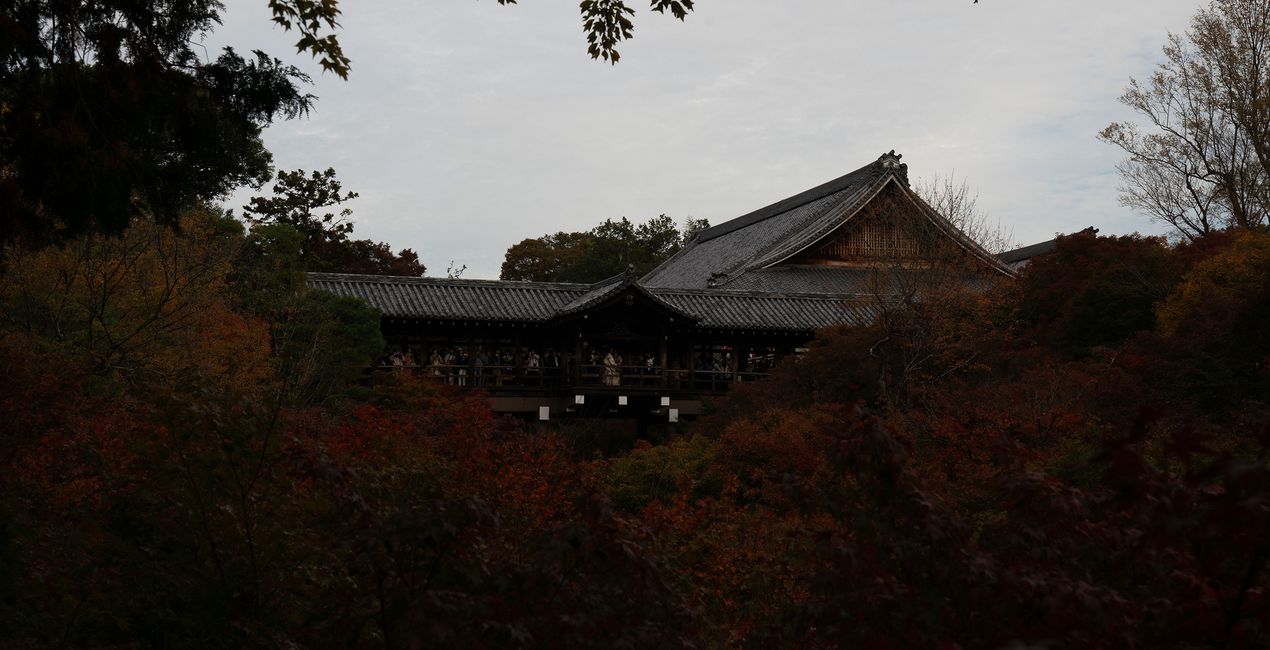
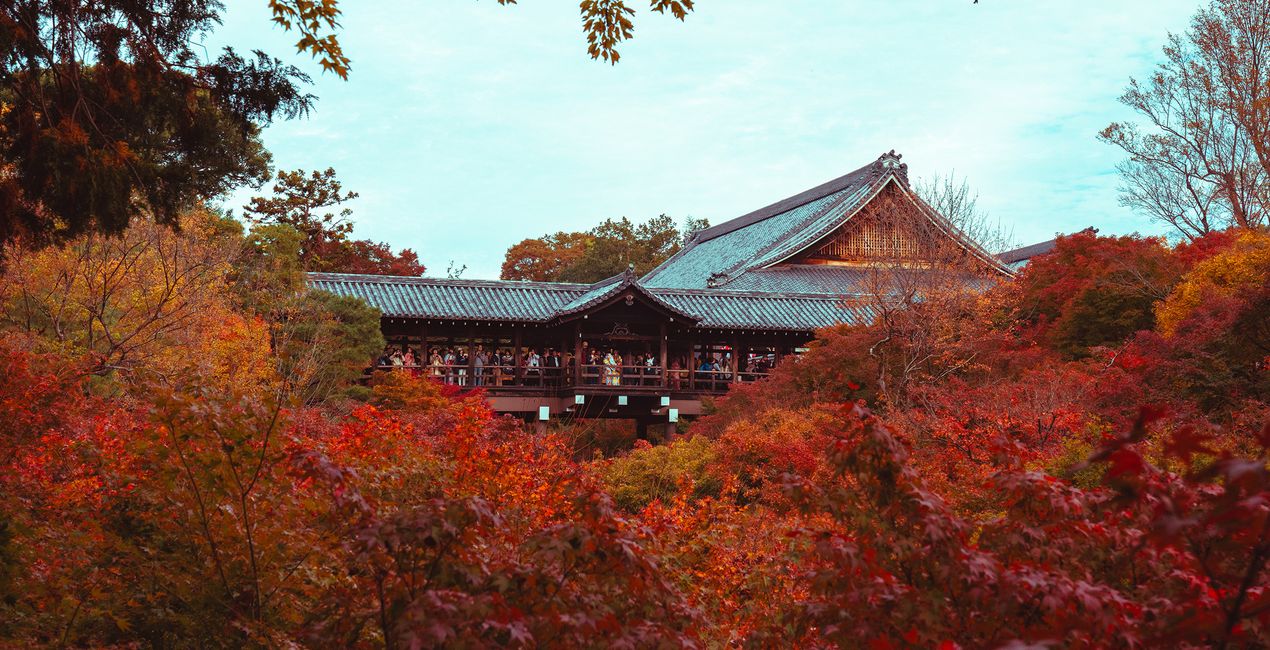 >
>
 >
>
 >
>
Each Preset was meticulously crafted to enhance the beauty of autumn in all its golden and crimson glory. The collection draws inspiration from the warm, sun-kissed tones of the season, elevating your autumn-themed photography with a captivating brilliance.
Whether you're an enthusiast or a seasoned photographer, these Presets are designed for anyone passionate about autumn's natural splendor. Choose any Preset from this collection and watch your photos come alive with its golden and red hues!
You will find 10 Presets in this pack:
Morning Glow: brightens your photos with a soft, radiant aura.
Deep Greens: intensifies the lushness of verdant landscapes.
The Colors of Fall: enriches autumn scenes with vibrant hues.
Deep Reds: adds dramatic depth to your photography.
Golden Morning: bathes your images in a warm, golden glow.
Moody Autumn: infuses a sense of mystery and depth into fall shots.
Autumn in the Mountains: captures the rugged beauty of elevated landscapes.
Color Lift: enhances your images with a refreshing burst of vibrancy.
Red Mood: imparts a film-like tone to your fall photography.
Yellow & Blue Pop: creates striking contrasts between trees and the sky that make your subjects stand out.
Street and Fashion photographer
Steve Roe is a photographer based in Seoul, originally from the UK, who has made a name for himself with his neon street photography. He captures the vibrant essence of cyberpunk culture, infusing his work with a futuristic and captivating allure. He is also known for his experimental approach to portraiture, employing neon lights and fractal lenses to craft imaginative and unique images that transport subjects to a realm of intriguing futurism. His talents have not gone unnoticed, with notable brands like Apple and Prada seeking his distinctive style for their campaigns. Steve's work has also received recognition from major platforms such as the BBC and National Geographic, while his photographs have graced the covers of iconic cyberpunk novels like The Neuromancer Trilogy by William Gibson. With an eye for neon aesthetics and a passion for capturing the essence of Asia's neon-lit cities, Steve Roe continues to captivate audiences, blurring the lines between reality and the dazzling realm of neon-lit dreams.
Se hai domande sui prodotti, puoi contattare il team dell'assistenza tutti i giorni, 24 ore al giorno. Utilizza questo link.
Per acquistare Autumn in the East , segui questi passaggi:
1. Apri il Marketplace di Skylum.
2. Vai sulla scheda dove è elencato Autumn in the East . Clicca sul nome del prodotto per aggiungerlo al carrello.
3. Vai al carrello, dove potrai completare l'acquisto di Autumn in the East .
4. Dopo l'acquisto, riceverai un'e-mail con il link per scaricare Autumn in the East . Potrai trovare il nuovo acquisto anche nel tuo account Skylum, nella scheda I miei add-on.
Nell'e-mail con il link per il download riceverai anche istruzioni dettagliate su come installare Autumn in the East .
Inoltre, puoi installare l'articolo acquistato direttamente in Luminar Neo: vai su Extra > Marketplace, seleziona la categoria di prodotto, trova l'articolo acquistato e clicca su Installa.
È piuttosto semplice! Innanzitutto, scarica il pacchetto dal tuo Account > I miei componenti aggiuntivi. Quindi segui le istruzioni di installazione contenute nella cartella scaricata. Ogni tipo di risorsa può avere una procedura di installazione specifica, quindi assicurati di consultare la guida inclusa.
Non preoccuparti. Tutti gli articoli acquistati, incluso Autumn in the East , vengono conservati nella scheda "I miei add-on" del tuo account Skylum, così potrai riscaricarli e utilizzarli in tutta facilità.
In generale, la maggior parte degli articoli è compatibile con Luminar Neo. Ma per assicurarti che Autumn in the East sia compatibile con i tuoi software, verificane le specifiche prima di scaricarlo o acquistarlo. Cerca la sezione "Compatibilità" sulla destra della pagina di Autumn in the East , dove sono elencati tutti i prodotti compatibili.
Non andartene ancora. Ecco un codice sconto esclusivo per te. Usalo entro i prossimi 15 minuti per ottenere un ulteriore sconto del 10% al momento del pagamento. Copia il codice qui sotto e completa l'acquisto.
15 m : 00 s





