


 Applicato


Cinematic Color Looks
Save $201 $ 25 .00

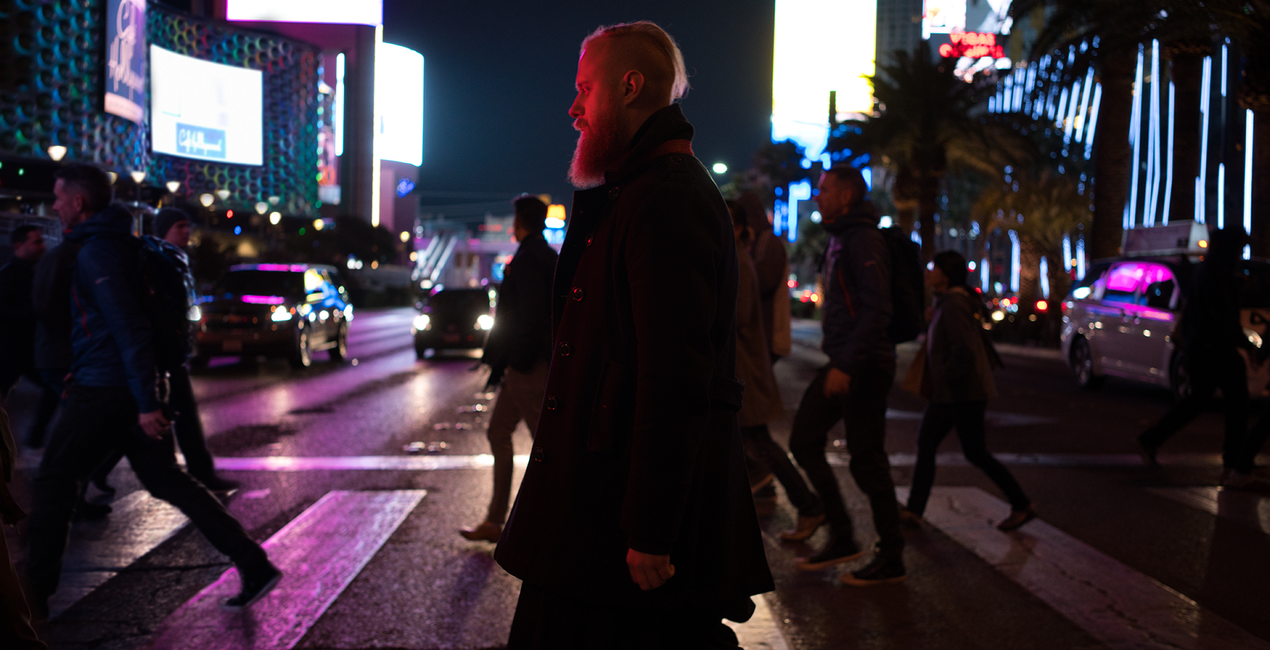
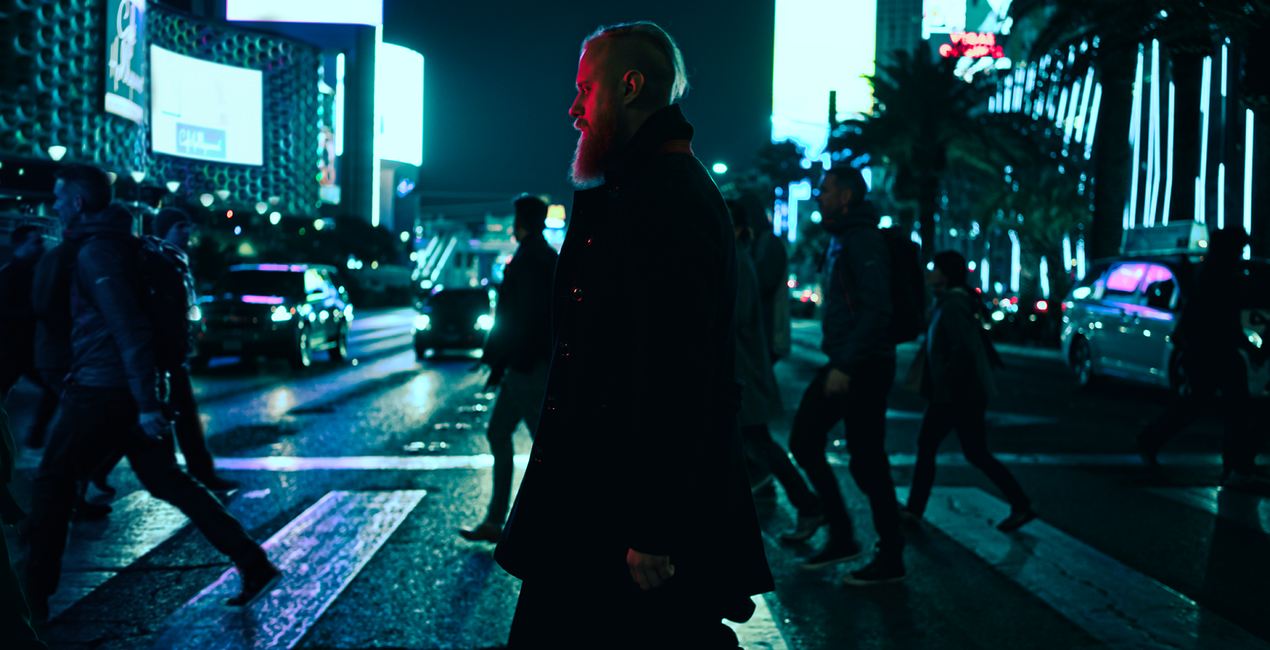
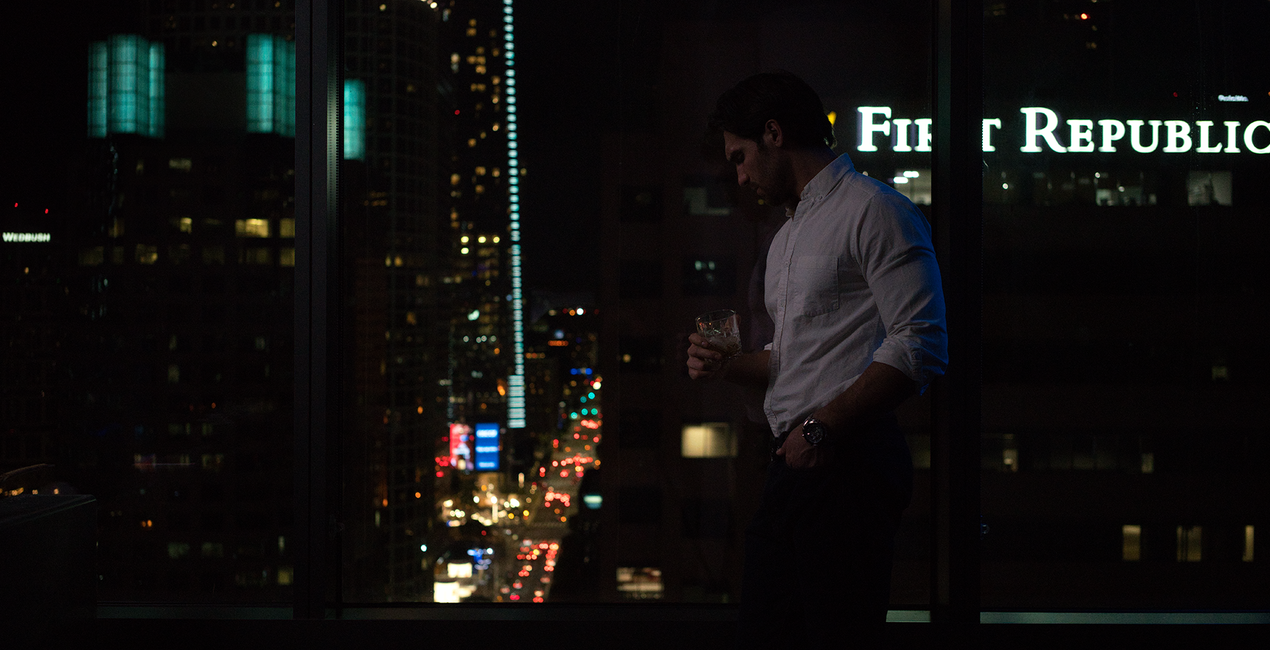
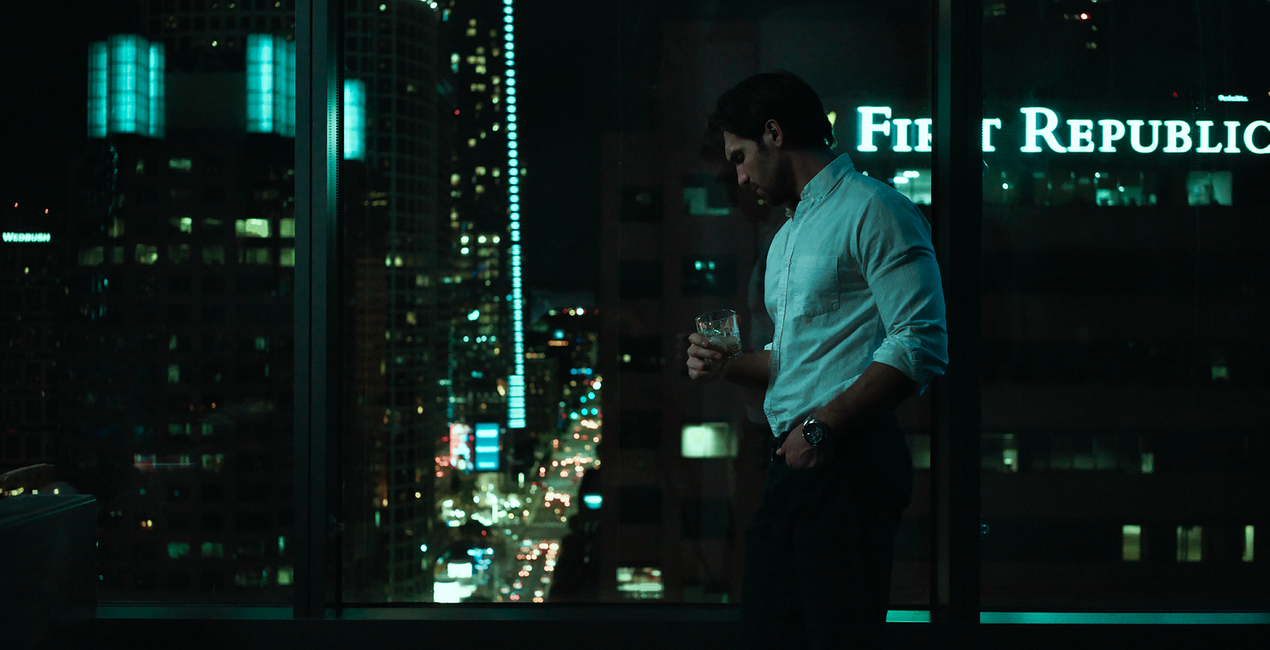
Movies are a source of endless visual and aesthetic inspiration for photographers. New ideas for creating images can come from the cinematography, costume, set design or story. Together with Los-Angeles based commercial photographer, Ilya Nodia, we’ve made a set of red carpet movies inspired looks and presets, which we are releasing in time for this year’s Academy Awards.


Utilizzando i file RAW forniti, potrai mettere facilmente in pratica i consigli di ritocco e imparare a ottenere foto come queste.
 >
>

 >
>

 >
>
 >
>

 >
>
 >
>

 >
>
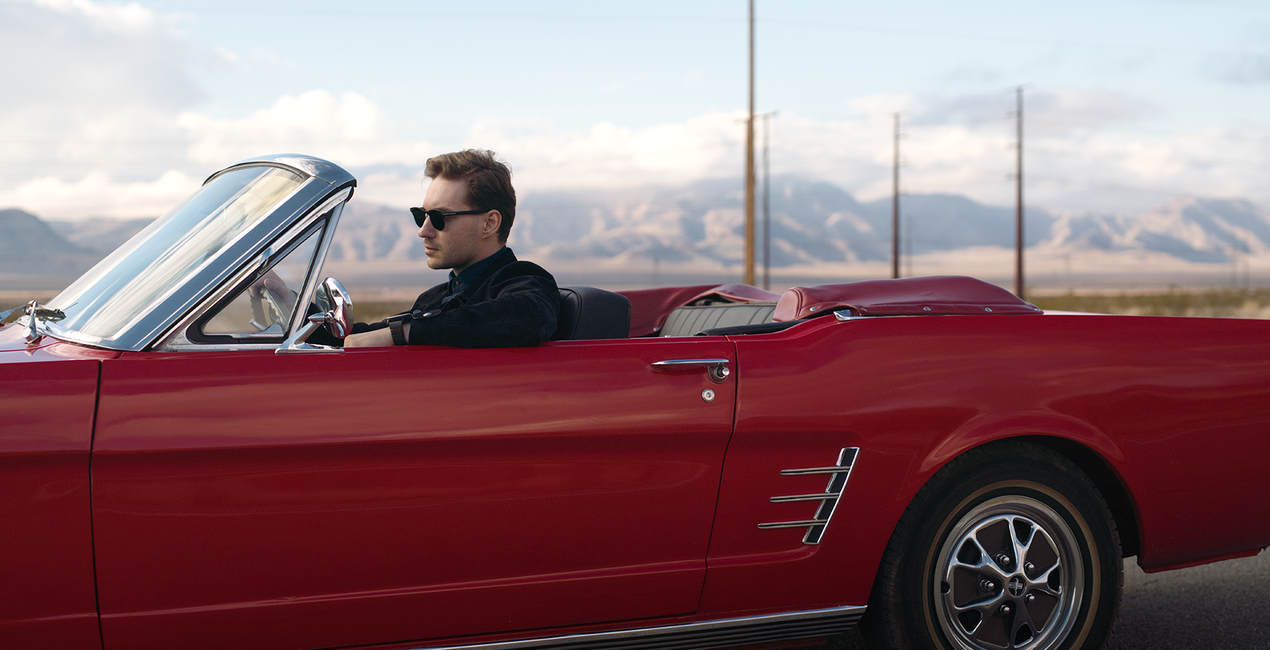
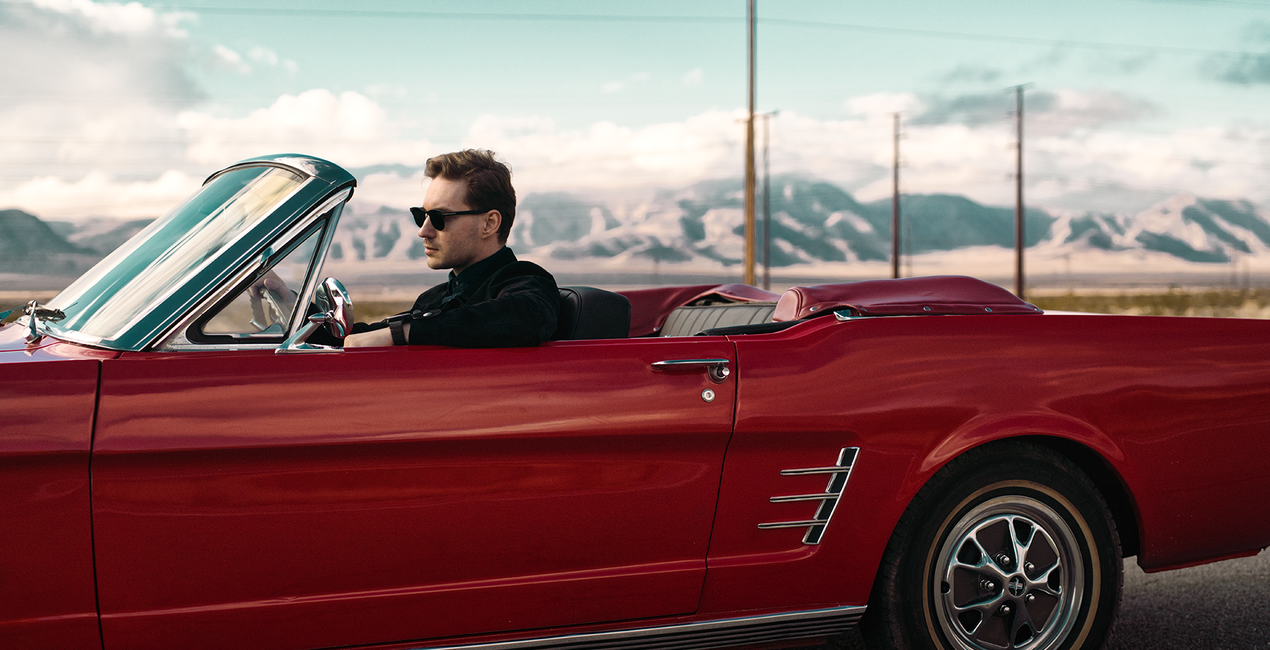
Together with Los-Angeles based commercial photographer, Ilya Nodia, we've recently created a set of Hollywood-inspired looks for Luminar and Lightroom, based around 12 outstanding movies to give the photos those signature cinematic looks we admire in award-winning movies.From the dramatic atmosphere of a post-apocalyptic landscape, through the old-school grainy look, to the subtle vibrancy of road movies, the new looks have it all.“Cinematography is very diverse, and I wanted to show different stories. We have very static ones (where time stands still), like the one with My Name is Max, or super-dynamic, like the shots with a guy in a car and a wrestler. Here we have a set of radically different colors and approach to shooting, but all of them are brought together by this special cinematic style,” Ilya says.He goes on to give a word of caution, however: “The presets alone are not enough to recreate such photos. The shooting style and lighting need to be the same as the movie the Look is meant to replicate. For example, if you want to get a photo with a Bourne Identity style, (cold, with greenish mid-tones, and shot in cloudy weather) you need to plan and style the shoot accordingly. For instance, you might want to have it outdoors, carefully select the heroes for the shoot, and think of all those little details that make it all look consistent.”The pack includes Luminar Looks, Lightroom Presets and Custom Profiles (Lightroom Classic CC and Lightroom CC compatible. They are all inspired by the same movies, though there might be a slight difference in the final looks. 4 out of 12 Looks are free.
Fotografi, coloristi e ritoccatori
Il Team di Skylum collabora con centinaia di fotografi professionisti ed editor di foto per offrirti Modelli utilizzati da fotografi top per creare capolavori. Il Laboratorio Skylum AI analizza le foto e i lavori dei fotografi e crea Modelli accessibili a tutti e che sfruttano la tecnologia avanzata che sta dietro al software di LuminarAI. La nostra missione è ridurre il tempo e gli sforzi necessari a realizzare foto straordinarie e consentire a tutti di divertirsi con il photo editing e la fotografia.
Se hai domande sui prodotti, puoi contattare il team dell'assistenza tutti i giorni, 24 ore al giorno. Utilizza questo link.
Per acquistare Cinematic Color Looks, segui questi passaggi:
1. Apri il Marketplace di Skylum.
2. Vai sulla scheda dove è elencato Cinematic Color Looks. Clicca sul nome del prodotto per aggiungerlo al carrello.
3. Vai al carrello, dove potrai completare l'acquisto di Cinematic Color Looks.
4. Dopo l'acquisto, riceverai un'e-mail con il link per scaricare Cinematic Color Looks. Potrai trovare il nuovo acquisto anche nel tuo account Skylum, nella scheda I miei add-on.
Nell'e-mail con il link per il download riceverai anche istruzioni dettagliate su come installare Cinematic Color Looks.
Inoltre, puoi installare l'articolo acquistato direttamente in Luminar Neo: vai su Extra > Marketplace, seleziona la categoria di prodotto, trova l'articolo acquistato e clicca su Installa.
È piuttosto semplice! Innanzitutto, scarica il pacchetto dal tuo Account > I miei componenti aggiuntivi. Quindi segui le istruzioni di installazione contenute nella cartella scaricata. Ogni tipo di risorsa può avere una procedura di installazione specifica, quindi assicurati di consultare la guida inclusa.
Non preoccuparti. Tutti gli articoli acquistati, incluso Cinematic Color Looks, vengono conservati nella scheda "I miei add-on" del tuo account Skylum, così potrai riscaricarli e utilizzarli in tutta facilità.
In generale, la maggior parte degli articoli è compatibile con Luminar Neo. Ma per assicurarti che Cinematic Color Looks sia compatibile con i tuoi software, verificane le specifiche prima di scaricarlo o acquistarlo. Cerca la sezione "Compatibilità" sulla destra della pagina di Cinematic Color Looks, dove sono elencati tutti i prodotti compatibili.
Non andartene ancora. Ecco un codice sconto esclusivo per te. Usalo entro i prossimi 15 minuti per ottenere un ulteriore sconto del 10% al momento del pagamento. Copia il codice qui sotto e completa l'acquisto.
15 m : 00 s





