


 Appliqué


Neon Tokyo
Save $201 $ 15 .00

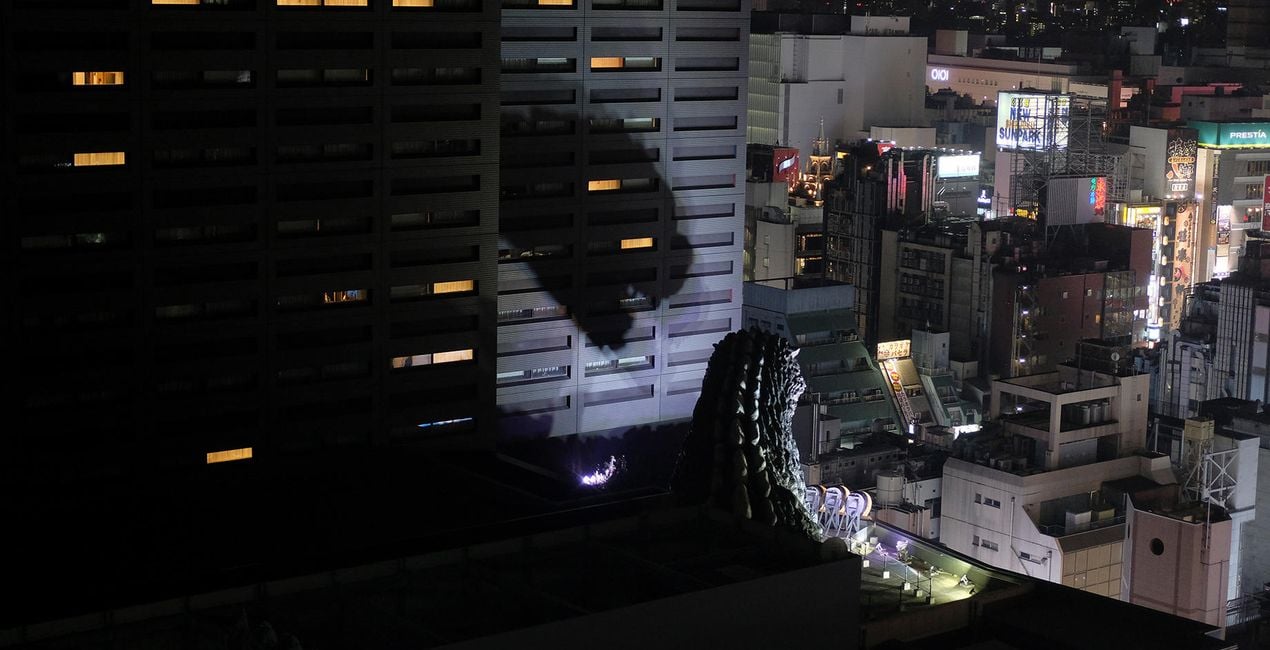
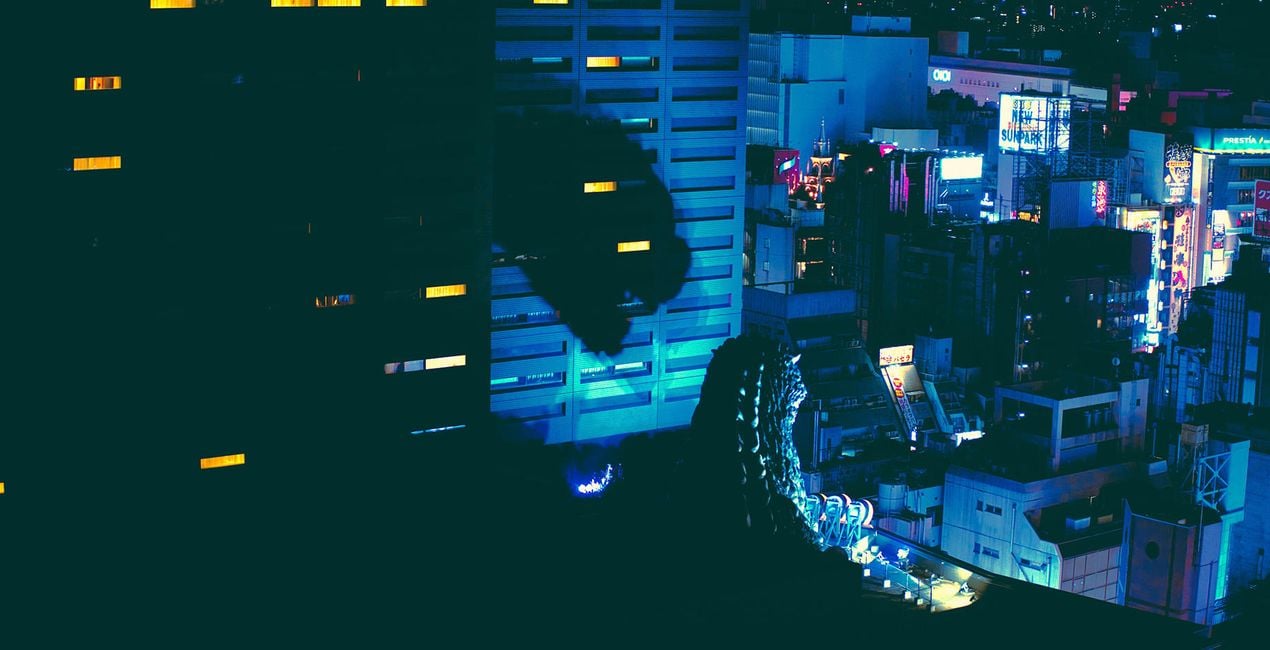
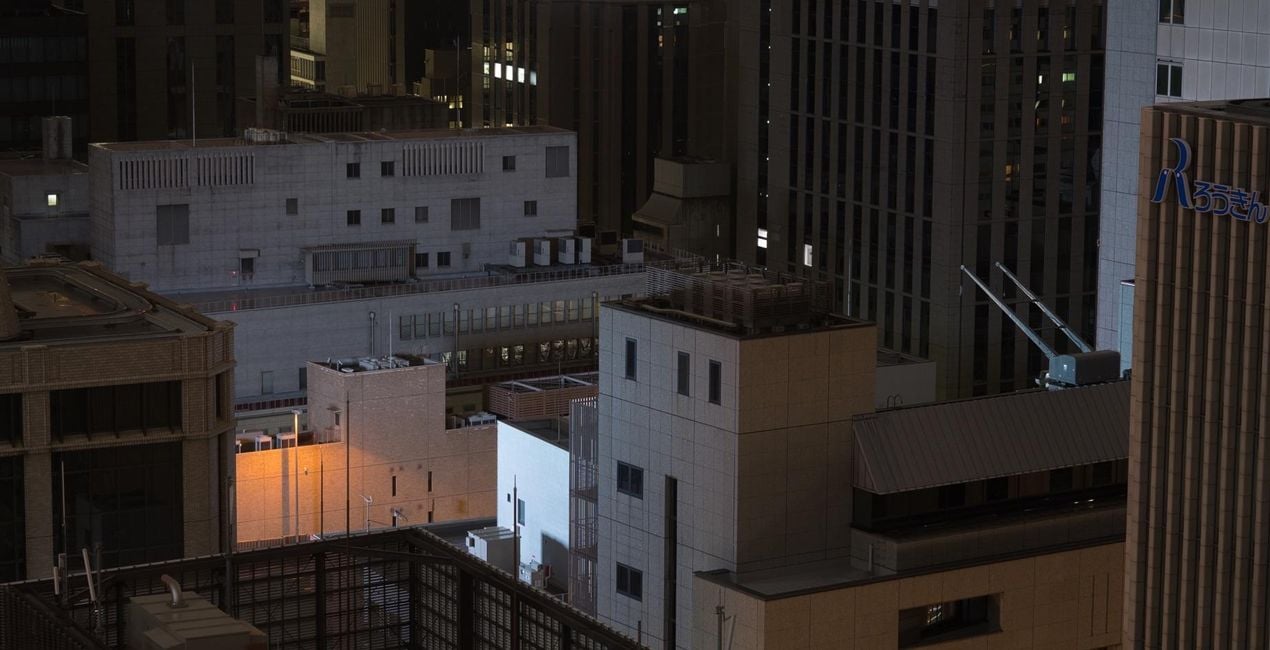
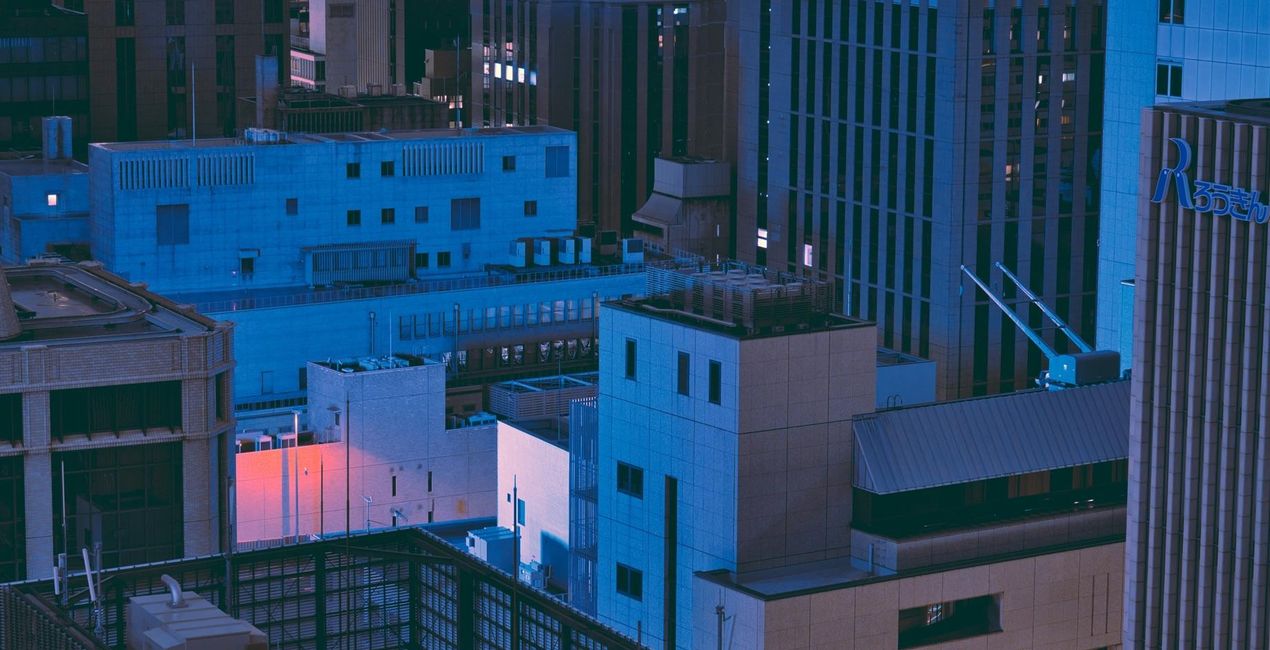
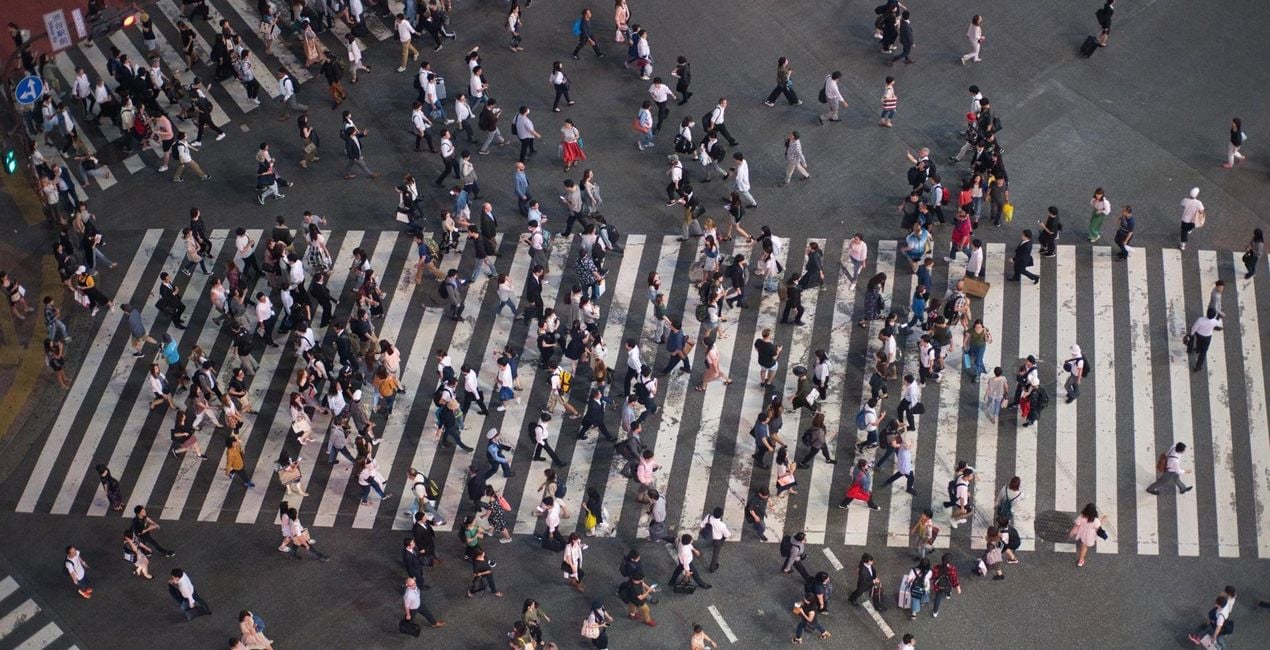
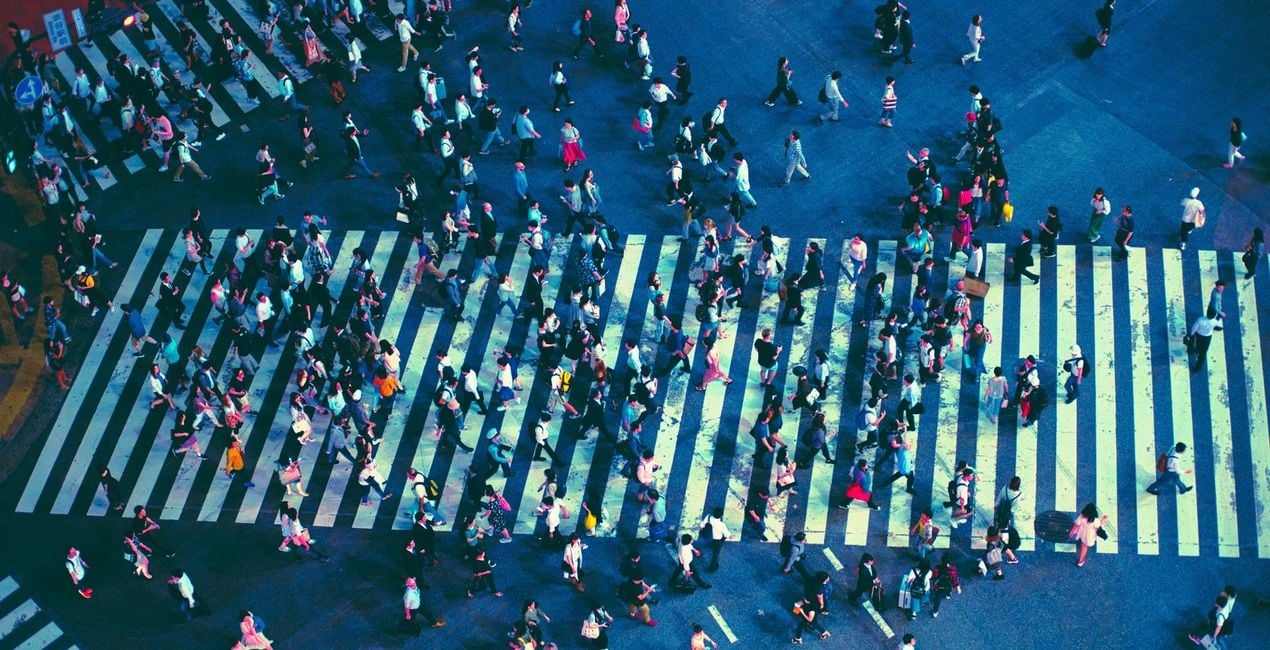
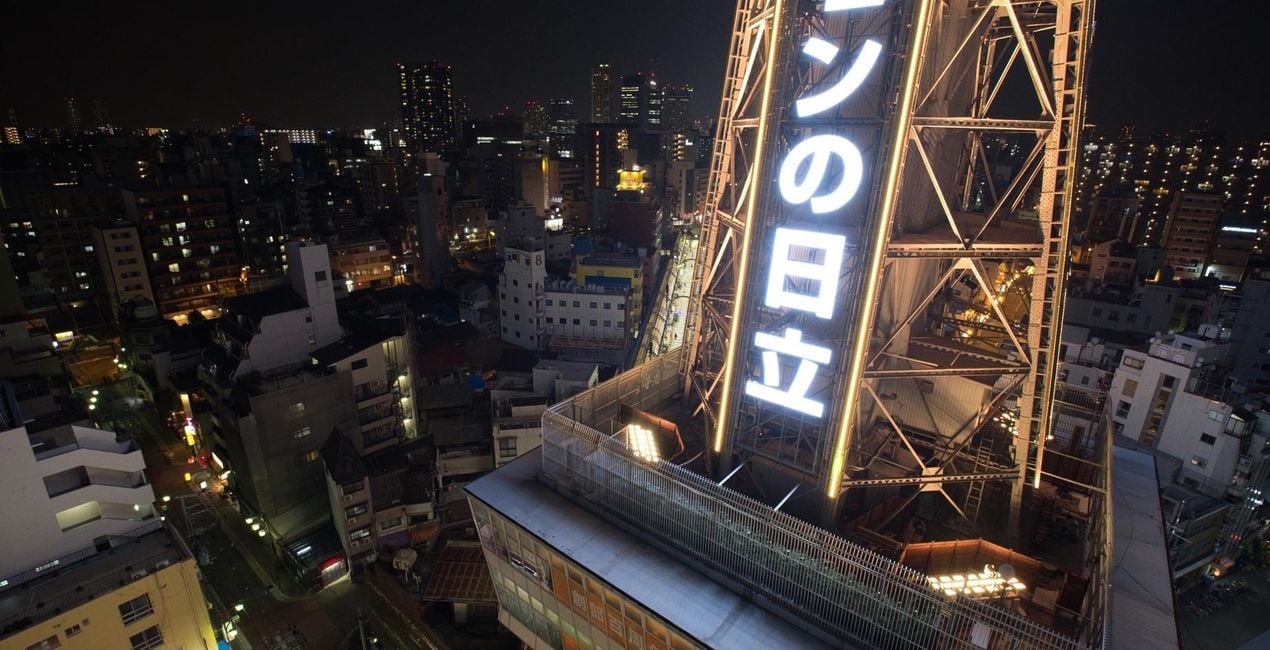
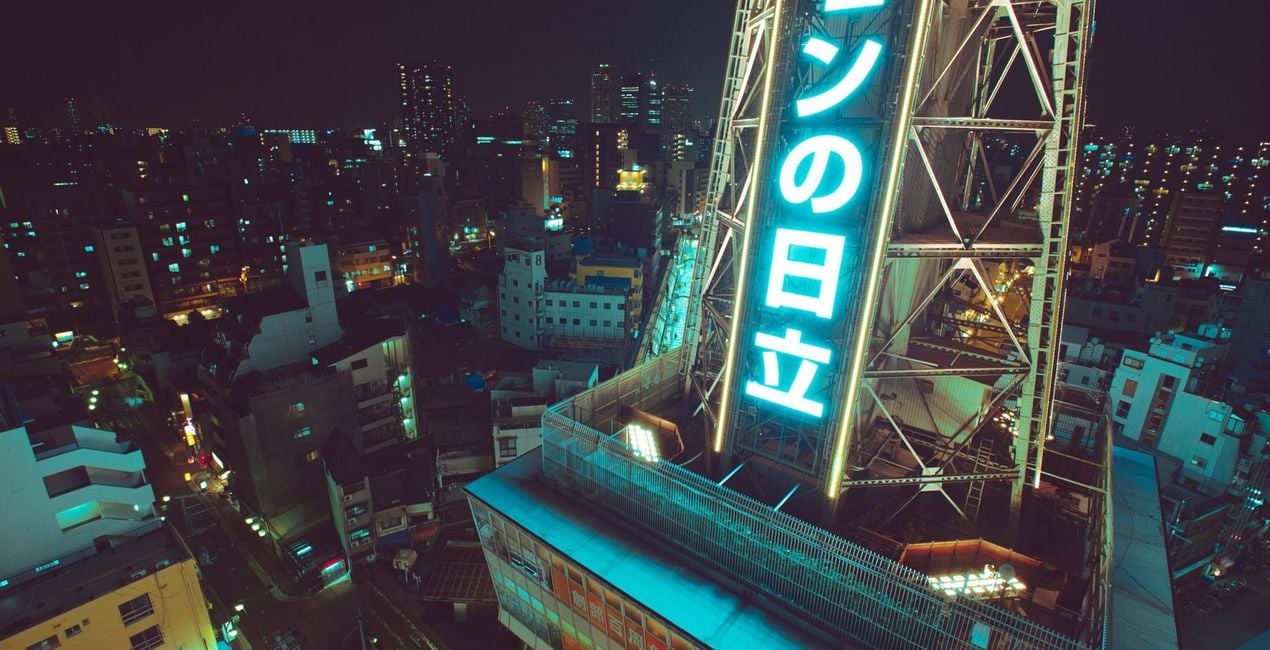
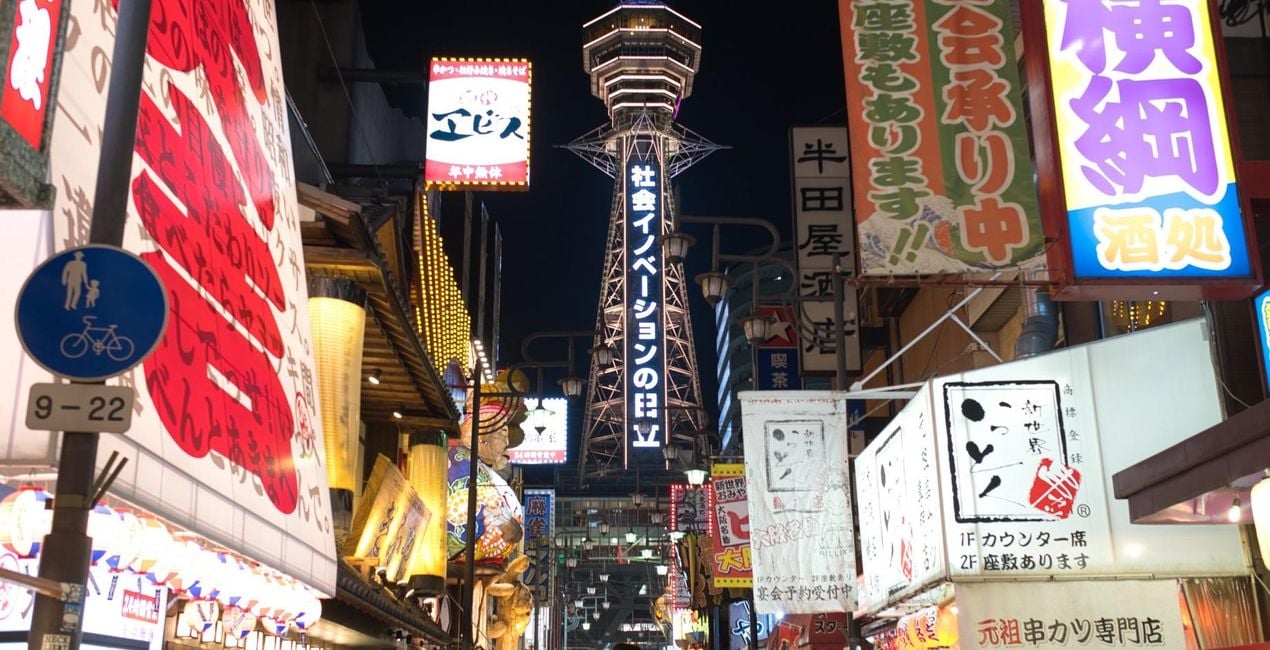
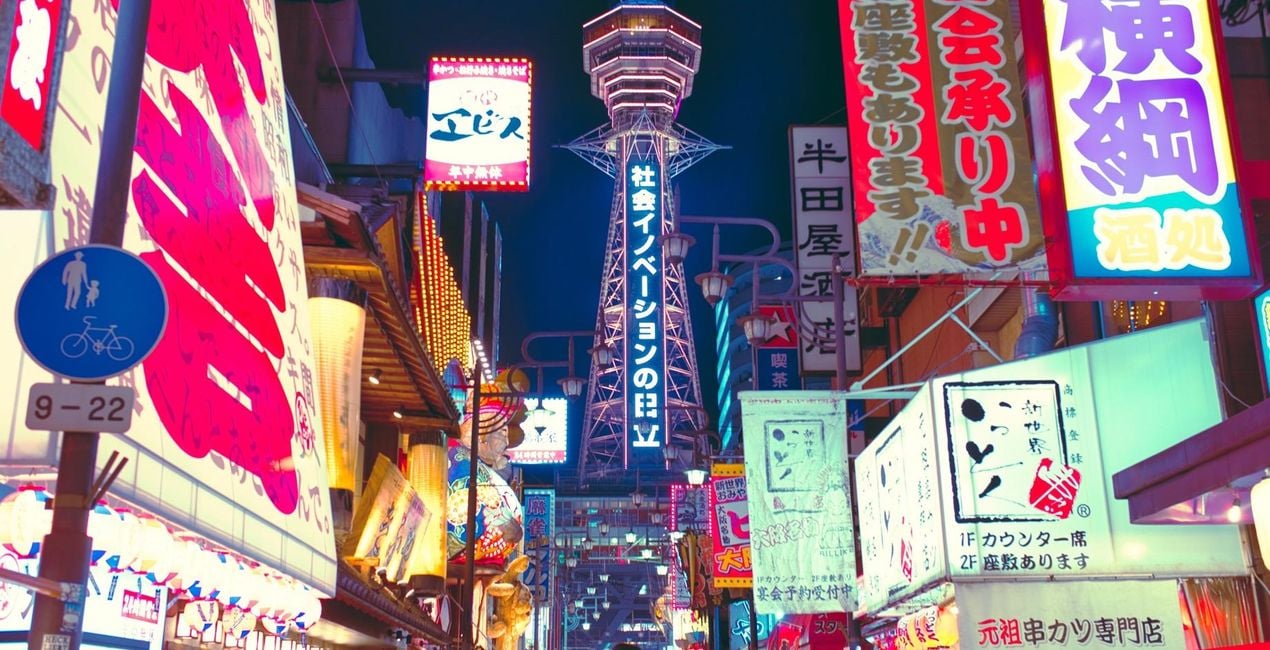
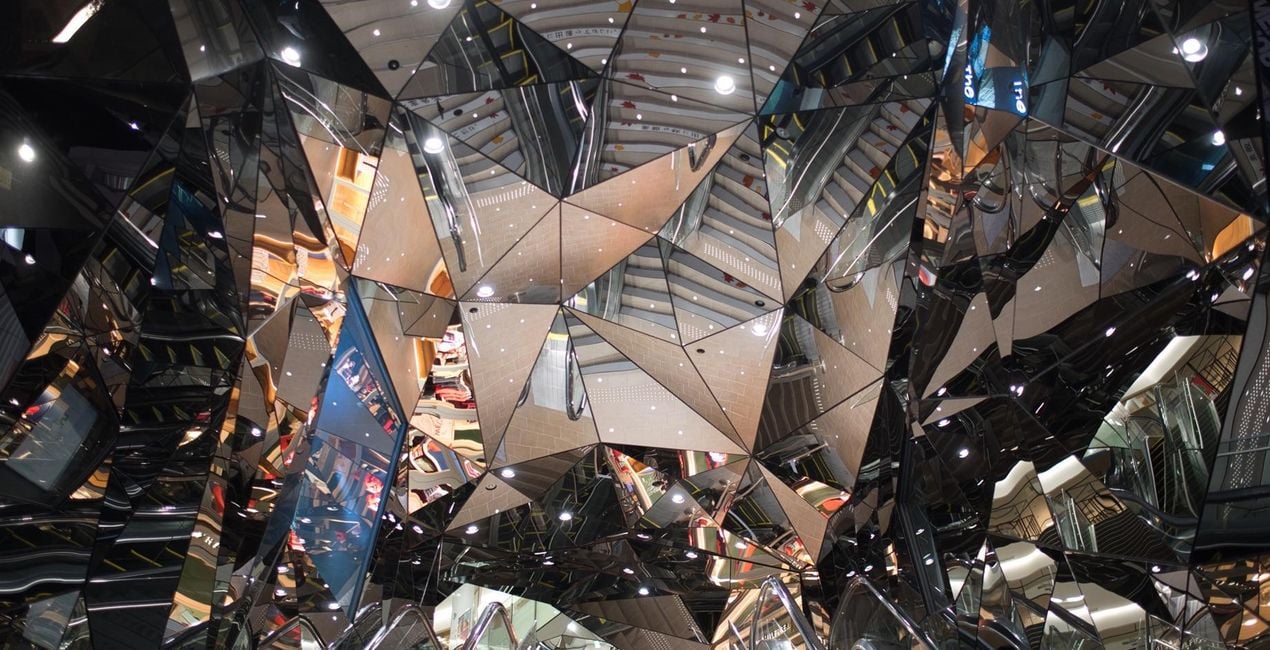
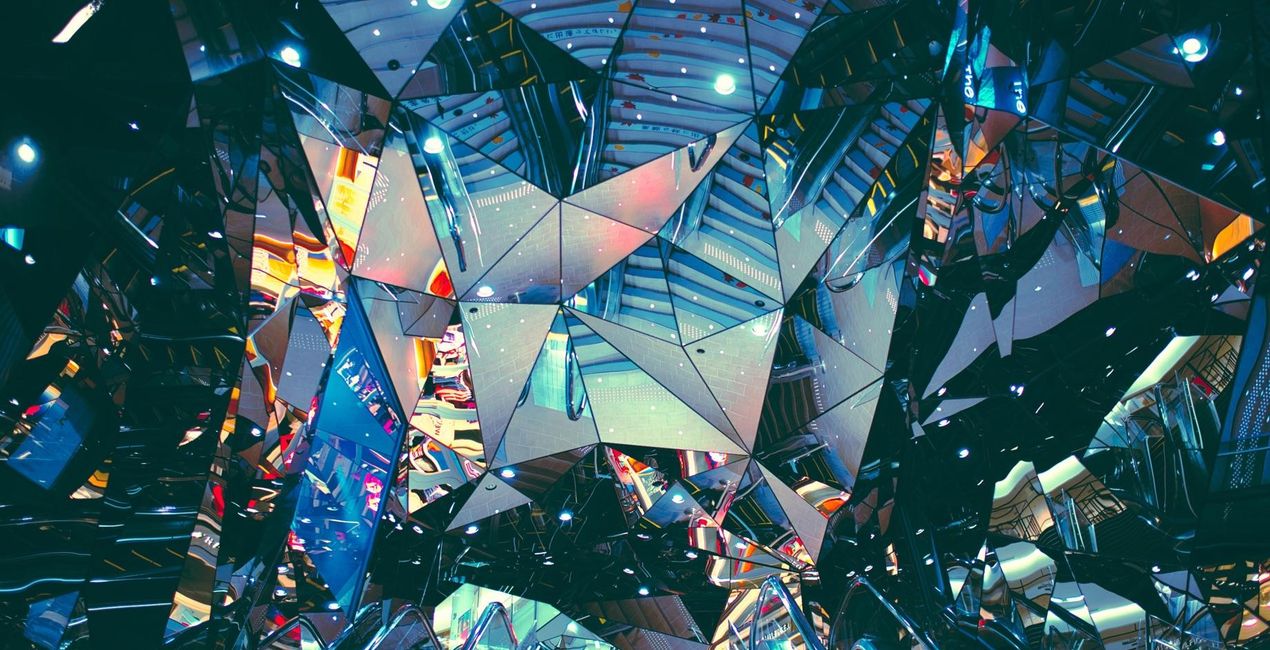
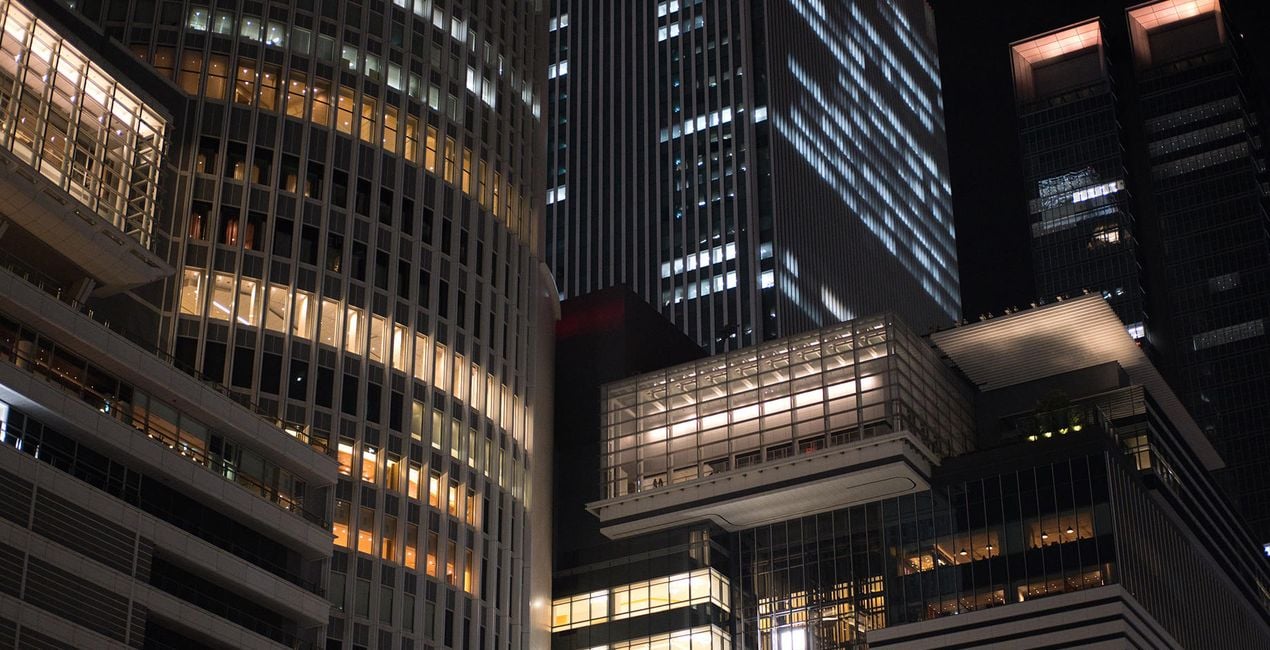
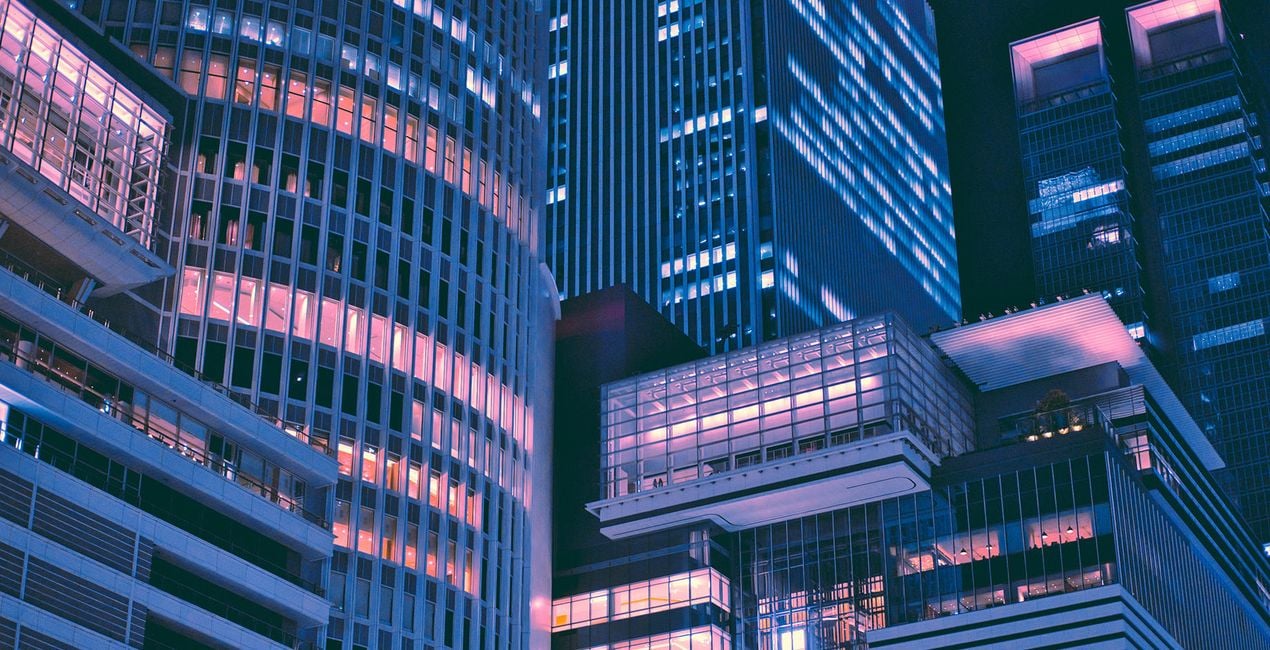
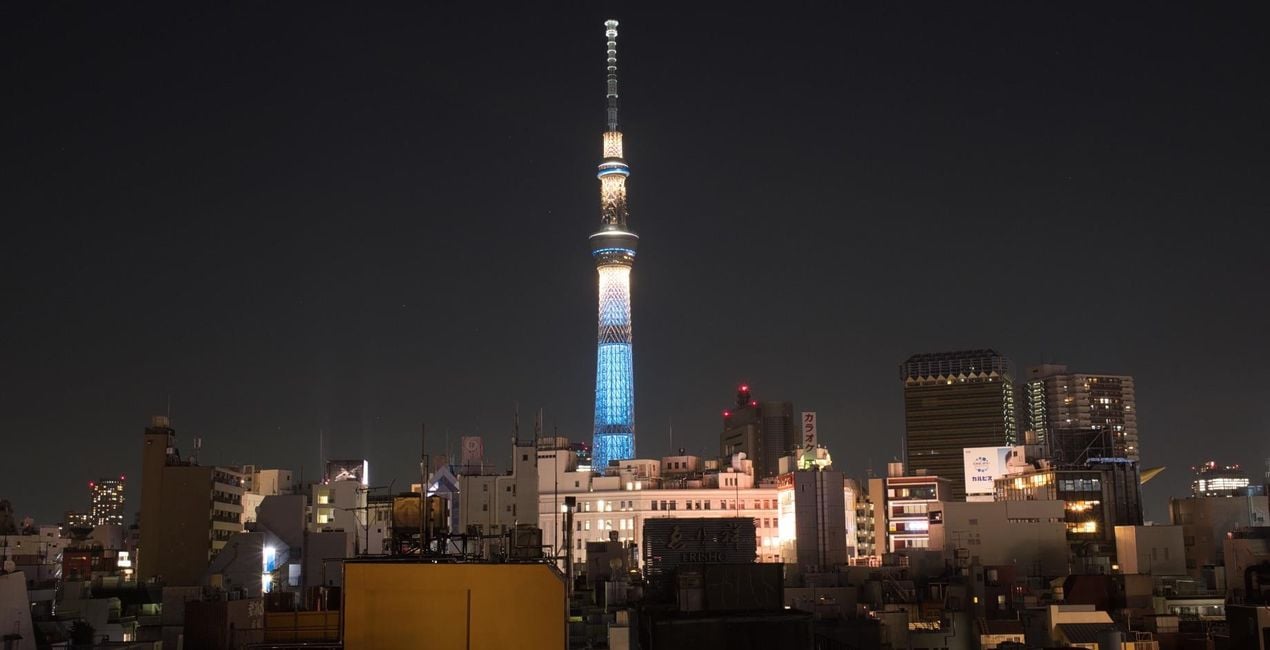
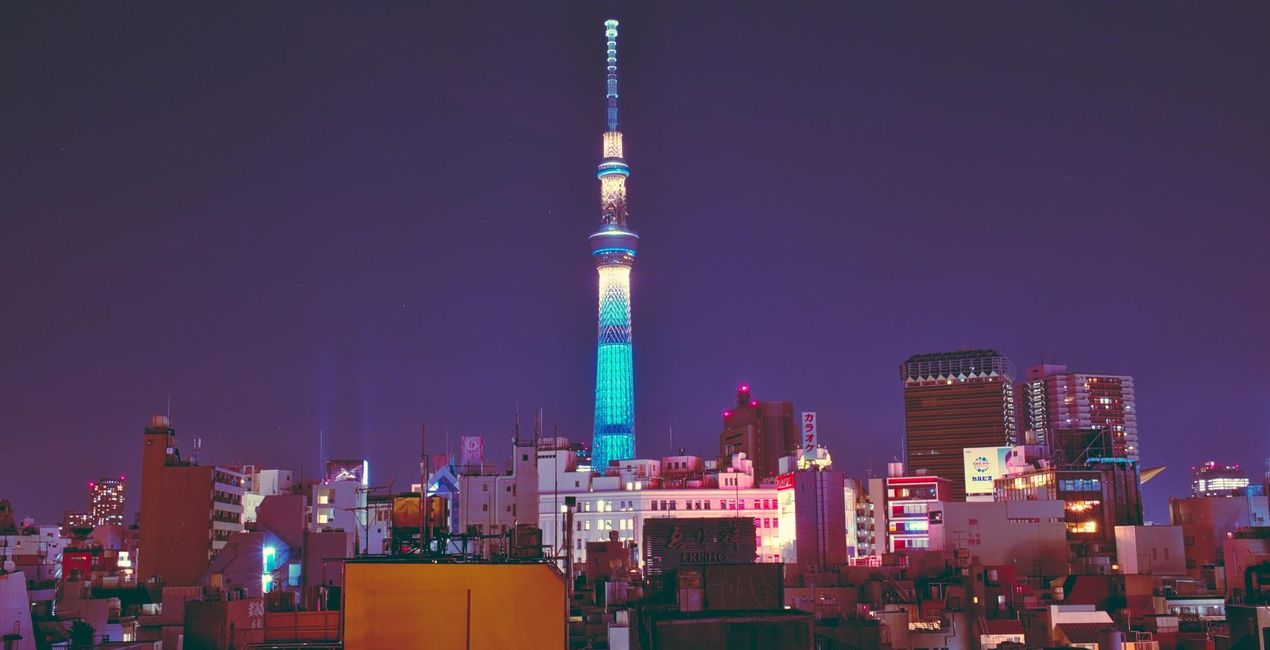
Take a night on the town, any town, and it won’t come close to that of a night out in Tokyo. No place will. Yet somehow, Evgeny Tchebotarev has managed to capture its look and feel. In his Neon Tokyo Signature looks, Evgeny has encapsulated Tokyo’s idiosyncratic energy, so that you can replicate it in your own images.
À l'aide des fichiers RAW fournis, vous pourrez facilement appliquer les conseils en matière de retouche et découvrir comment obtenir des photos comme celles-ci.

 >
>
 >
>
 >
>
 >
>
 >
>
 >
>
 >
>
 >
>
 >
>
There’s truly no place like Tokyo. Tokyo with its endearing kitschy joints, its lively clubbing underworld, and its seemingly endless clutter of neon signs, blinding, ever humming. It’s a place that’s captured the heart (and shutter happy finger) of 500px founder Evgeny Tchebotarev, and many street photographers before him.The VP of Growth for Skylum Asia and now Tokyo-based photographer has always been drawn to the hustle and bustle of the urban streets. He’s in his element, whether he’s roaming the vendor-riddled streets of Yangon on the hunt for that perfect shot or hosting a photo walk in the skyscraper-paved avenues of Hong Kong.Yet it’s Tokyo’s bedecked streets and alleyways that’s truly stirred the street photographer in him, and he’s spent many twilights and late nights combing them for their mesmerizing baths of light.“It’s an endless city, and its people — despite the size, hustle and speed of life — somehow learned to stay polite, be attentive, and caring. It carries me around the streets in all different districts, made famous by countless urban legends, movies and music. But the daylight is not what I'm after. My hunt begins in the blue hour, when sun has set and neon lights are shining brighter. I'm trying to quench my thirst for the bright, colorful neons that light the alleyways, and turn dusky blue sky into sparkling shades of rainbow.”Inspired by Tokyo’s neon-lit nights, Evgeny has designed his first set of Signature Looks for Luminar. Spruce up your images with the city’s effervescing energy. This is the Neon Tokyo collection.
Worldwide Photographer and VP of Growth in Asia, Skylum
<p>Ev Tchebotarev’s journey behind the lens started back in 1999 with just an Olympus 3040z. It’s been a magical journey and a whirlwind love affair ever since. </p><p>
Ev spent the next 12 years nurturing his love of photography by growing his staggering collection of stunning images, organizing photo walks, and, of course, building and cultivating 500px, his life’s work. It only takes a quick peek at Ev’s photo galleries on 500px and Instagram to see it. </p><p>With an eye trained for beauty, Ev has helped judge some of the world’s most prestigious photography contests: Red Bull Illume, Photo Life, and the Sony World Photography Awards.
Today, Ev remains a committed photographer. </p><p>Since joining Skylum to lead the effort in Japan, South Korea, and emerging markets, he has continued to create original Templates to help creatives all around the world. </p>
FAQ
Vous avez d'autres questions ou souhaitez simplement des conseils ?
contacter le support techniqueSi vous avez des questions concernant le produit, contactez notre équipe d'assistance disponible 24 h/24, 7 j/7. Suivez simplement ce lien.
Pour acheter Neon Tokyo, suivez les étapes suivantes :
1. Ouvrez le Marketplace de Skylum.
2. Allez dans l'onglet correspondant où Neon Tokyo est répertorié. Cliquez dessus et ajoutez le produit à votre panier.
3. Accédez à votre panier. Là, terminez le processus d'achat pour Neon Tokyo.
4. Après l'achat, vous recevrez un e-mail de confirmation contenant le lien de téléchargement pour Neon Tokyo. Vous trouverez également le nouvel élément dans votre compte Skylum, sous l'onglet Mes modules complémentaires.
Des instructions détaillées sur l'installation du Neon Tokyo vous seront envoyées dans l'e-mail de confirmation, ainsi que le lien de téléchargement.
De plus, vous pouvez installer l'article acheté directement dans Luminar Neo : allez dans Extras > Marketplace, sélectionnez la catégorie Produit, trouvez l'article acheté et cliquez sur Installer.
C'est très simple ! Allez dans l'onglet Préréglages, puis sélectionnez Achetés. Votre préréglage installé s'y trouvera.
Ne vous inquiétez pas. Tous les articles achetés, y compris Neon Tokyo, sont stockés dans l'onglet « Mes modules complémentaires » de votre compte Skylum. Vous pouvez ainsi facilement les utiliser et les télécharger à nouveau.
Normalement, la plupart des articles proposés sont compatibles avec Luminar Neo. Toutefois, pour vous assurer que Neon Tokyo est bien compatible avec votre logiciel, veuillez vérifier ses spécifications avant de le télécharger ou de l'acheter. Consultez la section « Compatibilité » à droite de la page Neon Tokyo, où tous les produits compatibles sont répertoriés.
Ne partez pas tout de suite. Voici un code de réduction exclusif pour vous. Utilisez-le dans les 15 prochaines minutes pour bénéficier d'une réduction supplémentaire de 10 % lors du paiement. Copiez le code ci-dessous et finalisez votre achat.
15 m : 00 s





