


 Appliqué


Grands Paysages Américains
Save $201 $ 7 .60 $ 19 .00

Explorez les vastes paysages naturels des États-Unis et immortalisez le sentiment de liberté des plus grands paysages dans vos clichés. Ajoutez du spectacle, de la couleur et de la luminosité avec ces 10 Modèles pleins d'aventure par Edin Chavez et créez des images dont vous vous souviendrez.
Inclus
10 Templates. Compatible with JPEG and RAW images.

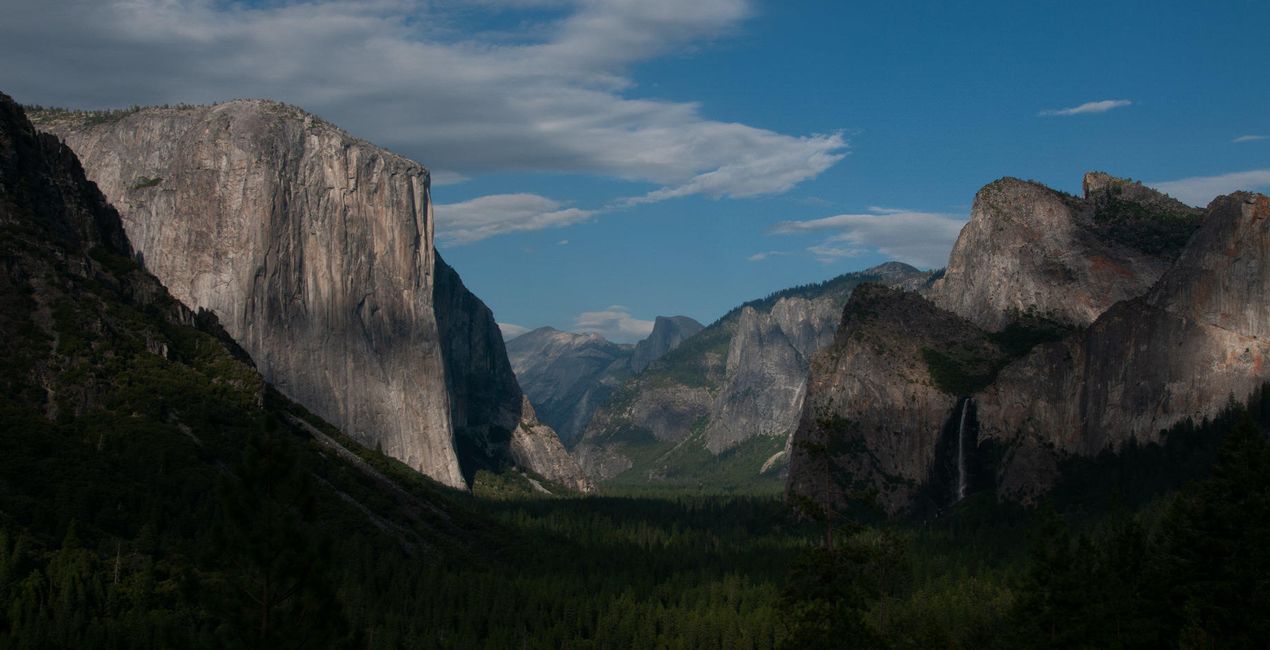
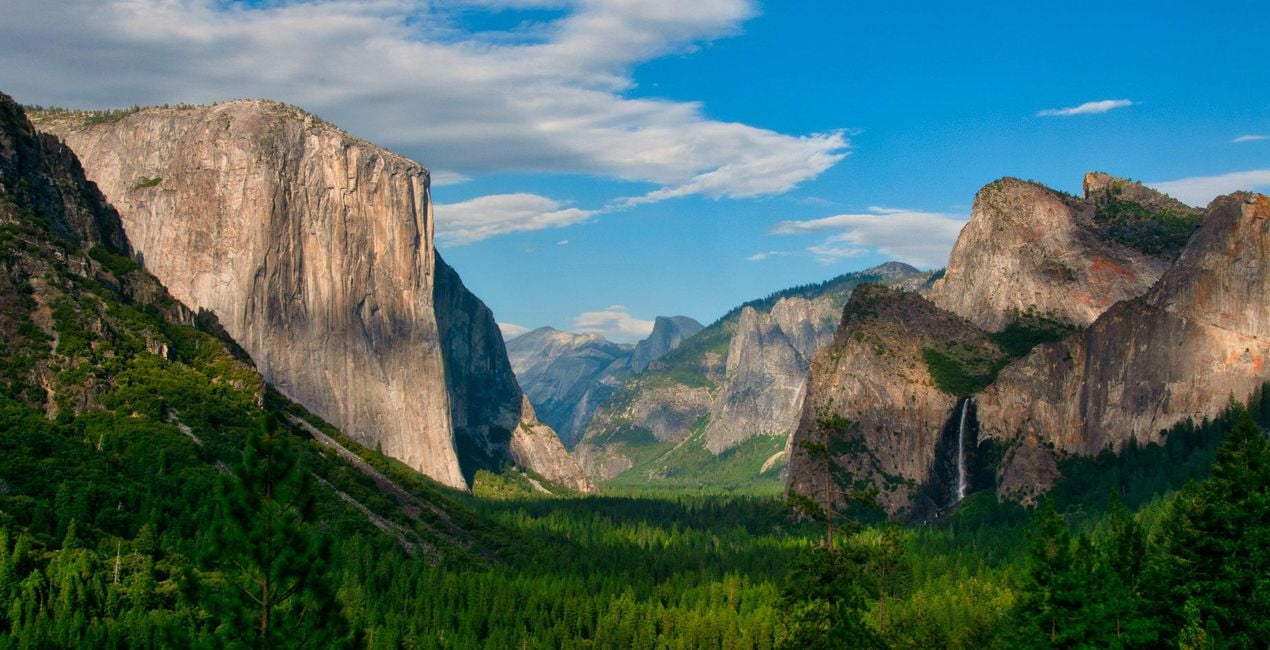
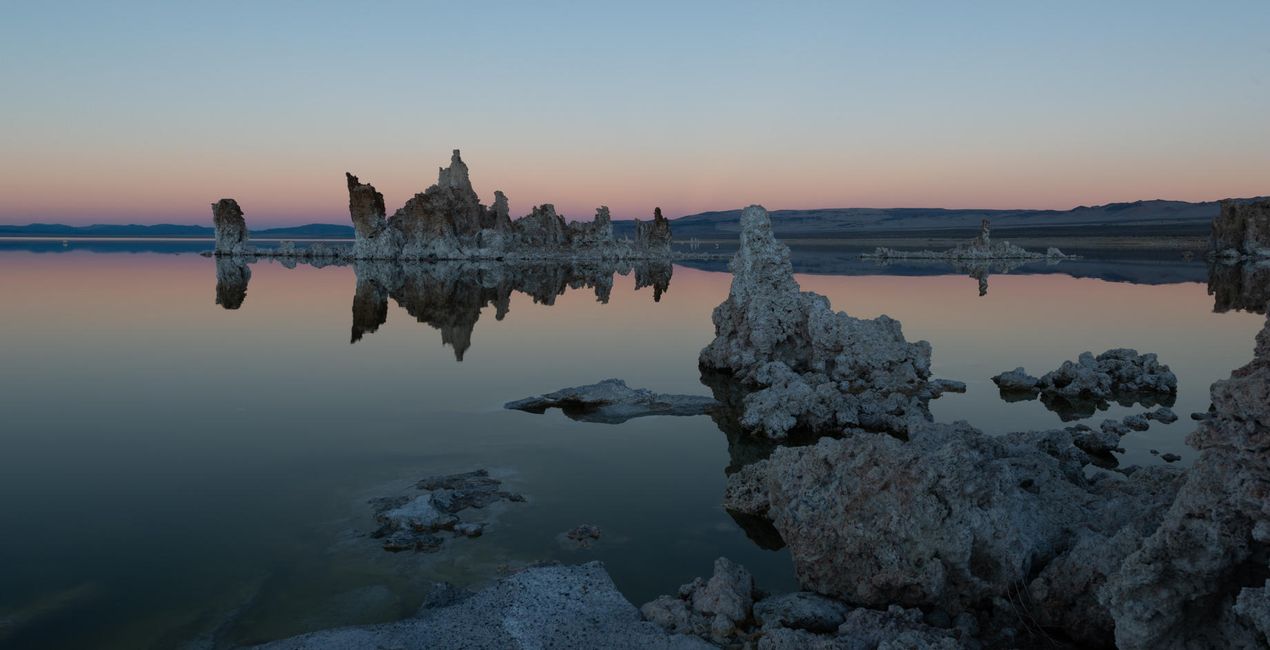
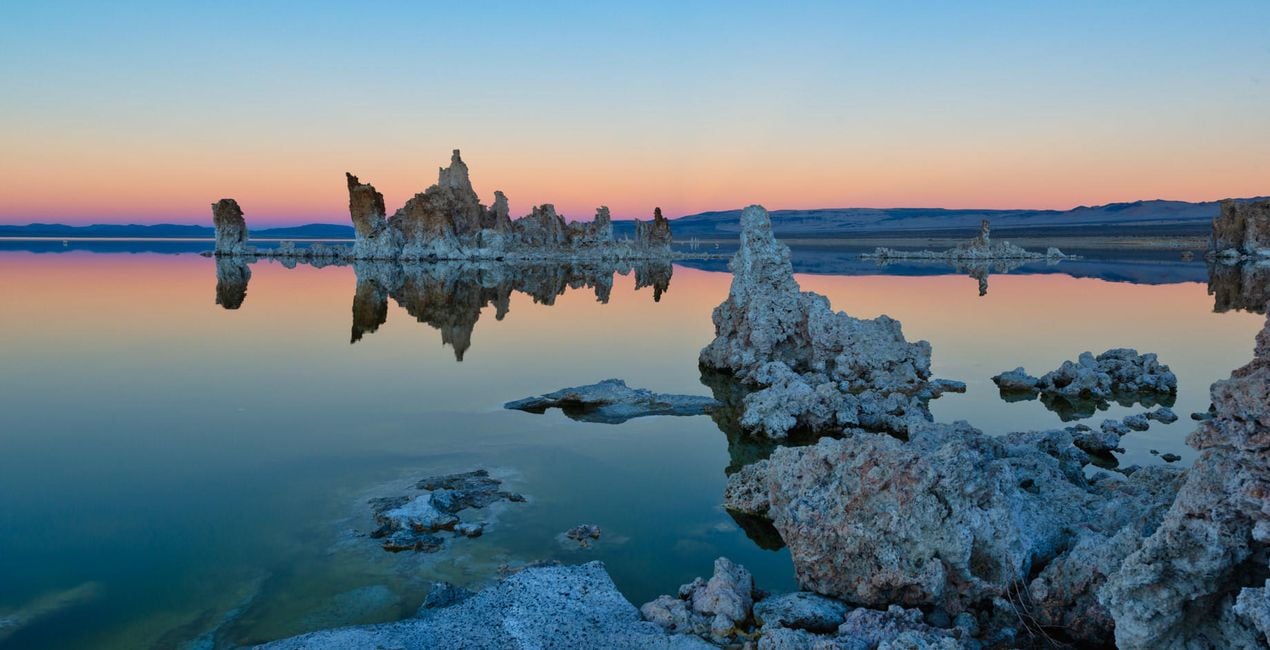
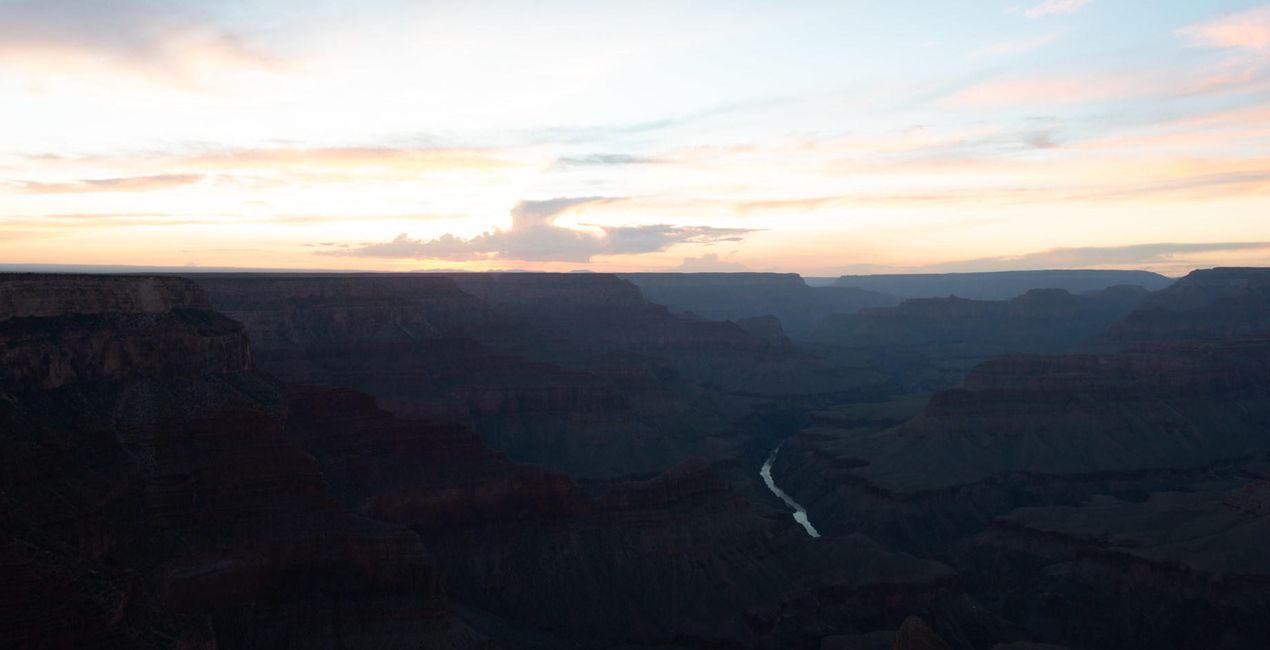
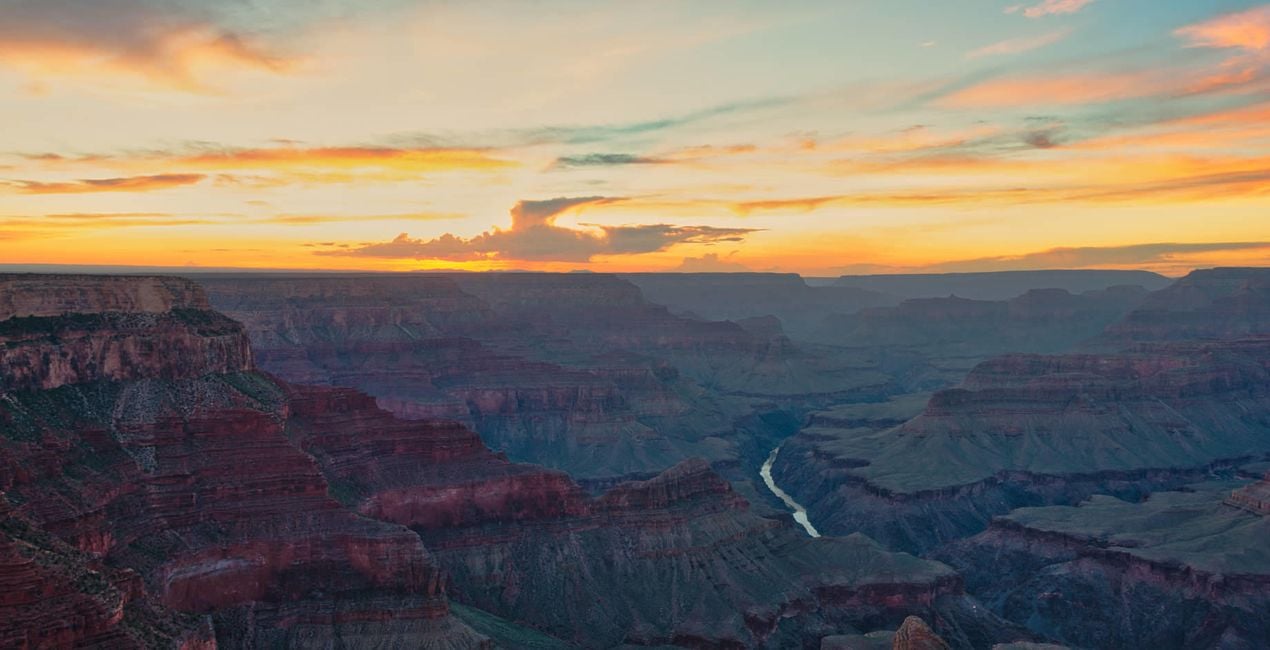
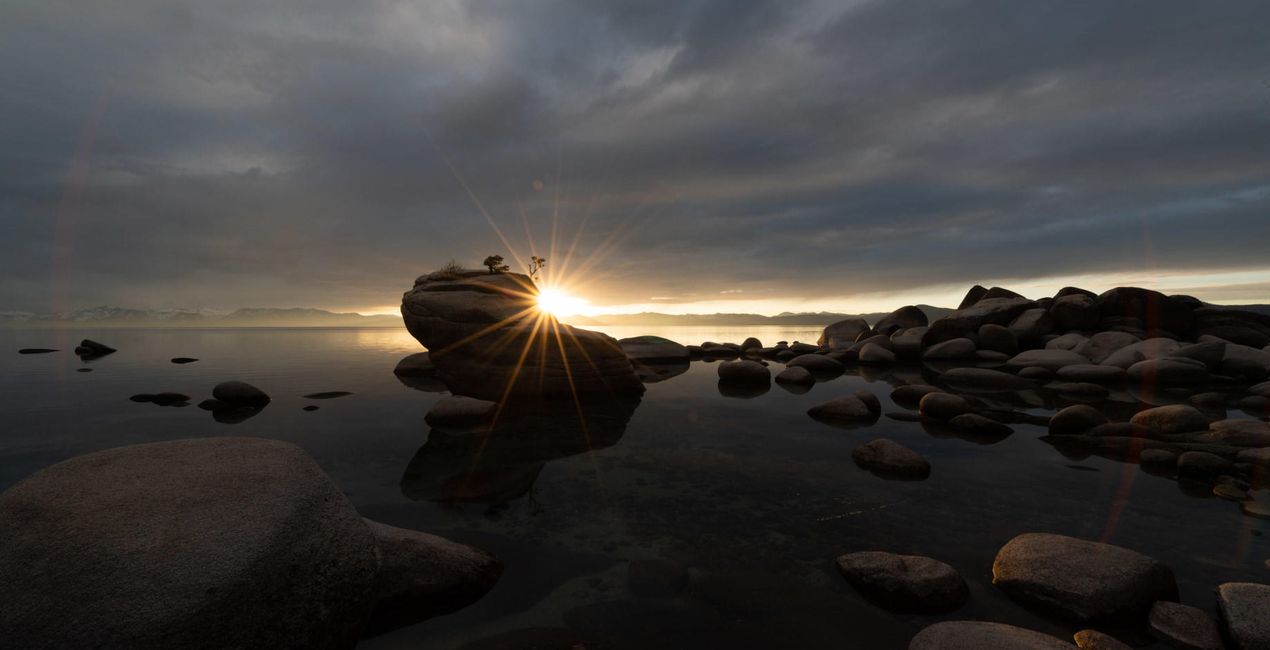
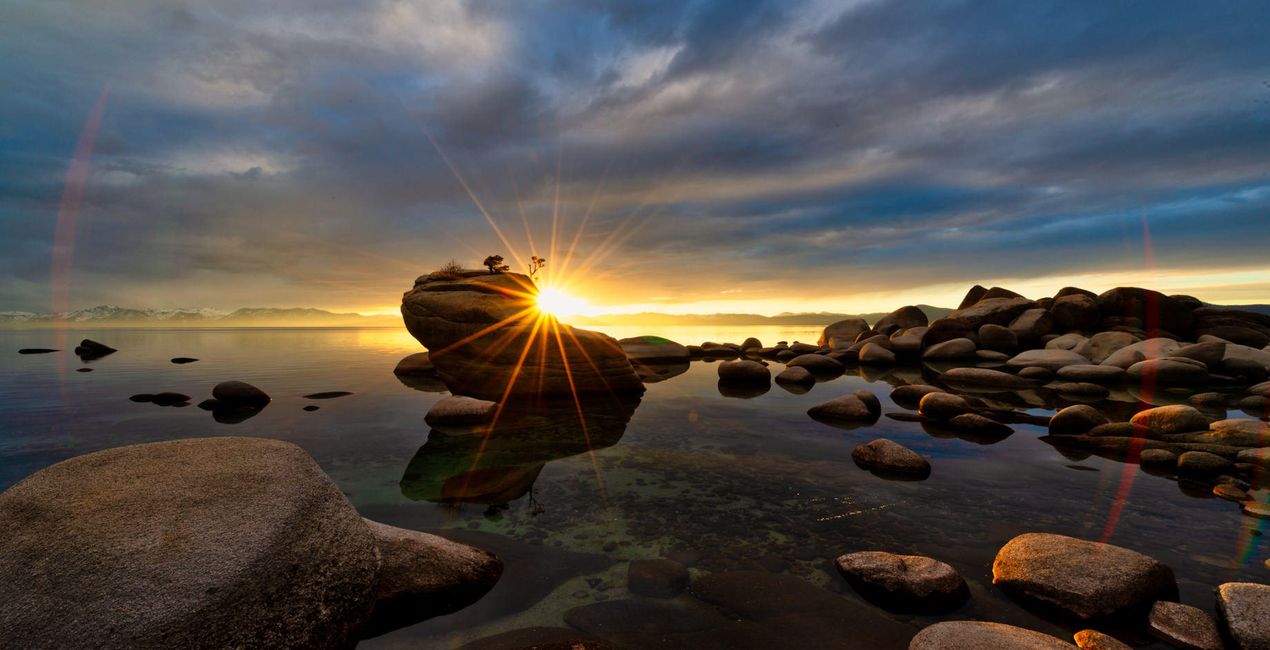
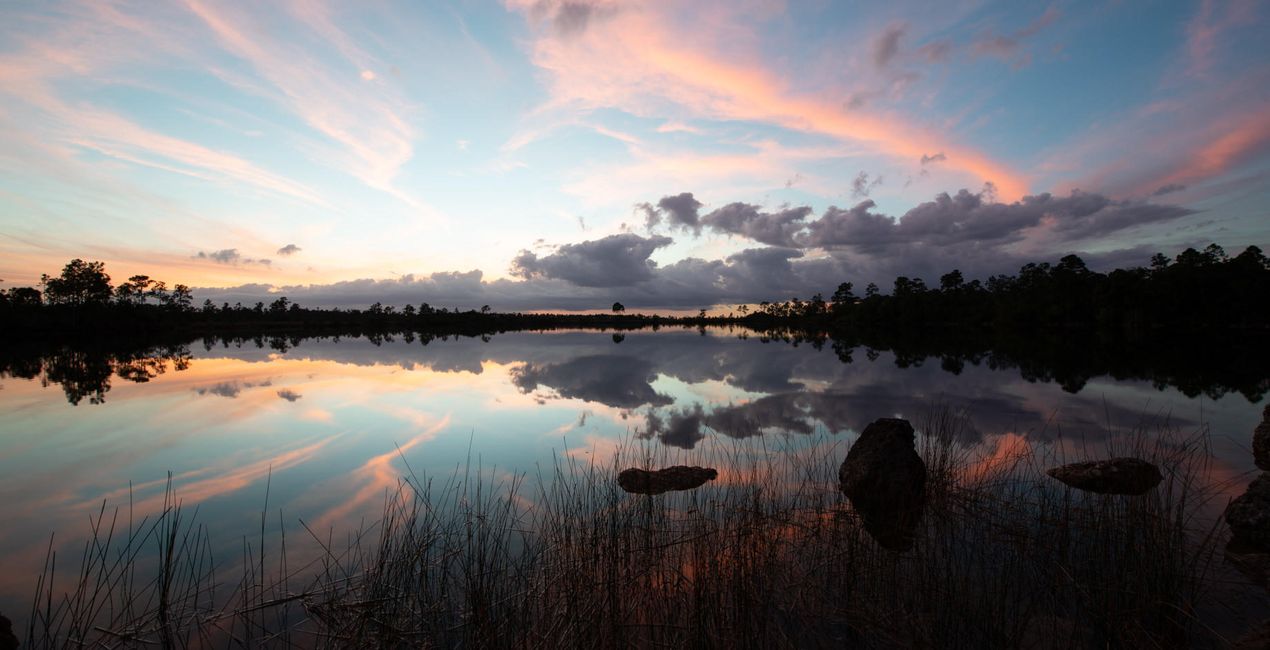
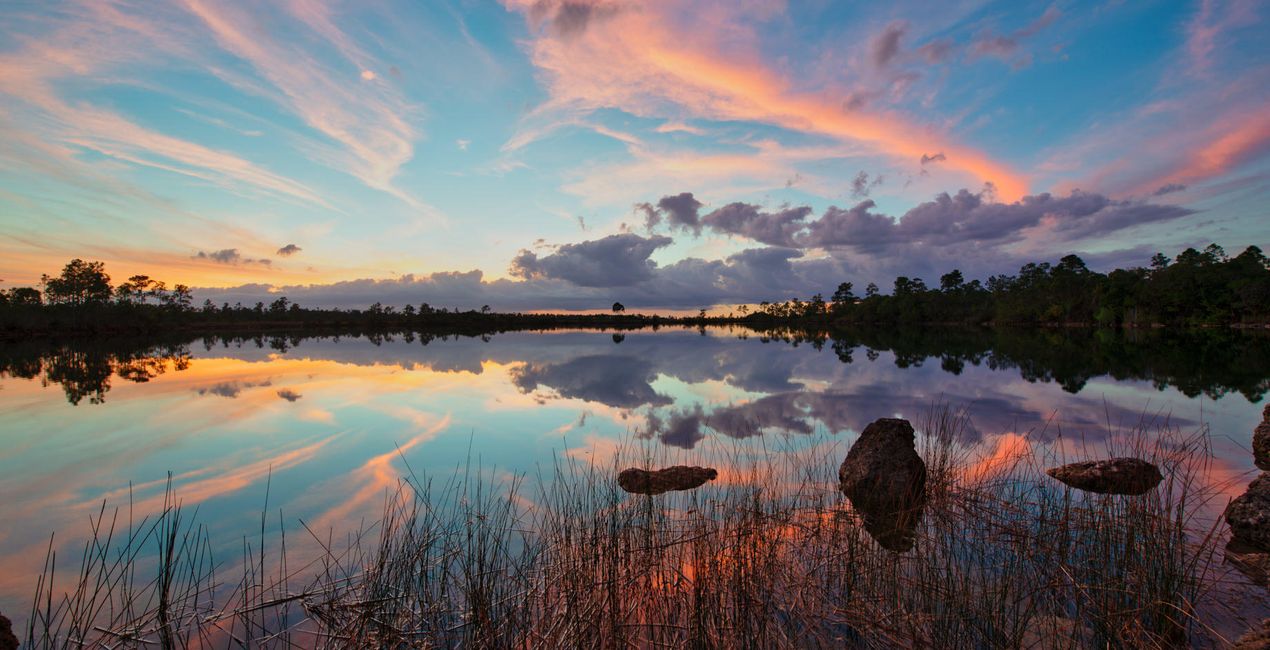
À l'aide des fichiers RAW fournis, vous pourrez facilement appliquer les conseils en matière de retouche et découvrir comment obtenir des photos comme celles-ci.
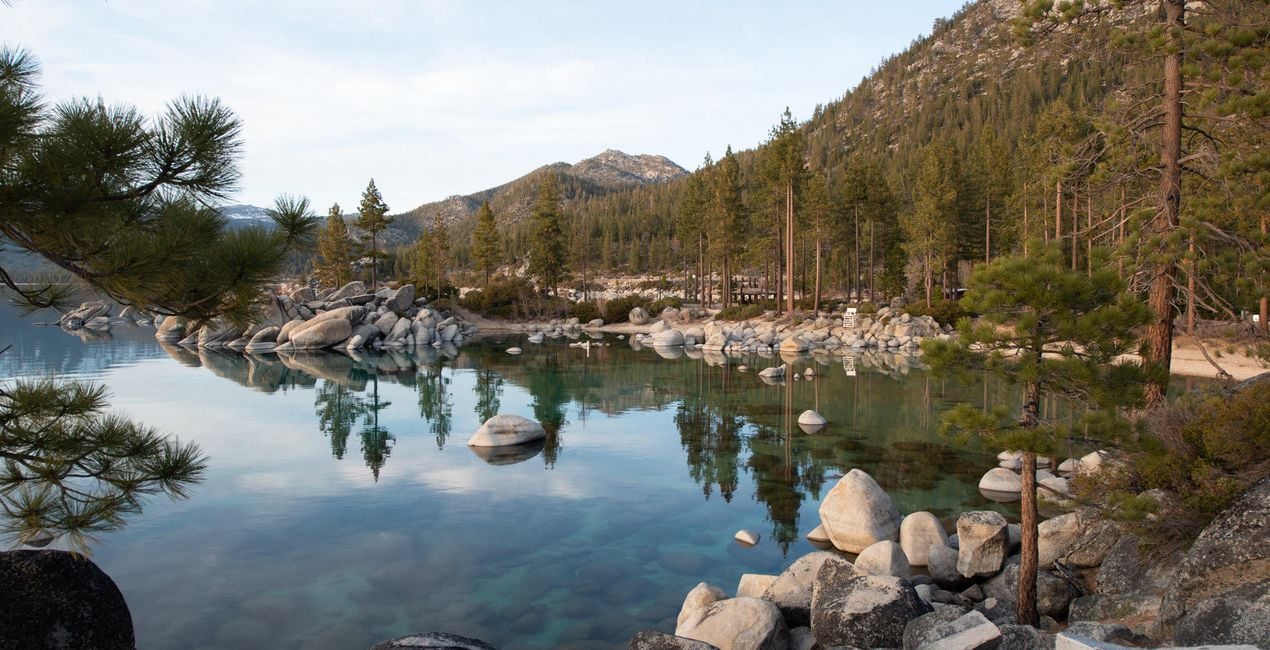
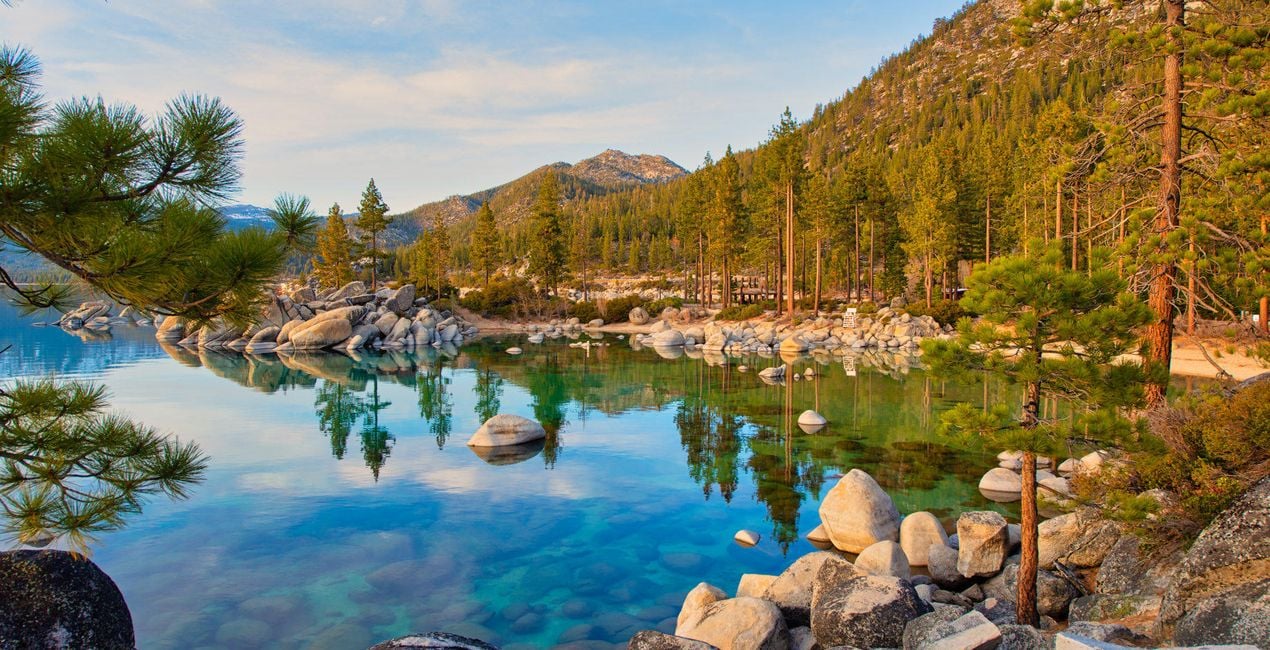 >
>
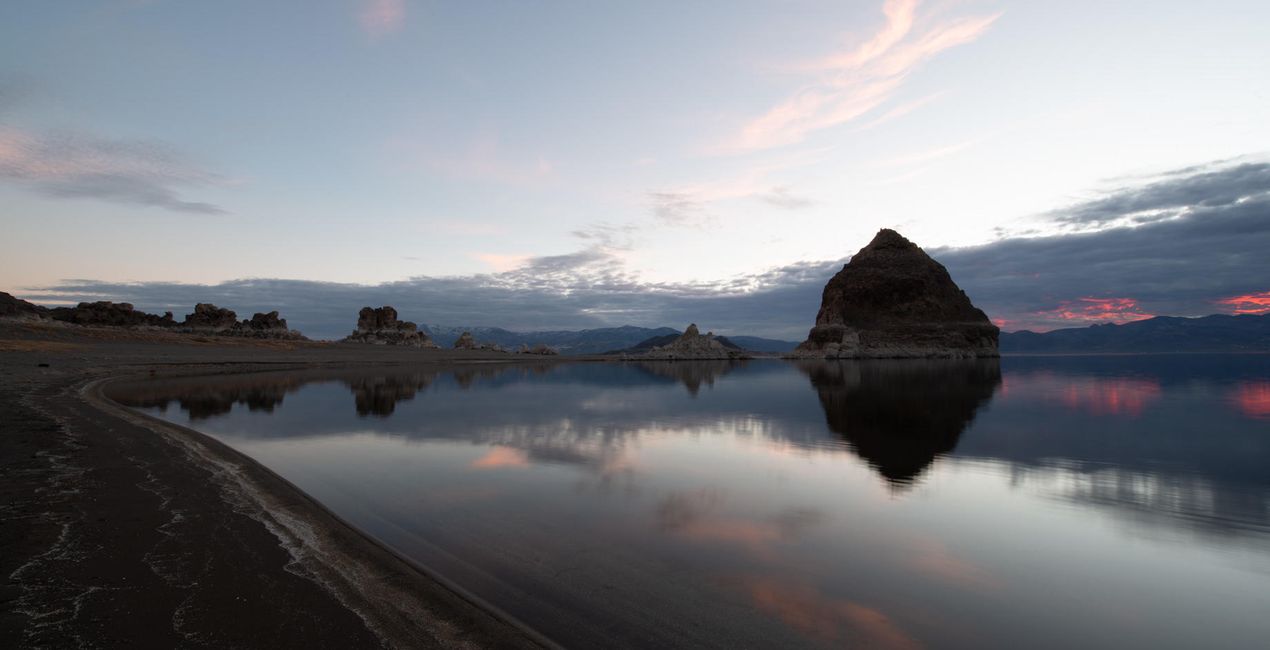
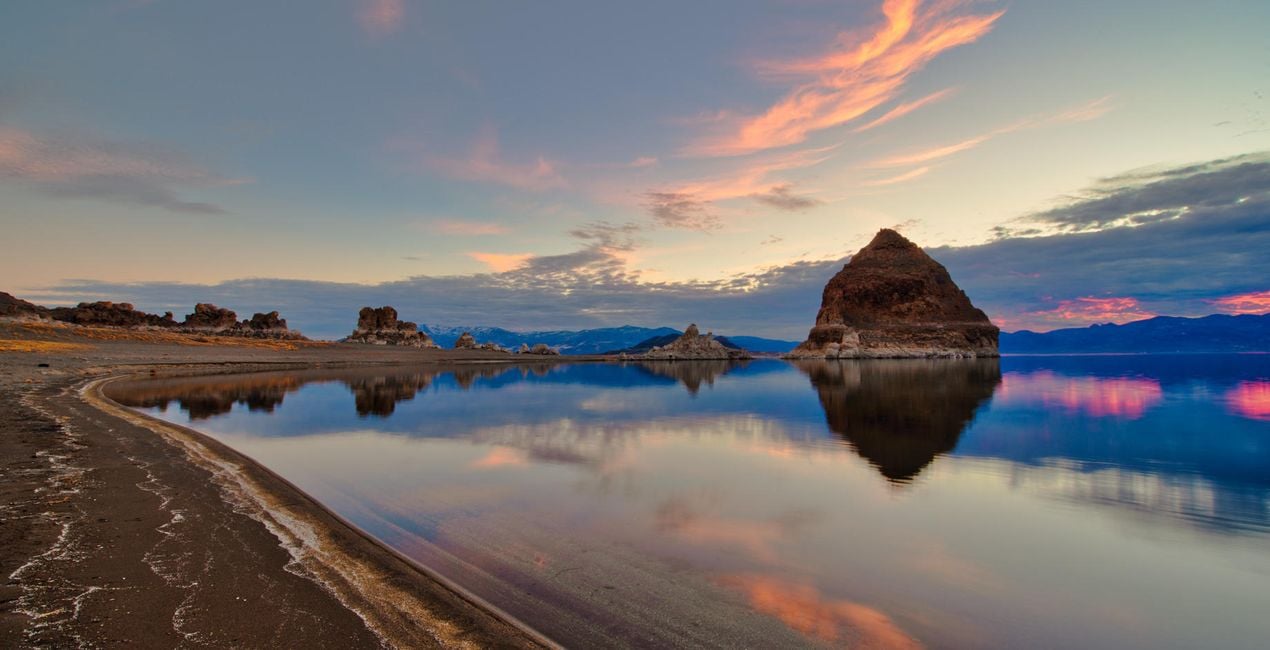 >
>
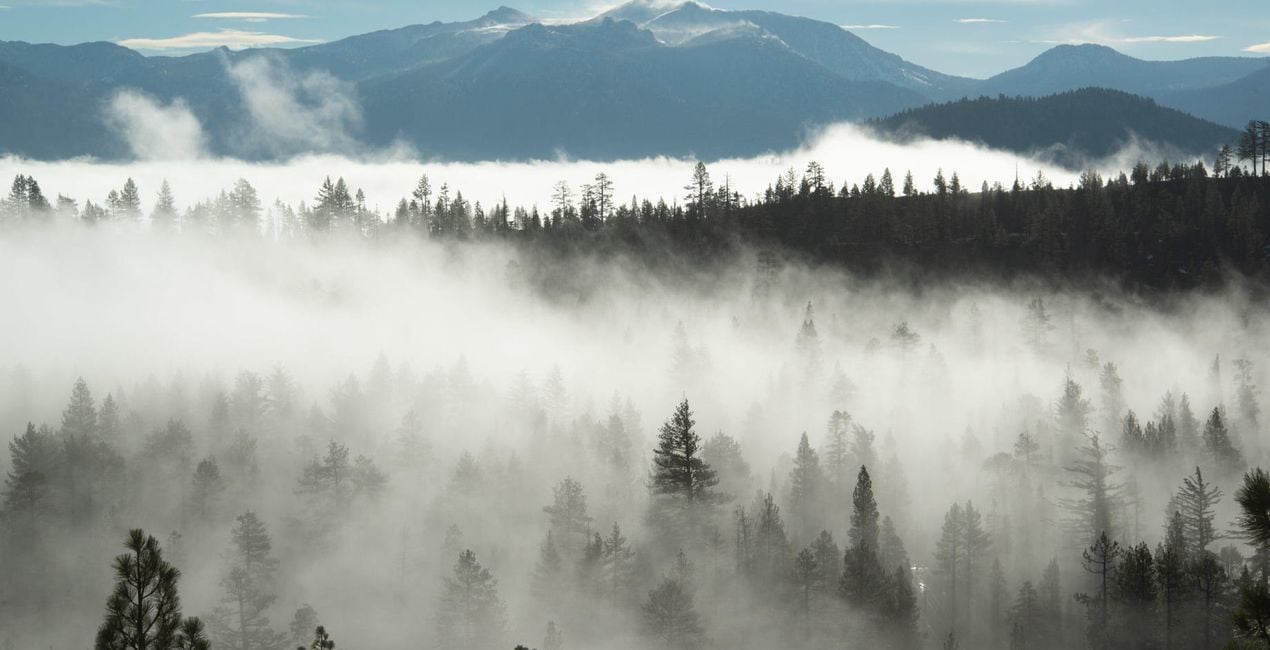
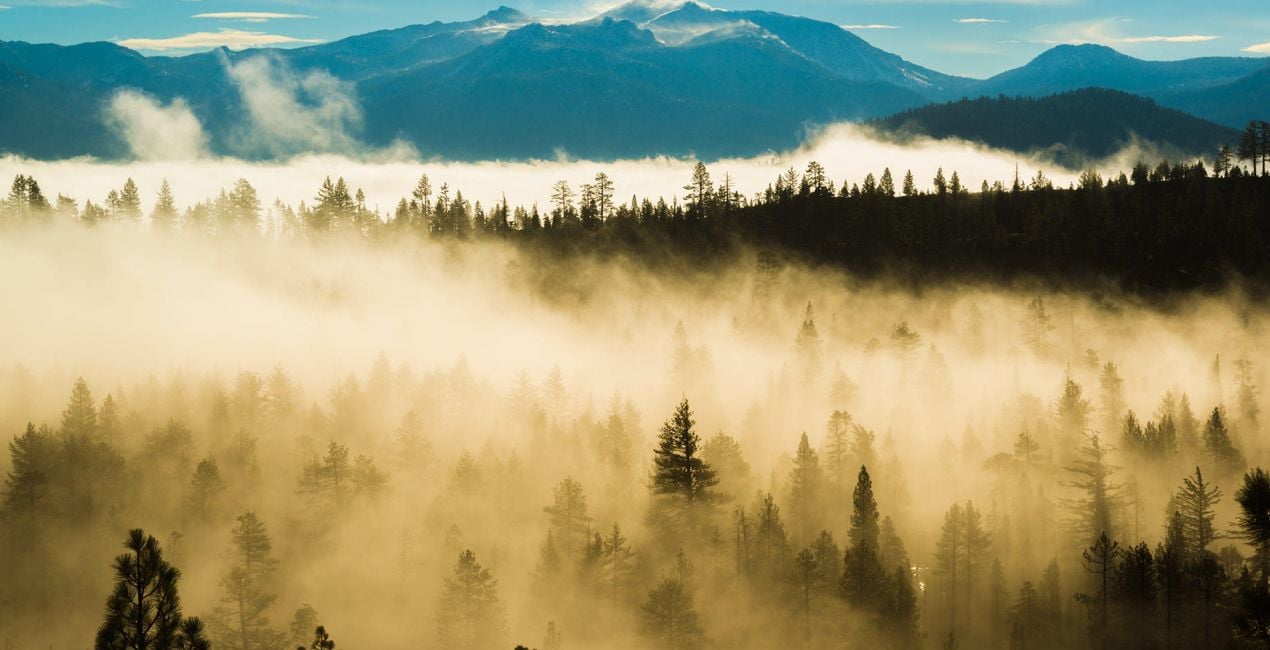 >
>
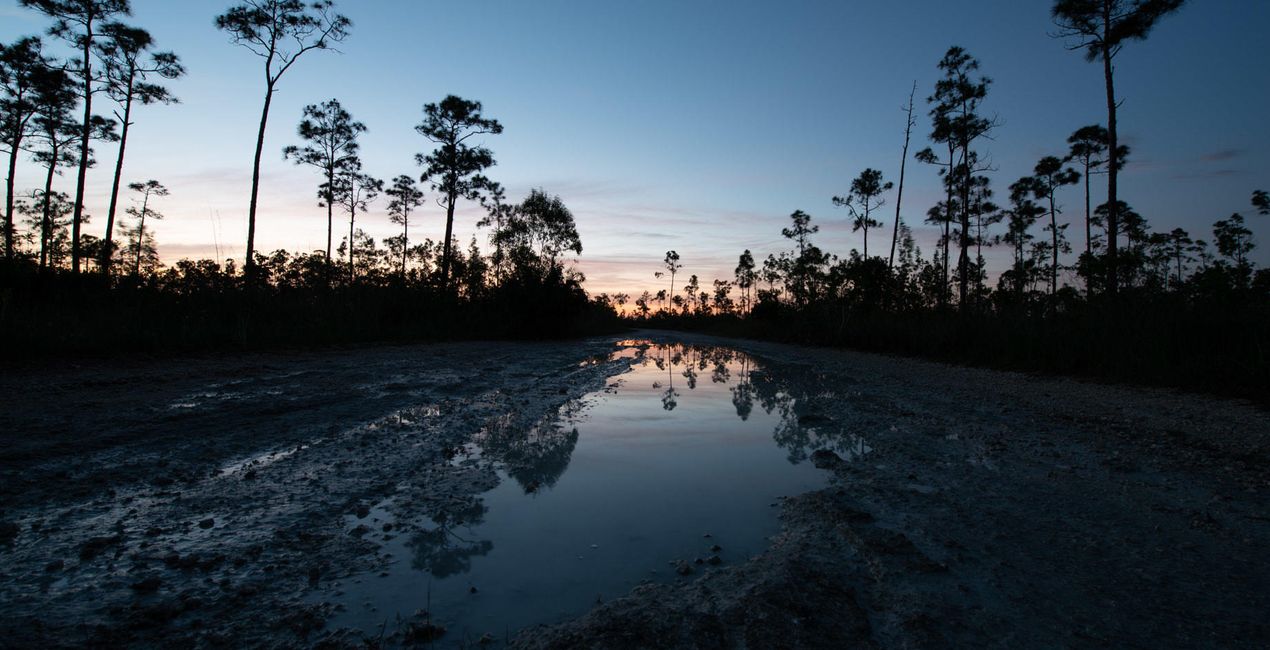
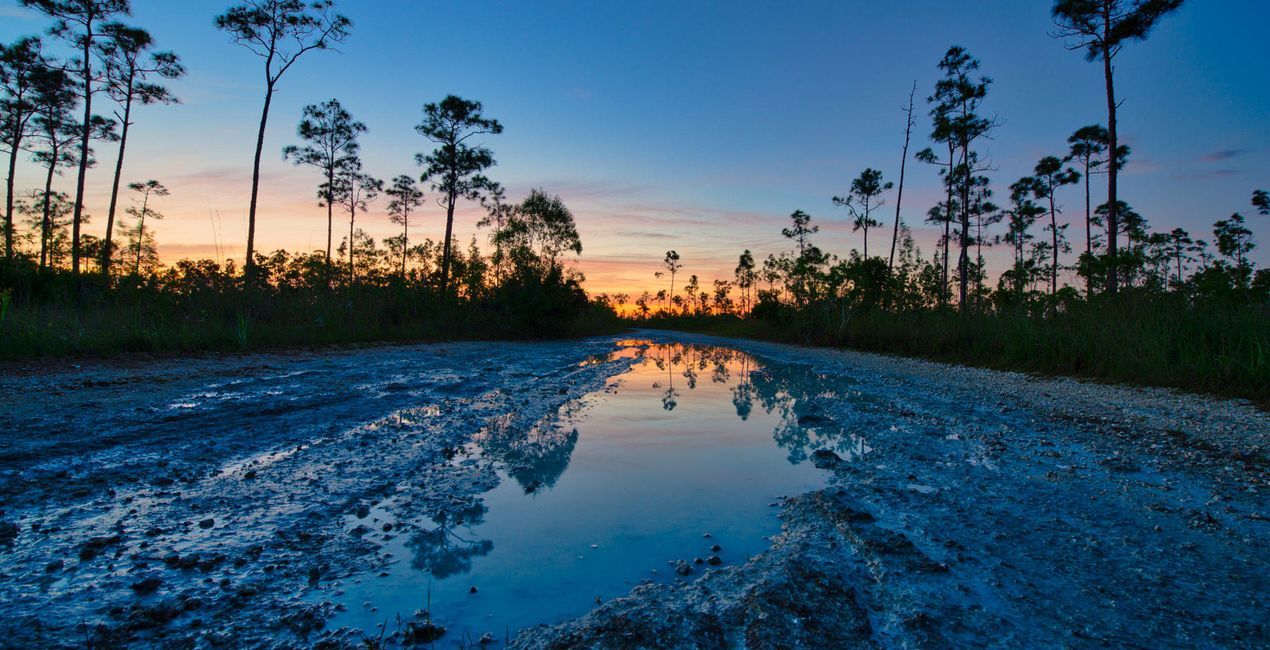 >
>
 >
>
 >
>
 >
>
 >
>
 >
>
Inspired by the great American landscapes, Edin has crafted this Templates pack to help you bring out the drama in your images.
It’s often difficult to condense the dramatic feel of a landscape into a photo and to capture the entire dynamic range in one shot. However, this Templates pack helps you do it.
Note that if you underexpose your images by one stop (meaning you expose for the sky), you can pull out the full dynamic range with this Templates pack.
Edin says that this is how he shoots all of his images, and this is how he’s able to capture the beautiful colors mother nature paints for his viewers. Edin has carefully crafted these Templates using a mixture of sliders to bring out every single color without overdoing it.
These Templates will work best for your landscape images; however, they will also work for any image that can benefit from a little bit of drama. Personally, Edin uses them for all types of photos.
Note: You might want to adjust your exposure slider to get the perfect look for your particular image.
If you think a Template is too strong, feel free to tone it down by using the Amount slider to get the effect you want.
Photographer. Skylum Ambassador
Edin Chavez is a world-renowned commercial photographer based out of Miami Beach, Florida.
His unique view of the world helps him give a creative twist to his images. Edin has worked with some of the most influential brands such as National Geographic, Nikon, and Corona.
He understands that the customer is the single most valuable asset an organization can have, and with his laser focus and passion for photography, the sky is the limit.
Edin is an animal lover, and in his free time, he loves to walk barefoot on the beach with his dog, travel around the globe, and write about it on his blog.
He also enjoys anything with a motor, including motorcycles and fast cars.
FAQ
Vous avez d'autres questions ou souhaitez simplement des conseils ?
contacter le support techniqueSi vous avez des questions concernant le produit, contactez notre équipe d'assistance disponible 24 h/24, 7 j/7. Suivez simplement ce lien.
Pour acheter Great American Landscapes, suivez les étapes suivantes :
1. Ouvrez le Marketplace de Skylum.
2. Allez dans l'onglet correspondant où Great American Landscapes est répertorié. Cliquez dessus et ajoutez le produit à votre panier.
3. Accédez à votre panier. Là, terminez le processus d'achat pour Great American Landscapes.
4. Après l'achat, vous recevrez un e-mail de confirmation contenant le lien de téléchargement pour Great American Landscapes. Vous trouverez également le nouvel élément dans votre compte Skylum, sous l'onglet Mes modules complémentaires.
Des instructions détaillées sur l'installation du Great American Landscapes vous seront envoyées dans l'e-mail de confirmation, ainsi que le lien de téléchargement.
De plus, vous pouvez installer l'article acheté directement dans Luminar Neo : allez dans Extras > Marketplace, sélectionnez la catégorie Produit, trouvez l'article acheté et cliquez sur Installer.
C'est très simple ! Allez dans l'onglet Préréglages, puis sélectionnez Achetés. Votre préréglage installé s'y trouvera.
Ne vous inquiétez pas. Tous les articles achetés, y compris Great American Landscapes, sont stockés dans l'onglet « Mes modules complémentaires » de votre compte Skylum. Vous pouvez ainsi facilement les utiliser et les télécharger à nouveau.
Normalement, la plupart des articles proposés sont compatibles avec Luminar Neo. Toutefois, pour vous assurer que Great American Landscapes est bien compatible avec votre logiciel, veuillez vérifier ses spécifications avant de le télécharger ou de l'acheter. Consultez la section « Compatibilité » à droite de la page Great American Landscapes, où tous les produits compatibles sont répertoriés.
Ne partez pas tout de suite. Voici un code de réduction exclusif pour vous. Utilisez-le dans les 15 prochaines minutes pour bénéficier d'une réduction supplémentaire de 10 % lors du paiement. Copiez le code ci-dessous et finalisez votre achat.
15 m : 00 s





