


 Appliqué


Mirage
Save $201 $ 19 .00

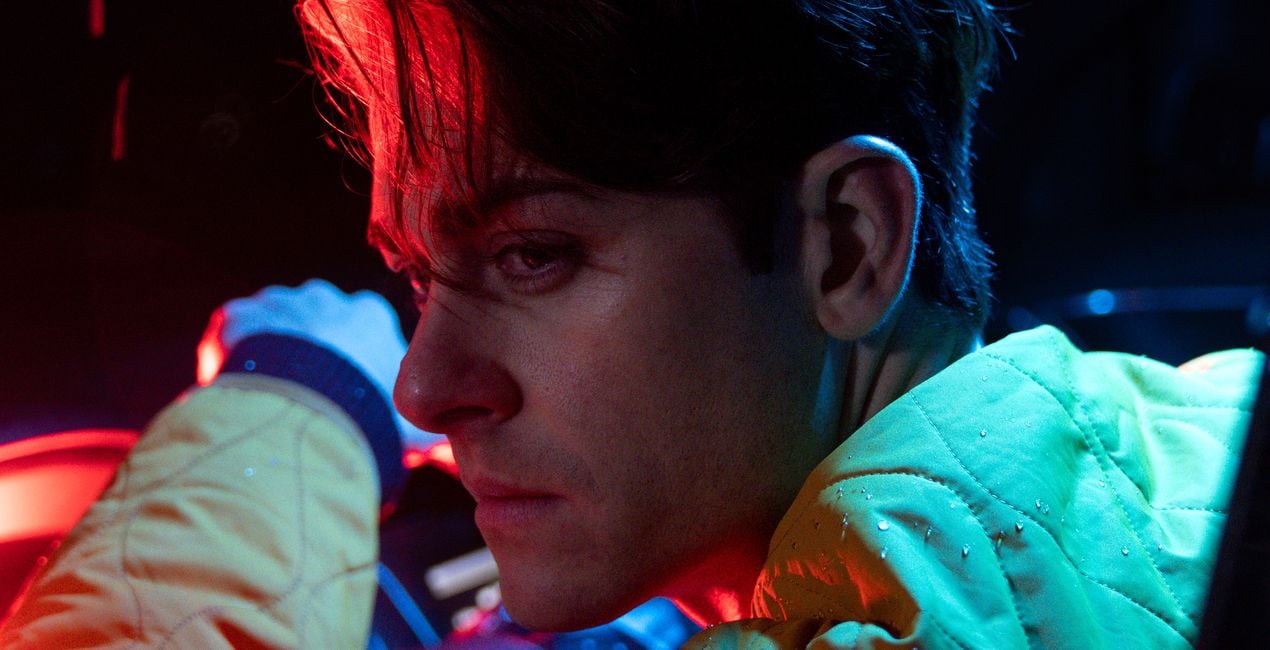
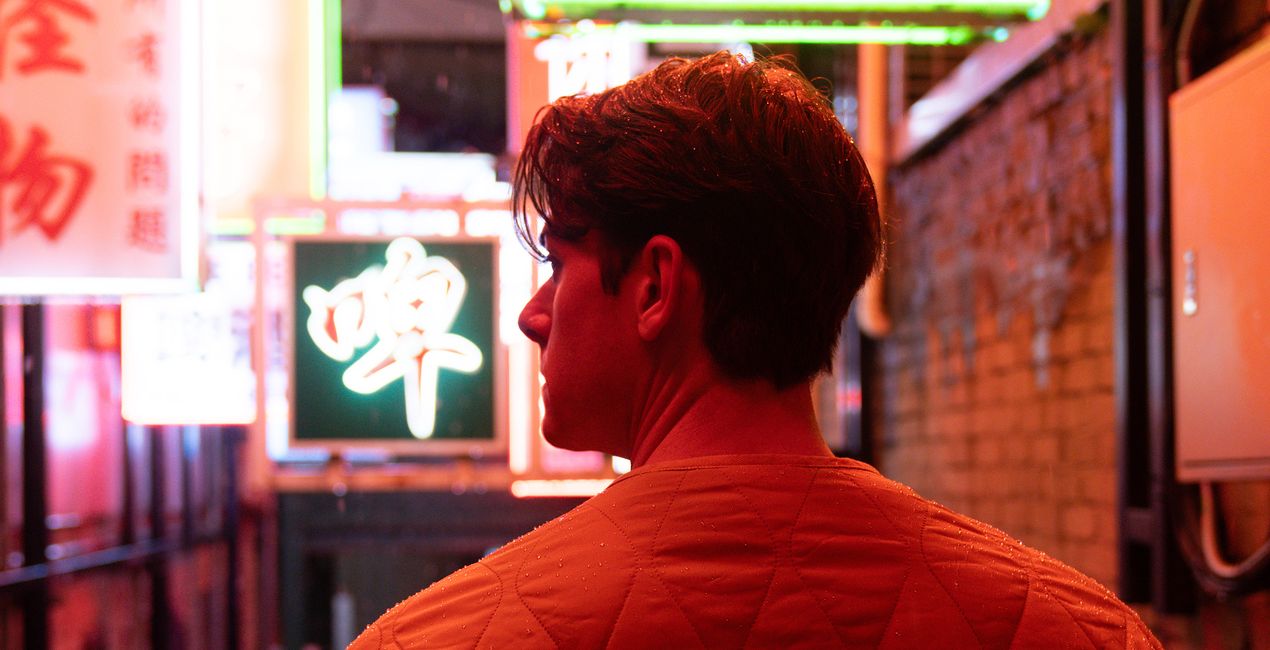
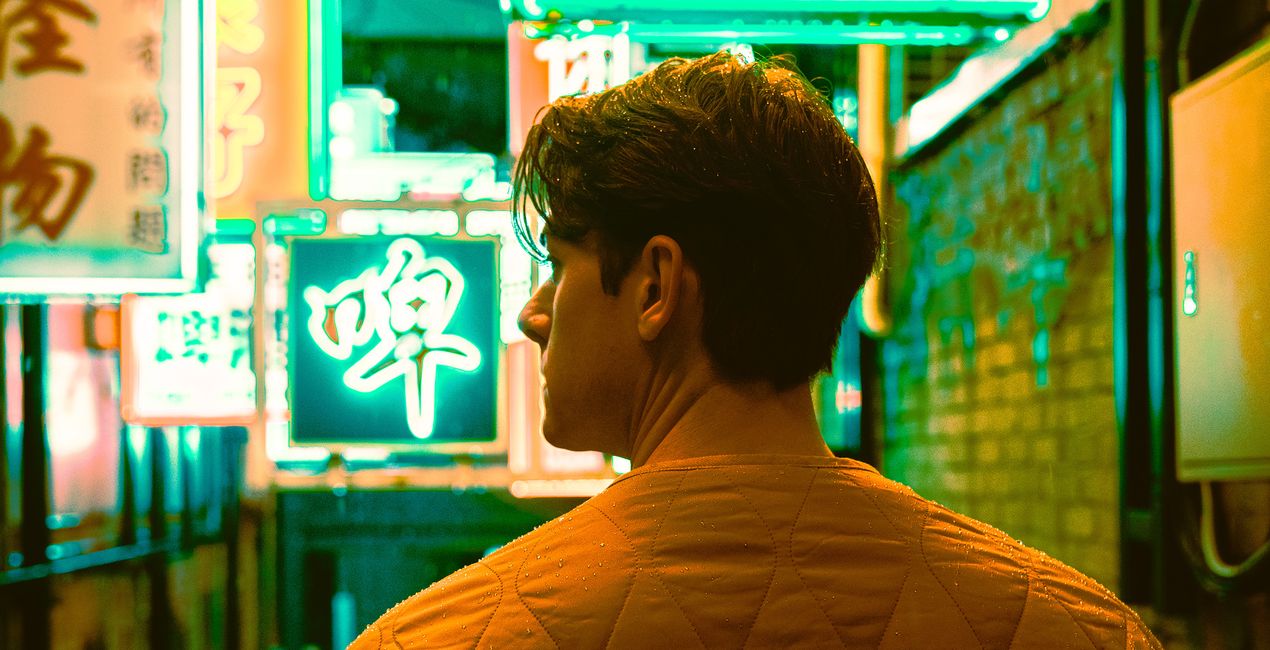
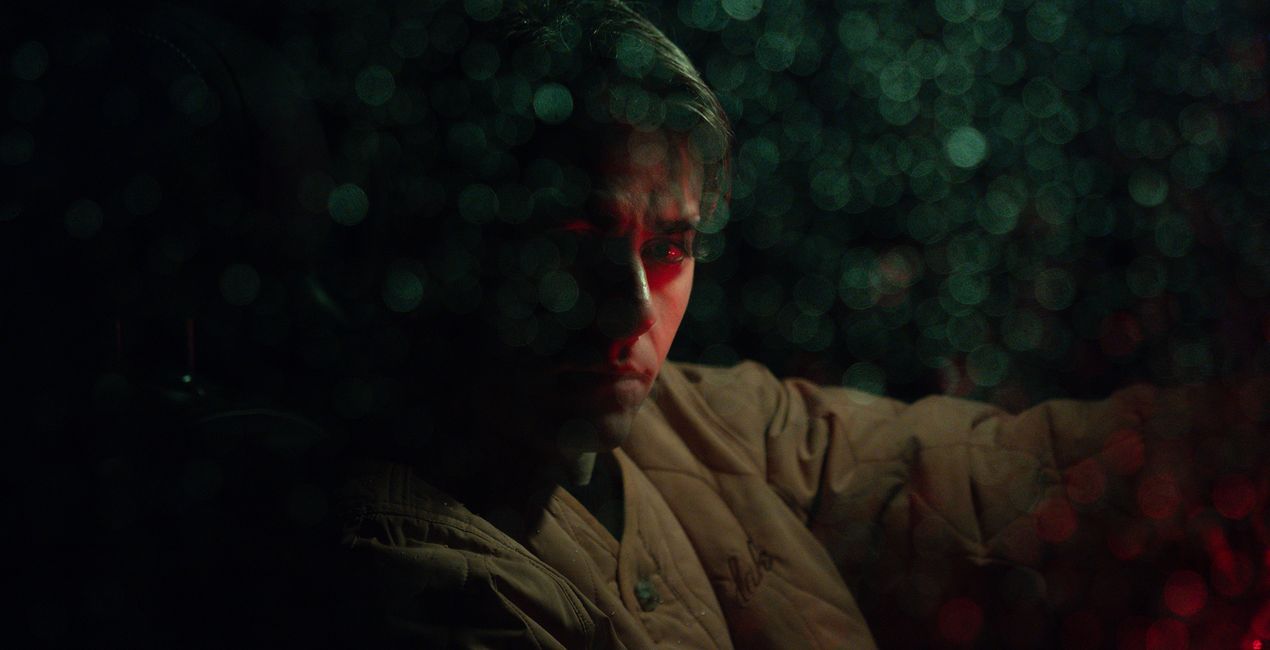
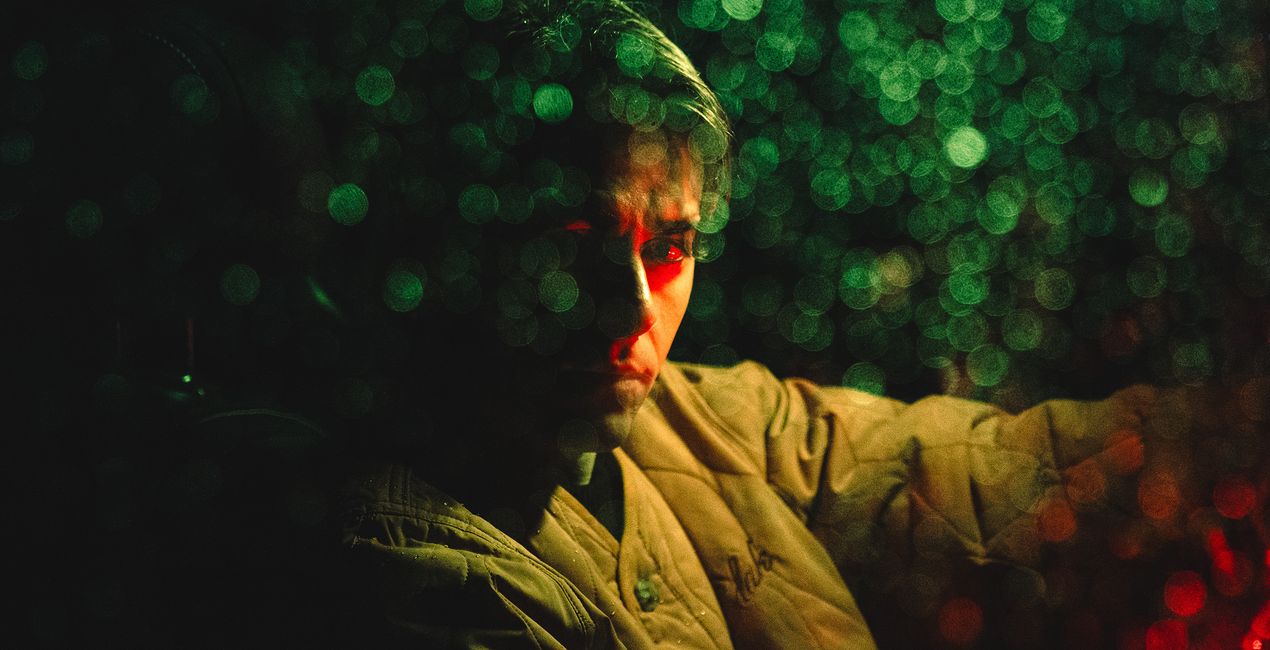
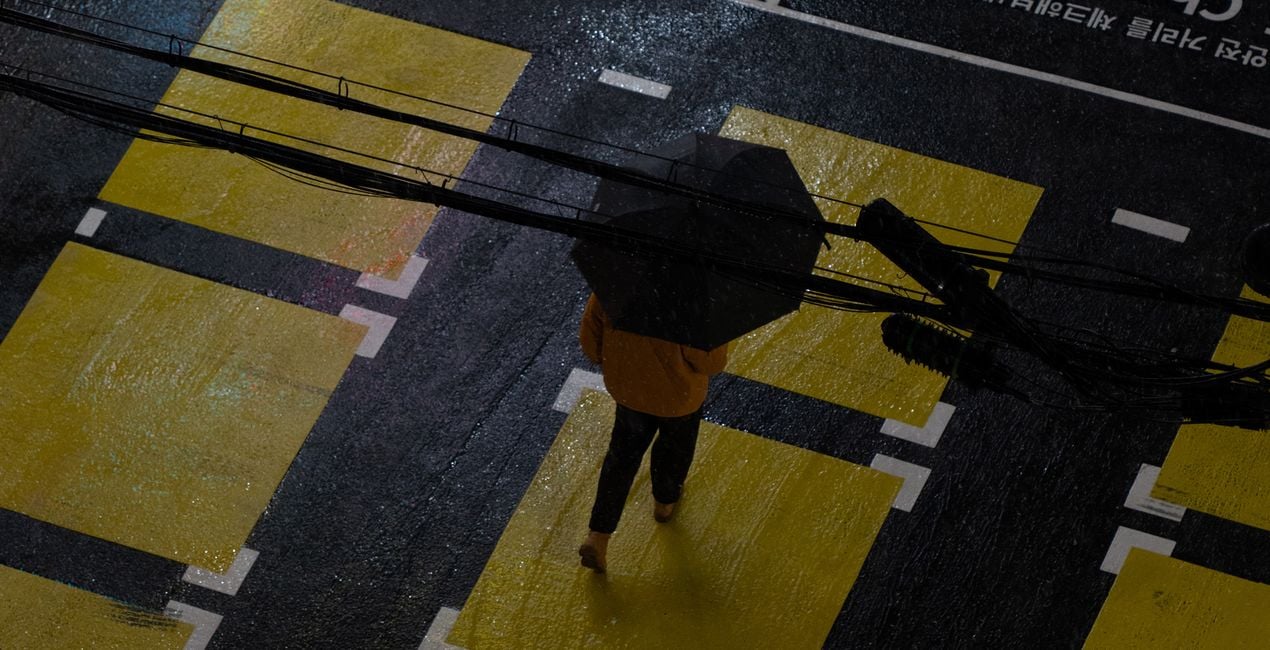
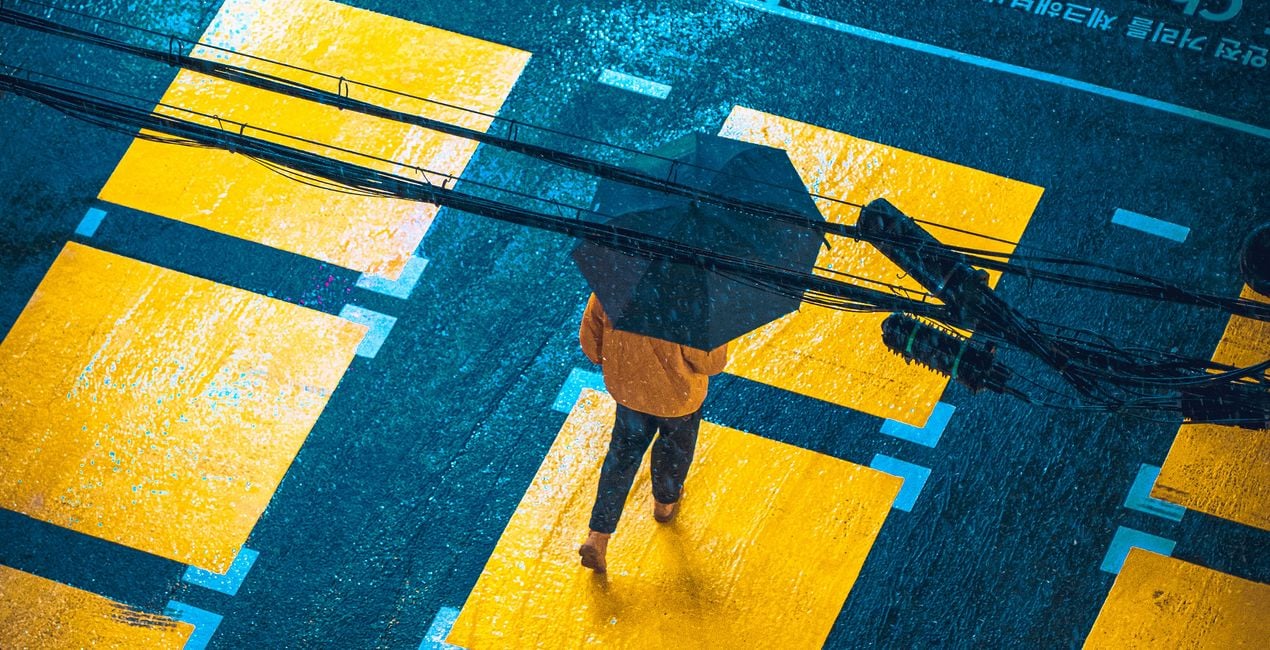
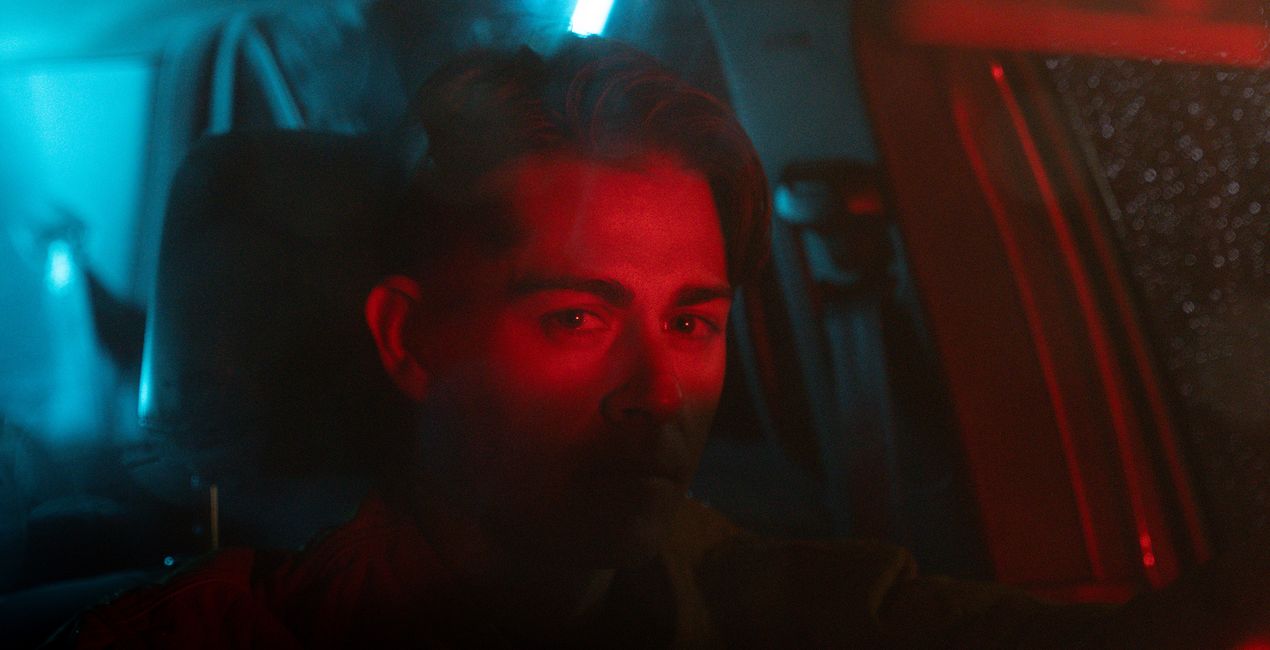
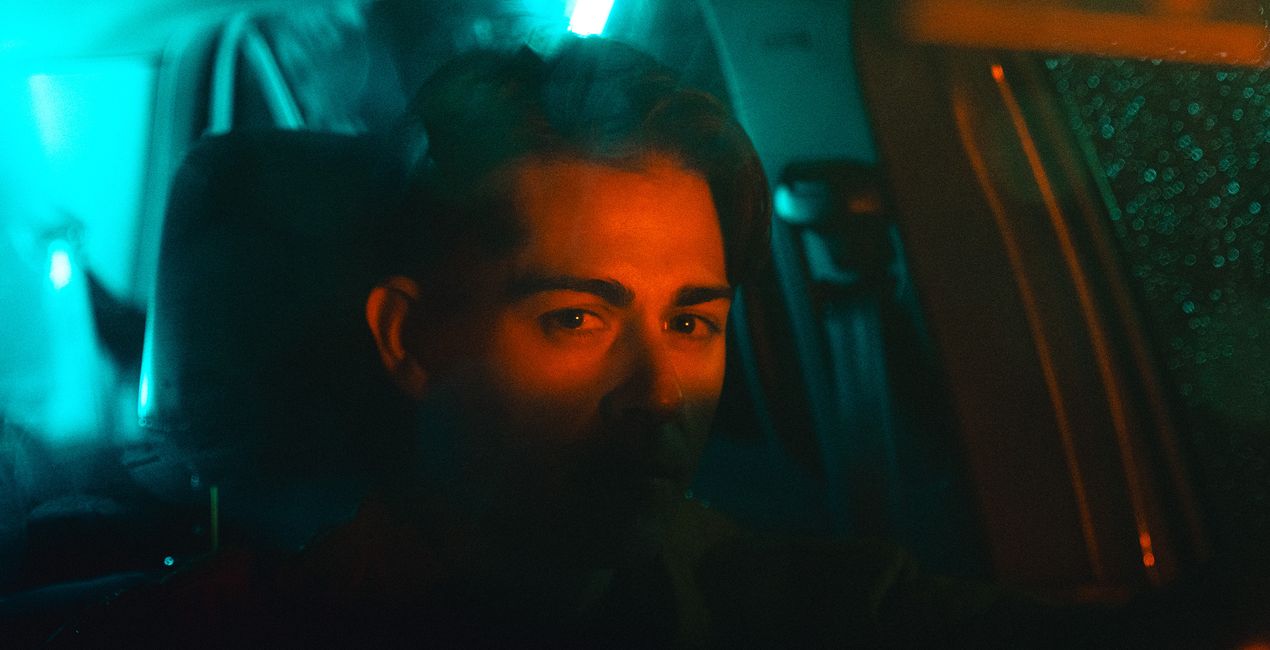
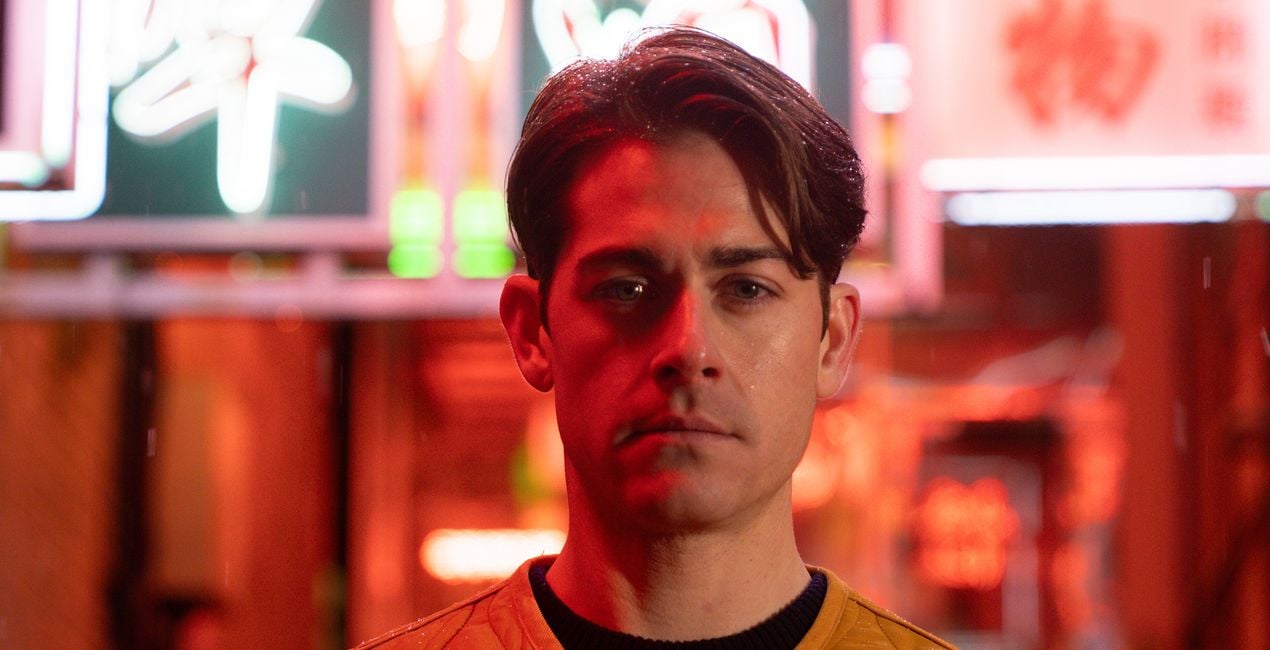
This Preset pack was crafted for the enchanting world of night photography, especially when spotlighting neon-lit portraits and scenes. It's designed to elevate the luminous dance of neon lights against the canvas of the night, transforming each capture into a vivid spectacle of colors and contrasts.


À l'aide des fichiers RAW fournis, vous pourrez facilement appliquer les conseils en matière de retouche et découvrir comment obtenir des photos comme celles-ci.
 >
>
 >
>
 >
>
 >
>
 >
>
 >
>
Step into the night with 10 carefully curated Presets dedicated to the art of neon night photography. This pack is your key to unlocking the full potential of night portraits and urban landscapes, infusing them with the ethereal glow of neon lights. From the subtle interplay of shadows and light to the bold strokes of neon brilliance, Mirage offers a diverse palette of Presets to suit every mood and moment.
Whether you're aiming to capture a city’s silent whispers or its nightlife’s electric vibrancy, this collection provides the tools to bring your vision to life. Each Preset is meticulously engineered to enhance textures, colors, and details, ensuring your night photography stands out with unparalleled clarity and depth. Embrace the mystery and beauty of the night, crafting images that resonate with emotion and narrative.
You will find 10 Presets in this Pack:
Bloom: A warm Preset that breathes life into night scenes, adding a cozy, inviting glow. 2. Drive: Captures the moody essence of the night, enhanced with vibrant, dynamic colors for an energetic feel.
Dusk: Provides a moody ambiance with warm tones, perfect for the soft transition from sunset to night.
Electric Octane: Combines warm tones with subtle green hues, electrifying your nightscapes with energy.
Neon Noir: A dark and moody Preset that accentuates pops of neon yellow, perfect for capturing the gritty essence of the night.
Nightshade: Offers cool, moody tones, ideal for creating enigmatic and deep night portraits.
Shadow Play: A dark and moody Preset where colors vividly pop through the shadows, adding drama to your captures.
Tail Lights: Emphasizes vibrant reds, mimicking the lively glow of tail lights in the nocturnal cityscape.
Veil: Crafts a moody atmosphere with distinctive green hues, enveloping your shots in a mysterious aura.
Velvet: Imbues your shots with deep, cyberpunk-inspired purple tones.
Street and Fashion photographer
Steve Roe is a photographer based in Seoul, originally from the UK, who has made a name for himself with his neon street photography. He captures the vibrant essence of cyberpunk culture, infusing his work with a futuristic and captivating allure. He is also known for his experimental approach to portraiture, employing neon lights and fractal lenses to craft imaginative and unique images that transport subjects to a realm of intriguing futurism. His talents have not gone unnoticed, with notable brands like Apple and Prada seeking his distinctive style for their campaigns. Steve's work has also received recognition from major platforms such as the BBC and National Geographic, while his photographs have graced the covers of iconic cyberpunk novels like The Neuromancer Trilogy by William Gibson. With an eye for neon aesthetics and a passion for capturing the essence of Asia's neon-lit cities, Steve Roe continues to captivate audiences, blurring the lines between reality and the dazzling realm of neon-lit dreams.
FAQ
Vous avez d'autres questions ou souhaitez simplement des conseils ?
contacter le support techniqueSi vous avez des questions concernant le produit, contactez notre équipe d'assistance disponible 24 h/24, 7 j/7. Suivez simplement ce lien.
Pour acheter Mirage, suivez les étapes suivantes :
1. Ouvrez le Marketplace de Skylum.
2. Allez dans l'onglet correspondant où Mirage est répertorié. Cliquez dessus et ajoutez le produit à votre panier.
3. Accédez à votre panier. Là, terminez le processus d'achat pour Mirage.
4. Après l'achat, vous recevrez un e-mail de confirmation contenant le lien de téléchargement pour Mirage. Vous trouverez également le nouvel élément dans votre compte Skylum, sous l'onglet Mes modules complémentaires.
Des instructions détaillées sur l'installation du Mirage vous seront envoyées dans l'e-mail de confirmation, ainsi que le lien de téléchargement.
De plus, vous pouvez installer l'article acheté directement dans Luminar Neo : allez dans Extras > Marketplace, sélectionnez la catégorie Produit, trouvez l'article acheté et cliquez sur Installer.
C'est très simple ! Tout d'abord, téléchargez le pack depuis votre compte > Mes modules complémentaires. Suivez ensuite les instructions d'installation fournies dans le dossier téléchargé. Chaque type de ressource peut avoir ses propres étapes d'installation, veillez donc à consulter le guide fourni.
Ne vous inquiétez pas. Tous les articles achetés, y compris Mirage, sont stockés dans l'onglet « Mes modules complémentaires » de votre compte Skylum. Vous pouvez ainsi facilement les utiliser et les télécharger à nouveau.
Normalement, la plupart des articles proposés sont compatibles avec Luminar Neo. Toutefois, pour vous assurer que Mirage est bien compatible avec votre logiciel, veuillez vérifier ses spécifications avant de le télécharger ou de l'acheter. Consultez la section « Compatibilité » à droite de la page Mirage, où tous les produits compatibles sont répertoriés.
Ne partez pas tout de suite. Voici un code de réduction exclusif pour vous. Utilisez-le dans les 15 prochaines minutes pour bénéficier d'une réduction supplémentaire de 10 % lors du paiement. Copiez le code ci-dessous et finalisez votre achat.
15 m : 00 s





