

 Applied




About
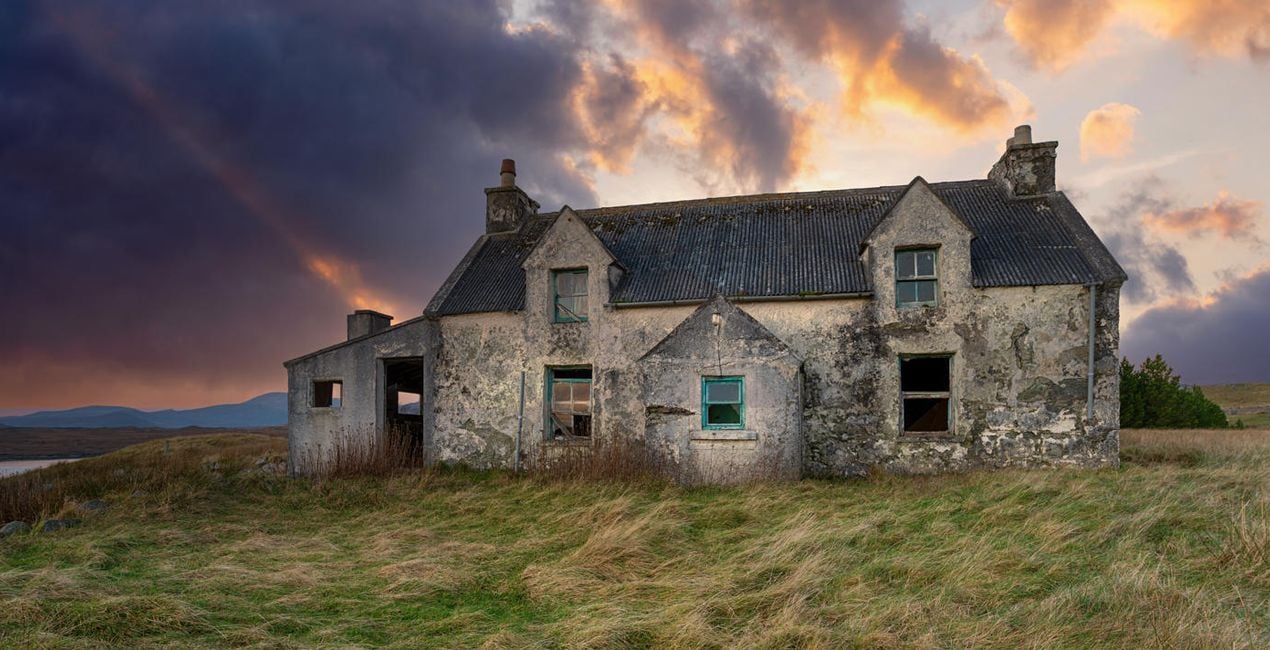
Sunset and sunrise are two of the best times of day for photography. We spend hours waiting for the right moment, but often leave empty-handed with a boring sky. This powerful bundle full of dramatic Skies will help you transform your images and create epic scenes full of saturation and drama.
What is included
10 Skies in JPEG and TIFF formats.
Compatibility


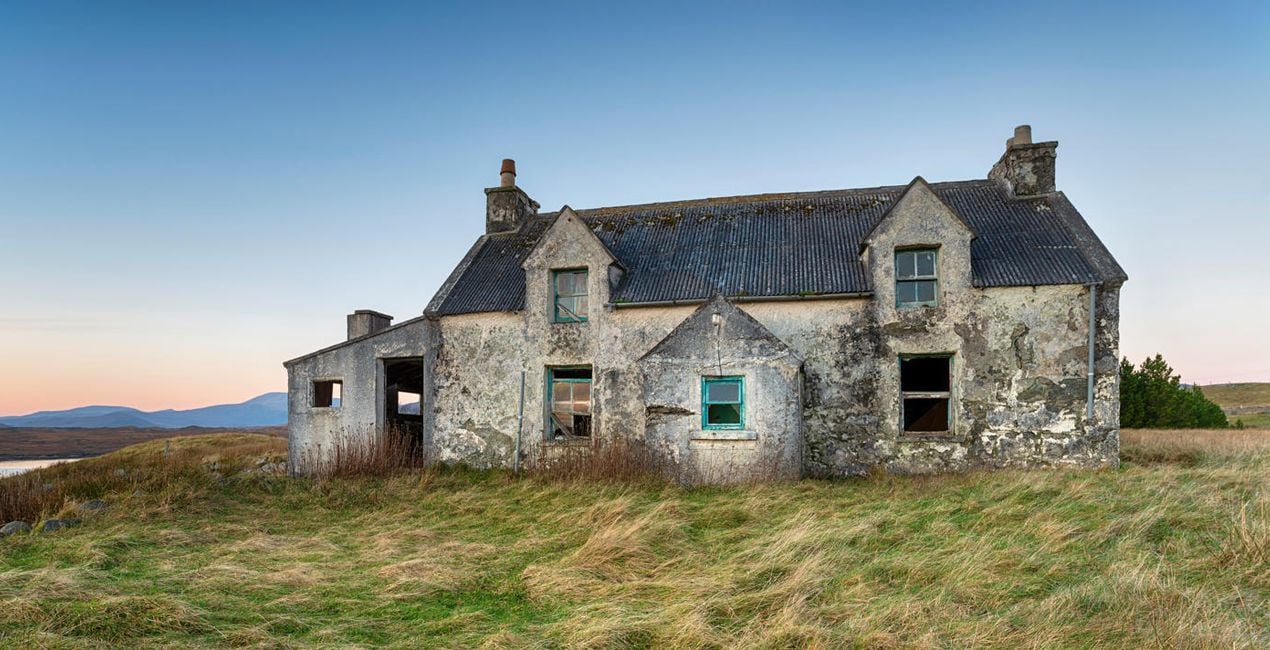
Get photos like these
Using RAW files you will easily practice retouching tips and learn how to get photos like these.

 >
>

 >
>

 >
>
 >
>

 >
>

 >
>
The story
This Skies collection offers 10 dramatic sunset Skies captured around Europe.
Easily transform your photos with the Sky AI tool and take them to another level.
Choose a dramatic Sky with dark clouds, heavy saturation, or golden sun rays and add it to your photo with a few clicks.
Skies included in the pack


Related Products


Creator
Jakub Bors
Co-Founder of Clever Photographer
Jakub Bors is a UK-based landscape photographer with over 15 years of experience in digital art and technology. He’s most inspired by the work of Trey Ratcliff and Scott Kelby. Jakub has a large and supportive fanbase on social media that joins him regularly for his photography workshops in the UK and worldwide. He sells fine art photography worldwide prints, has worked for PX500 and Trivago on their European projects, and has had his work published in several magazines, including National Geographic. His passion for traveling has brought Jakub to almost every corner of the planet and helped him connect with amazing people.
How do I contact support?
If you have any questions about the product, you can contact the 24/7 support team. Just follow this link.
How do I purchase my Dramatic Sunset?
To purchase Dramatic Sunset, follow these steps:
1. Open Skylum’s Marketplace.
2. Go to the preferable tab where Dramatic Sunset is listed. Click on it and add it to your cart.
3. Proceed to your cart. Here, complete the purchase process for Dramatic Sunset.
4. After the purchase, you will receive a fulfillment email with the download link for Dramatic Sunset. Also, you can find the new item in your Skylum account, My Add-ons tab.
How do I install my Dramatic Sunset?
Detailed instructions on installing the Dramatic Sunset will be sent to you in the fulfillment email alongside the download link.
Besides, you can install the purchased item directly in Luminar Neo: go to Extras > Marketplace, Select the Product category, find the purchased item, and click Install.
Where do I find my Dramatic Sunset after installation?
It’s pretty easy! In the top bar menu, switch to the Edit tab. Go to the Tools panel and select Skyᴬᴵ > Sky Selection > Purchased. The installed Dramatic Sunset will be there.
What if I lose my Dramatic Sunset?
Don't worry. All purchased items, including Dramatic Sunset, are stored in the 'My Add-ons' tab of your Skylum account, allowing for easy redownload and use.
How do I check whether the Dramatic Sunset is compatible with my software?
Generally, most items are compatible with Luminar Neo. But to ensure Dramatic Sunset is compatible with your software, review its specifications before downloading or purchasing. Look for the 'Compatibility' section at the right of the Dramatic Sunset page, where all compatible products are listed.


