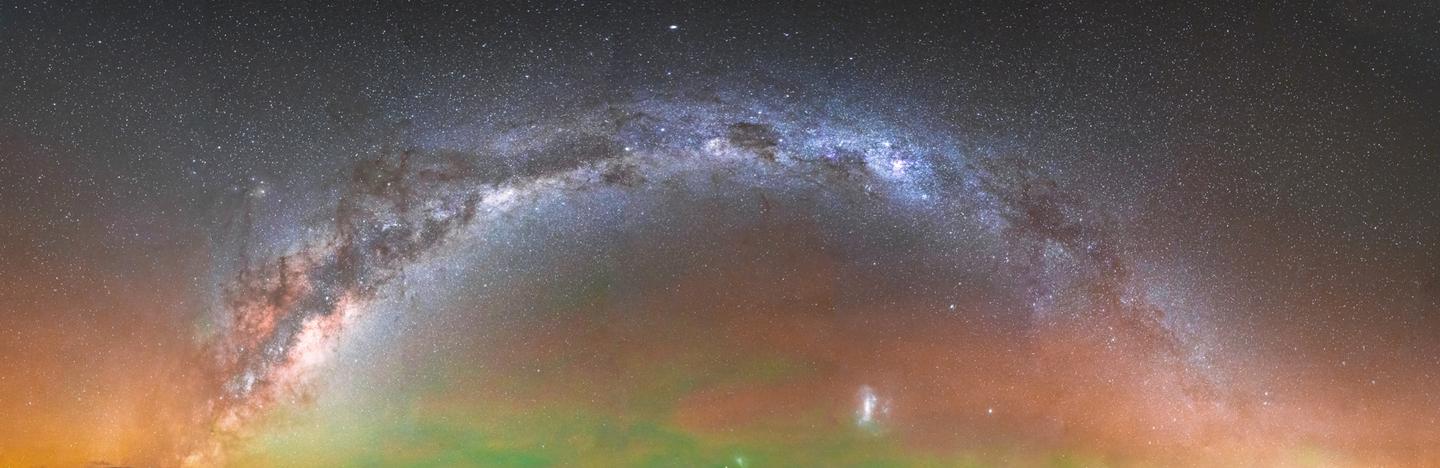
 © Steffi Liebermann
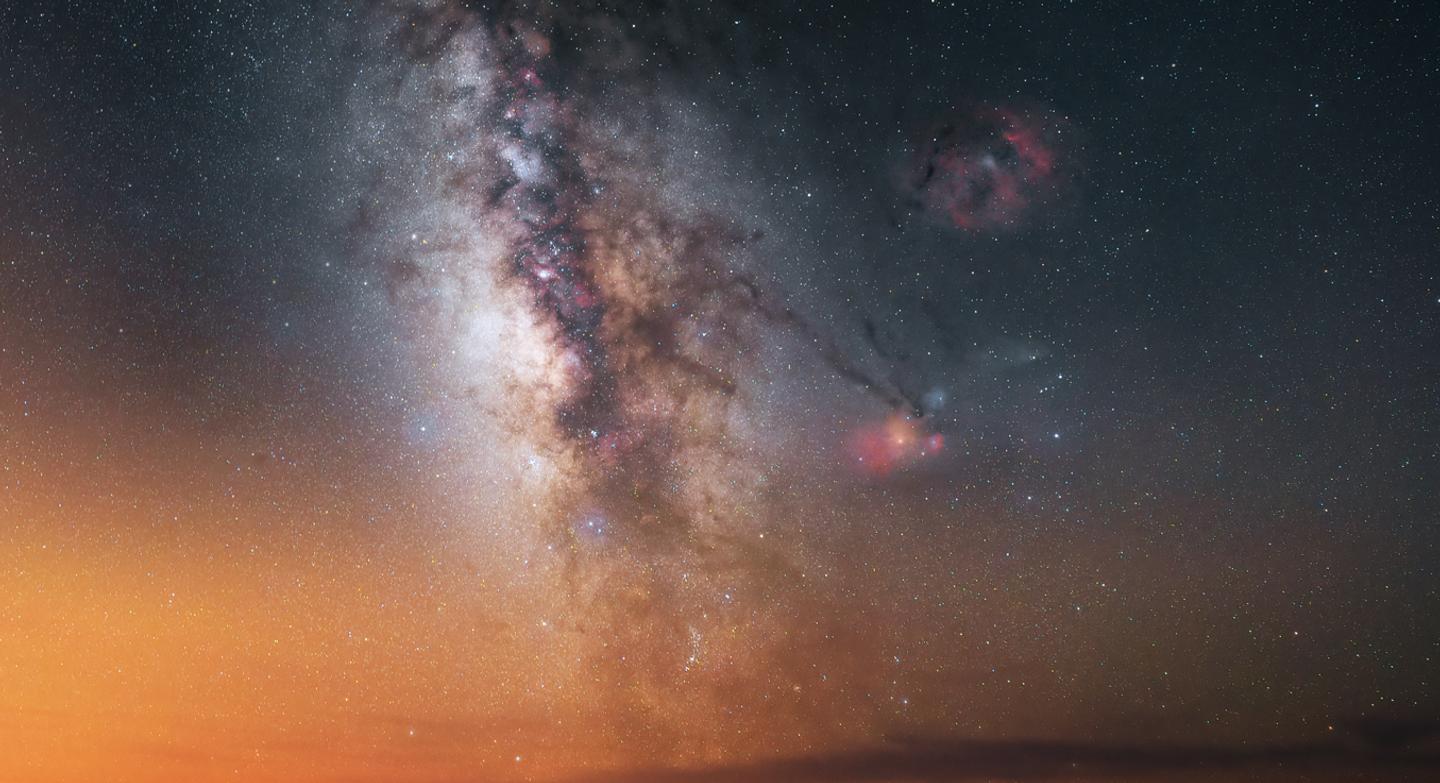 © Steffi Liebermann
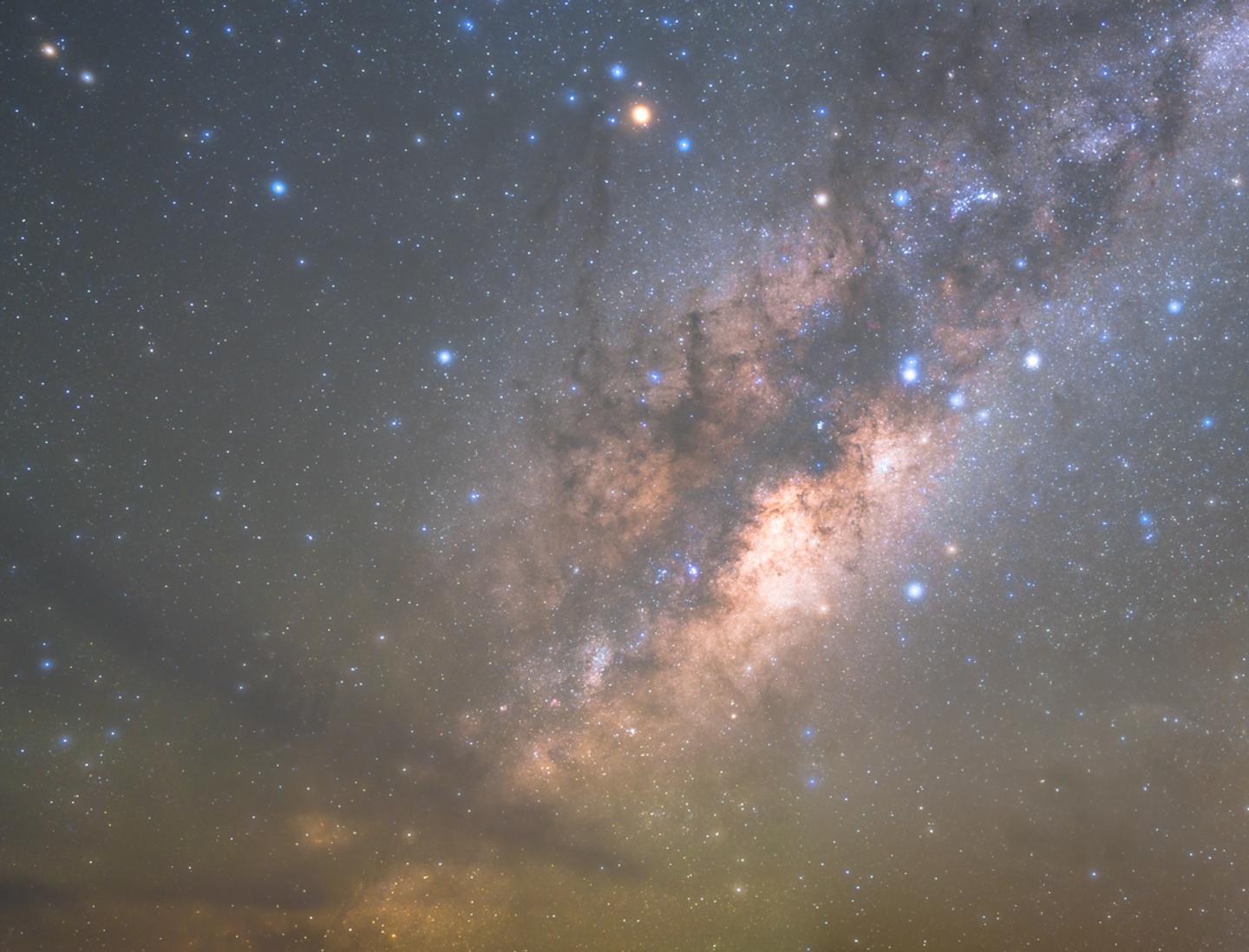 © Steffi Liebermann
 © Steffi Liebermann
About
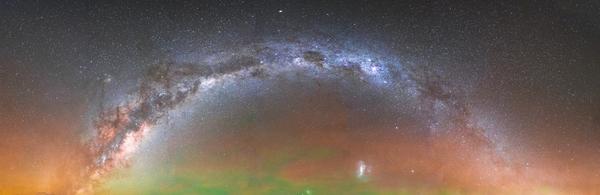
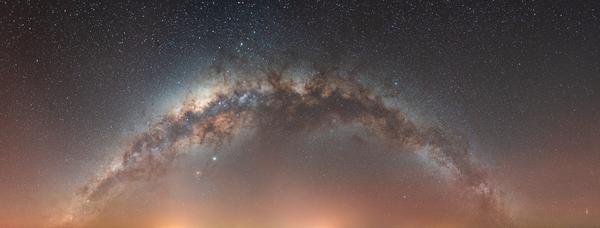
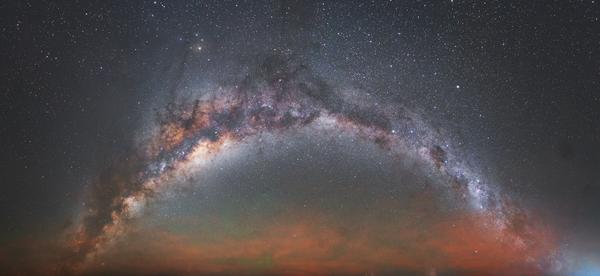
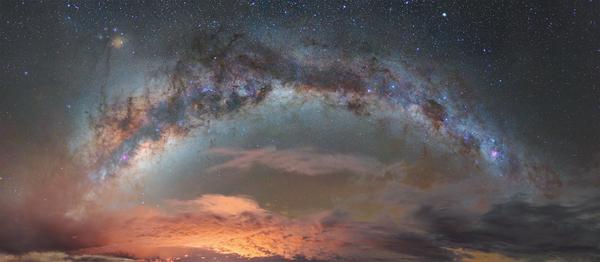
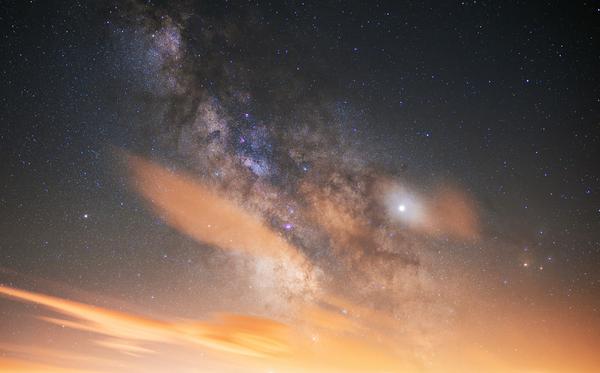
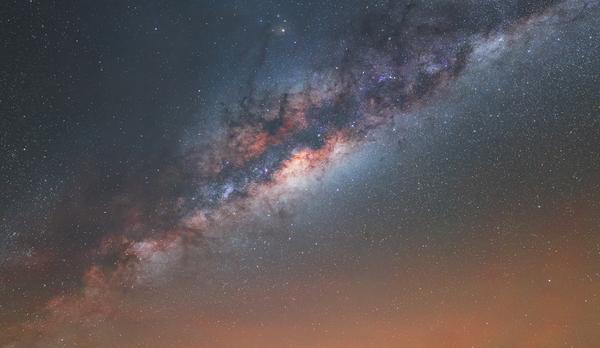
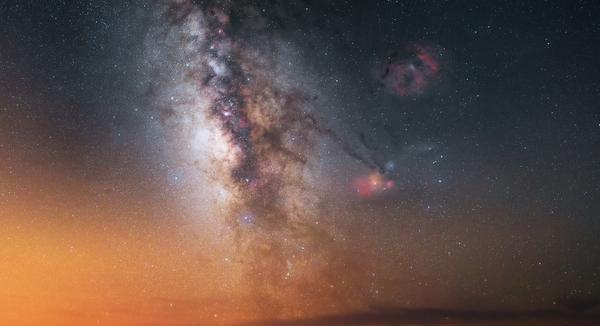
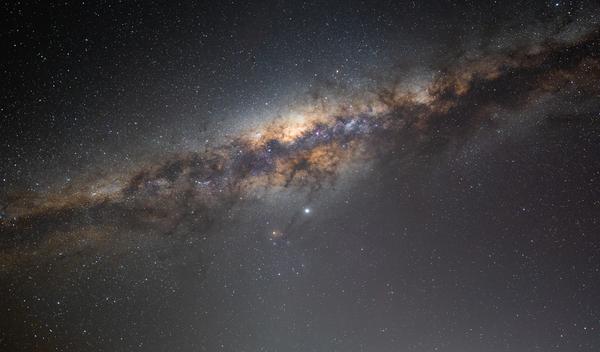
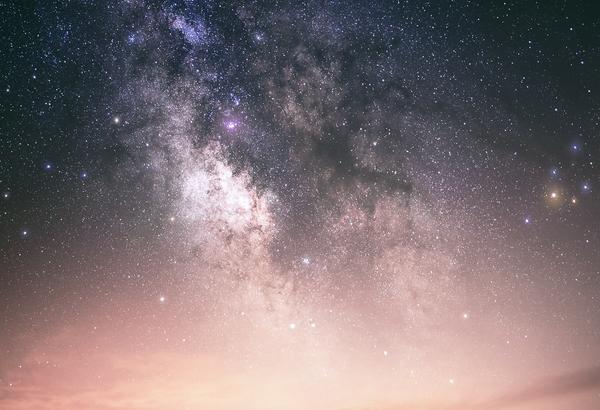
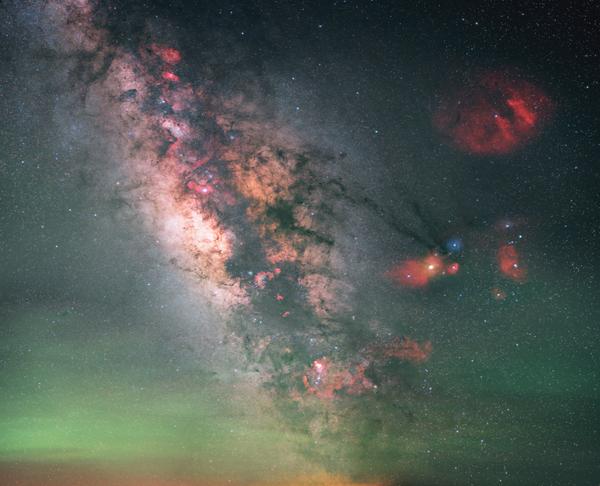
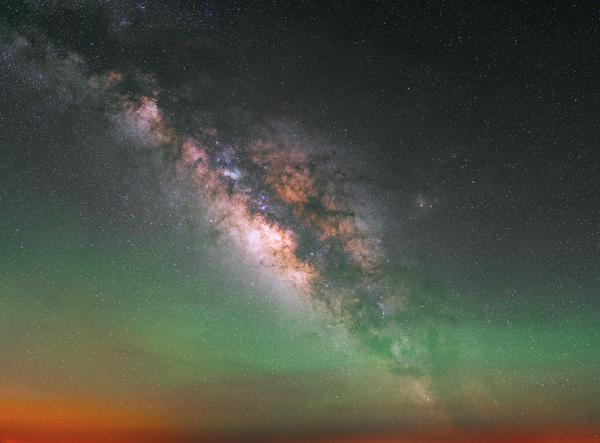
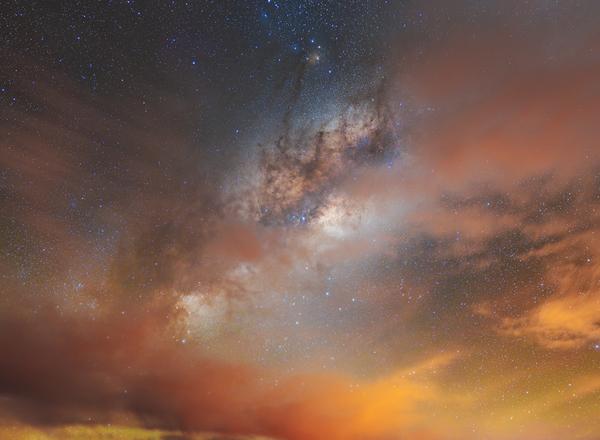
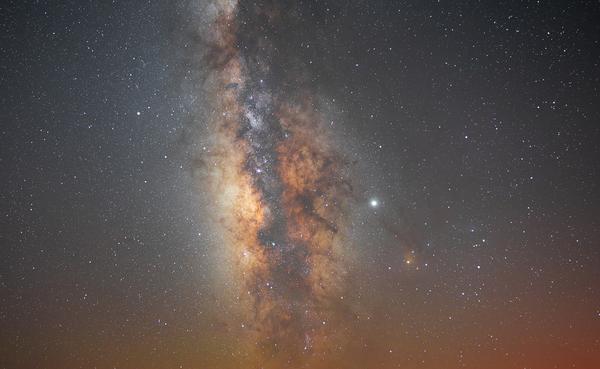
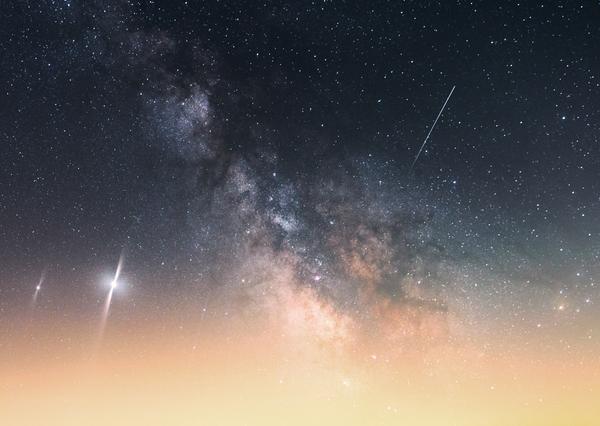
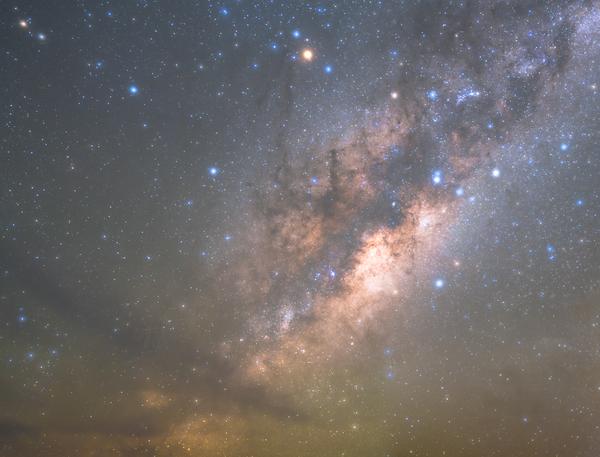
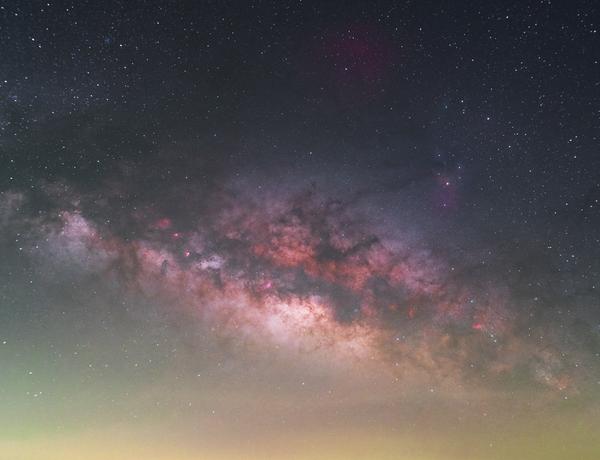
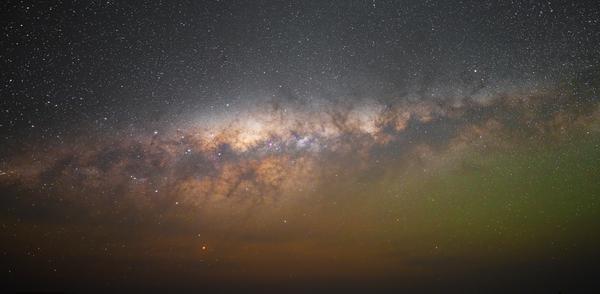
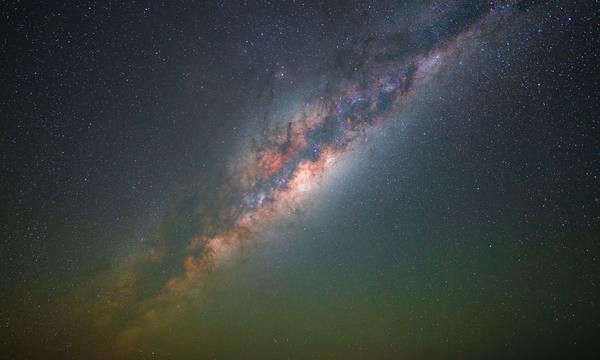
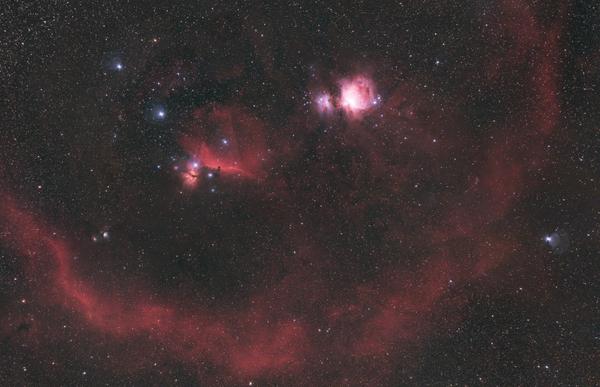
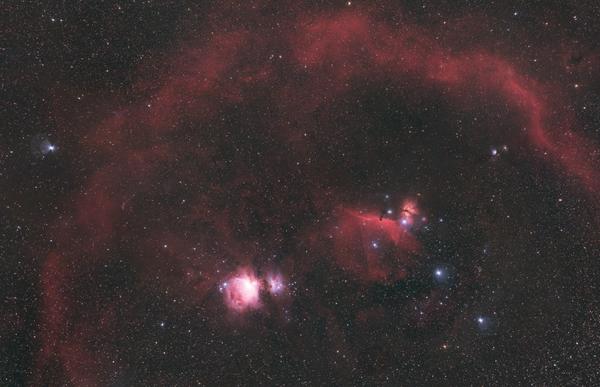
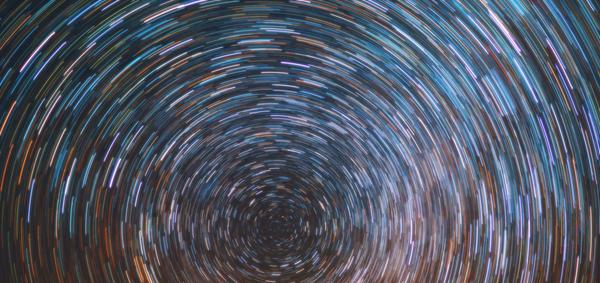
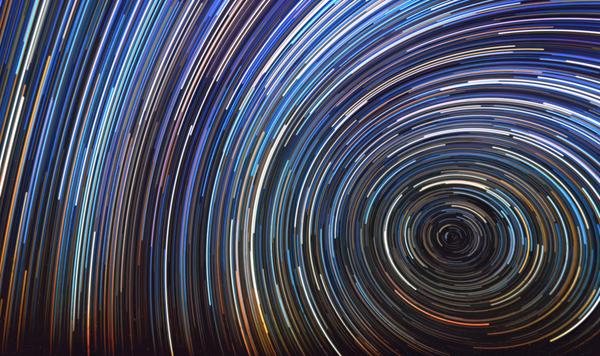
From the fascinating Milky Way filled with star trails to deep dark space, this package features the most spectacular night Skies that can be seen on Earth. Each of the 10 Skies of the collection was captured over the last few years during Steffie’s travels around the world as a Sony reference photographer for astronomy. Transform your photos into fascinating nightscapes!
What is included
25 Skies in JPG format
Compatibility


Get photos like these
Using RAW files you will easily practice retouching tips and learn how to get photos like these.
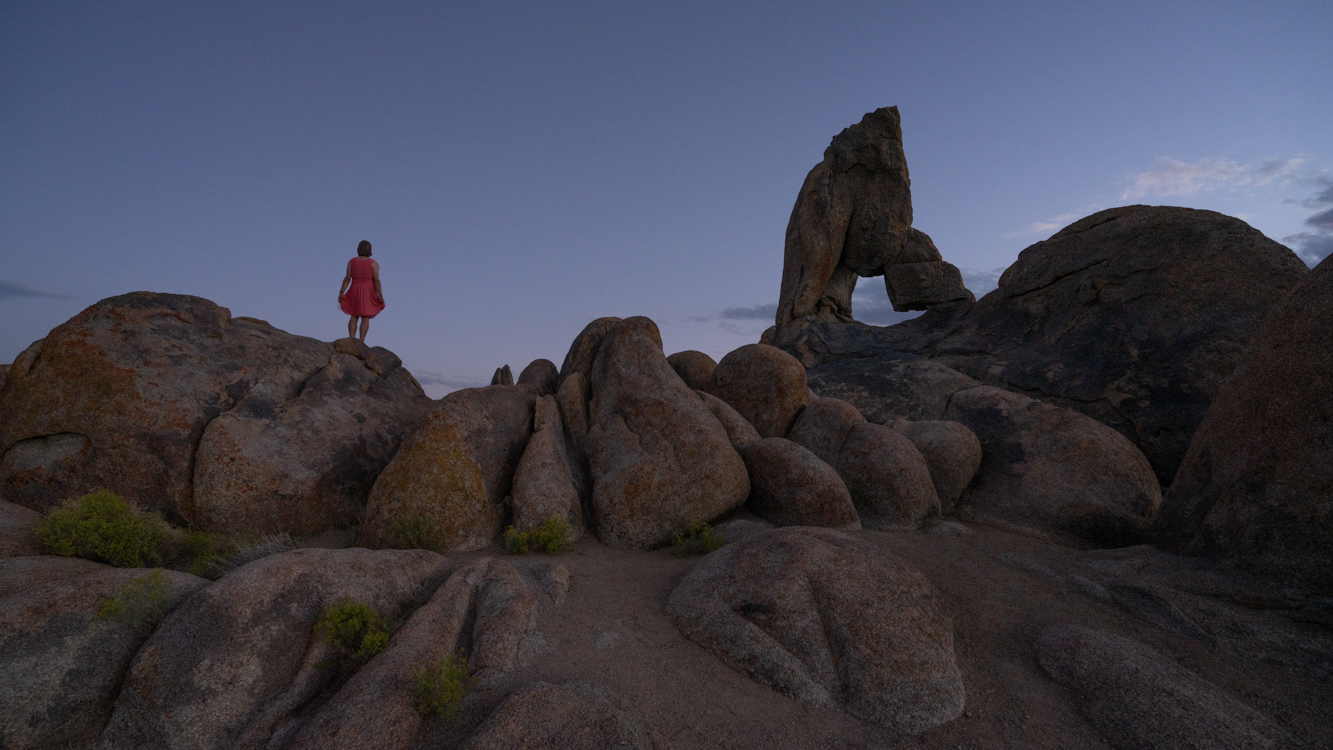
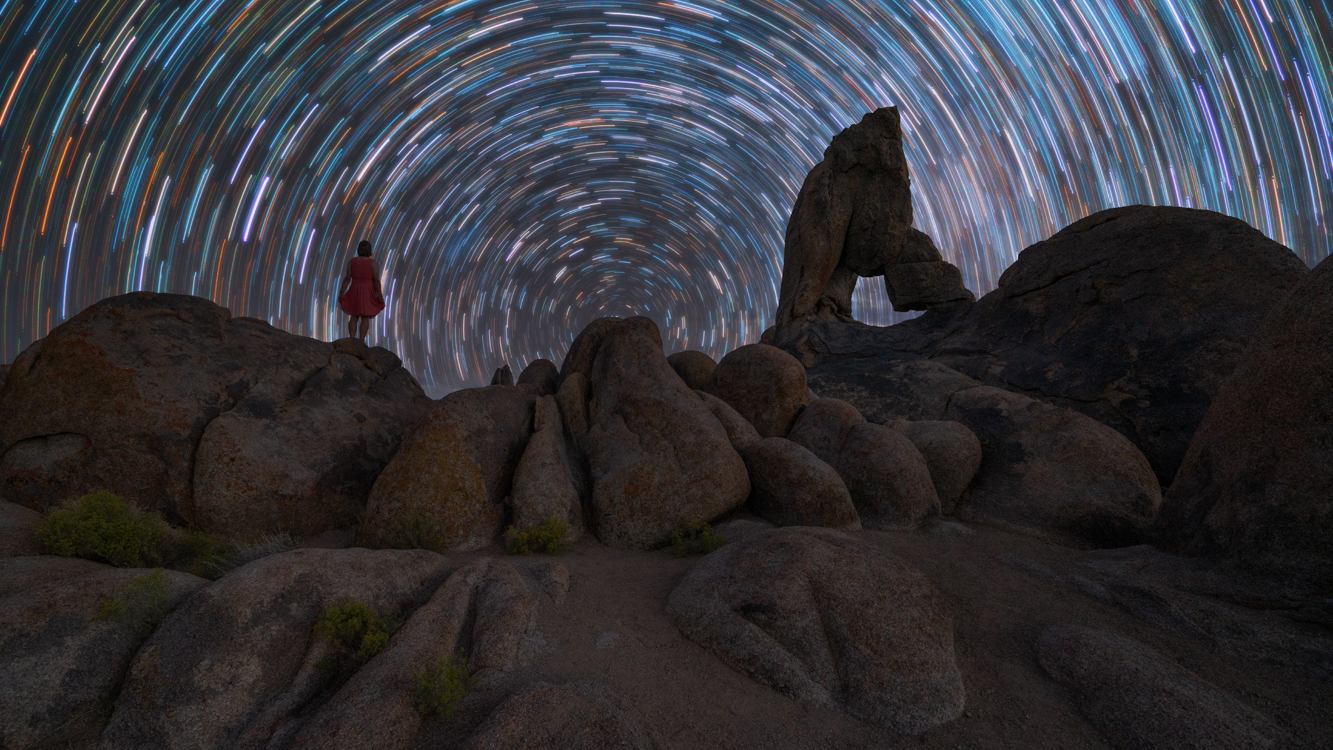
BEFORE
AFTER
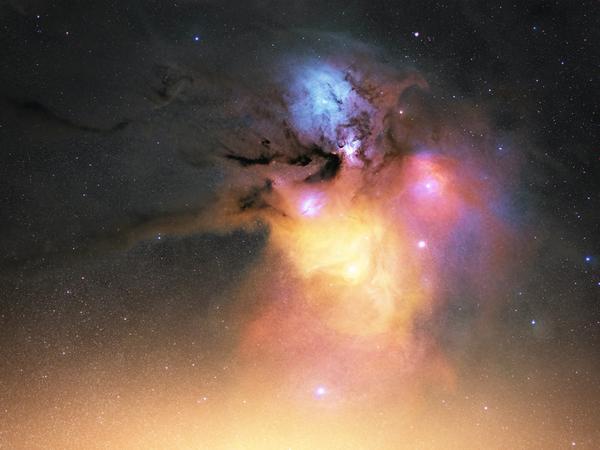
Skies included in the pack
Related Products










Creator
Steffi Liebermann
Landscape and astrophotographer
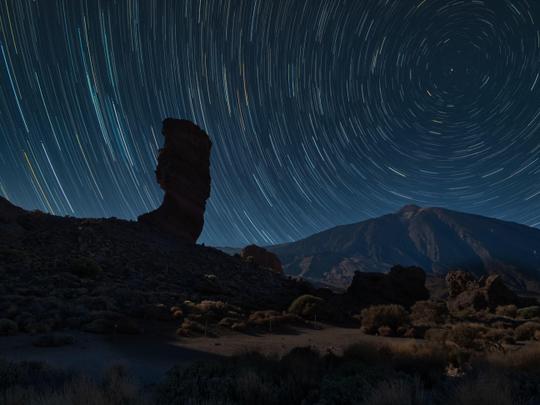
Steffi Liebermann is a German landscape and astrophotographer who discovered her passion for photography in 2015. Her experiences traveling as a child quickly developed her dream to discover the world. Her closeness to nature and the desire to understand it motivated her to study natural sciences. As a Sony Europe Imaging Ambassador, she travels the world with her camera to capture fantastic moments in nature, to create art only with the help of our fantastic Mother Earth. She loves the beauty of nature and its phenomena. With her photos, she especially wants to share her fascination for the night. The use of an extremely light-sensitive sensor allows her to look into a magical new world. It is a special kind of art—not visible with our eyes, but real!