


 Zastosowany


Runny Paint Drips Overlays
Save $201 $ 19 .00

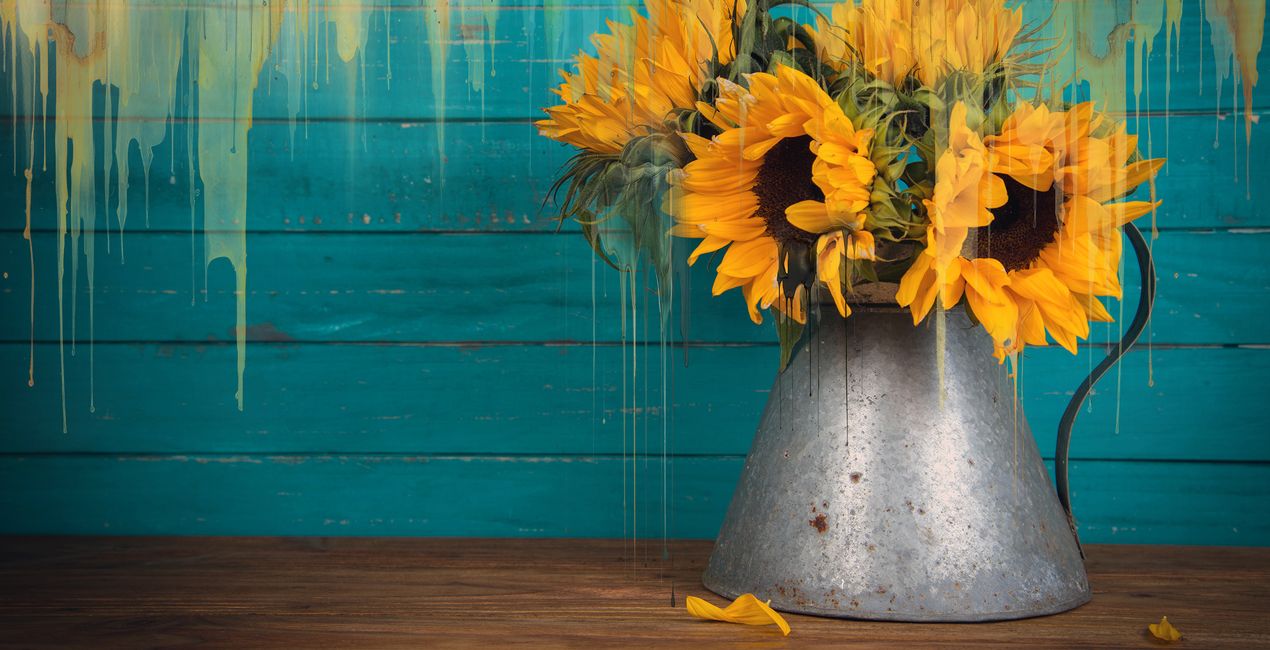
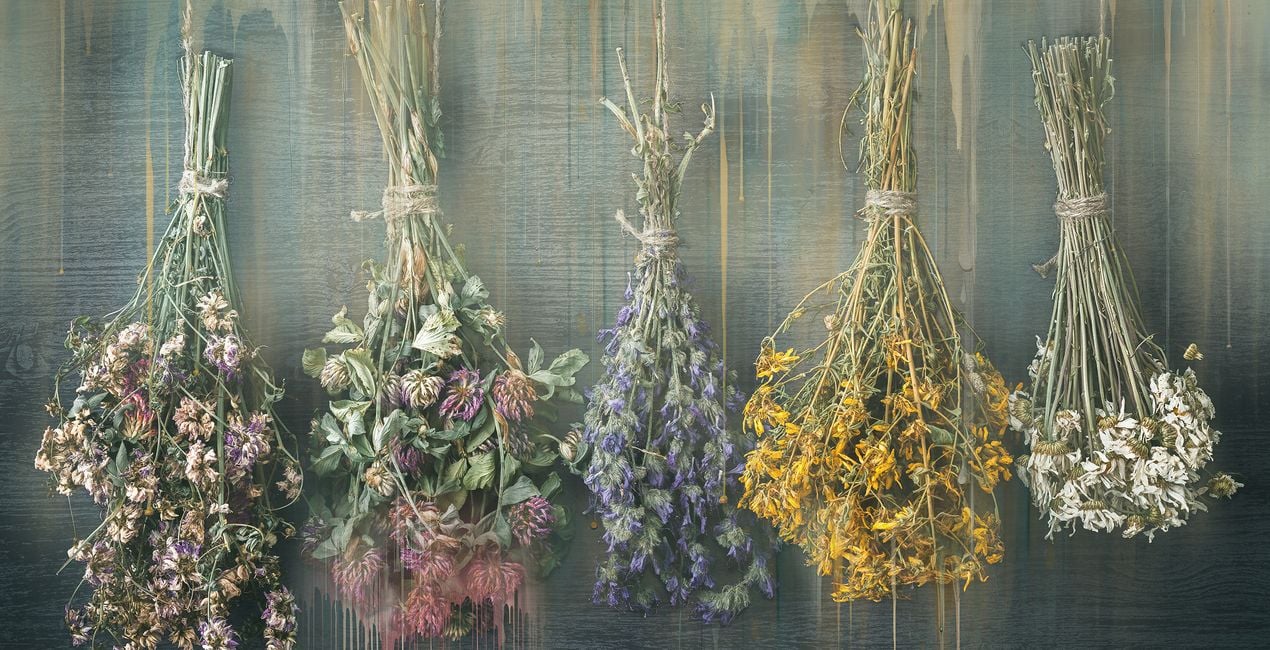
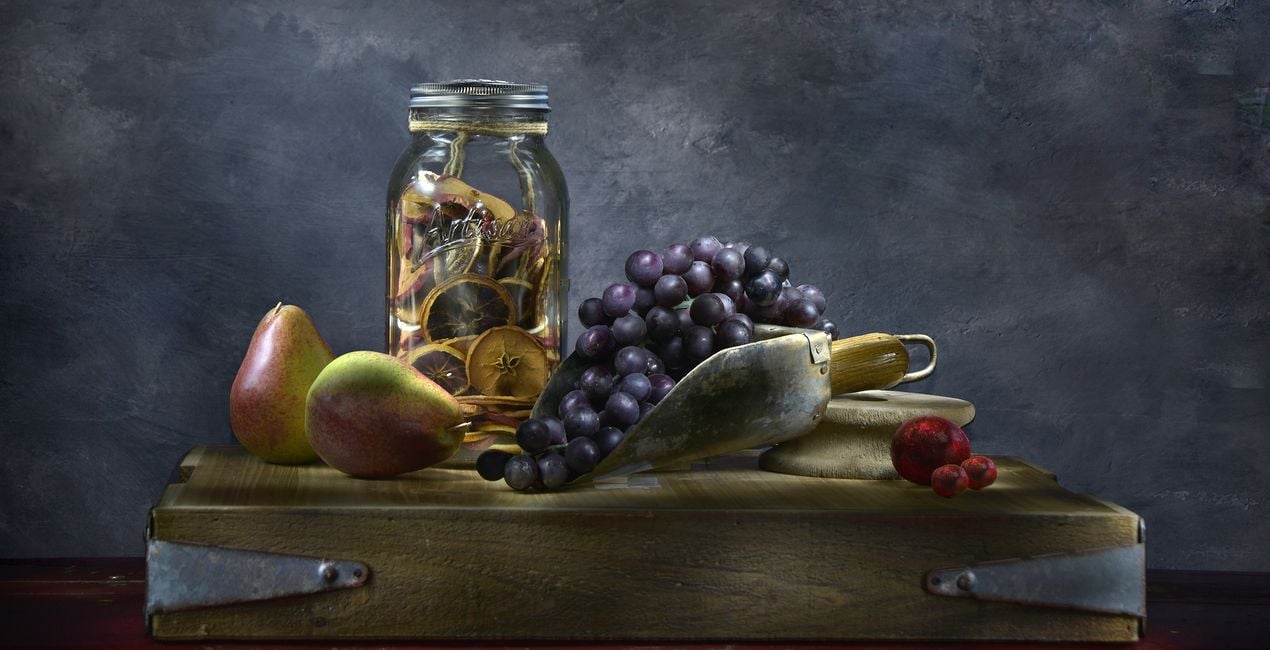
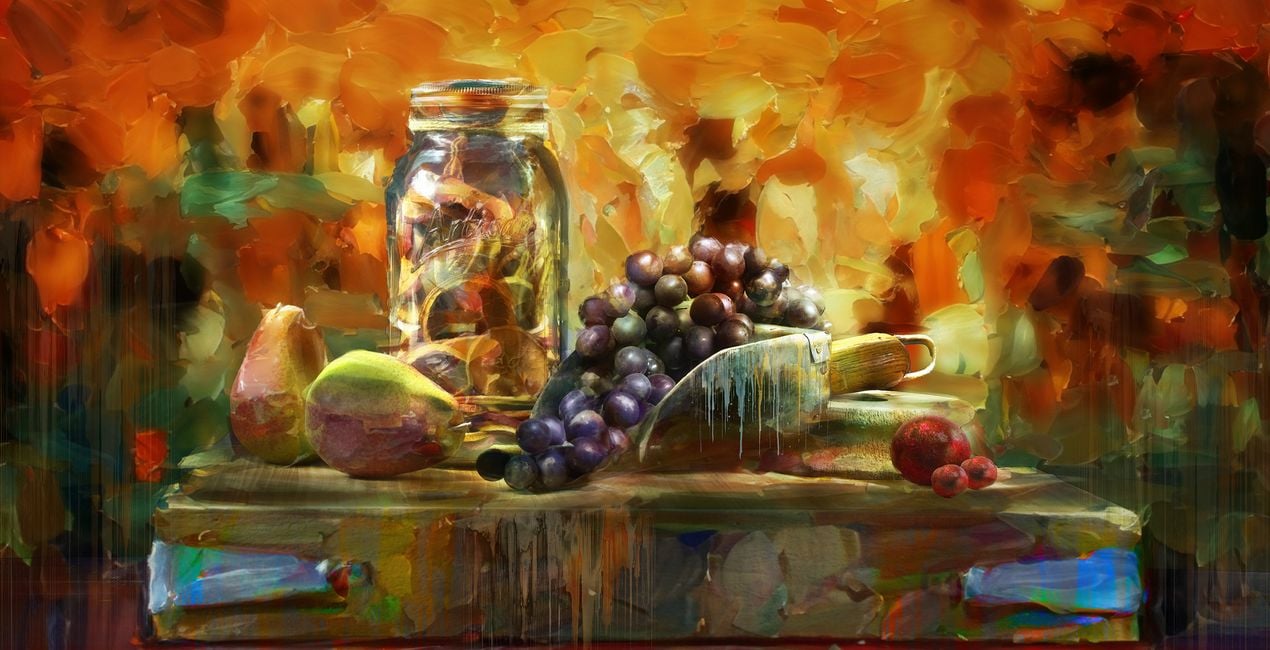
Presenting the Runny Paint Drips Overlays — a dynamic and versatile collection of 10 Overlays designed to elevate your digital art by inspiring it with painterly drips. These Overlays offer a transformative tool that allows artists to effortlessly enhance their creations and achieve a captivating textured effect reminiscent of fluid paint in motion. With each drip thoughtfully crafted, this collection opens up new avenues of creative expression, enriching your digital art with an authentic and dynamic touch. Whether you're aiming to add layers of visual interest or a sense of fluidity, the Runny Paint Drips Overlays are a valuable addition to your digital toolkit. Elevate your photo art and immerse yourself in a world of boundless artistic possibilities, where each drip tells a unique story and adds a layer of dynamic beauty to your creations.
Zawartość zestawu
10 Overlays in PNG format


Korzystając z plików RAW z łatwością przećwiczysz wskazówki dotyczące retuszu i dowiesz się, jak stworzyć zdjęcia takie jak te.

 >
>

 >
>

 >
>

 >
>
 >
>


Professional Photographer and Master Artist
Carly Sullens is a globally renowned master artist and certified professional photographer whose expertise spans painting, art history, psychology, and art therapy. Skillfully merging traditional techniques with digital artistry, Carly crafts captivating and imaginative photographic masterpieces. Carly's photography seamlessly weaves reality with imagination, constantly pushing the boundaries to transform ordinary moments into extraordinary visions. With a profound ability to deconstruct and reimagine her photographs, she crafts distinct and enchanting artistic images. Whether through her lens, skillful adjustments, digital painting, or innovative compositing, Carly breathes life into her work, creating a world where imagination knows no bounds. Her talent has not gone unnoticed, as she has garnered numerous accolades, publications and awards for her unparalleled skills. Carly’s pieces evoke a timeless allure reminiscent of revered museum artworks, showcasing her mastery of seamlessly blending traditional artistry with cutting-edge digital techniques. A trailblazer in her field, Carly is an enthusiastic educator, sharing her expertise internationally to inspire others to achieve painterly effects from their own photographs. She effortlessly imparts her knowledge and techniques, enabling individuals to unleash their creative potential within the expansive realm of digital artistry. Carly's unwavering dedication to photography shapes a vibrant and mesmerizing world of visual storytelling. Through her lens, she captures hearts, enthralls audiences, and kindles the spirits of fellow artists. With each creation, Carly propels the boundaries of artistic possibility, leaving an indelible mark on the ever-evolving tapestry of visual expression.
Jeśli masz jakiekolwiek pytania dotyczące produktu, możesz skontaktować się z zespołem pomocy technicznej dostępnym 24 godziny na dobę, 7 dni w tygodniu. Wystarczy kliknąć ten link.
Aby kupić Runny Paint Drips Overlays, wykonaj następujące kroki:
1. Otwórz Marketplace Skylum.
2. Przejdź do odpowiedniej zakładki, w której znajduje się Runny Paint Drips Overlays. Kliknij na nim i dodaj produkt do koszyka.
3. Przejdź do koszyka. Tutaj zakończ proces zakupu produktu Runny Paint Drips Overlays.
4. Po dokonaniu zakupu otrzymasz wiadomość e-mail z linkiem do pobrania Runny Paint Drips Overlays. Nowy produkt znajdziesz również na swoim koncie Skylum, w zakładce Moje dodatki.
Szczegółowe instrukcje dotyczące instalacji Runny Paint Drips Overlays zostaną przesłane w wiadomości e-mail wraz z linkiem do pobrania
Ponadto zakupiony produkt można zainstalować bezpośrednio w programie Luminar Neo: przejdź do menu Dodatki > Marketplace, wybierz kategorię produktu, znajdź zakupiony produkt i kliknij Zainstaluj.
To całkiem proste! Runny Paint Drips Overlays znajdziesz w sekcji Warstwy > Zakupione. Kliknij, aby zastosować i dostosować właściwości tekstury/obiektu, takie jak rozmiar, krycie i tryb mieszania w menu Właściwości warstwy.
Jeśli korzystasz z Luminar AI, przejdź do zakładki Edytuj w górnym pasku menu. Zainstalowany Runny Paint Drips Overlays będzie znajdował się w sekcji Maskowanie lokalne > Tekstura > Wybór tekstury > Niestandardowe.
Nie martw się. Wszystkie zakupione produkty, w tym Runny Paint Drips Overlays, są przechowywane w zakładce „Moje dodatki” na koncie Skylum, co umożliwia ich łatwe ponowne pobranie i użycie.
Ogólnie rzecz biorąc, większość produktów jest kompatybilna z Luminar Neo. Aby jednak upewnić się, że Runny Paint Drips Overlays jest kompatybilne z Twoim oprogramowaniem, przed pobraniem lub zakupem sprawdź jego specyfikację. Poszukaj sekcji „Kompatybilność” po prawej stronie strony Runny Paint Drips Overlays, gdzie wymienione są wszystkie kompatybilne produkty.
Nie wychodź jeszcze. Mamy dla Ciebie ekskluzywny kod rabatowy. Wykorzystaj go w ciągu najbliższych 15 minut, aby uzyskać dodatkowe 10% zniżki przy finalizacji zamówienia. Skopiuj poniższy kod i sfinalizuj zakup.
15 m : 00 s





