


 Zastosowany




O nas
A multifunctional pack of Presets meticulously crafted to give your photos a timeless black and white look. Evoke the nostalgic elegance of golden era photography.
Kompatybilność

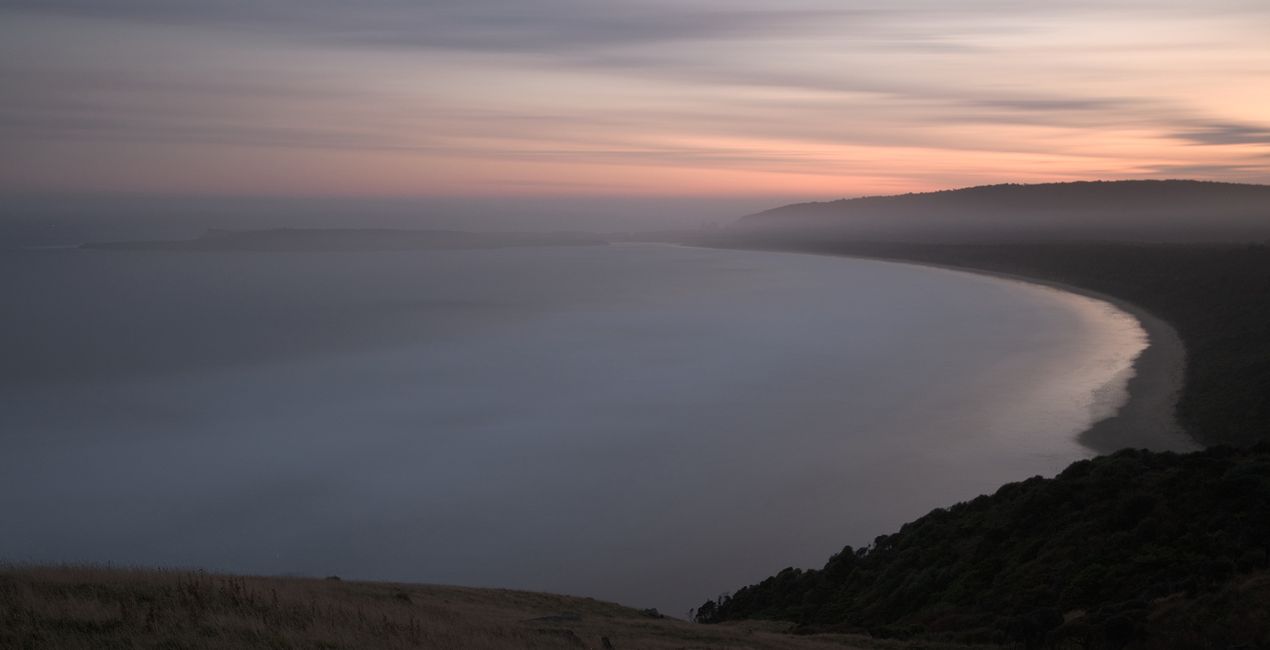
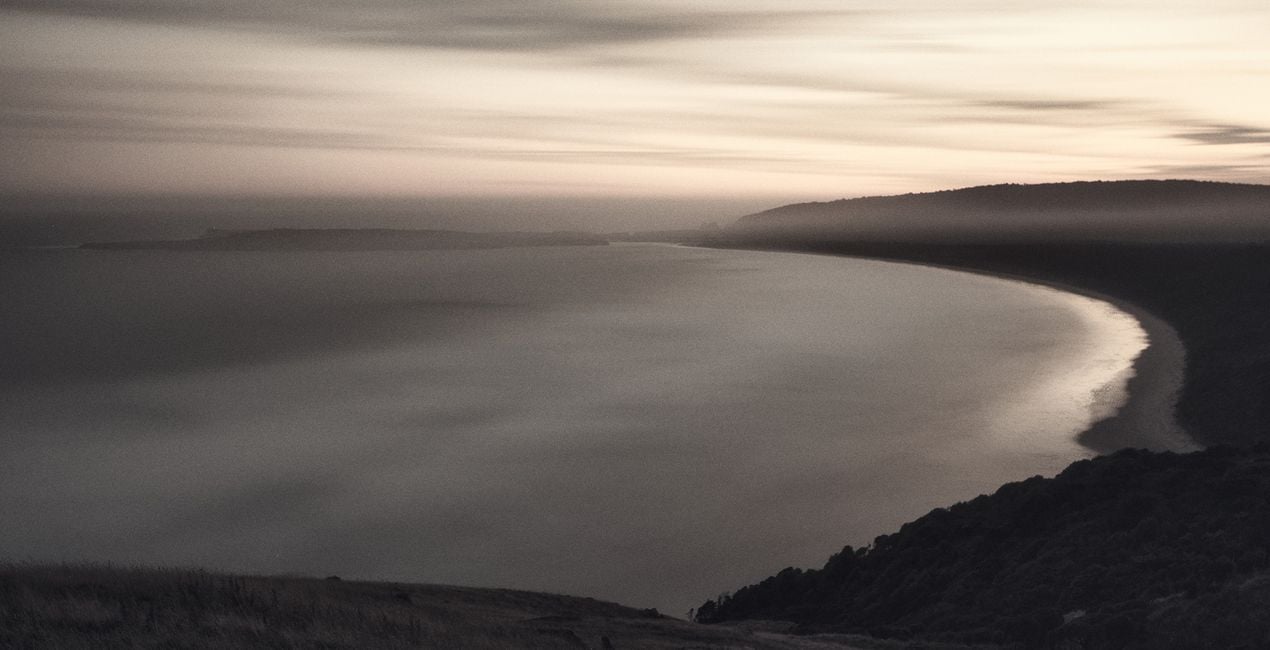
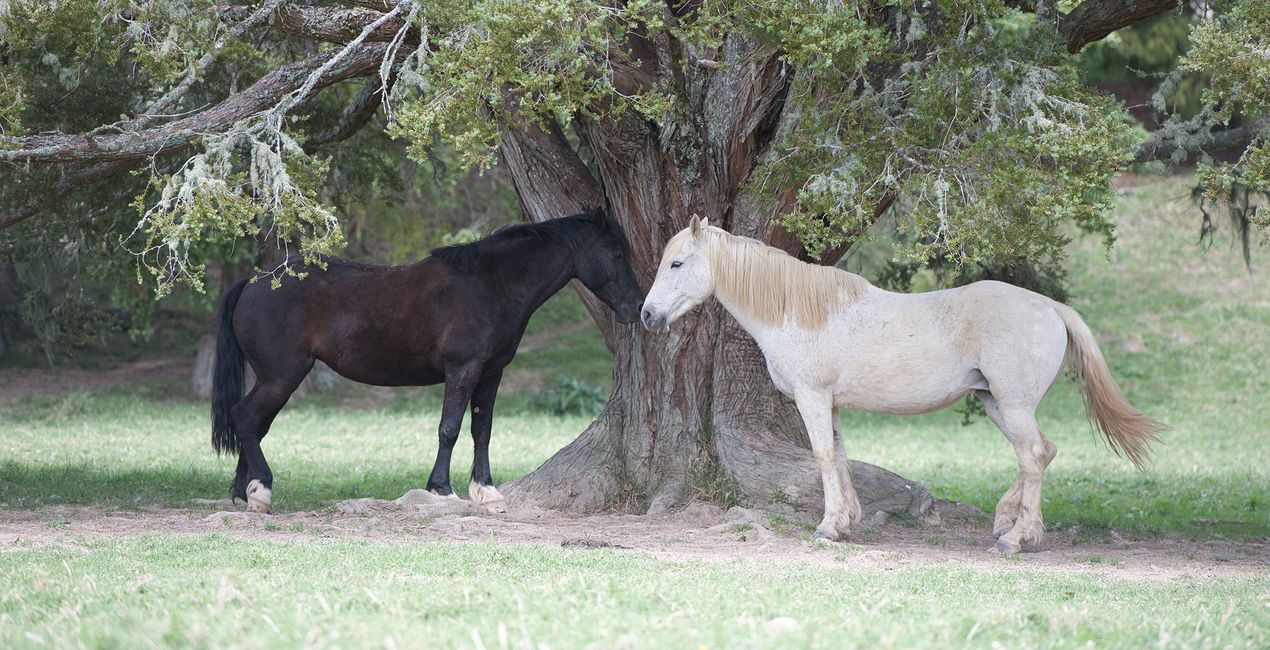
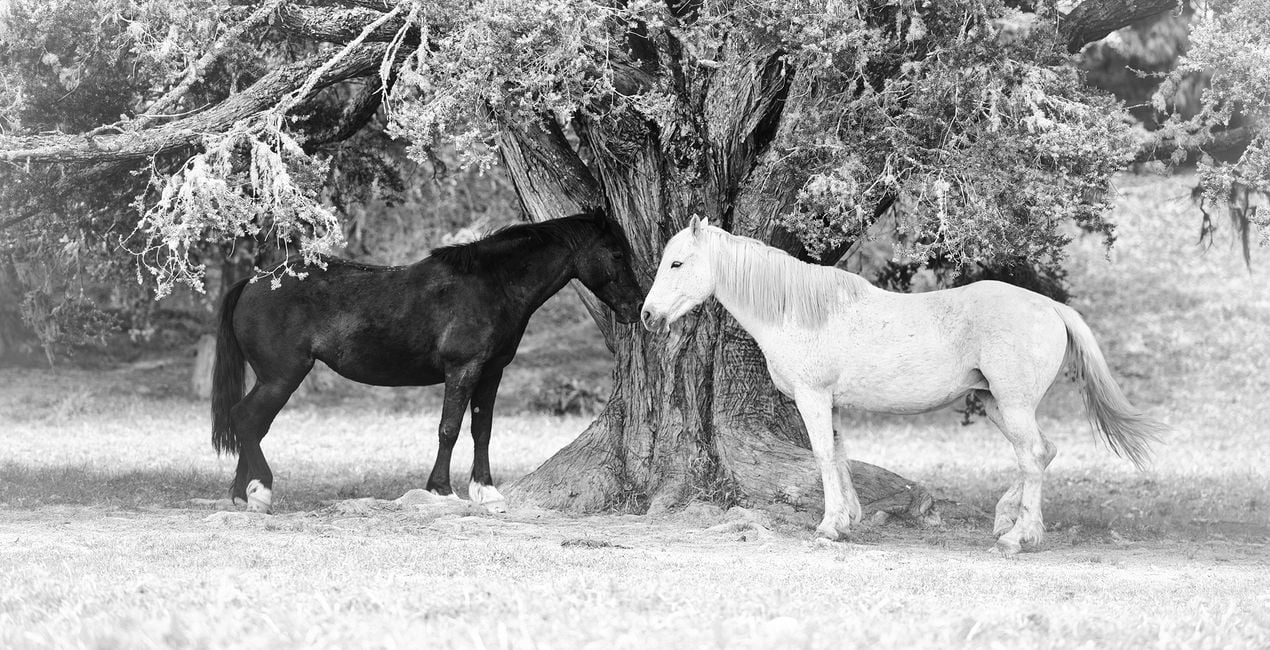
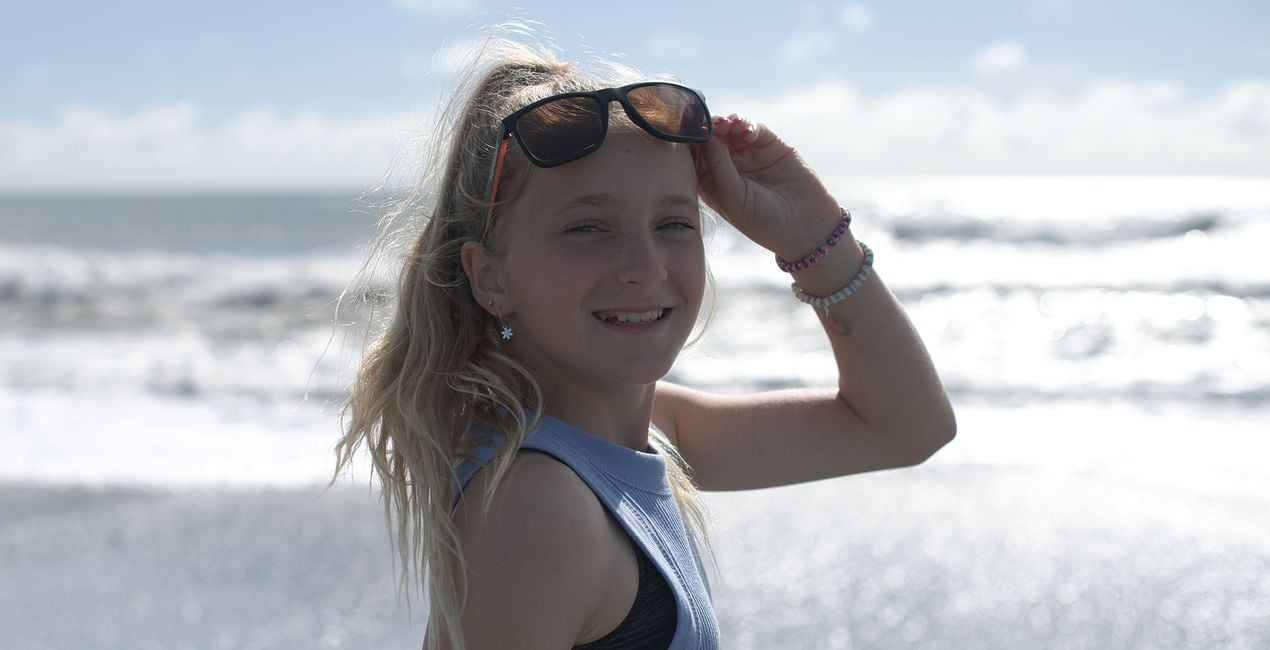
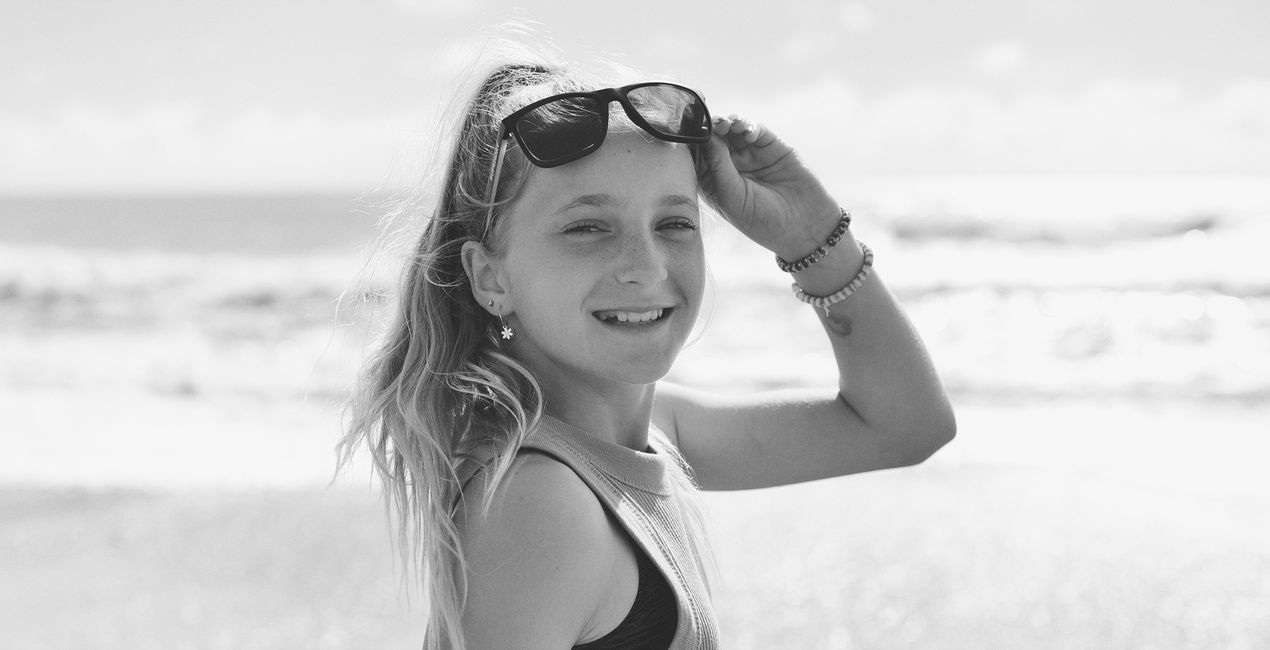
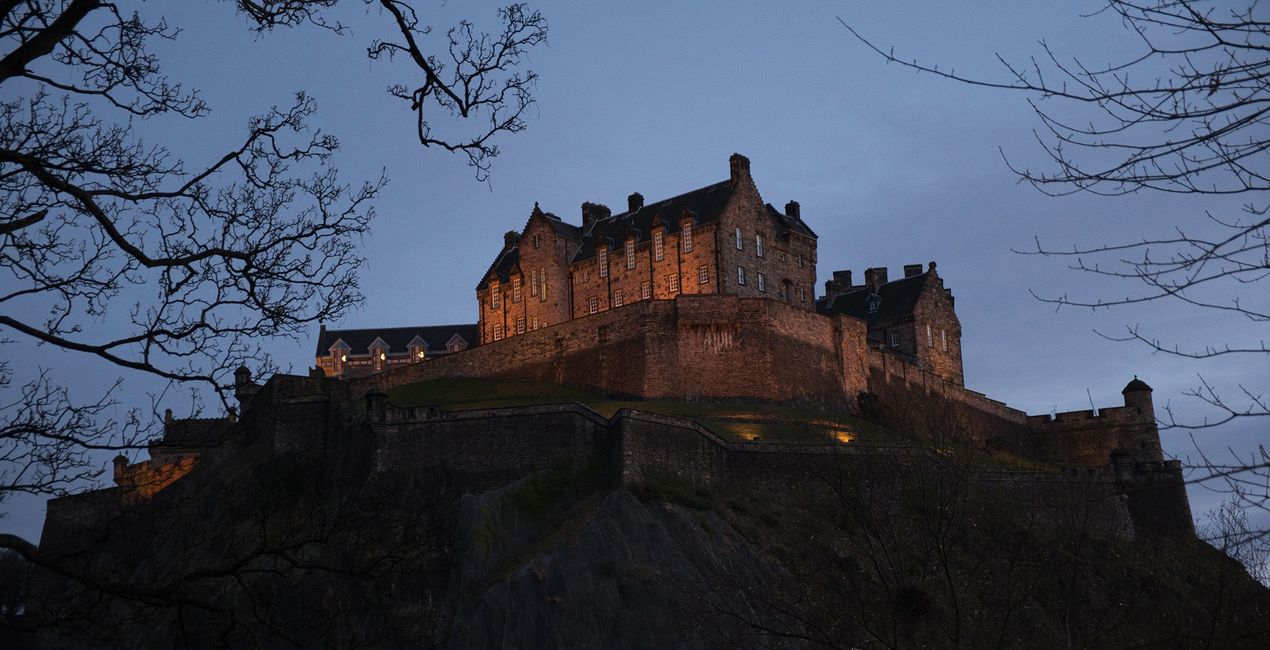
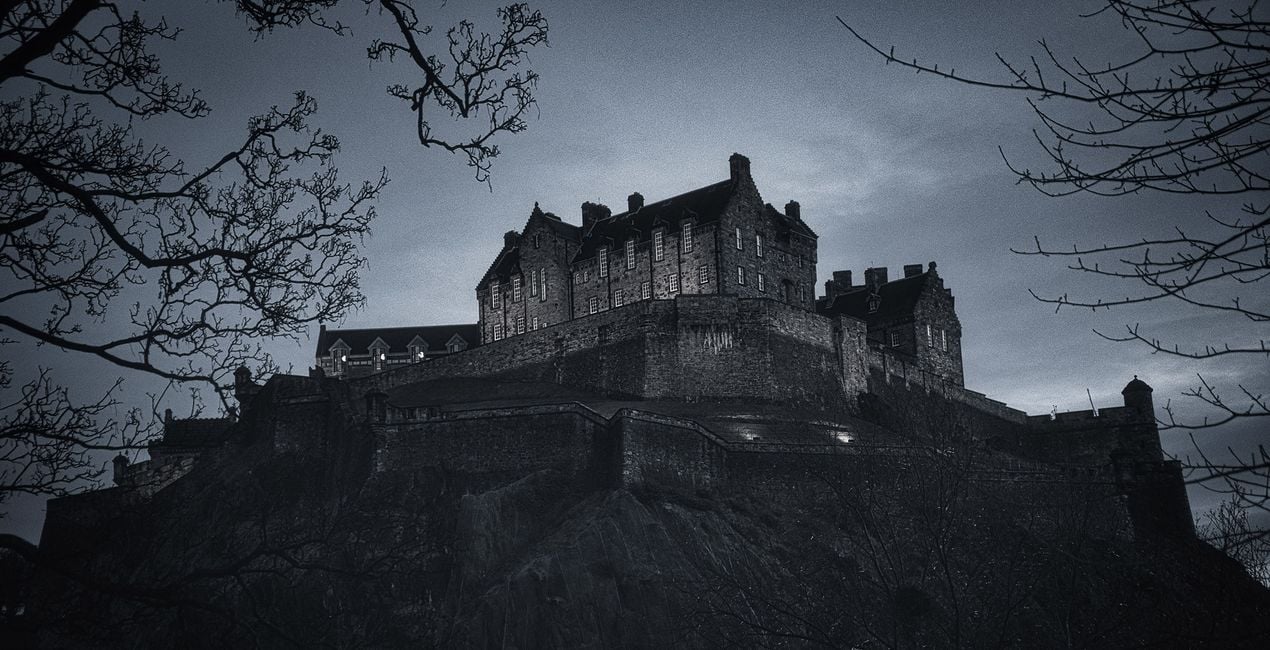
Twórz zdjęcia takie jak to
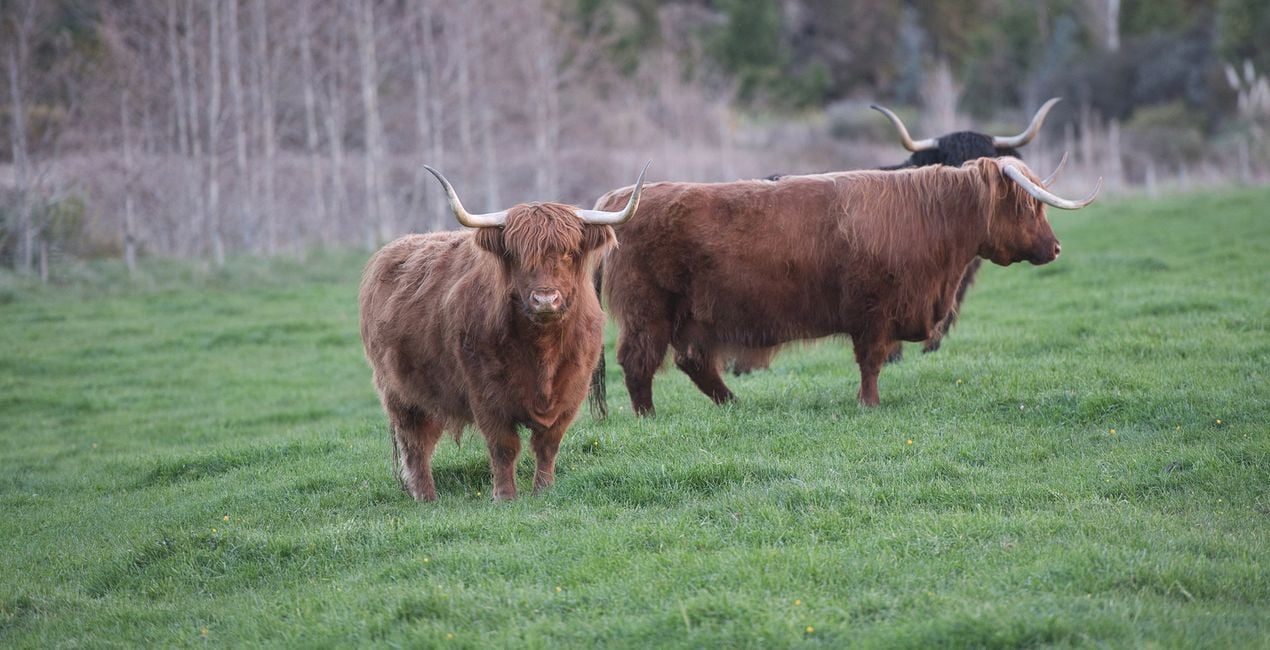
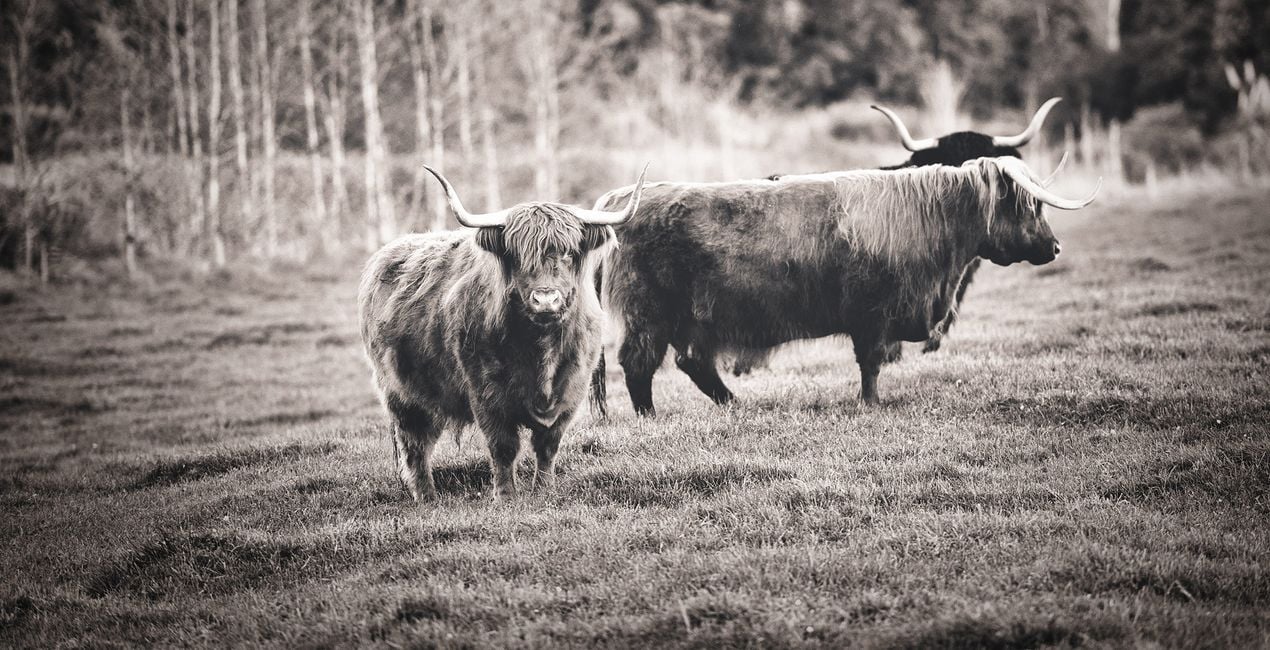
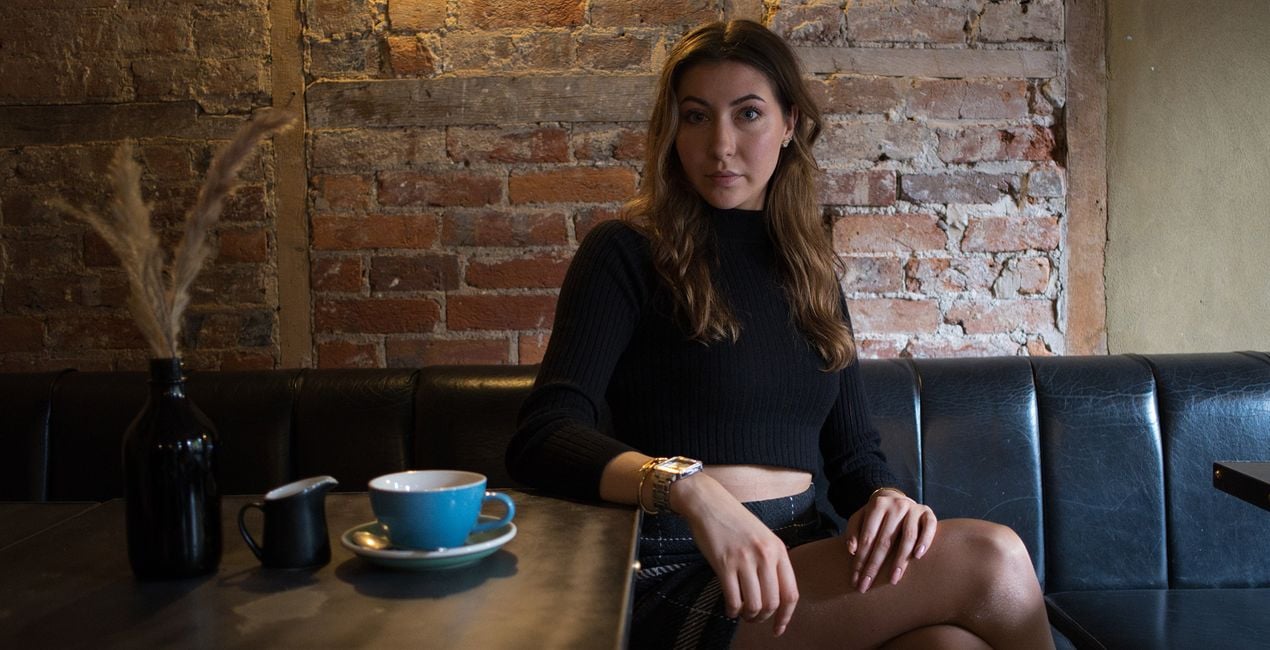
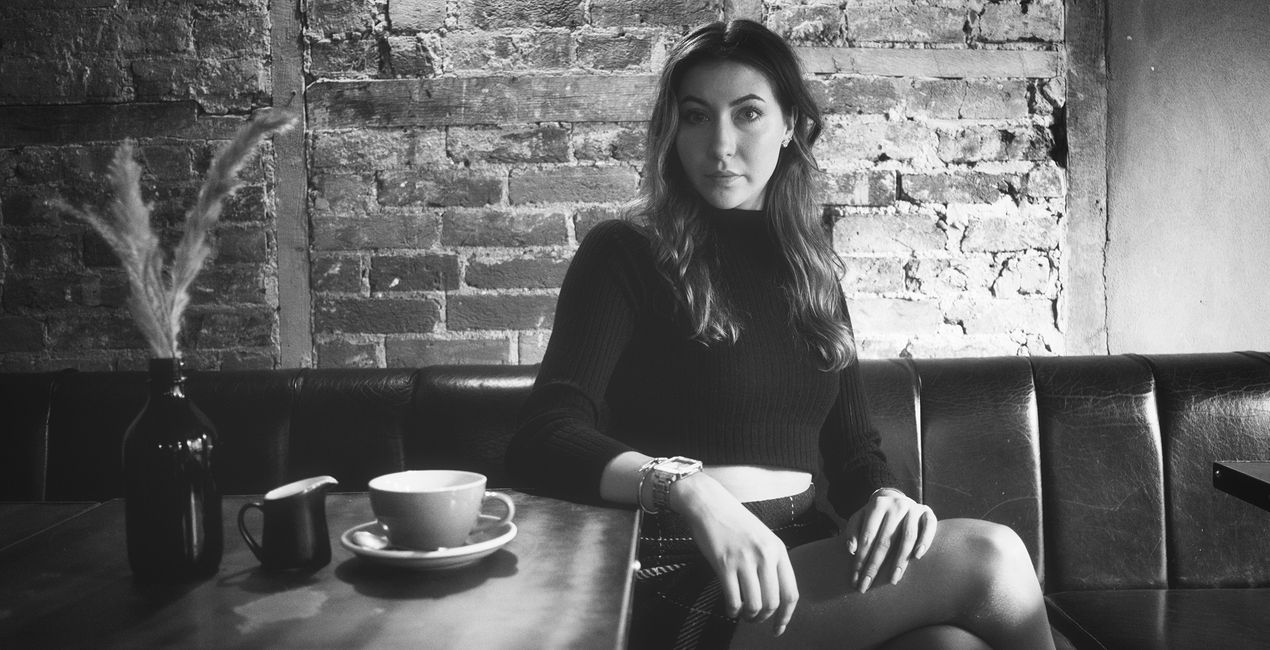
Korzystając z plików RAW z łatwością przećwiczysz wskazówki dotyczące retuszu i dowiesz się, jak stworzyć zdjęcia takie jak te.
 >
>
 >
>
 >
>
 >
>
 >
>
 >
>
Historia
Anthony Turnham originally became captivated with the idea of emulating a vintage style in his wedding photography. It always amazed him how a simple and nice moment could be elevated into an emotion-rich image by adding a good vintage Preset. The vintage processing Anthony started applying is what made him hugely popular among his clients.
After leaving wedding photography, Anthony began to wonder how the emotive power of vintage looks could be applied to other genres. To his delight, this timeless look worked well across many genres of photography. Whether you shoot portraits, landscapes, animals, or architecture, this collection is designed to give you a set of Presets that will transform your photos with soft and subtle charm.
While each Preset is demonstrated on a particular style of photography, please don't feel limited to that that genre only. The Presets are versatile and Anthony encourages you to experiment with their application across different areas of your photography.
You will find 10 Presets in this Pack:
Details: Ideal for enhancing photos where detail is paramount. A punchy black and white Preset that brings out a structural gritty look.
Details Faded: Get the best of both worlds by balancing the enhanced structural elements in the photo with the calming subtlety of faded tones.
Bleach: Subtle edge bleaching combined with pop and contrast towards the center of the frame. Ideal for focusing attention on a central subject.
Tint: Create a mostly desaturated version of your photo while embuing a hint of golden tint.
Soul: A hint of warmth through the mid tones and highlights combined with vintage fading gives your photos a soft, soulful feel.
Simplicity: Designed for speed, this Preset uses just two tools to create a quick conversion to faded black and white. No frills, classic result.
Blues: Designed to drop your image into a low-key version with a subtle hint of blue. Ideal for bringing a moody essence to a photo.
Yesteryear: A washed-out black and white fade with slightly beached corners. Designed to take your photos back to the yesteryear era. Great for portraits.
Opulence: Lifted blacks and dropped whites combine to give a timeless, faded look. A boost in the shadows keeps details through the darker regions. A winner with portraits.
Summer: Designed for portraits giving a high-key lift for a fresh summertime vibe while still keeping the emotive essence of the faded vintage look.
Podobne produkty


Twórca
Anthony Turnham
Professional photographer & photography educator
Anthony moved to New Zealand in 2006 and began his professional photography journey shortly after. Working within a variety of photographic genres has given him an invaluably broad knowledge of different types of photography.
After a couple of decades as a full-time professional photographer, more recently Anthony Turnham has refocused his efforts on sharing his extensive knowledge with the photographic community by giving free training on his YouTube channel. While Anthony still undertakes specific commissions for architectural photography and relish the technical side of this genre, Anthony has dedicated more time to his passion for landscape photography.
Anthony has been a finalist in Wedding Photographer of the Year and won awards in different photography categories, including several coveted GOLD Iris Awards. He is and he is proud to have been awarded the title "Master of Photography" by the New Zealand Institute of Professional Photography.
Jak skontaktować się z pomocą techniczną?
Jeśli masz jakiekolwiek pytania dotyczące produktu, możesz skontaktować się z zespołem pomocy technicznej dostępnym 24 godziny na dobę, 7 dni w tygodniu. Wystarczy kliknąć ten link.
Jak mogę kupić Vintage Monochrome?
Aby kupić Vintage Monochrome, wykonaj następujące kroki:
1. Otwórz Marketplace Skylum.
2. Przejdź do odpowiedniej zakładki, w której znajduje się Vintage Monochrome. Kliknij na nim i dodaj produkt do koszyka.
3. Przejdź do koszyka. Tutaj zakończ proces zakupu produktu Vintage Monochrome.
4. Po dokonaniu zakupu otrzymasz wiadomość e-mail z linkiem do pobrania Vintage Monochrome. Nowy produkt znajdziesz również na swoim koncie Skylum, w zakładce Moje dodatki.
Jak zainstalować Vintage Monochrome?
Szczegółowe instrukcje dotyczące instalacji Vintage Monochrome zostaną przesłane w wiadomości e-mail wraz z linkiem do pobrania
Ponadto zakupiony produkt można zainstalować bezpośrednio w programie Luminar Neo: przejdź do menu Dodatki > Marketplace, wybierz kategorię produktu, znajdź zakupiony produkt i kliknij Zainstaluj.
Gdzie mogę znaleźć Vintage Monochrome po instalacji?
To całkiem proste! Przejdź do zakładki Presety, a następnie wybierz opcję Zakupione. Zainstalowane presety będą się znajdować w tym miejscu.
Co jeśli zgubię Vintage Monochrome?
Nie martw się. Wszystkie zakupione produkty, w tym Vintage Monochrome, są przechowywane w zakładce „Moje dodatki” na koncie Skylum, co umożliwia ich łatwe ponowne pobranie i użycie.
Jak sprawdzić, czy Vintage Monochrome jest kompatybilne z moim oprogramowaniem?
Ogólnie rzecz biorąc, większość produktów jest kompatybilna z Luminar Neo. Aby jednak upewnić się, że Vintage Monochrome jest kompatybilne z Twoim oprogramowaniem, przed pobraniem lub zakupem sprawdź jego specyfikację. Poszukaj sekcji „Kompatybilność” po prawej stronie strony Vintage Monochrome, gdzie wymienione są wszystkie kompatybilne produkty.


