


 Zastosowany




O nas
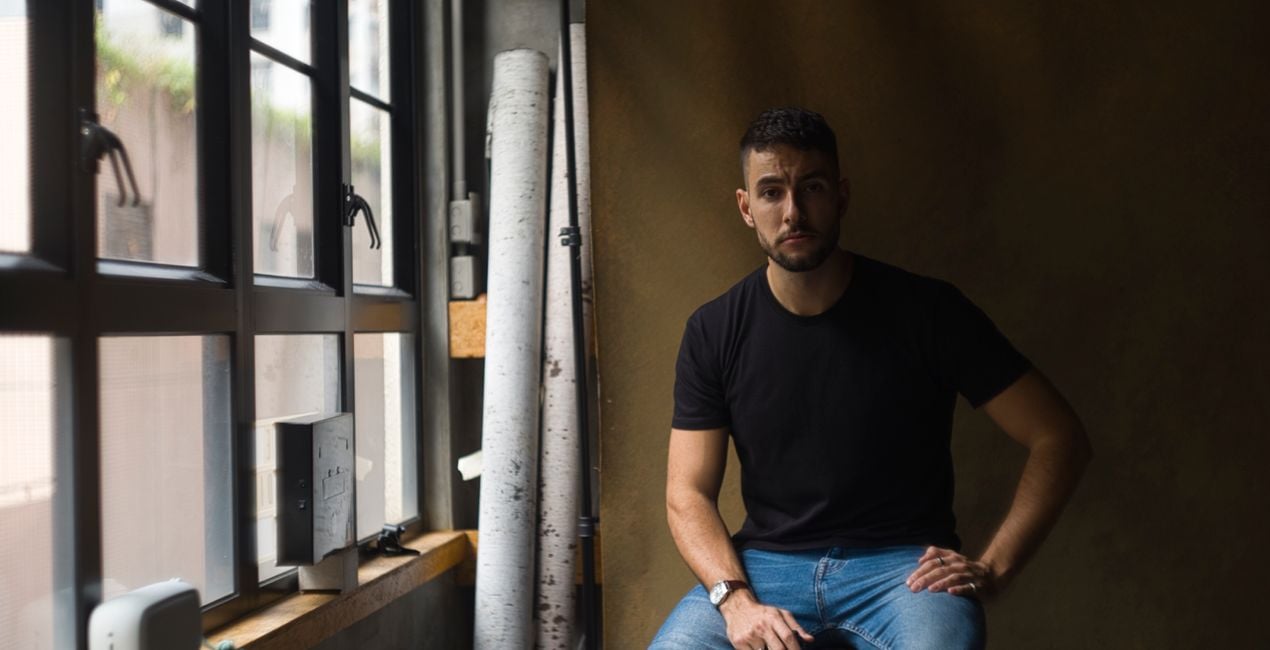
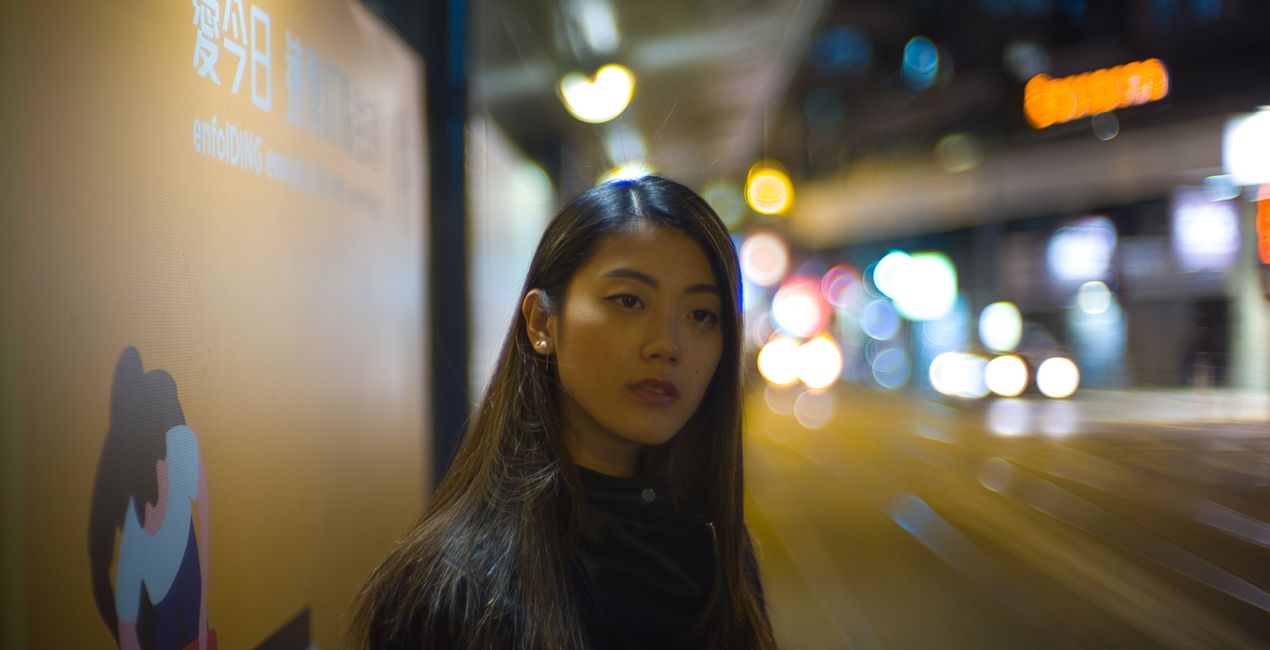
Zestaw 12 Stylizacji klasycznych oraz vintage autorstwa Justina Lima, inspirowanych fotografią kinową i analogową. Stworzone, aby nadać Twoim zdjęciom odcienie vintage.
Kompatybilność

Twórz zdjęcia takie jak to
Korzystając z plików RAW z łatwością przećwiczysz wskazówki dotyczące retuszu i dowiesz się, jak stworzyć zdjęcia takie jak te.

 >
>

 >
>
 >
>

 >
>

 >
>
 >
>

 >
>

 >
>

 >
>
Historia
My journey with photography started with classic film cameras in the 80s and 90s. Now with the power of Luminar at our fingertips, I wanted to bring some classic textures and tones to the Luminar Looks family. So many of my most memorable shots on social media and beyond have been inspired by my own experiences growing up with analog and film looks.Use these Looks to bring a classic and vintage touch to your photography: Cinematique — Bring out the neon lights of a gritty night. Use this Look for beautiful film-like night portraits and neon shots.Chulia — Work some vintage into your shots of a craftsman or barista. Chulia is a travel and holiday Look that’s perfect for afternoon shots.Slate — A great Look for minimalist shots, interiors, and still life, Slate is inspired by classic film stocks. This subdued Look is ideal for portraits, lifestyle images, coffee shots, and other daytime captures.Bourbon Smoke — This Look pays tribute to cross-processing and other film techniques. It’s a vivid, vibrant Look that brings out wood, leaves, rustic cooking, and street culture.I really relish these Looks for their ability to give a cinematic touch to any photo, bring some retro feels to a portrait shoot, or perfect your shots from a road trip with your best friends.
Podobne produkty


Twórca
Justin Lim
Photographer. Skylum Ambassador.
<p>Justin Lim is a professional photographer based in Asia with wide experience in portraiture and travel photography. Founded in 2013 in Hong Kong, his studio, The Kandid, is a curated space for creators with props and textures.</p><p></p><p>One of Hong Kong’s most accomplished lifestyle photographers, Justin Lim began his photographic journey when he was a teenager in England in 1999. After a stint in the legal industry, Justin returned to Hong Kong, the country of his birth, where he founded The Kandid, his bespoke studio along with a social media consultancy business. Justin has been featured on social media since the Flickr era, going on to become a Suggested User on Instagram as well as a guest editor on 500px. </p><p>His passion for photography has seen him canvas the world seeking lifestyle moments and beautiful portraiture. He has worked for some of the world’s most famous brands as both a photographer and influencer and has dedicated his life to learning more about cultures and people through his travels.</p>
Jak skontaktować się z pomocą techniczną?
Jeśli masz jakiekolwiek pytania dotyczące produktu, możesz skontaktować się z zespołem pomocy technicznej dostępnym 24 godziny na dobę, 7 dni w tygodniu. Wystarczy kliknąć ten link.
Jak mogę kupić The Cinematographer?
Aby kupić The Cinematographer, wykonaj następujące kroki:
1. Otwórz Marketplace Skylum.
2. Przejdź do odpowiedniej zakładki, w której znajduje się The Cinematographer. Kliknij na nim i dodaj produkt do koszyka.
3. Przejdź do koszyka. Tutaj zakończ proces zakupu produktu The Cinematographer.
4. Po dokonaniu zakupu otrzymasz wiadomość e-mail z linkiem do pobrania The Cinematographer. Nowy produkt znajdziesz również na swoim koncie Skylum, w zakładce Moje dodatki.
Jak zainstalować The Cinematographer?
Szczegółowe instrukcje dotyczące instalacji The Cinematographer zostaną przesłane w wiadomości e-mail wraz z linkiem do pobrania
Ponadto zakupiony produkt można zainstalować bezpośrednio w programie Luminar Neo: przejdź do menu Dodatki > Marketplace, wybierz kategorię produktu, znajdź zakupiony produkt i kliknij Zainstaluj.
Gdzie mogę znaleźć The Cinematographer po instalacji?
To całkiem proste! Przejdź do zakładki Presety, a następnie wybierz opcję Zakupione. Zainstalowane presety będą się znajdować w tym miejscu.
Co jeśli zgubię The Cinematographer?
Nie martw się. Wszystkie zakupione produkty, w tym The Cinematographer, są przechowywane w zakładce „Moje dodatki” na koncie Skylum, co umożliwia ich łatwe ponowne pobranie i użycie.
Jak sprawdzić, czy The Cinematographer jest kompatybilne z moim oprogramowaniem?
Ogólnie rzecz biorąc, większość produktów jest kompatybilna z Luminar Neo. Aby jednak upewnić się, że The Cinematographer jest kompatybilne z Twoim oprogramowaniem, przed pobraniem lub zakupem sprawdź jego specyfikację. Poszukaj sekcji „Kompatybilność” po prawej stronie strony The Cinematographer, gdzie wymienione są wszystkie kompatybilne produkty.


