


 Zastosowany




O nas
Starry Night is a pack of 10 Presets for Luminar Neo made by the nightscape photographer David Maimó. Using these Presets is an easy way to adjust your nightscape photos with one click. Edit photos containing the Milky Way, the moon, auroras, star trails and other types of night photography fast and easy.
Kompatybilność

Twórz zdjęcia takie jak to
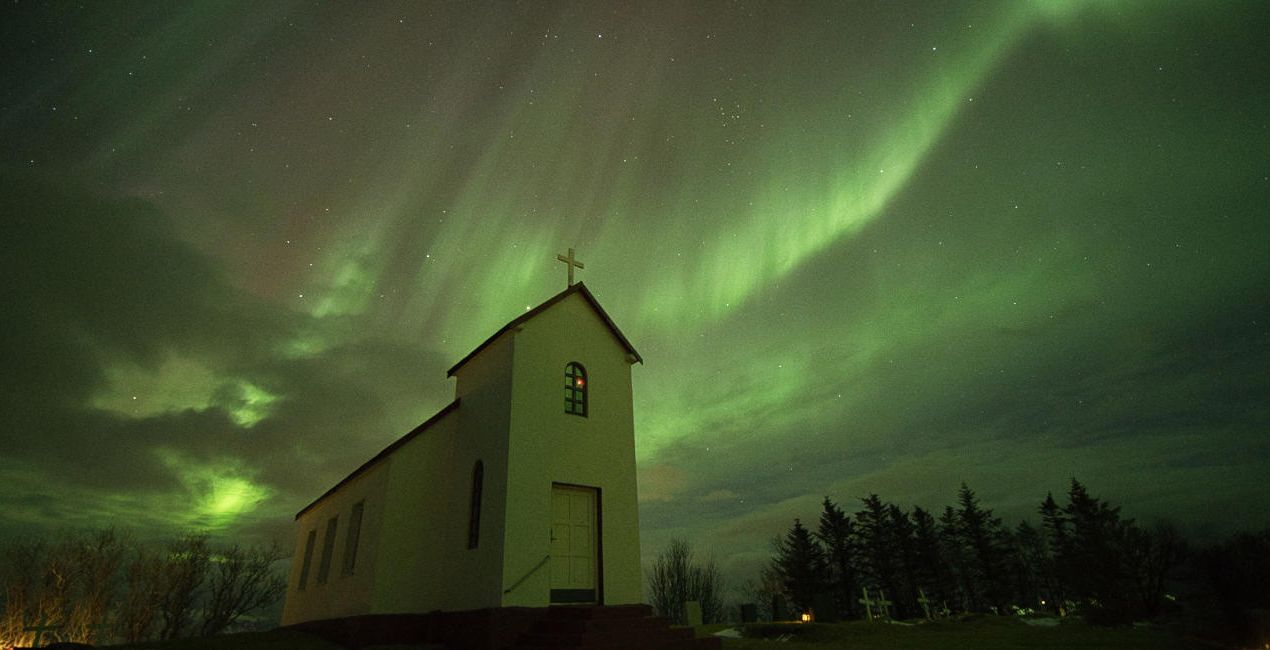
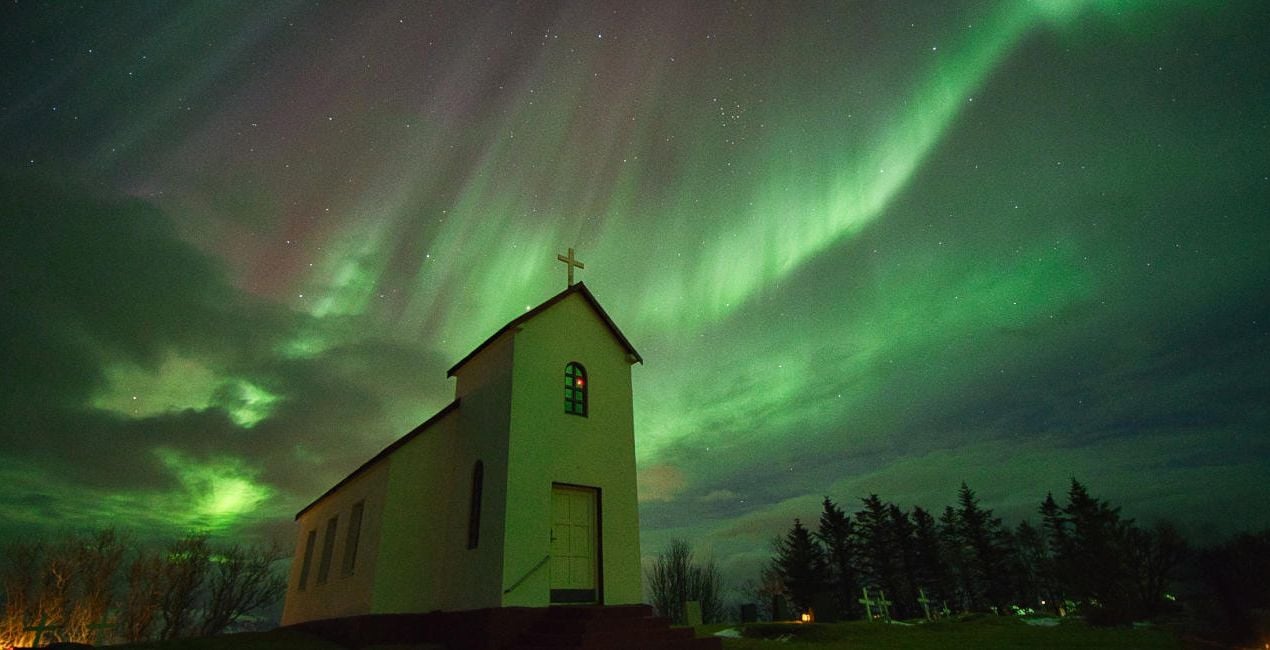
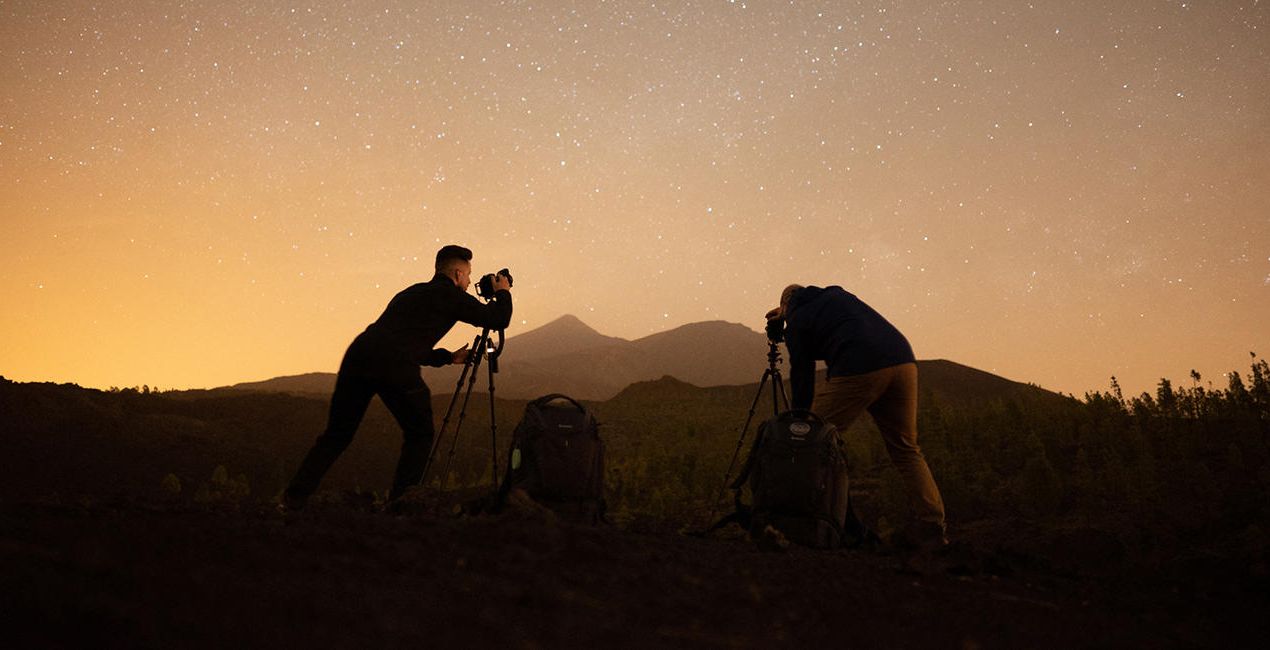
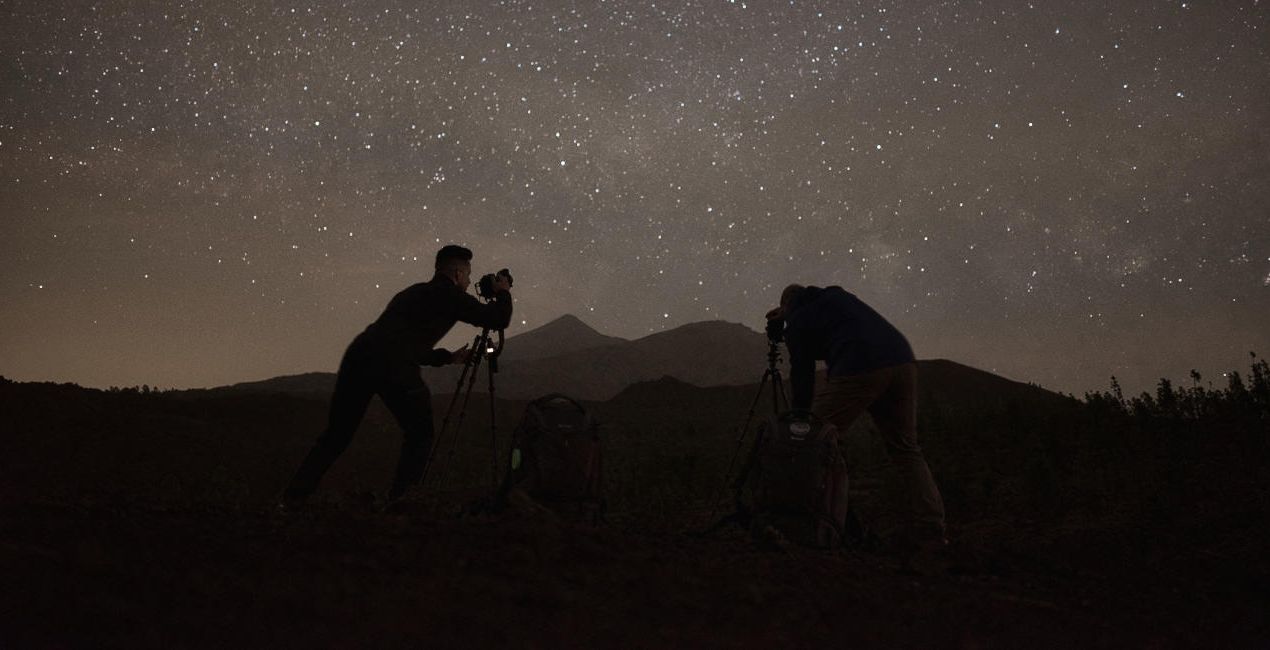
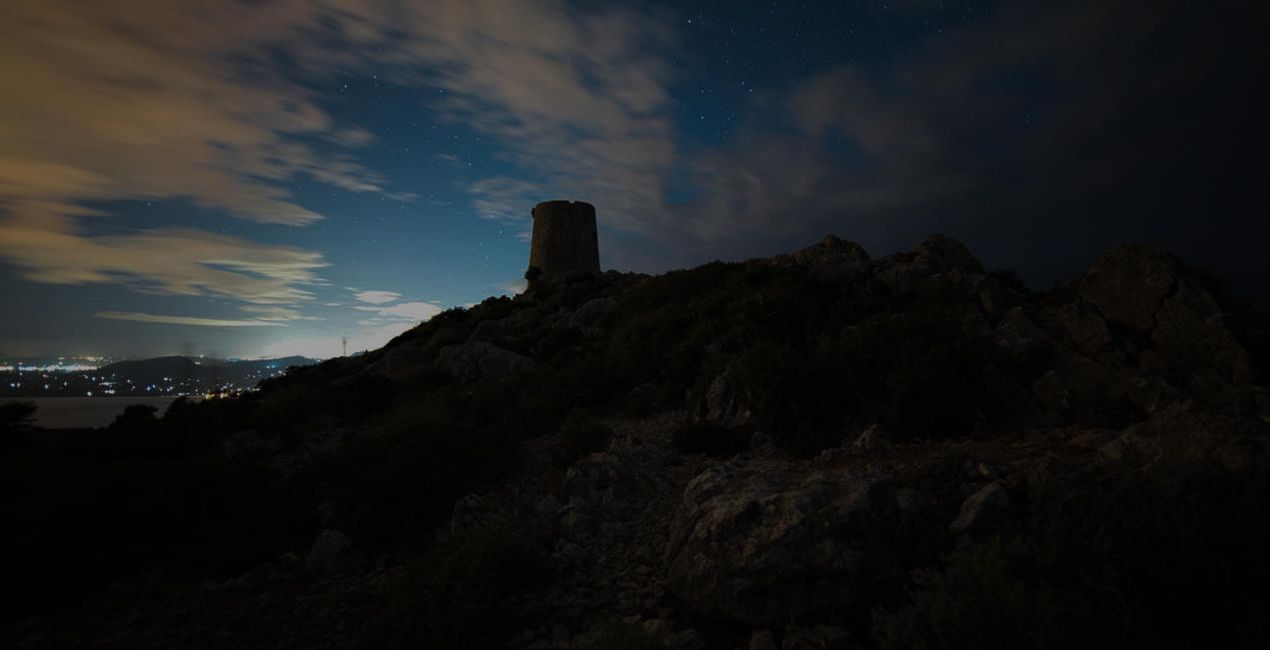
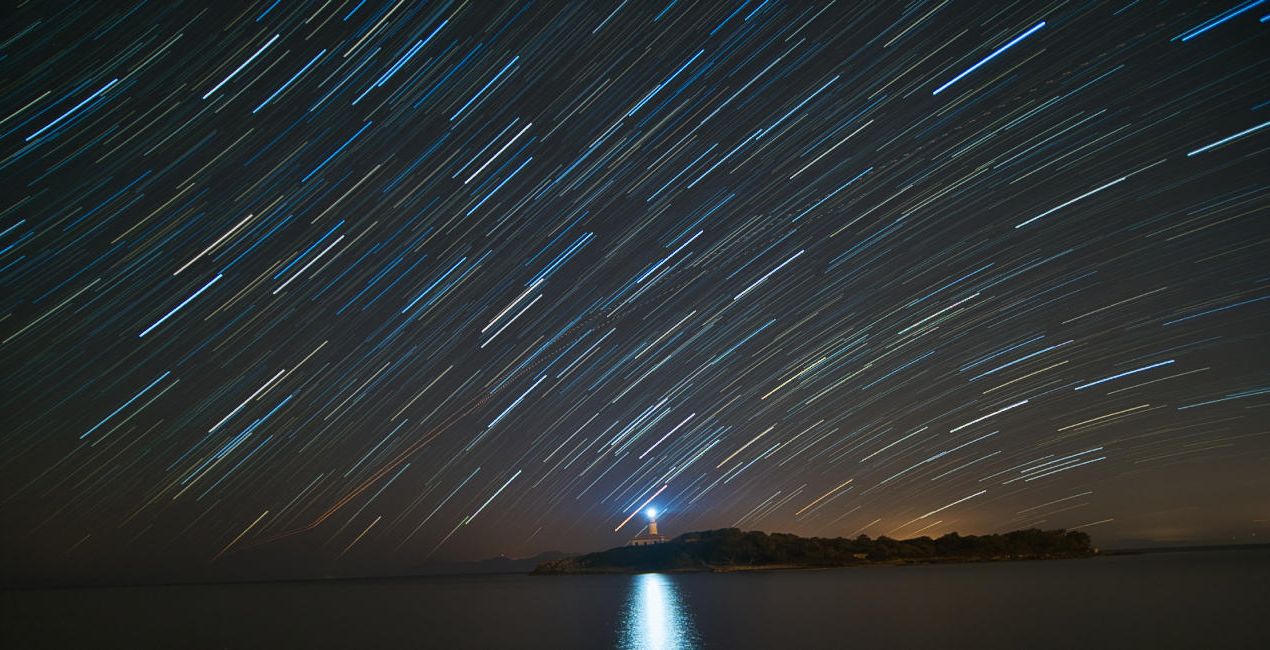
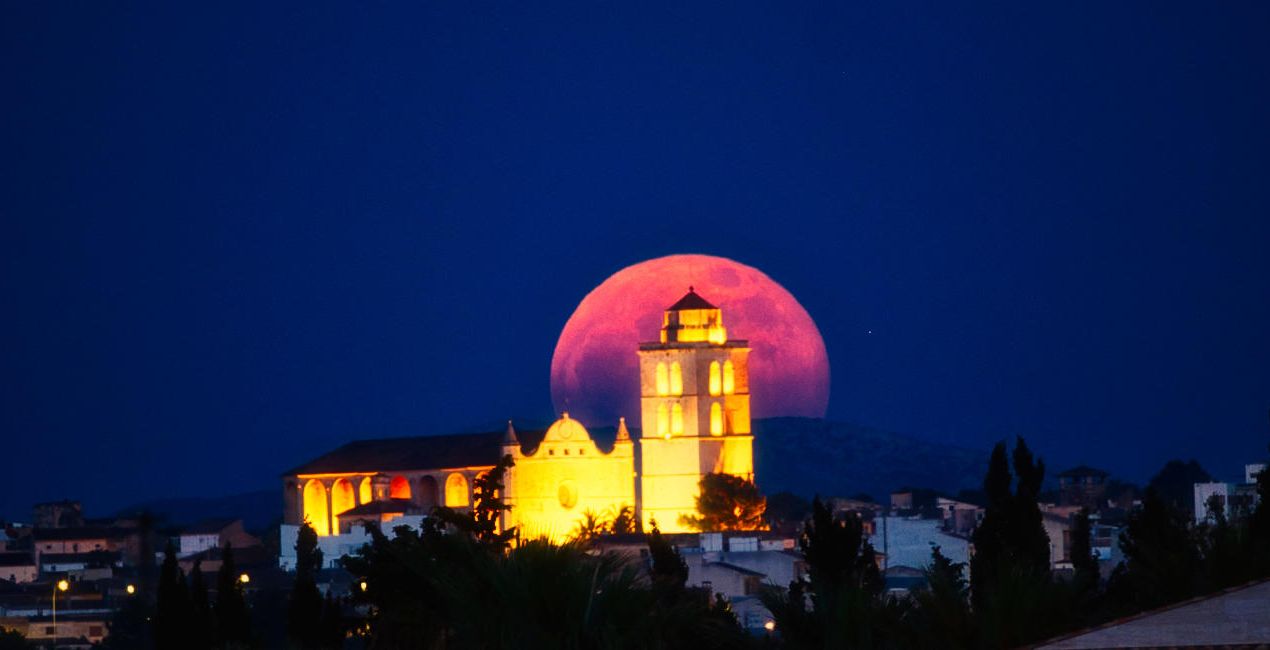
Korzystając z plików RAW z łatwością przećwiczysz wskazówki dotyczące retuszu i dowiesz się, jak stworzyć zdjęcia takie jak te.
 >
>
 >
>
 >
>

 >
>

 >
>

 >
>
Historia
Shooting at night is incredibly romantic, as you can see the lights of the stars, auroras, the moon or the light of the city that give life to your photographs. All of these natural phenomena create fantastic scenes that attract the viewer's attention.
This pack of Presets helps facilitate your editing process and create magnificent scenes. David remembers being asked many times how he achieves such amazing effects when editing his photos, so with this pack he decided to help others achieve the same results.
Use these Presets to apply the initial settings, and then you can tweak the effects using the Amount slider. Additionally, you can edit your photo with all the effects that Luminar Neo has, giving freedom to your creativity!
Milky Way: Corrects white balance, brings out details of the Milky Way, removes noise and creates a unique atmosphere.
Aurora: Corrects white balance, highlights and saturates the aurora, removes noise and creates a wonderful atmosphere in your scenes.
Moon: Saturates the colors of the moon, highlights and gives detail.
Nightscape: Creates an atmosphere with starry scenes, reduces noise and enhances detail.
Cityscape: Creates an atmosphere in city scenes, reduces noise and improves detail.
Lowlight: Improves your low-light scenes by recovering shadows and reducing noise.
Light Cleansing: Eliminates the orange and yellow hue of light pollution.
Startrails: Lowers highlights from the stars and improves the color.
Light Painting: Improves the color and contrast in your light painting scenes.
Storms: Improves the color and contrast in your storm scenes.
Podobne produkty


Twórca
David Maimó
Nightscape and Landscape Photographer. Skylum Ambassador.
Born in Mallorca, Spain, David Maimó is a photographer specializing in capturing the nightscape, David tries to show the night photography differently.
He is an OM System, Vanguard, Laowa and MSM Rotator ambassador. He teaches night photography courses, sharing his knowledge and passion for photography.
Jak skontaktować się z pomocą techniczną?
Jeśli masz jakiekolwiek pytania dotyczące produktu, możesz skontaktować się z zespołem pomocy technicznej dostępnym 24 godziny na dobę, 7 dni w tygodniu. Wystarczy kliknąć ten link.
Jak mogę kupić Starry Night?
Aby kupić Starry Night, wykonaj następujące kroki:
1. Otwórz Marketplace Skylum.
2. Przejdź do odpowiedniej zakładki, w której znajduje się Starry Night. Kliknij na nim i dodaj produkt do koszyka.
3. Przejdź do koszyka. Tutaj zakończ proces zakupu produktu Starry Night.
4. Po dokonaniu zakupu otrzymasz wiadomość e-mail z linkiem do pobrania Starry Night. Nowy produkt znajdziesz również na swoim koncie Skylum, w zakładce Moje dodatki.
Jak zainstalować Starry Night?
Szczegółowe instrukcje dotyczące instalacji Starry Night zostaną przesłane w wiadomości e-mail wraz z linkiem do pobrania
Ponadto zakupiony produkt można zainstalować bezpośrednio w programie Luminar Neo: przejdź do menu Dodatki > Marketplace, wybierz kategorię produktu, znajdź zakupiony produkt i kliknij Zainstaluj.
Gdzie mogę znaleźć Starry Night po instalacji?
To całkiem proste! Przejdź do zakładki Presety, a następnie wybierz opcję Zakupione. Zainstalowane presety będą się znajdować w tym miejscu.
Co jeśli zgubię Starry Night?
Nie martw się. Wszystkie zakupione produkty, w tym Starry Night, są przechowywane w zakładce „Moje dodatki” na koncie Skylum, co umożliwia ich łatwe ponowne pobranie i użycie.
Jak sprawdzić, czy Starry Night jest kompatybilne z moim oprogramowaniem?
Ogólnie rzecz biorąc, większość produktów jest kompatybilna z Luminar Neo. Aby jednak upewnić się, że Starry Night jest kompatybilne z Twoim oprogramowaniem, przed pobraniem lub zakupem sprawdź jego specyfikację. Poszukaj sekcji „Kompatybilność” po prawej stronie strony Starry Night, gdzie wymienione są wszystkie kompatybilne produkty.


