


 Zastosowany




O nas
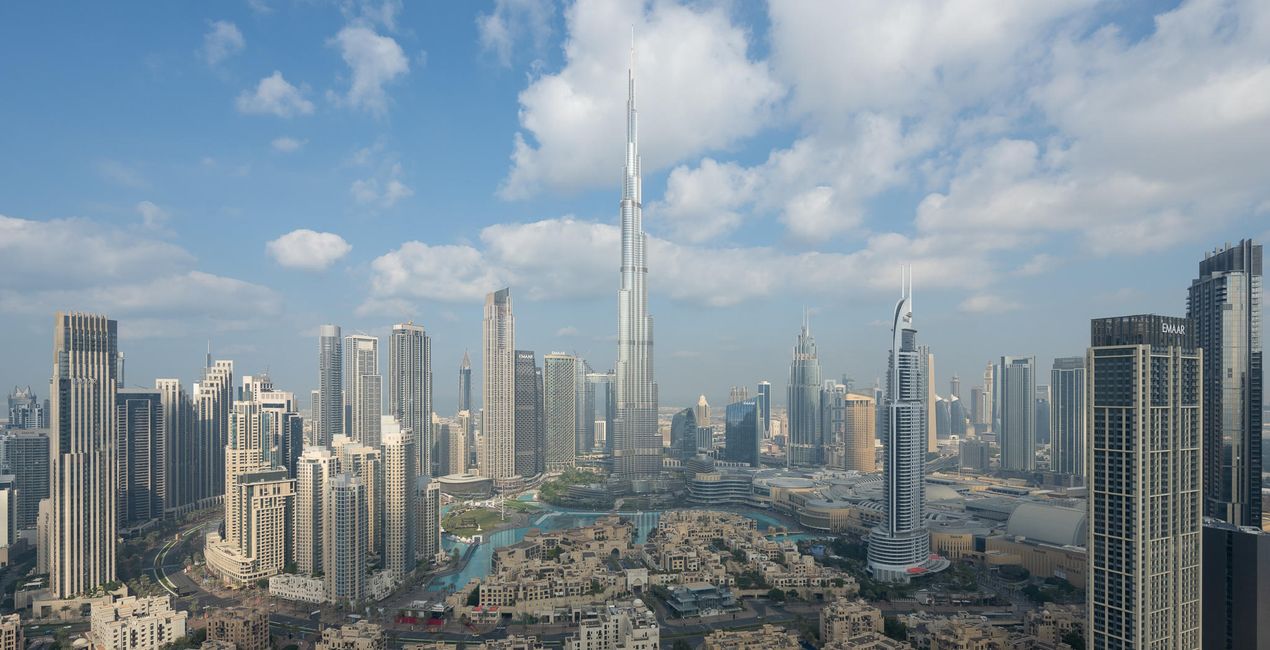
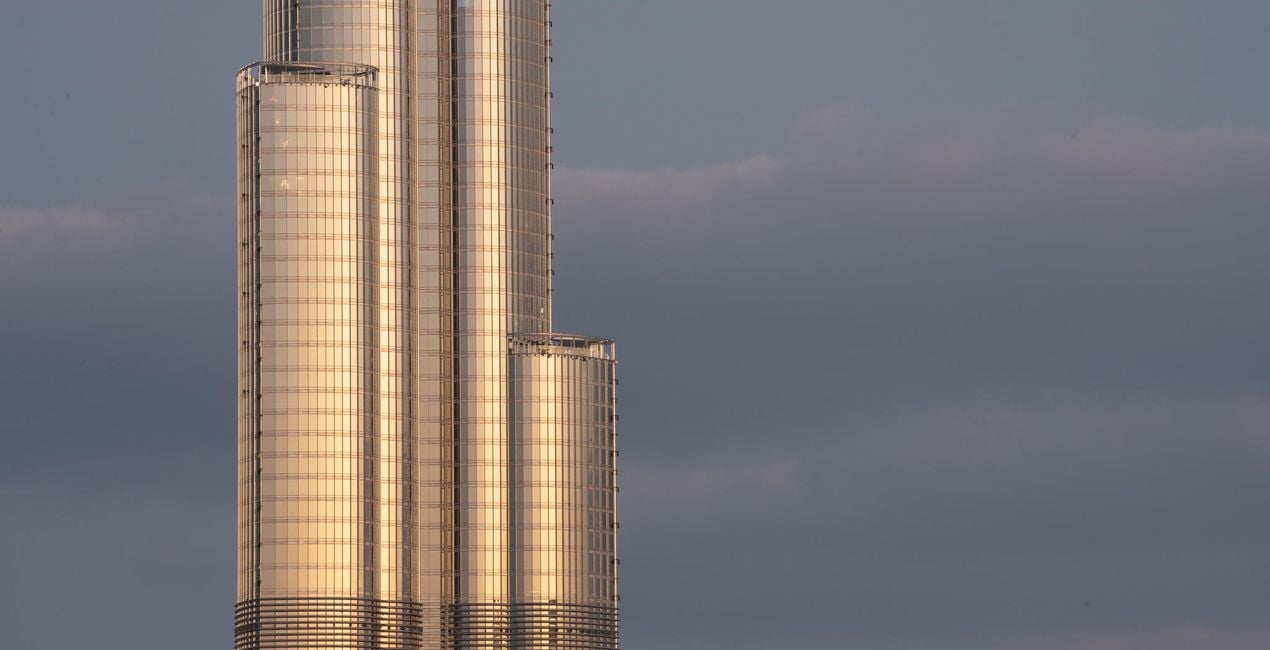
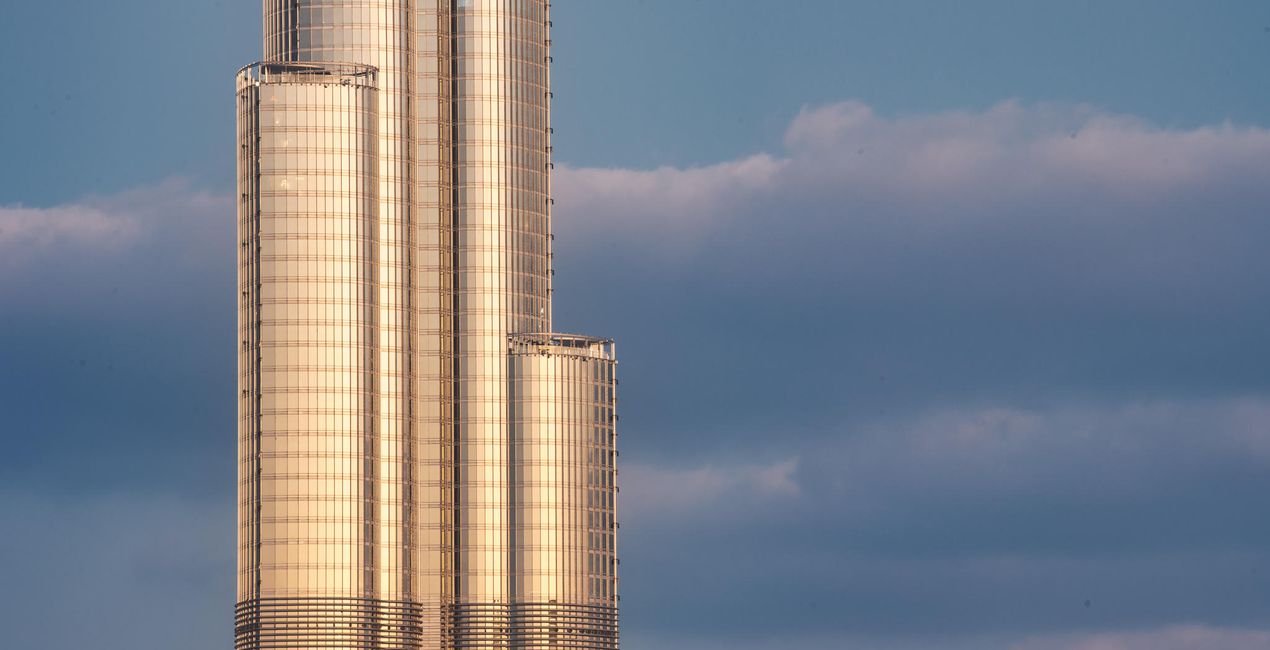
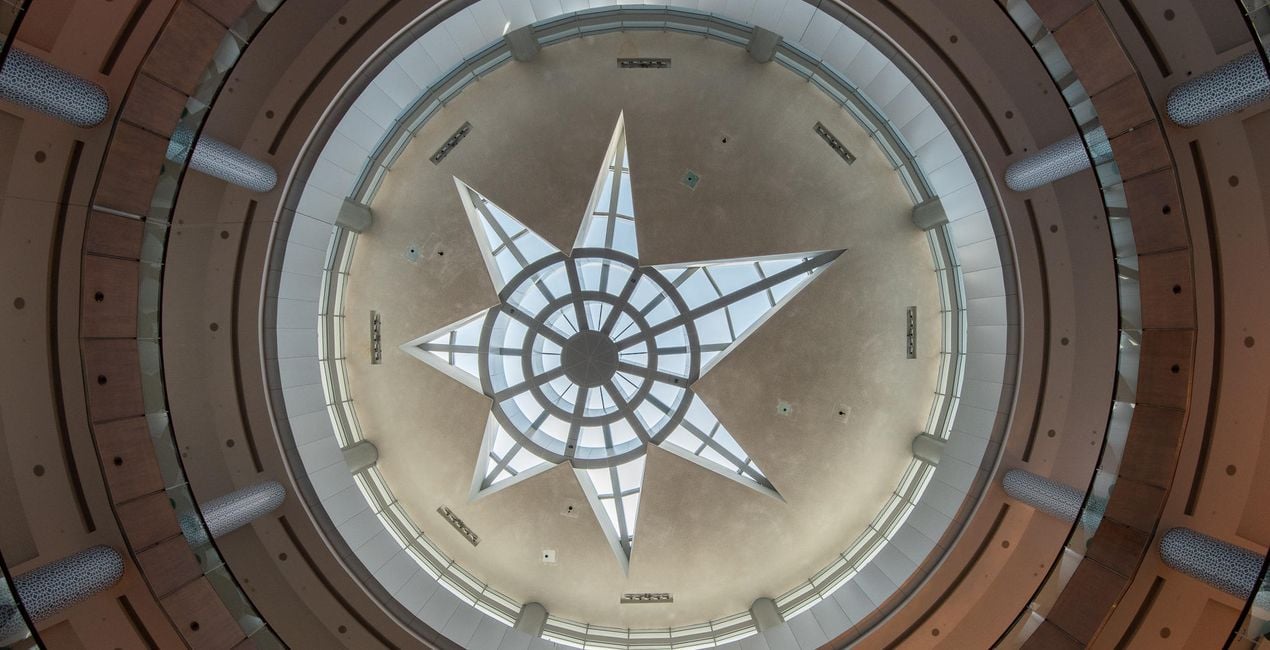
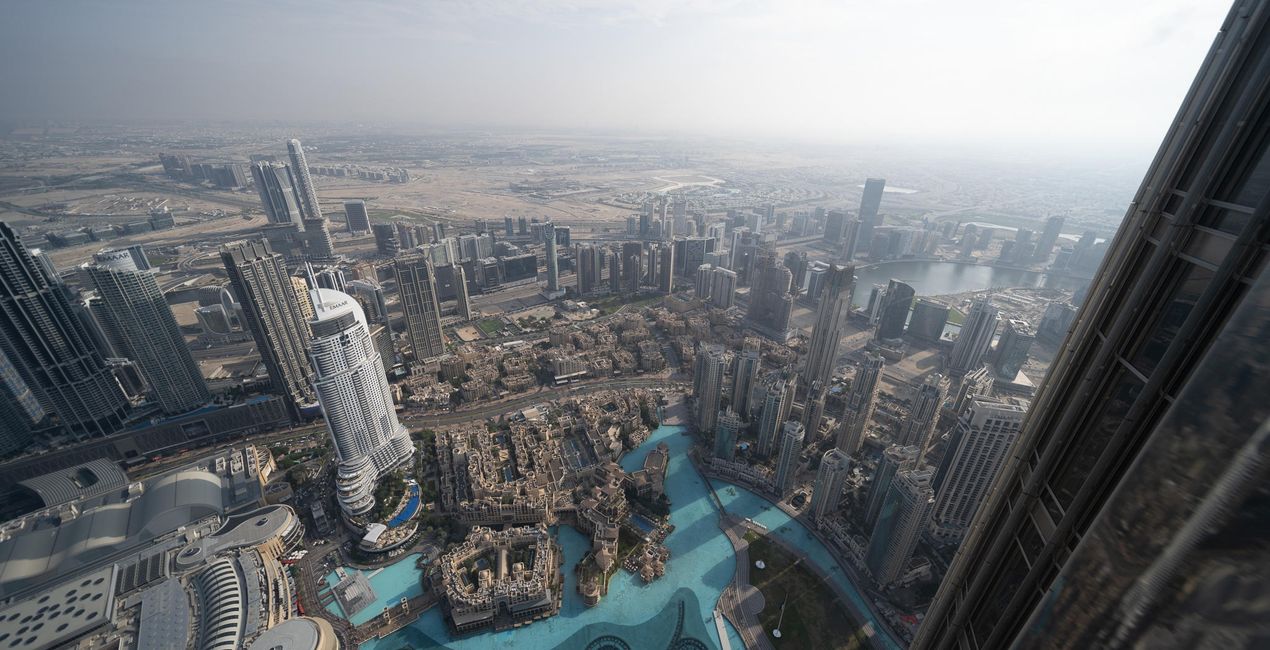
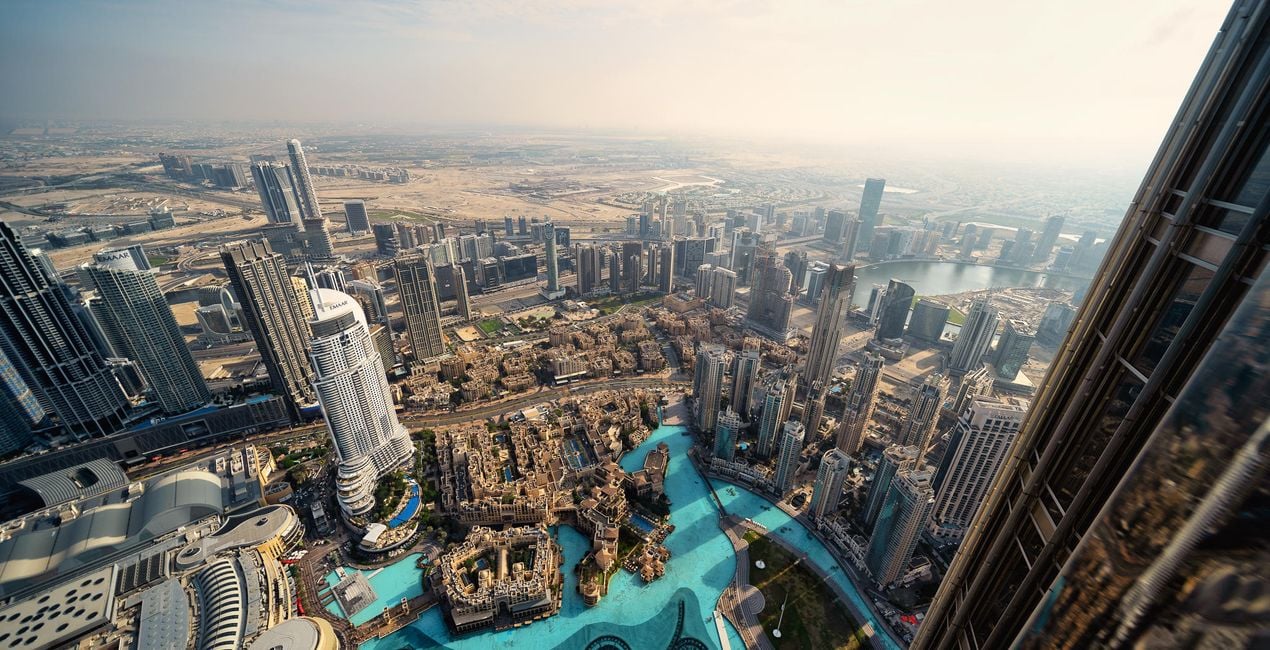
These 10 incredible Presets for Luminar Neo will transform your images of Dubai and other world cities. Designed for typical city scenes, the Presets are tailored for hazy golden hours, dramatic interior architecture, electric blue hours, and shimmering nightscapes.
Kompatybilność

Twórz zdjęcia takie jak to
Korzystając z plików RAW z łatwością przećwiczysz wskazówki dotyczące retuszu i dowiesz się, jak stworzyć zdjęcia takie jak te.
 >
>
 >
>
 >
>
 >
>
 >
>
 >
>
Historia
Turn your cityscape travel photos into works of art with these Presets that are ideal for raw files. Time to try them out on your photos!
You’ll find 10 Presets in this pack:
Haze: Cuts through smog and haze to boost contrast, details, and structure
Fireworks: Richly saturated highlights with dramatic details and structure combine to form an impressive nighttime look
Blue Hour: Create a cinematic blue hour look with warm highlights and rich skies
From Above: Eliminates haze and boosts color contrast and warmth
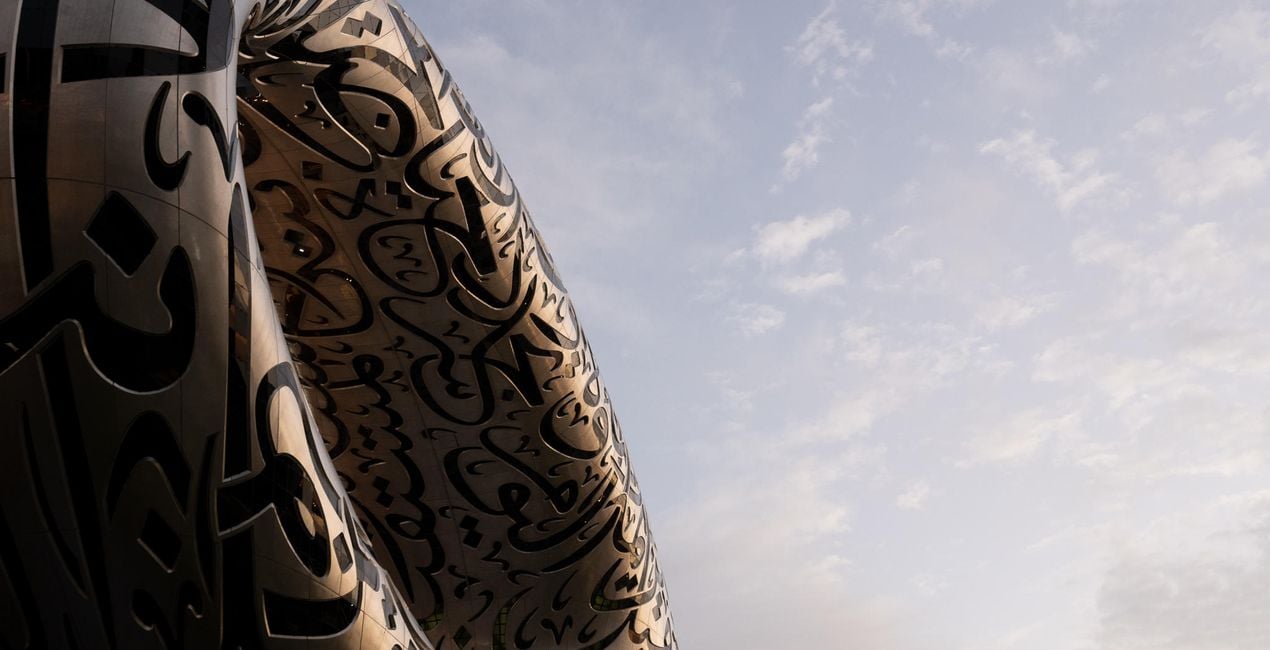
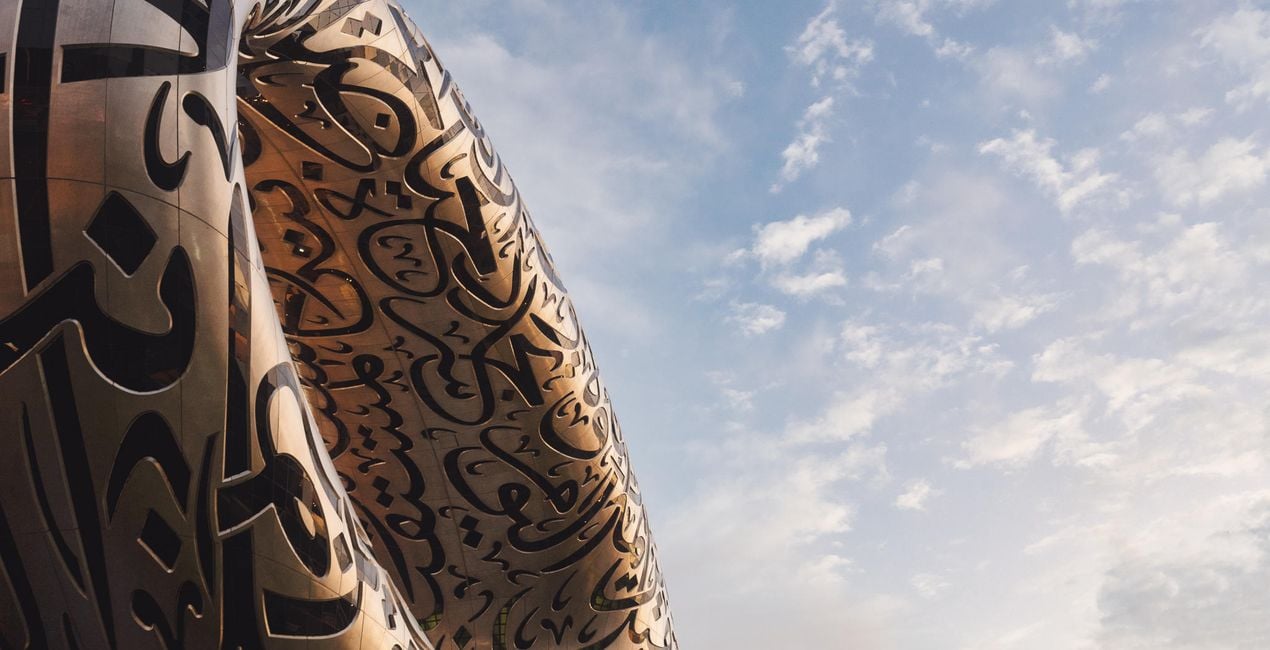
Architecture: Saturated skies, rich contract, and improved sharpness and detail; ideal for telephoto closeups
Night: Reduces the orange and muddy brown tones associated with smog, haze, and clouds while introducing electric blue highlights for a futuristic look
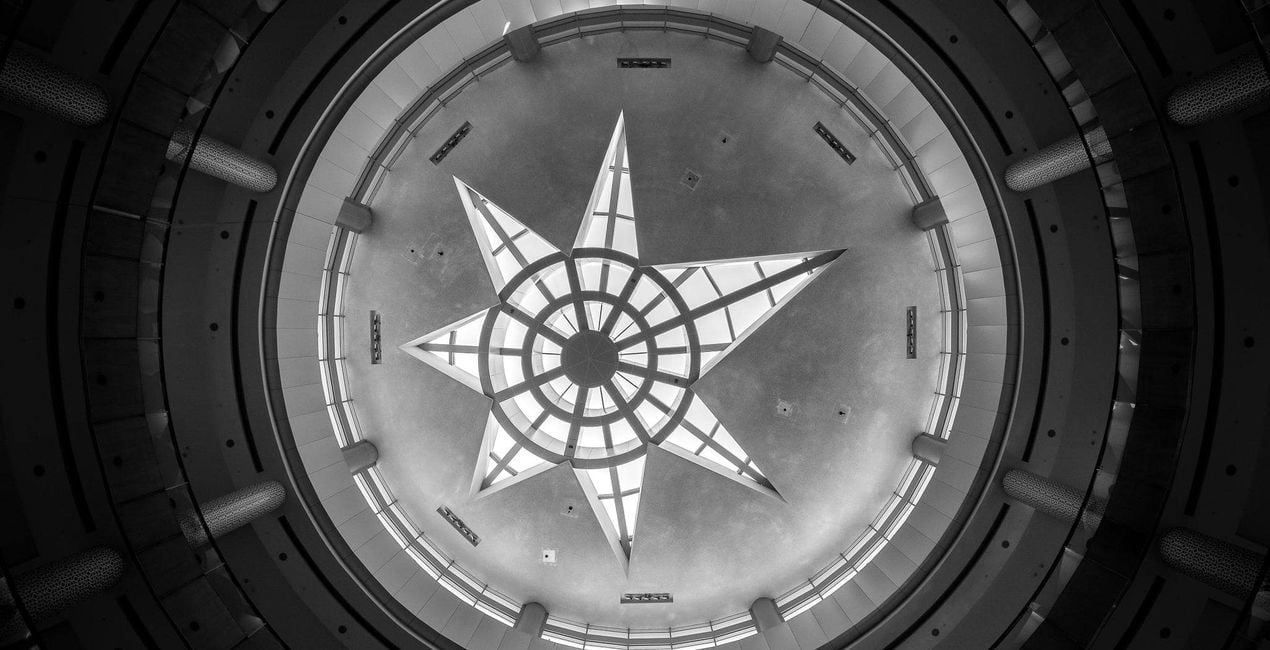
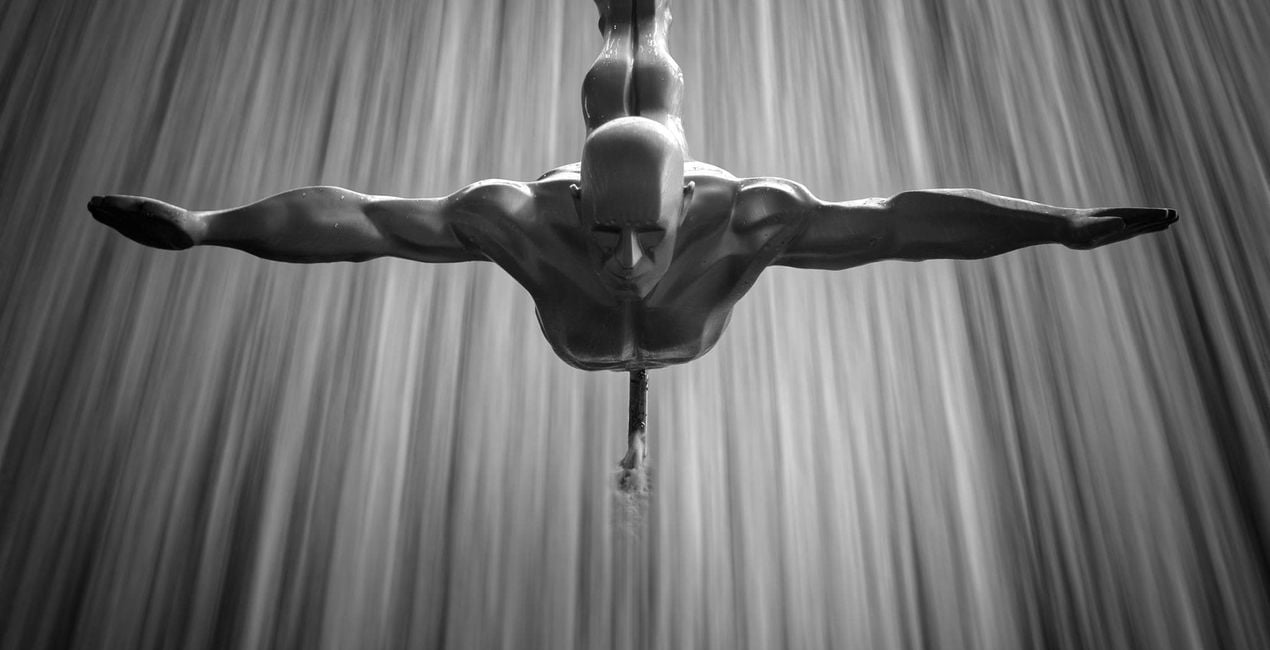
Atrium: A super-high-contrast black and white look to turn interior shots into high key works of art
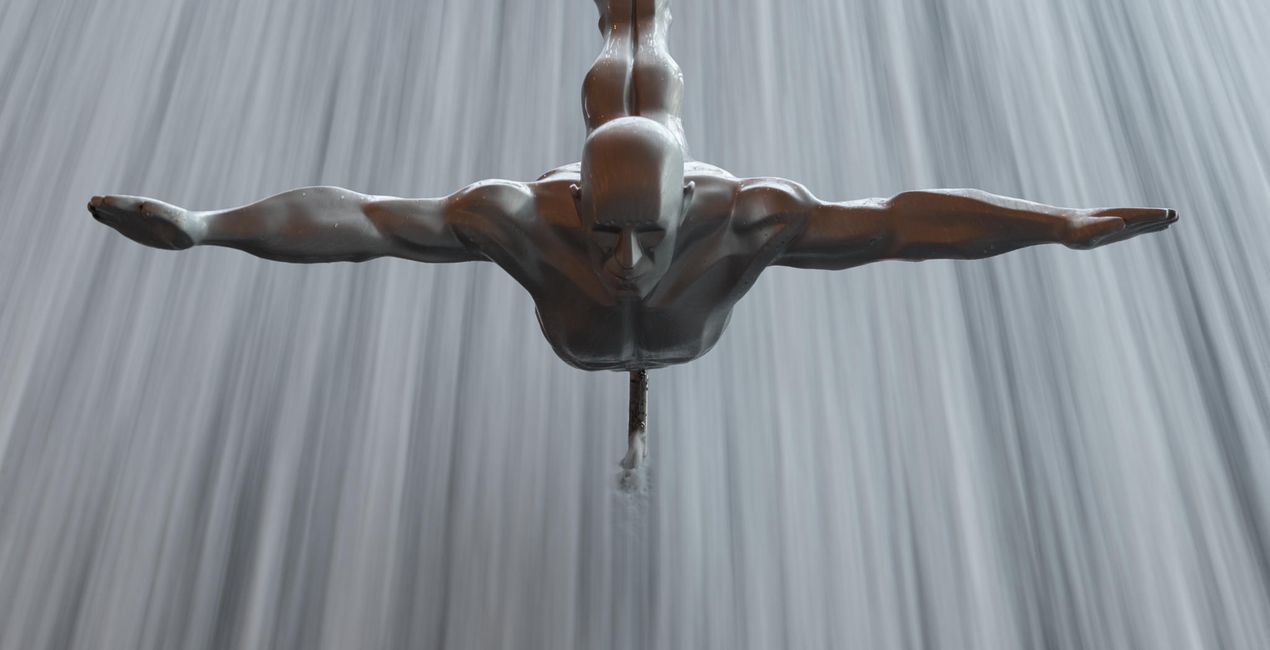
Fountain: For blue hour images with warm streaks of light
Sunset: Bathe your images in a coral glow to evoke memories of a warm sunset
Daytime: No polariser, no problem! Rich sky tones and a warm foreground combine to form a cinematic daytime look
Don’t forget to share your results! Use the hashtag #madewithluminar on social media so the Skylum Team can take a look at your work!
Podobne produkty


Twórca
Mathew Browne
Photographer. Skylum Ambassador.
Mathew Browne is a cross-genre photographer who has gained recognition for his vibrant images spanning the spectrum of travel photography. A prolific traveler, Mathew has visited nearly 70 countries and photographs extensively for the photo location sharing platform PhotoHound, which he co-founded in 2018.
These Looks serve as the foundation for much of his wildlife portfolio, often allowing him to achieve his desired result with just one click.
Jak skontaktować się z pomocą techniczną?
Jeśli masz jakiekolwiek pytania dotyczące produktu, możesz skontaktować się z zespołem pomocy technicznej dostępnym 24 godziny na dobę, 7 dni w tygodniu. Wystarczy kliknąć ten link.
Jak mogę kupić Memories of Dubai?
Aby kupić Memories of Dubai, wykonaj następujące kroki:
1. Otwórz Marketplace Skylum.
2. Przejdź do odpowiedniej zakładki, w której znajduje się Memories of Dubai. Kliknij na nim i dodaj produkt do koszyka.
3. Przejdź do koszyka. Tutaj zakończ proces zakupu produktu Memories of Dubai.
4. Po dokonaniu zakupu otrzymasz wiadomość e-mail z linkiem do pobrania Memories of Dubai. Nowy produkt znajdziesz również na swoim koncie Skylum, w zakładce Moje dodatki.
Jak zainstalować Memories of Dubai?
Szczegółowe instrukcje dotyczące instalacji Memories of Dubai zostaną przesłane w wiadomości e-mail wraz z linkiem do pobrania
Ponadto zakupiony produkt można zainstalować bezpośrednio w programie Luminar Neo: przejdź do menu Dodatki > Marketplace, wybierz kategorię produktu, znajdź zakupiony produkt i kliknij Zainstaluj.
Gdzie mogę znaleźć Memories of Dubai po instalacji?
To całkiem proste! Przejdź do zakładki Presety, a następnie wybierz opcję Zakupione. Zainstalowane presety będą się znajdować w tym miejscu.
Co jeśli zgubię Memories of Dubai?
Nie martw się. Wszystkie zakupione produkty, w tym Memories of Dubai, są przechowywane w zakładce „Moje dodatki” na koncie Skylum, co umożliwia ich łatwe ponowne pobranie i użycie.
Jak sprawdzić, czy Memories of Dubai jest kompatybilne z moim oprogramowaniem?
Ogólnie rzecz biorąc, większość produktów jest kompatybilna z Luminar Neo. Aby jednak upewnić się, że Memories of Dubai jest kompatybilne z Twoim oprogramowaniem, przed pobraniem lub zakupem sprawdź jego specyfikację. Poszukaj sekcji „Kompatybilność” po prawej stronie strony Memories of Dubai, gdzie wymienione są wszystkie kompatybilne produkty.


