


 Zastosowany


Memorable Moments
Save $201 $ 19 .00

Niech uczucia płynące z głębi serca zabłysną na Twoich zdjęciach dzięki kolekcji 12 szablonów autorstwa Jima Nixa, które z łatwością zmienią cenne wspomnienia w jasne i kolorowe arcydzieła. Podaruj swoim zdjęciom zasłużoną metamorfozę.
Zawartość zestawu
12 Templates and Presets. Compatible with JPEG and RAW images.

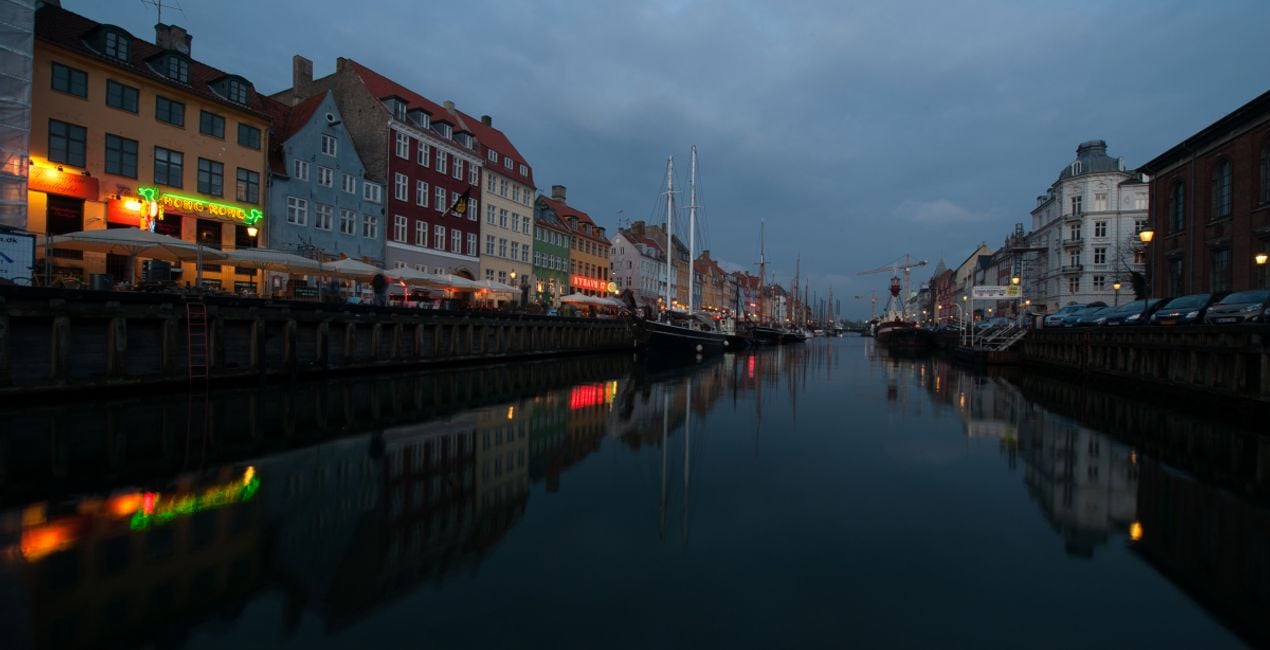
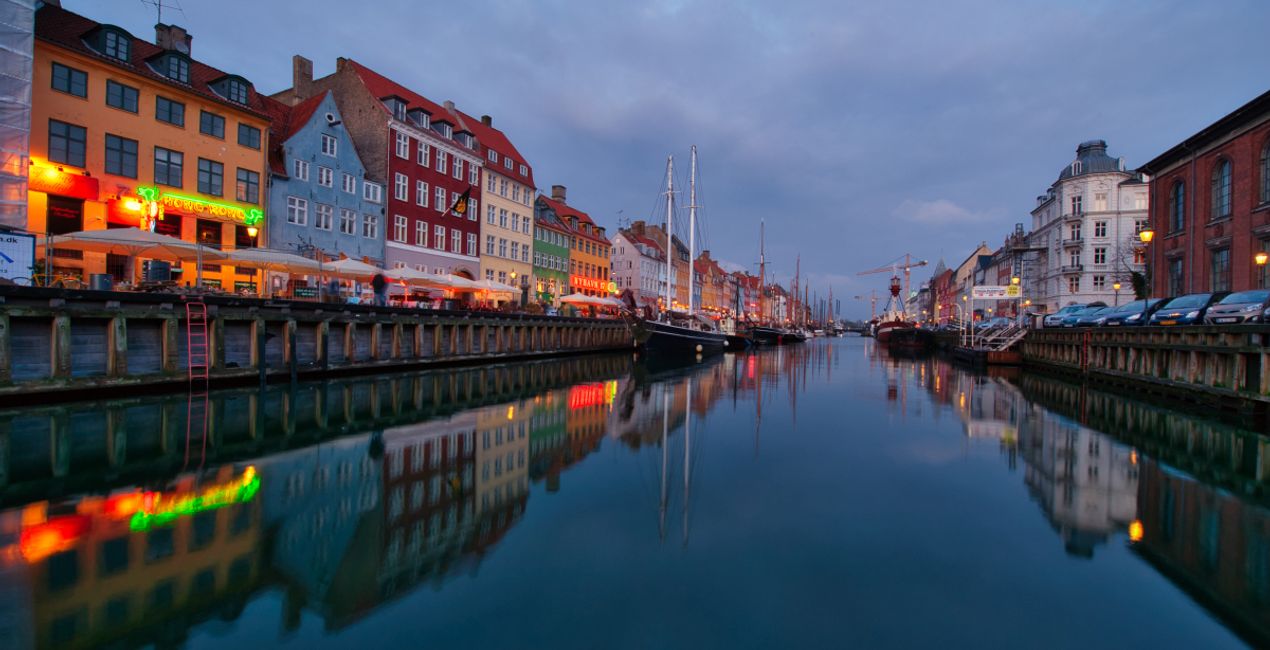
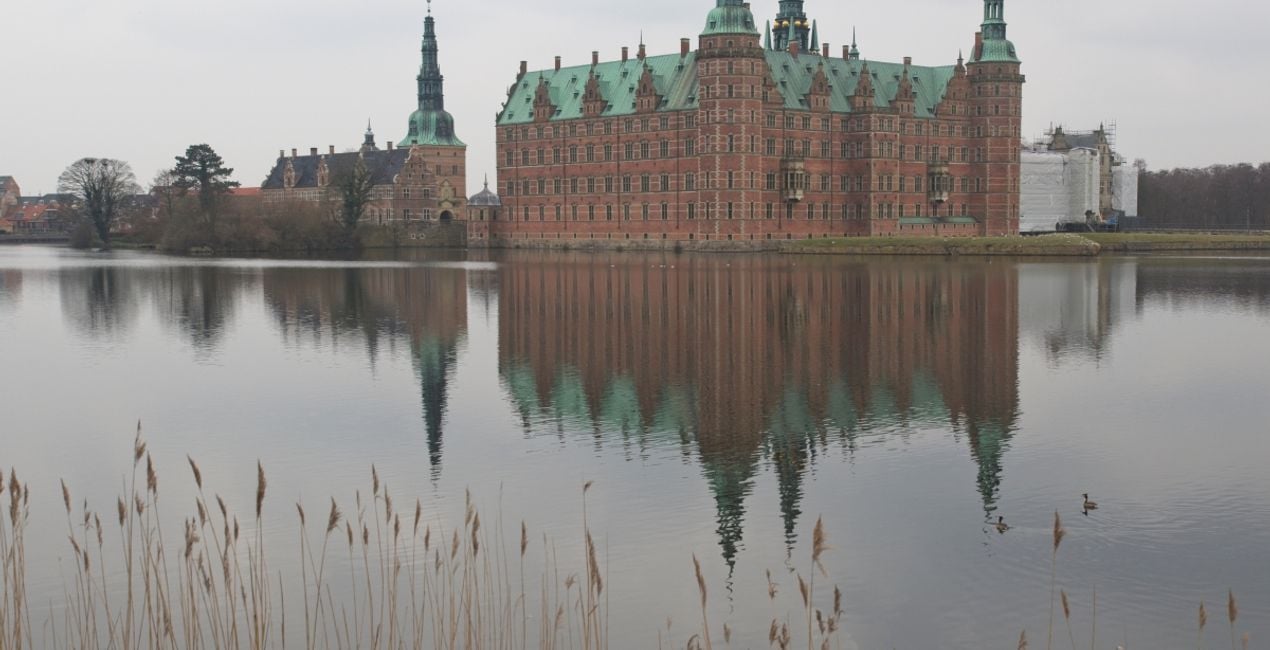
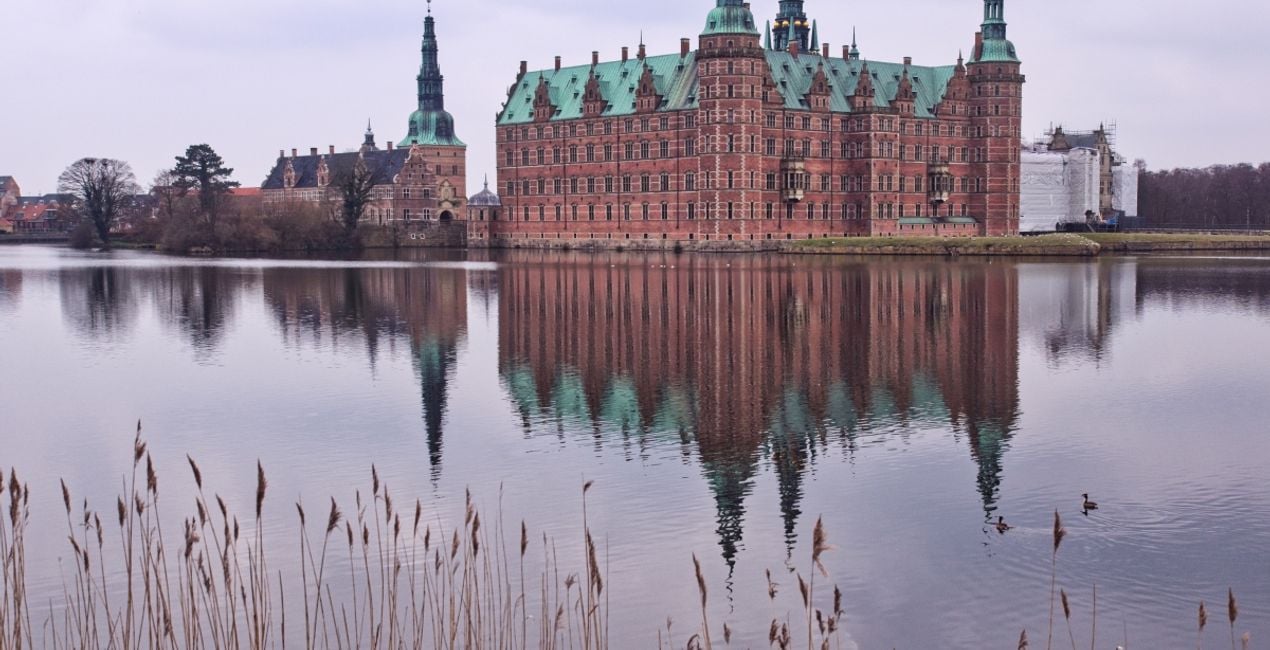
Korzystając z plików RAW z łatwością przećwiczysz wskazówki dotyczące retuszu i dowiesz się, jak stworzyć zdjęcia takie jak te.

 >
>

 >
>

 >
>

 >
>

 >
>
 >
>
 >
>

 >
>

 >
>
Have you ever felt disappointed that your photos didn’t reflect your happy memories of an event?
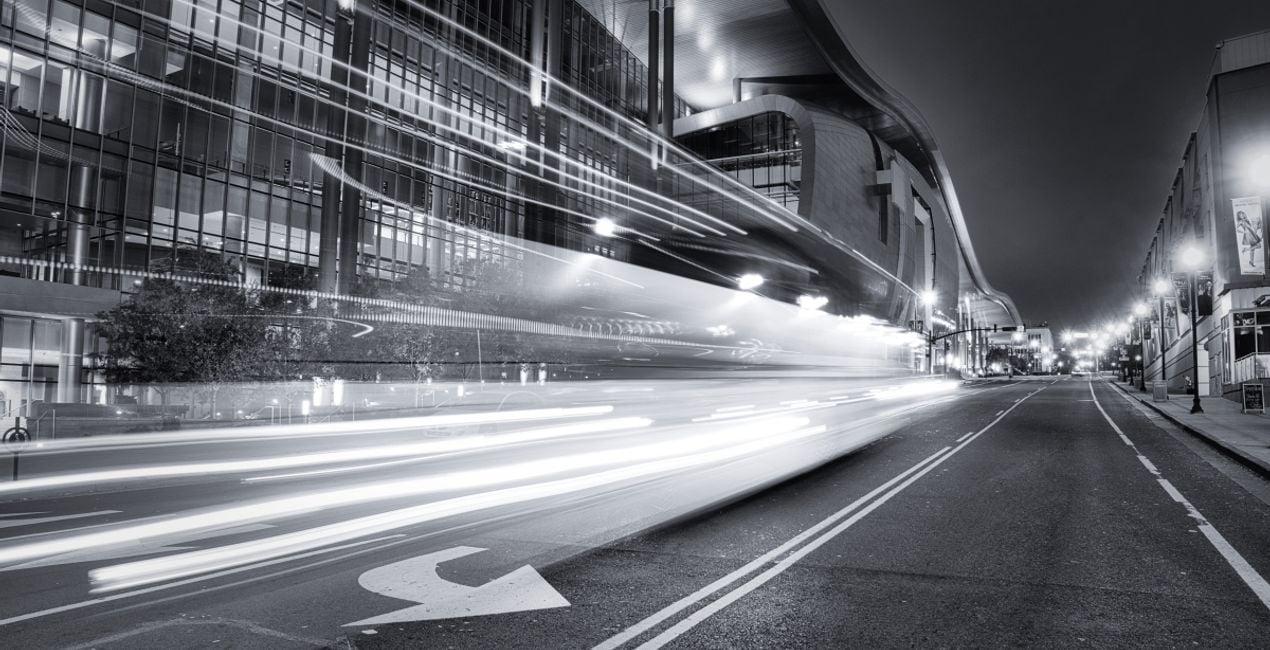
With this Templates collection, you’ll be able to transform your photos into eye-catching images. Eight of the ten Templates will brighten up your photos and give them a pop of color.
There are also two black and white Templates for a gentler, more elegant look, helping you turn your photos into classically beautiful masterpieces. Channel the vision of Jim Nix and create photos that reflect your memories of the best events in a deserving way.
Note that a Template’s default effect may be too strong for your photo. If that’s the case, simply reduce it a bit using the Strength slider. These Templates use color gradient textures.
You can easily adjust the position of the textures in the local masking tools.
Photographer. Skylum Ambassador.
Jim Nix is a travel photographer and YouTuber based in Austin, Texas. His photographic interests include broad cityscapes and intimate street photographs. Jim has a colorful and expressive style and a strong preference for shooting at the edges of the day, where soft light and shadow help create the dramatic and moody sentiments his photographs embody. He loves to convey his artistic vision through editing tutorials, which he publishes several times a week on YouTube, and he encourages his viewers to experiment with their editing techniques in order to find their own creative voice.
Jeśli masz jakiekolwiek pytania dotyczące produktu, możesz skontaktować się z zespołem pomocy technicznej dostępnym 24 godziny na dobę, 7 dni w tygodniu. Wystarczy kliknąć ten link.
Aby kupić Memorable Moments, wykonaj następujące kroki:
1. Otwórz Marketplace Skylum.
2. Przejdź do odpowiedniej zakładki, w której znajduje się Memorable Moments. Kliknij na nim i dodaj produkt do koszyka.
3. Przejdź do koszyka. Tutaj zakończ proces zakupu produktu Memorable Moments.
4. Po dokonaniu zakupu otrzymasz wiadomość e-mail z linkiem do pobrania Memorable Moments. Nowy produkt znajdziesz również na swoim koncie Skylum, w zakładce Moje dodatki.
Szczegółowe instrukcje dotyczące instalacji Memorable Moments zostaną przesłane w wiadomości e-mail wraz z linkiem do pobrania
Ponadto zakupiony produkt można zainstalować bezpośrednio w programie Luminar Neo: przejdź do menu Dodatki > Marketplace, wybierz kategorię produktu, znajdź zakupiony produkt i kliknij Zainstaluj.
To całkiem proste! Przejdź do zakładki Presety, a następnie wybierz opcję Zakupione. Zainstalowane presety będą się znajdować w tym miejscu.
Nie martw się. Wszystkie zakupione produkty, w tym Memorable Moments, są przechowywane w zakładce „Moje dodatki” na koncie Skylum, co umożliwia ich łatwe ponowne pobranie i użycie.
Ogólnie rzecz biorąc, większość produktów jest kompatybilna z Luminar Neo. Aby jednak upewnić się, że Memorable Moments jest kompatybilne z Twoim oprogramowaniem, przed pobraniem lub zakupem sprawdź jego specyfikację. Poszukaj sekcji „Kompatybilność” po prawej stronie strony Memorable Moments, gdzie wymienione są wszystkie kompatybilne produkty.
Nie wychodź jeszcze. Mamy dla Ciebie ekskluzywny kod rabatowy. Wykorzystaj go w ciągu najbliższych 15 minut, aby uzyskać dodatkowe 10% zniżki przy finalizacji zamówienia. Skopiuj poniższy kod i sfinalizuj zakup.
15 m : 00 s





