


 Zastosowany


Luminous Italy
Save $201 $ 9 .50 $ 19 .00

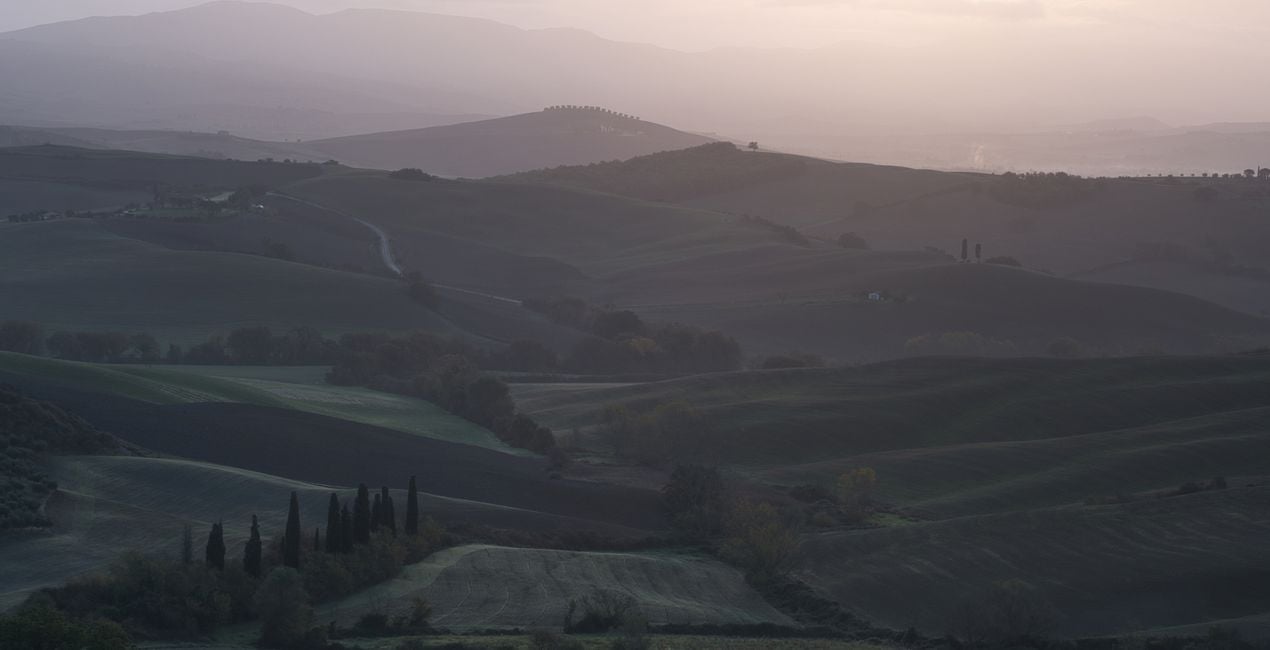
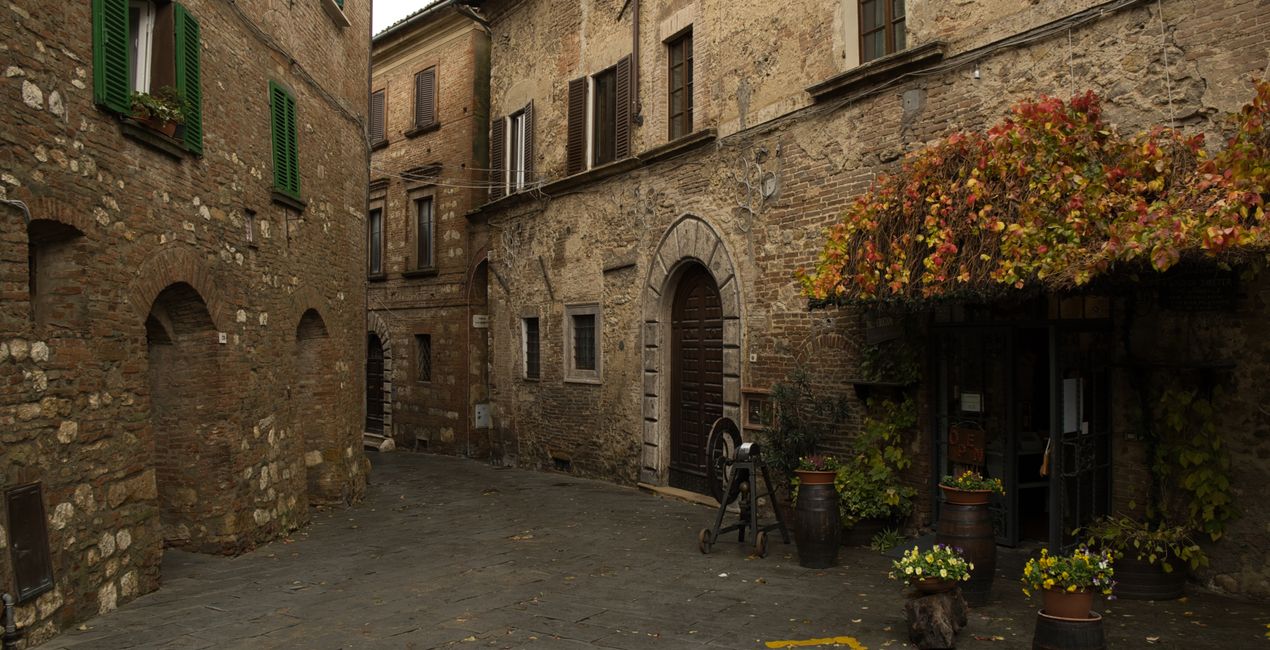
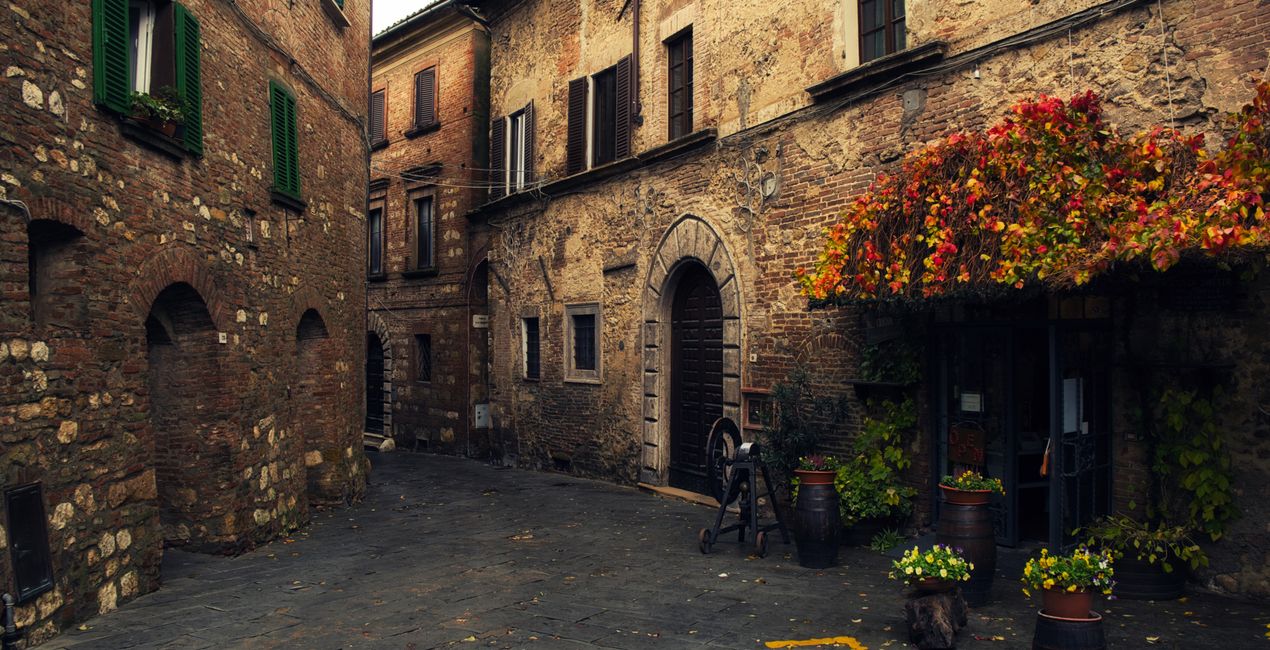
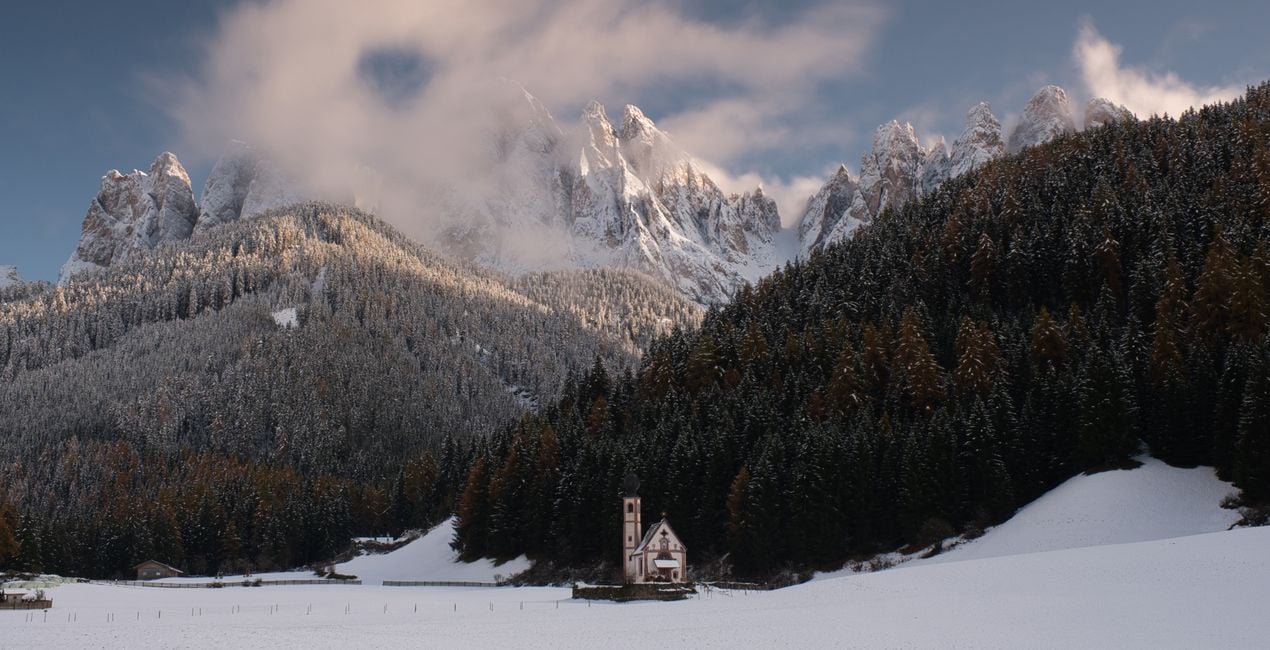
Elevate your travel photography to new heights with the exquisite Luminous Italy Luminar Preset collection. Inspired by the captivating colors of Italy, this collection is meticulously crafted to infuse your travel photos – from enchanting landscapes to bustling cityscapes – with an irresistible touch of Italian radiance.

Korzystając z plików RAW z łatwością przećwiczysz wskazówki dotyczące retuszu i dowiesz się, jak stworzyć zdjęcia takie jak te.
 >
>
 >
>
 >
>

 >
>

 >
>

 >
>
You will find 10 Presets in this Pack:
Horizon Glow - a Preset that improves sunset colors. Adds warmth to highlights and a tint of blue in the shadows
Florence Radiance - a Preset that adds overall warmth, color, and contrast
Tuscan Sunset - a Preset that adds a dreamy feel and brings out the colors of misty sunrise photos. Perfect for photos that are backlit by the sun.
Golden Tuscan - a Preset that improves contrast and intensifies sunrise colors. Perfect for photos that are backlit by the sun.
Daylight Charm - a moody Preset that adds contrast, and a dark blue tint.
Sunlit Dreams - a Preset that softens the lights. Brings out details on shadow areas and improves the colors of foliage.
Roman Radiance - a Preset that improves blue hour colors. Improves the overall blue and intensifies the warm lights. Perfect for blue hour cityscape shots.
Roman Twilight - a Preset that improves contrast, desaturates the blues, and improves the colors of warm lights. Perfect for blue hour cityscape shots.
Siena Canvas - a Preset that gives cinematic vibes, and adds subtle noise.
Siena Brillance - a Preset that improves texture, adds overall warmth and a tint of blue on the shadows.
Photographer. Skylum Ambassador.
<p>Unapologetic in brandishing his post-processing skills, Sherwin sees what’s invisible to others and translates his images so they look the way he imagined when taking them. This results in compelling, emotive visual stories for others to appreciate and remember. His style straddles the line between reality and surrealism, resulting in works that almost feel ethereal. </p><p>Sherwin has earned his rightful spot in the world of photography and has been lauded by domestic and international organizations with numerous awards — a testament to his excellence in the field, especially in producing fine art landscape images. </p><p>Manila-born Sherwin Magsino is a self-taught photographer who began his career as an illustrator before dabbling in commercial photography in 2015. His love for travel awakened in him what he considers his life’s passion — landscape photography. This wanderlust leads to uniquely enchanting images of sceneries and moments in the places Sherwin visits.</p><p>Sherwin is currently a Brand Ambassador of <a href="https://fujifilm-x.com/en-us/photographers/win-magsino/" target="_blank">Fujifilm Philippines</a>, <a href="https://skylum.com/ambassadors/win-magsino" target="_self">Skylum Software</a>, <a href="http://gnarbox.com/" target="_blank">Gnarbox</a>, and NiSi Filters Philippines as well as a Your Shot National Geographic Contributor. As a representative of these brands, Sherwin conducts talks and workshops around Manila to share his experiences and inspire fellow artists who share his passion for photography.</p>
Jeśli masz jakiekolwiek pytania dotyczące produktu, możesz skontaktować się z zespołem pomocy technicznej dostępnym 24 godziny na dobę, 7 dni w tygodniu. Wystarczy kliknąć ten link.
Aby kupić Luminous Italy, wykonaj następujące kroki:
1. Otwórz Marketplace Skylum.
2. Przejdź do odpowiedniej zakładki, w której znajduje się Luminous Italy. Kliknij na nim i dodaj produkt do koszyka.
3. Przejdź do koszyka. Tutaj zakończ proces zakupu produktu Luminous Italy.
4. Po dokonaniu zakupu otrzymasz wiadomość e-mail z linkiem do pobrania Luminous Italy. Nowy produkt znajdziesz również na swoim koncie Skylum, w zakładce Moje dodatki.
Szczegółowe instrukcje dotyczące instalacji Luminous Italy zostaną przesłane w wiadomości e-mail wraz z linkiem do pobrania
Ponadto zakupiony produkt można zainstalować bezpośrednio w programie Luminar Neo: przejdź do menu Dodatki > Marketplace, wybierz kategorię produktu, znajdź zakupiony produkt i kliknij Zainstaluj.
To całkiem proste! Przejdź do zakładki Presety, a następnie wybierz opcję Zakupione. Zainstalowane presety będą się znajdować w tym miejscu.
Nie martw się. Wszystkie zakupione produkty, w tym Luminous Italy, są przechowywane w zakładce „Moje dodatki” na koncie Skylum, co umożliwia ich łatwe ponowne pobranie i użycie.
Ogólnie rzecz biorąc, większość produktów jest kompatybilna z Luminar Neo. Aby jednak upewnić się, że Luminous Italy jest kompatybilne z Twoim oprogramowaniem, przed pobraniem lub zakupem sprawdź jego specyfikację. Poszukaj sekcji „Kompatybilność” po prawej stronie strony Luminous Italy, gdzie wymienione są wszystkie kompatybilne produkty.
Nie wychodź jeszcze. Mamy dla Ciebie ekskluzywny kod rabatowy. Wykorzystaj go w ciągu najbliższych 15 minut, aby uzyskać dodatkowe 10% zniżki przy finalizacji zamówienia. Skopiuj poniższy kod i sfinalizuj zakup.
15 m : 00 s





