


 Zastosowany


Great American Landscapes
Save $201 $ 7 .60 $ 19 .00

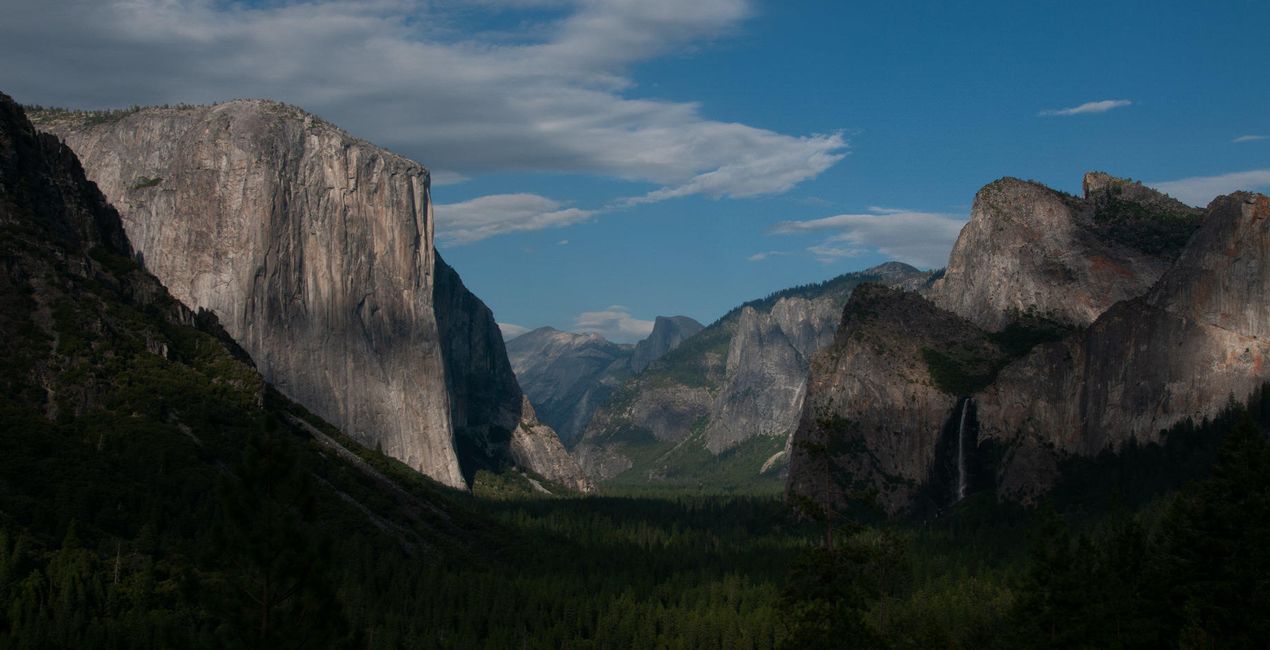
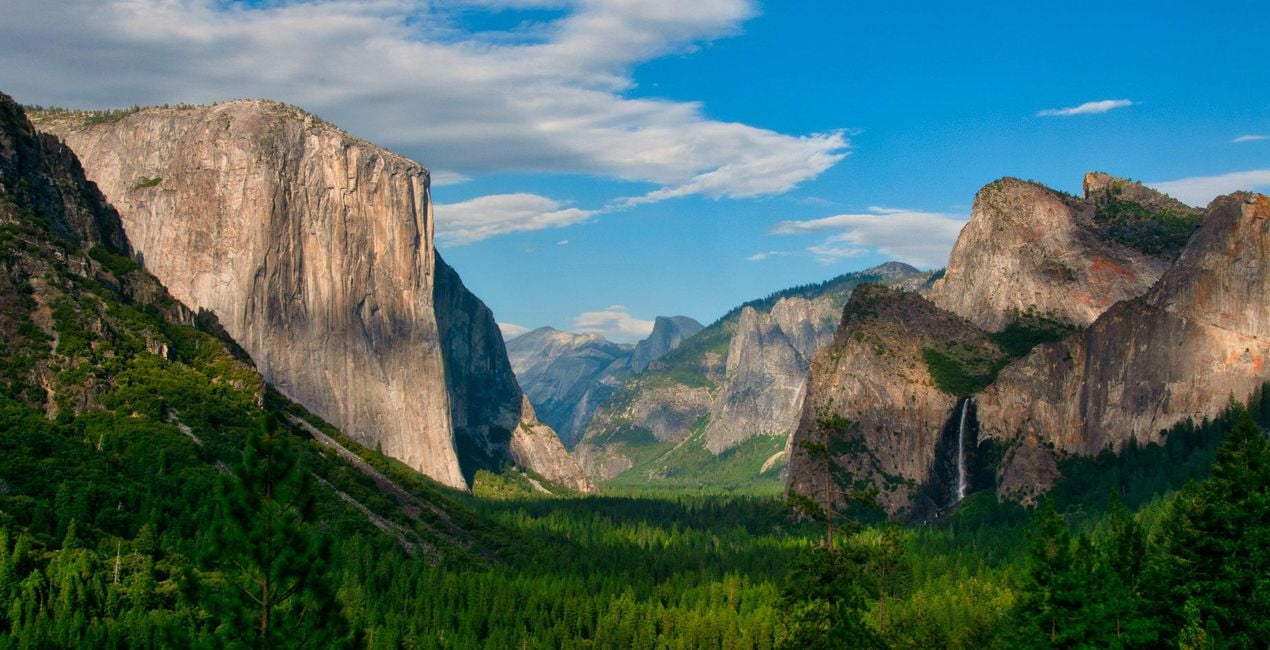
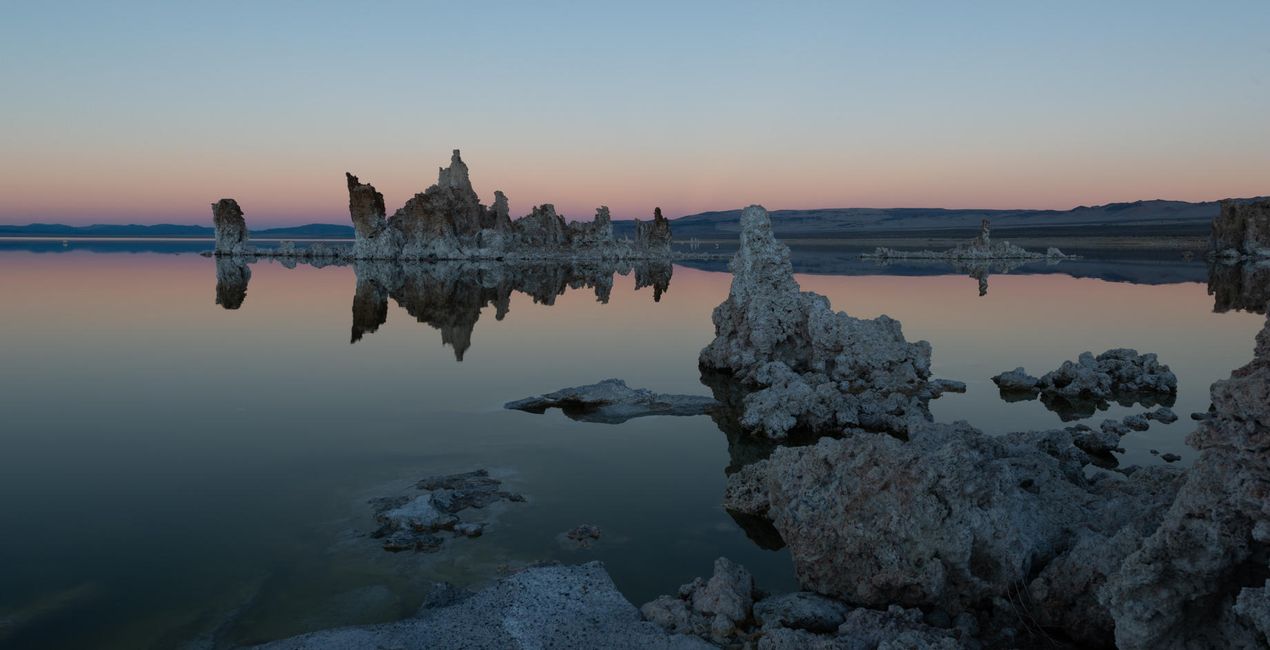
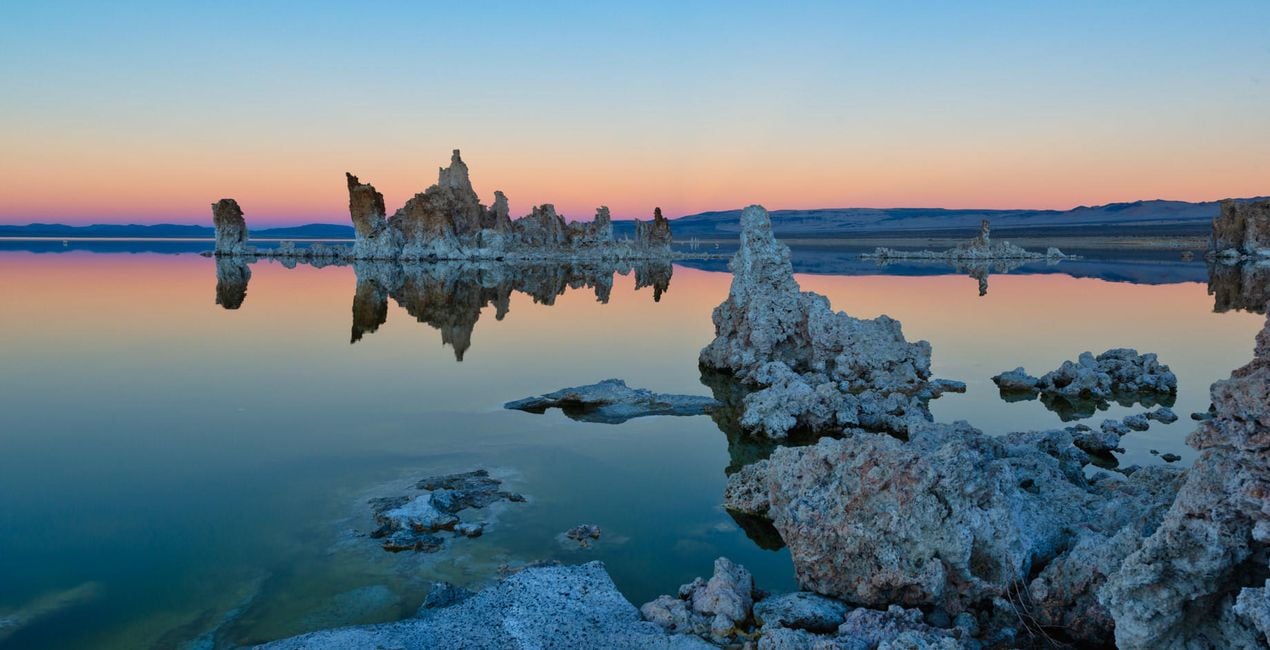
Odkryj rozległe naturalne scenerie USA i uchwyć na swoich zdjęciach wolność najwspanialszych krajobrazów. Podkręć dramatyzm, kolor i jasność dzięki 10 szablonom Edina Chaveza i stwórz obrazy, które na długo pozostaną w Twojej pamięci.
Zawartość zestawu
10 Templates. Compatible with JPEG and RAW images.

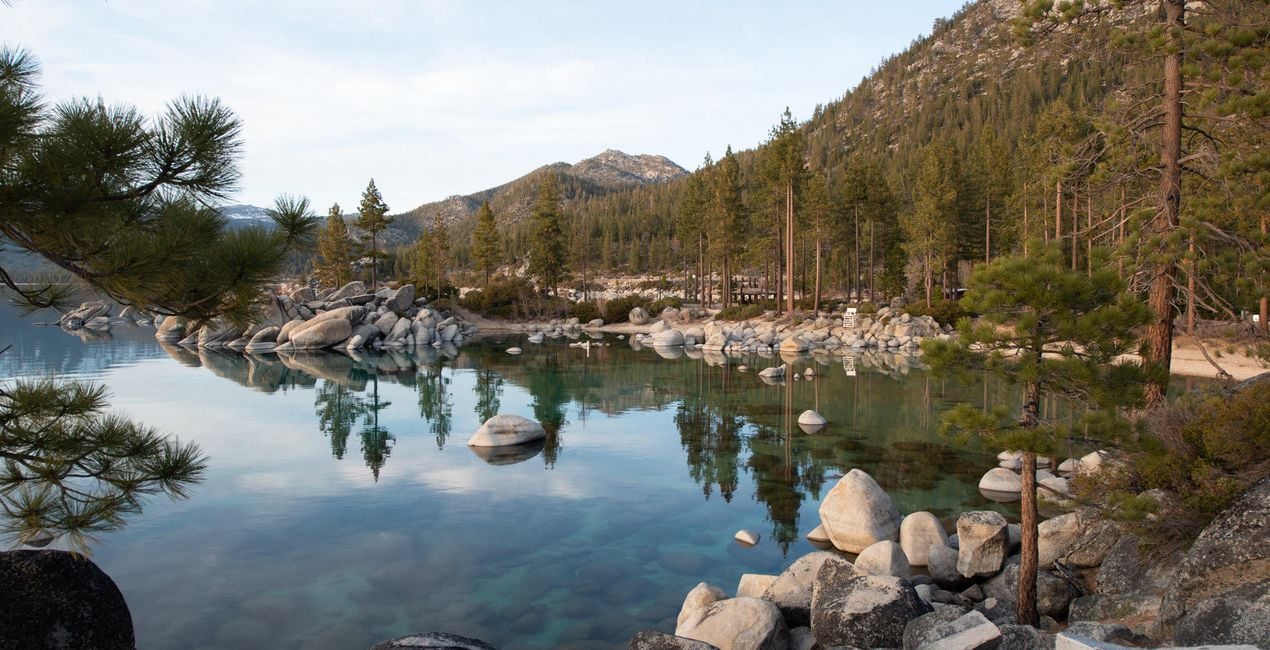
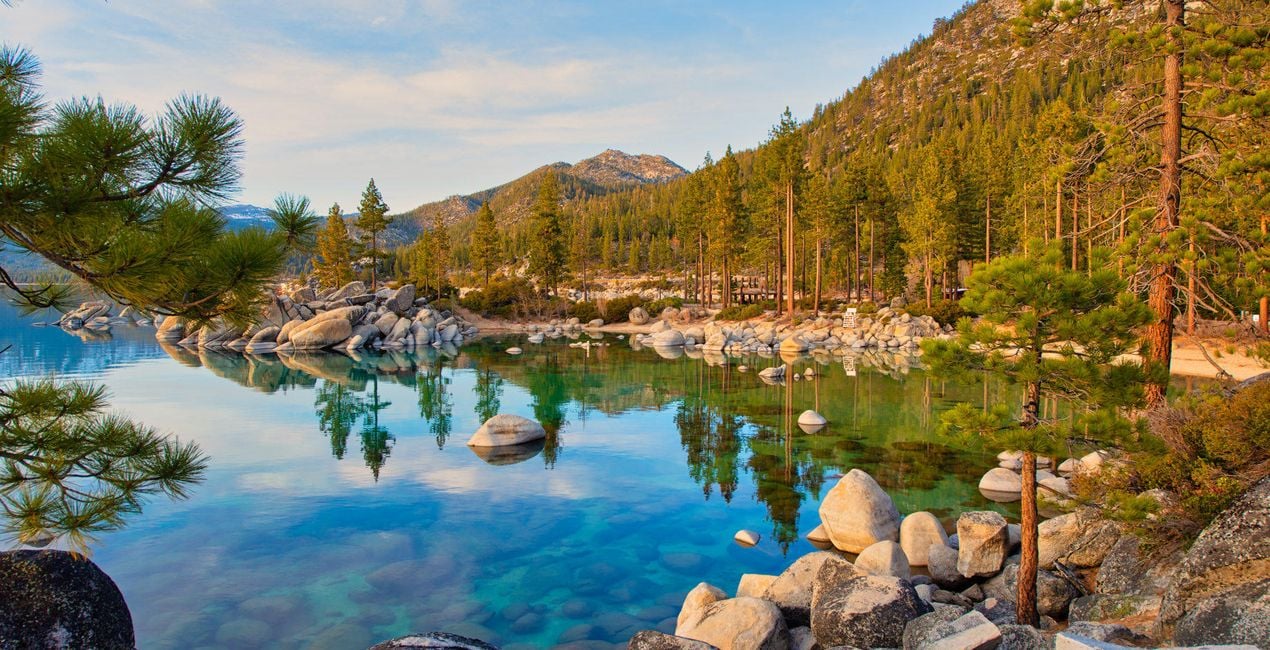
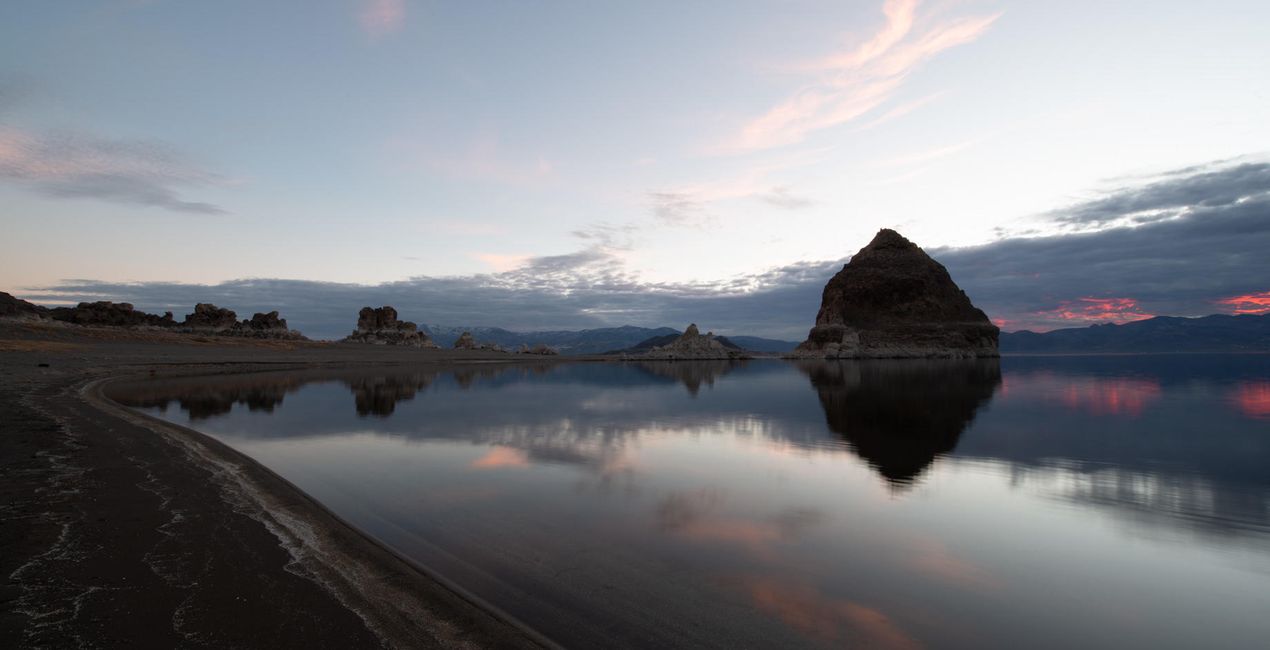
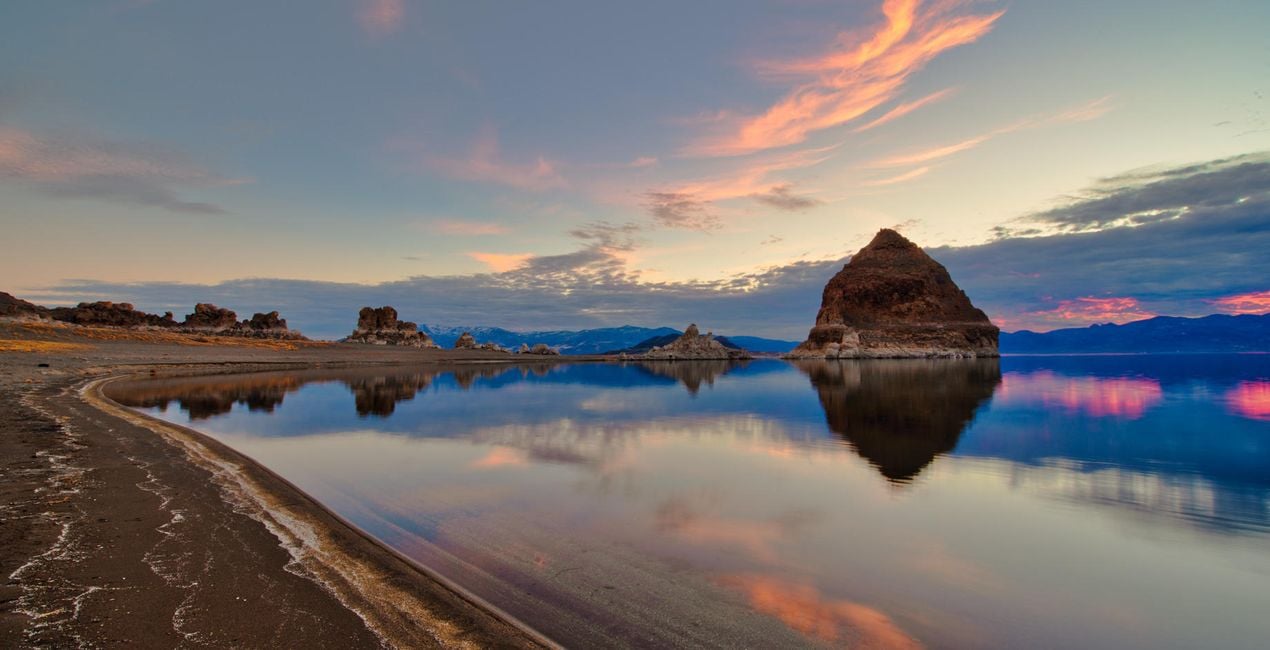
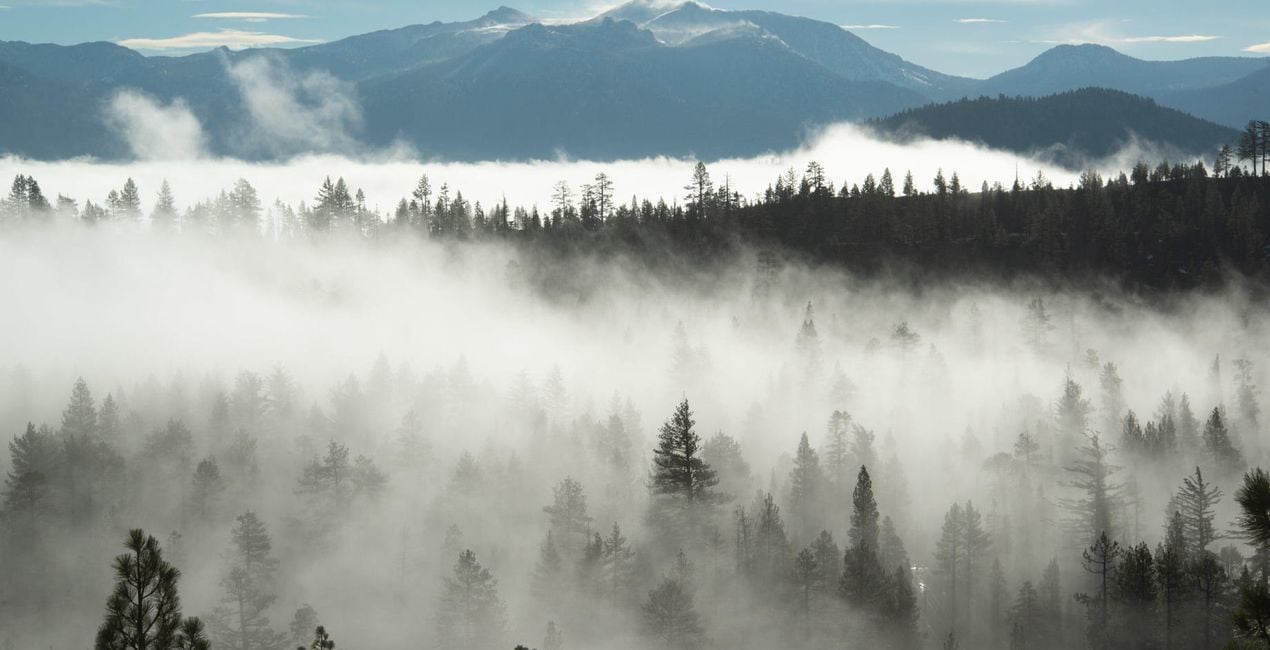
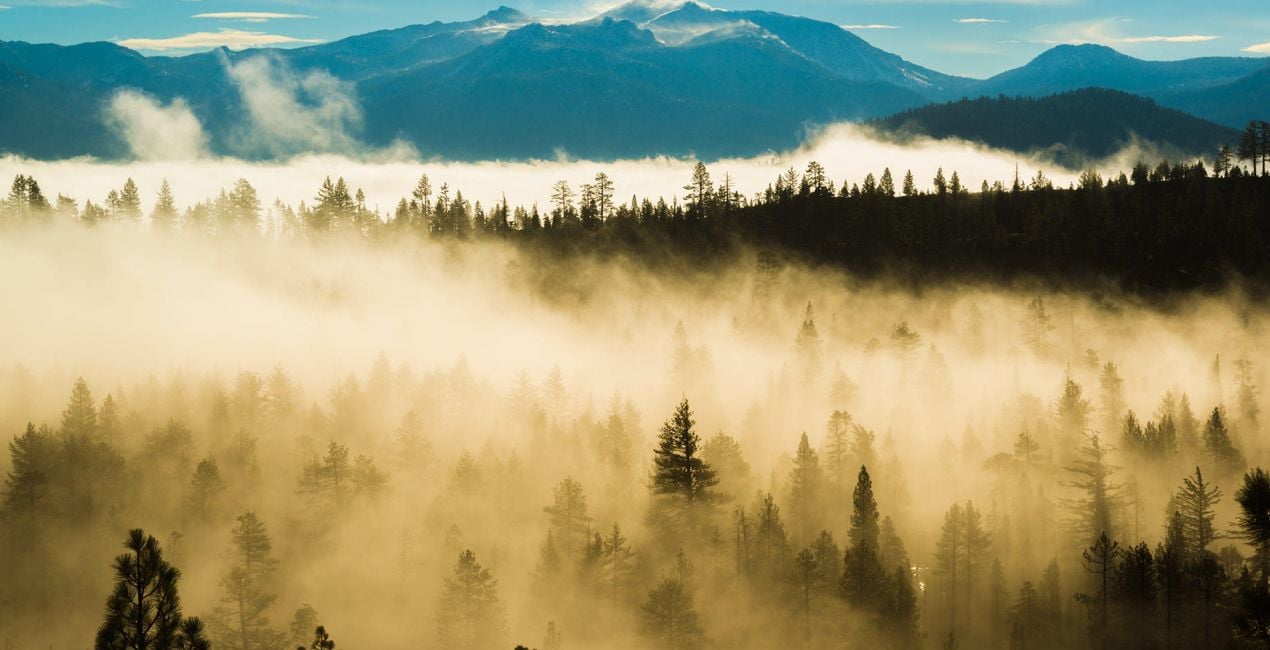
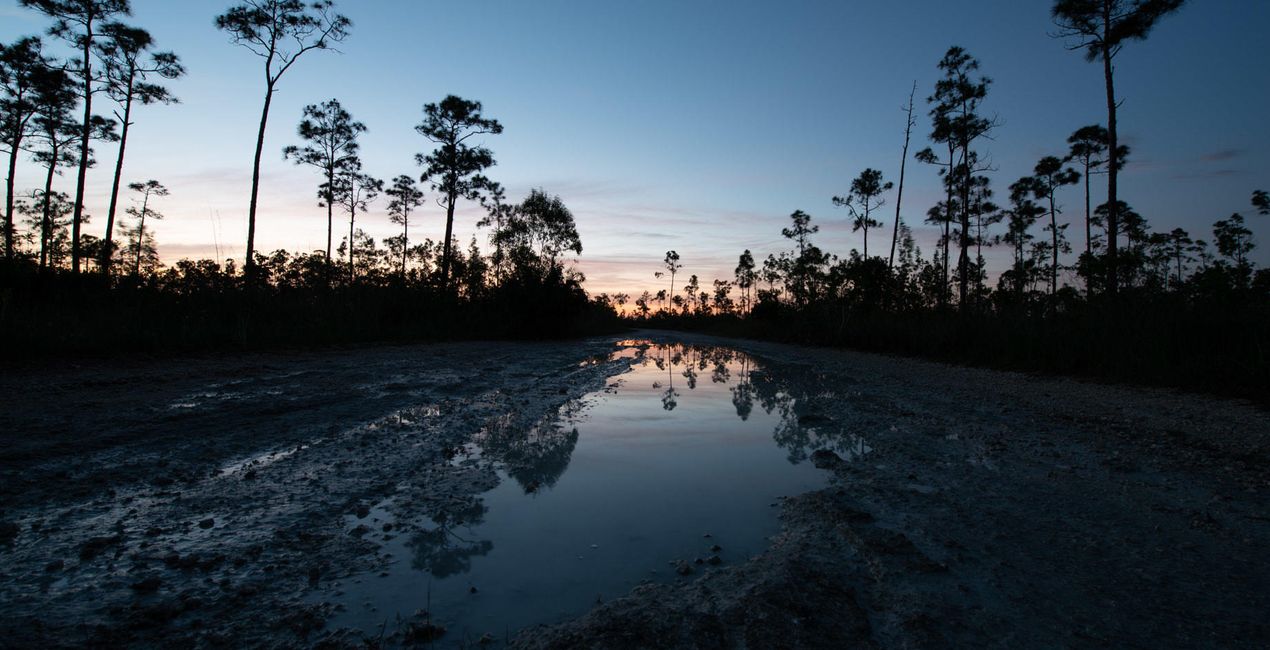
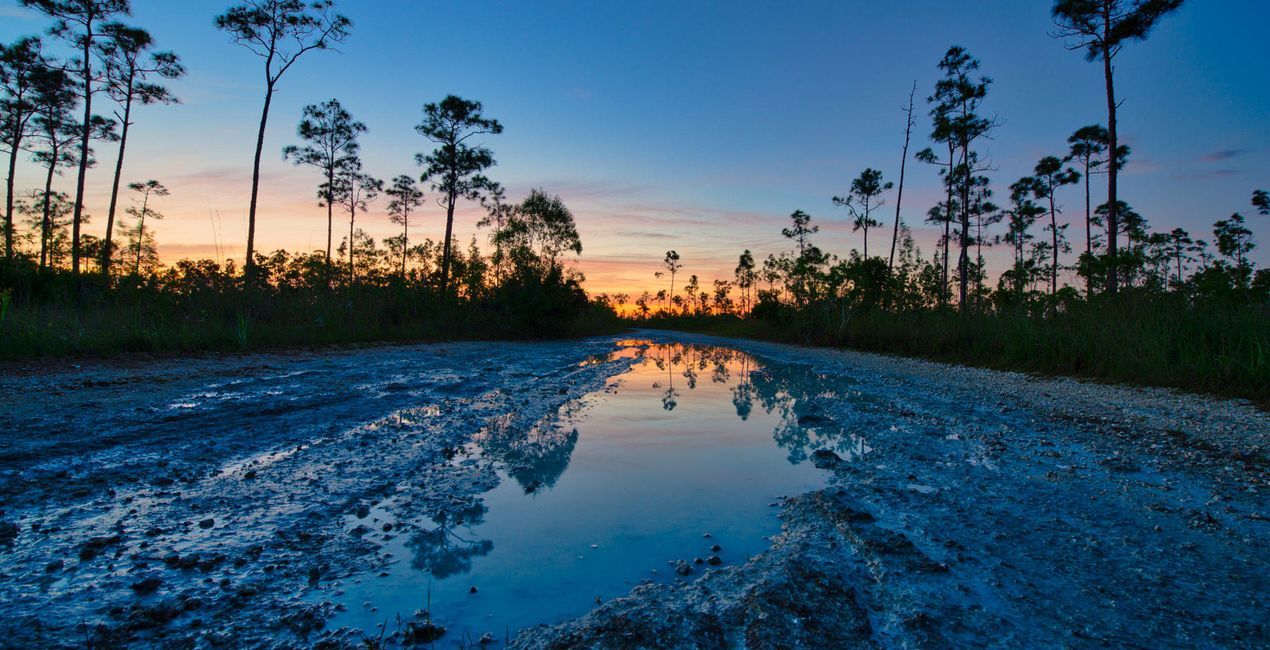
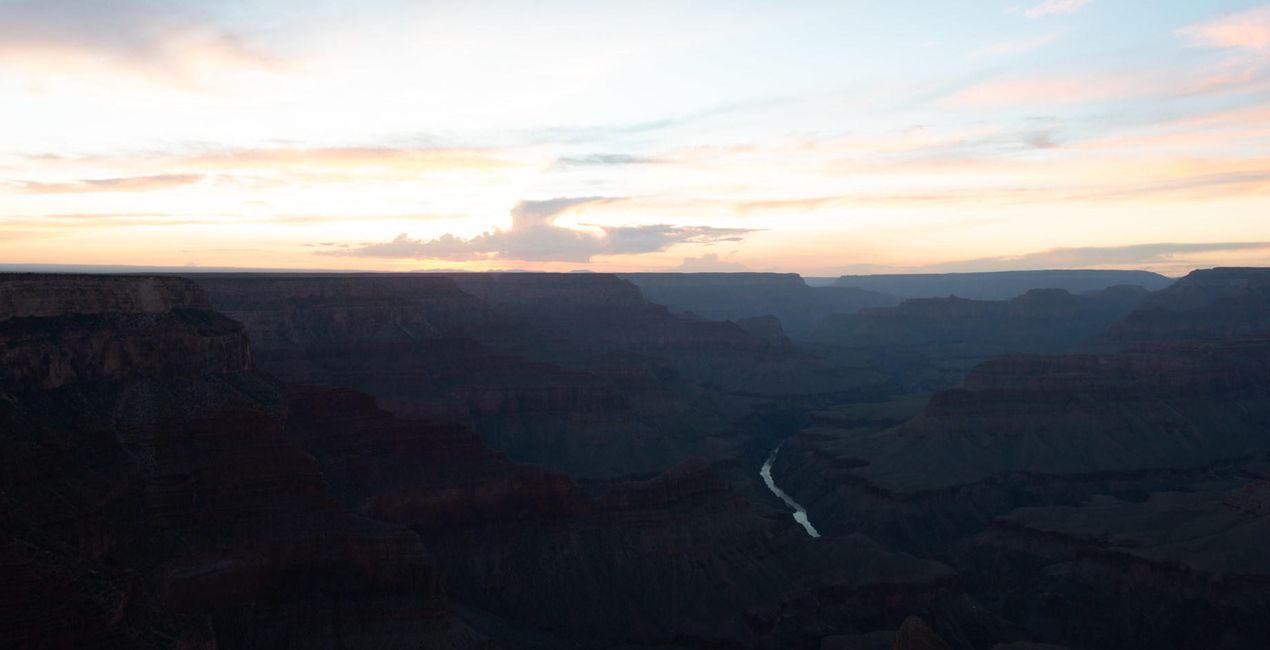
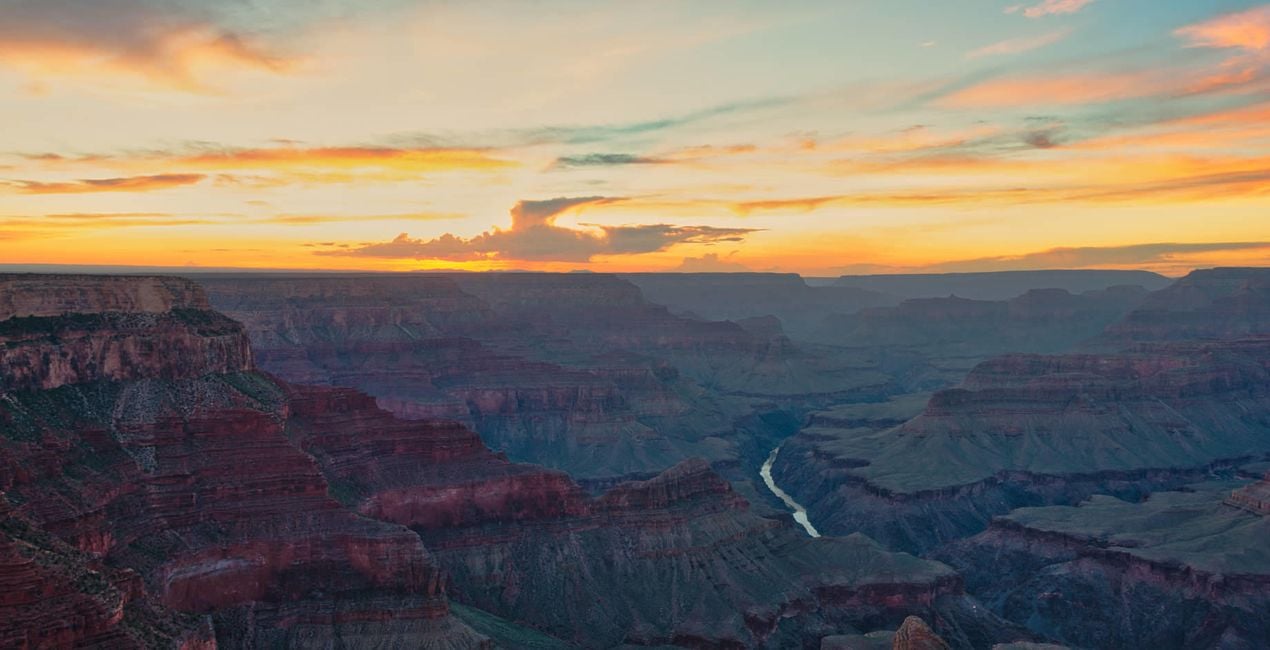
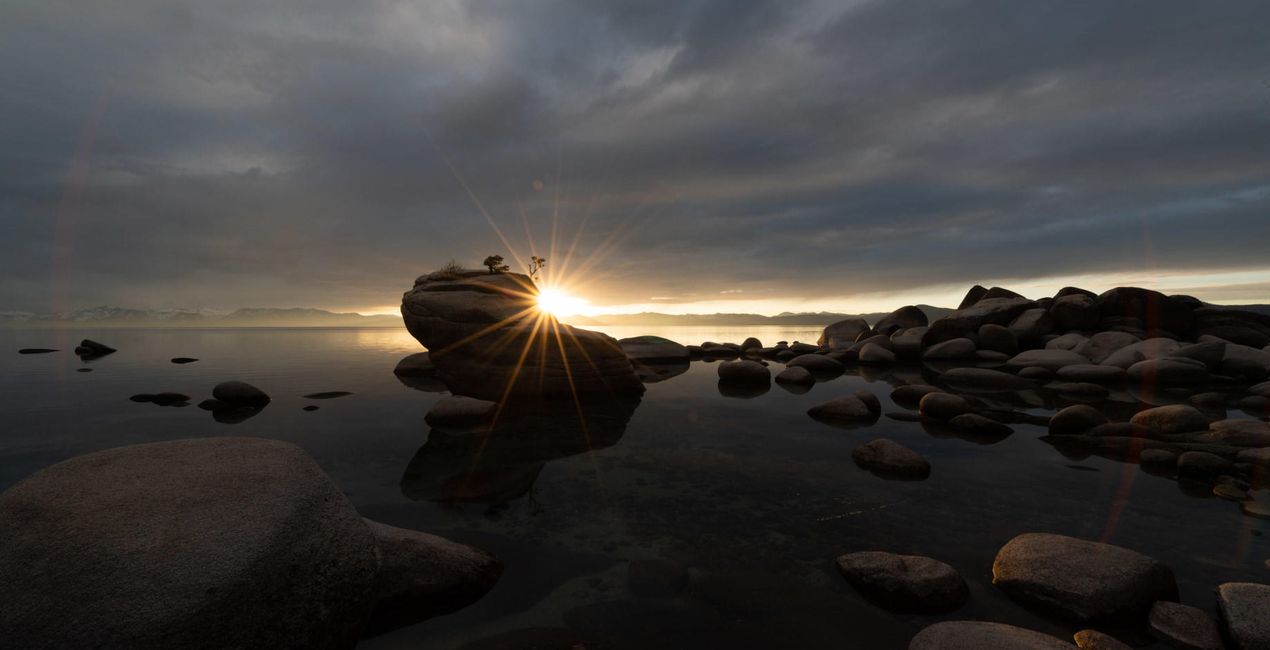
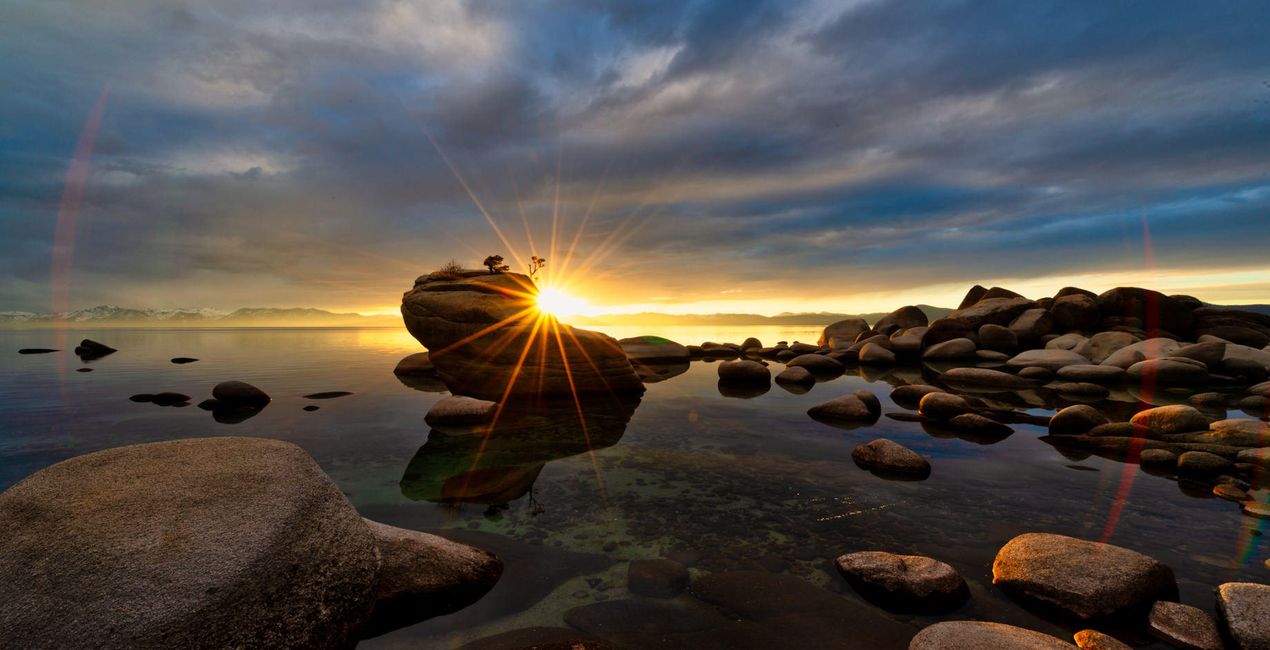
Korzystając z plików RAW z łatwością przećwiczysz wskazówki dotyczące retuszu i dowiesz się, jak stworzyć zdjęcia takie jak te.
 >
>
 >
>
 >
>
 >
>
 >
>
 >
>
 >
>
 >
>
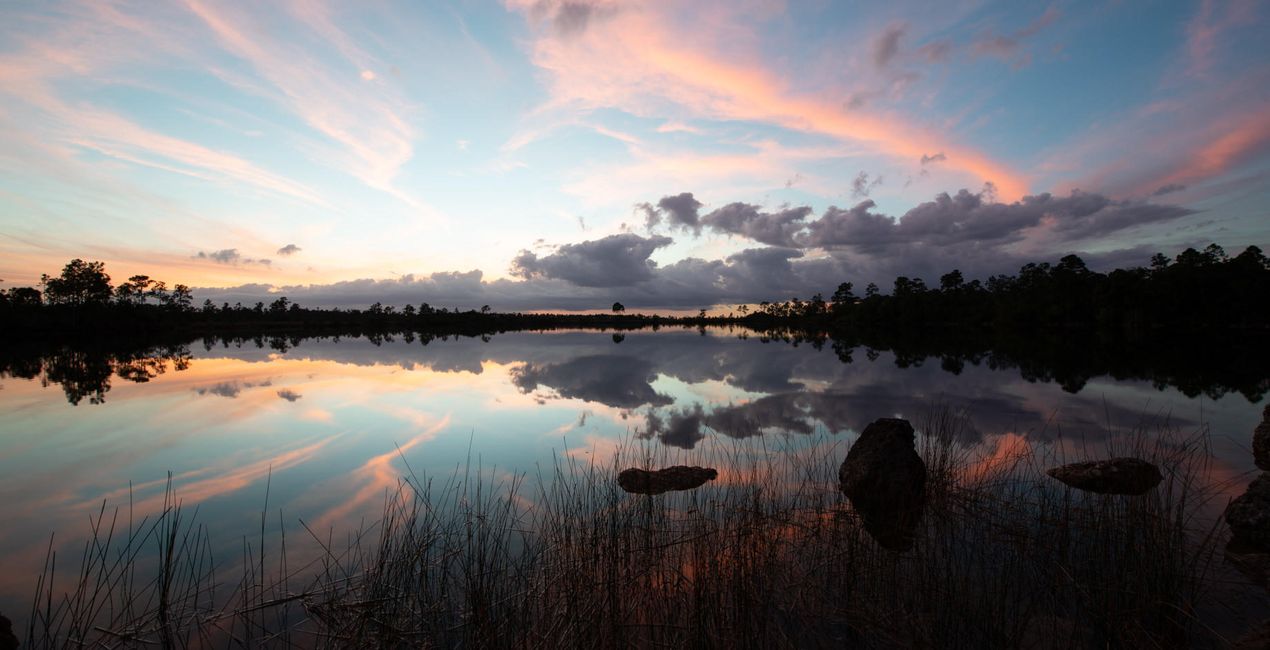
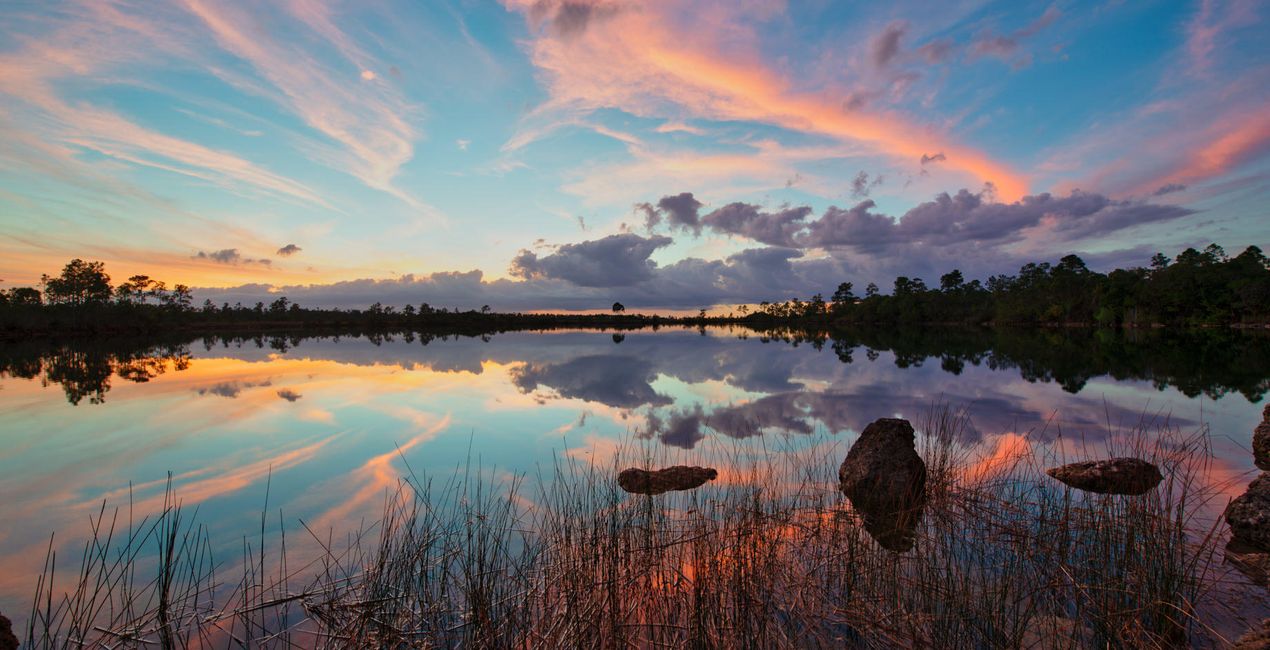 >
>
Inspired by the great American landscapes, Edin has crafted this Templates pack to help you bring out the drama in your images.
It’s often difficult to condense the dramatic feel of a landscape into a photo and to capture the entire dynamic range in one shot. However, this Templates pack helps you do it.
Note that if you underexpose your images by one stop (meaning you expose for the sky), you can pull out the full dynamic range with this Templates pack.
Edin says that this is how he shoots all of his images, and this is how he’s able to capture the beautiful colors mother nature paints for his viewers. Edin has carefully crafted these Templates using a mixture of sliders to bring out every single color without overdoing it.
These Templates will work best for your landscape images; however, they will also work for any image that can benefit from a little bit of drama. Personally, Edin uses them for all types of photos.
Note: You might want to adjust your exposure slider to get the perfect look for your particular image.
If you think a Template is too strong, feel free to tone it down by using the Amount slider to get the effect you want.
Photographer. Skylum Ambassador
Edin Chavez is a world-renowned commercial photographer based out of Miami Beach, Florida.
His unique view of the world helps him give a creative twist to his images. Edin has worked with some of the most influential brands such as National Geographic, Nikon, and Corona.
He understands that the customer is the single most valuable asset an organization can have, and with his laser focus and passion for photography, the sky is the limit.
Edin is an animal lover, and in his free time, he loves to walk barefoot on the beach with his dog, travel around the globe, and write about it on his blog.
He also enjoys anything with a motor, including motorcycles and fast cars.
Jeśli masz jakiekolwiek pytania dotyczące produktu, możesz skontaktować się z zespołem pomocy technicznej dostępnym 24 godziny na dobę, 7 dni w tygodniu. Wystarczy kliknąć ten link.
Aby kupić Great American Landscapes, wykonaj następujące kroki:
1. Otwórz Marketplace Skylum.
2. Przejdź do odpowiedniej zakładki, w której znajduje się Great American Landscapes. Kliknij na nim i dodaj produkt do koszyka.
3. Przejdź do koszyka. Tutaj zakończ proces zakupu produktu Great American Landscapes.
4. Po dokonaniu zakupu otrzymasz wiadomość e-mail z linkiem do pobrania Great American Landscapes. Nowy produkt znajdziesz również na swoim koncie Skylum, w zakładce Moje dodatki.
Szczegółowe instrukcje dotyczące instalacji Great American Landscapes zostaną przesłane w wiadomości e-mail wraz z linkiem do pobrania
Ponadto zakupiony produkt można zainstalować bezpośrednio w programie Luminar Neo: przejdź do menu Dodatki > Marketplace, wybierz kategorię produktu, znajdź zakupiony produkt i kliknij Zainstaluj.
To całkiem proste! Przejdź do zakładki Presety, a następnie wybierz opcję Zakupione. Zainstalowane presety będą się znajdować w tym miejscu.
Nie martw się. Wszystkie zakupione produkty, w tym Great American Landscapes, są przechowywane w zakładce „Moje dodatki” na koncie Skylum, co umożliwia ich łatwe ponowne pobranie i użycie.
Ogólnie rzecz biorąc, większość produktów jest kompatybilna z Luminar Neo. Aby jednak upewnić się, że Great American Landscapes jest kompatybilne z Twoim oprogramowaniem, przed pobraniem lub zakupem sprawdź jego specyfikację. Poszukaj sekcji „Kompatybilność” po prawej stronie strony Great American Landscapes, gdzie wymienione są wszystkie kompatybilne produkty.
Nie wychodź jeszcze. Mamy dla Ciebie ekskluzywny kod rabatowy. Wykorzystaj go w ciągu najbliższych 15 minut, aby uzyskać dodatkowe 10% zniżki przy finalizacji zamówienia. Skopiuj poniższy kod i sfinalizuj zakup.
15 m : 00 s





