

 適用する
適用する 



フィルム スタジオ ポートレート
Save $201 $ 19 .00
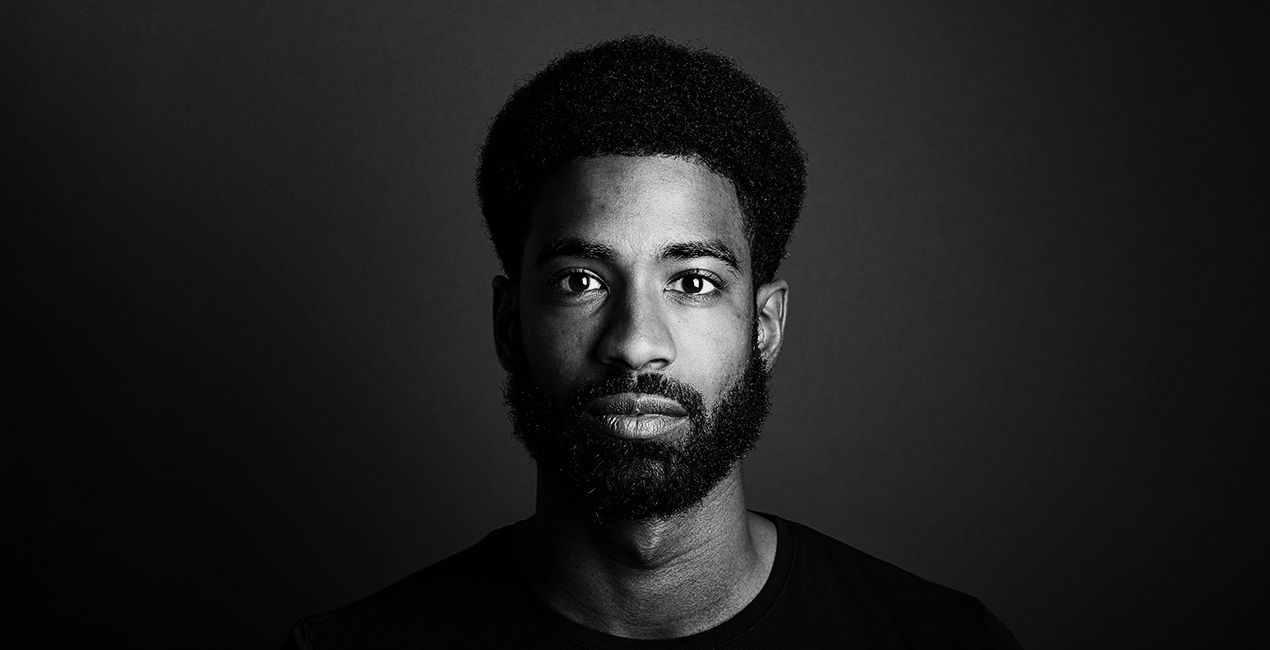
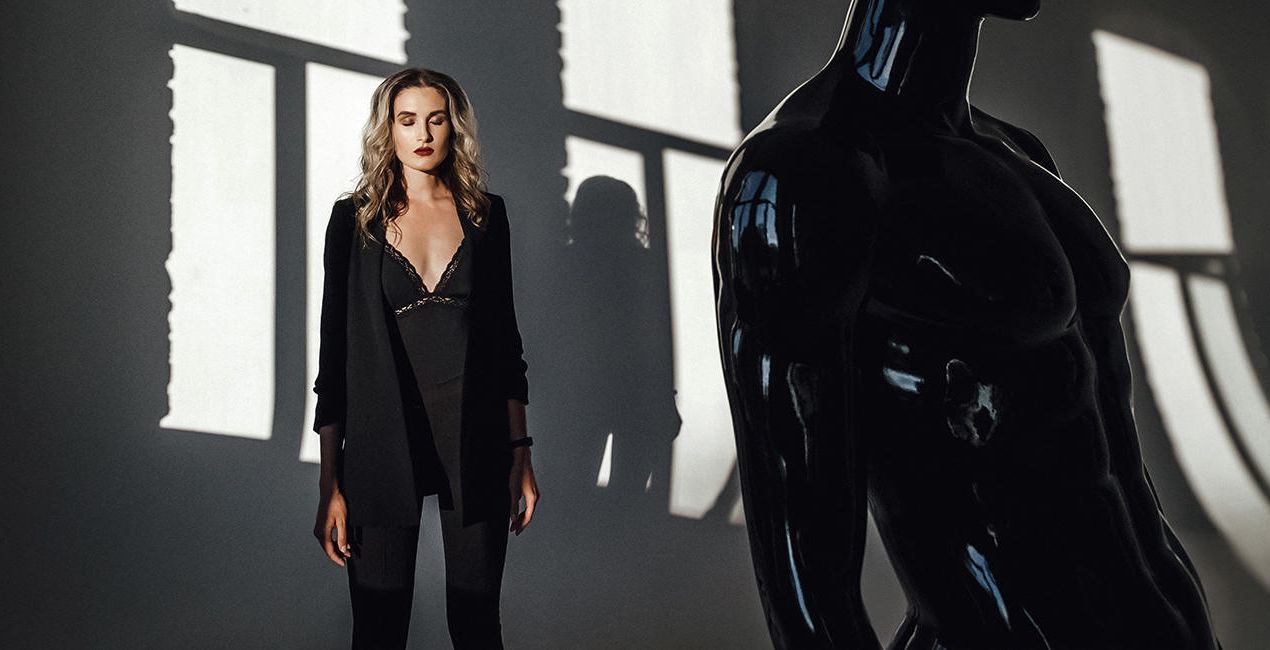
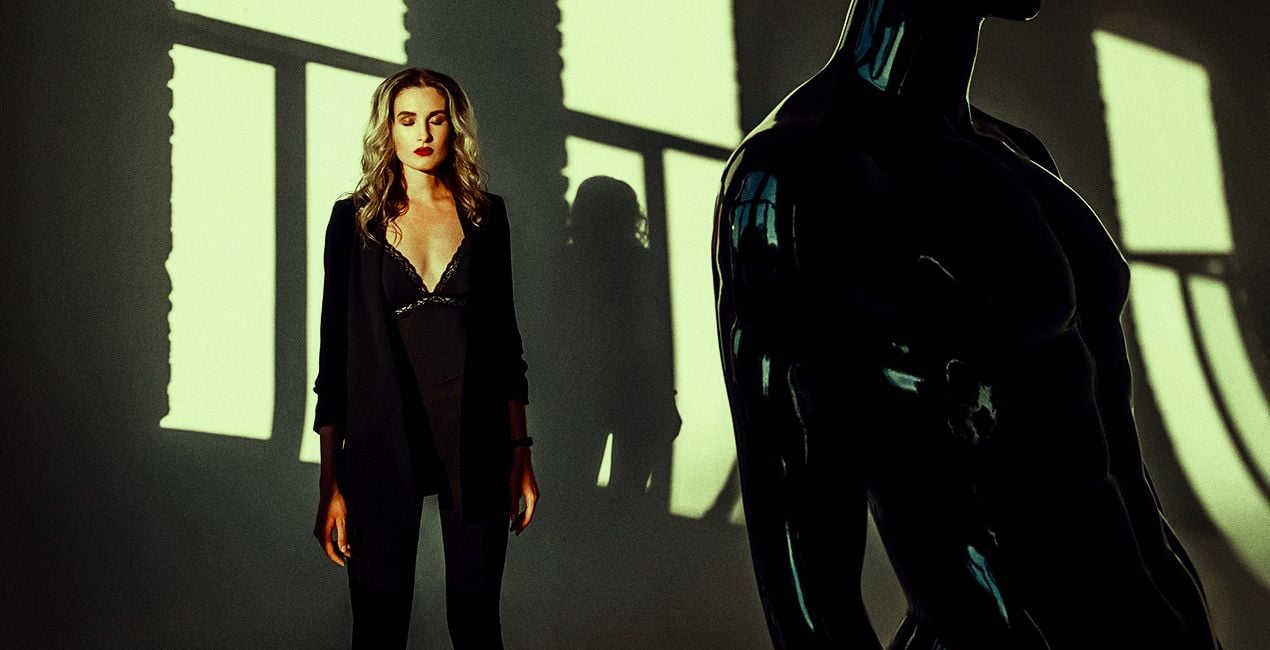
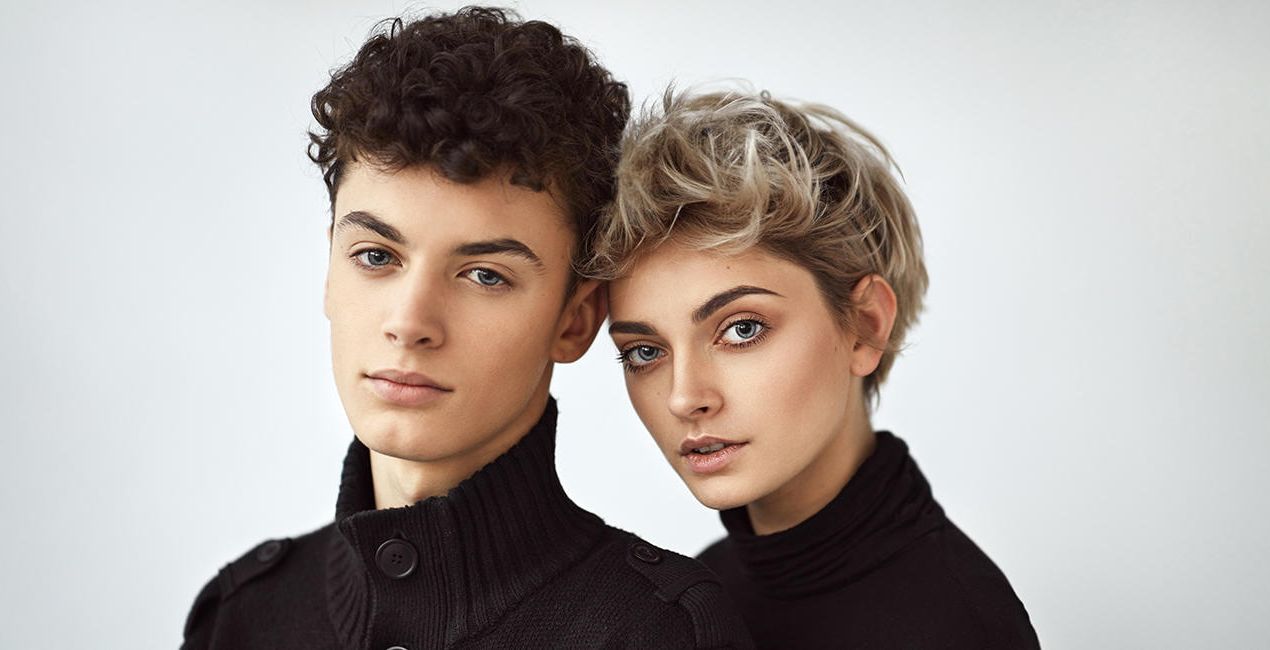
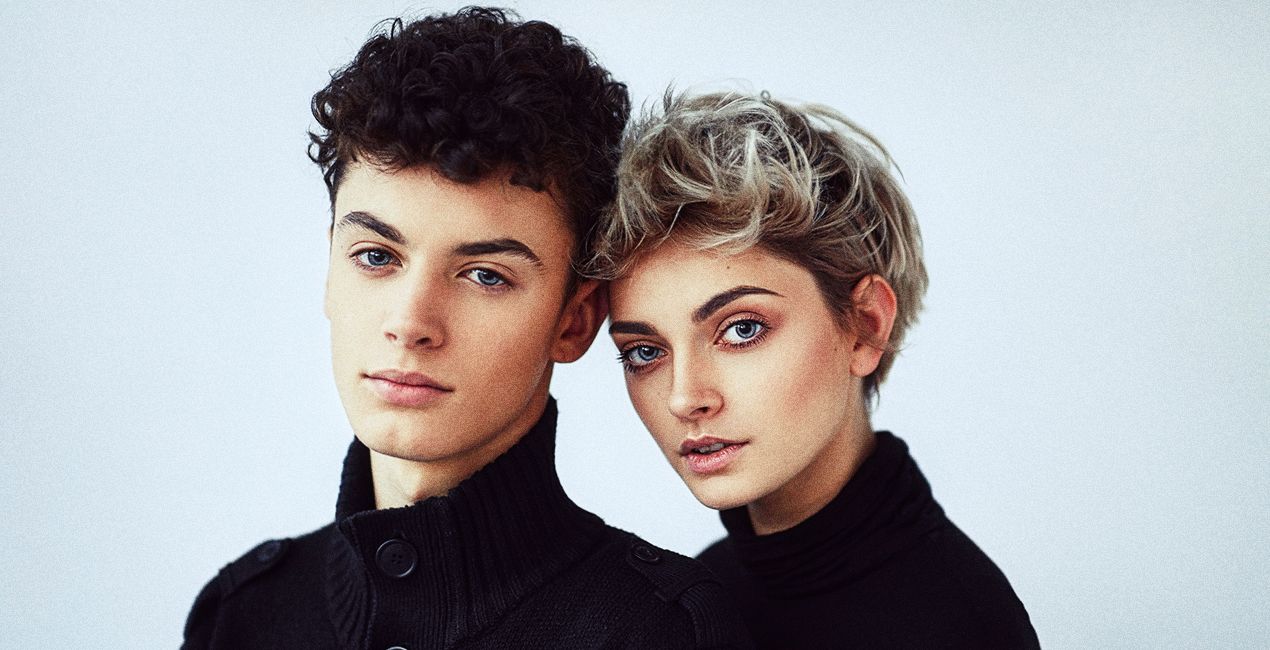
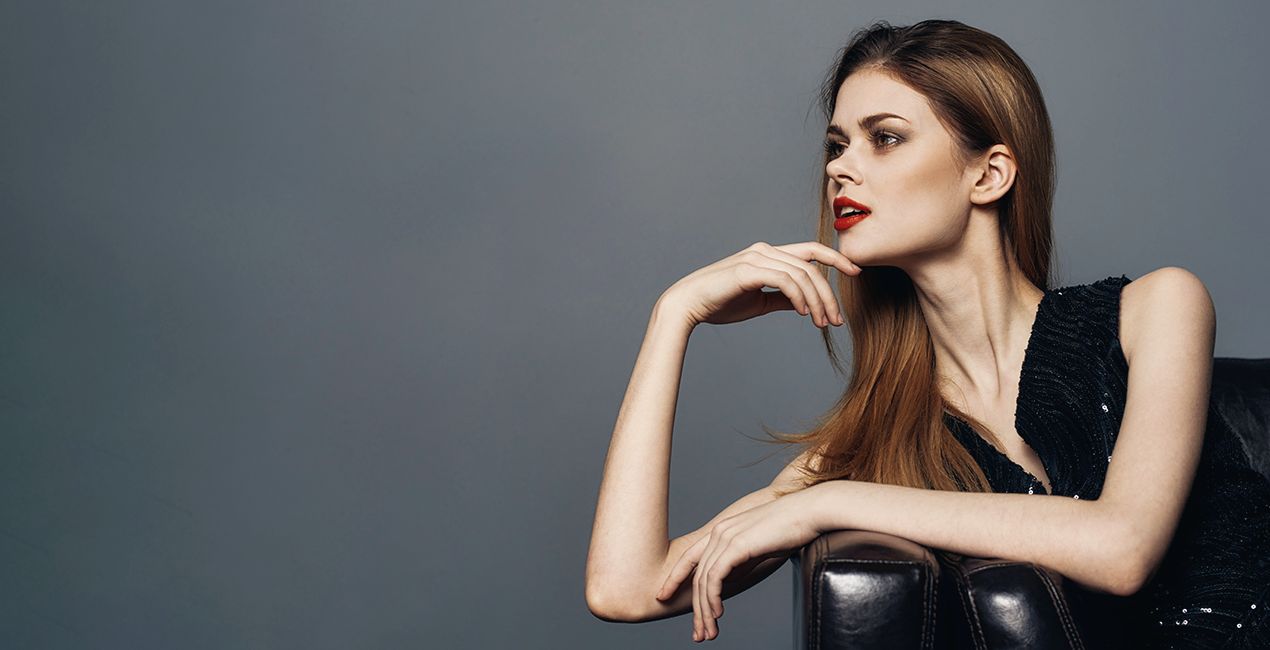
視線を集めるポートレートを作りたくありませんか?10種類の驚きのスタジオ ポートレート用のプリセット コレクションを使って、モデルを最高の仕上がりにしましょう。効果を試して、モデルにピッタリなものを見つけてください。

提供されたRAWファイルを使ってレタッチのコツを簡単に練習、こんな写真に仕上げる方法を学ぶことができます。

 >
>

 >
>

 >
>
 >
>
 >
>

 >
>
この10種類のプリセットのコレクションには、魅力的なスタジオ ポートレートを簡単作成するために必要なツールがすべて含まれます。クラシックから流行りのエフェクトまで、各プリセットは写真をレベルアップする独自の仕上がりとムードを提供します。
簡単な調整をすばやく行ったり、さらに細かく調整して、さまざまな色調、光の強調、シャープネス レベルなどを使って各プリセットのカスタマイズもできます。
このコレクションを使って視線を集める美しいスタジオ ポートレートを素早く作成!これらの特製スタジオ ポートレート プリセットで、写真スキルをステップアップしてください!
このパックには10種類のプリセットが含まれています。
ロマンチック・レッド: 赤のトーンにアクセントを加えた温かみのある彩度の高いプリセット
レトロ・グリーン:シャドウに赤、中間色に緑を含むプリセット
フィルム風おとぎ話:シャドウにシアンを含み、黒を引き上げたプリセット
アート・ハウス: 緑がかった色合いのプリセット
ヴィンテージ・チャーム: 肌のトーンにアクセントを加えた冷たいトーンのプリセット
黄金時代:暖かくてわずかに彩度を強めたプリセット
夢見るパステル:冷たくて彩度を弱めたプリセット
モダンなミニマリスト:ニュートラルホワイト調の彩度の低いプリセット
ソフト・グラマー:黒を引き上げたプリセット
クラシック・ノアール:シャープでコントラストの強い白黒プリセット
編集された写真を ハッシュタグ #ルミナーと作るわたしの世界 、#madewithluminarとつけてSNSヘ忘れずに投稿してください!スカイラム チームが拝見できるのを、楽しみにしています!
製品についてご質問がございましたら、24時間対応のサポートチームまでお問い合わせください。こちらのリンクをご利用ください。
Film Studio Portraitを購入するには、次の手順に従ってください:
1. Skylumのマーケットプレイスを開きます。
2. Film Studio Portraitがリストされているタブに移動し、クリックしてカートに追加します。
3. カートに進み、Film Studio Portraitの購入手続きを完了してください。
4. ご購入後、Film Studio Portraitのダウンロードリンクが記載された購入完了メールが届きます。また、Skylumアカウントの「マイアドオン」タブからも新しいアイテムをご確認いただけます。
Film Studio Portraitのインストール手順の詳細は、ダウンロードリンクと一緒にお送りする「購入完了メール」に記載されています。
また、Luminar Neoから購入されたアイテムを直接インストールすることもできます。エクストラ > マーケットプレイスに進み、商品カテゴリを選択して、購入済みアイテムを見つけてインストールをクリックしてください。
とても簡単です!プリセット タブに移動して、購入済みを選択してください。インストールしたプリセットがここに表示されます。
ご安心ください。Film Studio Portraitを含むすべての購入済みアイテムは、Skylumアカウントの「マイアドオン」タブ に保存されるため、簡単に再ダウンロードしてご利用いただけます。
ほとんどのアイテムはLuminar Neoに対応しています。ただし、確実にFilm Studio Portraitがお使いのソフトと互換性があるかを確認するには、ダウンロードや購入前に製品仕様をご確認ください。Film Studio Portraitページ右側の「互換性」セクションに対応しているすべての製品が表示されています。
まだお帰りにならないでください。あなただけの特別割引コードをご用意しました。今後15分以内にご利用いただくと、お会計時にさらに10%オフになります。以下のコードをコピーして、お買い物を完了してください。
15 m : 00 s





