

 適用する
適用する 



ネオン・フュージョン
Save $201 $ 19 .00
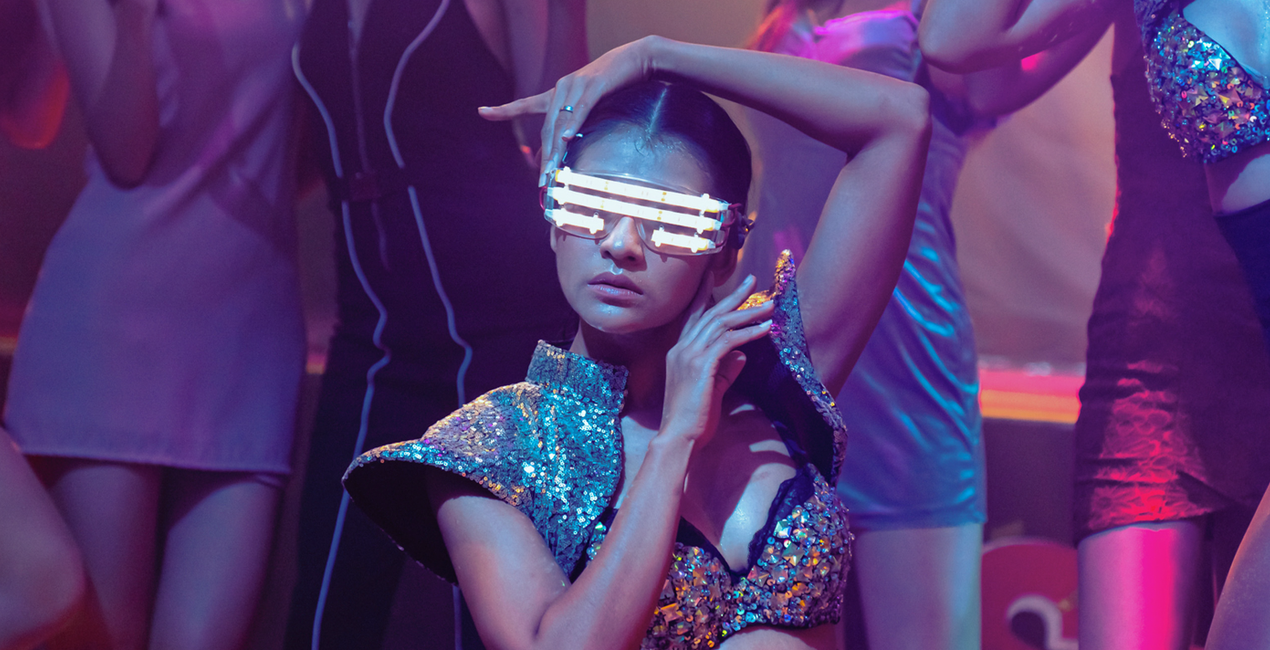
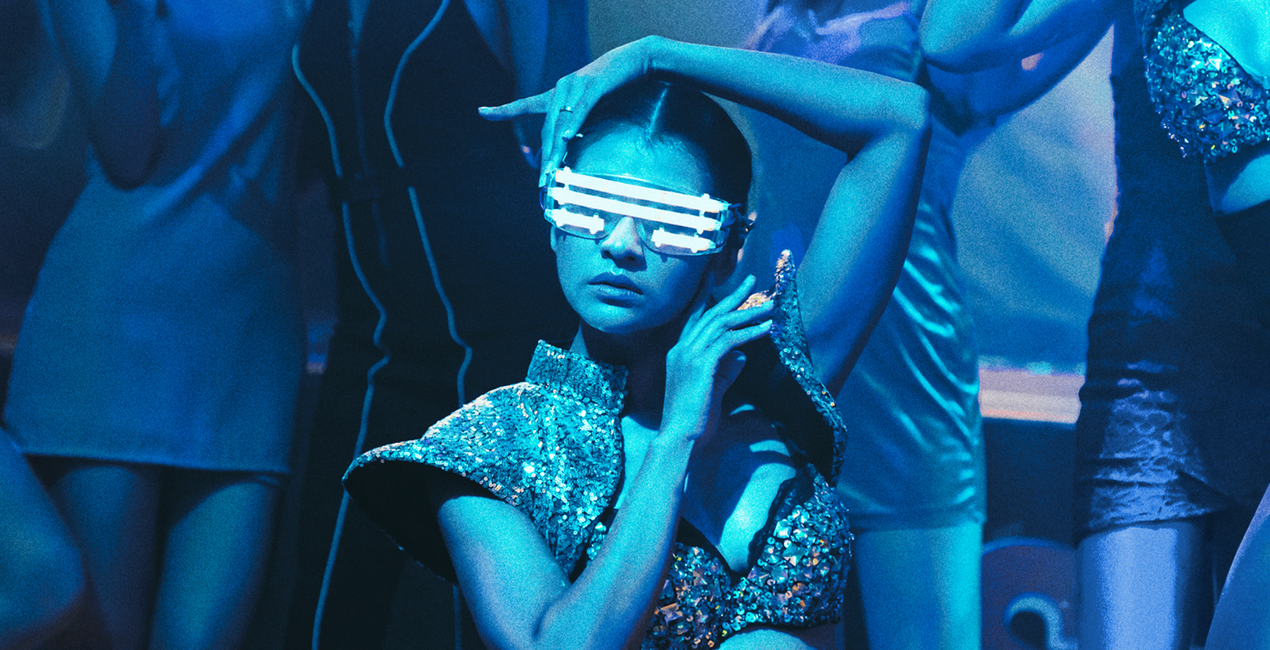
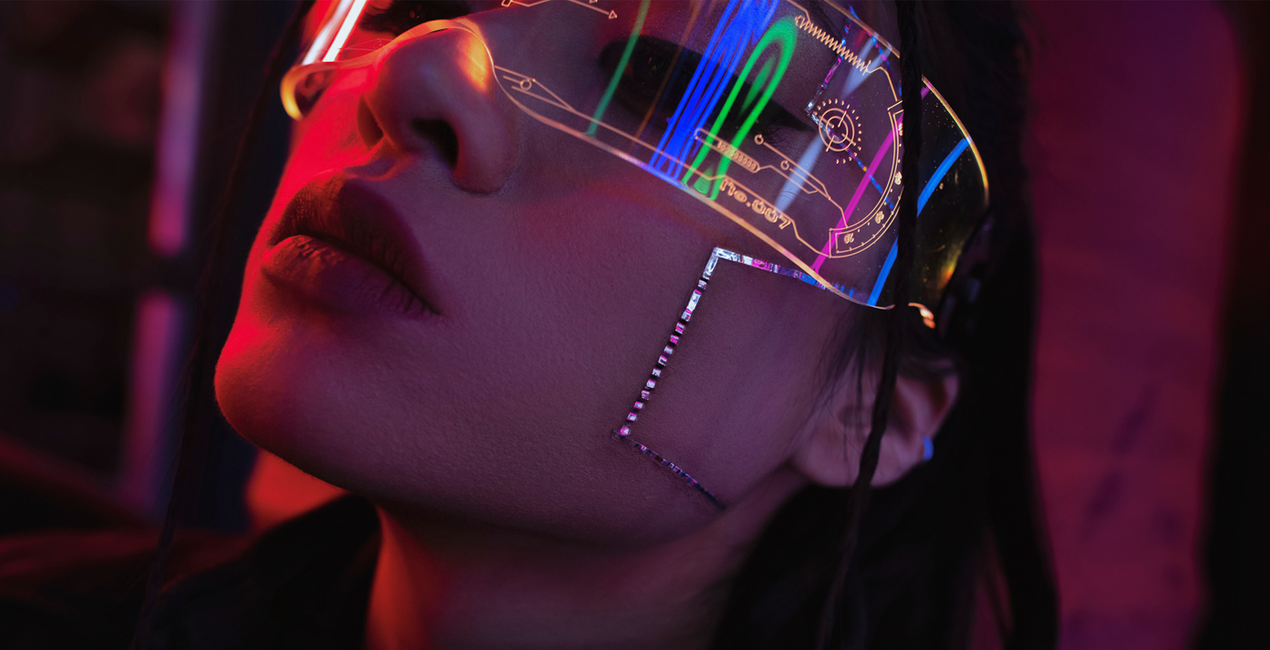
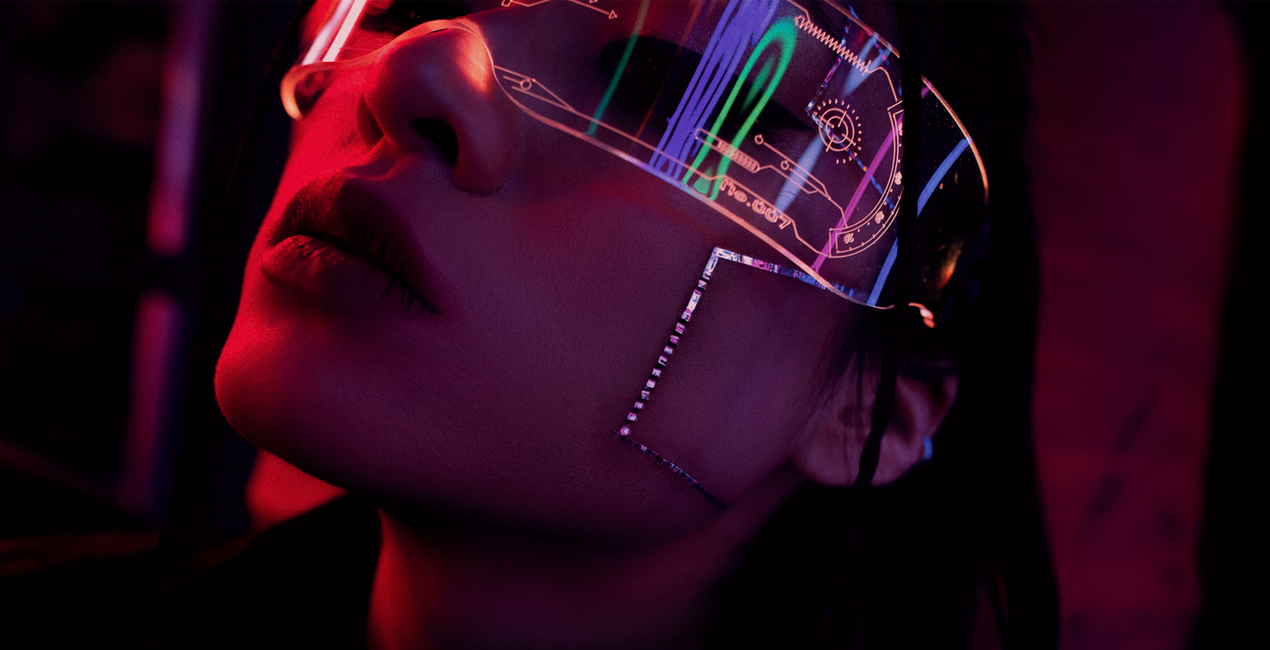
ネオン写真、夜景、暗い場所で撮影した写真を素敵にするために作られたこれらの10種類のプリセットを使って、夜の写真の新たな一面を発見し、イキイキとした仕上がりをご覧ください。印象的な写真を簡単に作れます。

提供されたRAWファイルを使ってレタッチのコツを簡単に練習、こんな写真に仕上げる方法を学ぶことができます。

 >
>

 >
>

 >
>
 >
>
 >
>

 >
>
夜の写真をシュールなネオンのオーラで包みこみ、平凡な一瞬を魅惑的な夢のようなものに変えます。ネオン ライトのある街並みを撮影する場合でも、ソウルフルなポートレートを撮影する場合でも、スカイラム チームによるこれら10種類のプリセットは、感動的なタッチを加えて写真のムードを高めます。退屈な夜に別れを告げ、ネオンが輝く活気に満ちた可能性の世界へようこそ。
このパックには10種類のプリセットが含まれます:
ネオン・ドリーム:寒色系のコントラストの低いプリセット
エレクトリック・エレガンス:緑がかったシャドウのローキーな、コントラストが高くて温かみのあるプリセット
スリルな電圧:温かみのある鮮やかなローキー プリセット
輝くグロー:冷たく鮮やかなモノトーンのプリセット
華麗な輝き:深い青色のデュオトーン プリセット
ネオン夜景:フィルムのトーンで鮮やかなプリセット
輝く気品:ネオンとフィルムノイズを備えたソフトなプリセット
鮮やかなスペクトル: 紫色ネオンのプリセット
ネオン・フュージョン:コントラストの低い、冷たいトーンのプリセット
発光のハーモニー:ローキーの緑の色合いのプリセット
編集された写真をハッシュタグ #ルミナーと作るわたしの世界 、#madewithluminarとつけてSNSヘ忘れずに投稿してください!スカイラム チームが拝見できるのを、楽しみにしています!
製品についてご質問がございましたら、24時間対応のサポートチームまでお問い合わせください。こちらのリンクをご利用ください。
Neon Fusionを購入するには、次の手順に従ってください:
1. Skylumのマーケットプレイスを開きます。
2. Neon Fusionがリストされているタブに移動し、クリックしてカートに追加します。
3. カートに進み、Neon Fusionの購入手続きを完了してください。
4. ご購入後、Neon Fusionのダウンロードリンクが記載された購入完了メールが届きます。また、Skylumアカウントの「マイアドオン」タブからも新しいアイテムをご確認いただけます。
Neon Fusionのインストール手順の詳細は、ダウンロードリンクと一緒にお送りする「購入完了メール」に記載されています。
また、Luminar Neoから購入されたアイテムを直接インストールすることもできます。エクストラ > マーケットプレイスに進み、商品カテゴリを選択して、購入済みアイテムを見つけてインストールをクリックしてください。
とても簡単です!プリセット タブに移動して、購入済みを選択してください。インストールしたプリセットがここに表示されます。
ご安心ください。Neon Fusionを含むすべての購入済みアイテムは、Skylumアカウントの「マイアドオン」タブ に保存されるため、簡単に再ダウンロードしてご利用いただけます。
ほとんどのアイテムはLuminar Neoに対応しています。ただし、確実にNeon Fusionがお使いのソフトと互換性があるかを確認するには、ダウンロードや購入前に製品仕様をご確認ください。Neon Fusionページ右側の「互換性」セクションに対応しているすべての製品が表示されています。
まだお帰りにならないでください。あなただけの特別割引コードをご用意しました。今後15分以内にご利用いただくと、お会計時にさらに10%オフになります。以下のコードをコピーして、お買い物を完了してください。
15 m : 00 s





