


 Applicato


Winter Wonderland Overlays
Save $201 $ 49 .00

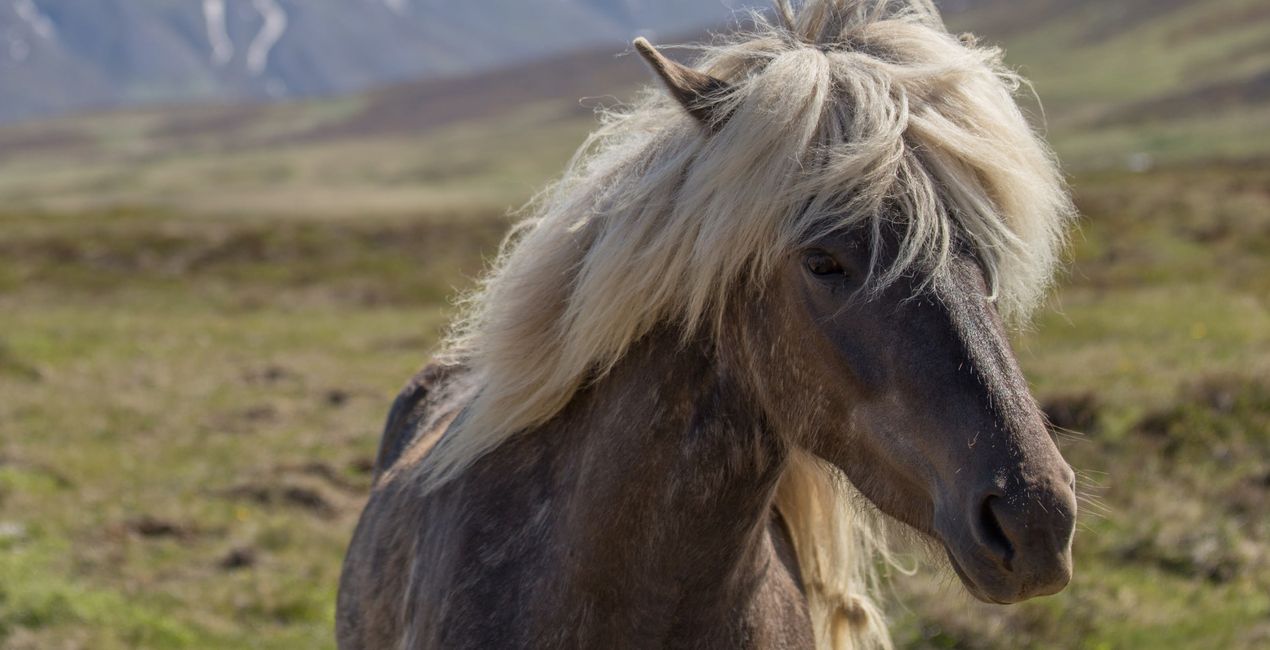
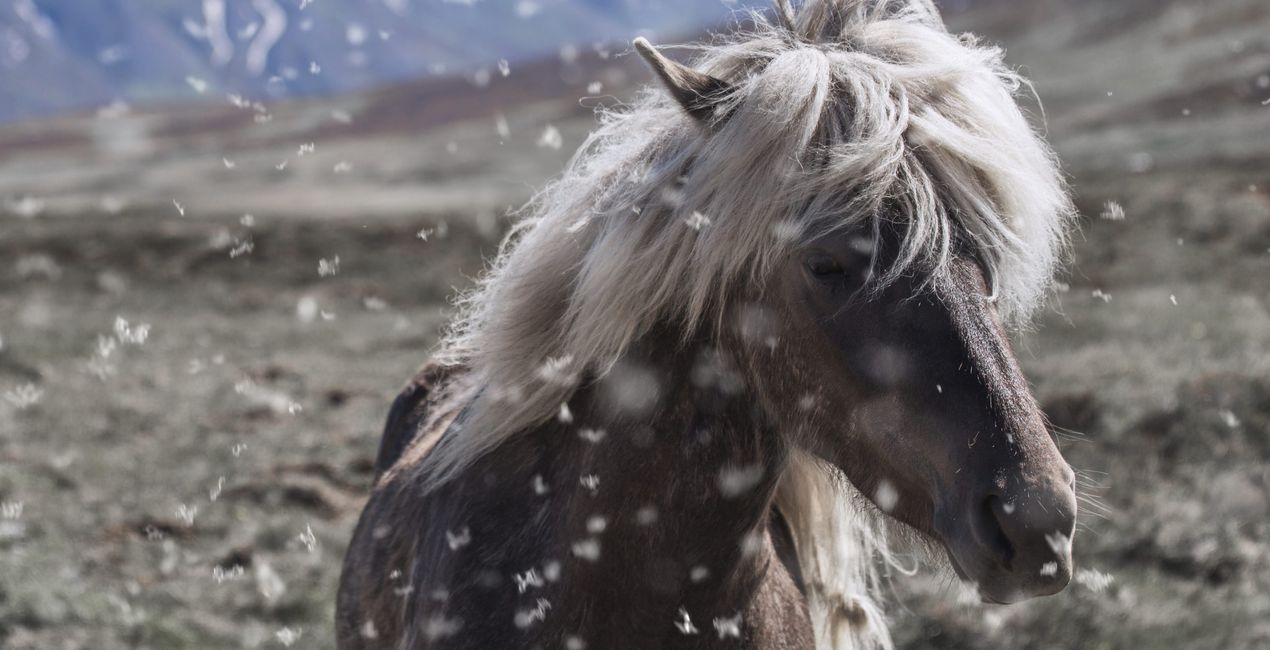
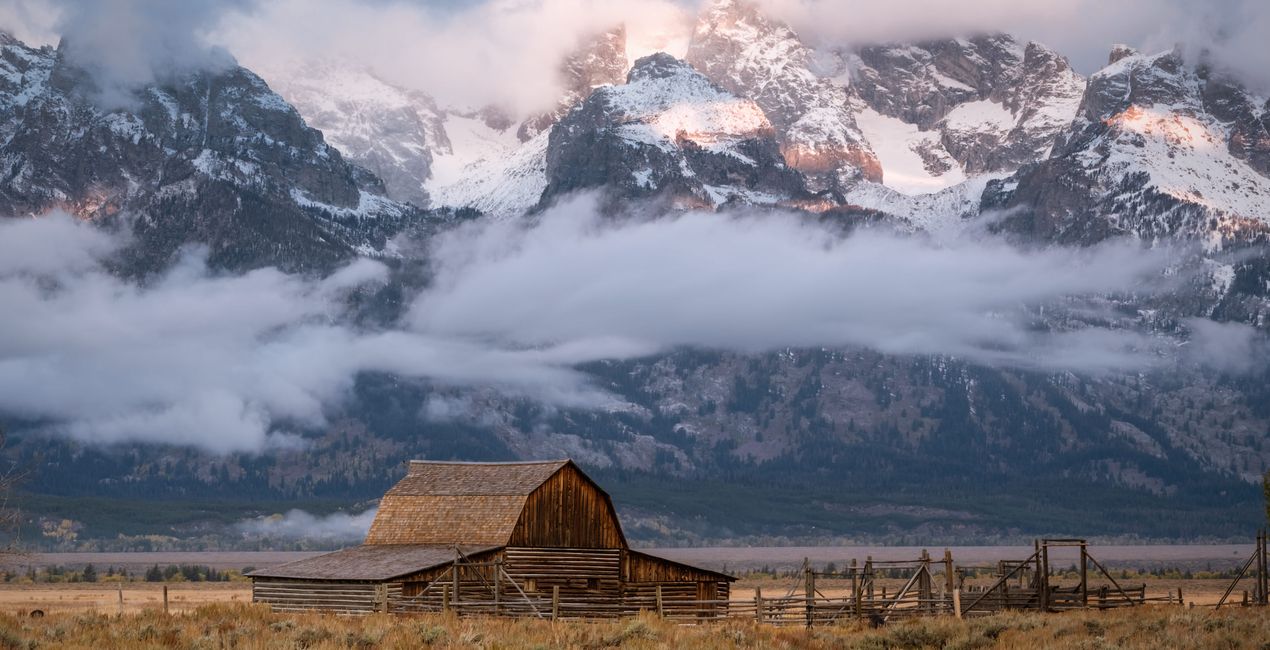
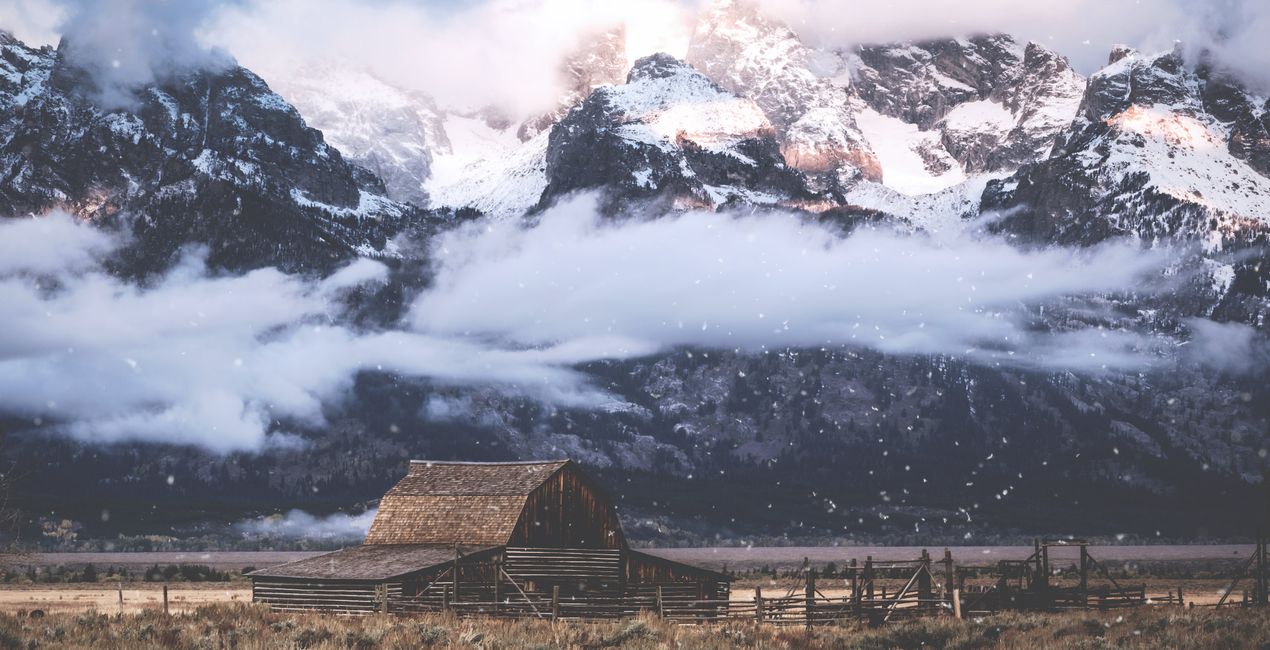
Looking for a way to give a touch of wintery charm to any photo? Add a magical, realistic, and seasonal effect to your images with this expansive collection of 100 snow Overlays created by Nicole S. Young. All of these Overlays were designed from real photographs and not created digitally. They work well with a wide variety of images, so make sure to try them on your landscapes, portraits, cityscapes, and other types of photos. Immerse yourself in the seasonal enchantment and witness the transformative beauty these Overlays bring to your images!


Utilizzando i file RAW forniti, potrai mettere facilmente in pratica i consigli di ritocco e imparare a ottenere foto come queste.
 >
>

 >
>

 >
>

 >
>
 >
>

 >
>
Photographer & Educator
Nicole S. Young's love affair with the camera began during her high school years, where she immersed herself in the world of photography by working at a photo lab and photo studio.
After graduating, she dedicated 8.5 years to serving in the US Navy, and then rekindled her passion in the realm of digital photography, swiftly transitioning to carve out a niche for herself in stock photography.
Beyond her ability to create beautiful images, Nicole is a published author, with her educational books are reaching photography enthusiasts worldwide in multiple languages. Drawing upon her extensive knowledge and experience, she has established an online business, offering courses and books to budding photographers and crafting essential tools such as presets, textures, and overlays.
Today, she draws inspiration from the serene beauty of the Oregon countryside, a place she calls home.
Se hai domande sui prodotti, puoi contattare il team dell'assistenza tutti i giorni, 24 ore al giorno. Utilizza questo link.
Per acquistare Winter Wonderland Overlays, segui questi passaggi:
1. Apri il Marketplace di Skylum.
2. Vai sulla scheda dove è elencato Winter Wonderland Overlays. Clicca sul nome del prodotto per aggiungerlo al carrello.
3. Vai al carrello, dove potrai completare l'acquisto di Winter Wonderland Overlays.
4. Dopo l'acquisto, riceverai un'e-mail con il link per scaricare Winter Wonderland Overlays. Potrai trovare il nuovo acquisto anche nel tuo account Skylum, nella scheda I miei add-on.
Nell'e-mail con il link per il download riceverai anche istruzioni dettagliate su come installare Winter Wonderland Overlays.
Inoltre, puoi installare l'articolo acquistato direttamente in Luminar Neo: vai su Extra > Marketplace, seleziona la categoria di prodotto, trova l'articolo acquistato e clicca su Installa.
È facilissimo! Winter Wonderland Overlays si troverà in Livelli > Acquistati. Clicca per applicare e regolare la texture/le proprietà dell'oggetto come dimensioni, opacità e modalità di fusione nel menu Proprietà livello.
Se utilizzi Luminar AI, vai nella scheda Modifica nella barra dei menu superiore. Winter Wonderland Overlays che hai installato si troverà in Mascheramento locale > Texture > Selezione texture > Personalizza.
Non preoccuparti. Tutti gli articoli acquistati, incluso Winter Wonderland Overlays, vengono conservati nella scheda "I miei add-on" del tuo account Skylum, così potrai riscaricarli e utilizzarli in tutta facilità.
In generale, la maggior parte degli articoli è compatibile con Luminar Neo. Ma per assicurarti che Winter Wonderland Overlays sia compatibile con i tuoi software, verificane le specifiche prima di scaricarlo o acquistarlo. Cerca la sezione "Compatibilità" sulla destra della pagina di Winter Wonderland Overlays, dove sono elencati tutti i prodotti compatibili.
Non andartene ancora. Ecco un codice sconto esclusivo per te. Usalo entro i prossimi 15 minuti per ottenere un ulteriore sconto del 10% al momento del pagamento. Copia il codice qui sotto e completa l'acquisto.
15 m : 00 s





