


 Applicato


Let It Snow Overlays
Save $201 $ 34 .30 $ 49 .00

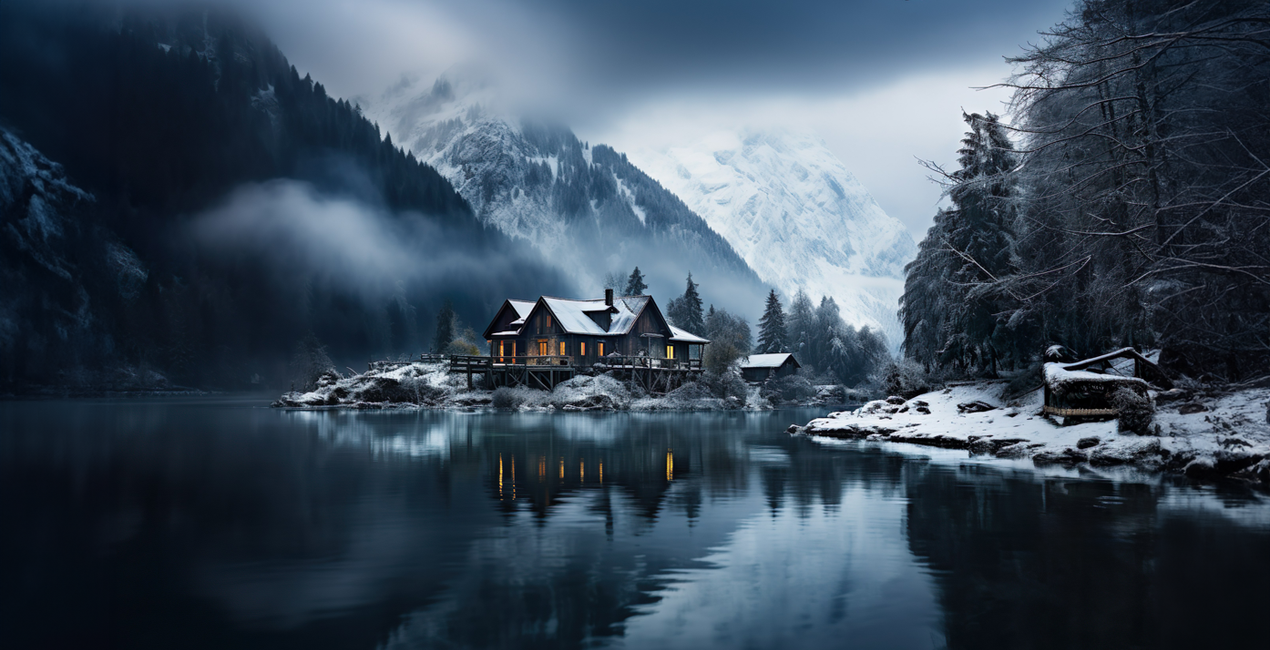
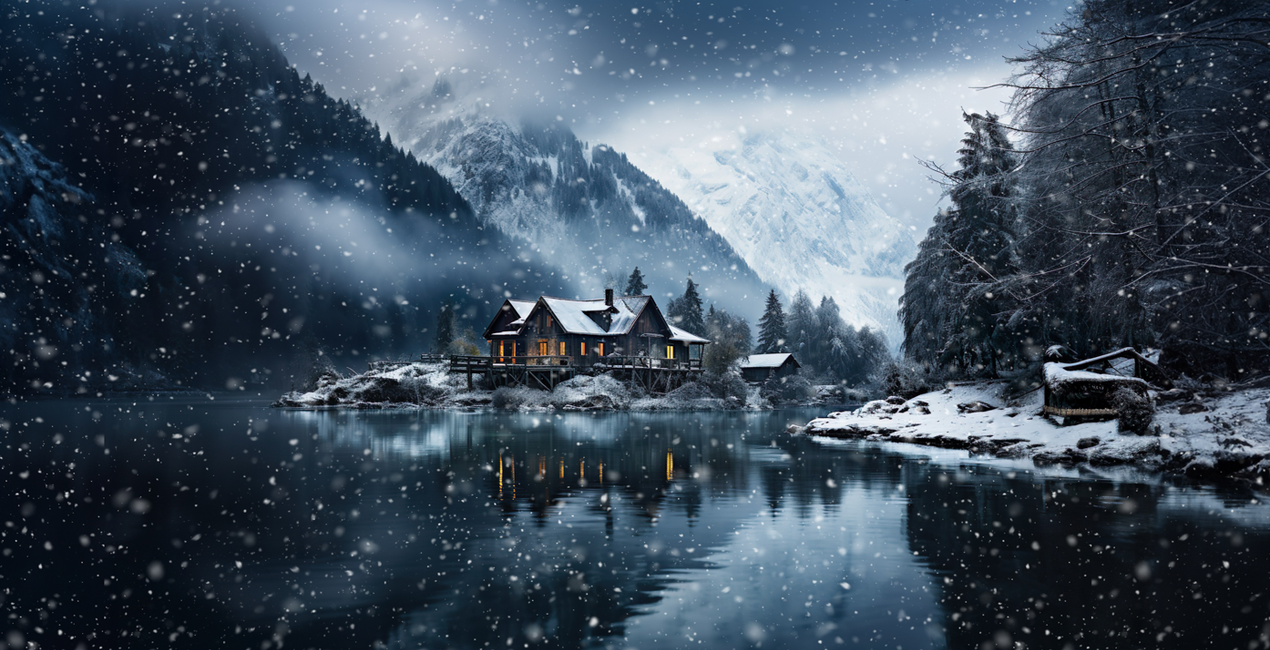
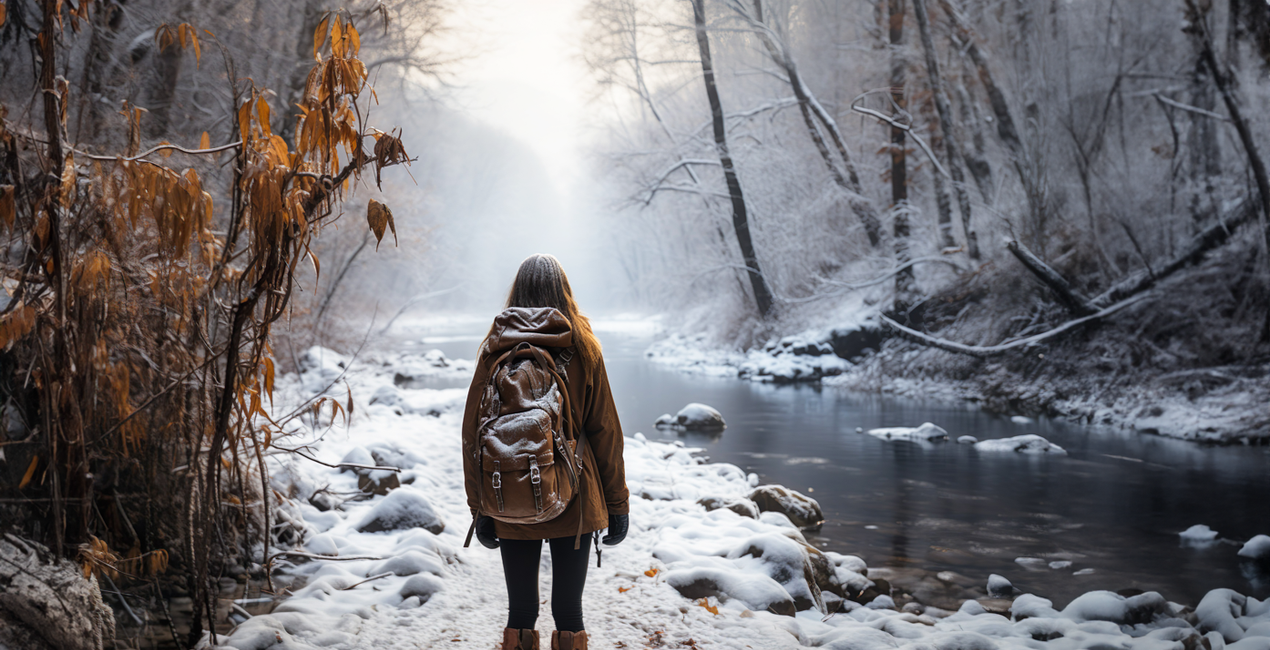
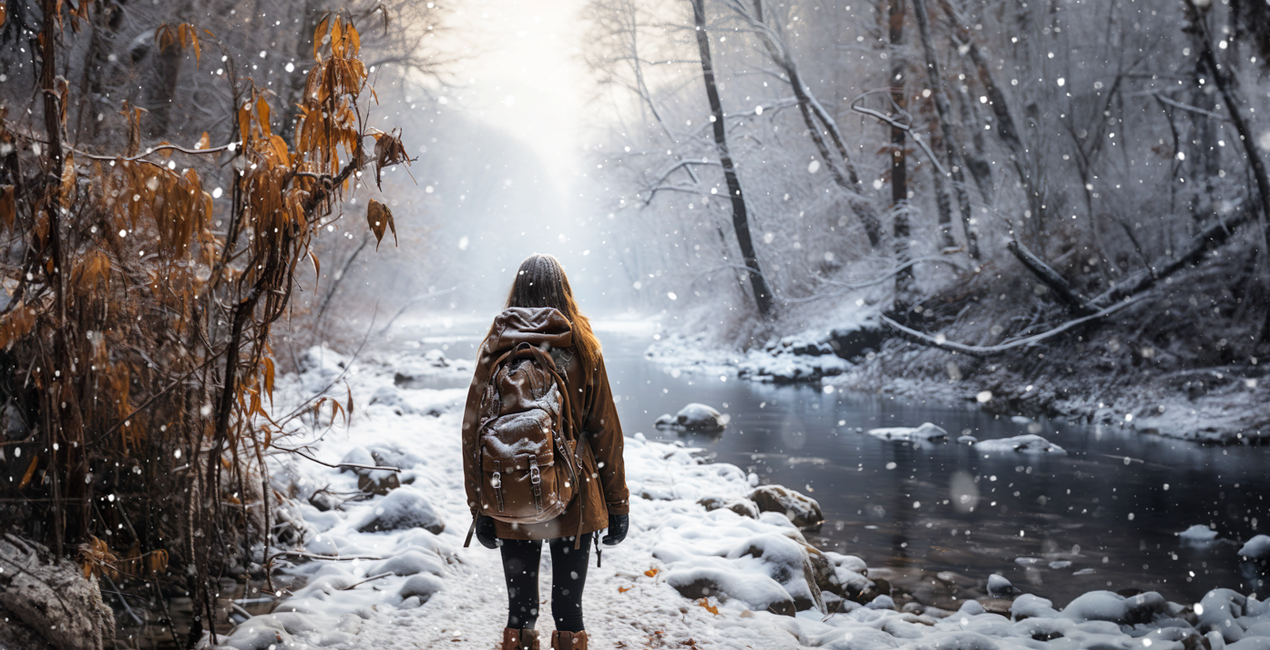
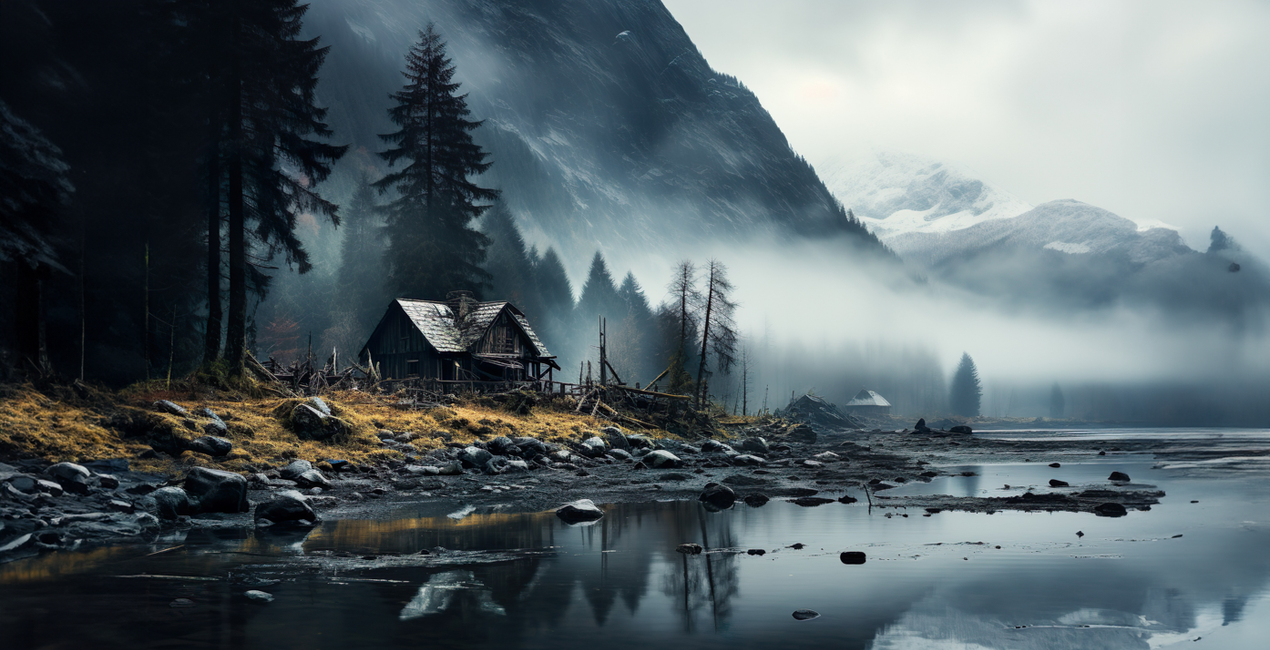
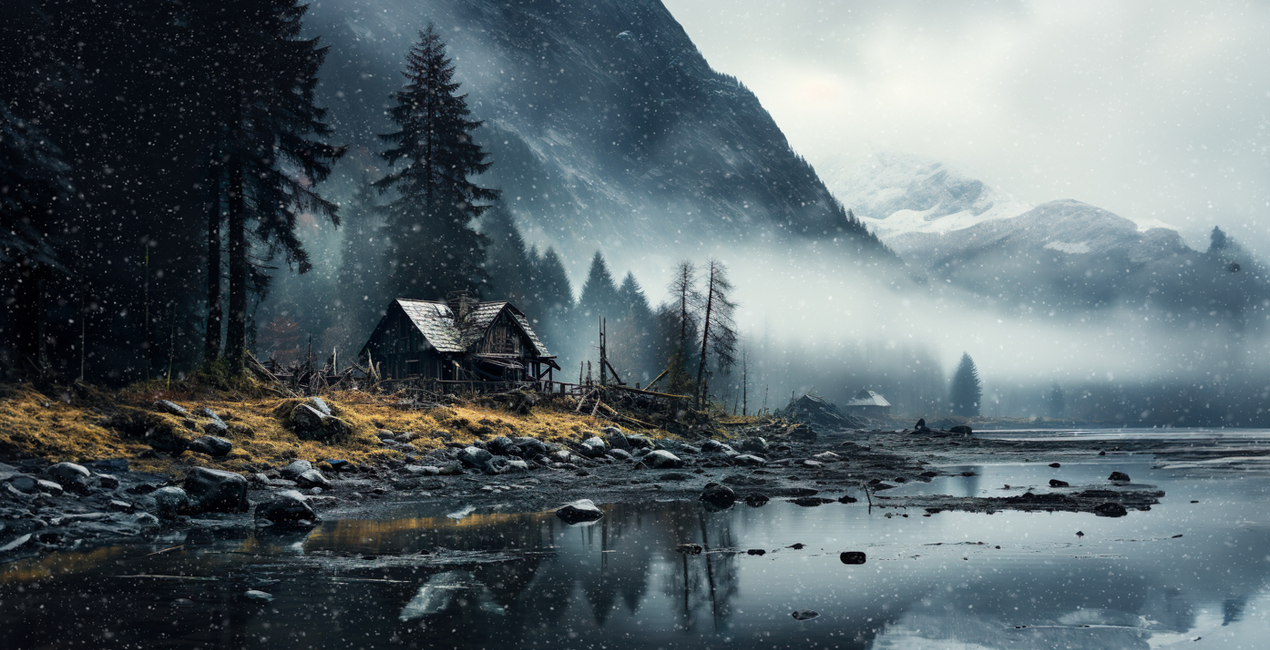
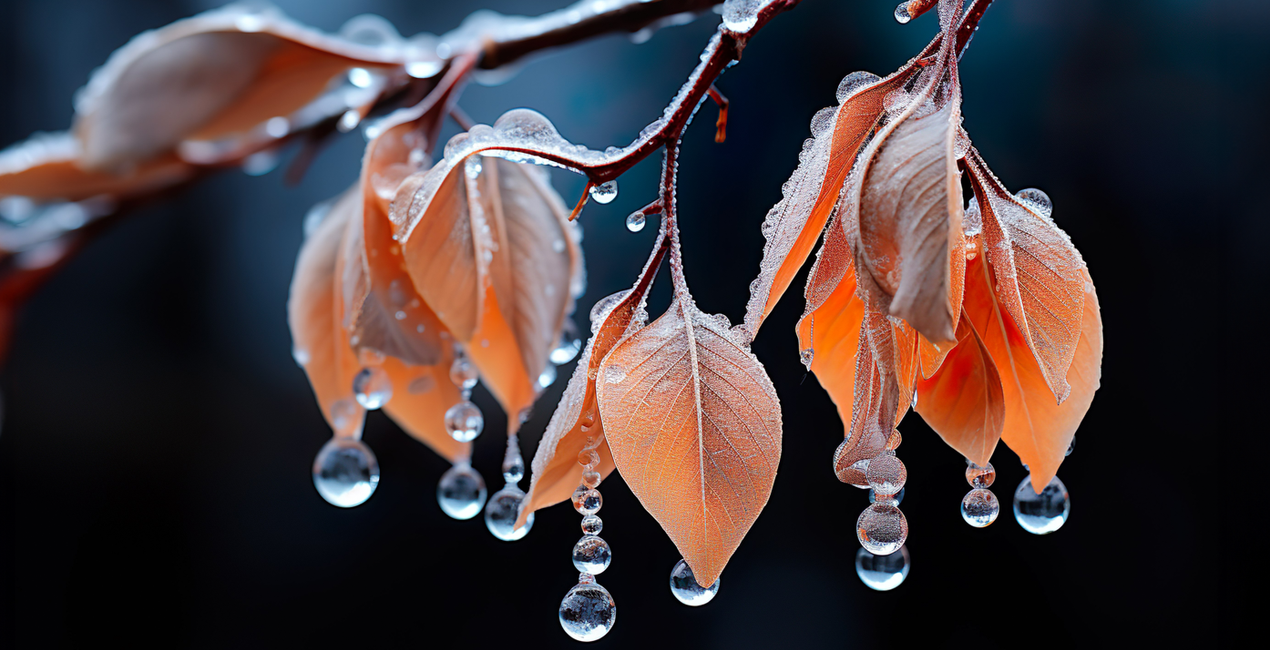
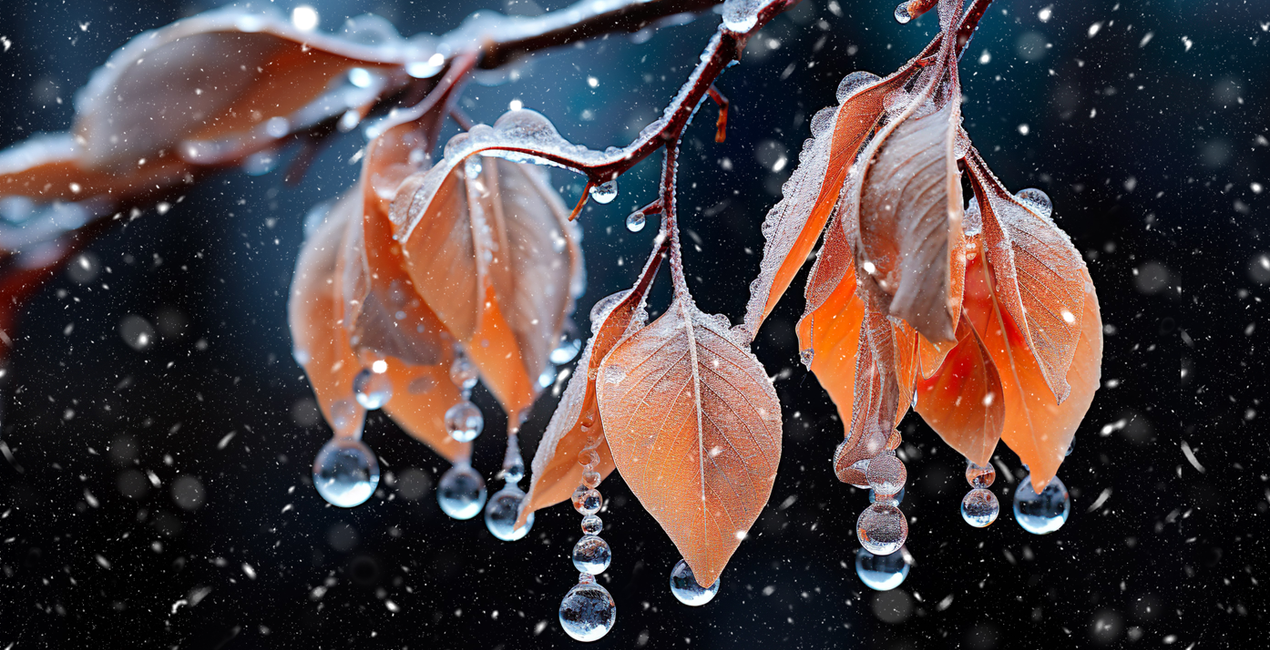
Transform your photos and artworks into a winter wonderland – with just a click. Introducing Let It Snow, your ultimate Snow Overlay Pack specially designed to embellish your works with a wintry touch. Whether you're a photographer, a digital artist, or simply a creative individual – this pack turns anyone into a snow magician
Cosa è incluso
100 overlays in JPEG format


Utilizzando i file RAW forniti, potrai mettere facilmente in pratica i consigli di ritocco e imparare a ottenere foto come queste.
 >
>
 >
>

 >
>
 >
>
 >
>
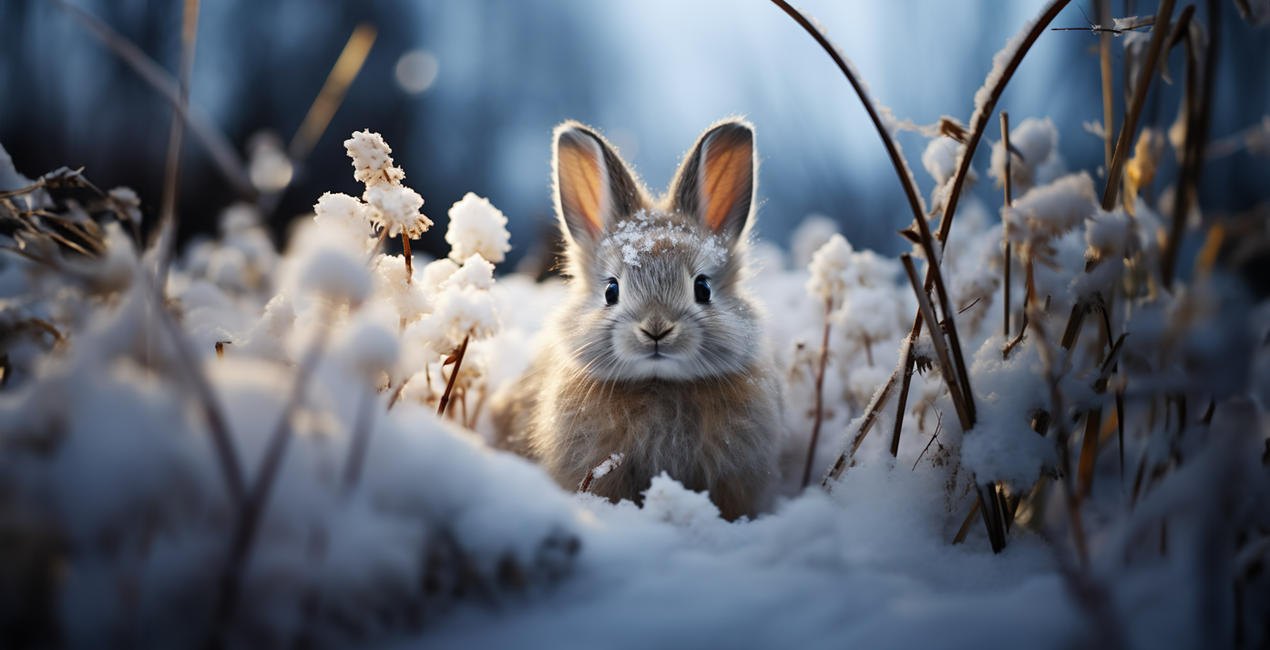
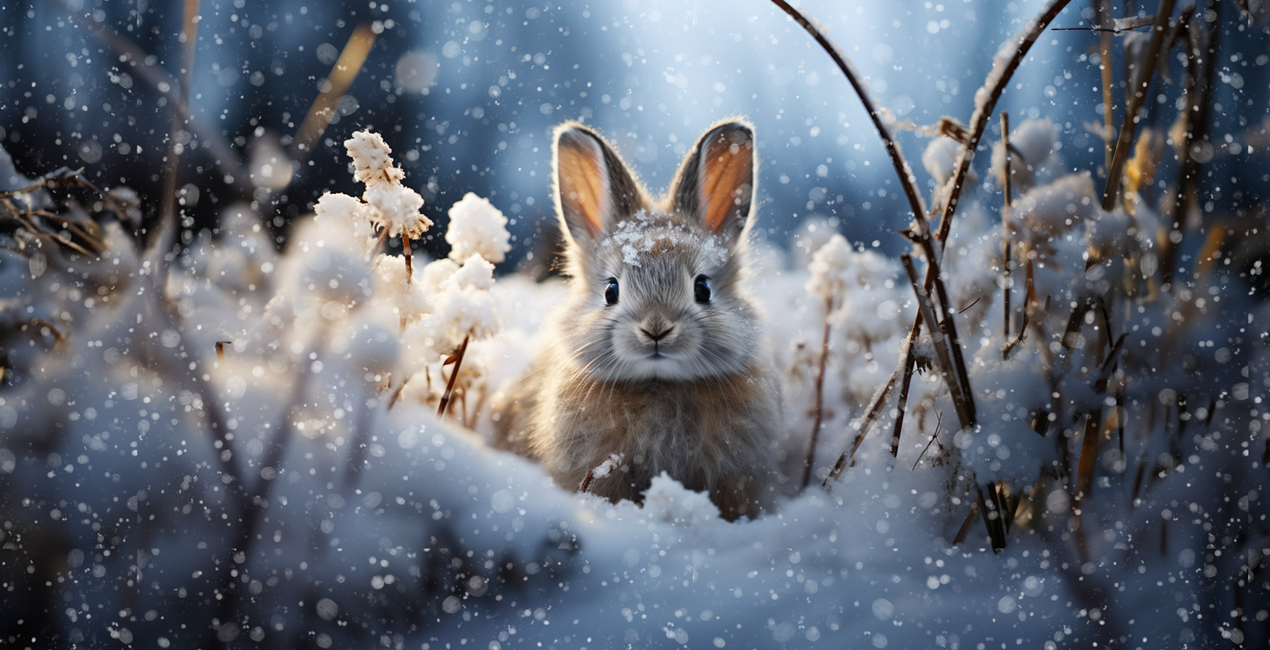 >
>
Diverse Selection
Kathrin Federer has passionately curated a collection offering you 100 stunning snow Overlays in various forms – from fine snowflakes to large snow globules, including versions with depth-of-field and motion blur. Your creative possibilities are endless!
Premium Quality
All Overlays are provided in high-resolution JPG format, with dimensions of 6000px on the longer side and a crisp resolution of 300 DPI. This makes them perfect for any project, from social media posts to large-format prints.
Universal Software Compatibility
These Overlays are compatible with any software that supports layers and blending modes. Simply set the blending mode to "Multiply Negative," and let the wintry magic begin!
Fine-tuning to the Last Detail
You have the option to mask specific areas of your image to, for example, highlight faces or other important elements. This way, you can give your photos an individual and intricate touch without losing the winter effect. Or achieve even more artistic effects by adding an extra motion blur filter.
Features:
100 diverse snow Overlays
High-resolution quality (6000px, 300 DPI)
Full compatibility with various software applications
Easy handling and customization
Capture the essence of winter and lend your photos a unique atmosphere with Let It Snow!
BONUS TIP: You can even create rain! This works especially well with my finer snow overlays. Simply add a Motion Blur Effect to the Overlay Layer. From there, you can adjust the strength and angle. Optionally, you can also adjust the layer's opacity. And just like that, your rain effect is complete!


Digital Artist, Architect of Visual Dreams, Skylum Ambassador
Born in Switzerland, Kathrin Federer has established an impressive art career from her base near Zurich. Initially, an abstract painter, her 2017 encounter with Photoshop revolutionized her creative process. Kathrin's ability to realize her visions sets her apart in the art world, and she has become a living source of inspiration to many.
Skillfully employing a diverse range of professional design software and various digital enhancement tools, Kathrin constructs breathtaking artworks. Her creative toolbox extends beyond Photoshop and Illustrator, embracing the full spectrum of digital technologies to bring her vibrant artistic concepts to life. These involve a fusion of her photographs, 3D objects, vectors, and her original digital elements, infusing her vibrant artistic concepts with life. Characterized by continuous growth and refinement, her art maintains a signature crisp style that is distinctively hers, transforming any setting with its profound visual impact.
Kathrin Federer draws her inspiration from a variety of sources. Everyday subjects, images, and her own vivid imagination often serve as the basis for her art. She has the unique ability to create an entire environment around a single inspirational object. This can be anything from grazing sheep in a pasture to a snapshot or a child's drawing. Kathrin's works reflect a part of her soul and are meant to take the viewer on a journey, make them think, or even just make them smile. She hopes to exude calm and serenity with her minimalist creations and offer a respite from the fast-paced modern world.
Kathrin Federer's style is a blend of minimalism and nature, with an occasional dash of humor, resulting in haunting, dreamlike scenarios. Her digital art is characterized by its clear depiction and unique compositions. Kathrin's meticulous attention to detail and perfectionism are evident in each of her works. She often incorporates elements such as animals, trees, mountains, and architectural features into her works. Kathrin's color choices and arrangement of elements in her works are carefully considered, often guided by intuition, and supported by a deep understanding of color theory and design principles.
Se hai domande sui prodotti, puoi contattare il team dell'assistenza tutti i giorni, 24 ore al giorno. Utilizza questo link.
Per acquistare Let It Snow Overlays, segui questi passaggi:
1. Apri il Marketplace di Skylum.
2. Vai sulla scheda dove è elencato Let It Snow Overlays. Clicca sul nome del prodotto per aggiungerlo al carrello.
3. Vai al carrello, dove potrai completare l'acquisto di Let It Snow Overlays.
4. Dopo l'acquisto, riceverai un'e-mail con il link per scaricare Let It Snow Overlays. Potrai trovare il nuovo acquisto anche nel tuo account Skylum, nella scheda I miei add-on.
Nell'e-mail con il link per il download riceverai anche istruzioni dettagliate su come installare Let It Snow Overlays.
Inoltre, puoi installare l'articolo acquistato direttamente in Luminar Neo: vai su Extra > Marketplace, seleziona la categoria di prodotto, trova l'articolo acquistato e clicca su Installa.
È facilissimo! Let It Snow Overlays si troverà in Livelli > Acquistati. Clicca per applicare e regolare la texture/le proprietà dell'oggetto come dimensioni, opacità e modalità di fusione nel menu Proprietà livello.
Se utilizzi Luminar AI, vai nella scheda Modifica nella barra dei menu superiore. Let It Snow Overlays che hai installato si troverà in Mascheramento locale > Texture > Selezione texture > Personalizza.
Non preoccuparti. Tutti gli articoli acquistati, incluso Let It Snow Overlays, vengono conservati nella scheda "I miei add-on" del tuo account Skylum, così potrai riscaricarli e utilizzarli in tutta facilità.
In generale, la maggior parte degli articoli è compatibile con Luminar Neo. Ma per assicurarti che Let It Snow Overlays sia compatibile con i tuoi software, verificane le specifiche prima di scaricarlo o acquistarlo. Cerca la sezione "Compatibilità" sulla destra della pagina di Let It Snow Overlays, dove sono elencati tutti i prodotti compatibili.
Non andartene ancora. Ecco un codice sconto esclusivo per te. Usalo entro i prossimi 15 minuti per ottenere un ulteriore sconto del 10% al momento del pagamento. Copia il codice qui sotto e completa l'acquisto.
15 m : 00 s





