


 Applicato


Runny Paint Drips Overlays
Save $201 $ 19 .00

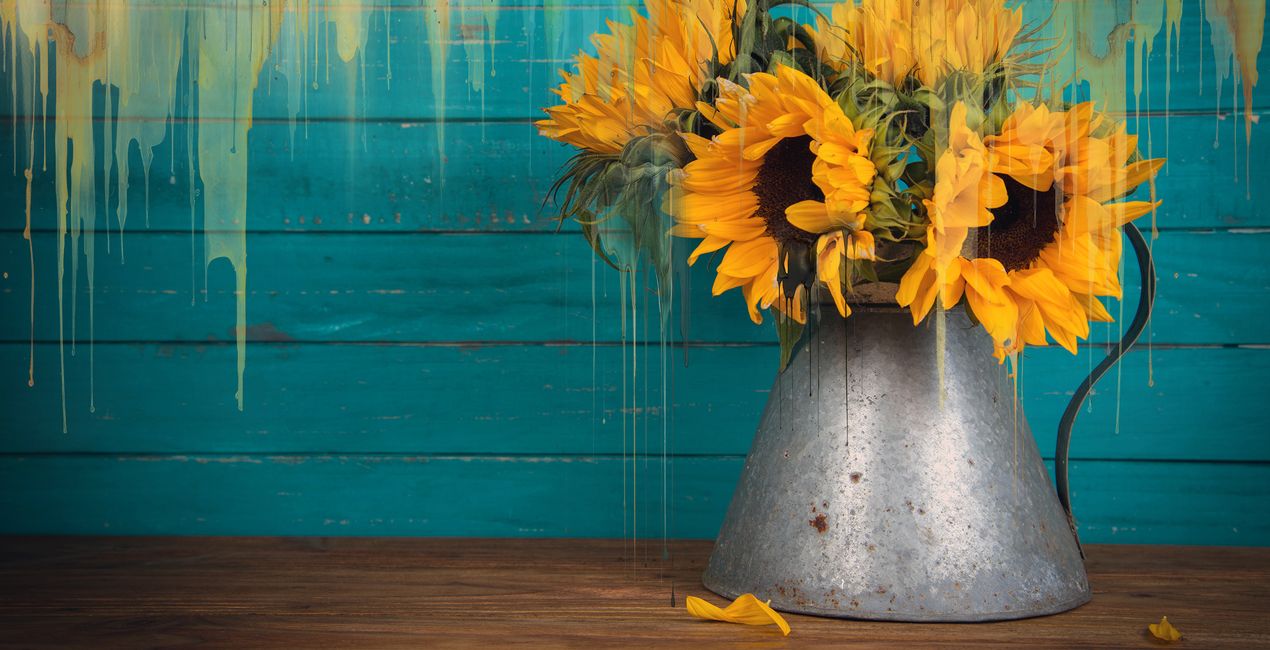
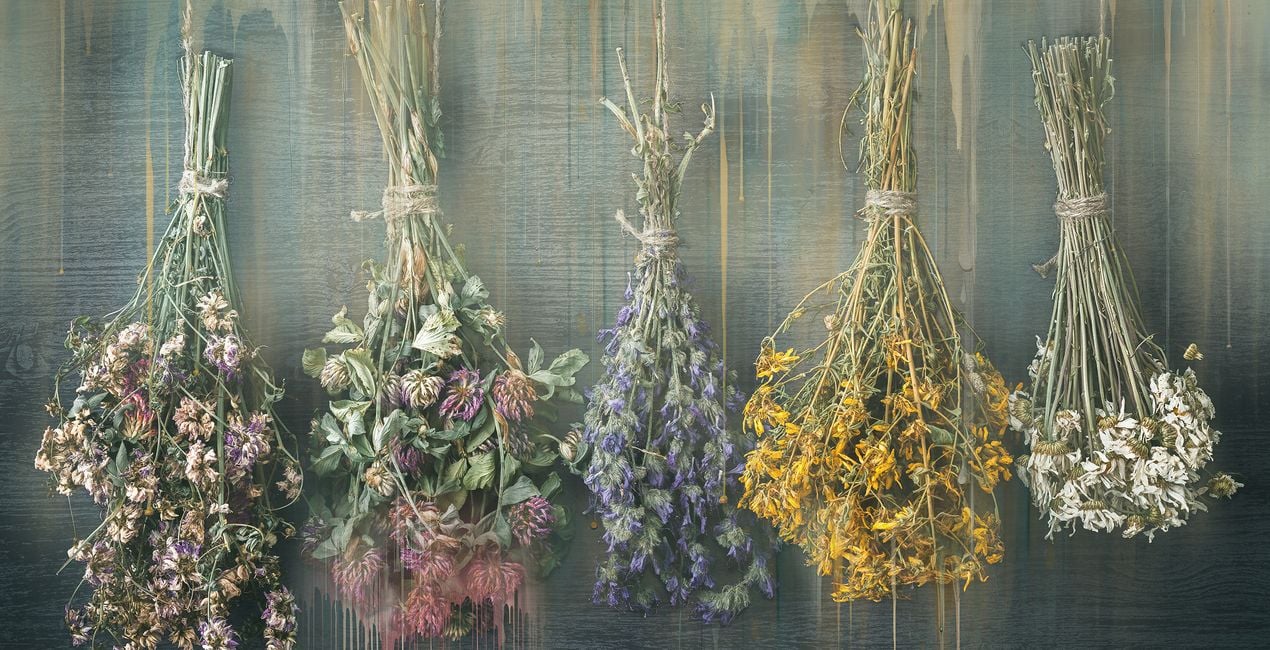
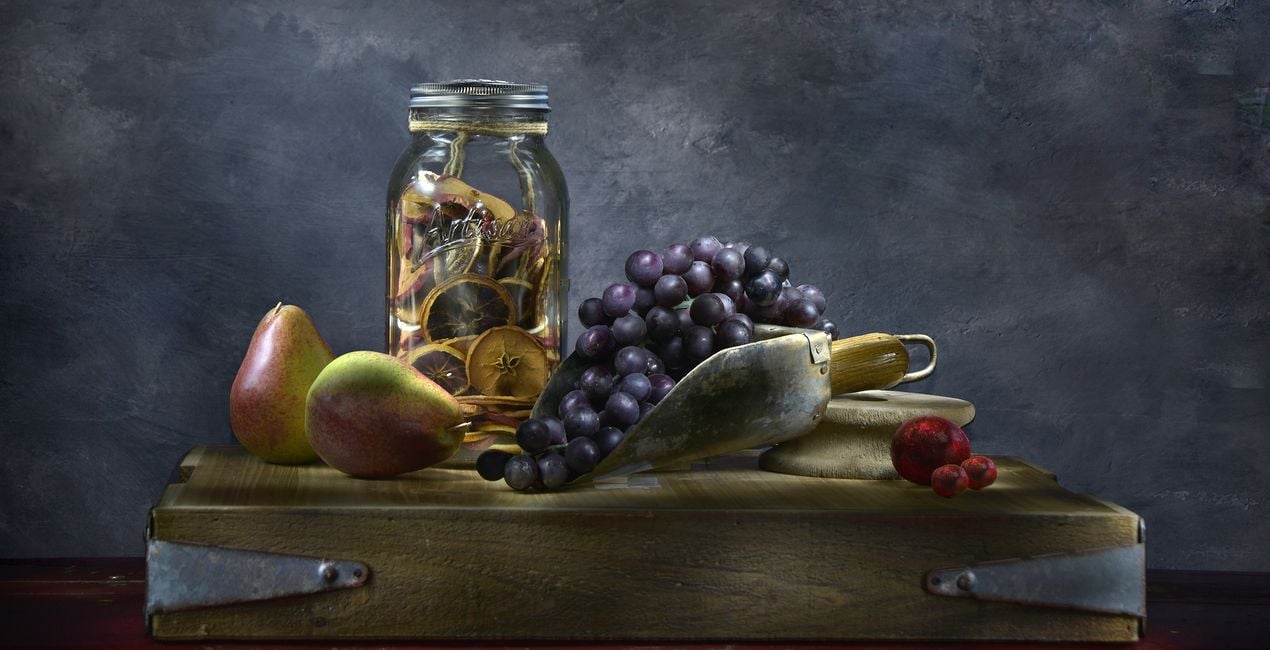
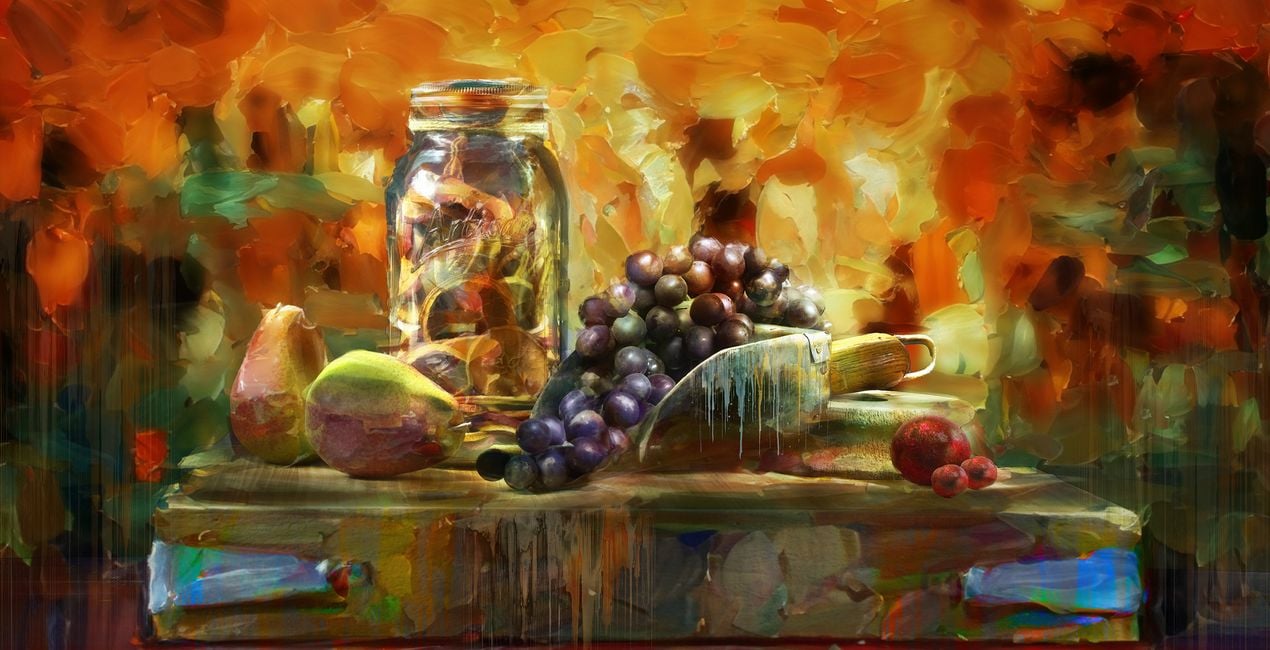
Presenting the Runny Paint Drips Overlays — a dynamic and versatile collection of 10 Overlays designed to elevate your digital art by inspiring it with painterly drips. These Overlays offer a transformative tool that allows artists to effortlessly enhance their creations and achieve a captivating textured effect reminiscent of fluid paint in motion. With each drip thoughtfully crafted, this collection opens up new avenues of creative expression, enriching your digital art with an authentic and dynamic touch. Whether you're aiming to add layers of visual interest or a sense of fluidity, the Runny Paint Drips Overlays are a valuable addition to your digital toolkit. Elevate your photo art and immerse yourself in a world of boundless artistic possibilities, where each drip tells a unique story and adds a layer of dynamic beauty to your creations.
Cosa è incluso
10 Overlays in PNG format


Utilizzando i file RAW forniti, potrai mettere facilmente in pratica i consigli di ritocco e imparare a ottenere foto come queste.

 >
>

 >
>

 >
>

 >
>
 >
>


Professional Photographer and Master Artist
Carly Sullens is a globally renowned master artist and certified professional photographer whose expertise spans painting, art history, psychology, and art therapy. Skillfully merging traditional techniques with digital artistry, Carly crafts captivating and imaginative photographic masterpieces. Carly's photography seamlessly weaves reality with imagination, constantly pushing the boundaries to transform ordinary moments into extraordinary visions. With a profound ability to deconstruct and reimagine her photographs, she crafts distinct and enchanting artistic images. Whether through her lens, skillful adjustments, digital painting, or innovative compositing, Carly breathes life into her work, creating a world where imagination knows no bounds. Her talent has not gone unnoticed, as she has garnered numerous accolades, publications and awards for her unparalleled skills. Carly’s pieces evoke a timeless allure reminiscent of revered museum artworks, showcasing her mastery of seamlessly blending traditional artistry with cutting-edge digital techniques. A trailblazer in her field, Carly is an enthusiastic educator, sharing her expertise internationally to inspire others to achieve painterly effects from their own photographs. She effortlessly imparts her knowledge and techniques, enabling individuals to unleash their creative potential within the expansive realm of digital artistry. Carly's unwavering dedication to photography shapes a vibrant and mesmerizing world of visual storytelling. Through her lens, she captures hearts, enthralls audiences, and kindles the spirits of fellow artists. With each creation, Carly propels the boundaries of artistic possibility, leaving an indelible mark on the ever-evolving tapestry of visual expression.
Se hai domande sui prodotti, puoi contattare il team dell'assistenza tutti i giorni, 24 ore al giorno. Utilizza questo link.
Per acquistare Runny Paint Drips Overlays, segui questi passaggi:
1. Apri il Marketplace di Skylum.
2. Vai sulla scheda dove è elencato Runny Paint Drips Overlays. Clicca sul nome del prodotto per aggiungerlo al carrello.
3. Vai al carrello, dove potrai completare l'acquisto di Runny Paint Drips Overlays.
4. Dopo l'acquisto, riceverai un'e-mail con il link per scaricare Runny Paint Drips Overlays. Potrai trovare il nuovo acquisto anche nel tuo account Skylum, nella scheda I miei add-on.
Nell'e-mail con il link per il download riceverai anche istruzioni dettagliate su come installare Runny Paint Drips Overlays.
Inoltre, puoi installare l'articolo acquistato direttamente in Luminar Neo: vai su Extra > Marketplace, seleziona la categoria di prodotto, trova l'articolo acquistato e clicca su Installa.
È facilissimo! Runny Paint Drips Overlays si troverà in Livelli > Acquistati. Clicca per applicare e regolare la texture/le proprietà dell'oggetto come dimensioni, opacità e modalità di fusione nel menu Proprietà livello.
Se utilizzi Luminar AI, vai nella scheda Modifica nella barra dei menu superiore. Runny Paint Drips Overlays che hai installato si troverà in Mascheramento locale > Texture > Selezione texture > Personalizza.
Non preoccuparti. Tutti gli articoli acquistati, incluso Runny Paint Drips Overlays, vengono conservati nella scheda "I miei add-on" del tuo account Skylum, così potrai riscaricarli e utilizzarli in tutta facilità.
In generale, la maggior parte degli articoli è compatibile con Luminar Neo. Ma per assicurarti che Runny Paint Drips Overlays sia compatibile con i tuoi software, verificane le specifiche prima di scaricarlo o acquistarlo. Cerca la sezione "Compatibilità" sulla destra della pagina di Runny Paint Drips Overlays, dove sono elencati tutti i prodotti compatibili.
Non andartene ancora. Ecco un codice sconto esclusivo per te. Usalo entro i prossimi 15 minuti per ottenere un ulteriore sconto del 10% al momento del pagamento. Copia il codice qui sotto e completa l'acquisto.
15 m : 00 s





