


 Applicato




Informazioni
Transform expanses of empty blue sky and sand into dramatic shots. Use this collection of 10 desert Presets as your starting point to easily create a cinematic look full of warm tones and powerful details.
Compatibilità

Ottieni foto come queste
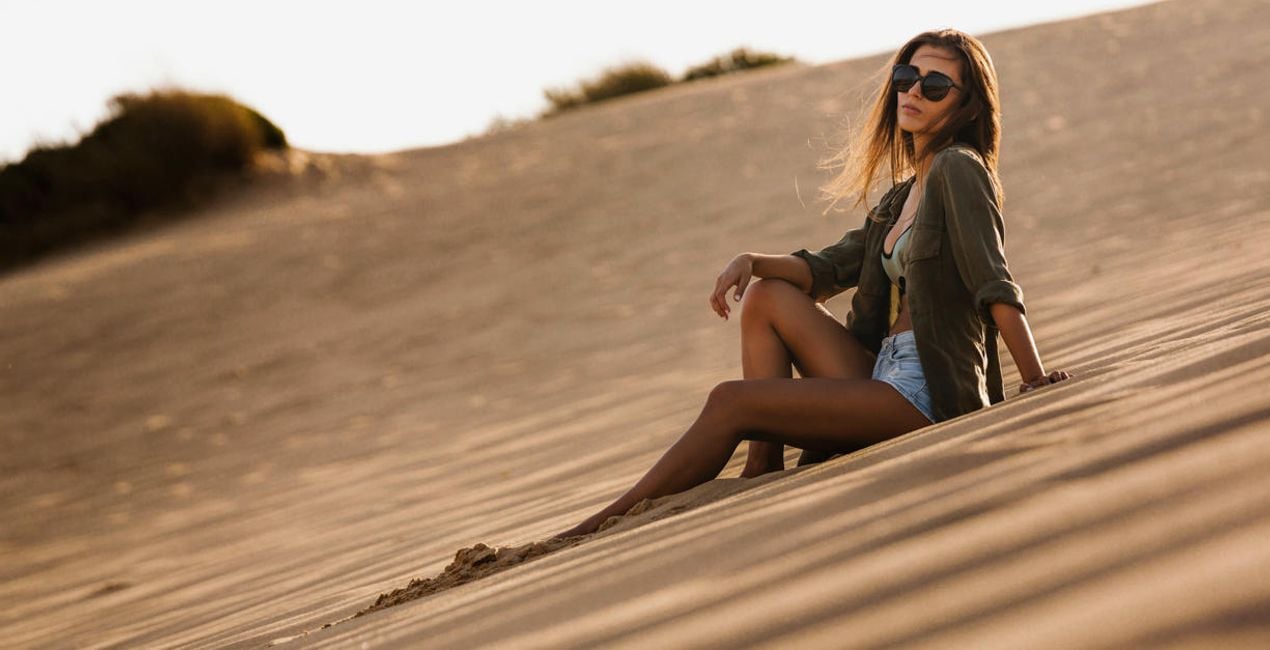
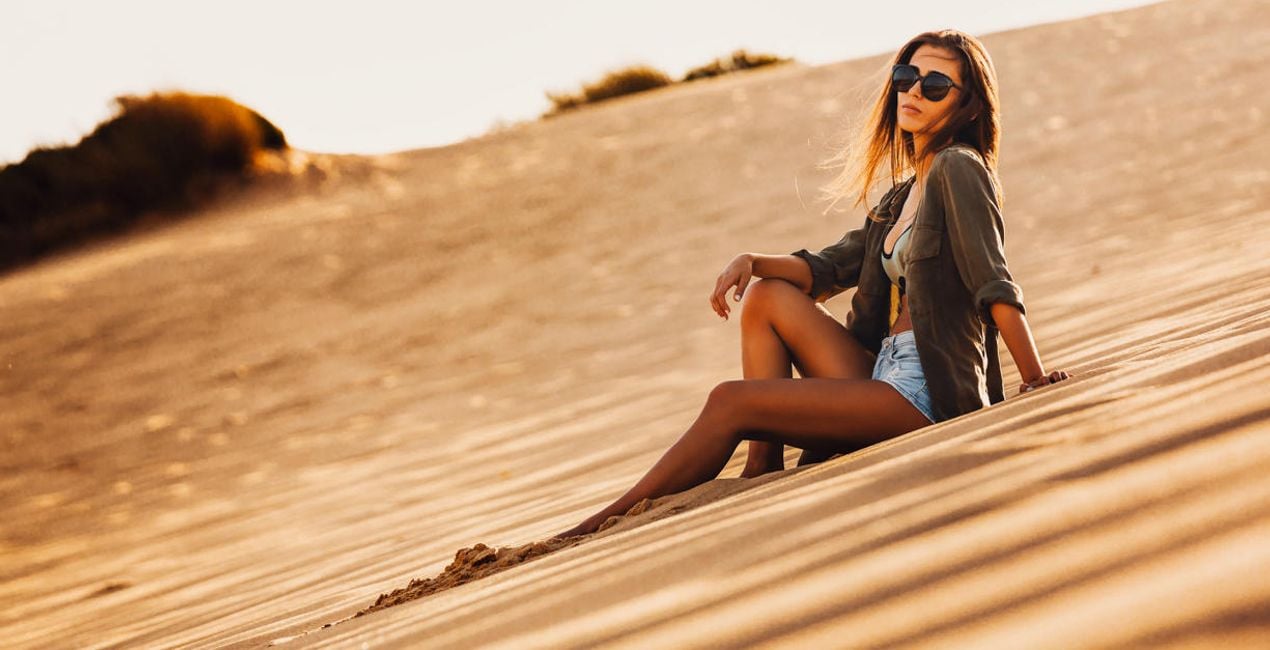
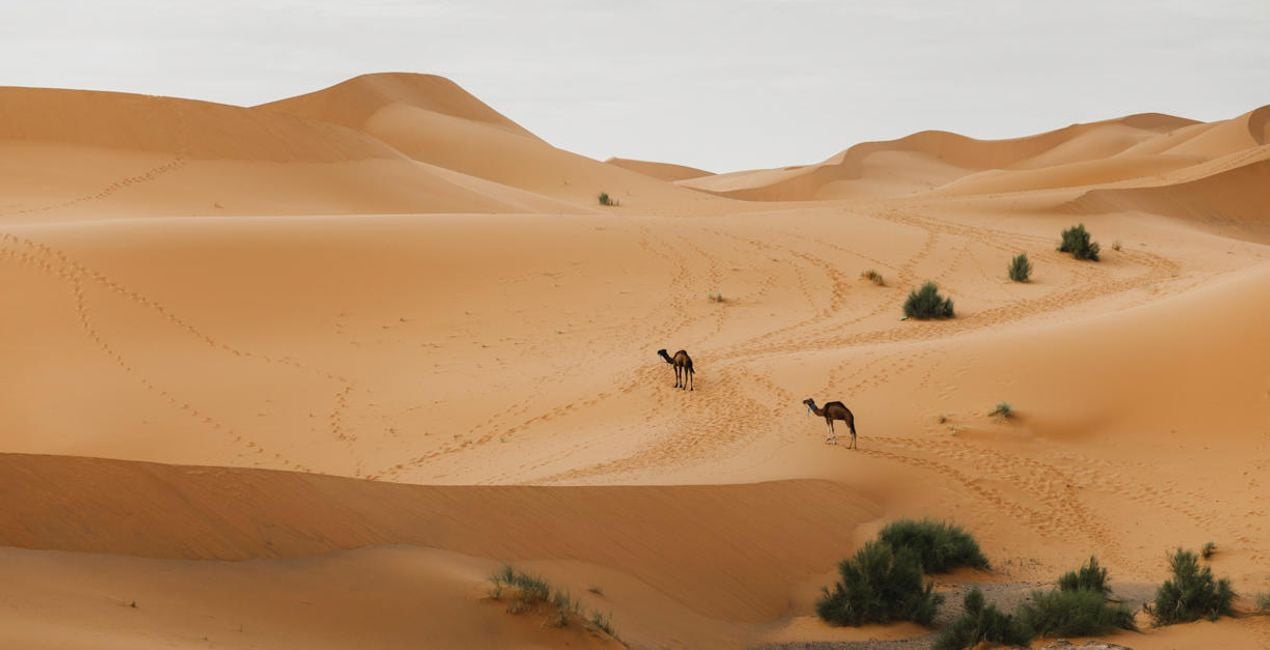
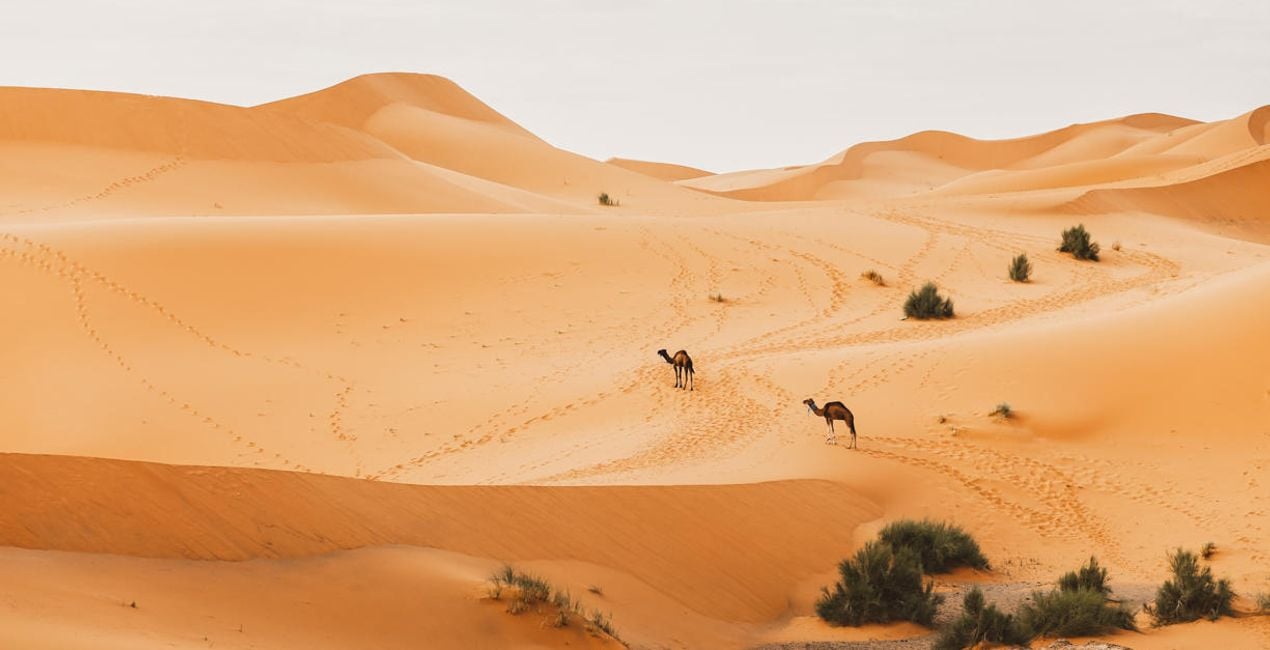
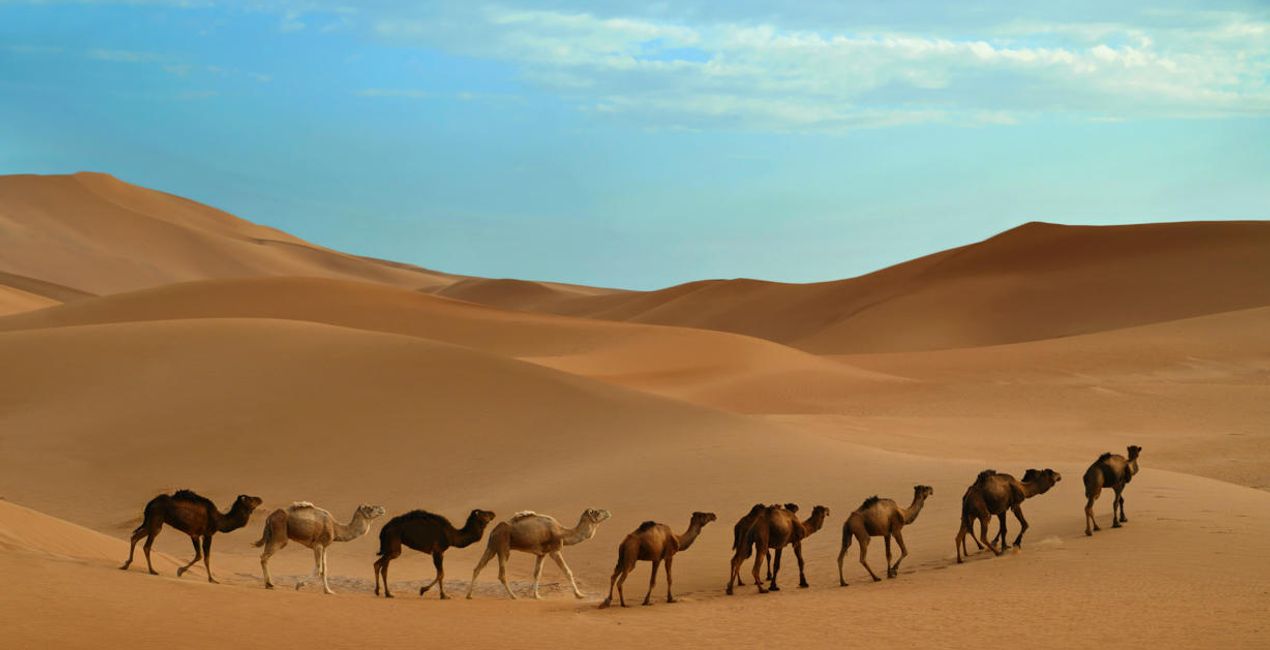
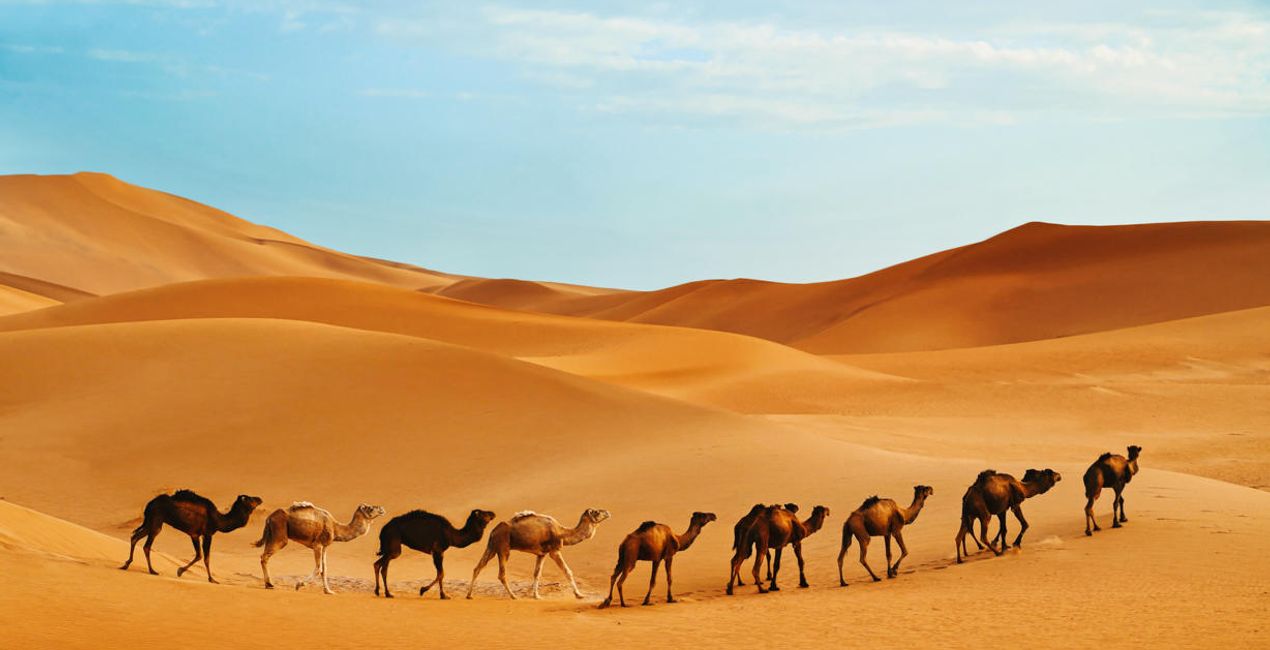
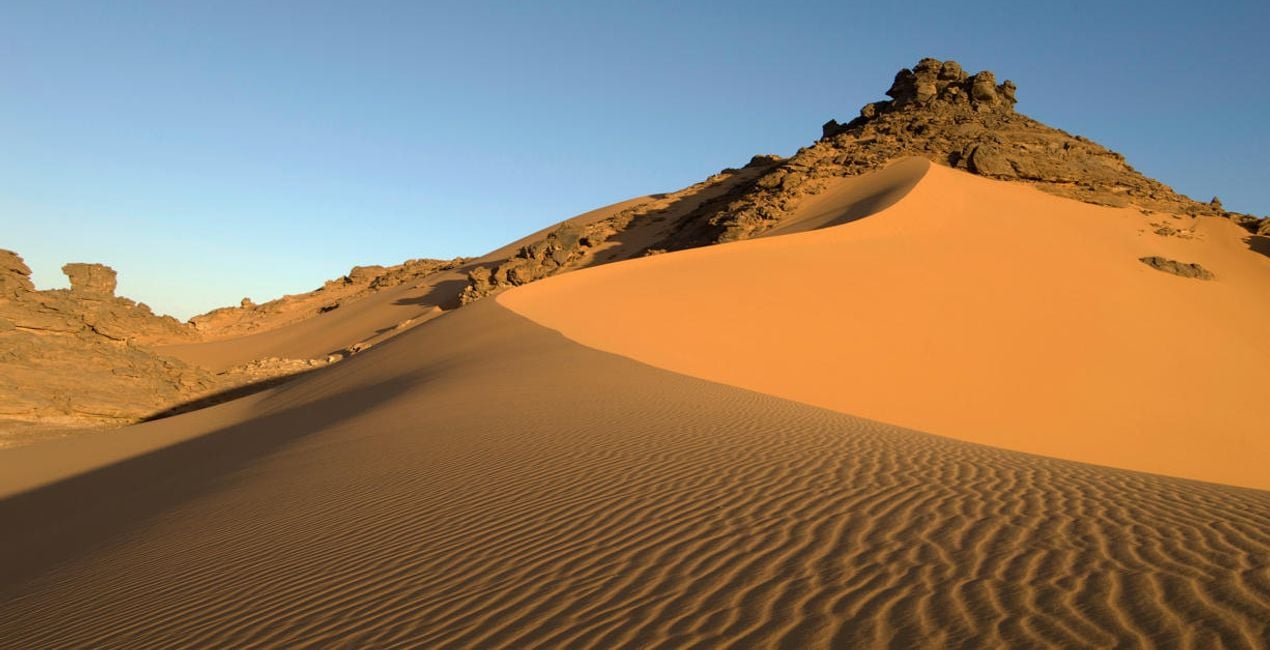
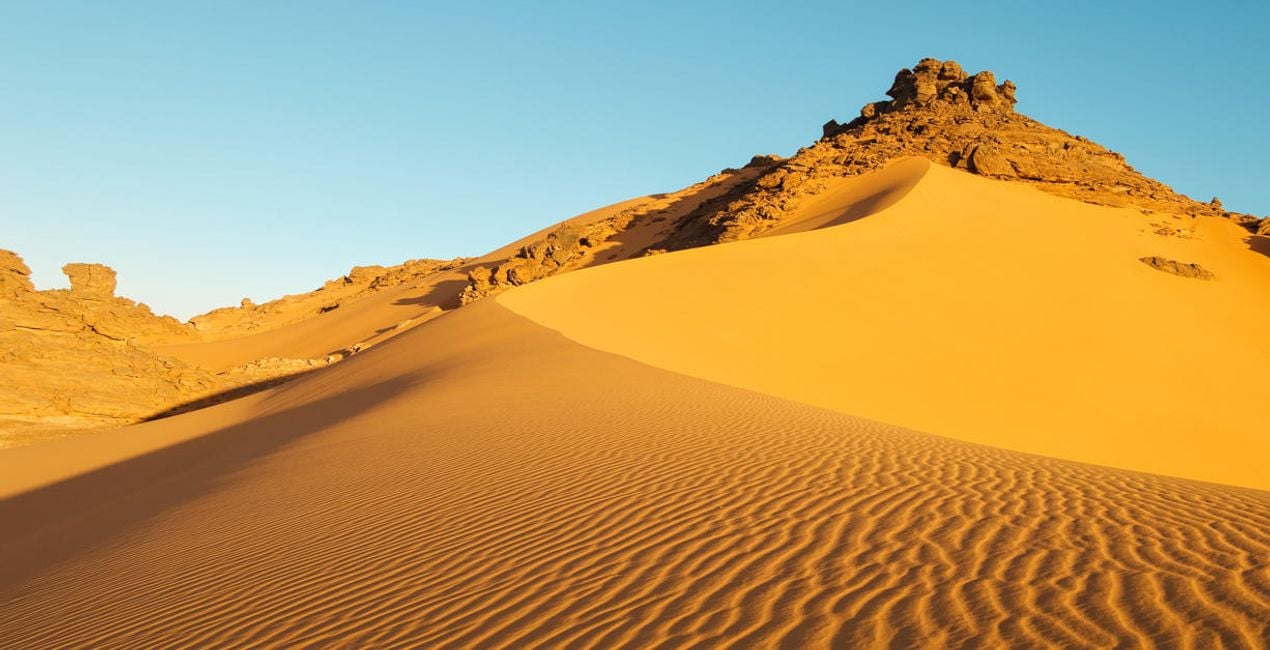
Utilizzando i file RAW forniti, potrai mettere facilmente in pratica i consigli di ritocco e imparare a ottenere foto come queste.
 >
>
 >
>
 >
>
 >
>
 >
>
 >
>
La storia
The Sahara Desert Presets collection is designed for all travel photographers looking for inspiration in editing their desert captures. Each of the 10 Presets offers a specific look and solution for one of the many situations photographers can face in the desert or a similar environment.
These Presets can be used for a quick edit on the go or as a starting point for more complex edits. Designed to work with both RAW and JPEG files, this collection designed by Clever Photographer offers non-destructive edits that can be easily adjusted in the Edit panel. So get the collection and create showstopping pictures that everyone will comment on.
You will find 10 Presets in this pack:
Dunes – A classic Preset for desert captures with warm pastel tones and open shadows
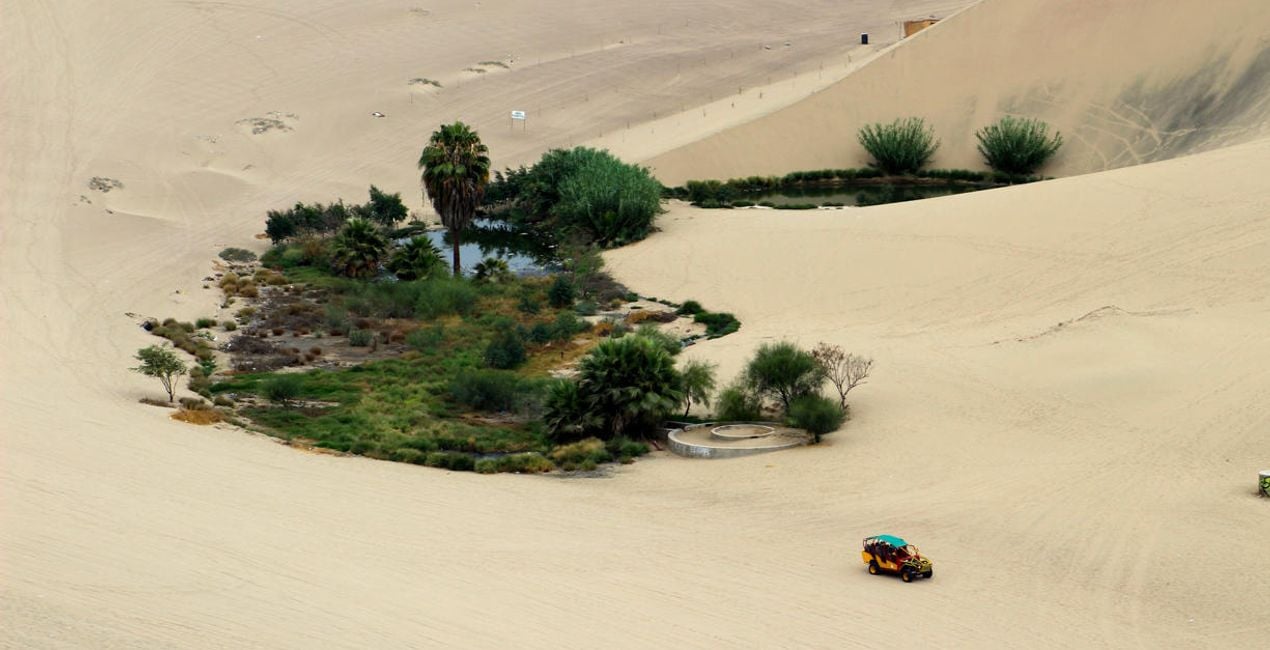
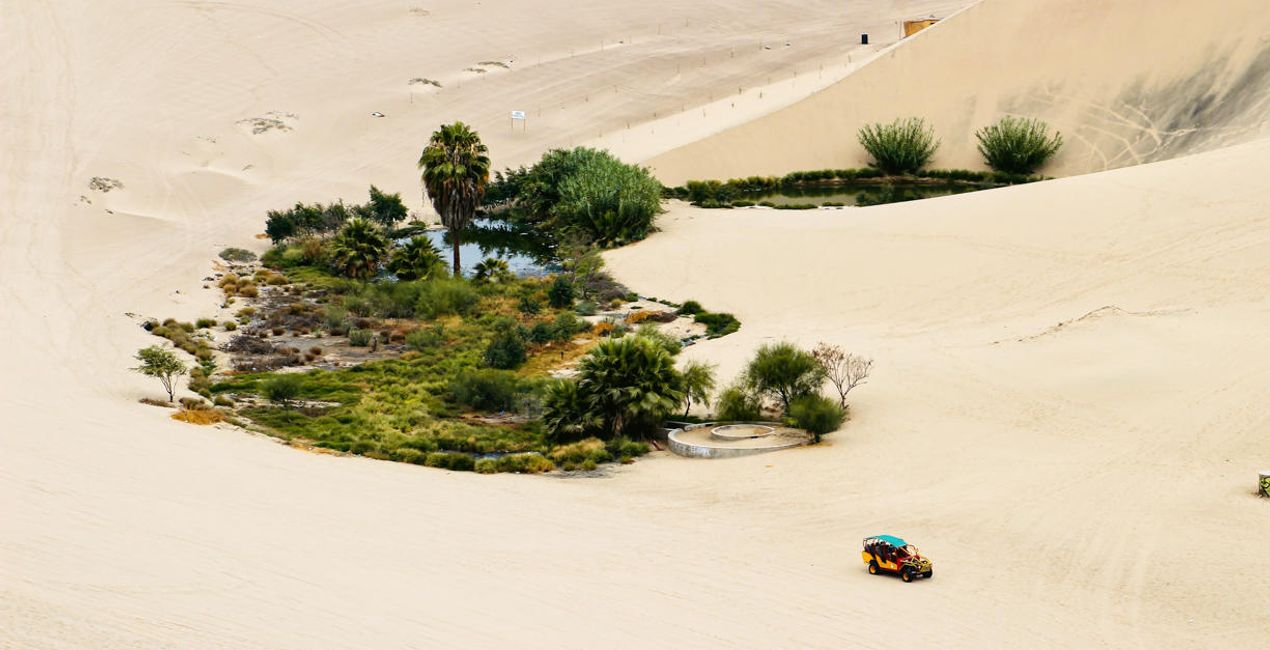
Oasis – A Preset designed to balance green foliage with warm tones
Desert Spirit – A skin-tone-friendly Preset with balanced contrast and beautiful warmth
Golden Tones – A cinematic Preset with a touch of fade and beautiful pastel colors
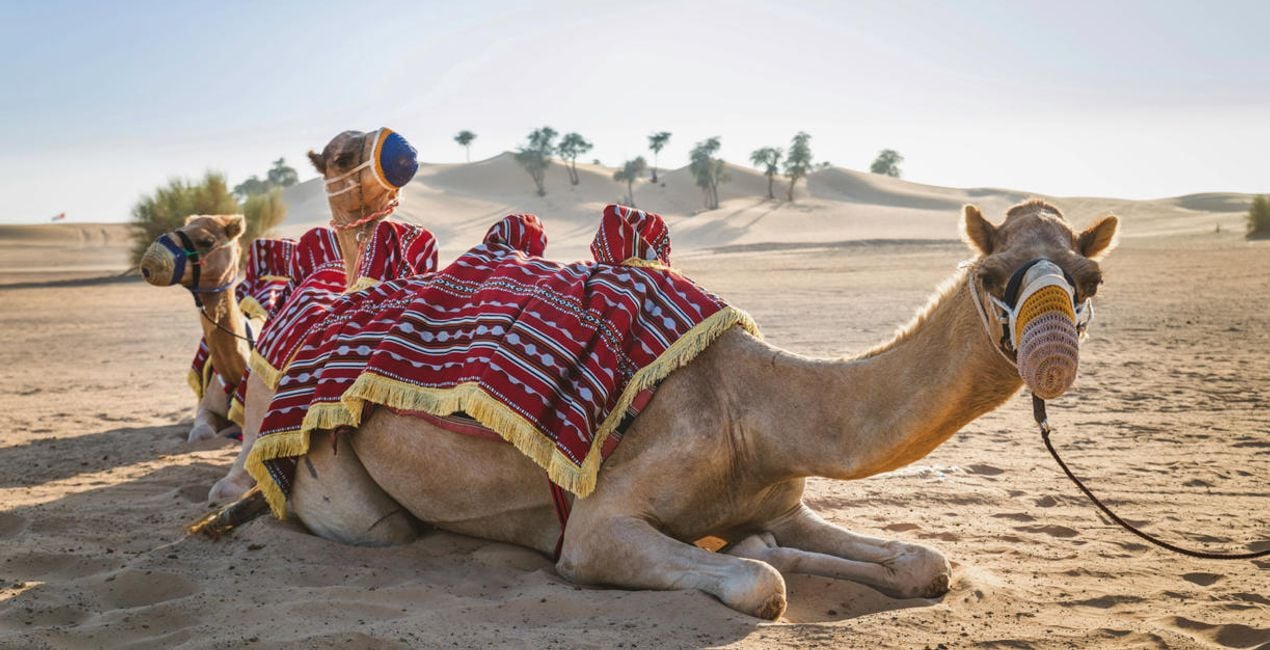
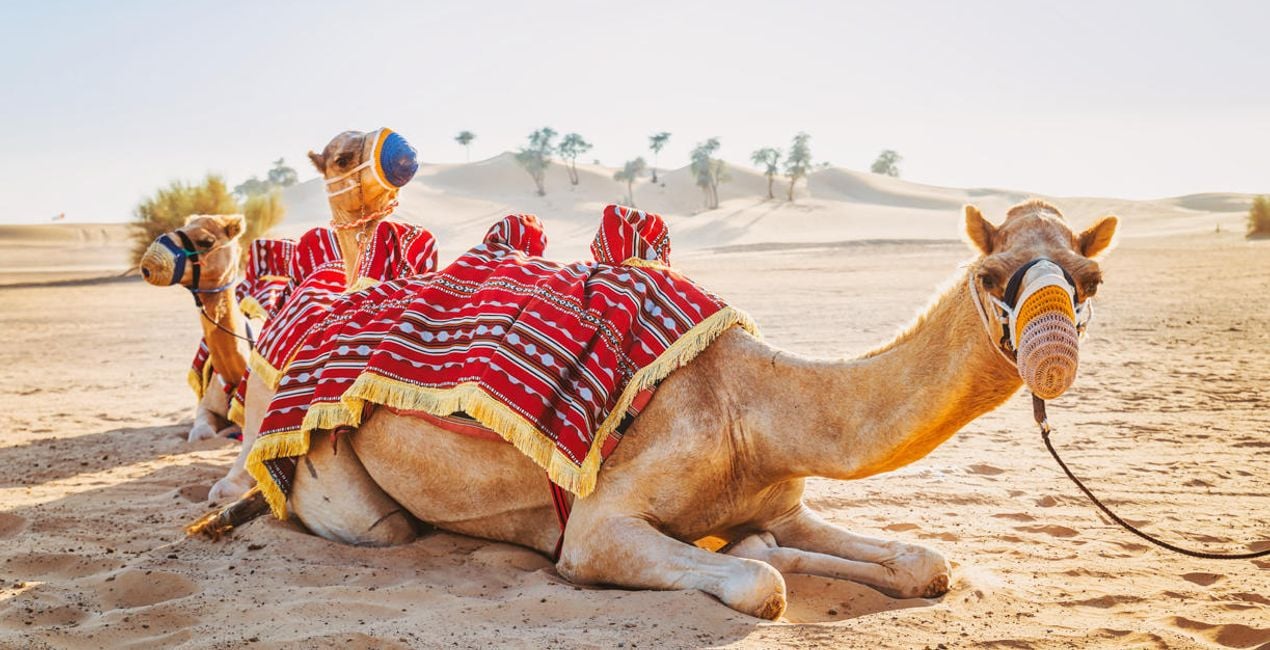
Camel – A simple Preset offering natural colors and gentle contrast that’s ideal for wildlife captures
Adventure – A Preset that offers well-balanced orange and yellow tones combined with texture and details
Desert Portrait – A skin-tone-friendly Preset with warm and bright edits full of balanced contrast
Caravana – A lovely Preset designed to enhance blue sky and warm sand
Sand House – A gentle play on the popular orange and teal style; ideal for a scene with blue sky and orange sand
Sand – A Preset designed specifically for sand, with rich tones and beautiful saturation
Prodotti correlati


Creator
Jakub Bors
Co-Founder of Clever Photographer
Jakub Bors is a UK-based landscape photographer with over 15 years of experience in digital art and technology. He’s most inspired by the work of Trey Ratcliff and Scott Kelby. Jakub has a large and supportive fanbase on social media, sells prints of fine art photography worldwide, has worked for PX500 and Trivago on their European projects, and has had his work published in several magazines including Practical Photography. His passion for traveling has brought Jakub to almost every corner of the planet and helped him connect with amazing people.
Come faccio a contattare l'assistenza?
Se hai domande sui prodotti, puoi contattare il team dell'assistenza tutti i giorni, 24 ore al giorno. Utilizza questo link.
Come faccio ad acquistare Sahara Desert?
Per acquistare Sahara Desert, segui questi passaggi:
1. Apri il Marketplace di Skylum.
2. Vai sulla scheda dove è elencato Sahara Desert. Clicca sul nome del prodotto per aggiungerlo al carrello.
3. Vai al carrello, dove potrai completare l'acquisto di Sahara Desert.
4. Dopo l'acquisto, riceverai un'e-mail con il link per scaricare Sahara Desert. Potrai trovare il nuovo acquisto anche nel tuo account Skylum, nella scheda I miei add-on.
Come faccio a installare Sahara Desert?
Nell'e-mail con il link per il download riceverai anche istruzioni dettagliate su come installare Sahara Desert.
Inoltre, puoi installare l'articolo acquistato direttamente in Luminar Neo: vai su Extra > Marketplace, seleziona la categoria di prodotto, trova l'articolo acquistato e clicca su Installa.
Dove trovo Sahara Desert dopo l'installazione?
È facilissimo! Vai nella scheda Preset, quindi seleziona Acquistati. Qui troverai i preset che hai acquistato.
Che succede se perdo Sahara Desert?
Non preoccuparti. Tutti gli articoli acquistati, incluso Sahara Desert, vengono conservati nella scheda "I miei add-on" del tuo account Skylum, così potrai riscaricarli e utilizzarli in tutta facilità.
Come faccio a verificare se Sahara Desert è compatibile con i miei software?
In generale, la maggior parte degli articoli è compatibile con Luminar Neo. Ma per assicurarti che Sahara Desert sia compatibile con i tuoi software, verificane le specifiche prima di scaricarlo o acquistarlo. Cerca la sezione "Compatibilità" sulla destra della pagina di Sahara Desert, dove sono elencati tutti i prodotti compatibili.


