


 Applicato


PAESAGGI HDR
Save $201 $ 19 .00

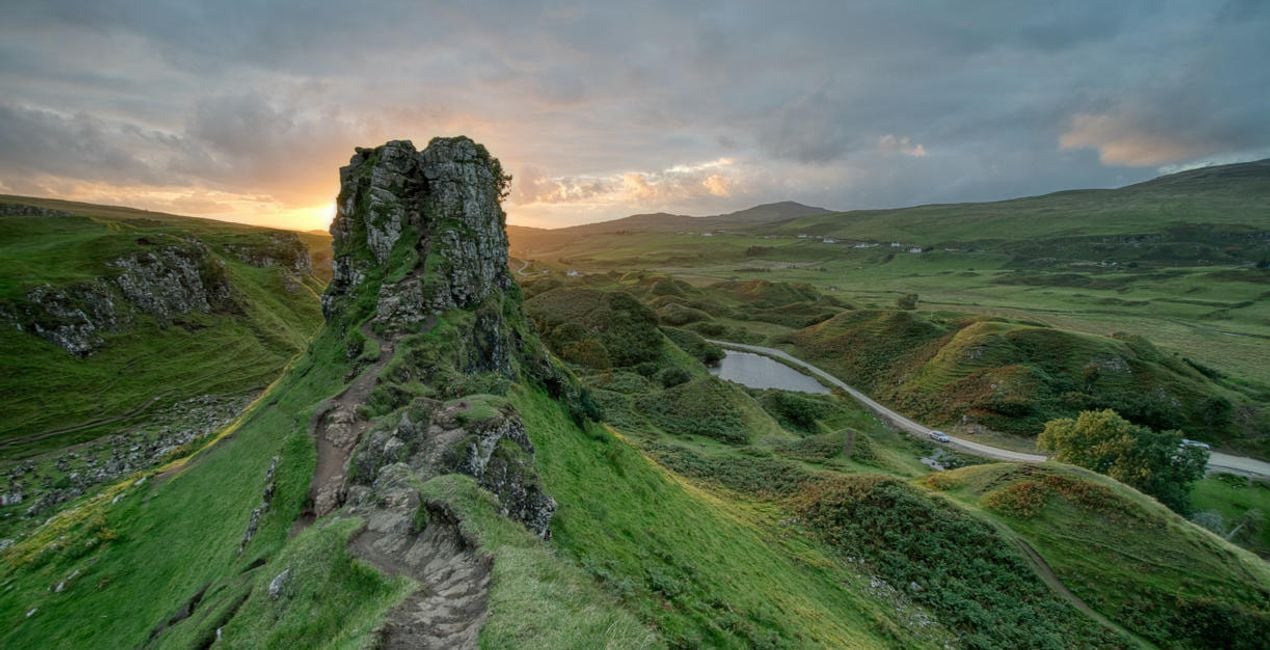
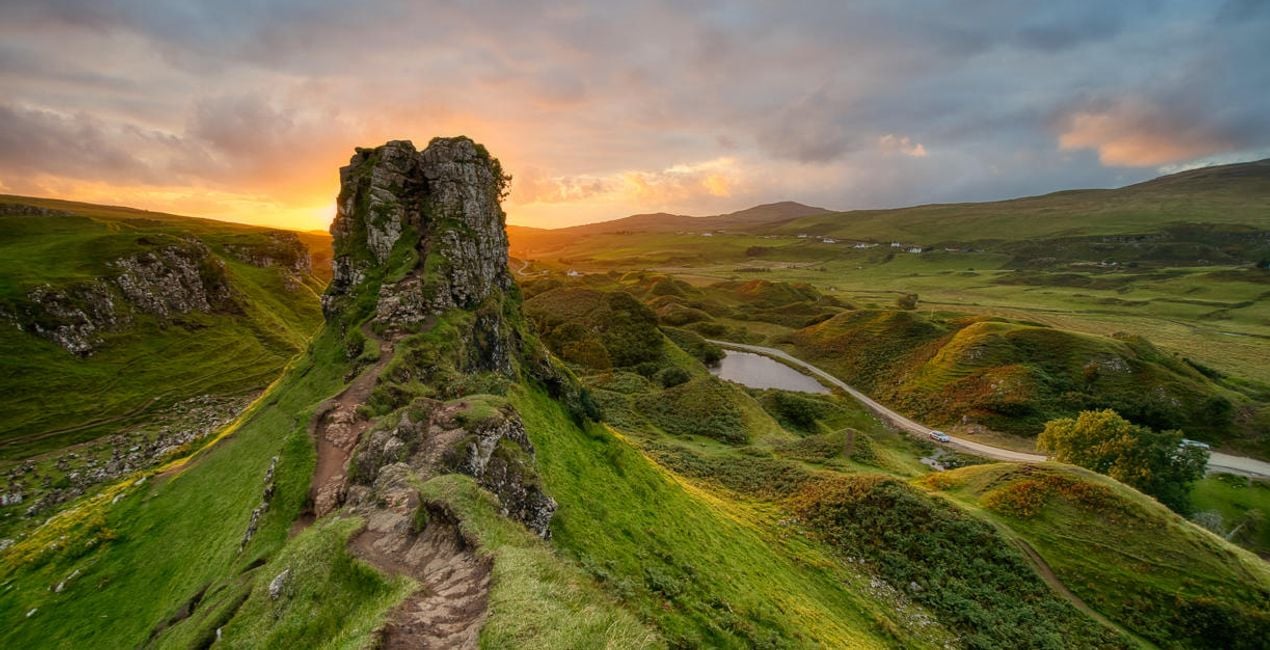
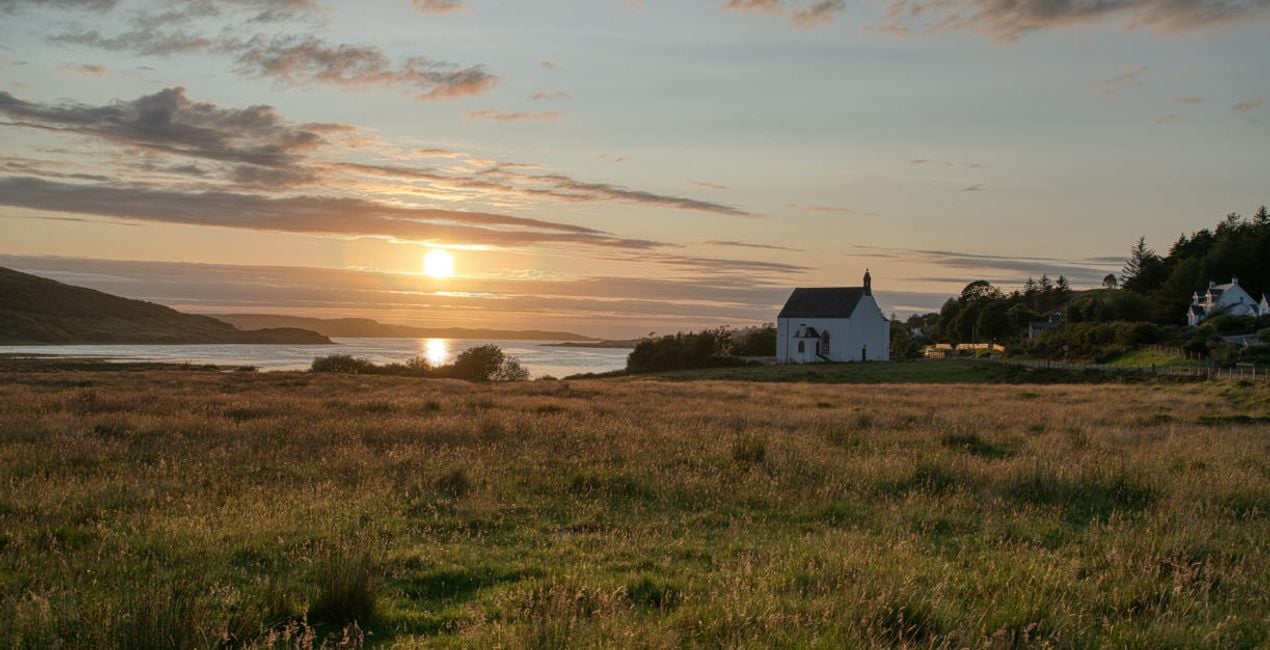
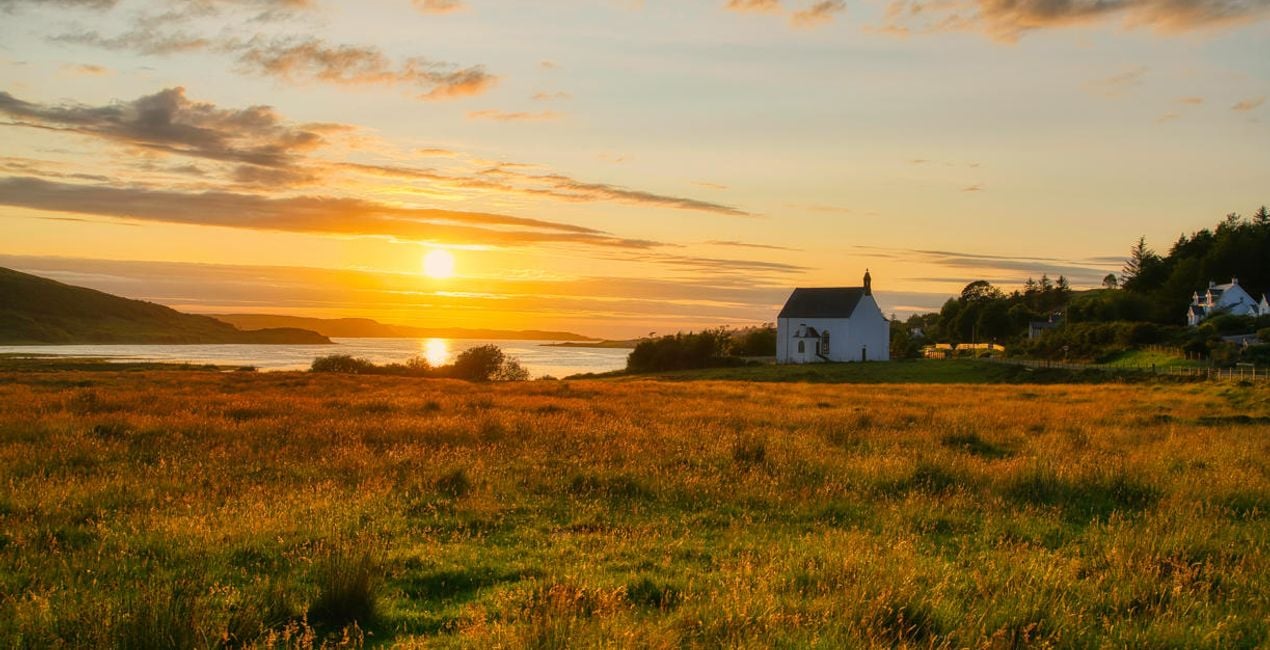
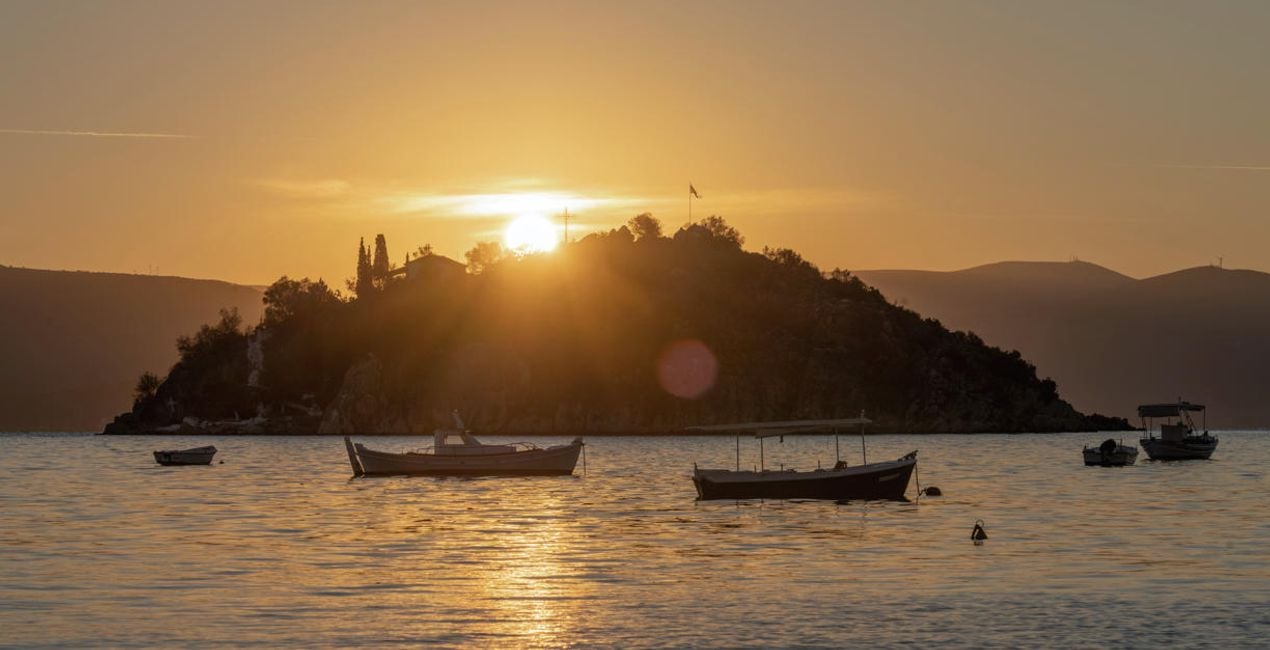
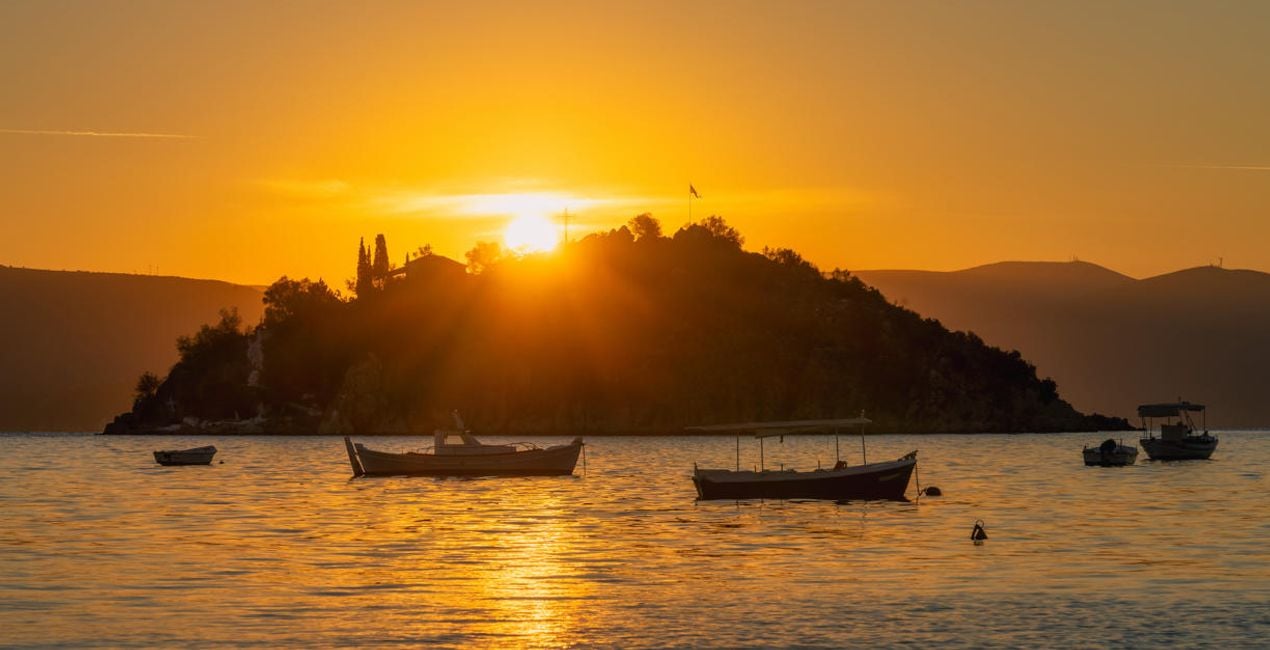
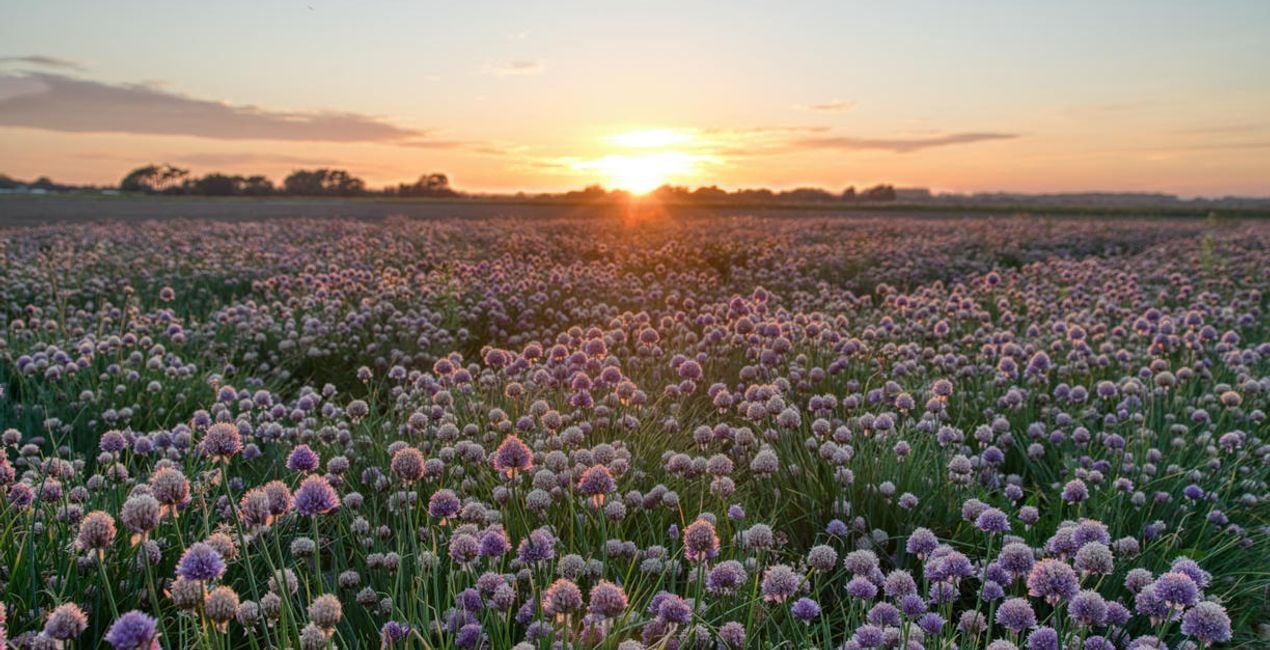
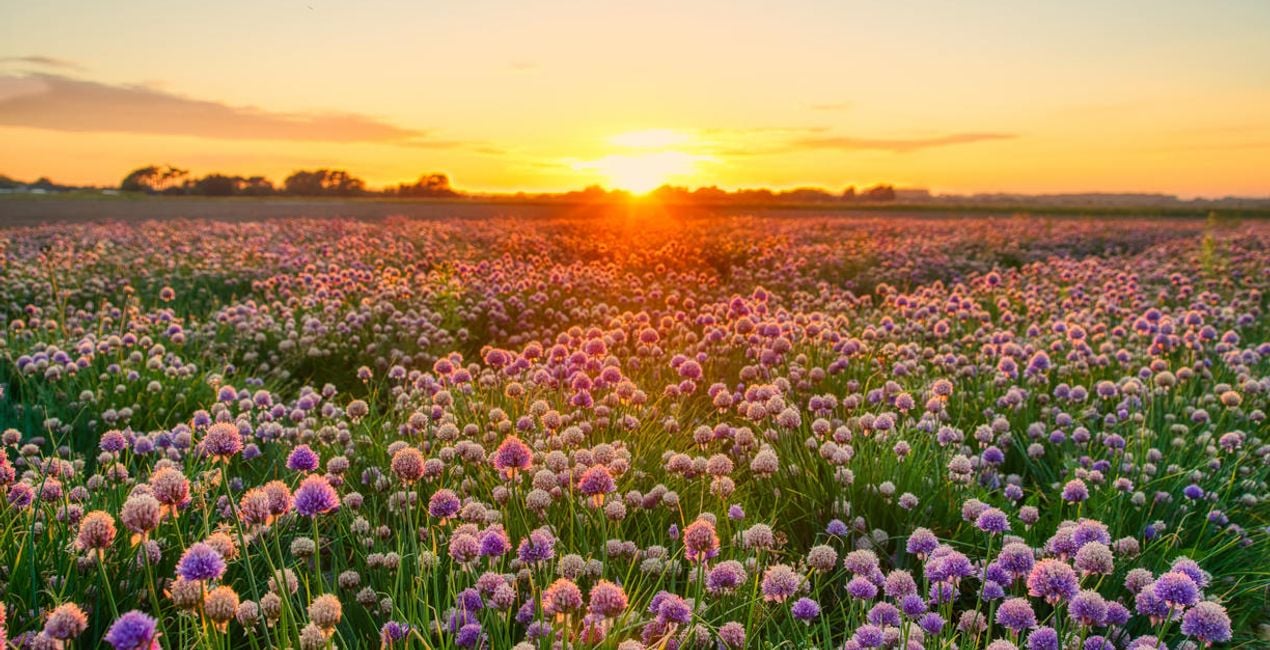
Trasforma le tue immagini di paesaggi e ottieni risultati straordinari con questi 10 affascinanti preset disegnati da Clever Photographer appositamente le foto create con l'estensione Fusione HDR.

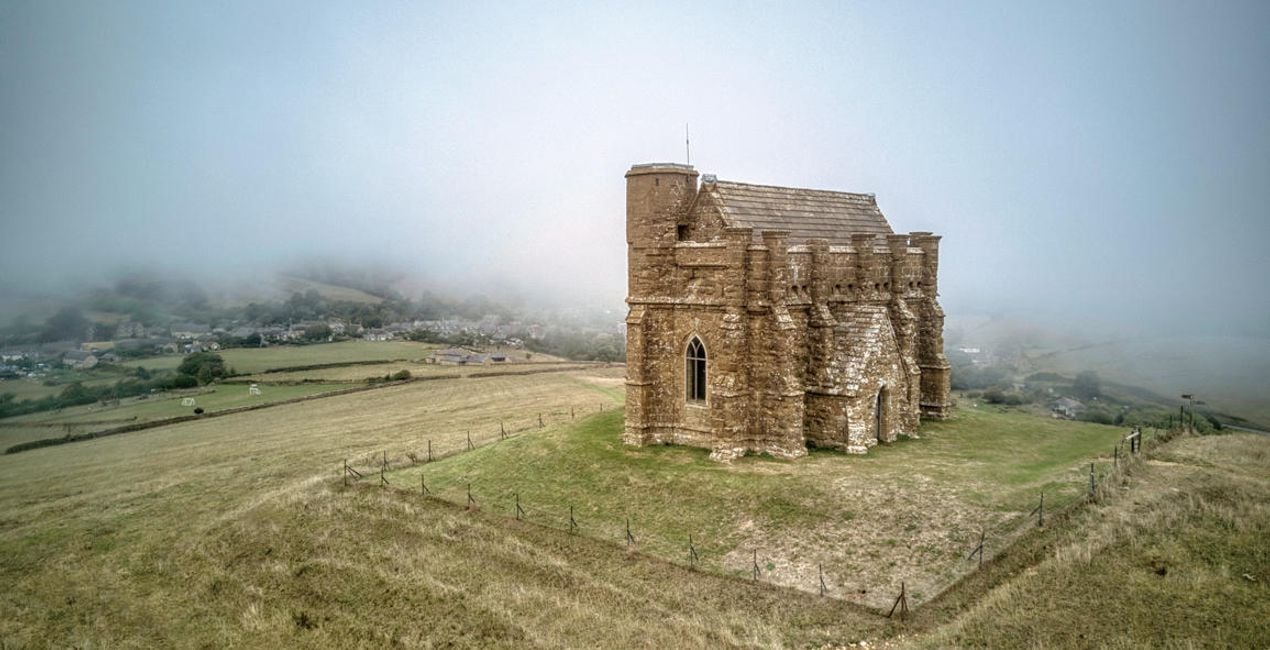
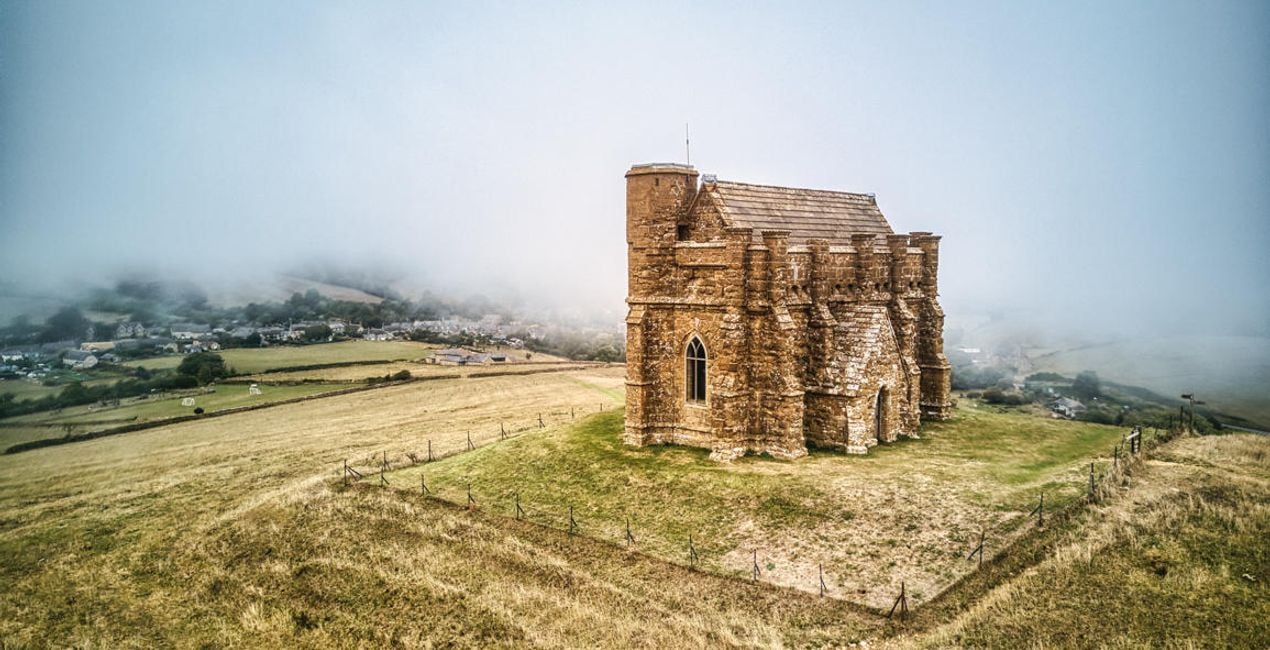
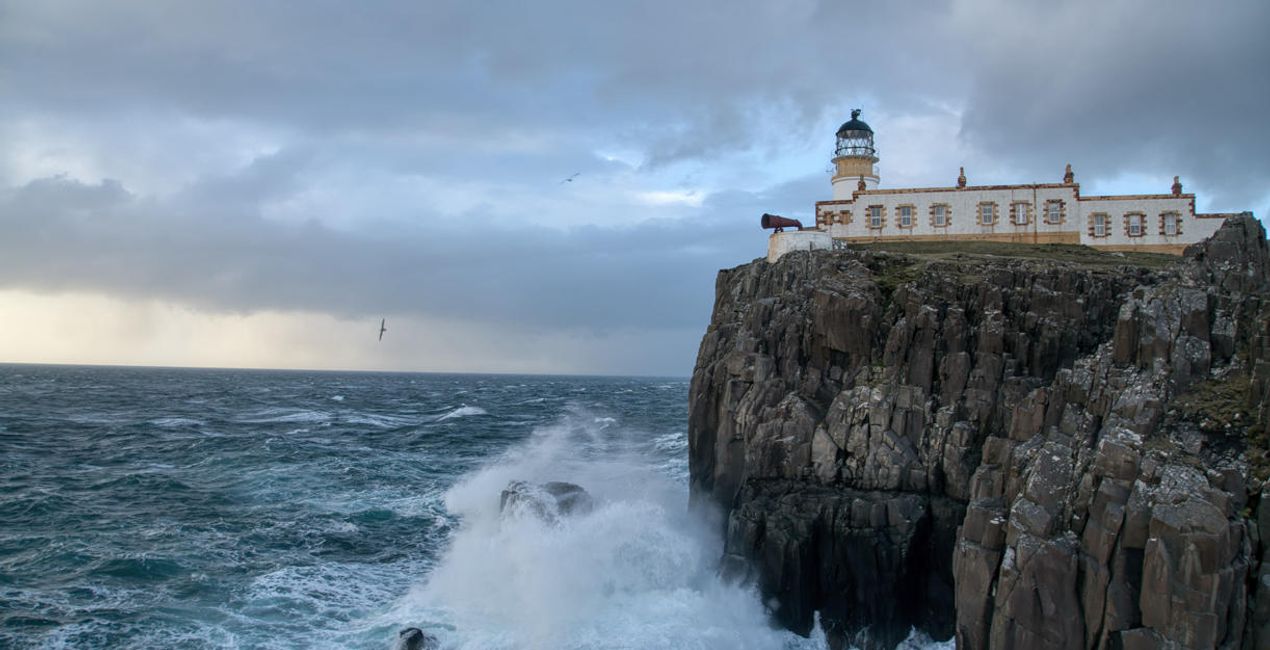
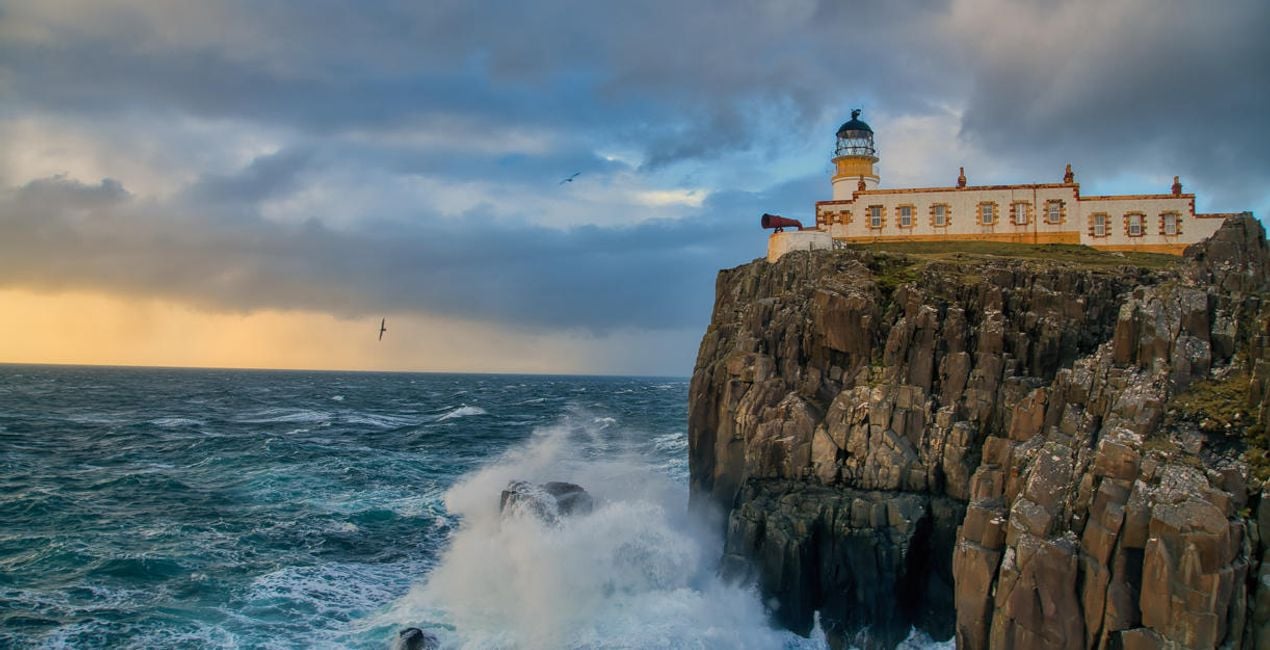
Utilizzando i file RAW forniti, potrai mettere facilmente in pratica i consigli di ritocco e imparare a ottenere foto come queste.
 >
>
 >
>
 >
>
 >
>
 >
>
 >
>
 >
>
 >
>
 >
>
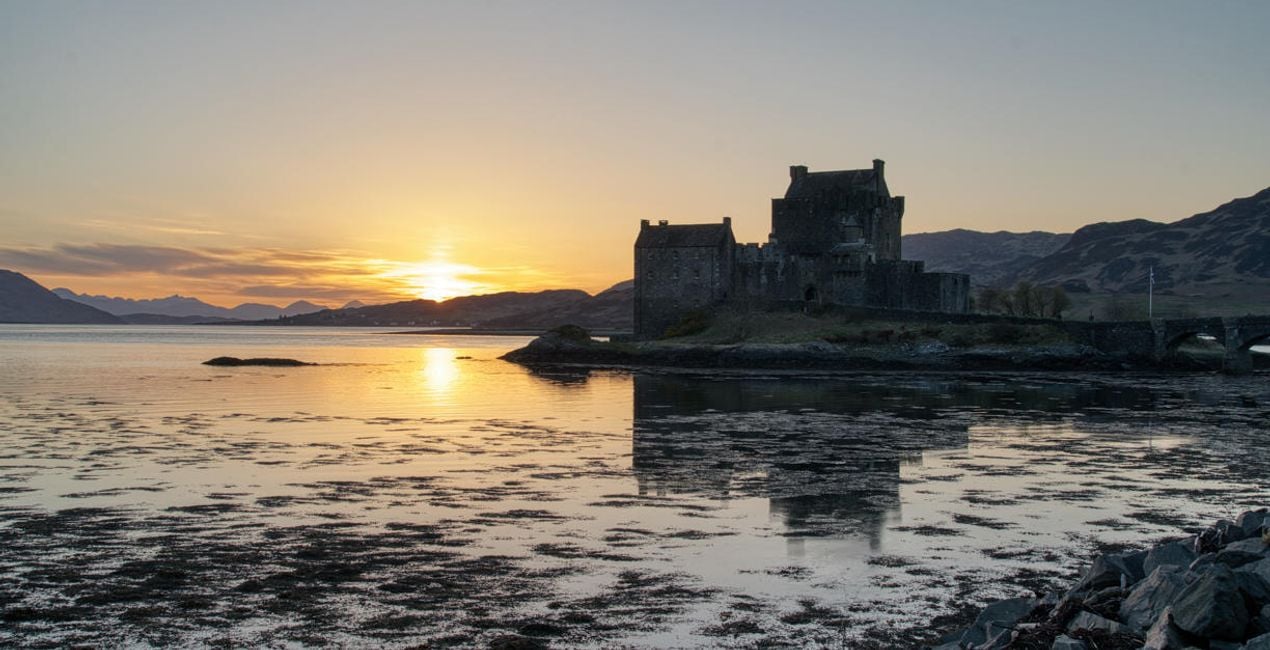
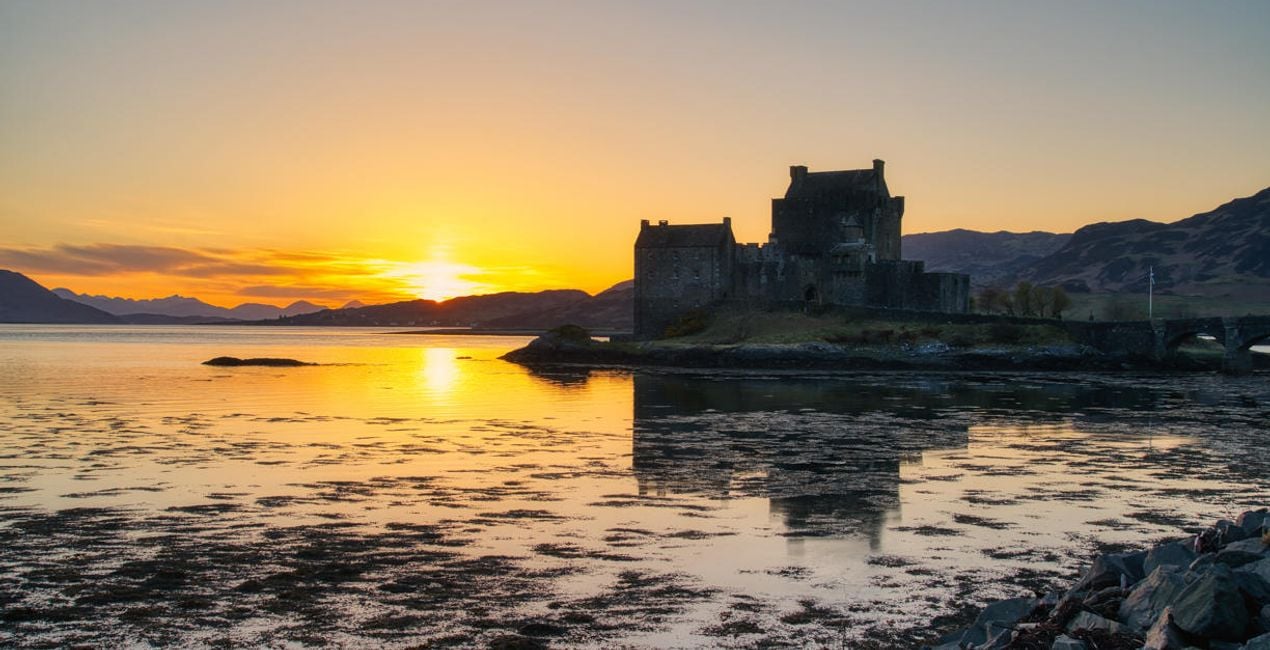
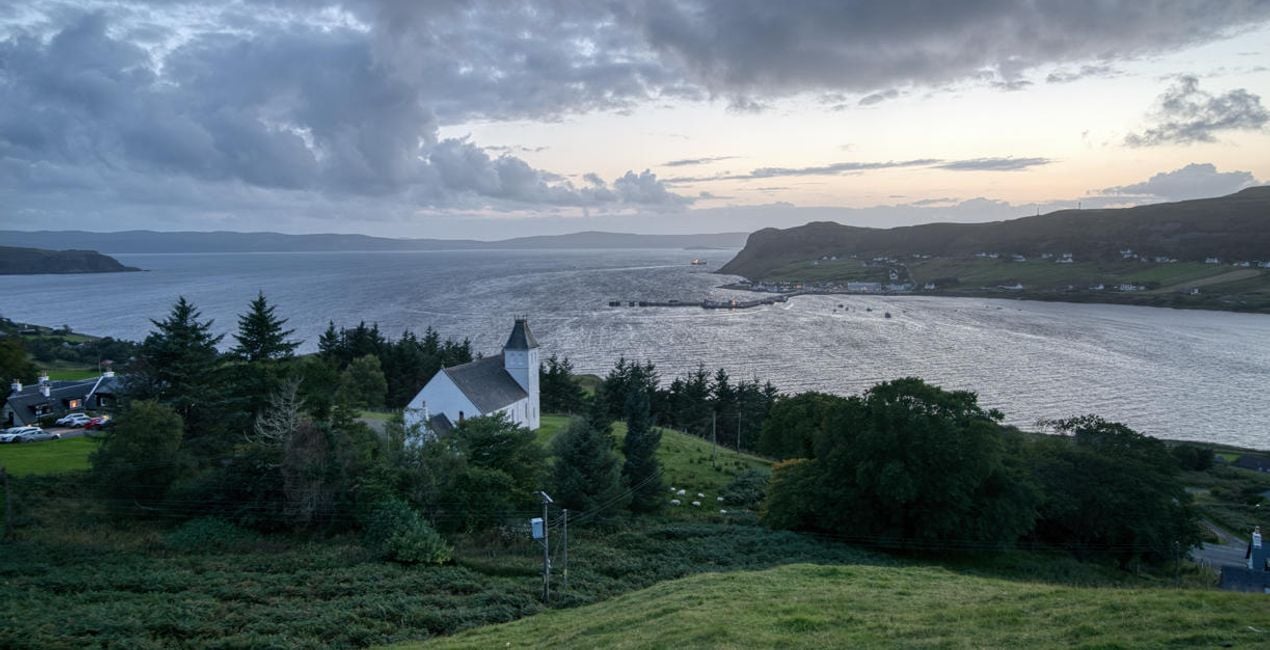
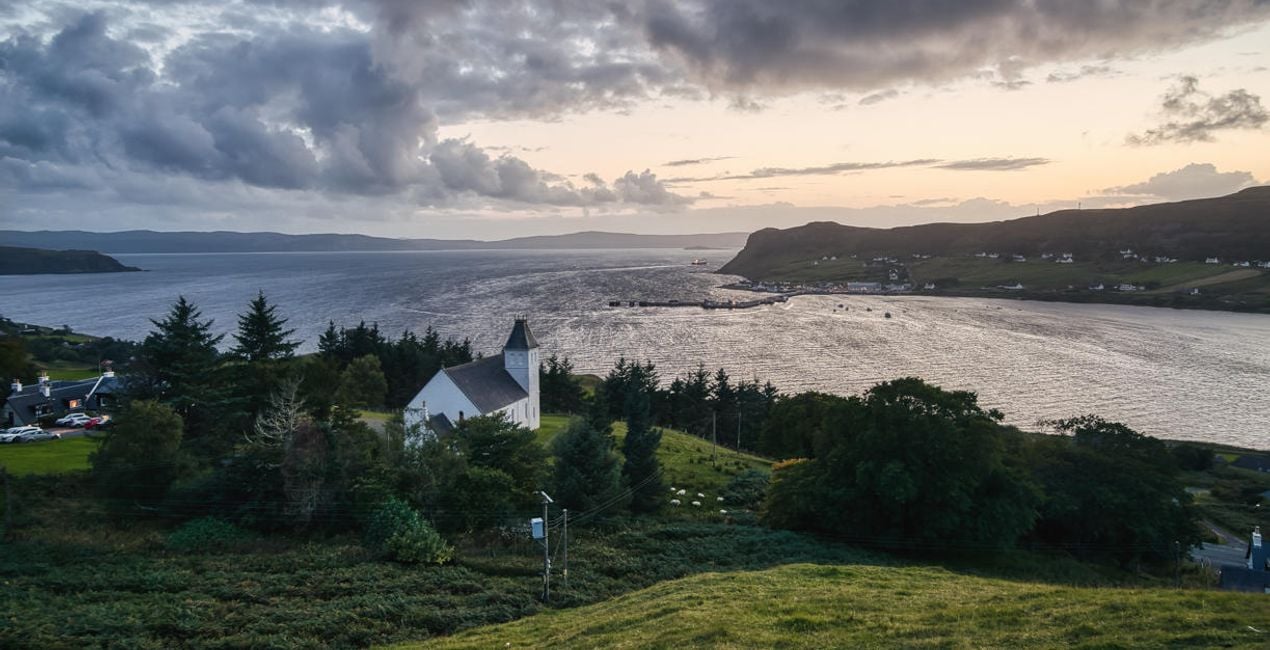
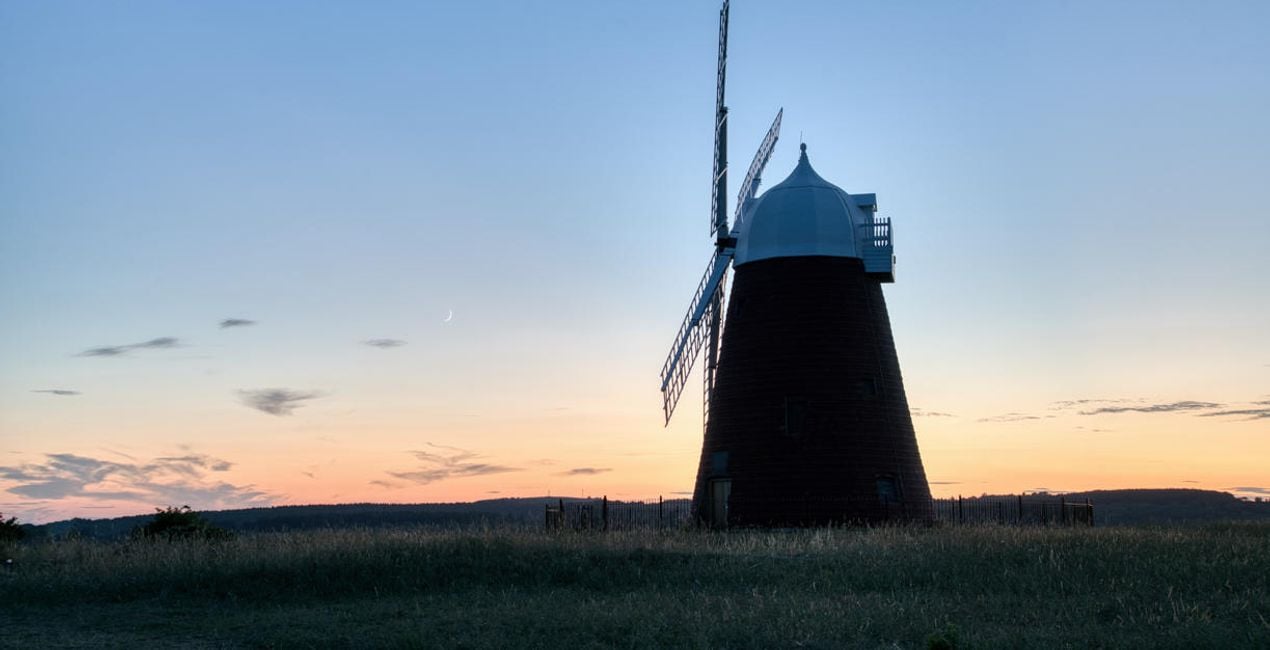
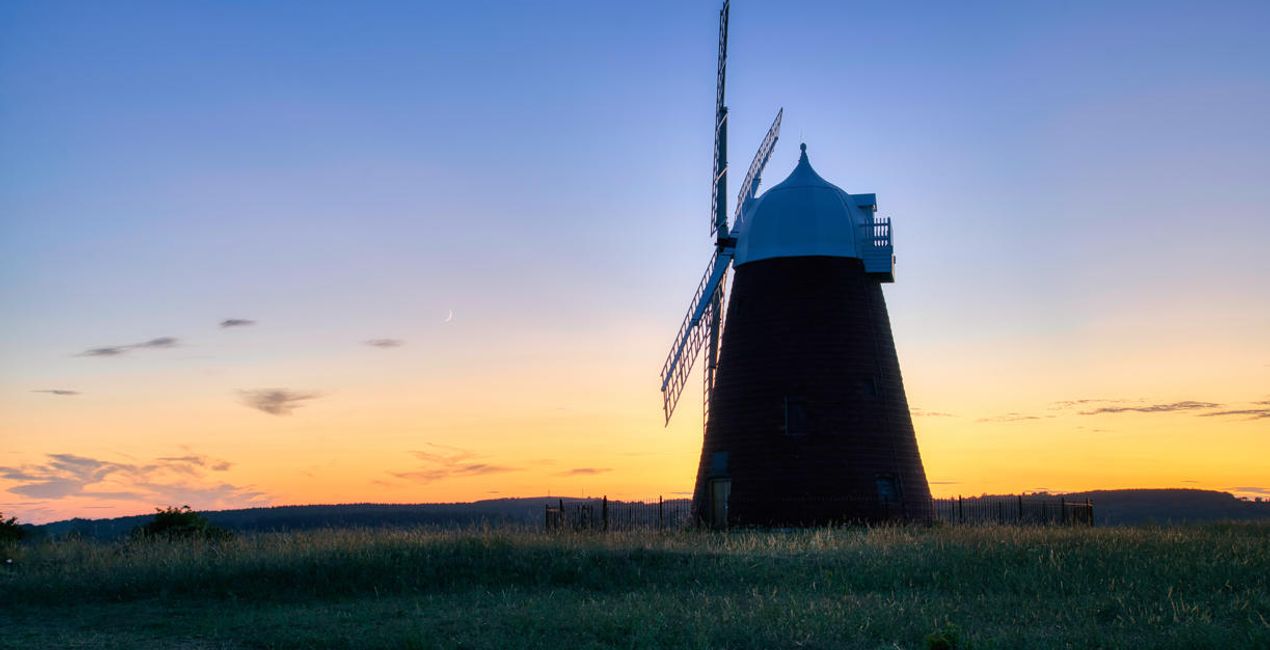
Landscape photography is perfect for experimenting with HDR, as it helps you capture the details of the scene. With this collection of 10 Presets by Clever Photographer, you can get the most out of your landscape images captured at any time of the day. These Presets will help you achieve a natural, dreamy, or powerful look with just one click. Develop your landscape photos in no time with Presets designed for photos created by the HDR Merge Extension in Luminar Neo. You’ll find 10 Presets in this pack:Balanced Edit: A simple, balanced development Preset that’s ideal as a starting point for HDR editingBlue Hour: A warm Preset with balanced contrast and glow designed specifically for blue hour capturesDramatic Landscape: A contrasty Preset with enhanced details and structureDreamy Fields: A warm and dreamy Preset with a touch of glow and fadeEarly Sunset: A balanced and natural Preset ideal for warm captures with enhanced details and structureAiry Forest: A natural Preset with adjustments enhancing foliage and contrast while keeping the scene bright and airyGolden Hour: A warm Preset with a touch of glow and balanced saturation that’s ideal for early evening scenesMoody Landscape: A contrasty and washed Preset full of details and structureStrong Sunrise: A cinematic Preset with an extra touch of warmth and fadeStrong Sunset: A natural Preset designed to boost sunsets with enhanced warmth and glowKeep in mind that a Preset’s default effect might be too strong for your photo. If it is, simply switch to the Edits tab and adjust the tools according to your taste.Don’t forget to share your results! Use the hashtag #madewithluminar on social media so the Skylum Team can take a look at your work.
Co-Founder of Clever Photographer
Jakub Bors is a UK-based landscape photographer with over 15 years of experience in digital art and technology. He’s most inspired by the work of Trey Ratcliff and Scott Kelby. Jakub has a large and supportive fanbase on social media, sells prints of fine art photography worldwide, has worked for PX500 and Trivago on their European projects, and has had his work published in several magazines including Practical Photography. His passion for traveling has brought Jakub to almost every corner of the planet and helped him connect with amazing people.
Se hai domande sui prodotti, puoi contattare il team dell'assistenza tutti i giorni, 24 ore al giorno. Utilizza questo link.
Per acquistare HDR LANDSCAPES, segui questi passaggi:
1. Apri il Marketplace di Skylum.
2. Vai sulla scheda dove è elencato HDR LANDSCAPES. Clicca sul nome del prodotto per aggiungerlo al carrello.
3. Vai al carrello, dove potrai completare l'acquisto di HDR LANDSCAPES.
4. Dopo l'acquisto, riceverai un'e-mail con il link per scaricare HDR LANDSCAPES. Potrai trovare il nuovo acquisto anche nel tuo account Skylum, nella scheda I miei add-on.
Nell'e-mail con il link per il download riceverai anche istruzioni dettagliate su come installare HDR LANDSCAPES.
Inoltre, puoi installare l'articolo acquistato direttamente in Luminar Neo: vai su Extra > Marketplace, seleziona la categoria di prodotto, trova l'articolo acquistato e clicca su Installa.
È facilissimo! Vai nella scheda Preset, quindi seleziona Acquistati. Qui troverai i preset che hai acquistato.
Non preoccuparti. Tutti gli articoli acquistati, incluso HDR LANDSCAPES, vengono conservati nella scheda "I miei add-on" del tuo account Skylum, così potrai riscaricarli e utilizzarli in tutta facilità.
In generale, la maggior parte degli articoli è compatibile con Luminar Neo. Ma per assicurarti che HDR LANDSCAPES sia compatibile con i tuoi software, verificane le specifiche prima di scaricarlo o acquistarlo. Cerca la sezione "Compatibilità" sulla destra della pagina di HDR LANDSCAPES, dove sono elencati tutti i prodotti compatibili.
Non andartene ancora. Ecco un codice sconto esclusivo per te. Usalo entro i prossimi 15 minuti per ottenere un ulteriore sconto del 10% al momento del pagamento. Copia il codice qui sotto e completa l'acquisto.
15 m : 00 s





