


 Applicato


Film Travels
Save $201 $ 19 .00

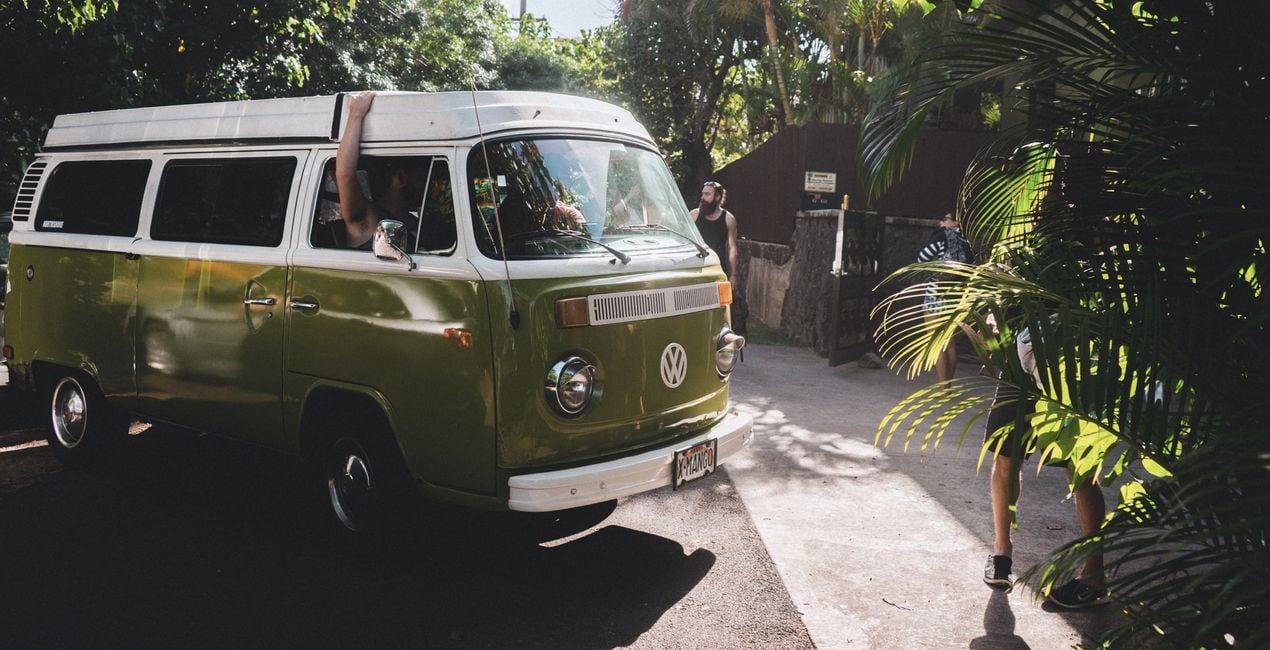
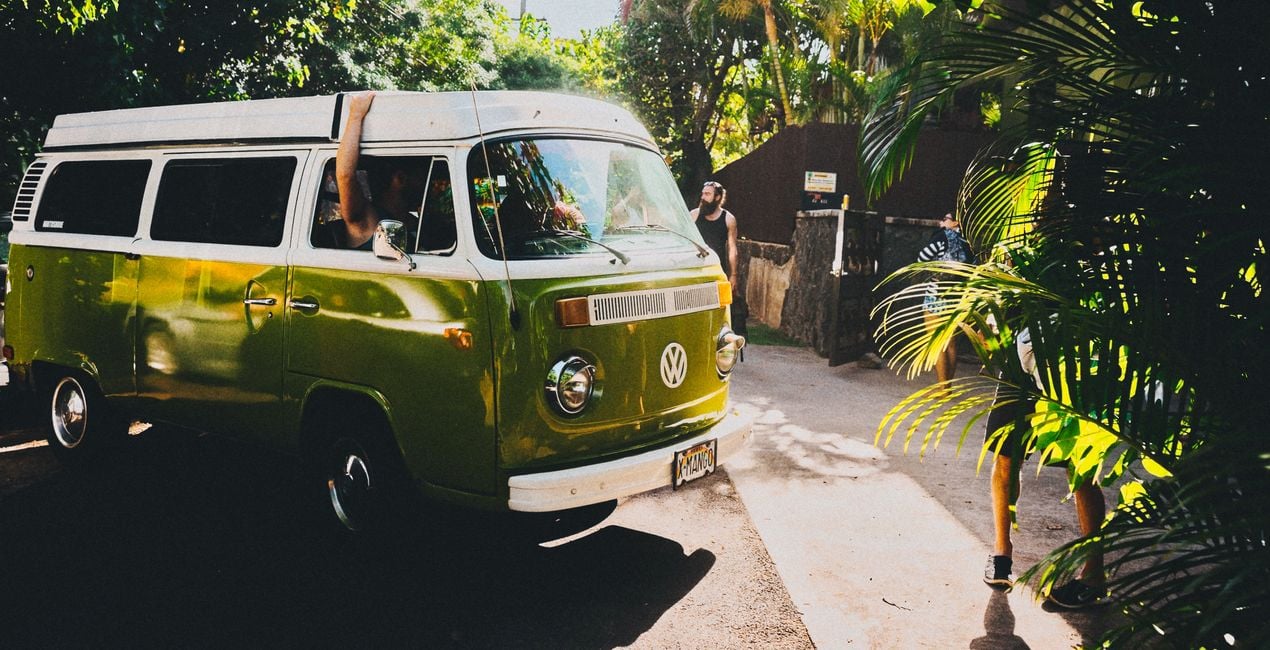
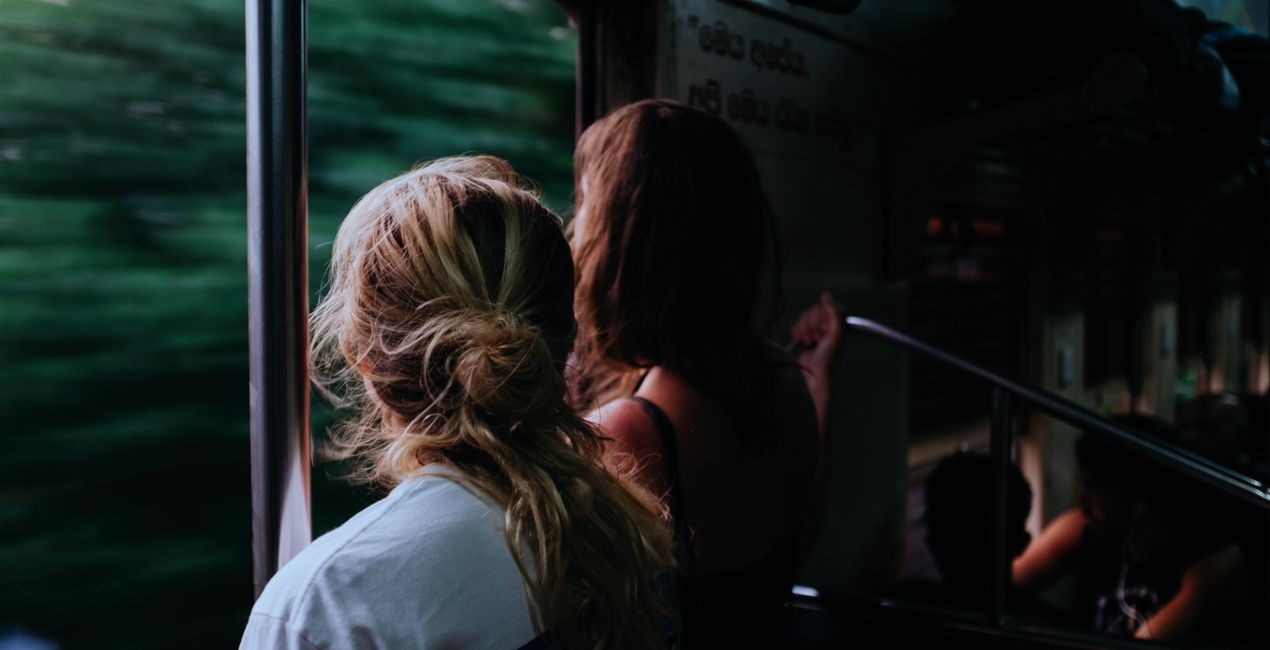
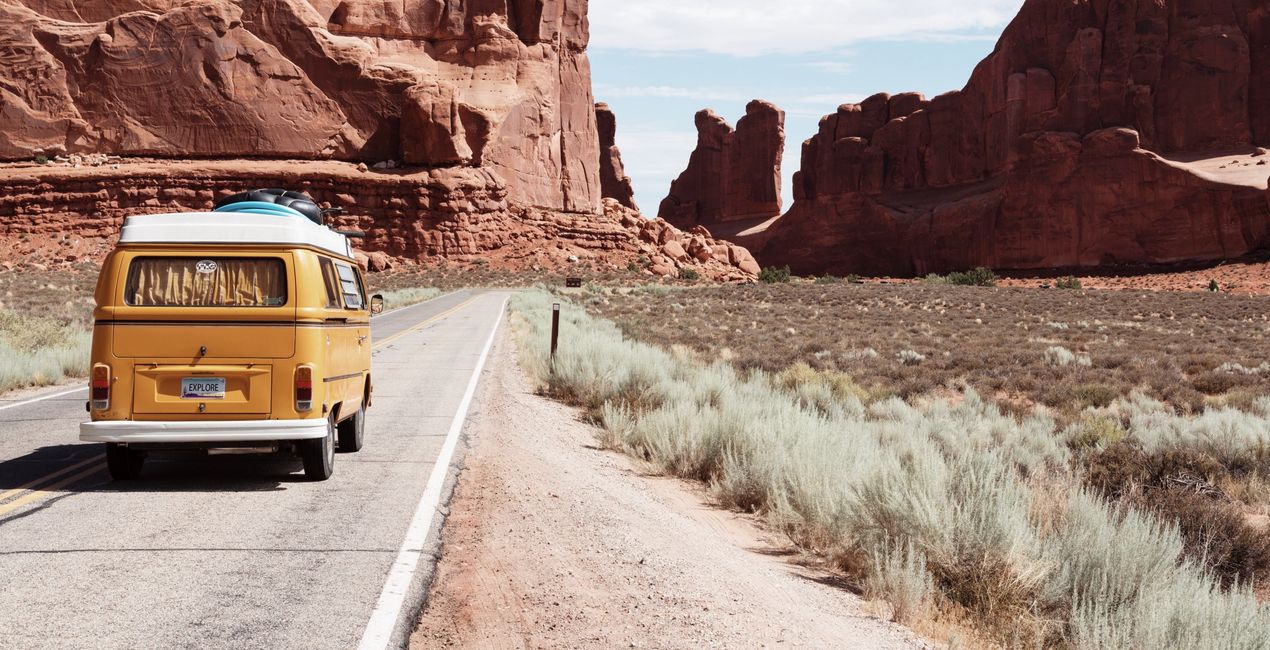
Introducing a brand-new Preset Collection for your next vacation. Unveil the cinematic charm in your photos with 10 meticulously designed Presets. Ideal for travel, portrait, cityscape, and landscape photography, these Presets effortlessly enhance both RAW and JPEG images. Elevate your shots with a single click and bring a professional film touch to your visuals.

Utilizzando i file RAW forniti, potrai mettere facilmente in pratica i consigli di ritocco e imparare a ottenere foto come queste.
 >
>

 >
>
 >
>
 >
>
 >
>
 >
>
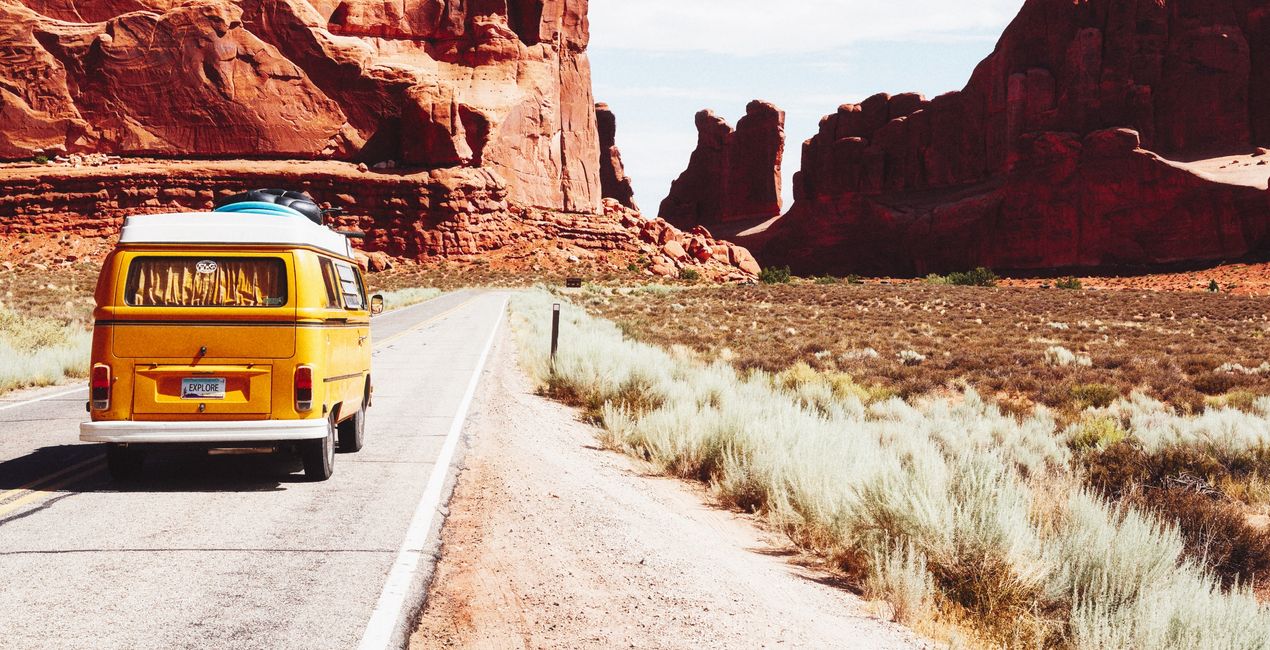
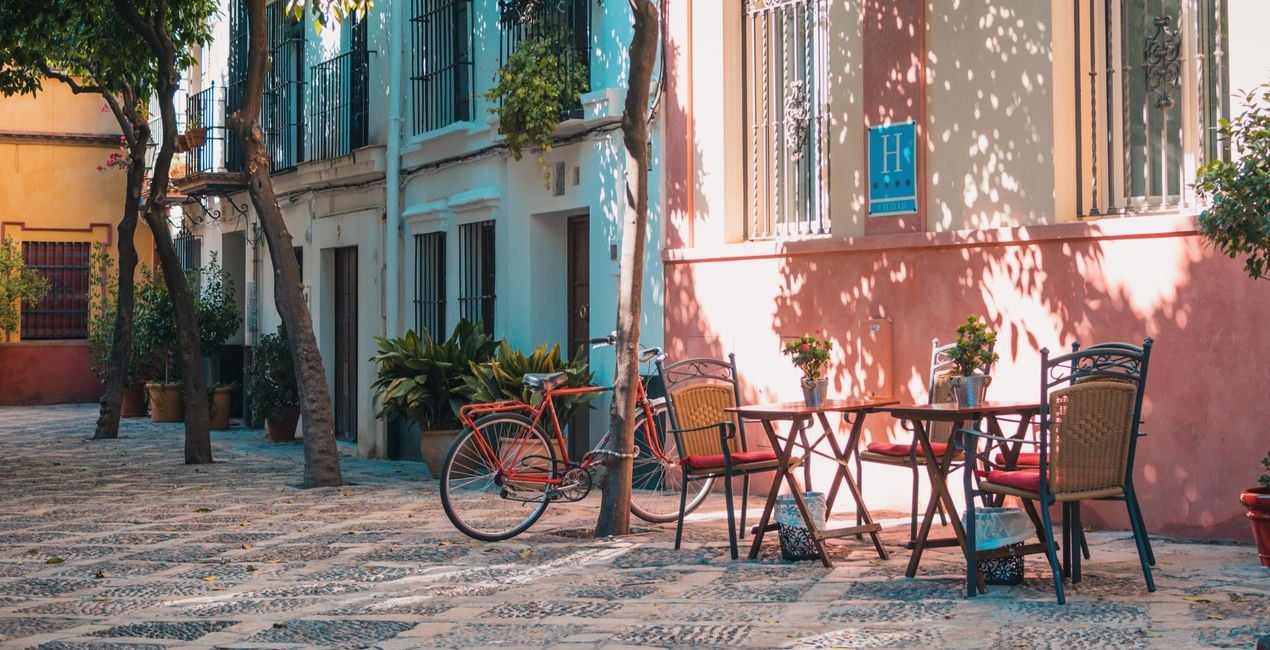
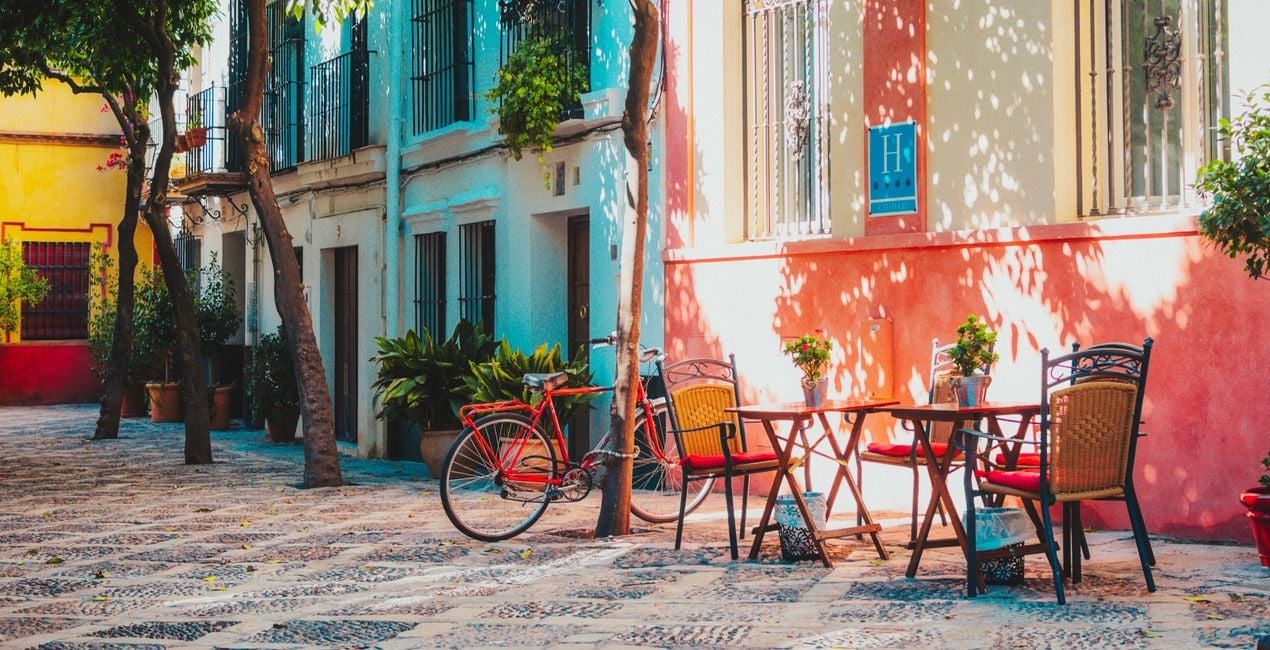
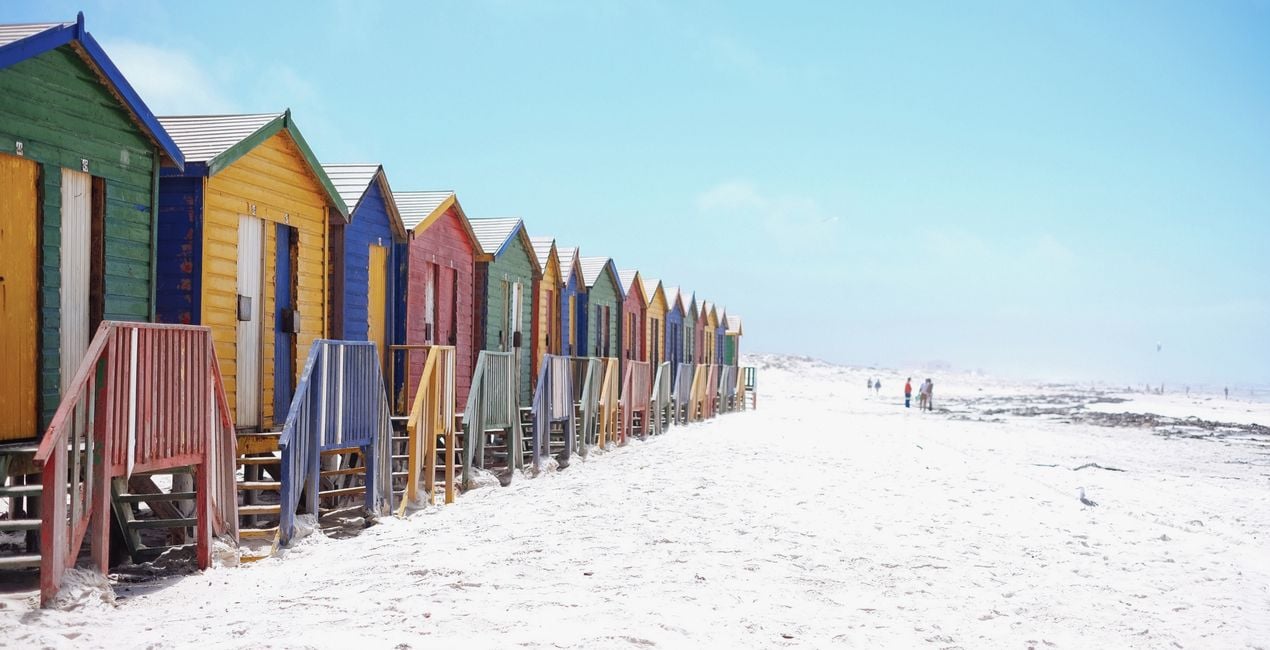
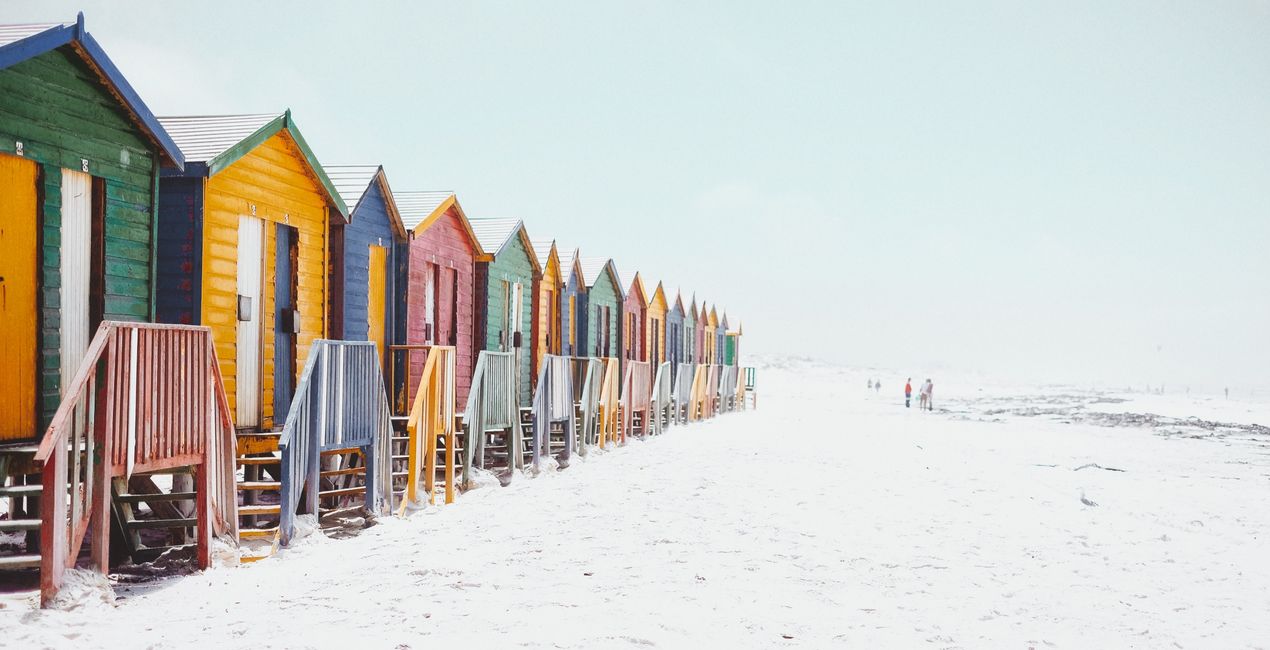
Embark on a cinematic journey through your photos with the "Travels" Preset Collection. This set of 10 meticulously crafted Presets, designed by the talented Clever Photographer, infuses your images with a captivating film-like allure. Whether you're a seasoned photographer or a beginner, these Presets effortlessly elevate your travel, portrait, people, cityscape, and landscape photography.
You will find 10 Presets in this Pack:
Wanderlust Dreams – This Preset adds a classic film look to your images with brighter highlights and warm saturation.
Vagabond Vignettes – Vintage Preset with a touch of film grain and cinematic fade.
Retro Roadmaps – Minimal dark Preset with darker shadows and stronger contrast.
Touring Tints – Natural Preset with an extra green tint and additional details across the image.
Filmic Footsteps – Glowy Preset with extra brightness, bright highlights, and a touch of radiance.
Roaming Reels – Bright Preset with open shadows, warm details, and additional brightness.
Cinematic Journeys – Tinted Preset with film warmth and grain together with extra brightness in shadows.
Nomadic Nostalgia – High-contrast Preset with dark shadows and cinematic fade.
Vintage Voyage – Cinematic Preset with film grain, extra fade and additional vibrance.
Expedition Elegance – Monotone Preset with film look including grain, fade and extra vignette.
Co-Founder of Clever Photographer
Jakub Bors is a UK-based landscape photographer with over 15 years of experience in digital art and technology. He’s most inspired by the work of Trey Ratcliff and Scott Kelby. Jakub has a large and supportive fanbase on social media, sells prints of fine art photography worldwide, has worked for PX500 and Trivago on their European projects, and has had his work published in several magazines including Practical Photography. His passion for traveling has brought Jakub to almost every corner of the planet and helped him connect with amazing people.
Se hai domande sui prodotti, puoi contattare il team dell'assistenza tutti i giorni, 24 ore al giorno. Utilizza questo link.
Per acquistare Film Travels, segui questi passaggi:
1. Apri il Marketplace di Skylum.
2. Vai sulla scheda dove è elencato Film Travels. Clicca sul nome del prodotto per aggiungerlo al carrello.
3. Vai al carrello, dove potrai completare l'acquisto di Film Travels.
4. Dopo l'acquisto, riceverai un'e-mail con il link per scaricare Film Travels. Potrai trovare il nuovo acquisto anche nel tuo account Skylum, nella scheda I miei add-on.
Nell'e-mail con il link per il download riceverai anche istruzioni dettagliate su come installare Film Travels.
Inoltre, puoi installare l'articolo acquistato direttamente in Luminar Neo: vai su Extra > Marketplace, seleziona la categoria di prodotto, trova l'articolo acquistato e clicca su Installa.
È facilissimo! Vai nella scheda Preset, quindi seleziona Acquistati. Qui troverai i preset che hai acquistato.
Non preoccuparti. Tutti gli articoli acquistati, incluso Film Travels, vengono conservati nella scheda "I miei add-on" del tuo account Skylum, così potrai riscaricarli e utilizzarli in tutta facilità.
In generale, la maggior parte degli articoli è compatibile con Luminar Neo. Ma per assicurarti che Film Travels sia compatibile con i tuoi software, verificane le specifiche prima di scaricarlo o acquistarlo. Cerca la sezione "Compatibilità" sulla destra della pagina di Film Travels, dove sono elencati tutti i prodotti compatibili.
Non andartene ancora. Ecco un codice sconto esclusivo per te. Usalo entro i prossimi 15 minuti per ottenere un ulteriore sconto del 10% al momento del pagamento. Copia il codice qui sotto e completa l'acquisto.
15 m : 00 s





